 Скачать презентацию DEV 320 Best Practices Debugging C Applications and
e0709ab6df052416e506069bae3b85fe.ppt
- Количество слайдов: 37



DEV 320 Best Practices Debugging C++ Applications and Components Scott Currie Program Manager Visual C++ Microsoft Corporation
Contents What’s New in VS 2003 Hints & Tips Demos . NET Debugging Tips Demos Q&A
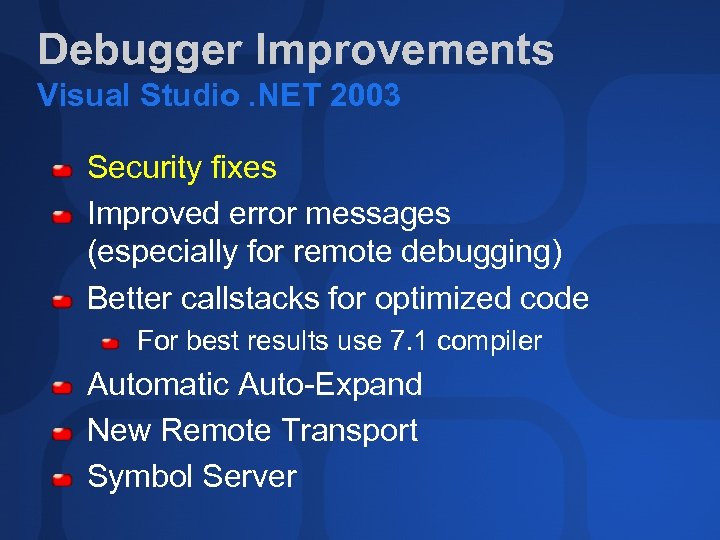
Debugger Improvements Visual Studio. NET 2003 Security fixes Improved error messages (especially for remote debugging) Better callstacks for optimized code For best results use 7. 1 compiler Automatic Auto-Expand New Remote Transport Symbol Server
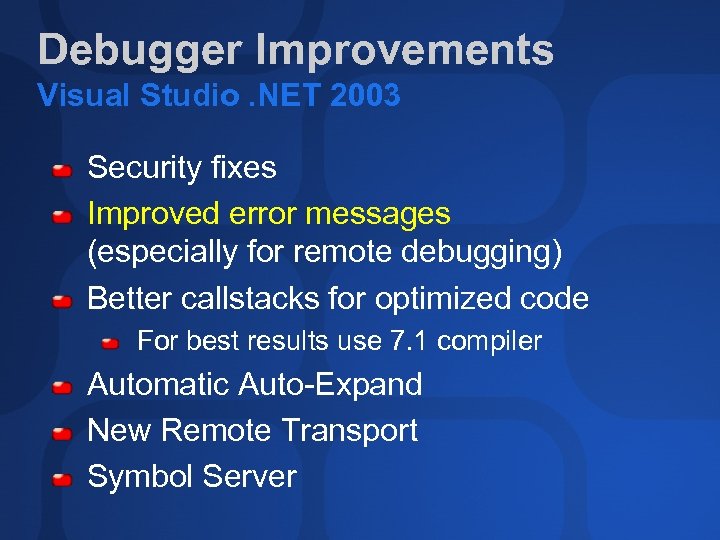
Debugger Improvements Visual Studio. NET 2003 Security fixes Improved error messages (especially for remote debugging) Better callstacks for optimized code For best results use 7. 1 compiler Automatic Auto-Expand New Remote Transport Symbol Server
Debugger Improvements Visual Studio. NET 2003 Security fixes Improved error messages (especially for remote debugging) Better callstacks for optimized code For best results use 7. 1 compiler Automatic Auto-Expand New Remote Transport Symbol Server
Debugger Improvements Visual Studio. NET 2003 Security fixes Improved error messages (especially for remote debugging) Better callstacks for optimized code For best results use 7. 1 compiler Automatic Auto-Expand New Remote Transport Symbol Server
Debugger Improvements Visual Studio. NET 2003 Security fixes Improved error messages (especially for remote debugging) Better callstacks for optimized code For best results use 7. 1 compiler Automatic Auto-Expand New Remote Transport Symbol Server
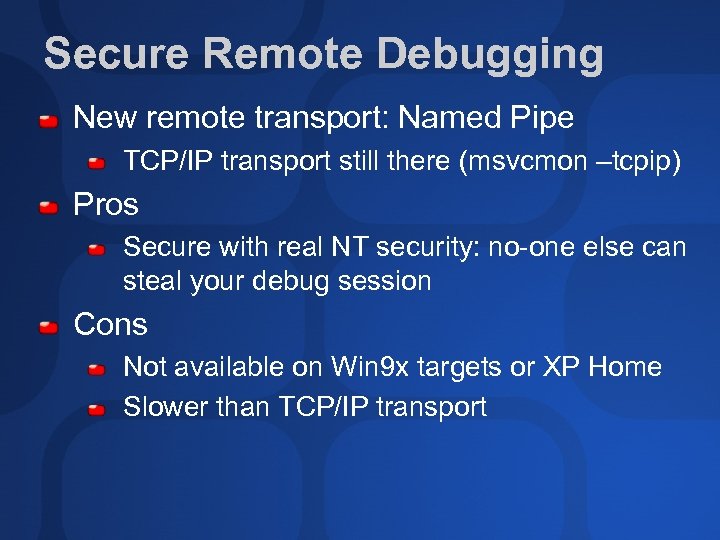
Secure Remote Debugging New remote transport: Named Pipe TCP/IP transport still there (msvcmon –tcpip) Pros Secure with real NT security: no-one else can steal your debug session Cons Not available on Win 9 x targets or XP Home Slower than TCP/IP transport
Debugger Improvements Visual Studio. NET 2003 Security fixes Improved error messages (especially for remote debugging) Better callstacks for optimized code For best results use 7. 1 compiler Automatic Auto-Expand New Remote Transport Symbol Server
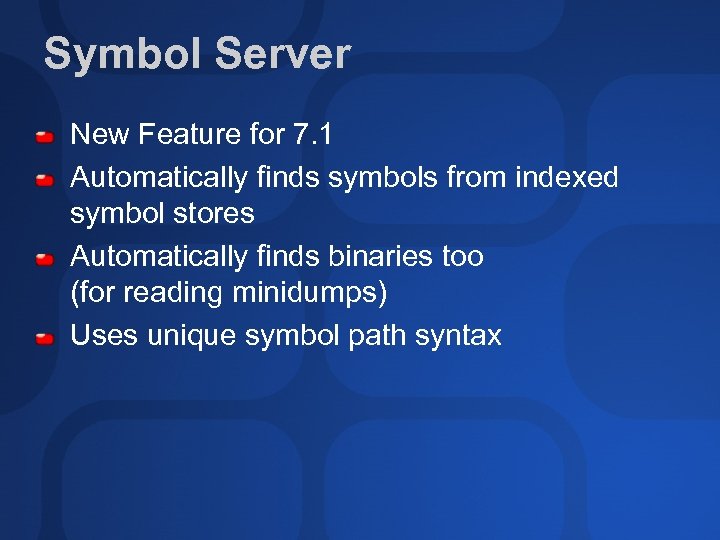
Symbol Server New Feature for 7. 1 Automatically finds symbols from indexed symbol stores Automatically finds binaries too (for reading minidumps) Uses unique symbol path syntax
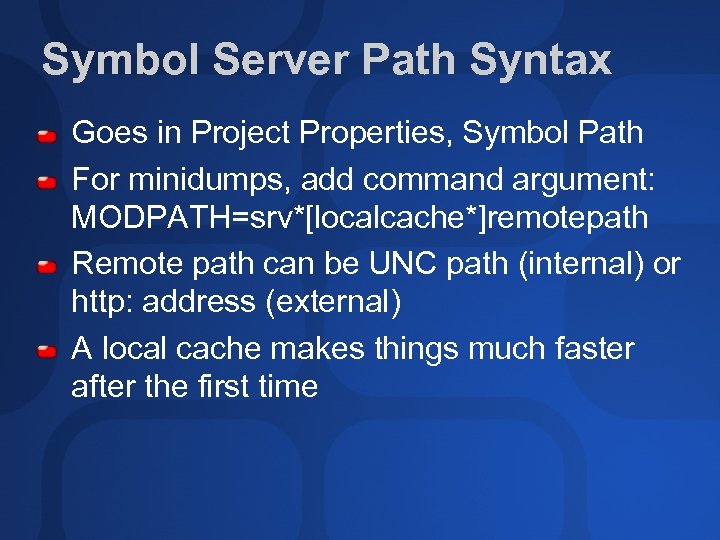
Symbol Server Path Syntax Goes in Project Properties, Symbol Path For minidumps, add command argument: MODPATH=srv*[localcache*]remotepath Remote path can be UNC path (internal) or http: address (external) A local cache makes things much faster after the first time
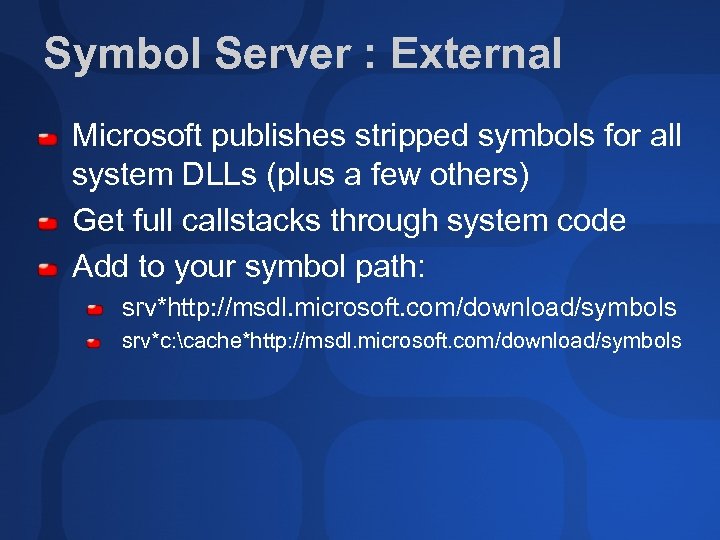
Symbol Server : External Microsoft publishes stripped symbols for all system DLLs (plus a few others) Get full callstacks through system code Add to your symbol path: srv*http: //msdl. microsoft. com/download/symbols srv*c: cache*http: //msdl. microsoft. com/download/symbols
Symbol Server: Internal Archive all symbols and binaries to file server e. g. \serversymbols See http: //msdn. microsoft. com/library/enus/debug/base/symbol_servers_and_symbol_stor es. asp Add srv*\serversymbols to symbol path Or srv*c: cache*\serversymbols to build a local cache
Loading Symbols: A Tip Use Modules window to see if symbols are loaded Use Solution properties, Debug Symbol Files tab for symbol settings Applies to future debugging sessions Use “Reload Symbols” on module context menu to load symbols for that debugging session only
Visual Studio. NET 2002 Not officially supported but Get symsrv. dll from web Copy symsrv. dll next to devenv. exe “srv*” -> “symsrv*symsrv. dll*”
Why Switch to 2003 Debugger? You don’t have to switch to 2003 compiler/libs/crt for 2003 debugger Changing your toolset is a bigger decision You’ll get better/faster code 2003 compiler/libs nearly 100% ISO compliant 2003 debugger works better with 2003 tools
Debugger Hints & Tips
Improving Debugger Performance Close Slow Windows Start page Dynamic Help Property Grid Server explorer If remote debugging, also close Callstack Memory
Autoexp. dat Text file in Common 7PackagesDebugger directory Allows immediate display of custom types in Watch, Quick. Watch, Data. Tips, etc. See actual file for documentation Look in watch window for real type e. g. _tag. POINT=<x>, <y> Reloaded at Debug / Go time so easy to experiment
Controlling Step Into Undocumented Feature Avoid stepping into glue code or uninteresting code Constructors or overloaded operators Edit autoexp. dat Add section [Execution. Control] Add lines like functionname=No. Step. Into CFoo: : *=No. Step. Into
![Controlling Step Into Examples MFC Example [Execution. Control] CString: : CString=No. Step. Into CString:](https://present5.com/presentation/e0709ab6df052416e506069bae3b85fe/image-21.jpg "Controlling Step Into Examples MFC Example [Execution. Control] CString: : CString=No. Step. Into CString:")
Controlling Step Into Examples MFC Example [Execution. Control] CString: : CString=No. Step. Into CString: : operator==No. Step. Into (note ==) ATL Example ATL: : *=No. Step. Into Based on function name Works on user functions as well Only read on VS startup
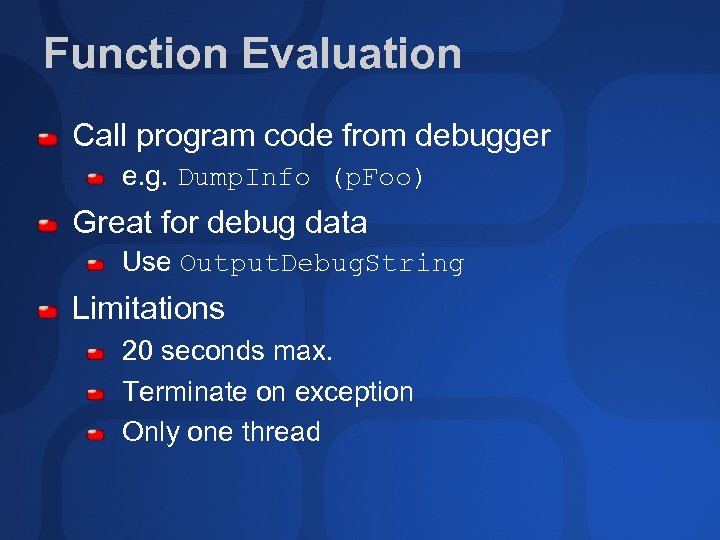
Function Evaluation Call program code from debugger e. g. Dump. Info (p. Foo) Great for debug data Use Output. Debug. String Limitations 20 seconds max. Terminate on exception Only one thread
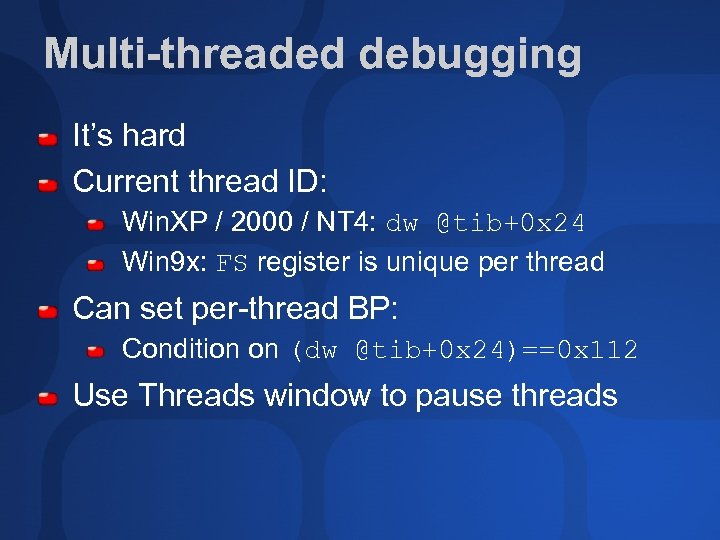
Multi-threaded debugging It’s hard Current thread ID: Win. XP / 2000 / NT 4: dw @tib+0 x 24 Win 9 x: FS register is unique per thread Can set per-thread BP: Condition on (dw @tib+0 x 24)==0 x 112 Use Threads window to pause threads
Thread Names Undocumented Feature Give threads a reasonable name Set. Thread. Name in handout Max 9 characters Appears in Threads window
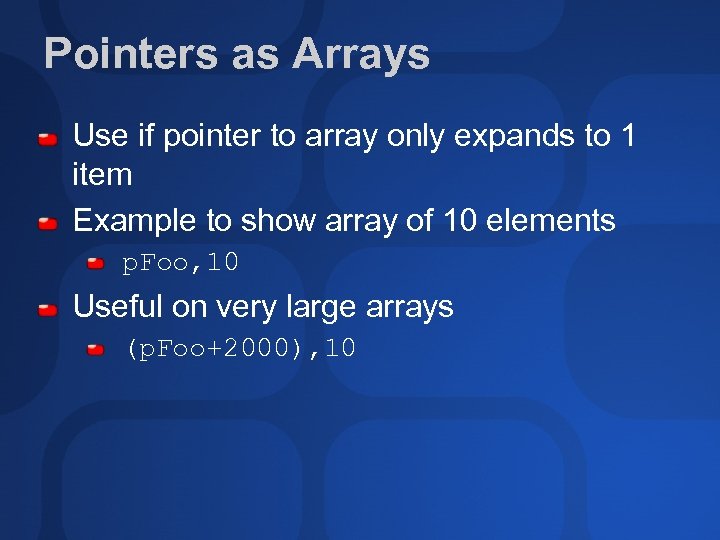
Pointers as Arrays Use if pointer to array only expands to 1 item Example to show array of 10 elements p. Foo, 10 Useful on very large arrays (p. Foo+2000), 10
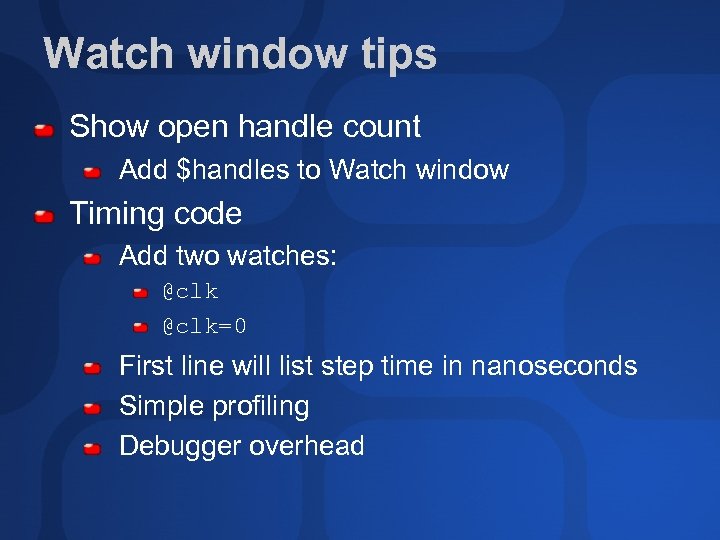
Watch window tips Show open handle count Add $handles to Watch window Timing code Add two watches: @clk=0 First line will list step time in nanoseconds Simple profiling Debugger overhead
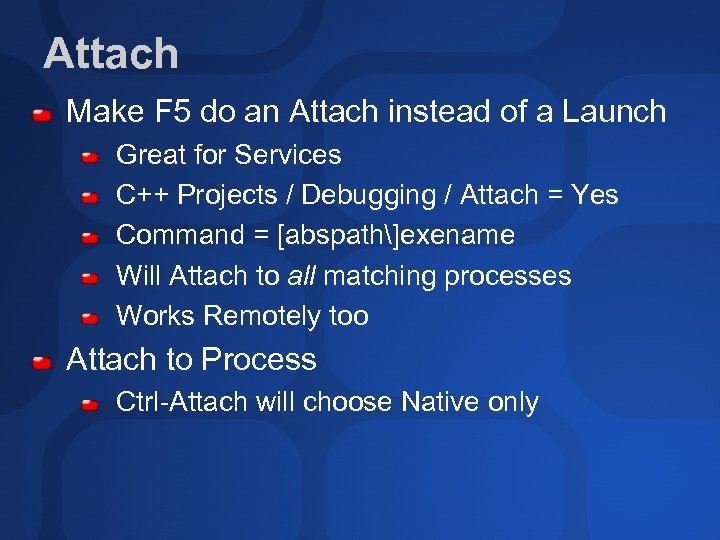
Attach Make F 5 do an Attach instead of a Launch Great for Services C++ Projects / Debugging / Attach = Yes Command = [abspath]exename Will Attach to all matching processes Works Remotely too Attach to Process Ctrl-Attach will choose Native only
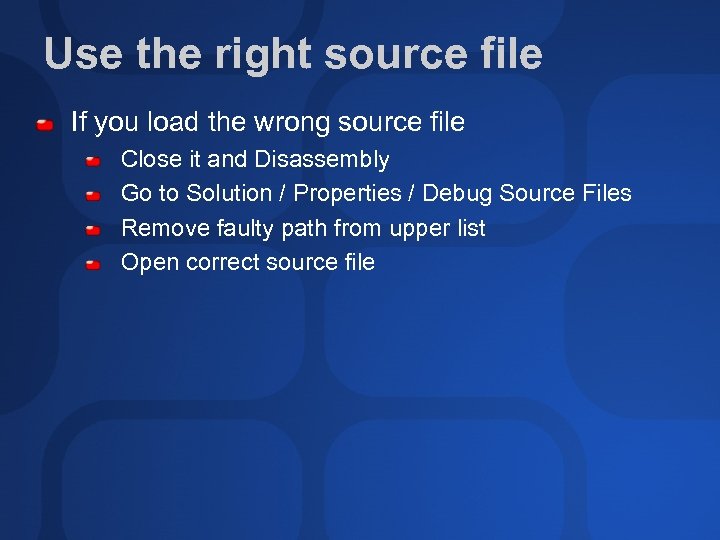
Use the right source file If you load the wrong source file Close it and Disassembly Go to Solution / Properties / Debug Source Files Remove faulty path from upper list Open correct source file
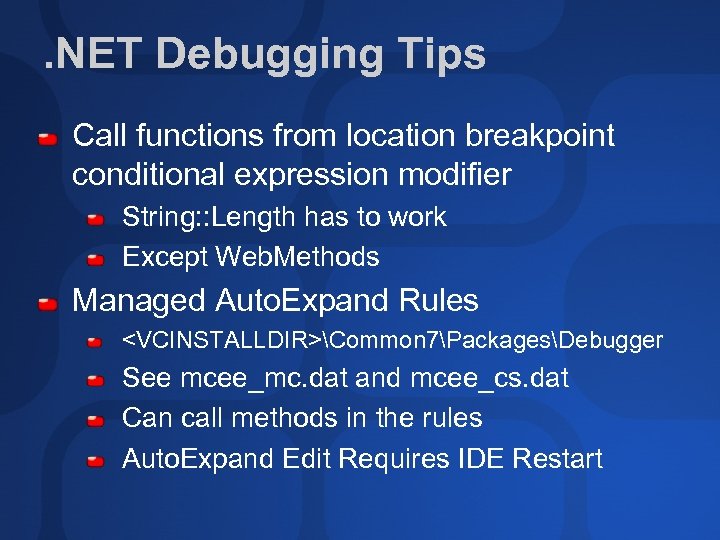
. NET Debugging Tips Call functions from location breakpoint conditional expression modifier String: : Length has to work Except Web. Methods Managed Auto. Expand Rules <VCINSTALLDIR>Common 7PackagesDebugger See mcee_mc. dat and mcee_cs. dat Can call methods in the rules Auto. Expand Edit Requires IDE Restart
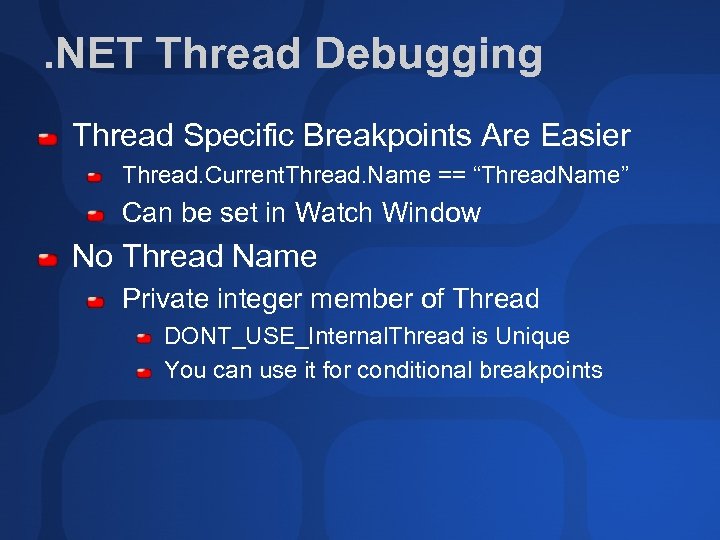
. NET Thread Debugging Thread Specific Breakpoints Are Easier Thread. Current. Thread. Name == “Thread. Name” Can be set in Watch Window No Thread Name Private integer member of Thread DONT_USE_Internal. Thread is Unique You can use it for conditional breakpoints
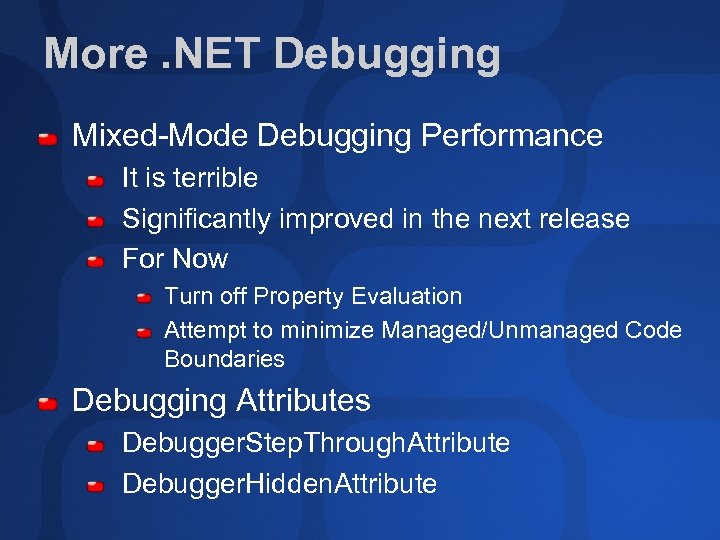
More. NET Debugging Mixed-Mode Debugging Performance It is terrible Significantly improved in the next release For Now Turn off Property Evaluation Attempt to minimize Managed/Unmanaged Code Boundaries Debugging Attributes Debugger. Step. Through. Attribute Debugger. Hidden. Attribute
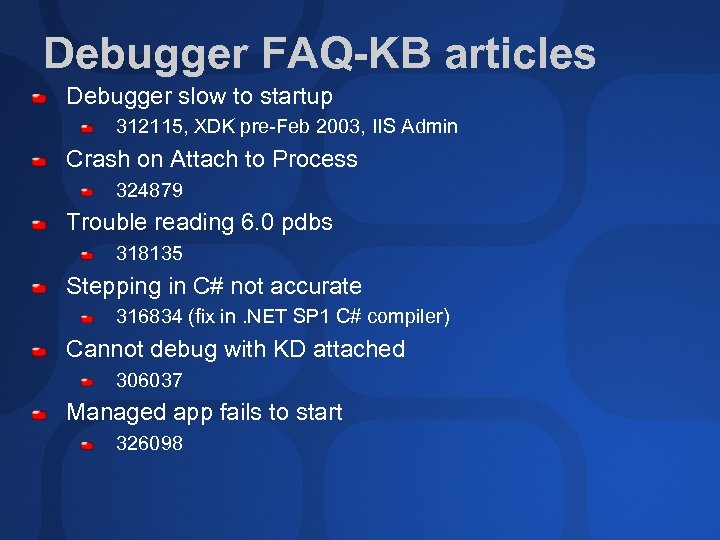
Debugger FAQ-KB articles Debugger slow to startup 312115, XDK pre-Feb 2003, IIS Admin Crash on Attach to Process 324879 Trouble reading 6. 0 pdbs 318135 Stepping in C# not accurate 316834 (fix in. NET SP 1 C# compiler) Cannot debug with KD attached 306037 Managed app fails to start 326098

evaluations
Questions?
Community Resources http: //www. microsoft. com/communities/default. mspx Most Valuable Professional (MVP) http: //www. mvp. support. microsoft. com/ Newsgroups Converse online with Microsoft Newsgroups, including Worldwide http: //www. microsoft. com/communities/newsgroups/default. mspx User Groups Meet and learn with your peers http: //www. microsoft. com/communities/usergroups/default. mspx
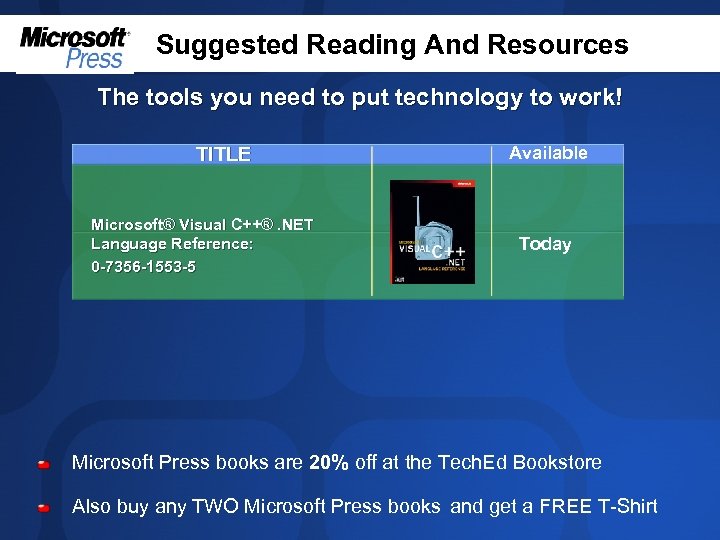
Suggested Reading And Resources The tools you need to put technology to work! TITLE Microsoft® Visual C++®. NET Language Reference: 0 -7356 -1553 -5 Available Today Microsoft Press books are 20% off at the Tech. Ed Bookstore Also buy any TWO Microsoft Press books and get a FREE T-Shirt
© 2003 Microsoft Corporation. All rights reserved. This presentation is for informational purposes only. MICROSOFT MAKES NO WARRANTIES, EXPRESS OR IMPLIED, IN THIS SUMMARY.
Скачать презентацию DEV 320 Best Practices Debugging C Applications and
e0709ab6df052416e506069bae3b85fe.ppt