


 Скачать презентацию DEV 217 Introducing Visual Studio Team Edition for
eb6b47f702edf675584ee8b7161d92f7.ppt
- Количество слайдов: 42

 DEV 217 Introducing Visual Studio Team Edition for Database Professionals Thomas Murphy tmurphy@microsoft. com Group Program Manager Microsoft Corporation Matt Nunn mattnunn@microsoft. com Sr. Product Manager Microsoft Corporation
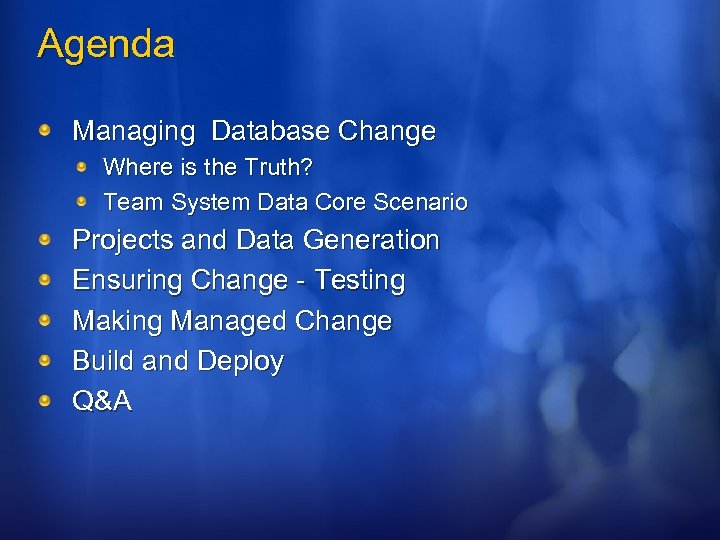 Agenda Managing Database Change Where is the Truth? Team System Data Core Scenario Projects and Data Generation Ensuring Change - Testing Making Managed Change Build and Deploy Q&A
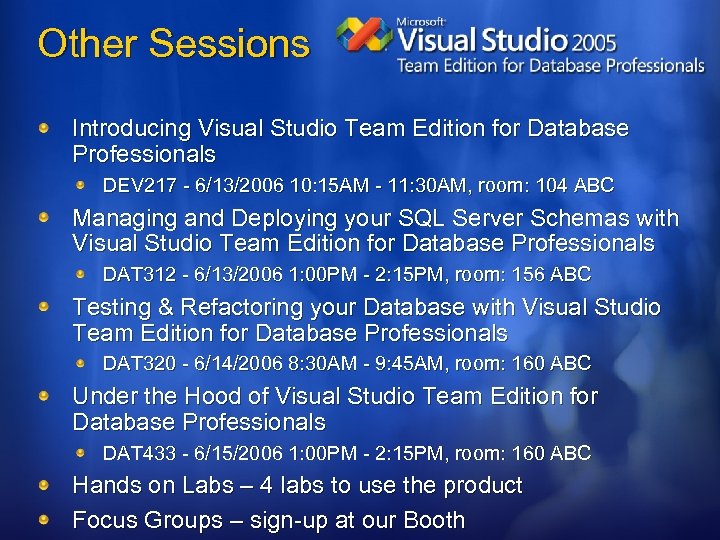 Other Sessions Introducing Visual Studio Team Edition for Database Professionals DEV 217 - 6/13/2006 10: 15 AM - 11: 30 AM, room: 104 ABC Managing and Deploying your SQL Server Schemas with Visual Studio Team Edition for Database Professionals DAT 312 - 6/13/2006 1: 00 PM - 2: 15 PM, room: 156 ABC Testing & Refactoring your Database with Visual Studio Team Edition for Database Professionals DAT 320 - 6/14/2006 8: 30 AM - 9: 45 AM, room: 160 ABC Under the Hood of Visual Studio Team Edition for Database Professionals DAT 433 - 6/15/2006 1: 00 PM - 2: 15 PM, room: 160 ABC Hands on Labs – 4 labs to use the product Focus Groups – sign-up at our Booth
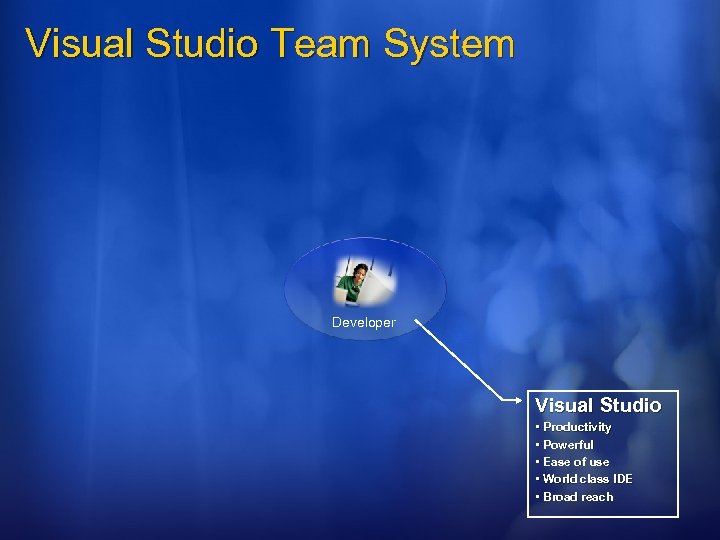 Visual Studio Team System Developer Visual Studio • Productivity • Powerful • Ease of use • World class IDE • Broad reach
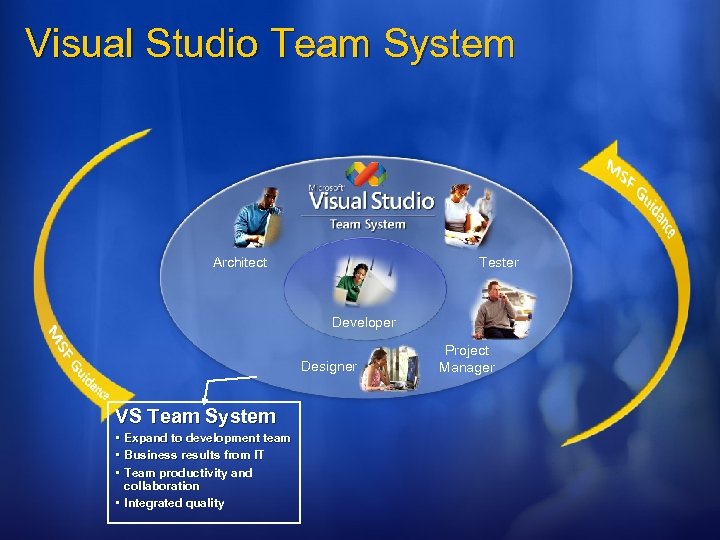 Visual Studio Team System Architect Tester Developer Designer VS Team System • Expand to development team • Business results from IT • Team productivity and collaboration • Integrated quality Project Manager
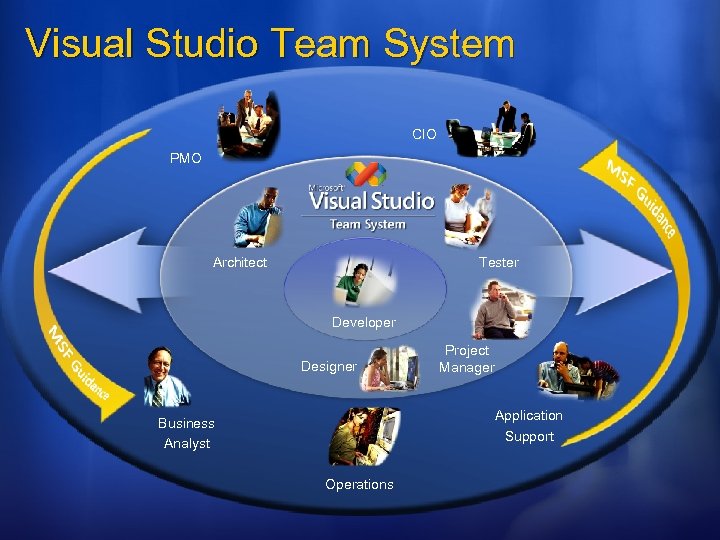 Visual Studio Team System CIO PMO Architect Tester Developer Designer Project Manager Application Support Business Analyst Operations
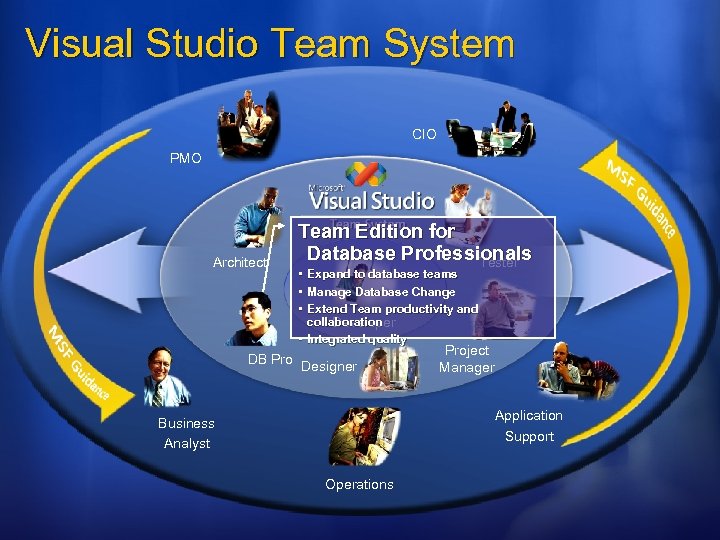 Visual Studio Team System CIO PMO Architect Team Edition for Database Professionals Tester • • • Expand to database teams Manage Database Change Extend Team productivity and collaboration Developer • Integrated quality DB Pro Designer Project Manager Application Support Business Analyst Operations
 What we heard from customers or “why did we build it…” Managing Database Change is hard…. A Rollback means a LONG night. Development Teams can end up working with out of date versions Loss of revenue because the release wasn’t synchronized Finding errors at the end of the development cycle More costly than finding them early Increased support cost when you break an application from a database update Disconnect between development and database teams Need to be more integrated
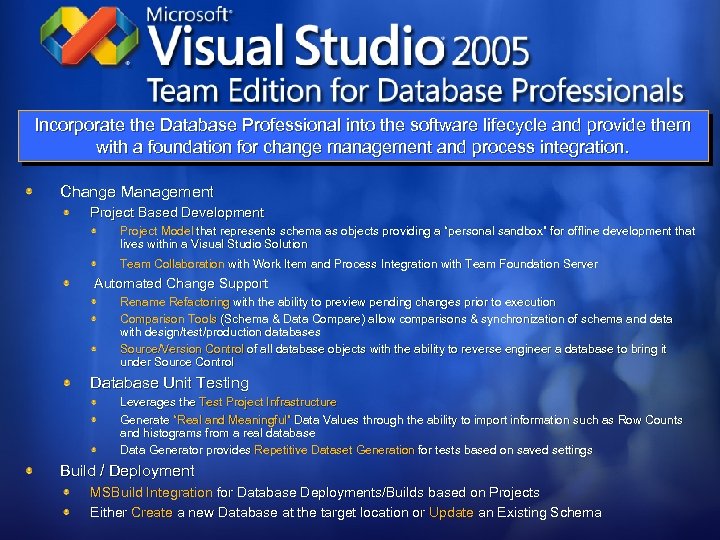 Incorporate the Database Professional into the software lifecycle and provide them with a foundation for change management and process integration. Change Management Project Based Development Project Model that represents schema as objects providing a “personal sandbox” for offline development that lives within a Visual Studio Solution Team Collaboration with Work Item and Process Integration with Team Foundation Server Automated Change Support Rename Refactoring with the ability to preview pending changes prior to execution Comparison Tools (Schema & Data Compare) allow comparisons & synchronization of schema and data with design/test/production databases Source/Version Control of all database objects with the ability to reverse engineer a database to bring it under Source Control Database Unit Testing Leverages the Test Project Infrastructure Generate “Real and Meaningful” Data Values through the ability to import information such as Row Counts and histograms from a real database Data Generator provides Repetitive Dataset Generation for tests based on saved settings Build / Deployment MSBuild Integration for Database Deployments/Builds based on Projects Either Create a new Database at the target location or Update an Existing Schema
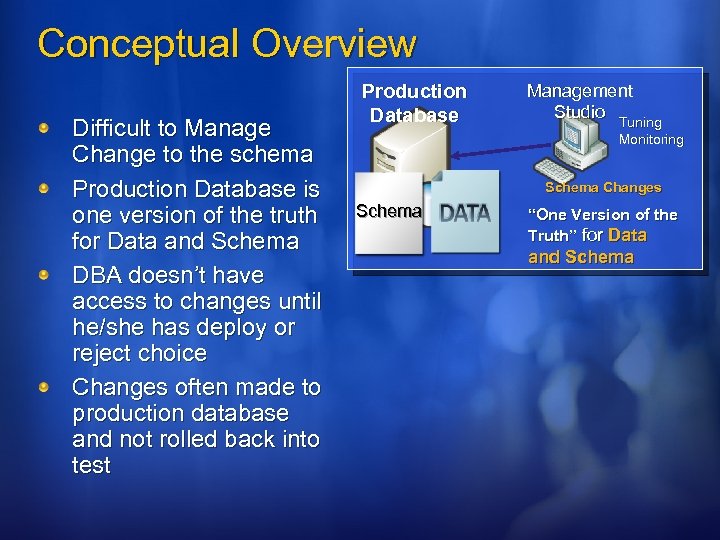 Conceptual Overview Difficult to Manage Change to the schema Production Database is one version of the truth for Data and Schema DBA doesn’t have access to changes until he/she has deploy or reject choice Changes often made to production database and not rolled back into test Production Database Management Studio Tuning Monitoring Schema Changes Schema “One Version of the Truth” for Data and Schema
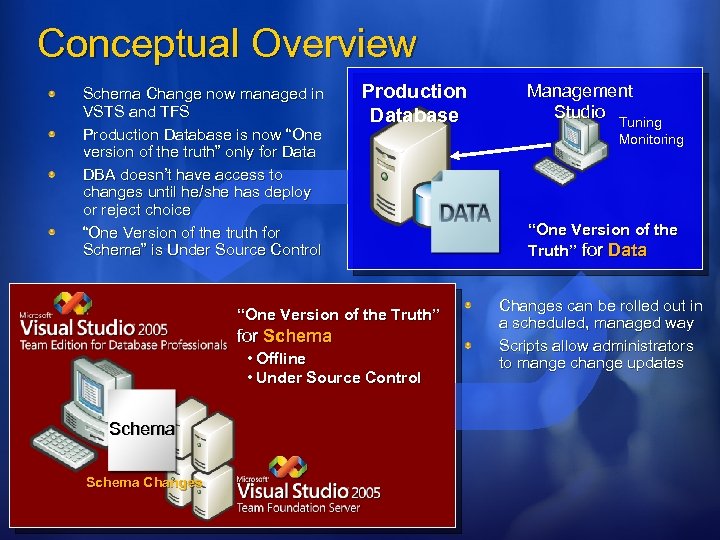 Conceptual Overview Schema Change now managed in VSTS and TFS Production Database is now “One version of the truth” only for Data DBA doesn’t have access to changes until he/she has deploy or reject choice “One Version of the truth for Schema” is Under Source Control Production Database “One Version of the Truth” for Schema • Offline • Under Source Control Schema Changes Management Studio Tuning Monitoring “One Version of the Truth” for Data Changes can be rolled out in a scheduled, managed way Scripts allow administrators to mange change updates
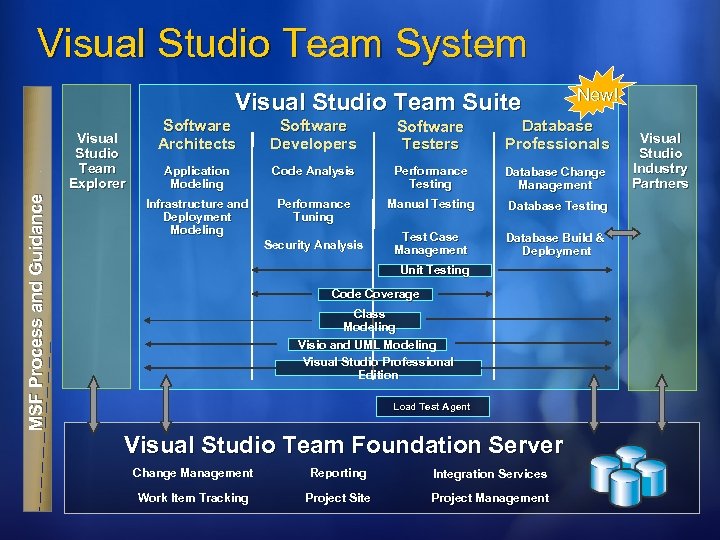 Visual Studio Team System Visual Studio Team Suite Software Architects Software Developers Software Testers Database Professionals Application Modeling Code Analysis Performance Testing Database Change Management Infrastructure and Deployment Modeling Visual Studio Team Explorer MSF Process and Guidance New! Performance Tuning Manual Testing Database Testing Test Case Management Database Build & Deployment Security Analysis Unit Testing Code Coverage Class Modeling Visio and UML Modeling Visual Studio Professional Edition Load Test Agent Visual Studio Team Foundation Server Change Management Reporting Integration Services Work Item Tracking Project Site Project Management Visual Studio Industry Partners
 Team Foundation Server Mitigating project risks Single data repository offers true insight Real-time reports for real-time decisions Process management minimizes variability
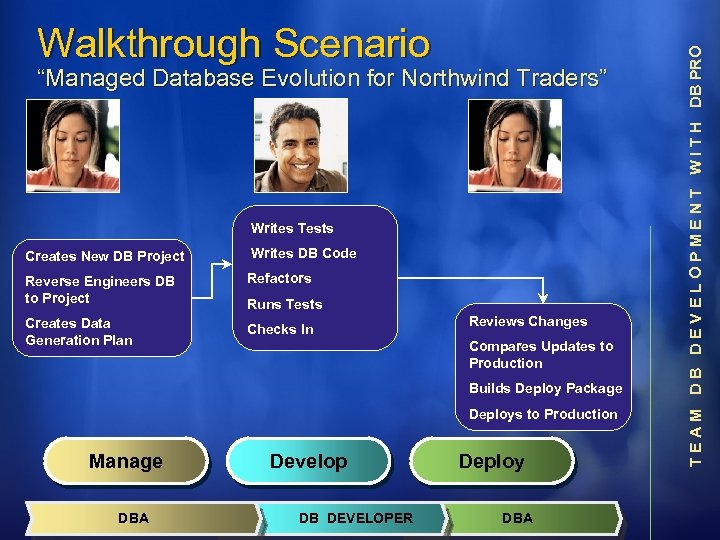 “Managed Database Evolution for Northwind Traders” Writes Tests Creates New DB Project Writes DB Code Reverse Engineers DB to Project Refactors Creates Data Generation Plan Checks In Runs Tests Reviews Changes Compares Updates to Production Builds Deploy Package Deploys to Production Manage DBA Develop DB DEVELOPER Deploy DBA T E A M D B D E V E L O P M E N T W I T H DB PRO Walkthrough Scenario
 Database Projects Creating a Baseline
 Creating a Project Core concept: off-line database development Simply a series of files collected together into a single logical collection The files represent the truth of your schema Can be included in complete solution Connects to SCCI providers for versioning such as Team Foundation Server For Additional Details See DAT 312
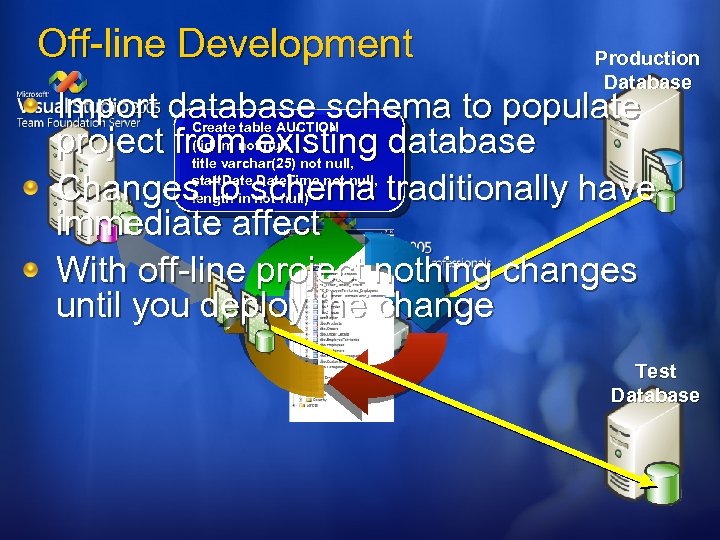 Off-line Development Production Database Import database schema to populate project from existing database Changes to schema traditionally have immediate affect With off-line project nothing changes until you deploy the change Create table AUCTION ( id int not null, title varchar(25) not null, start. Date. Time not null, length in not null) Test Database
 Test Data To create a solid foundation for testing we support data generation Deterministic – always generate the same layout Matched to your schema and very customizable Extensible mechanism, build your own generators Will support histograms and distributions in final release Feature: Data. Generator
 The Project System and Import Database Schema
 Ensure Stability Testing your System
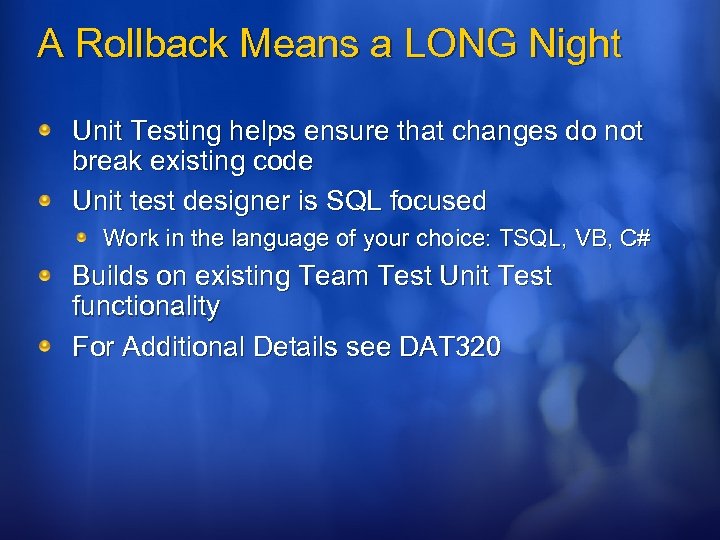 A Rollback Means a LONG Night Unit Testing helps ensure that changes do not break existing code Unit test designer is SQL focused Work in the language of your choice: TSQL, VB, C# Builds on existing Team Test Unit Test functionality For Additional Details see DAT 320
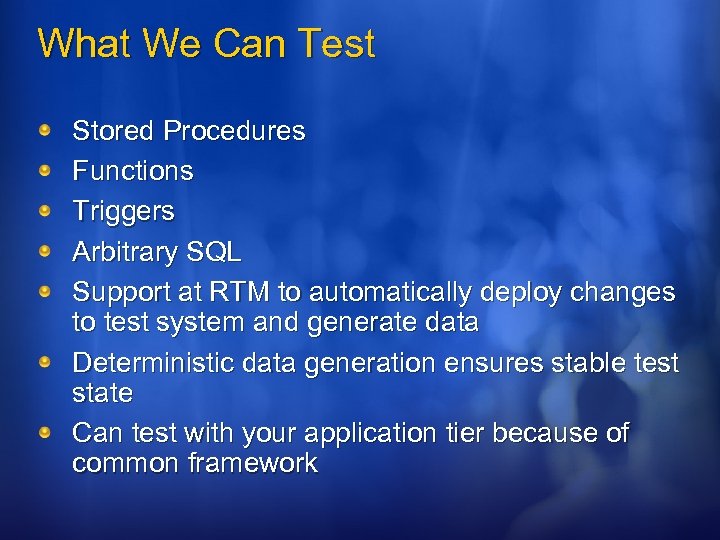 What We Can Test Stored Procedures Functions Triggers Arbitrary SQL Support at RTM to automatically deploy changes to test system and generate data Deterministic data generation ensures stable test state Can test with your application tier because of common framework
 Ensure Change with a Test Foundation
 Managed Change Controlling what happens
 Managed Changes are local to project Project can be compared with database All elements can be managed under version control Any SCCI compliant version system Template driven Version specific SQL 2000 or SQL 2005
 Working With the Project Add new elements Modify existing elements Delete Items Deploy new or incremental update
 Refactoring Bring power of refactoring to SQL Cascading Change Update all dependent objects in database project Schema objects, Data generation, Unit Tests, SQL Scripts Make an atomic change, see preview Rename Meet corporate standards Better express semantic intent – clarity For Additional Details in DAT 320
 Making Changes
 Safely Deploy Managing Updates
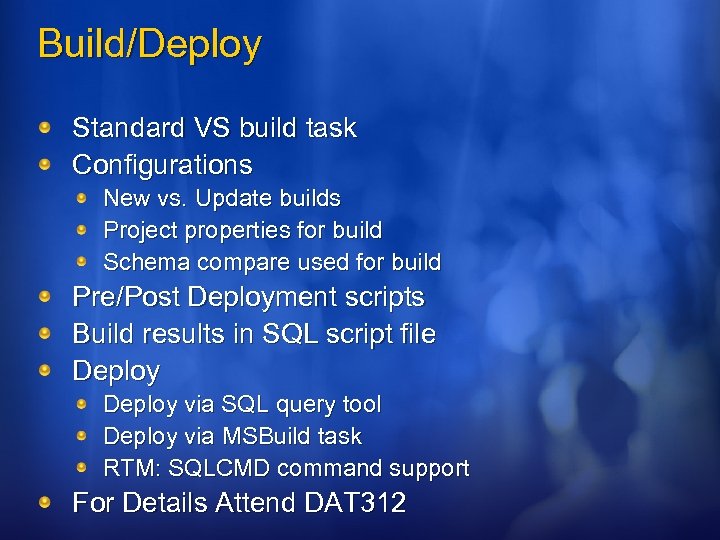 Build/Deploy Standard VS build task Configurations New vs. Update builds Project properties for build Schema compare used for build Pre/Post Deployment scripts Build results in SQL script file Deploy via SQL query tool Deploy via MSBuild task RTM: SQLCMD command support For Details Attend DAT 312
 Build and Deploy
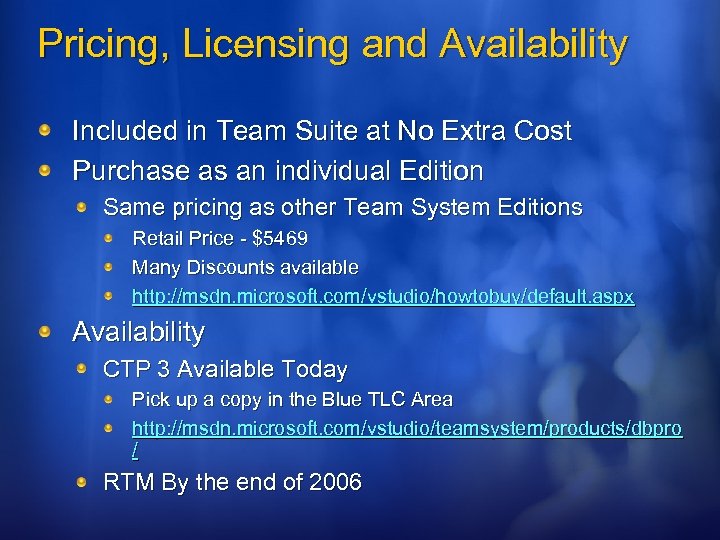 Pricing, Licensing and Availability Included in Team Suite at No Extra Cost Purchase as an individual Edition Same pricing as other Team System Editions Retail Price - $5469 Many Discounts available http: //msdn. microsoft. com/vstudio/howtobuy/default. aspx Availability CTP 3 Available Today Pick up a copy in the Blue TLC Area http: //msdn. microsoft. com/vstudio/teamsystem/products/dbpro / RTM By the end of 2006
 Wrap Up Managed, project oriented evolution of database schema – no more rollbacks Go get the CTP at our booth and try it out on your databases http: //msdn. microsoft. com/ Report feedback (good & bad) http: //forums. microsoft. com/MSDN/Show. Forum. aspx? Forum. ID=725&Site. ID=1 Further Questions: Thomas: tmurphy@microsoft. com Matt: matt. nunn@microsoft. com
 Other Sessions Managing and Deploying your SQL Server Schemas with Visual Studio Team Edition for Database Professionals DAT 312 - 6/13/2006 1: 00 PM - 2: 15 PM, room: 156 ABC Testing & Refactoring your Database with Visual Studio Team Edition for Database Professionals DAT 320 - 6/14/2006 8: 30 AM - 9: 45 AM, room: 160 ABC Under the Hood of Visual Studio Team Edition for Database Professionals DAT 433 - 6/15/2006 1: 00 PM - 2: 15 PM, room: 160 ABC
 VSTE DB Pro Chalk. Talks DATLC 10: Q&A: Managing and Deploying Your SQL Server Schemas with Visual Studio Team Edition for Database Professionals Tuesday, June 13, 4: 30 PM - 5: 45 PM Richard Waymire; Mairead O'Donovan DATLC 16: Q&A: Testing and Refactoring Your Database with Visual Studio Team Edition for Database Professionals Thursday, June 15, 8: 00 AM – 9: 15 AM Gert Drapers; Sachin Rekhi DEVTLC 17: Q&A: Visual Studio Team Edition for Database Professionals: Overview Thursday, June 15 9: 45 AM - 11: 00 AM The Team Data Team DATLC 20: Q&A: Under the Hood of Visual Studio Team Edition for Database Professionals Thursday, June 15, 4: 30 PM - 5: 45 PM Gert Drapers
 VSTS DB Pro HOLs DEV 008: Version Controlling your SQL Server Database Schema with Visual Studio Team Edition for Database Professionals DAT 006: Managing Change to your SQL Server Database Schema with Visual Studio Team Edition for Database Professionals DEV 024: Understanding Team Integration with Visual Studio Team Edition for Database Professionals DAT 015: Build and Deploy you SQL Server Database Schema with Visual Studio Team Edition for Database Professionals
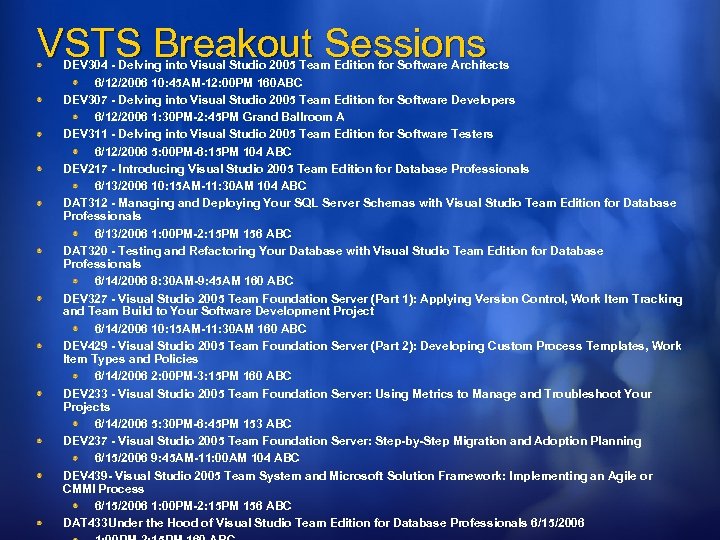 VSTS Breakout Sessions DEV 304 - Delving into Visual Studio 2005 Team Edition for Software Architects 6/12/2006 10: 45 AM-12: 00 PM 160 ABC DEV 307 - Delving into Visual Studio 2005 Team Edition for Software Developers 6/12/2006 1: 30 PM-2: 45 PM Grand Ballroom A DEV 311 - Delving into Visual Studio 2005 Team Edition for Software Testers 6/12/2006 5: 00 PM-6: 15 PM 104 ABC DEV 217 - Introducing Visual Studio 2005 Team Edition for Database Professionals 6/13/2006 10: 15 AM-11: 30 AM 104 ABC DAT 312 - Managing and Deploying Your SQL Server Schemas with Visual Studio Team Edition for Database Professionals 6/13/2006 1: 00 PM-2: 15 PM 156 ABC DAT 320 - Testing and Refactoring Your Database with Visual Studio Team Edition for Database Professionals 6/14/2006 8: 30 AM-9: 45 AM 160 ABC DEV 327 - Visual Studio 2005 Team Foundation Server (Part 1): Applying Version Control, Work Item Tracking and Team Build to Your Software Development Project 6/14/2006 10: 15 AM-11: 30 AM 160 ABC DEV 429 - Visual Studio 2005 Team Foundation Server (Part 2): Developing Custom Process Templates, Work Item Types and Policies 6/14/2006 2: 00 PM-3: 15 PM 160 ABC DEV 233 - Visual Studio 2005 Team Foundation Server: Using Metrics to Manage and Troubleshoot Your Projects 6/14/2006 5: 30 PM-6: 45 PM 153 ABC DEV 237 - Visual Studio 2005 Team Foundation Server: Step-by-Step Migration and Adoption Planning 6/15/2006 9: 45 AM-11: 00 AM 104 ABC DEV 439 - Visual Studio 2005 Team System and Microsoft Solution Framework: Implementing an Agile or CMMI Process 6/15/2006 1: 00 PM-2: 15 PM 156 ABC DAT 433 Under the Hood of Visual Studio Team Edition for Database Professionals 6/15/2006
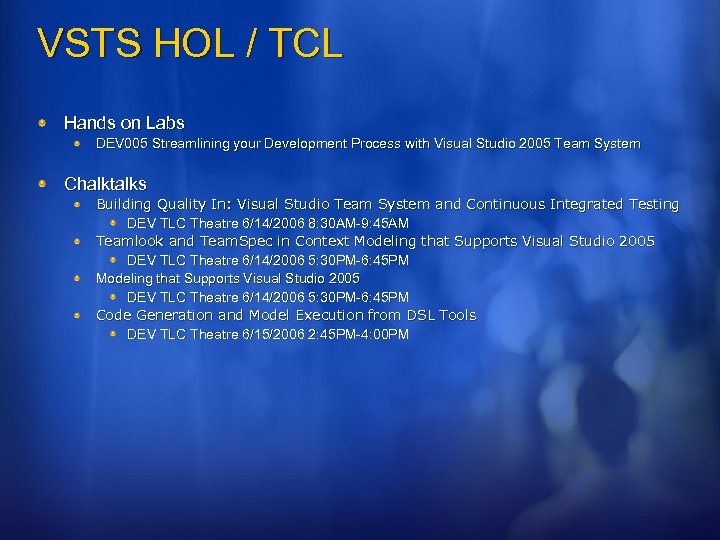 VSTS HOL / TCL Hands on Labs DEV 005 Streamlining your Development Process with Visual Studio 2005 Team System Chalktalks Building Quality In: Visual Studio Team System and Continuous Integrated Testing DEV TLC Theatre 6/14/2006 8: 30 AM-9: 45 AM Teamlook and Team. Spec in Context Modeling that Supports Visual Studio 2005 DEV TLC Theatre 6/14/2006 5: 30 PM-6: 45 PM Code Generation and Model Execution from DSL Tools DEV TLC Theatre 6/15/2006 2: 45 PM-4: 00 PM
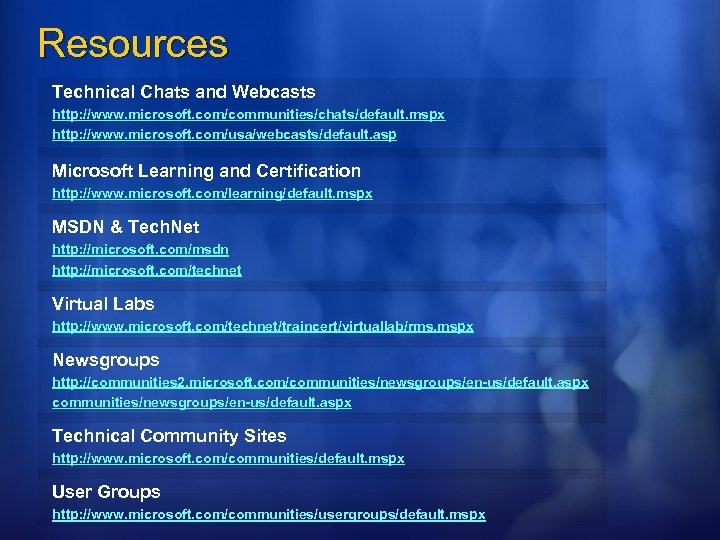 Resources Technical Chats and Webcasts http: //www. microsoft. com/communities/chats/default. mspx http: //www. microsoft. com/usa/webcasts/default. asp Microsoft Learning and Certification http: //www. microsoft. com/learning/default. mspx MSDN & Tech. Net http: //microsoft. com/msdn http: //microsoft. com/technet Virtual Labs http: //www. microsoft. com/technet/traincert/virtuallab/rms. mspx Newsgroups http: //communities 2. microsoft. com/communities/newsgroups/en-us/default. aspx Technical Community Sites http: //www. microsoft. com/communities/default. mspx User Groups http: //www. microsoft. com/communities/usergroups/default. mspx
 Fill out a session evaluation on Comm. Net for a chance to Win an XBOX 360!
 © 2006 Microsoft Corporation. All rights reserved. Microsoft, Windows Vista and other product names are or may be registered trademarks and/or trademarks in the U. S. and/or other countries. The information herein is for informational purposes only and represents the current view of Microsoft Corporation as of the date of this presentation. Because Microsoft must respond to changing market conditions, it should not be interpreted to be a commitment on the part of Microsoft, and Microsoft cannot guarantee the accuracy of any information provided after the date of this presentation. MICROSOFT MAKES NO WARRANTIES, EXPRESS, IMPLIED OR STATUTORY, AS TO THE INFORMATION IN THIS PRESENTATION.