


 Скачать презентацию Design Recovery Today s Lecture Reverse engineering Assignment
680451b490e483b31d62dd7bb3114bdf.ppt
- Количество слайдов: 33
 Design Recovery
 Today’s Lecture Reverse engineering Assignment 3 Benumbered design continued (if time)
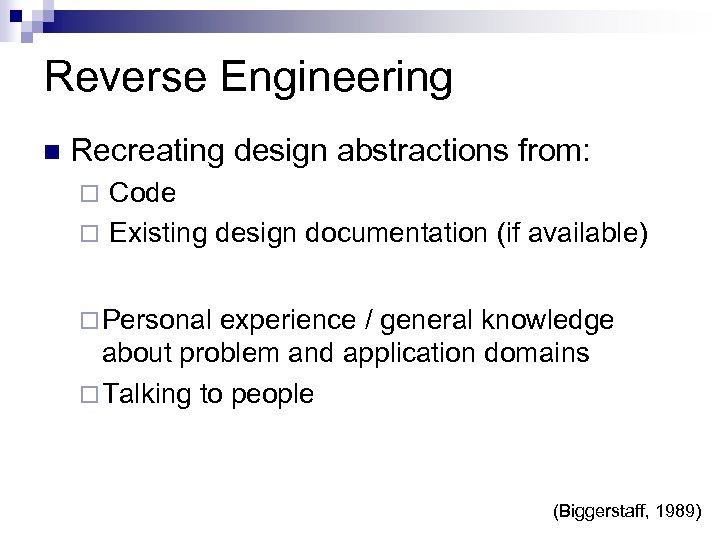 Reverse Engineering Recreating design abstractions from: Code Existing design documentation (if available) Personal experience / general knowledge about problem and application domains Talking to people (Biggerstaff, 1989)
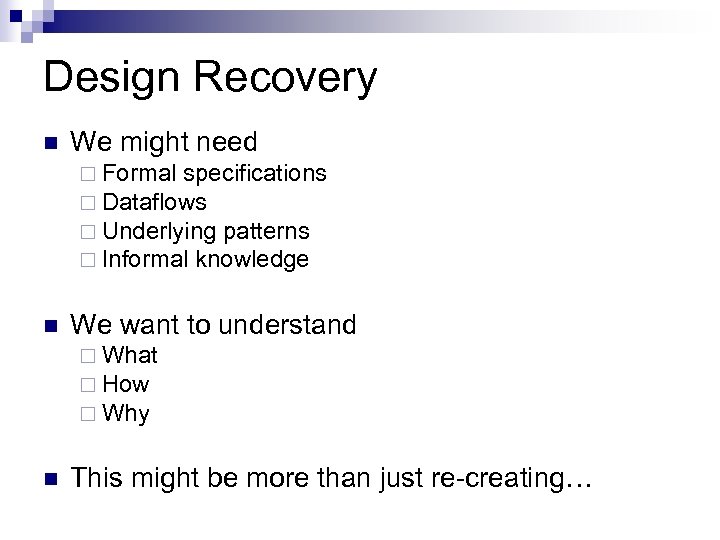 Design Recovery We might need Formal specifications Dataflows Underlying patterns Informal knowledge We want to understand What How Why This might be more than just re-creating…
 Why do we have to do this?
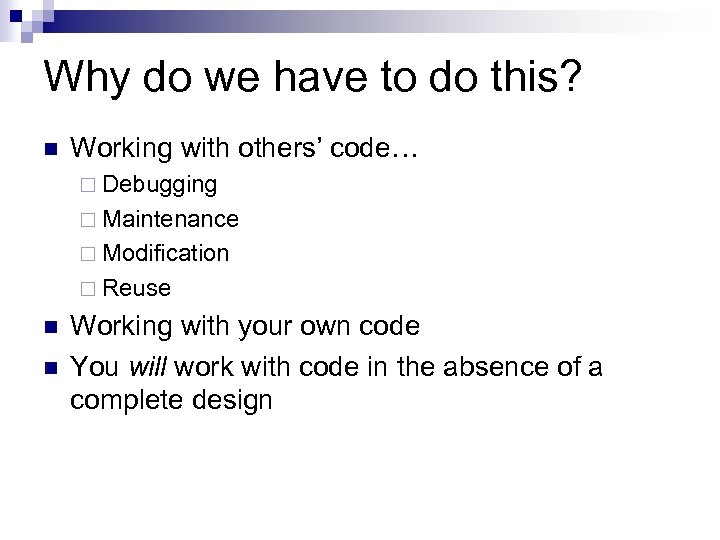 Why do we have to do this? Working with others’ code… Debugging Maintenance Modification Reuse Working with your own code You will work with code in the absence of a complete design
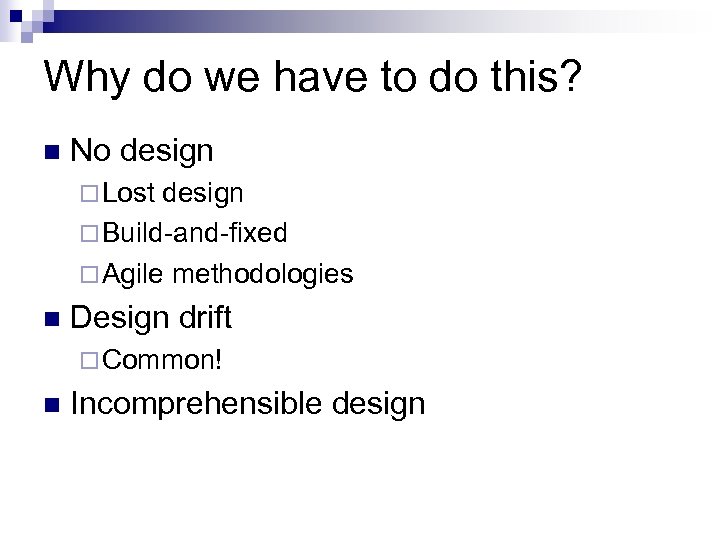 Why do we have to do this? No design Lost design Build-and-fixed Agile methodologies Design drift Common! Incomprehensible design
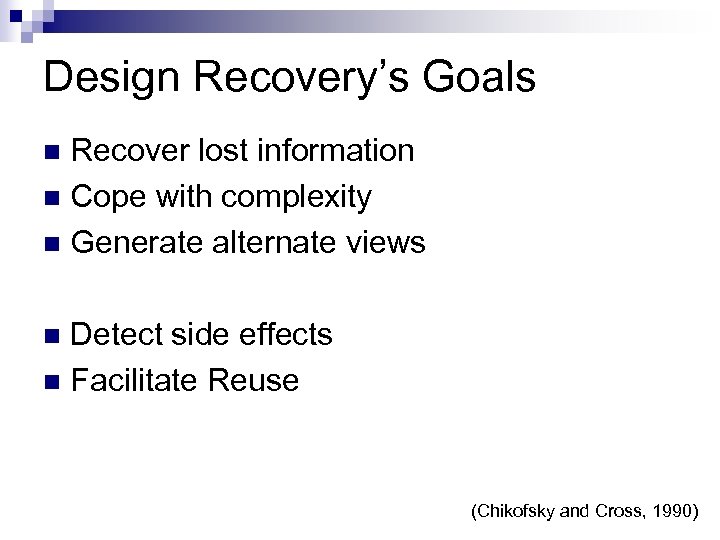 Design Recovery’s Goals Recover lost information Cope with complexity Generate alternate views Detect side effects Facilitate Reuse (Chikofsky and Cross, 1990)
 Design Recovery Tips
 Object Orientation Something of an advantage Class names, function names Established relationships (inheritance, members, etc. ) High cohesion helps A holistic sense of purpose
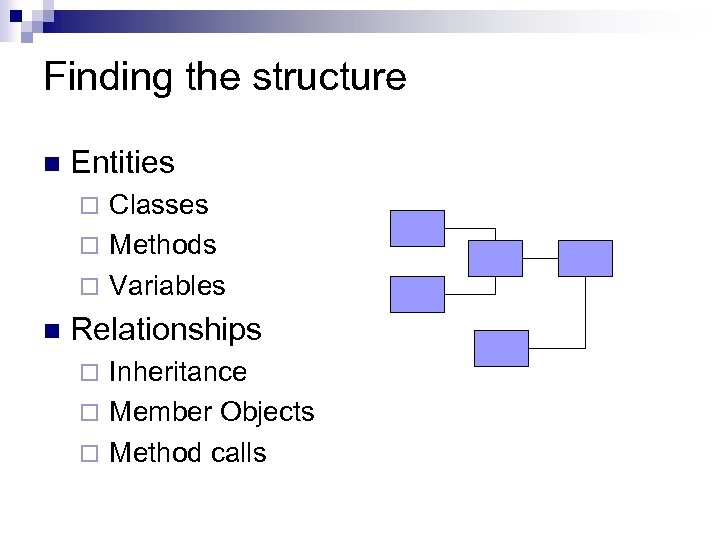 Finding the structure Entities Classes Methods Variables Relationships Inheritance Member Objects Method calls
 Approaches Reverse engineering tools E. g. Omondo Running the program Eclipse’s References and Declarations Reading documentation Reading class names Talking to people Code reading
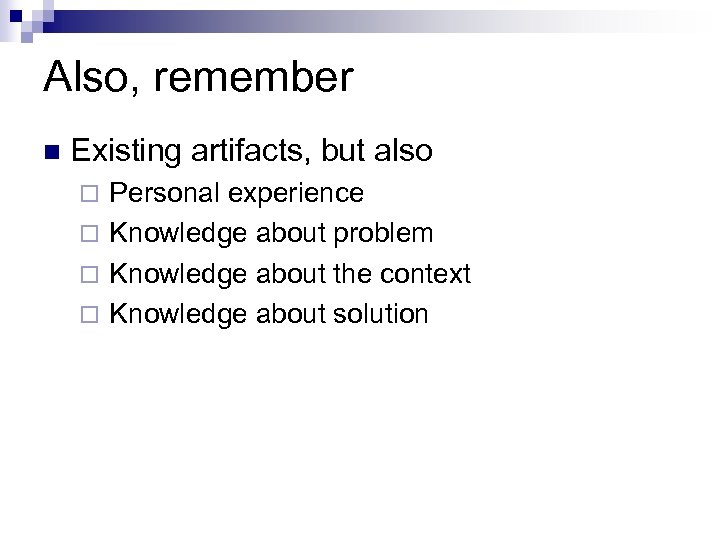 Also, remember Existing artifacts, but also Personal experience Knowledge about problem Knowledge about the context Knowledge about solution
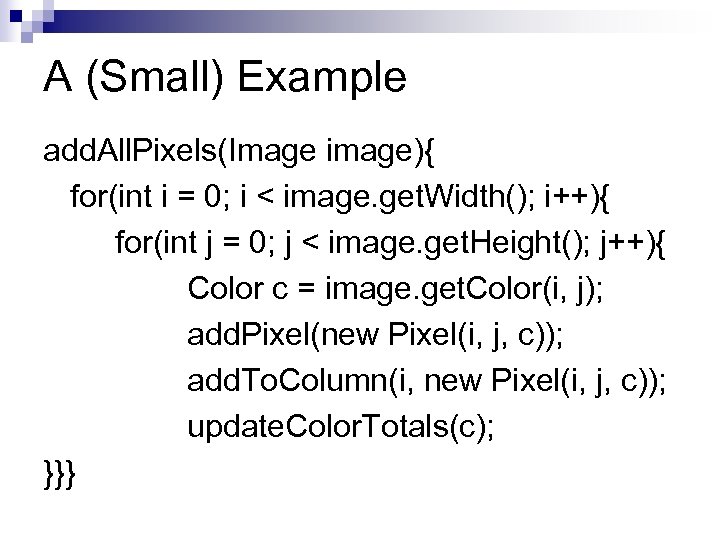 A (Small) Example add. All. Pixels(Image image){ for(int i = 0; i < image. get. Width(); i++){ for(int j = 0; j < image. get. Height(); j++){ Color c = image. get. Color(i, j); add. Pixel(new Pixel(i, j, c)); add. To. Column(i, new Pixel(i, j, c)); update. Color. Totals(c); }}}
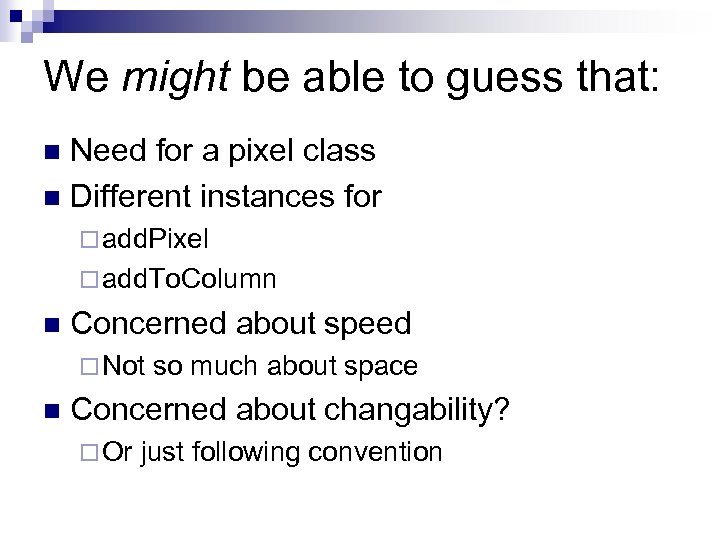 We might be able to guess that: Need for a pixel class Different instances for add. Pixel add. To. Column Concerned about speed Not so much about space Concerned about changability? Or just following convention
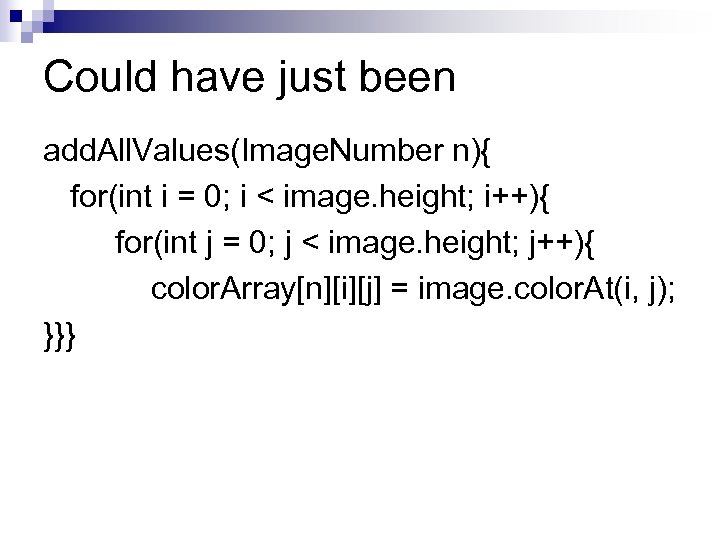 Could have just been add. All. Values(Image. Number n){ for(int i = 0; i < image. height; i++){ for(int j = 0; j < image. height; j++){ color. Array[n][i][j] = image. color. At(i, j); }}}
 Assignment 3 – Design Recovery Recover the design of Calico (surprise!) Tool for electronic whiteboard software design developed at UC Irvine You may use any tools you like Do not ask anyone about it (despite that normally being a good resource) Get the Calico code from the subversion repository, detailed instructions follow
 Assignment 3 – Design Recovery Each group must turn in: A complete UML (-ish) Diagram At least 1 additional diagram of your choice (might be informal) A document describing the design of Calico (at least 4 pages) Your audience is someone unfamiliar with Calico who needs to make very significant changes to it The code may not compile Your submission graded on completeness, clarity, accuracy Each person also needs to submit a team evaluation (forms available on class webpage) Paper copy due Thursday, February 4 th, at start of class
 Suggestions for Group Work Everyone start by taking their own look at the whole system Multiple perspectives will be very useful Work out the high level architecture Understand program flows Look out for subtle details
 Further tips There are papers available on Calico on André's website; feel free to consult them Use representations of classes to organize Rote completeness is not the answer, will need to be elegant
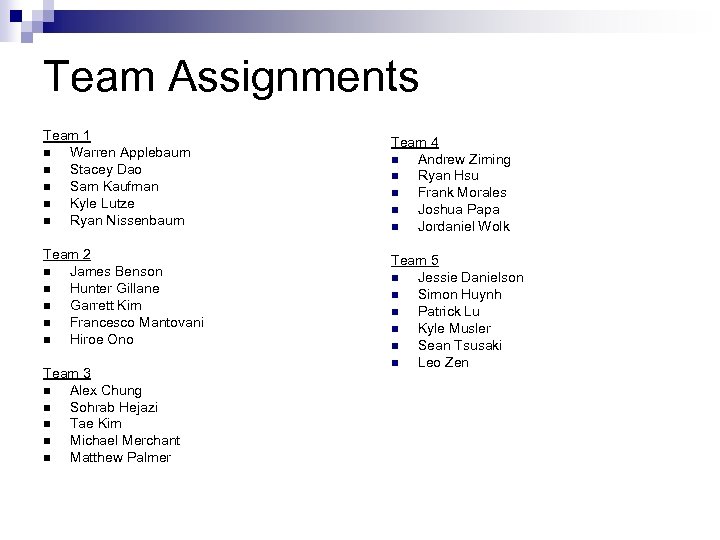 Team Assignments Team 1 Warren Applebaum Stacey Dao Sam Kaufman Kyle Lutze Ryan Nissenbaum Team 4 Andrew Ziming Ryan Hsu Frank Morales Joshua Papa Jordaniel Wolk Team 2 James Benson Hunter Gillane Garrett Kim Francesco Mantovani Hiroe Ono Team 5 Jessie Danielson Simon Huynh Patrick Lu Kyle Musler Sean Tsusaki Leo Zen Team 3 Alex Chung Sohrab Hejazi Tae Kim Michael Merchant Matthew Palmer
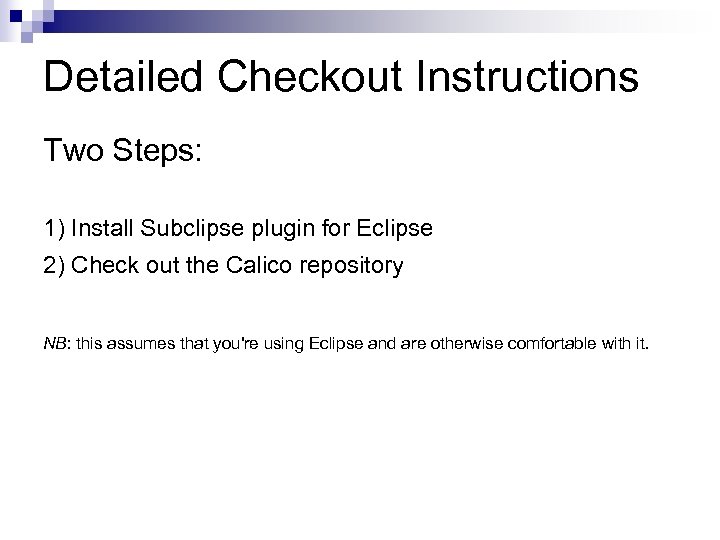 Detailed Checkout Instructions Two Steps: 1) Install Subclipse plugin for Eclipse 2) Check out the Calico repository NB: this assumes that you're using Eclipse and are otherwise comfortable with it.
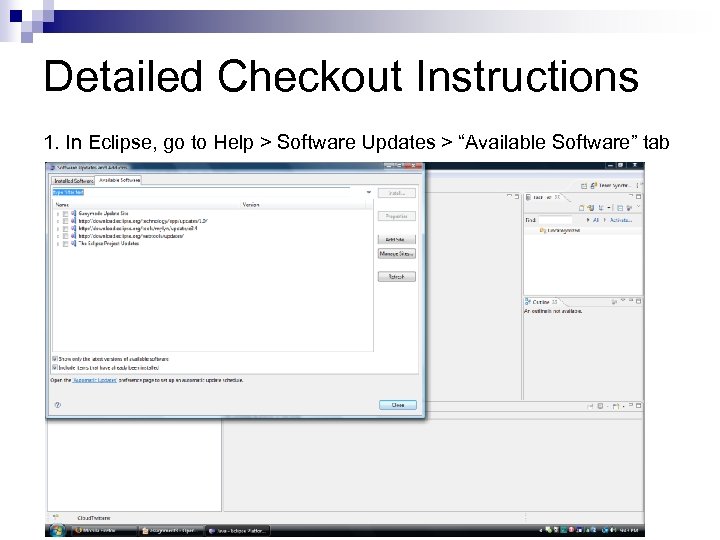 Detailed Checkout Instructions 1. In Eclipse, go to Help > Software Updates > “Available Software” tab
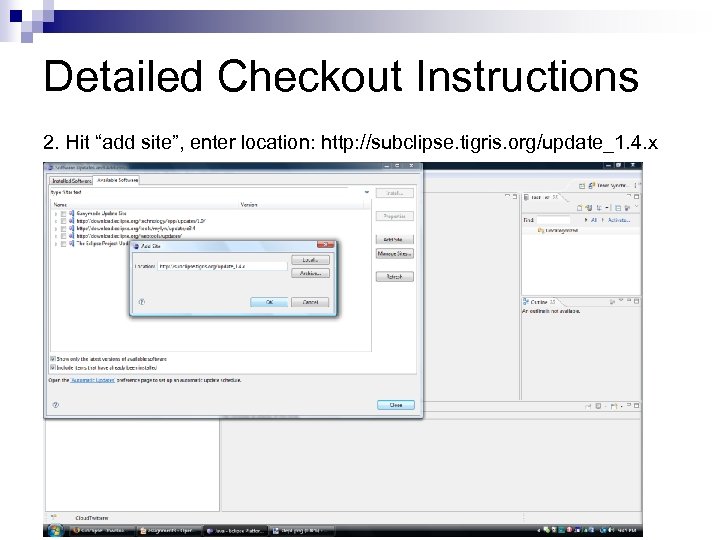 Detailed Checkout Instructions 2. Hit “add site”, enter location: http: //subclipse. tigris. org/update_1. 4. x
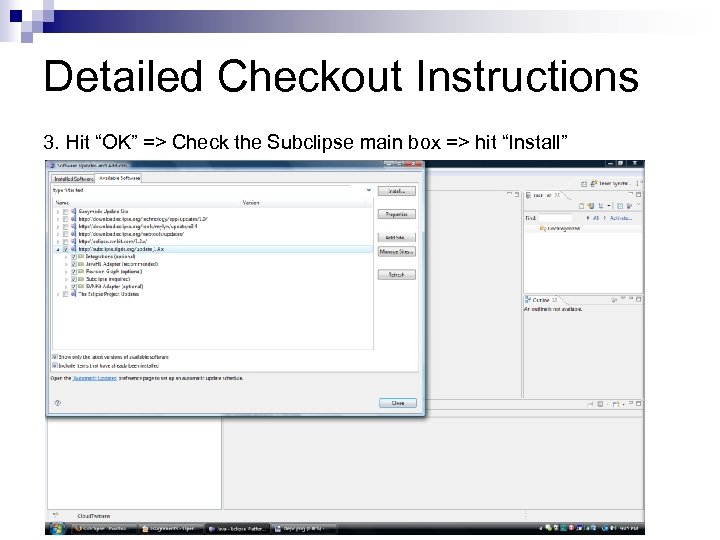 Detailed Checkout Instructions 3. Hit “OK” => Check the Subclipse main box => hit “Install”
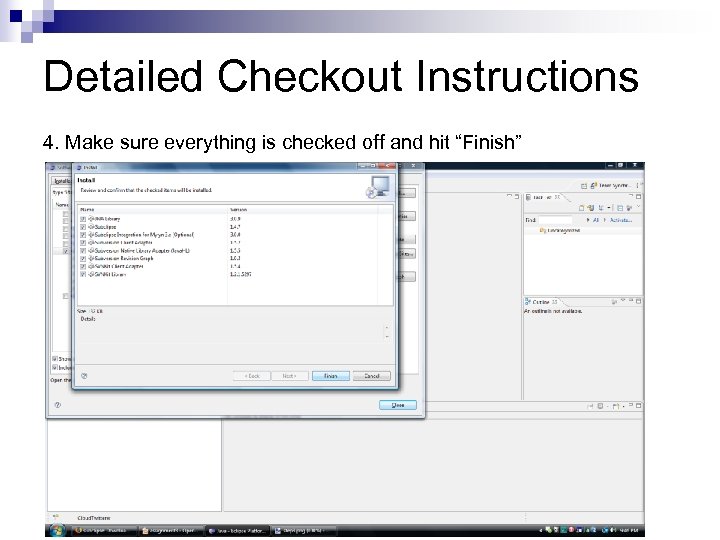 Detailed Checkout Instructions 4. Make sure everything is checked off and hit “Finish”
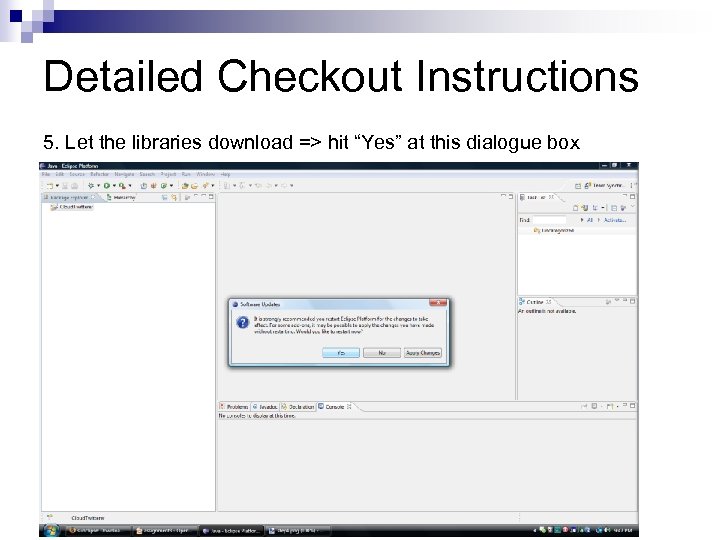 Detailed Checkout Instructions 5. Let the libraries download => hit “Yes” at this dialogue box
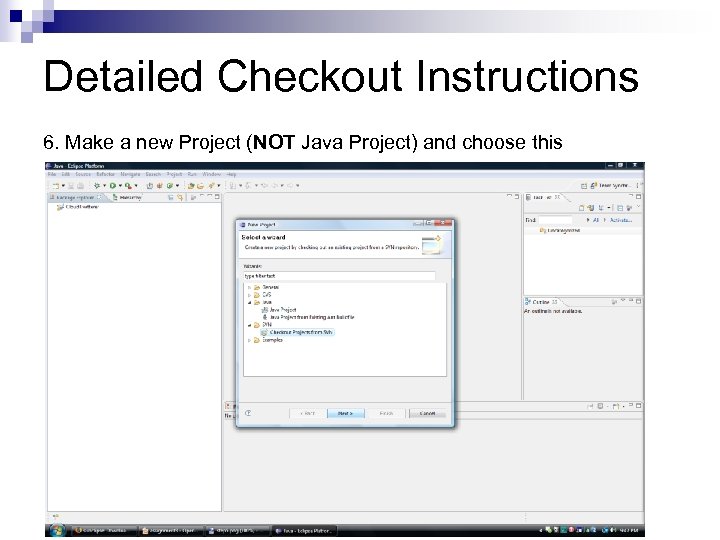 Detailed Checkout Instructions 6. Make a new Project (NOT Java Project) and choose this
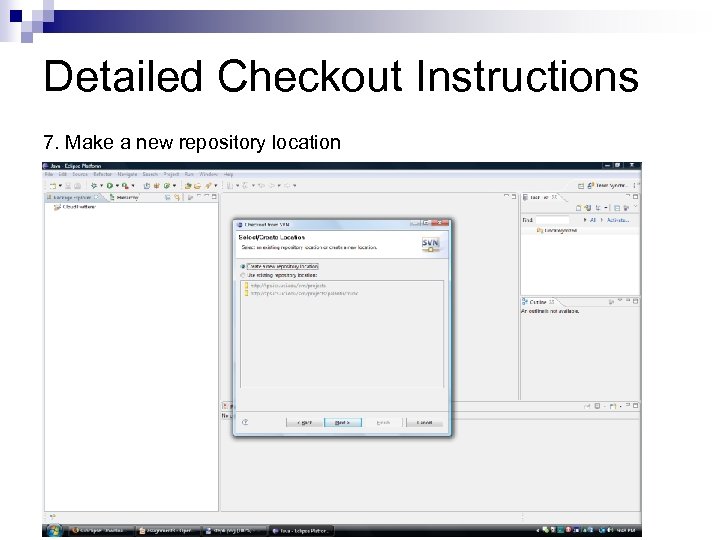 Detailed Checkout Instructions 7. Make a new repository location
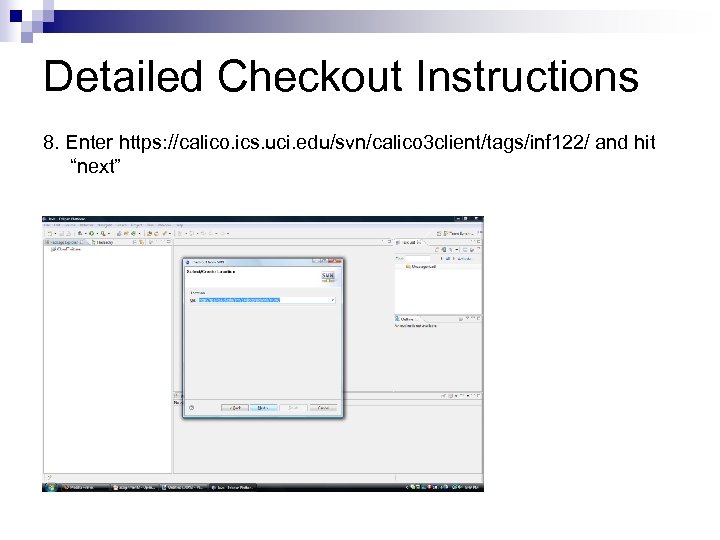 Detailed Checkout Instructions 8. Enter https: //calico. ics. uci. edu/svn/calico 3 client/tags/inf 122/ and hit “next”
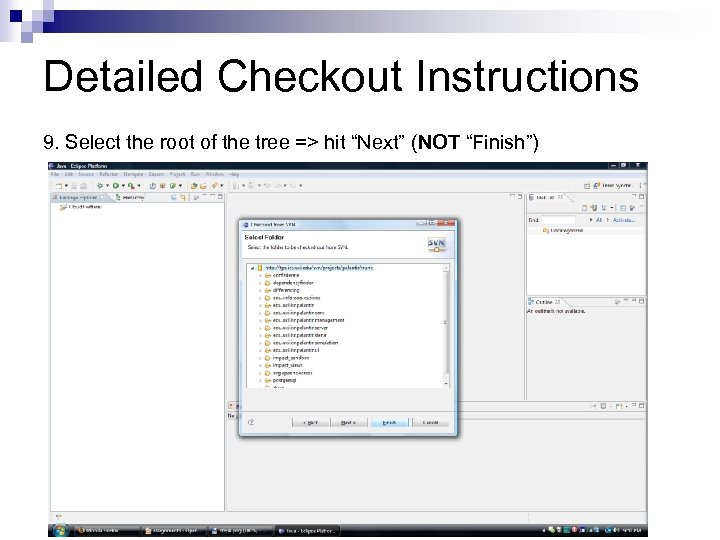 Detailed Checkout Instructions 9. Select the root of the tree => hit “Next” (NOT “Finish”)
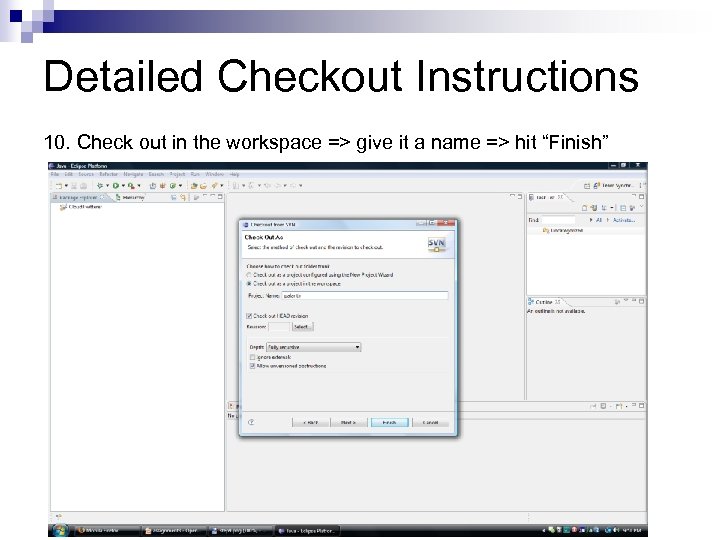 Detailed Checkout Instructions 10. Check out in the workspace => give it a name => hit “Finish”
 Server Checkout To checkout the server version, you will need to repeat steps 6 through 10. Just replace the SVN URL with: https: //calico. ics. uci. edu/svn/calico 3 server/tags/inf 122 Note: You will need to login with your ICS username and password. (If you receive any SSL certificate errors, you can safely ignore them) If you have any problems, please feel free to email mitch. dempsey@uci. edu or stop by my office (ICS 2 room 110)