 Скачать презентацию Deploying Apps to the Cloud Larry Boden Erin
85225c5130786d0fb261f44954fb6d64.ppt
- Количество слайдов: 61



Deploying Apps to the Cloud Larry Boden Erin Ross
Agenda • Cloud Overview • Arc. GIS Cloud Deployment Models • Patterns and Use Cases • Options and Considerations • Challenges and Lessons Learned Deploying Apps to the Cloud
Cloud Overview
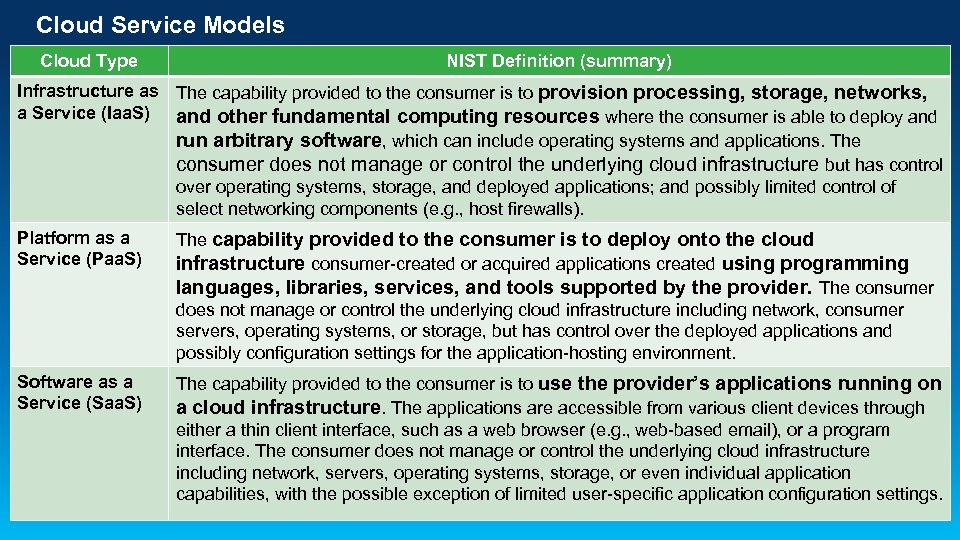
Cloud Service Models Cloud Type NIST Definition (summary) Infrastructure as The capability provided to the consumer is to provision processing, storage, networks, a Service (Iaa. S) and other fundamental computing resources where the consumer is able to deploy and run arbitrary software, which can include operating systems and applications. The consumer does not manage or control the underlying cloud infrastructure but has control over operating systems, storage, and deployed applications; and possibly limited control of select networking components (e. g. , host firewalls). Platform as a Service (Paa. S) The capability provided to the consumer is to deploy onto the cloud infrastructure consumer-created or acquired applications created using programming languages, libraries, services, and tools supported by the provider. The consumer does not manage or control the underlying cloud infrastructure including network, consumer servers, operating systems, or storage, but has control over the deployed applications and possibly configuration settings for the application-hosting environment. Software as a Service (Saa. S) The capability provided to the consumer is to use the provider’s applications running on a cloud infrastructure. The applications are accessible from various client devices through either a thin client interface, such as a web browser (e. g. , web-based email), or a program interface. The consumer does not manage or control the underlying cloud infrastructure including network, servers, operating systems, storage, or even individual application capabilities, with the possible exception of limited user-specific application configuration settings.
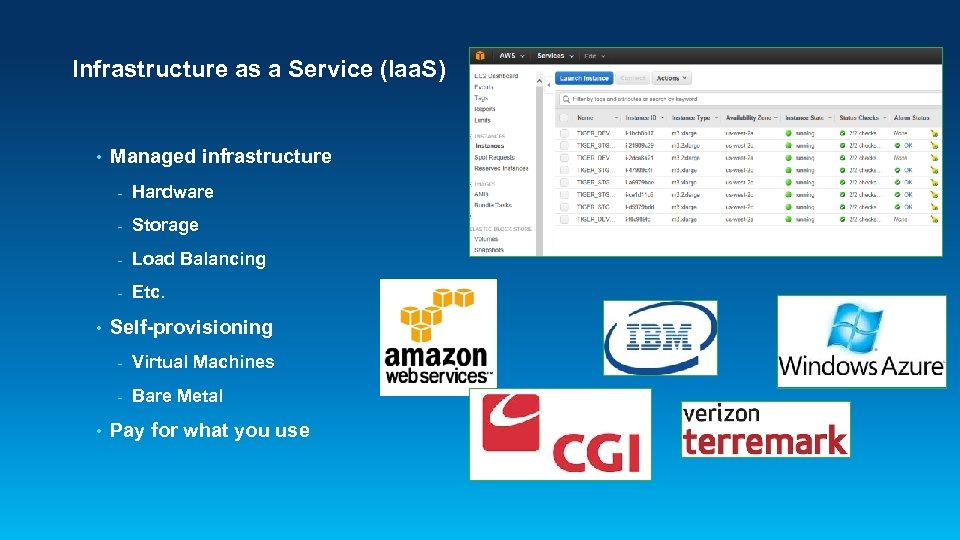
Infrastructure as a Service (Iaa. S) • Managed infrastructure - Storage - Load Balancing - • Hardware Etc. Self-provisioning - • Virtual Machines Bare Metal Pay for what you use
Platform as a Service (Paa. S) • Infrastructure + software / tools • Developers create applications on the provider's platform over the Internet • Pay for what you use
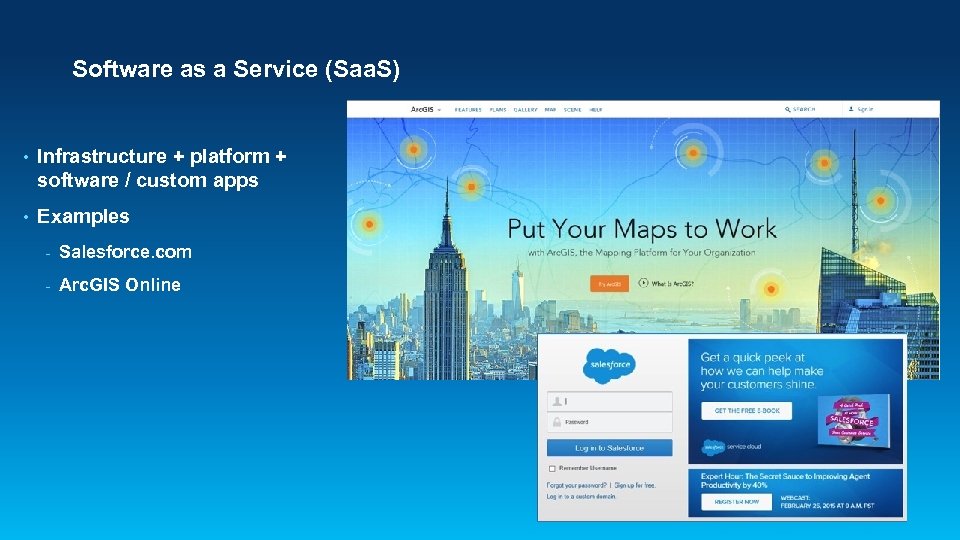
Software as a Service (Saa. S) • Infrastructure + platform + software / custom apps • Examples - Salesforce. com - Arc. GIS Online
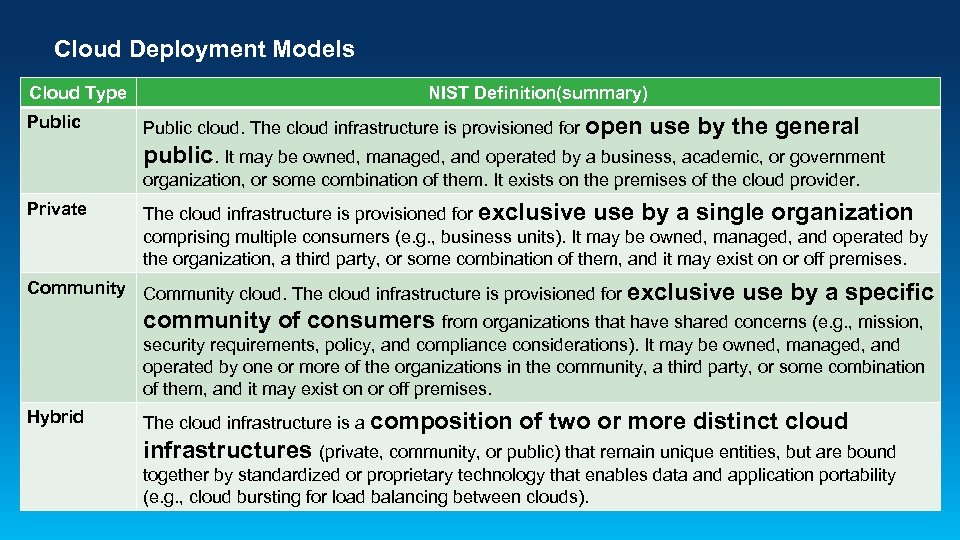
Cloud Deployment Models Cloud Type Public NIST Definition(summary) Public cloud. The cloud infrastructure is provisioned for open use by the general public. It may be owned, managed, and operated by a business, academic, or government organization, or some combination of them. It exists on the premises of the cloud provider. Private The cloud infrastructure is provisioned for exclusive use by a single organization comprising multiple consumers (e. g. , business units). It may be owned, managed, and operated by the organization, a third party, or some combination of them, and it may exist on or off premises. Community cloud. The cloud infrastructure is provisioned for exclusive use by a specific community of consumers from organizations that have shared concerns (e. g. , mission, security requirements, policy, and compliance considerations). It may be owned, managed, and operated by one or more of the organizations in the community, a third party, or some combination of them, and it may exist on or off premises. Hybrid The cloud infrastructure is a composition of two or more distinct cloud infrastructures (private, community, or public) that remain unique entities, but are bound together by standardized or proprietary technology that enables data and application portability (e. g. , cloud bursting for load balancing between clouds).
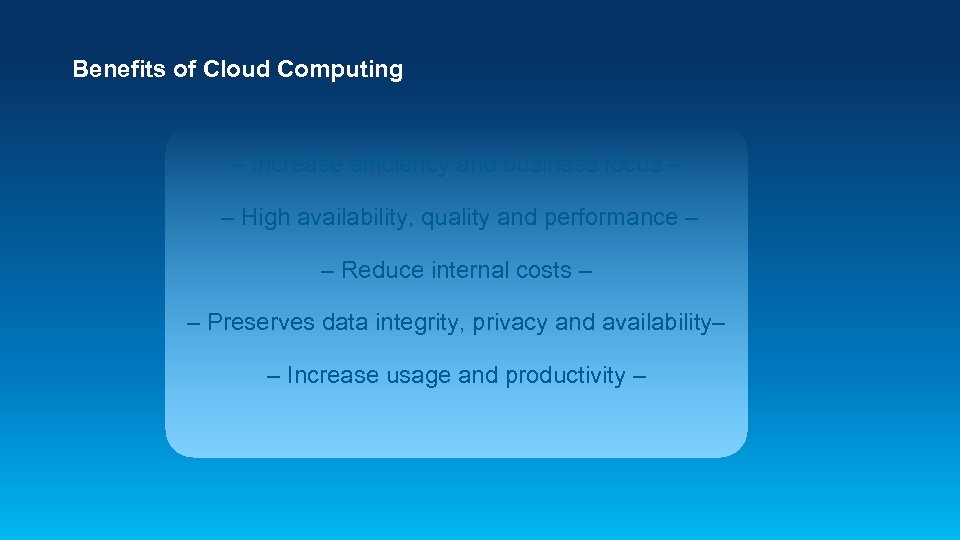
Benefits of Cloud Computing – Increase efficiency and business focus – – High availability, quality and performance – – Reduce internal costs – – Preserves data integrity, privacy and availability– – Increase usage and productivity –
Arc. GIS Cloud Options
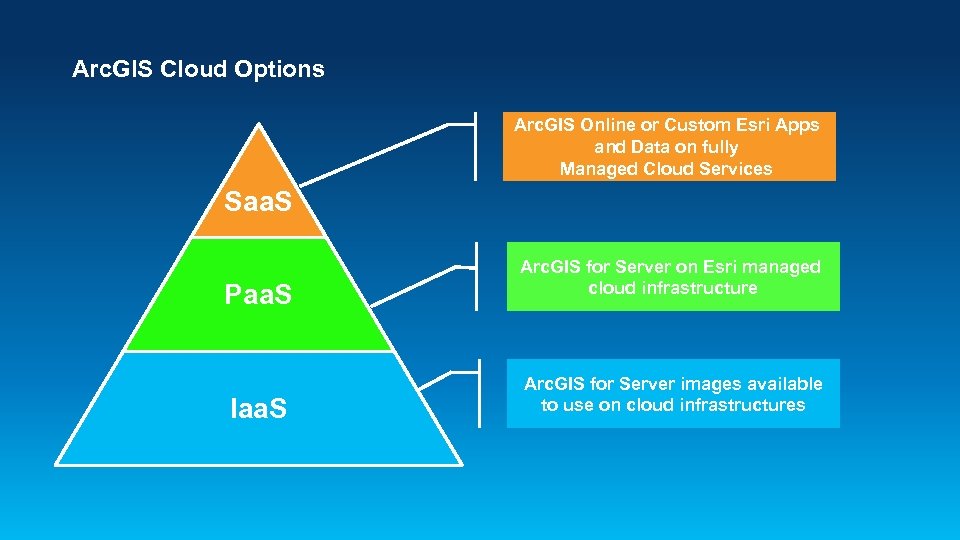
Arc. GIS Cloud Options Arc. GIS Online or Custom Esri Apps and Data on fully Managed Cloud Services Saa. S Paa. S Iaa. S Arc. GIS for Server on Esri managed cloud infrastructure Arc. GIS for Server images available to use on cloud infrastructures
![Arc. GIS for Server on [Fill in the Blank] • Supported on multiple cloud](https://present5.com/presentation/85225c5130786d0fb261f44954fb6d64/image-12.jpg "Arc. GIS for Server on [Fill in the Blank] • Supported on multiple cloud")
Arc. GIS for Server on [Fill in the Blank] • Supported on multiple cloud platforms - Virtual or bare metal • Full Arc. GIS for Server capabilities • User-provisioned cloud infrastructure resources • Pay for what you use • BYOL or Arc. GIS term licensing available
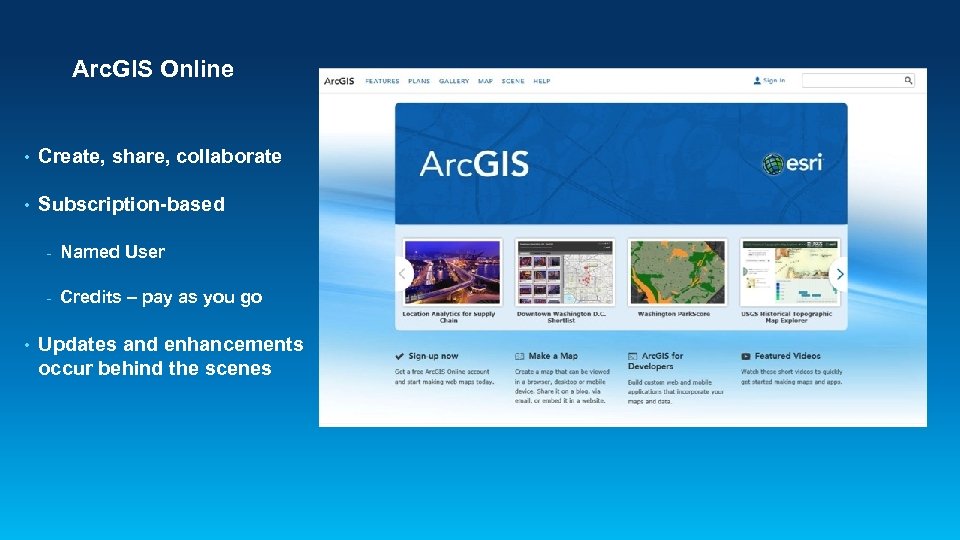
Arc. GIS Online • Create, share, collaborate • Subscription-based - • Named User Credits – pay as you go Updates and enhancements occur behind the scenes
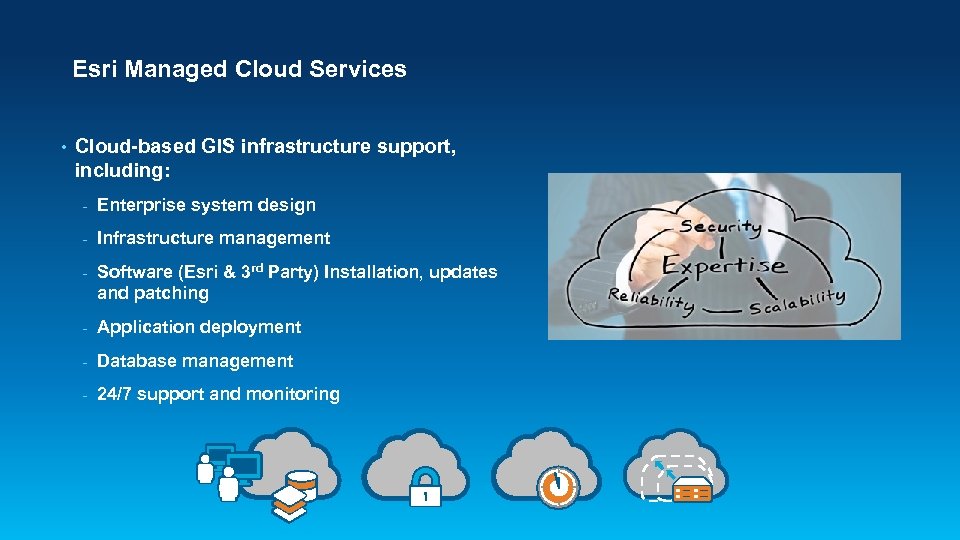
Esri Managed Cloud Services • Cloud-based GIS infrastructure support, including: - Enterprise system design - Infrastructure management - Software (Esri & 3 rd Party) Installation, updates and patching - Application deployment - Database management - 24/7 support and monitoring
Arc. GIS Cloud Deployment Models
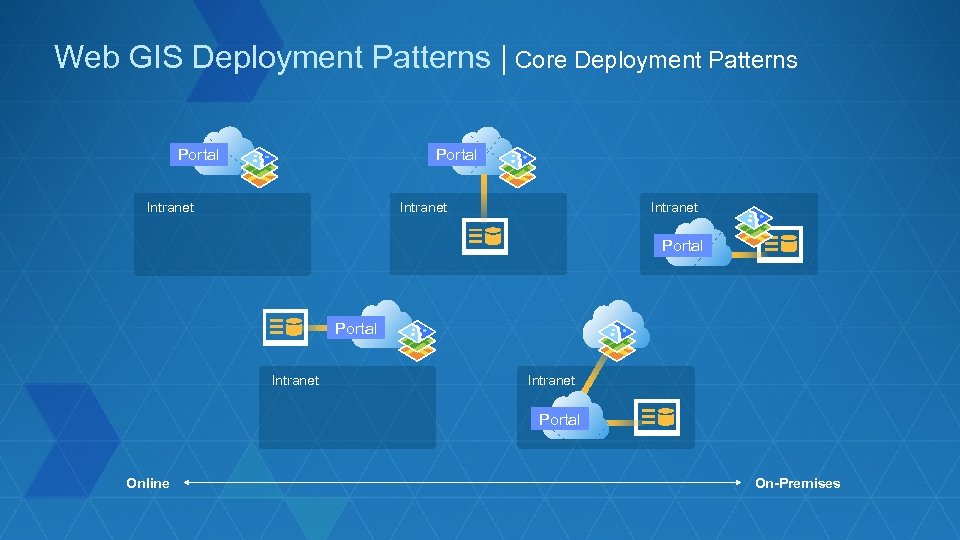
Web GIS Deployment Patterns | Core Deployment Patterns Portal Intranet Portal Intranet Portal Online On-Premises
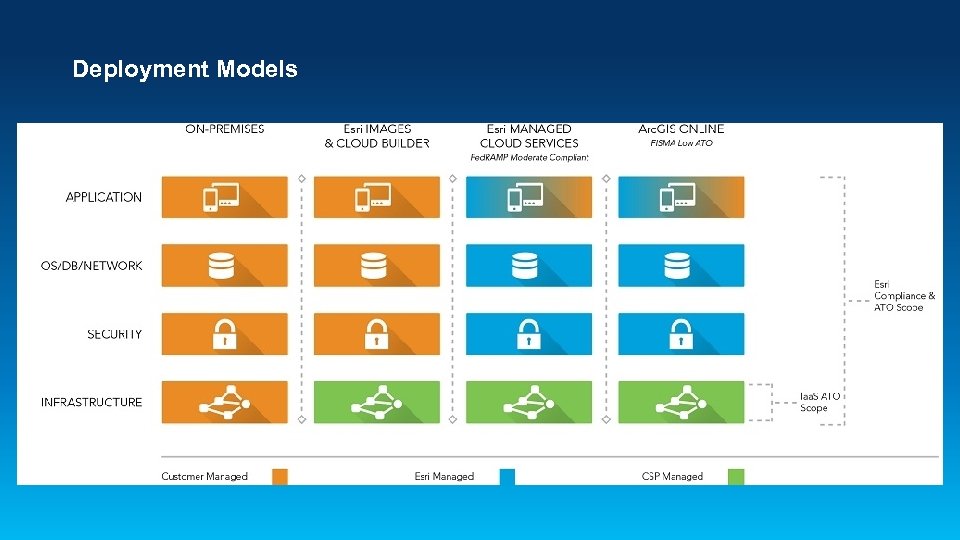
Deployment Models
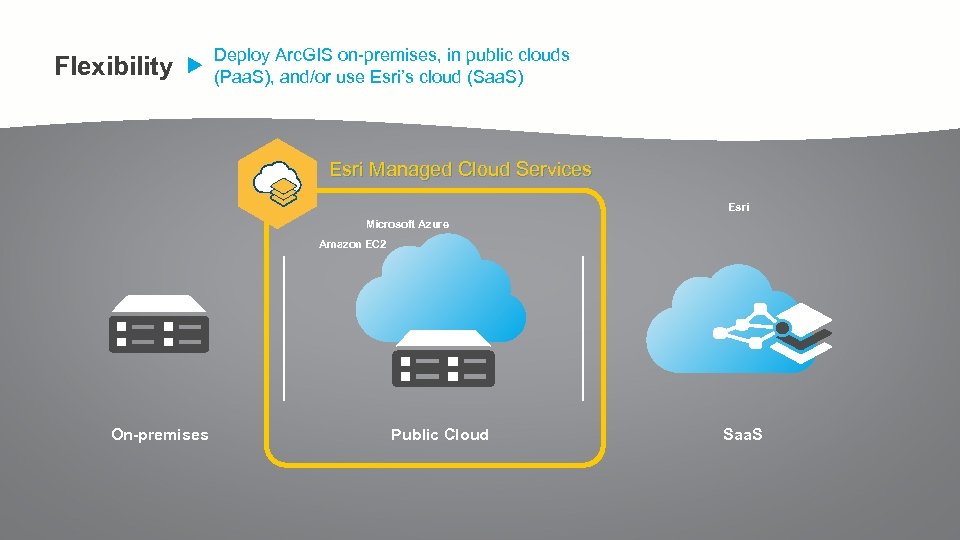
Flexibility Deploy Arc. GIS on-premises, in public clouds (Paa. S), and/or use Esri’s cloud (Saa. S) Esri Managed Cloud Services Esri Microsoft Azure Amazon EC 2 On-premises Public Cloud Saa. S
Patterns and Use Cases
Sandbox in the Cloud
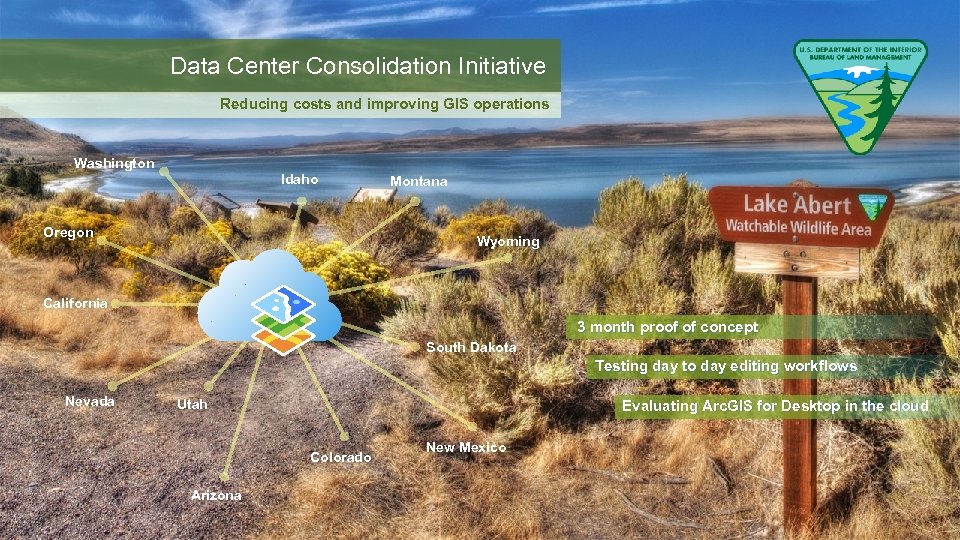
Data Center Consolidation Initiative Reducing costs and improving GIS operations Washington Idaho Oregon Montana Wyoming California 3 month proof of concept South Dakota Testing day to day editing workflows Nevada Utah Evaluating Arc. GIS for Desktop in the cloud Colorado Arizona New Mexico
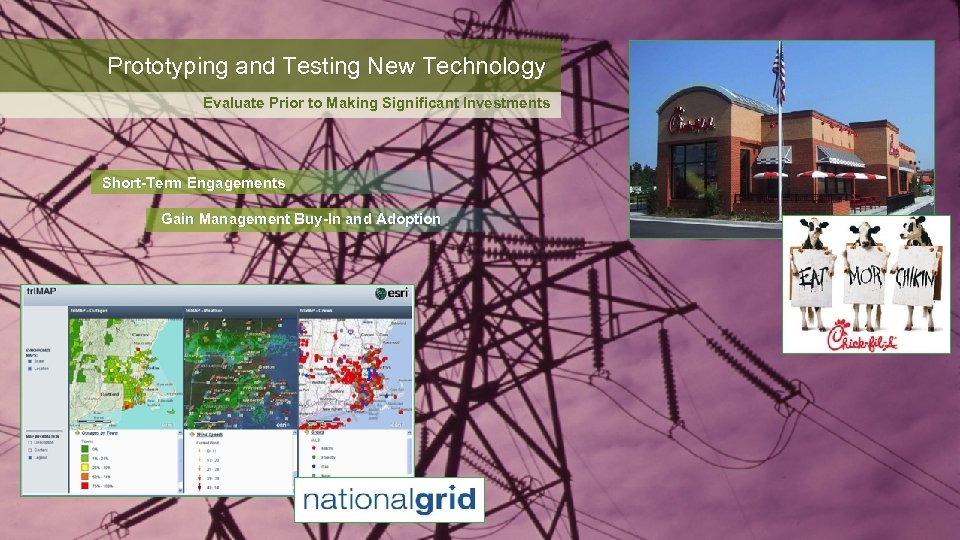
Prototyping and Testing New Technology Evaluate Prior to Making Significant Investments Short-Term Engagements Gain Management Buy-In and Adoption
Public Facing Apps
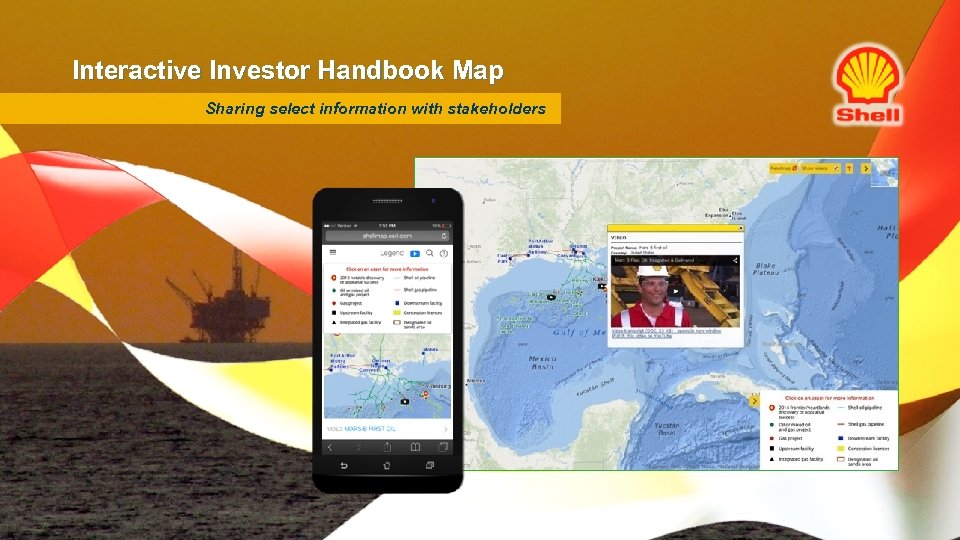
Interactive Investor Handbook Map Sharing select information with stakeholders
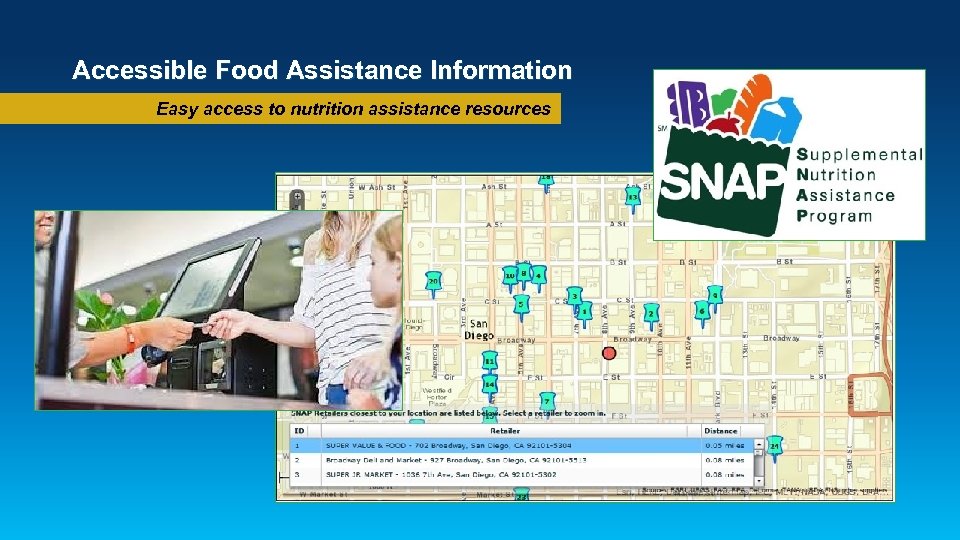
Accessible Food Assistance Information Easy access to nutrition assistance resources
Business Critical Apps
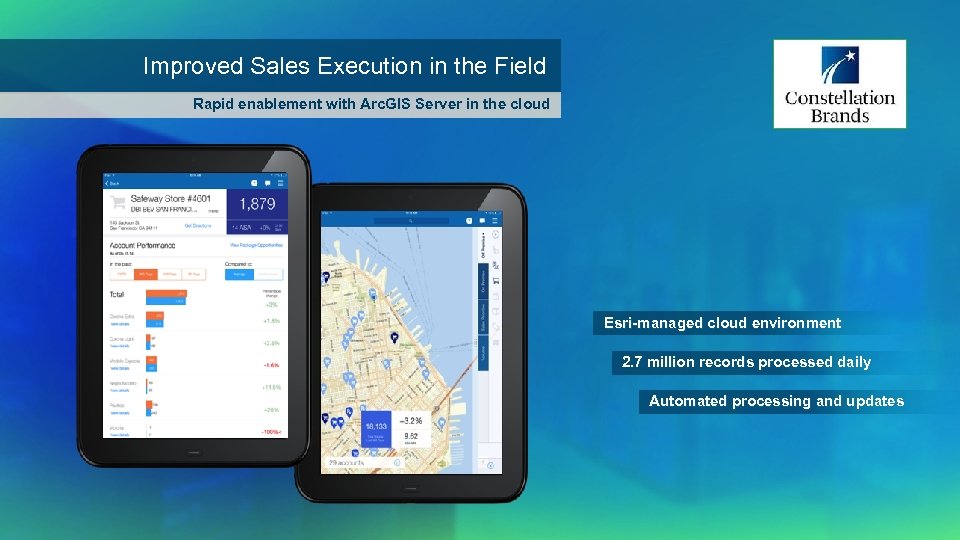
Improved Sales Execution in the Field Rapid enablement with Arc. GIS Server in the cloud Esri-managed cloud environment 2. 7 million records processed daily Automated processing and updates
Apps with Fluctuating Usage
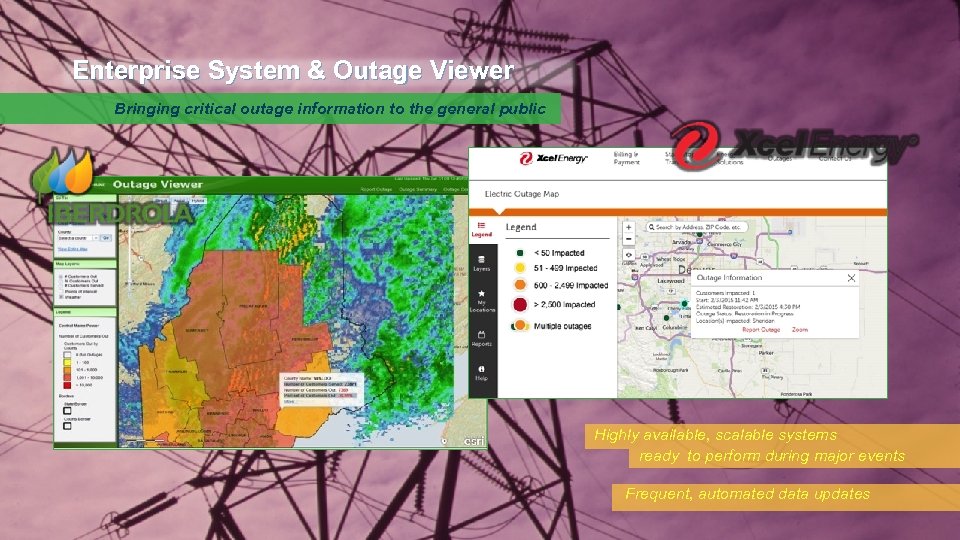
Enterprise System & Outage Viewer Bringing critical outage information to the general public Highly available, scalable systems ready to perform during major events Frequent, automated data updates
State and Local Govt Apps
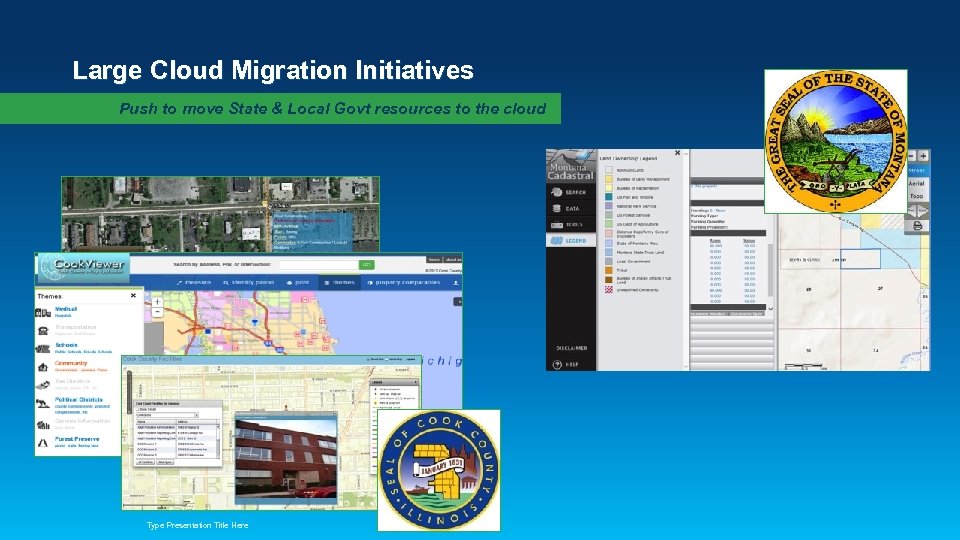
Large Cloud Migration Initiatives Push to move State & Local Govt resources to the cloud Type Presentation Title Here
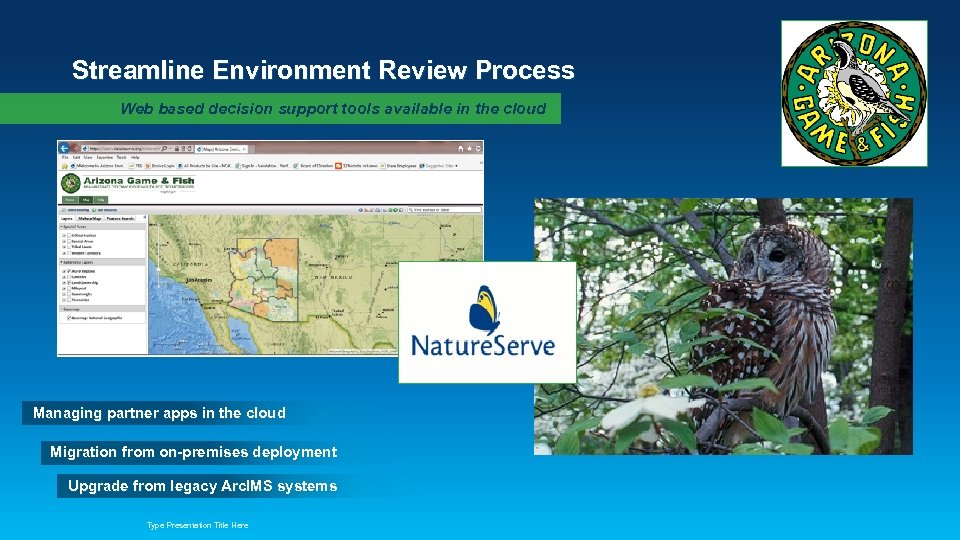
Streamline Environment Review Process Web based decision support tools available in the cloud Managing partner apps in the cloud Migration from on-premises deployment Upgrade from legacy Arc. IMS systems Type Presentation Title Here
Federal Apps
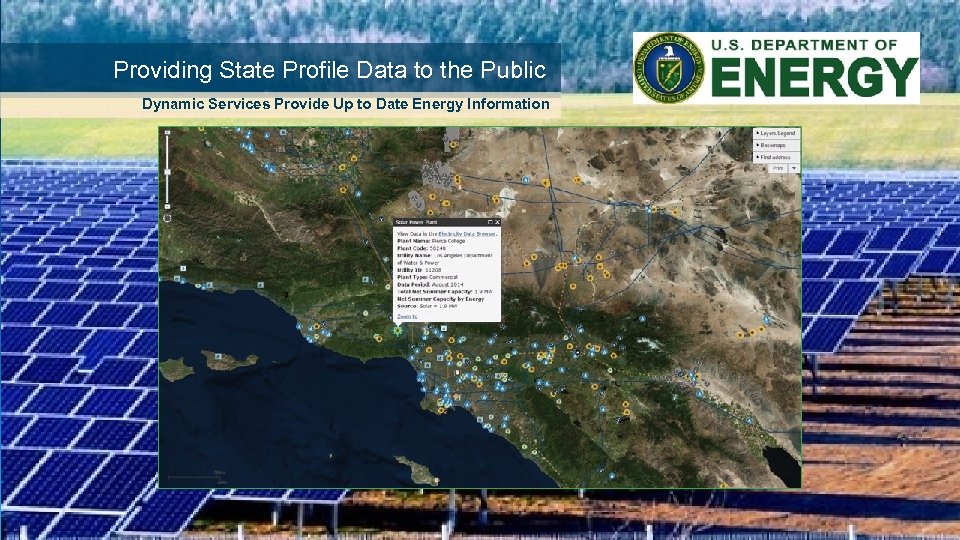
Providing State Profile Data to the Public Dynamic Services Provide Up to Date Energy Information Type Presentation Title Here
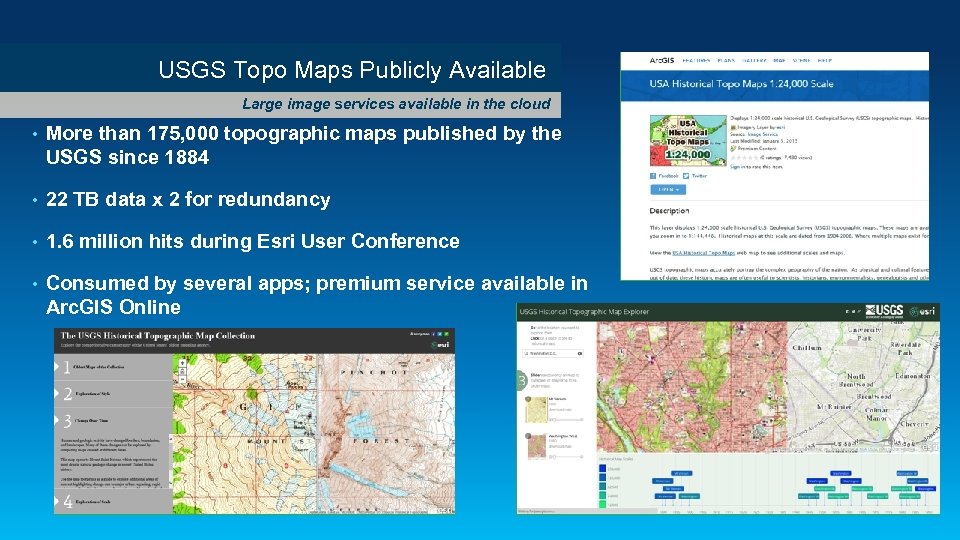
USGS Topo Maps Publicly Available Large image services available in the cloud • More than 175, 000 topographic maps published by the USGS since 1884 • 22 TB data x 2 for redundancy • 1. 6 million hits during Esri User Conference • Consumed by several apps; premium service available in Arc. GIS Online
Apps with Elevated Security Requirements
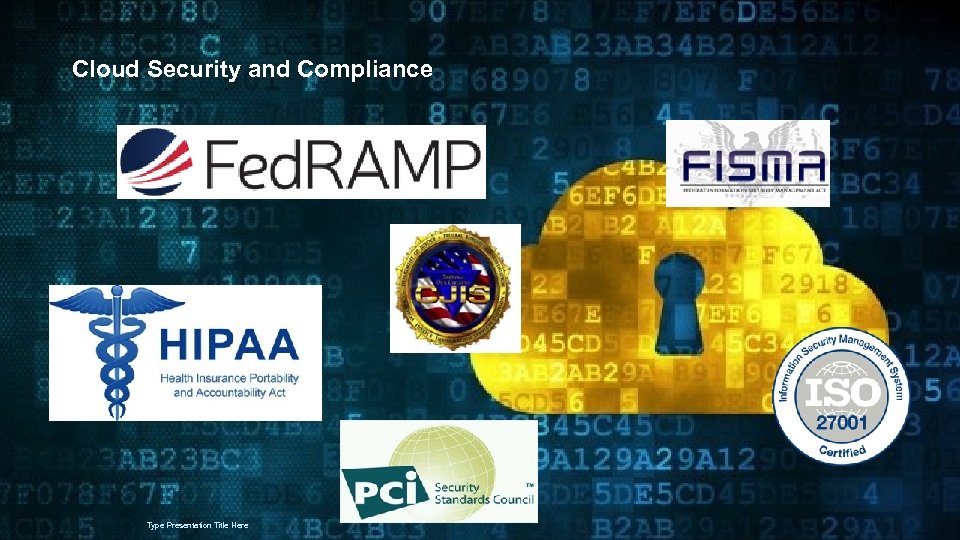
Cloud Security and Compliance Type Presentation Title Here
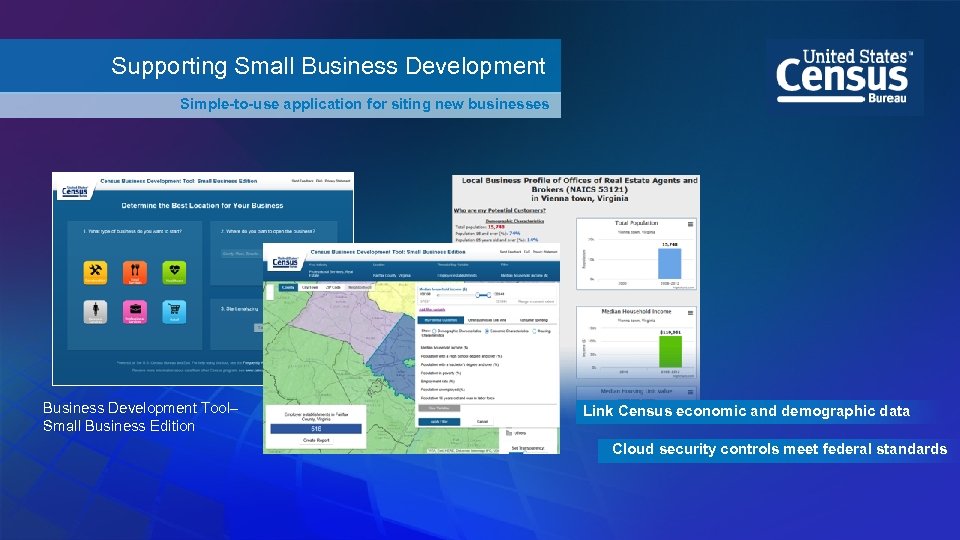
Supporting Small Business Development Simple-to-use application for siting new businesses Business Development Tool– Small Business Edition Link Census economic and demographic data Cloud security controls meet federal standards
Options and Considerations Understand what makes sense for the business… how do you know cloud is the way to go?
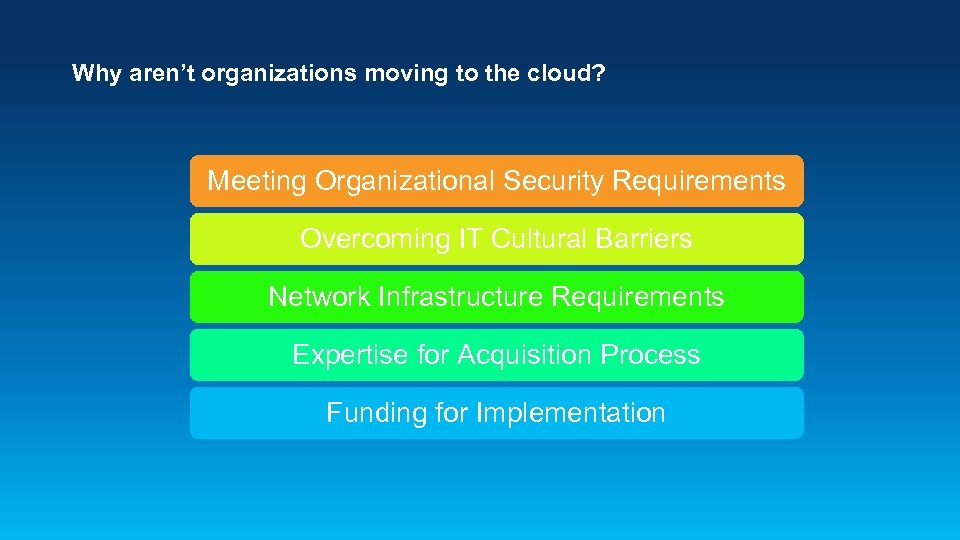
Why aren’t organizations moving to the cloud? Meeting Organizational Security Requirements Overcoming IT Cultural Barriers Network Infrastructure Requirements Expertise for Acquisition Process Funding for Implementation
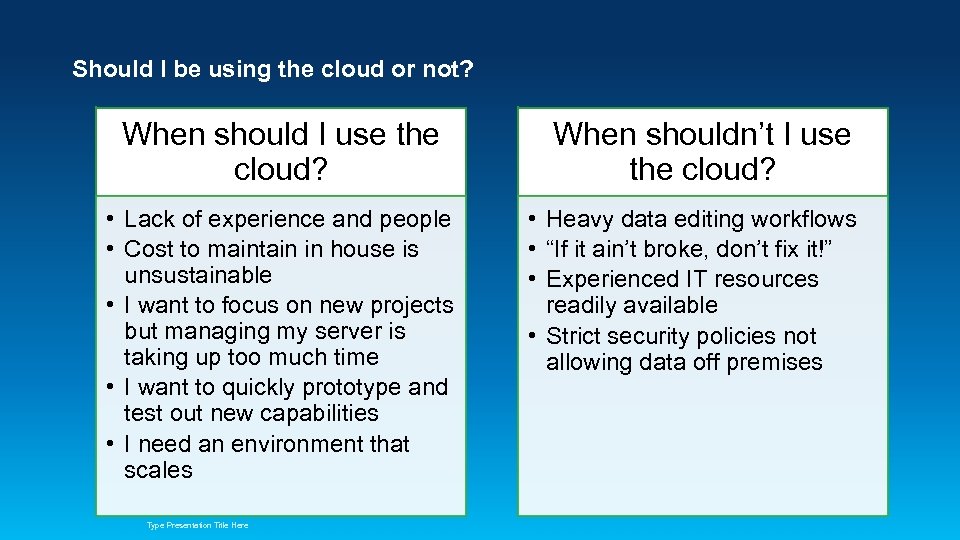
Should I be using the cloud or not? When should I use the cloud? • Lack of experience and people • Cost to maintain in house is unsustainable • I want to focus on new projects but managing my server is taking up too much time • I want to quickly prototype and test out new capabilities • I need an environment that scales Type Presentation Title Here When shouldn’t I use the cloud? • Heavy data editing workflows • “If it ain’t broke, don’t fix it!” • Experienced IT resources readily available • Strict security policies not allowing data off premises
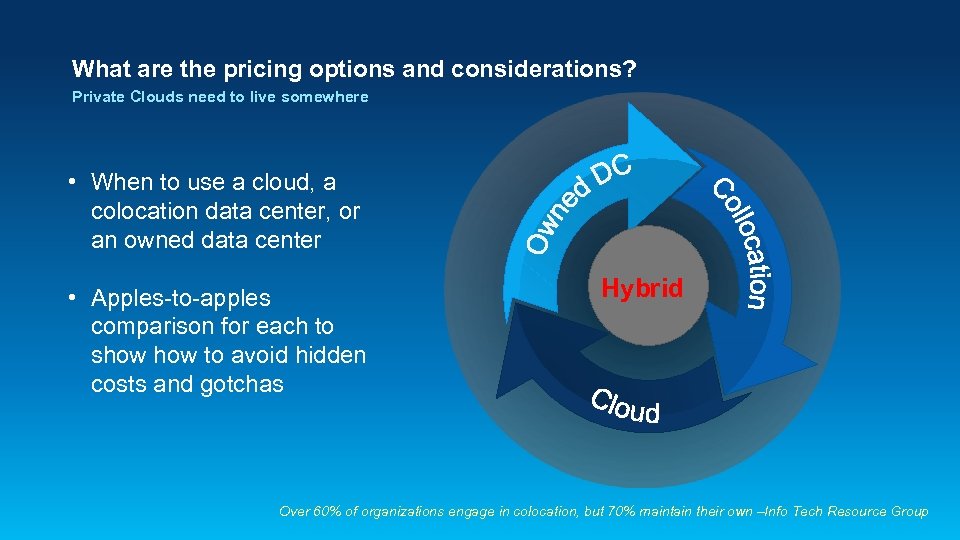
What are the pricing options and considerations? Private Clouds need to live somewhere • When to use a cloud, a colocation data center, or an owned data center • Apples-to-apples comparison for each to show to avoid hidden costs and gotchas Hybrid Over 60% of organizations engage in colocation, but 70% maintain their own –Info Tech Resource Group
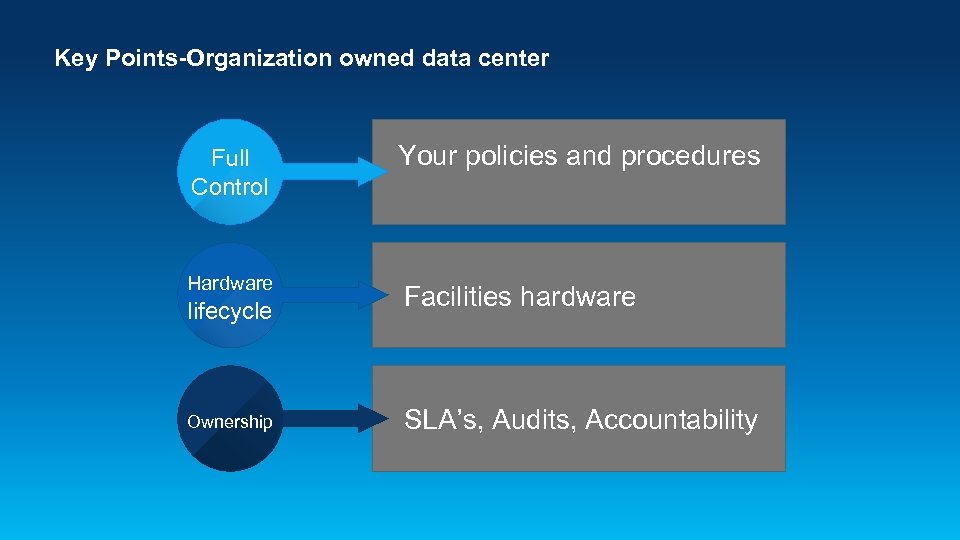
Key Points-Organization owned data center Full Control Your policies and procedures Hardware Facilities hardware lifecycle Ownership SLA’s, Audits, Accountability
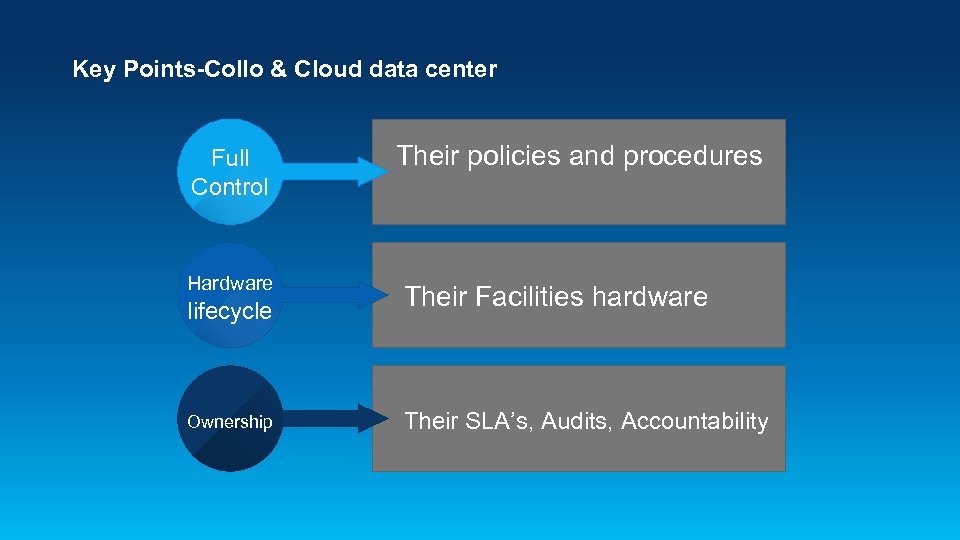
Key Points-Collo & Cloud data center Full Control Hardware lifecycle Ownership Their policies and procedures Their Facilities hardware Their SLA’s, Audits, Accountability
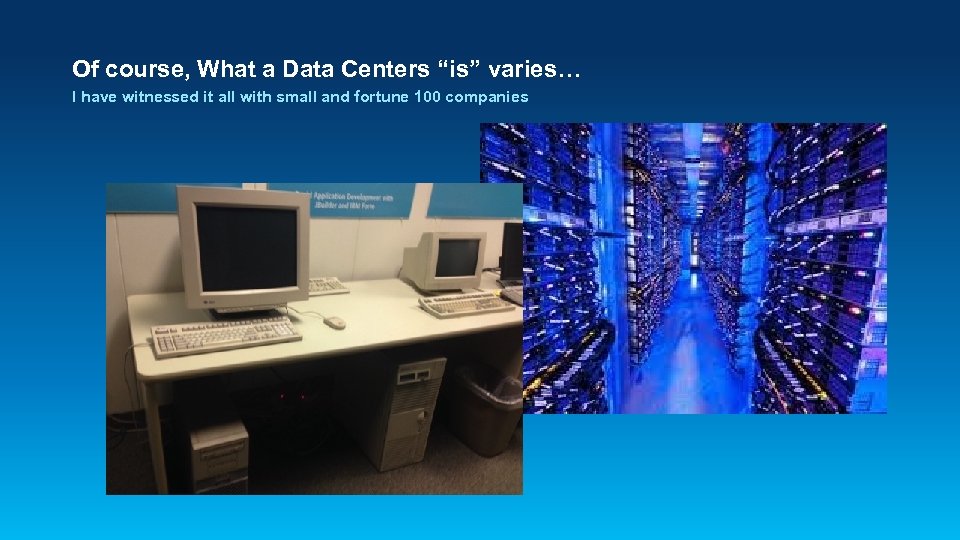
Of course, What a Data Centers “is” varies… I have witnessed it all with small and fortune 100 companies
When to use your data center • It all depends on the conditions of your existing legacy data center - Power, space available - • Age of infrastructure Meets reliability requirements It all depends on the business requirements - SLA's and availability requirements - Planned and unplanned growth - Audit Requirements - Future personnel resource requirements
When to use a Collocation provider data center • • • When you are low or running out of power and space When business requirements are unknown Unqualified or lack of personnel Inter-site connectivity Budget constraints When your data center cannot meet requirements for: SLA’s - Audits - Future growth - Support activities -
When to use a Cloud provider • Infrastructure sizing - Saa. S, Iaa. S, Paa. S • Auto scaling for unknown number of users/hits • Lack of personnel • Budget constraints and Pay-as-you-go • Time to market critical • In-house network constraints • Hardware architectural size unknown
Comparisons and Gotchas • Create a template for apples to apples for comparisons • Determine costs for your own IT & data center cost and limitations • Determine Costs from the different cloud and colocation providers
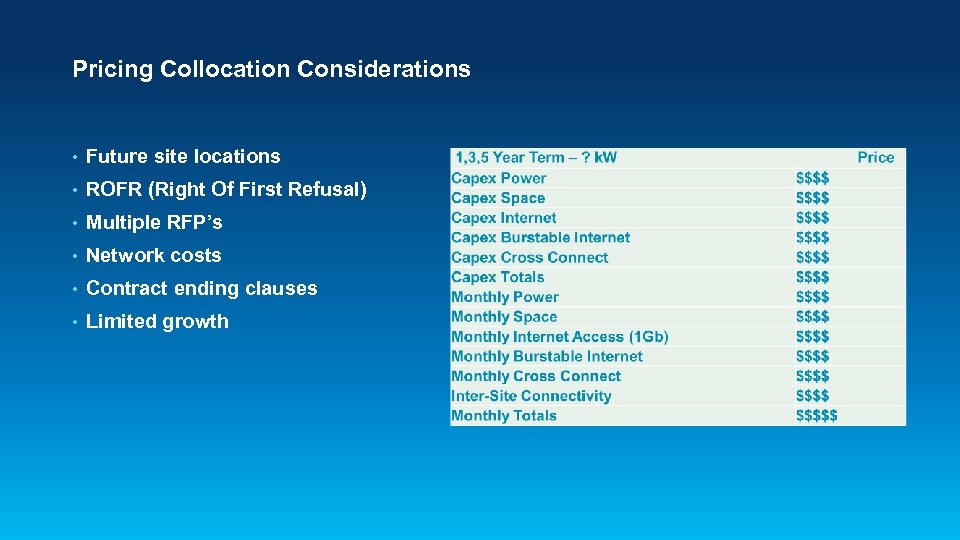
Pricing Collocation Considerations • Future site locations • ROFR (Right Of First Refusal) • Multiple RFP’s • Network costs • Contract ending clauses • Limited growth
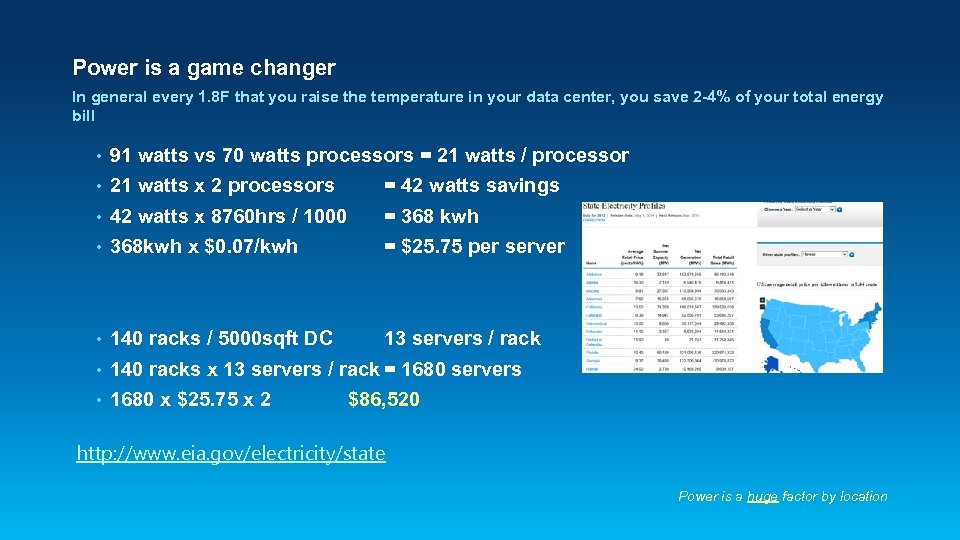
Power is a game changer In general every 1. 8 F that you raise the temperature in your data center, you save 2 -4% of your total energy bill • 91 watts vs 70 watts processors = 21 watts / processor • 21 watts x 2 processors = 42 watts savings • 42 watts x 8760 hrs / 1000 = 368 kwh • 368 kwh x $0. 07/kwh = $25. 75 per server • 140 racks / 5000 sqft DC 13 servers / rack • 140 racks x 13 servers / rack = 1680 servers • 1680 x $25. 75 x 2 $86, 520 http: //www. eia. gov/electricity/state Power is a huge factor by location
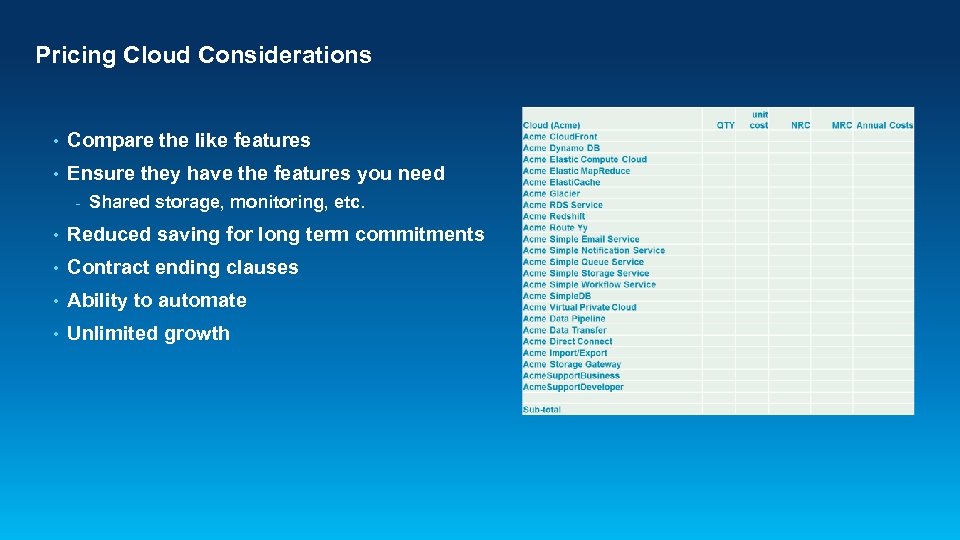
Pricing Cloud Considerations • Compare the like features • Ensure they have the features you need - Shared storage, monitoring, etc. • Reduced saving for long term commitments • Contract ending clauses • Ability to automate • Unlimited growth
Owned Data Center considerations • Capitol expenditures • Preventative maintenance cost for UPS, generators, HVAC • Generator fuel cost • Miscellaneous maintenance cost for prior years • Anticipated maintenance cost, batteries capacitor replacement, etc. • Personnel costs • Testing
Collocation Gotchas • Future site locations (national/global) • ROFR (Right Of First Refusal) • Multiple RFP’s • Network costs • Contract ending clauses • Limited growth
Cloud Gotchas • More expensive in the long run? • Very easy to overspend • Lack of standard processes for allocating cloud resources • Lack of reviewing and monitoring expenses • Shutting down of unused resources • Experience and training using Cloud
Challenges and Lessons Learned
What to keep in mind…technical • Take snapshots frequently! • Be up to date on cloud certifications and compliance • Don’t assume your apps will just work – be prepared to test • Utilizing the cloud is a shared responsibility • Automate whenever possible • Use monitoring tools and be proactive • Continuously maintain, patch and update
What to keep in mind…business • Assess ROI for moving to the cloud • Longer term commitments can offer significant discounts • Frequently monitor your accounts, turn things off that are not being used • If you have multiple accounts, separate them by business unit or function • Analyze multiple cloud vendors and weigh pros and cons • Consider using more than one cloud vendor
Questions
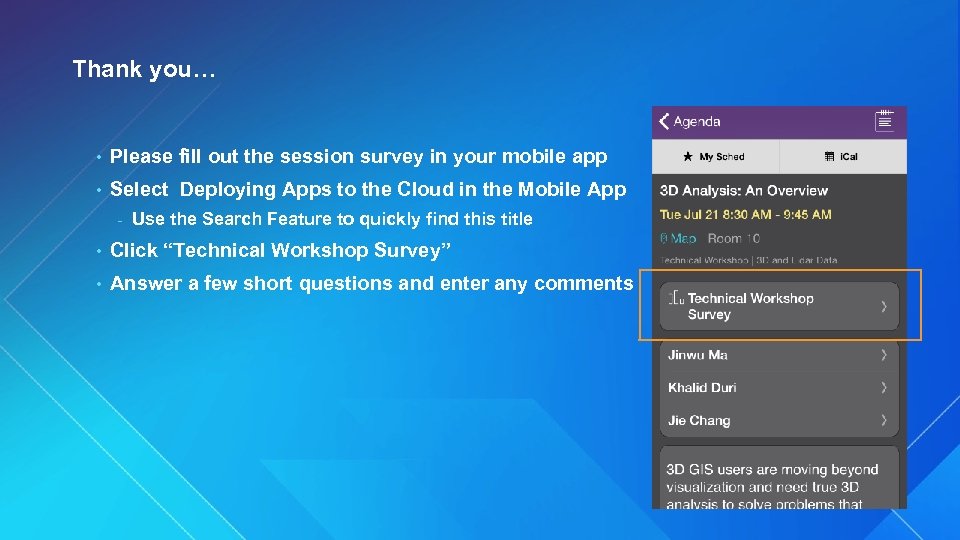
Thank you… • Please fill out the session survey in your mobile app • Select Deploying Apps to the Cloud in the Mobile App - Use the Search Feature to quickly find this title • Click “Technical Workshop Survey” • Answer a few short questions and enter any comments
Type Presentation Title Here
Скачать презентацию Deploying Apps to the Cloud Larry Boden Erin
85225c5130786d0fb261f44954fb6d64.ppt