


 Скачать презентацию Department of Computer Science Faculty of Civil Engineering
f8d4a527d0ee0d9be4a7384eb8d88ed6.ppt
- Количество слайдов: 20
 Department of Computer Science Faculty of Civil Engineering, Brno University of Technology Information Technology 1 OPERATING SYSTEMS (2) 1
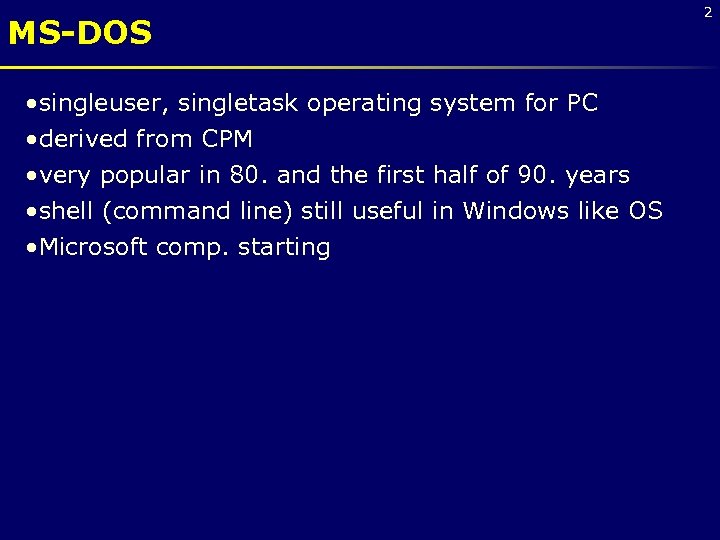 MS-DOS • singleuser, singletask operating system for PC • derived from CPM • very popular in 80. and the first half of 90. years • shell (command line) still useful in Windows like OS • Microsoft comp. starting 2
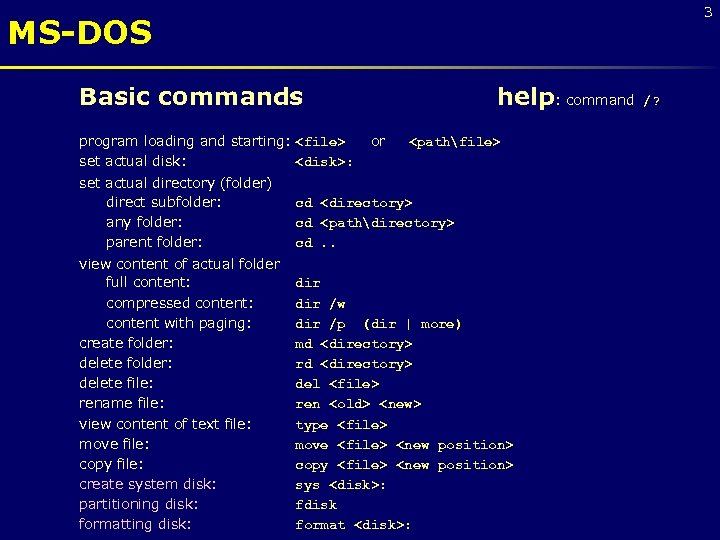 3 MS-DOS Basic commands program loading and starting:
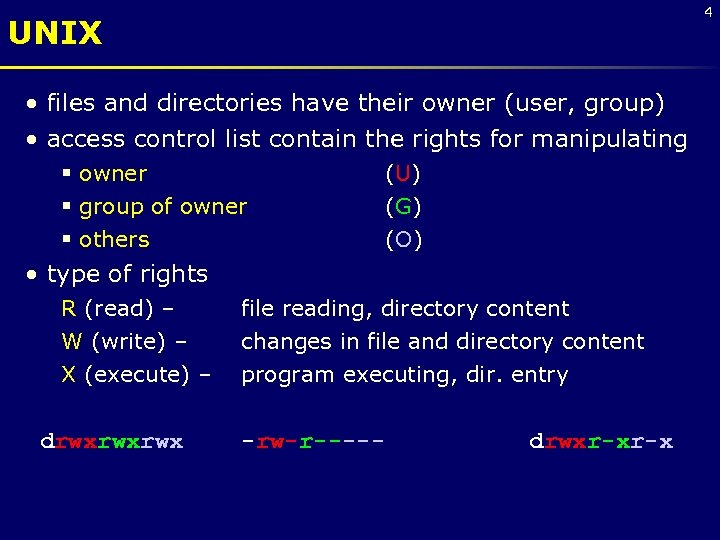 4 UNIX • files and directories have their owner (user, group) • access control list contain the rights for manipulating § owner § group of owner § others (U) (G) (O) • type of rights R (read) – W (write) – file reading, directory content changes in file and directory content X (execute) – program executing, dir. entry drwxrwxrwx -rw-r----- drwxr-xr-x
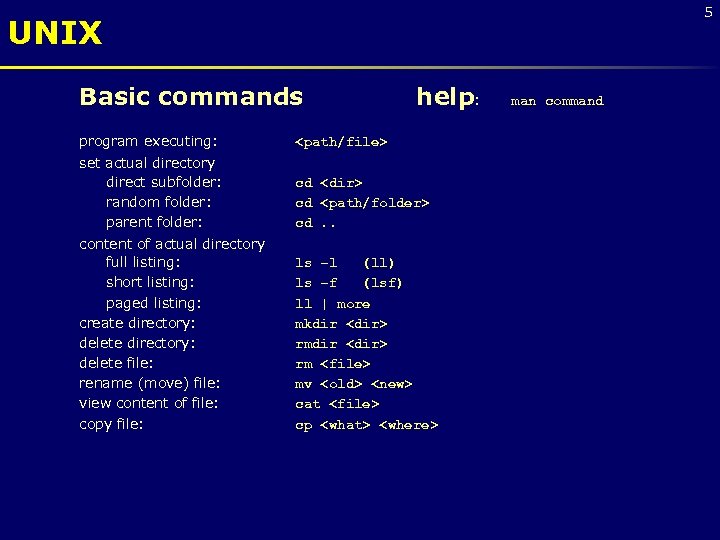 5 UNIX Basic commands program executing: help:
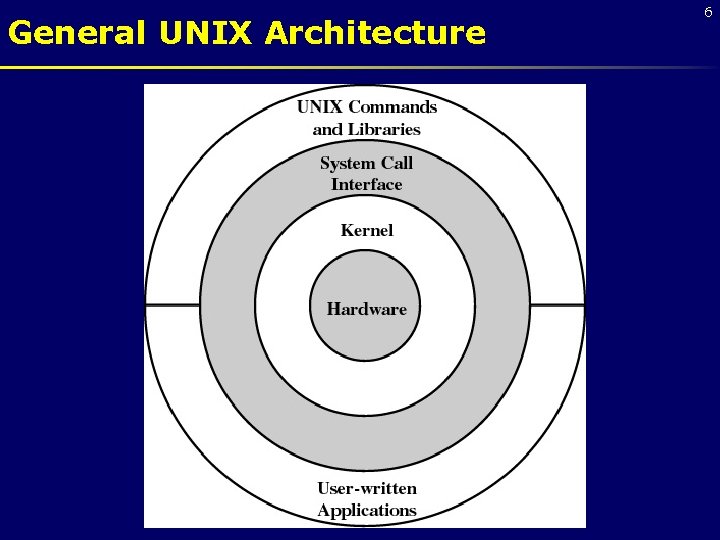 General UNIX Architecture 6
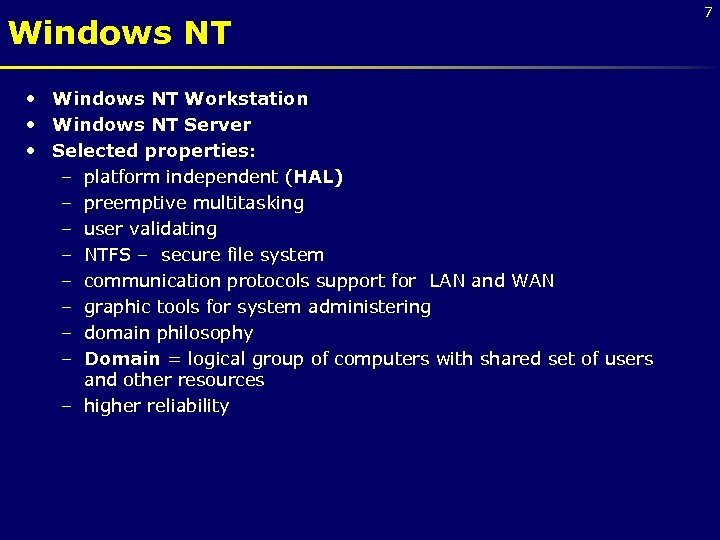 Windows NT • Windows NT Workstation • Windows NT Server • Selected properties: – platform independent (HAL) – preemptive multitasking – user validating – NTFS – secure file system – communication protocols support for LAN and WAN – graphic tools for system administering – domain philosophy – Domain = logical group of computers with shared set of users and other resources – higher reliability 7
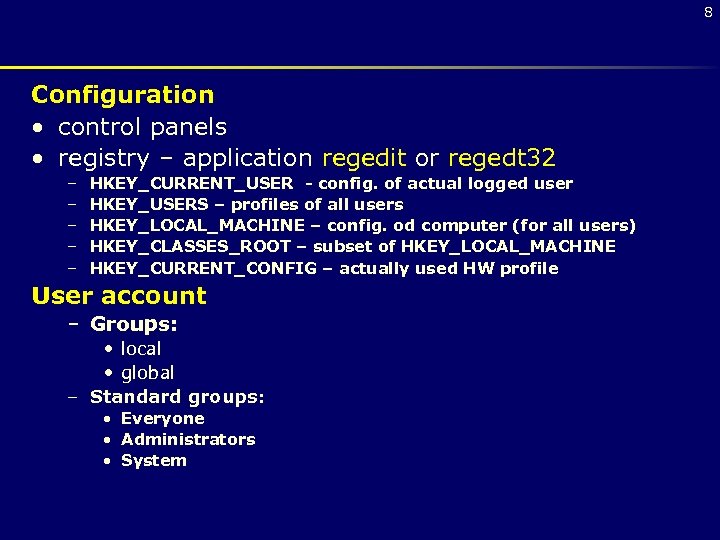 8 Configuration • control panels • registry – application regedit or regedt 32 – – – HKEY_CURRENT_USER - config. of actual logged user HKEY_USERS – profiles of all users HKEY_LOCAL_MACHINE – config. od computer (for all users) HKEY_CLASSES_ROOT – subset of HKEY_LOCAL_MACHINE HKEY_CURRENT_CONFIG – actually used HW profile User account – Groups: • local • global – Standard groups: • Everyone • Administrators • System
 Windows 2000 • exploits the power of today’s 32 -bit microprocessors • modular structure for flexibility • executes on a variety of hardware platforms • modified microkernel architecture • not a pure microkernel • many system functions outside of the microkernel run in kernel mode • any module can be removed, upgraded, or replaced without rewriting the entire system 9
 Windows 2000 – Layered Structure Hardware Abstraction Layer (HAL) • isolates the operating system from platform specific hardware differences Microkernel • most-used and most fundamental components of the operating system Device drivers • translate user I/O function calls into specific hardware device I/O requests 10
 W 2 K Executive • I/O manager • Object manager • Security reference monitor • Process/thread manager • Local procedure call (LPC) Facility • Virtual memory manager • Cache manager • Windows/graphics modules 11
 Windows 2000 – User Processes • Special system support processes • Ex: logon process and the session manager • Server processes • Environment subsystems • User applications 12
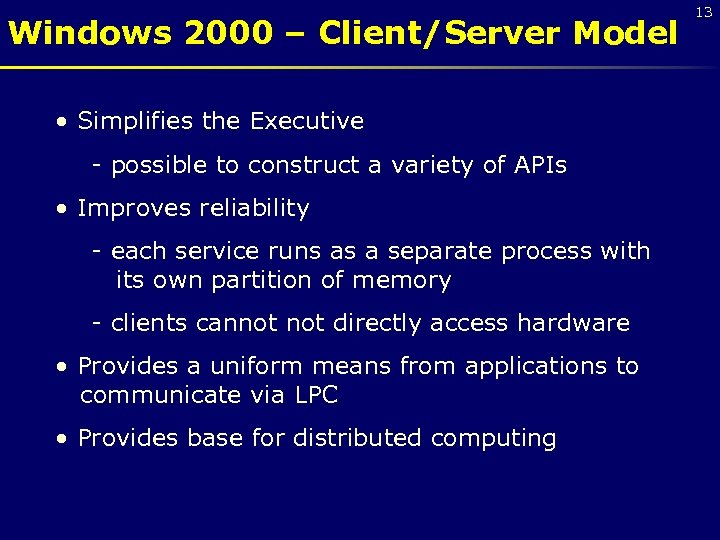 Windows 2000 – Client/Server Model • Simplifies the Executive - possible to construct a variety of APIs • Improves reliability - each service runs as a separate process with its own partition of memory - clients cannot directly access hardware • Provides a uniform means from applications to communicate via LPC • Provides base for distributed computing 13
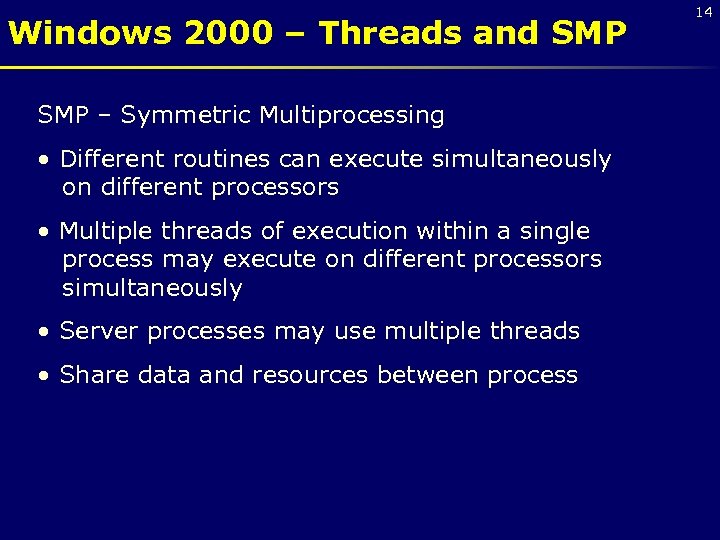 Windows 2000 – Threads and SMP – Symmetric Multiprocessing • Different routines can execute simultaneously on different processors • Multiple threads of execution within a single process may execute on different processors simultaneously • Server processes may use multiple threads • Share data and resources between process 14
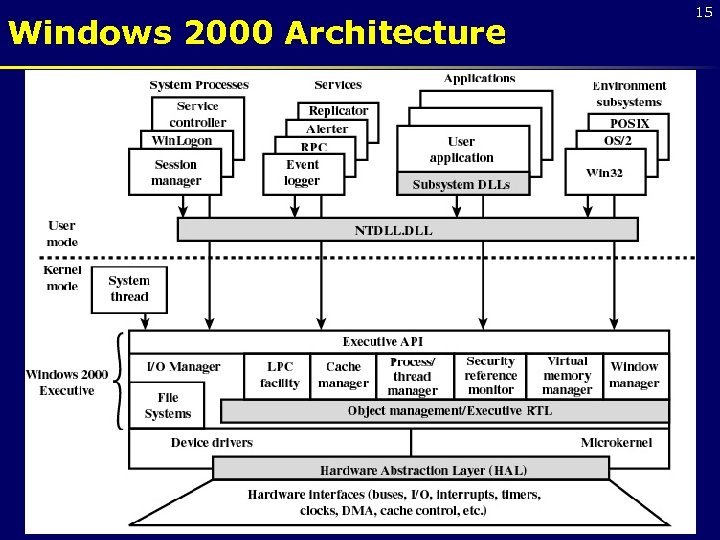 Windows 2000 Architecture 15
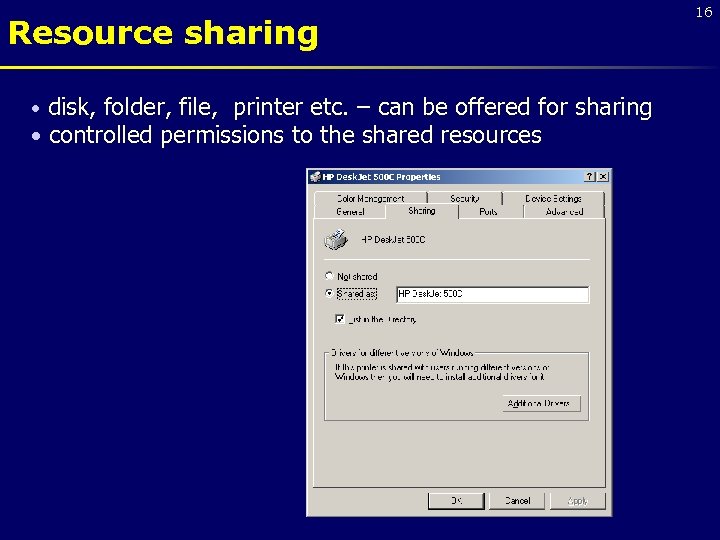 Resource sharing disk, folder, file, printer etc. – can be offered for sharing • controlled permissions to the shared resources • 16
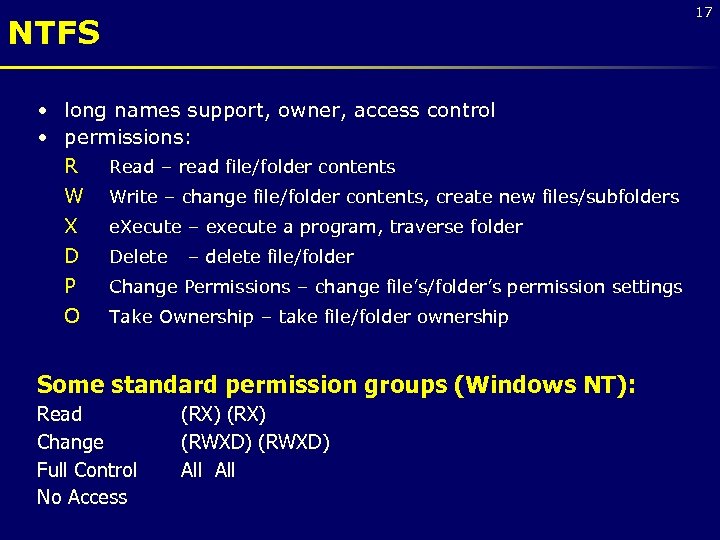 17 NTFS • long names support, owner, access control • permissions: R Read – read file/folder contents W Write – change file/folder contents, create new files/subfolders X e. Xecute – execute a program, traverse folder D Delete – delete file/folder P Change Permissions – change file’s/folder’s permission settings O Take Ownership – take file/folder ownership Some standard permission groups (Windows NT): Read Change Full Control No Access (RX) (RWXD) All
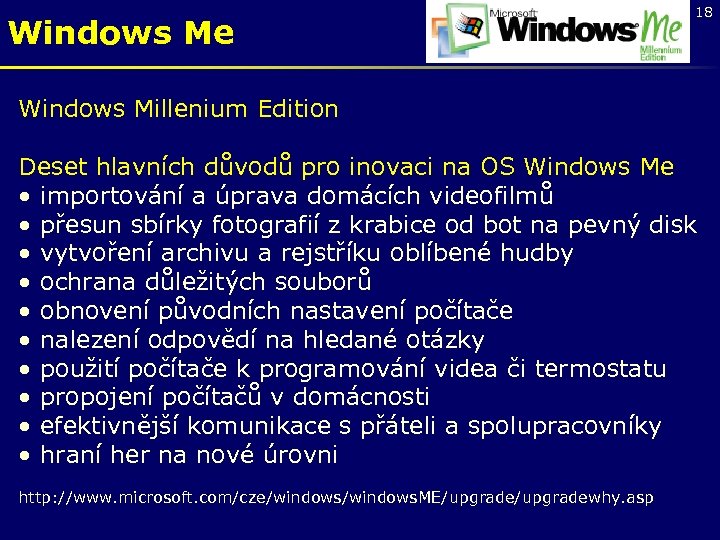 Windows Me 18 Windows Millenium Edition Deset hlavních důvodů pro inovaci na OS Windows Me • importování a úprava domácích videofilmů • přesun sbírky fotografií z krabice od bot na pevný disk • vytvoření archivu a rejstříku oblíbené hudby • ochrana důležitých souborů • obnovení původních nastavení počítače • nalezení odpovědí na hledané otázky • použití počítače k programování videa či termostatu • propojení počítačů v domácnosti • efektivnější komunikace s přáteli a spolupracovníky • hraní her na nové úrovni http: //www. microsoft. com/cze/windows. ME/upgradewhy. asp
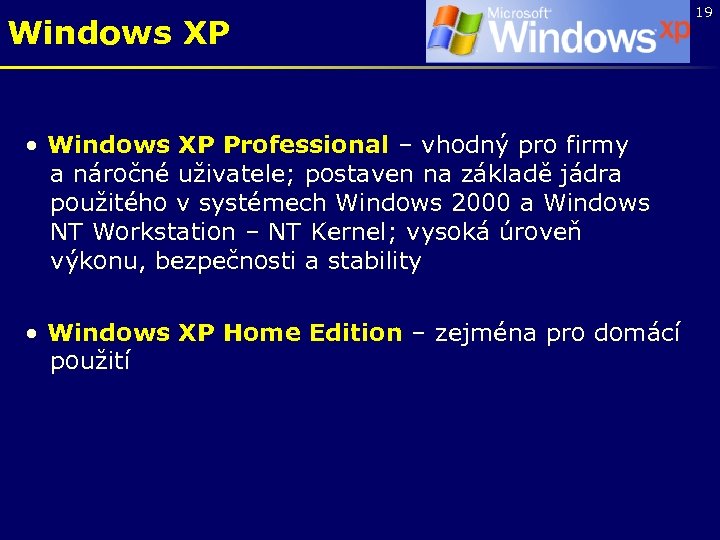 Windows XP • Windows XP Professional – vhodný pro firmy a náročné uživatele; postaven na základě jádra použitého v systémech Windows 2000 a Windows NT Workstation – NT Kernel; vysoká úroveň výkonu, bezpečnosti a stability • Windows XP Home Edition – zejména pro domácí použití 19
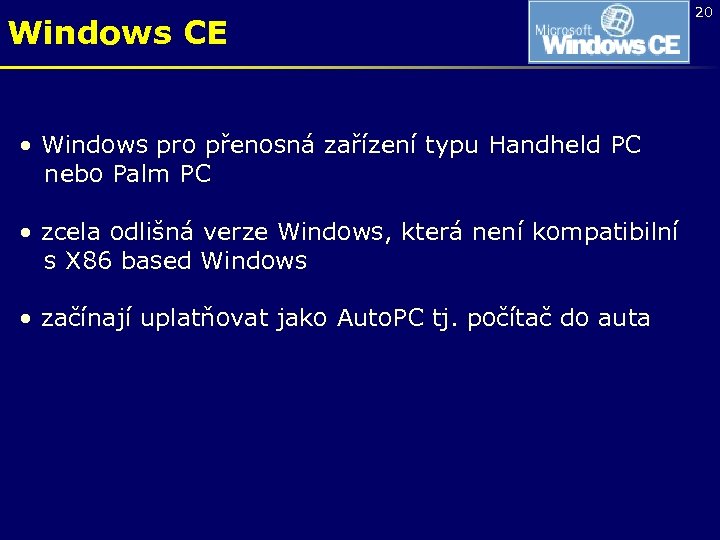 Windows CE • Windows pro přenosná zařízení typu Handheld PC nebo Palm PC • zcela odlišná verze Windows, která není kompatibilní s X 86 based Windows • začínají uplatňovat jako Auto. PC tj. počítač do auta 20