


 Скачать презентацию Department of computer science and engineering Software TESTING
e83750d820a88471bd8cd26ed08dd01b.ppt
- Количество слайдов: 27
 Department of computer science and engineering Software TESTING METHODOLOGIES PREPARED BY G. VIJAYA KUMAR ASST. PROFESSOR
 STM UNIT-6
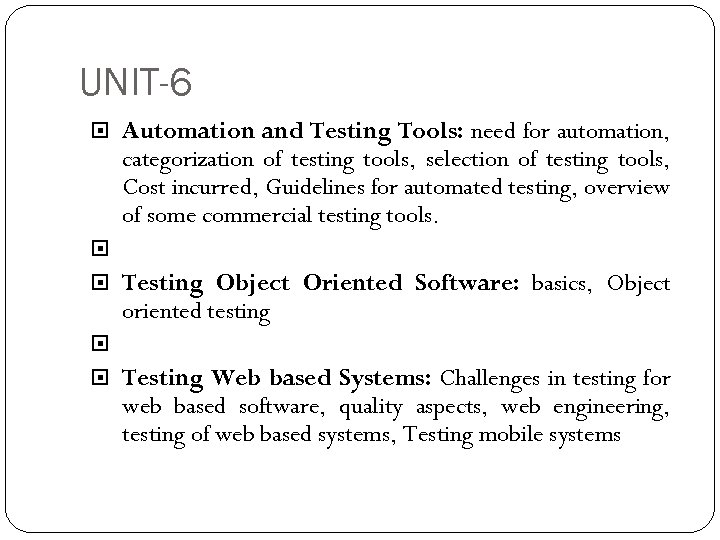 UNIT-6 Automation and Testing Tools: need for automation, categorization of testing tools, selection of testing tools, Cost incurred, Guidelines for automated testing, overview of some commercial testing tools. Testing Object Oriented Software: basics, Object oriented testing Testing Web based Systems: Challenges in testing for web based software, quality aspects, web engineering, testing of web based systems, Testing mobile systems
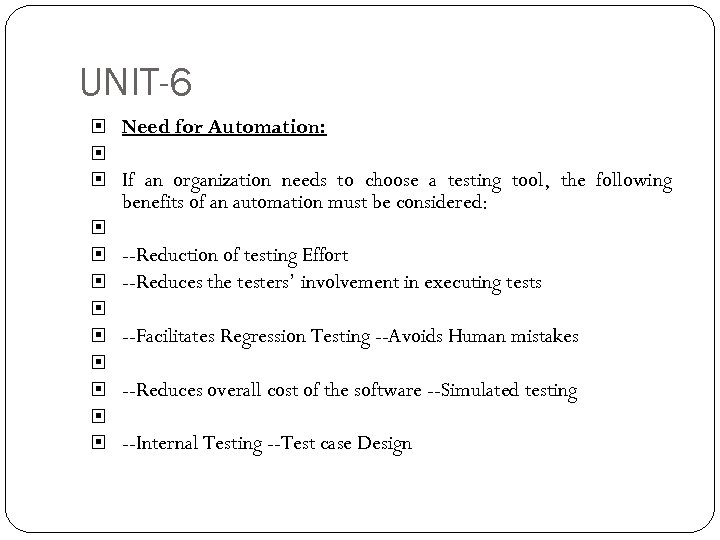 UNIT-6 Need for Automation: If an organization needs to choose a testing tool, the following benefits of an automation must be considered: --Reduction of testing Effort --Reduces the testers’ involvement in executing tests --Facilitates Regression Testing --Avoids Human mistakes --Reduces overall cost of the software --Simulated testing --Internal Testing --Test case Design
 UNIT-6 Categorization of Testing Tools: Static Testing Tools Dynamic Testing Tools Testing Activity Tools
 UNIT-6 Static Testing Tools: For Static Testing, there are static program analyzers which scan the source program and detect all possible faults and anomalies. These static tools parse the program text, recognize the various sentences, and detects the following: --Statements are well formed. --Inferences about the control flow of the program. -- Compute the set of all possible values for program data.
 UNIT-6 Dynamic Testing Tools: Automated test tools enable the test team to capture the state of events during the execution of a program by preserving a snapshot of the conditions. These tools are sometimes called Program Monitors. These monitors perform the following functions:
 UNIT-6 Testing Activity Tools: These tools are based on the testing activities or tasks in a particular phase of the SDLC. Testing activities can be categorized as: --Tools for Review and Inspections --Tools for Test Planning --Tools for Test Design and Development --Test Execution and Evaluation Tools
 UNIT-6 Selection of Testing Tools: --Match the tool to its appropriate use --Select the tool to its appropriate SDLC phase --Select the tool to the skill of the tester --Select a tool which is affordable --Determine how many tools are required for testing the system --Select the tool after having the schedule of testing
 UNIT-6 Guidelines for Automated Testing: Consider building a tool instead of buying one if possible: If the requirement is small and sufficient resources allow then go for building the tool instead of buying. Test the tool on an application prototype: While purchasing the tool it is important to verify that it works properly with the system being developed. Not all the tests should be automated: Automated testing is an enhancement of manual testing, but it cannot be expected that all test on a project can be automated
 UNIT-6 Overview of Some Commercial Testing Tools: Mercury Interactive Win Runner: Win Runner, Mercury Interactive enterprise functional testing tool. It is used to quickly create and run sophisticated automated tests on your application. Win runner helps you automate the testing process, from test development to execution. You create adaptable and reusable test scripts that challenge the functionality of your application. Prior to a software release, you can run these tests in a single overnight run- enabling you to detect and ensure superior software quality.
 UNIT-6 Main Features of Win Runner are: --Developed by Mercury Interactive --Functionality testing tool --Supports C/s and web technologies such as (VB, VC++, D 2 K, Java, HTML, Power Builder, Delphe, Cibell (ERP)) --To Support. net, xml, SAP, Peoplesoft, Oracle applications, Multimedia we can use QTP. --Winrunner run on Windows only. --Tool developed in C on VC++ environment.
 UNIT-6 Segue Software’s Silk Test: Robust and portable test automation for web, native, and enterprise software applications. Silk Test's portability enables users to test applications more effectively with lower complexity and cost in comparison to other functional testing tools on the market. Silk Test's role based testing enables business stakeholders, QA engineers, and developers to contribute to the whole automation testing process, which drives collaboration and increases the effectiveness of software testing.
 UNIT-6 IBM rational SQA Robot: Rational Robot is an automated functional, regression testing tool for automating Windows, Java, IE and ERP applications under windows platform. Rational Robot provides test cases for common objects such as menus, lists, bitmaps and specialized test cases for objects specific to the development environment.
 UNIT-6 Mercury Interactive Load Runner: Mercury Load Runner is an automated performance and load testing tool from Hewlett-Packard (HP). An industry standard, Mercury Load Runner is used to predict an application's behavior and performance prior to live release. It is an enterprise-class solution for analyzing system behavior and performance.
 UNIT-6 Apache’s Jmeter The Apache Jmeter application is open source software, a 100% pure Java application designed to load test functional behavior and measure performance. It was originally designed for testing Web Applications but has since expanded to other test functions.
 UNIT-6 Mercury Interactive’s Test. Director is a test management tool which includes: --Requirements Management – Helps in the recording and linking of software requirements in Test. Director to ensure traceability of requirements through to test cases and to defects. --Test Plan - Helps in the documentation of test plans (IEEE 829 test procedures and test cases) using Test. Director. In the case of manual tests, Gillogley Services is experienced in the realisation of test strategy, test planning as well as test design through the creation of Test. Director test cases. --Test Lab – Helps in managing the execution of tests including the reporting of progress of testing using Mercury Test Lab.
 UNIT-6 Challenges in testing for web based software: Diversity and Complexity: Web applications interact with many components that run on diverse hardware and Software platforms. Dynamic Environment: The dynamic nature of web software creates challenges for the analysis, testing, and maintenance for these systems.
 UNIT-6 Quality Aspects: Reliability: Extensive research literature and a collection of commercial tools have been devoted to testing, ensuring, assuring, and measuring software reliability. Safety-critical software applications such as telecommunications, aerospace, and medical devices demand highly reliable software, but although many researchers are reluctant to admit it, most software currently produced does not need to be highly reliable. Performance: Performance testing is largely on the basis of load testing, response time, download time of a web page, or transactions performed per unit time.
 UNIT-6 Web Engineering: Analysis and Design of Web Based Systems: Keeping in consideration the nature of web applications, the design of these systems must consider the following: --Design for Usability-Interface, design, navigation --Design for comprehension Design for Performance Design for Security and Integrity Design for evolution, maintainability Design for testability.
 UNIT-6 Testing of Web Based Systems: Interface Testing: The main interfaces are: --Web server and application server interface --Application server and database server interface
 UNIT-6 Usability Testing: Usability Testing concentrates on testing the web application in user point of view. It includes different scenarios like:
 UNIT-6 Content Testing: Static contents can be checked as part of verification. For instance, Forms are the integral part of any web site. Forms are used to get information from users and to keep interaction with them
 UNIT-6 Navigation Testing: Navigation means how the user surfs the web pages, buttons, boxes or how user using the links on the pages to surf different pages
 UNIT-6 Compatibility Testing: Compatibility of your web site is a very important testing aspect. Different types of features for compatibility are: ·Browser compatibility ·Operating system compatibility ·Mobile browsing
 UNIT-6 Browser Compatibility Some applications are very dependent on browsers. Different browsers have different configurations and settings that your web page should be compatible OS Compatibility: Some functionality in your web application may not be compatible with all operating systems. All new technologies used in web development like graphics designs, interface calls like different APIs may not be available in all Operating Systems
 UNIT-6 Mobile Browsing: This is the new technology age. So in future, Mobile browsing will rock. Test your web pages on mobile browsers. Security Testing: Today, the web applications store more vital data and the number of transactions on the web has increased tremendously, with the increasing number of users. Therefore, in the internet environment, the most challenging issue is to protect the web applications from hackers, virus launchers.