


 Скачать презентацию Delta Tau Coordinate Systems and PLCs at Diamond
161d5574cf72151b70c38c1adcc80e04.ppt
- Количество слайдов: 10
 Delta Tau Coordinate Systems and PLCs at Diamond Overview: • Delta Tau Geobrick motor controller • Delta Tau Coordinate Systems and PLCs • Homing PLCs • Diamond standards Matthew Pearson Controls Group, Diamond Light Source
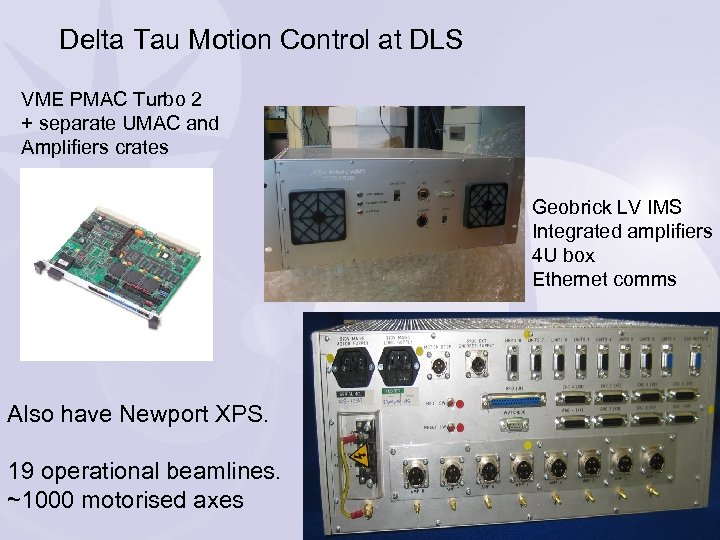 Delta Tau Motion Control at DLS VME PMAC Turbo 2 + separate UMAC and Amplifiers crates Geobrick LV IMS Integrated amplifiers 4 U box Ethernet comms Also have Newport XPS. 19 operational beamlines. ~1000 motorised axes
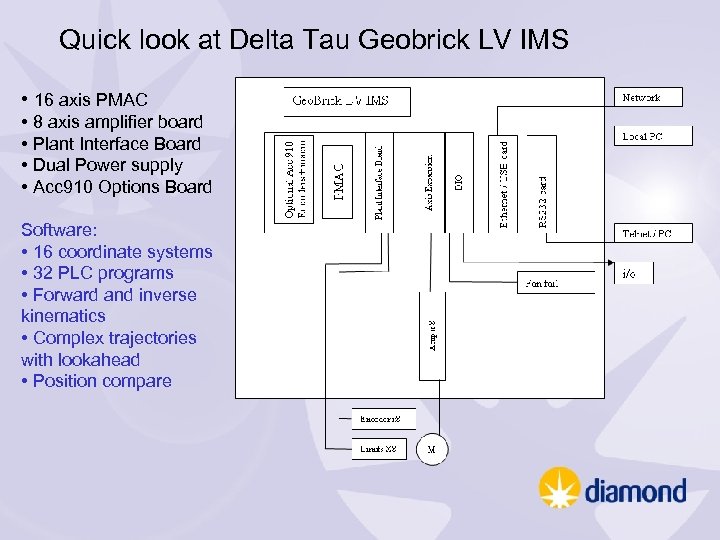 Quick look at Delta Tau Geobrick LV IMS • 16 axis PMAC • 8 axis amplifier board • Plant Interface Board • Dual Power supply • Acc 910 Options Board Software: • 16 coordinate systems • 32 PLC programs • Forward and inverse kinematics • Complex trajectories with lookahead • Position compare
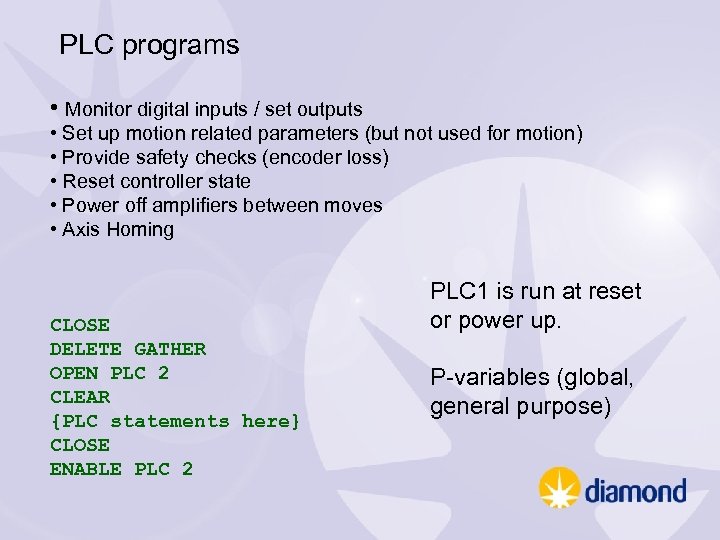 PLC programs • Monitor digital inputs / set outputs • Set up motion related parameters (but not used for motion) • Provide safety checks (encoder loss) • Reset controller state • Power off amplifiers between moves • Axis Homing CLOSE DELETE GATHER OPEN PLC 2 CLEAR {PLC statements here} CLOSE ENABLE PLC 2 PLC 1 is run at reset or power up. P-variables (global, general purpose)
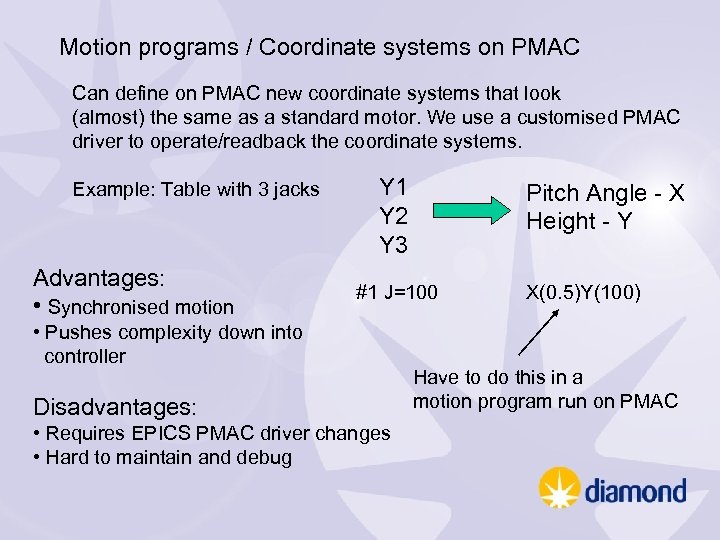 Motion programs / Coordinate systems on PMAC Can define on PMAC new coordinate systems that look (almost) the same as a standard motor. We use a customised PMAC driver to operate/readback the coordinate systems. Example: Table with 3 jacks Advantages: • Synchronised motion Y 1 Y 2 Y 3 Pitch Angle - X Height - Y #1 J=100 • Pushes complexity down into controller Disadvantages: • Requires EPICS PMAC driver changes • Hard to maintain and debug X(0. 5)Y(100) Have to do this in a motion program run on PMAC
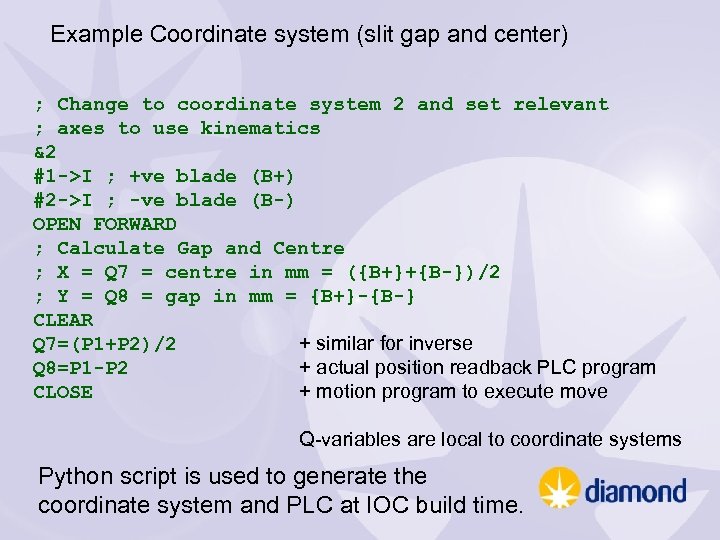 Example Coordinate system (slit gap and center) ; Change to coordinate system 2 and set relevant ; axes to use kinematics &2 #1 ->I ; +ve blade (B+) #2 ->I ; -ve blade (B-) OPEN FORWARD ; Calculate Gap and Centre ; X = Q 7 = centre in mm = ({B+}+{B-})/2 ; Y = Q 8 = gap in mm = {B+}-{B-} CLEAR + similar for inverse Q 7=(P 1+P 2)/2 + actual position readback PLC program Q 8=P 1 -P 2 + motion program to execute move CLOSE Q-variables are local to coordinate systems Python script is used to generate the coordinate system and PLC at IOC build time.
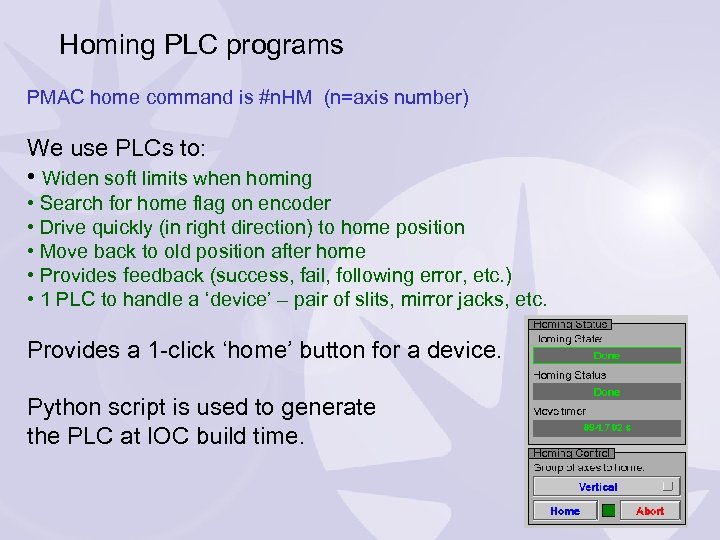 Homing PLC programs PMAC home command is #n. HM (n=axis number) We use PLCs to: • Widen soft limits when homing • Search for home flag on encoder • Drive quickly (in right direction) to home position • Move back to old position after home • Provides feedback (success, fail, following error, etc. ) • 1 PLC to handle a ‘device’ – pair of slits, mirror jacks, etc. Provides a 1 -click ‘home’ button for a device. Python script is used to generate the PLC at IOC build time.
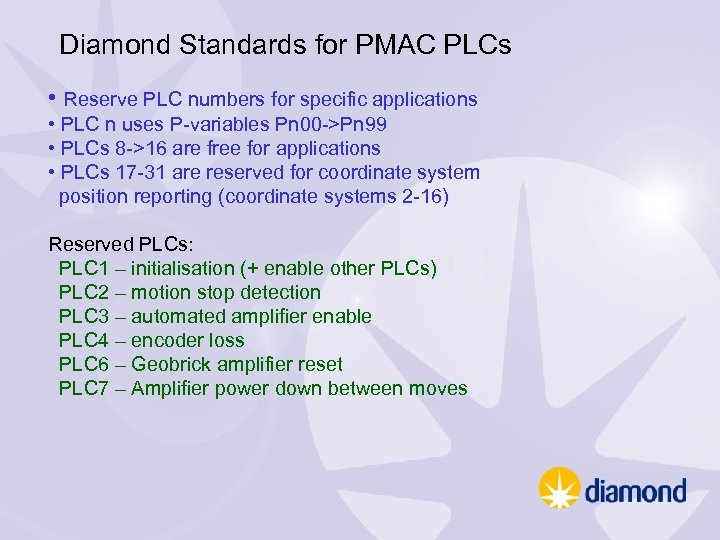 Diamond Standards for PMAC PLCs • Reserve PLC numbers for specific applications • PLC n uses P-variables Pn 00 ->Pn 99 • PLCs 8 ->16 are free for applications • PLCs 17 -31 are reserved for coordinate system position reporting (coordinate systems 2 -16) Reserved PLCs: PLC 1 – initialisation (+ enable other PLCs) PLC 2 – motion stop detection PLC 3 – automated amplifier enable PLC 4 – encoder loss PLC 6 – Geobrick amplifier reset PLC 7 – Amplifier power down between moves
 Diamond Standards for PMAC Coordinate Systems • Do not use coordinate system 1 – used by Delta Tau tuning software • If need to use global P-variables, use P 3200 and above. • Use certain coordinate system specific Q-variables for • Position demands (Q 71 -Q 79) • Position readbacks via PLC (Q 81 -89) • Use DLS standard motion program to execute moves Documented and forwarded on to equipment supplies • Ensures compatibility with tpmac coordinate system Asyn driver • Easier to maintain across beamlines • Minimises problems with new PMAC software
 Points to note: • With coordinate systems and PLCs on PMACs system complexity is spread out. • Possible resource issues on PMAC. • With more software running on PMAC you need to monitor it, and we have developed a pmac. Status epics module: • CPU load and memory use. • Running PLCs • Axis and controller status words • Useful to have tools (python scripts) to semi automate PMAC configuration backup and configuration verification. dls-pmac-analyse. py –tcpip=172. 23. 243. 156: 1025 –comparewith=myconfig. pmc