 Скачать презентацию DB Installation and Care ICAT Developer Workshop The
667b0f9a7b3190b6a317456480cbd810.ppt
- Количество слайдов: 22



DB Installation and Care ICAT Developer Workshop, The Cosener's House 25 -26 August 2009 Carmine Cioffi Database Administrator and Developer 1
Outline • • • Team and Our Role The Oracle Server ICAT Schemas SVN Installation Initialization ICAT Jobs Monitoring and Backup ICAT DLS Passed and Future Work 2
Team and Our Role • Gordon D. Brown • Keir C. Hawker • Carmine Cioffi • Eter Pani • Richard B. Sinclair 3
Team and Our Role • We all watch over the databases. • Keir and I are the primary DBA on ICAT system but if something does happen to us (e. g. we get swine flu ) there will always be someone to look after ICAT (even Gordon ) • We actively participate in the development and maintenance of the database schema and PL/SQL code 4
The Oracle Server • Version 11. 1. 0. 6 64 bit • 5 nodes RAC • Each node has 2 Dual core Intel Xeon 5160 3 GHz • 4 GB RAM • Red Hat Enterprise Linux 4 • Is located in the new building R 89 (UPS room) 5
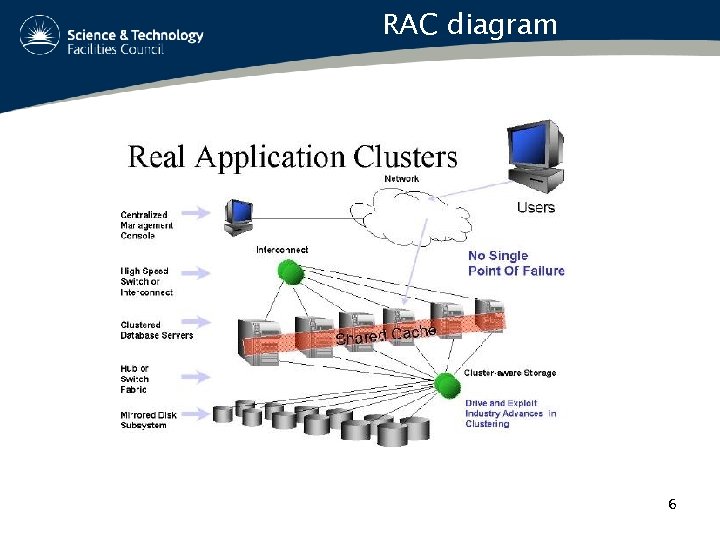
RAC diagram 6
ICAT Schemas • ICAT system makes use of 3 schemas: – The main database (ICAT) where the real data are stored – API schema is used by the application API to store user session information – Data Portal schema is used by the Data Portal application to store user session information 7
ICAT Schemas • Different schemas are installed for different version and for different facility: – CLF has none • ICAT Version 3. 1: • Only ICAT DLS is installed • ICAT( 280 MB) • Data Portal(51 MB) 8
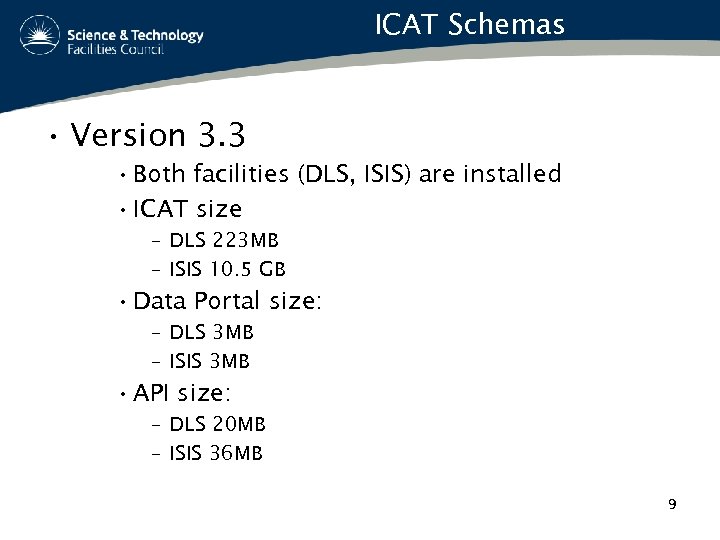
ICAT Schemas • Version 3. 3 • Both facilities (DLS, ISIS) are installed • ICAT size – DLS 223 MB – ISIS 10. 5 GB • Data Portal size: – DLS 3 MB – ISIS 3 MB • API size: – DLS 20 MB – ISIS 36 MB 9
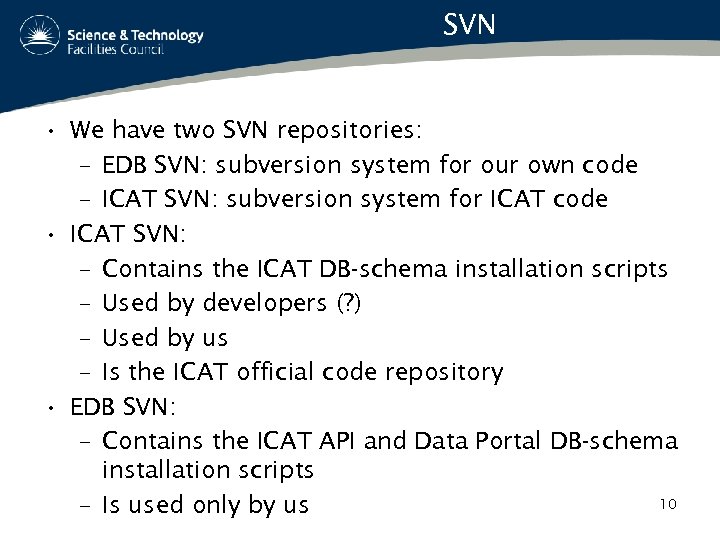
SVN • We have two SVN repositories: – EDB SVN: subversion system for our own code – ICAT SVN: subversion system for ICAT code • ICAT SVN: – Contains the ICAT DB-schema installation scripts – Used by developers (? ) – Used by us – Is the ICAT official code repository • EDB SVN: – Contains the ICAT API and Data Portal DB-schema installation scripts 10 – Is used only by us
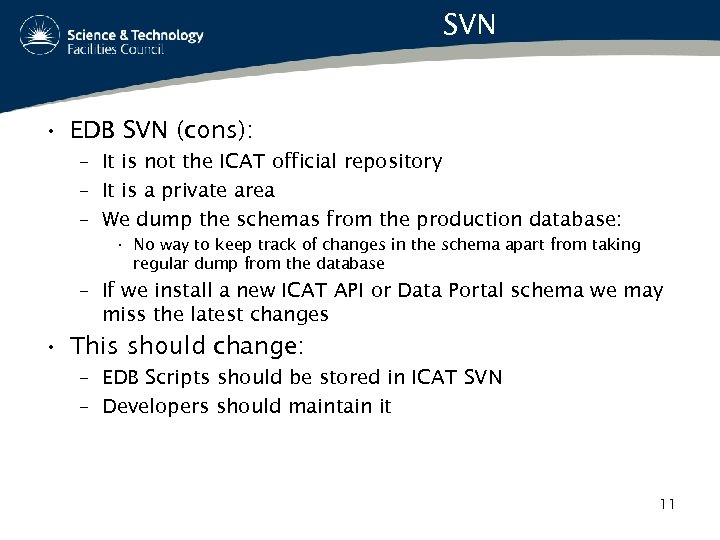
SVN • EDB SVN (cons): – It is not the ICAT official repository – It is a private area – We dump the schemas from the production database: • No way to keep track of changes in the schema apart from taking regular dump from the database – If we install a new ICAT API or Data Portal schema we may miss the latest changes • This should change: – EDB Scripts should be stored in ICAT SVN – Developers should maintain it 11
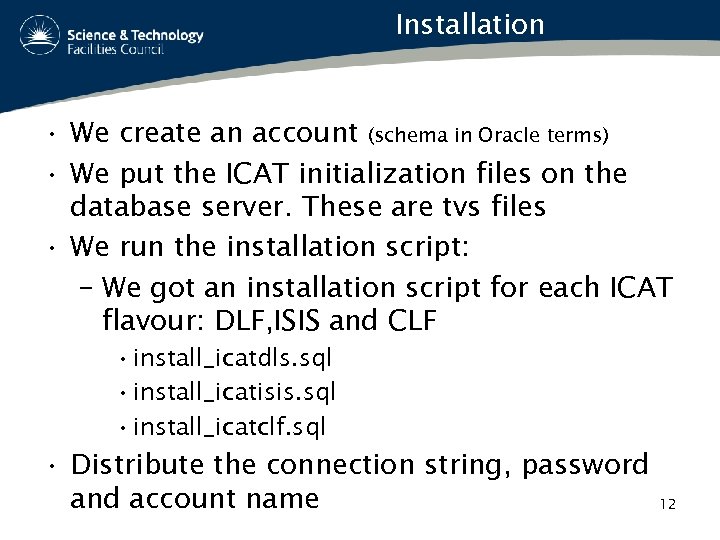
Installation • We create an account (schema in Oracle terms) • We put the ICAT initialization files on the database server. These are tvs files • We run the installation script: – We got an installation script for each ICAT flavour: DLF, ISIS and CLF • install_icatdls. sql • install_icatisis. sql • install_icatclf. sql • Distribute the connection string, password and account name 12
Initialization • The initialization is done using external tables • With External tables is possible to read data from external (tvs) text files stored on the server • ICAT 3. 1 use 8 external tables: • ICAT 3. 3 use 11 external tables 13
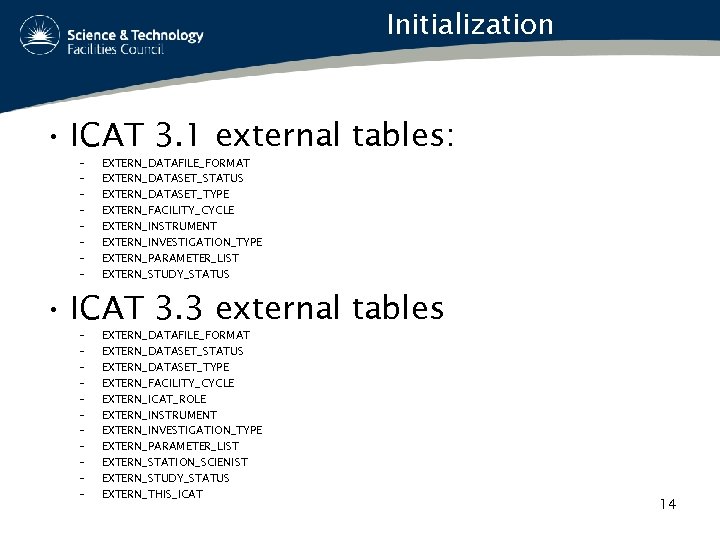
Initialization • ICAT 3. 1 external tables: – – – – EXTERN_DATAFILE_FORMAT EXTERN_DATASET_STATUS EXTERN_DATASET_TYPE EXTERN_FACILITY_CYCLE EXTERN_INSTRUMENT EXTERN_INVESTIGATION_TYPE EXTERN_PARAMETER_LIST EXTERN_STUDY_STATUS • ICAT 3. 3 external tables – – – EXTERN_DATAFILE_FORMAT EXTERN_DATASET_STATUS EXTERN_DATASET_TYPE EXTERN_FACILITY_CYCLE EXTERN_ICAT_ROLE EXTERN_INSTRUMENT EXTERN_INVESTIGATION_TYPE EXTERN_PARAMETER_LIST EXTERN_STATION_SCIENIST EXTERN_STUDY_STATUS EXTERN_THIS_ICAT 14
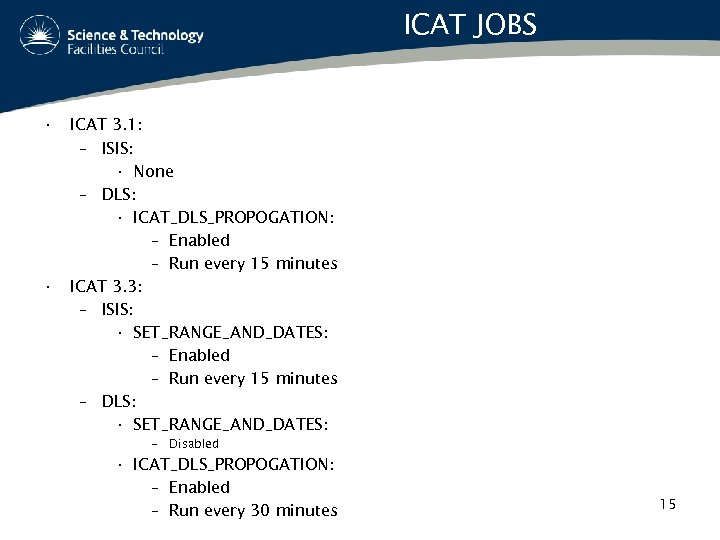
ICAT JOBS • • ICAT 3. 1: – ISIS: • None – DLS: • ICAT_DLS_PROPOGATION: – Enabled – Run every 15 minutes ICAT 3. 3: – ISIS: • SET_RANGE_AND_DATES: – Enabled – Run every 15 minutes – DLS: • SET_RANGE_AND_DATES: – Disabled • ICAT_DLS_PROPOGATION: – Enabled – Run every 30 minutes 15
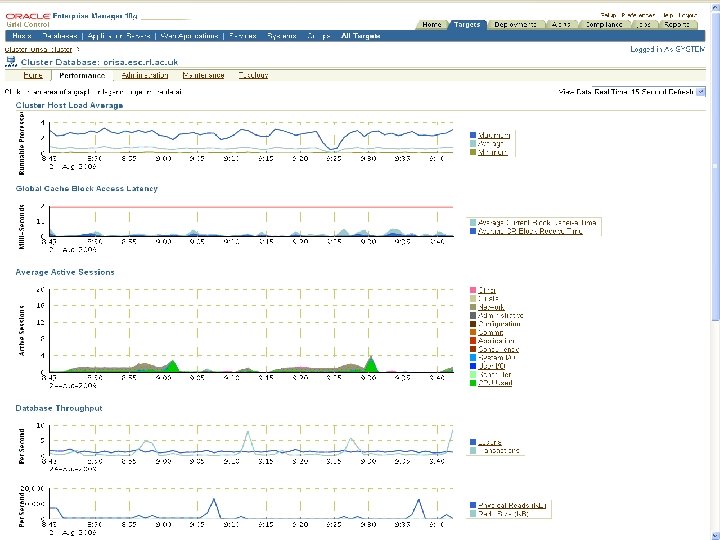
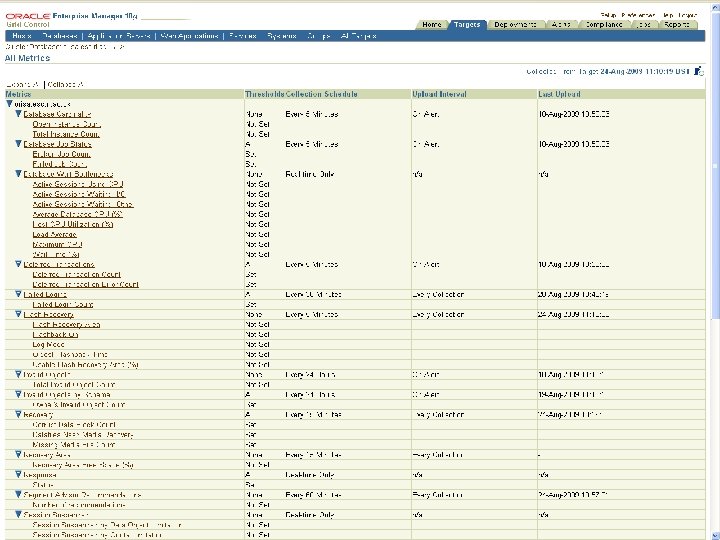
Monitoring and Backup • Oracle Enterprise Manager: – manages the database – monitors the database – set up alert for metrics that cross threshold set by us • Recovery Manager (RMAN): – Helps to makes database backup – Database Backups are done daily on the local file system – File system backup to tape (ADS) are done 16 daily
Monitoring and Backup 17
Monitoring and Backup 18
ICAT DLS • The ICAT DLS system does deploy at the moment 15 different databases: – DUO desk – ICAT – 13 Ikittens • The propagation job (ICAT_DLS_PROPOGATION) is responsible of keeping data flowing between them 19
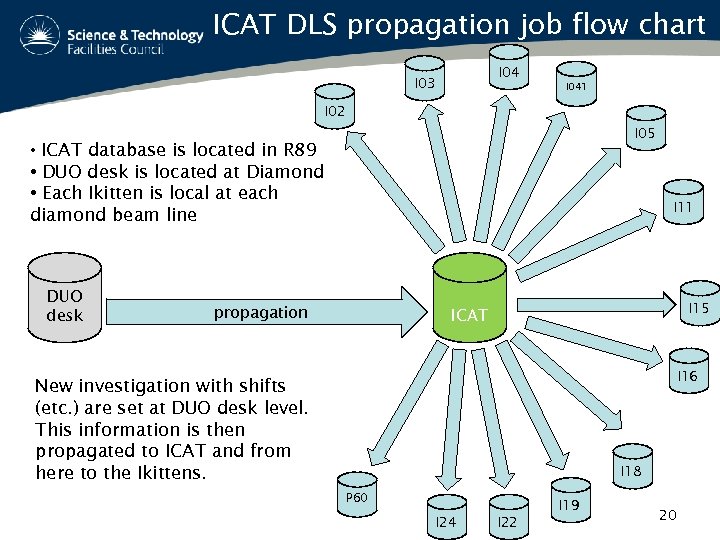
ICAT DLS propagation job flow chart I 04 I 03 I 041 I 02 I 05 • ICAT database is located in R 89 • DUO desk is located at Diamond • Each Ikitten is local at each diamond beam line DUO desk I 11 propagation I 15 ICAT I 16 New investigation with shifts (etc. ) are set at DUO desk level. This information is then propagated to ICAT and from here to the Ikittens. I 18 P 60 I 19 I 24 I 22 20
Passed and Future Work • Last year we worked with Devigo on the development of the new ICAT schemas (ICAT 3. 3) : – Creation of the migration script from ICAT 3. 1 to ICAT 3. 3 – Update the propagation script – Develop new triggers and PL/SQL packages – Help in tuning SQL statements • We are fully dedicated in maintaining the current system and committed to help any further development that may raise from 21 this meeting
ANY QUESTIONS?
Скачать презентацию DB Installation and Care ICAT Developer Workshop The
667b0f9a7b3190b6a317456480cbd810.ppt