 Скачать презентацию Database Systems Introduction Gergely Lukács Pázmány Péter Catholic
edb37185e8cd86ad6329eb269f43ef68.ppt
- Количество слайдов: 34



Database Systems Introduction Gergely Lukács Pázmány Péter Catholic University Faculty of Information Technology Budapest, Hungary lukacs@itk. ppke. hu
Overview • • Motivation Applications Definitions File based versus databased data management • Elements of a database system – Data model – Schemas and instances – Three-level architecture – Data distionary – DBMS languages 2
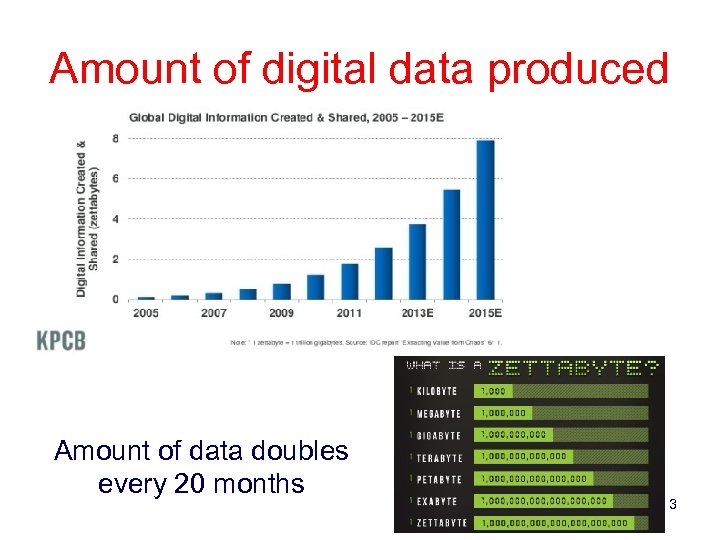
Amount of digital data produced Amount of data doubles every 20 months 3

4
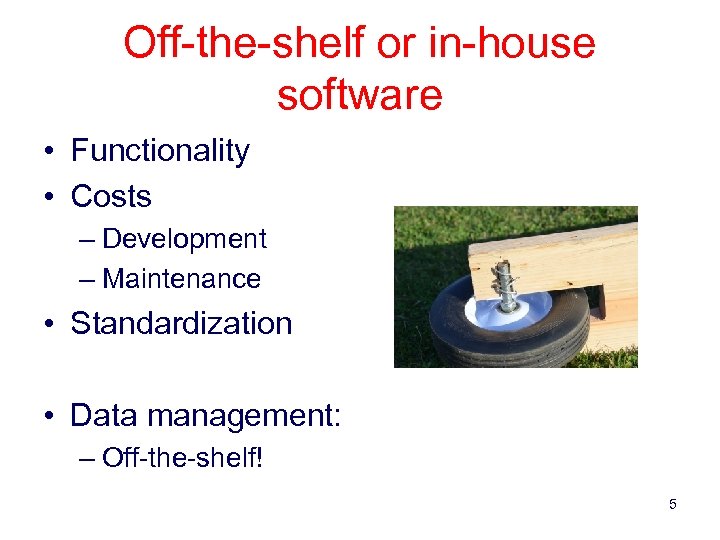
Off-the-shelf or in-house software • Functionality • Costs – Development – Maintenance • Standardization • Data management: – Off-the-shelf! 5
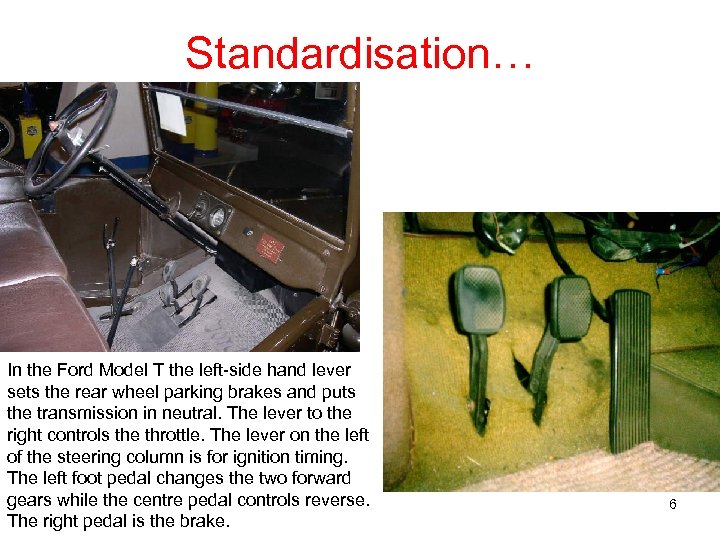
Standardisation… In the Ford Model T the left-side hand lever sets the rear wheel parking brakes and puts the transmission in neutral. The lever to the right controls the throttle. The lever on the left of the steering column is for ignition timing. The left foot pedal changes the two forward gears while the centre pedal controls reverse. The right pedal is the brake. 6
Applications of Databases • Databases touch all aspects of our lives – Banking: transactions – Airlines: reservations, schedules – Universities: registration, grades – Sales: customers, products, purchases – Online retailers: order tracking, customized recommendations – Manufacturing: production, inventory, orders, supply chain – Human resources: employee records, salaries, tax deductions – Diseases, drugs, genes • Special application areas – Documents (HTML, XML, JSON, …), multimedia data, time series, geographic/trajectory data – Web- and sensor data (enormous data amounts!) 7
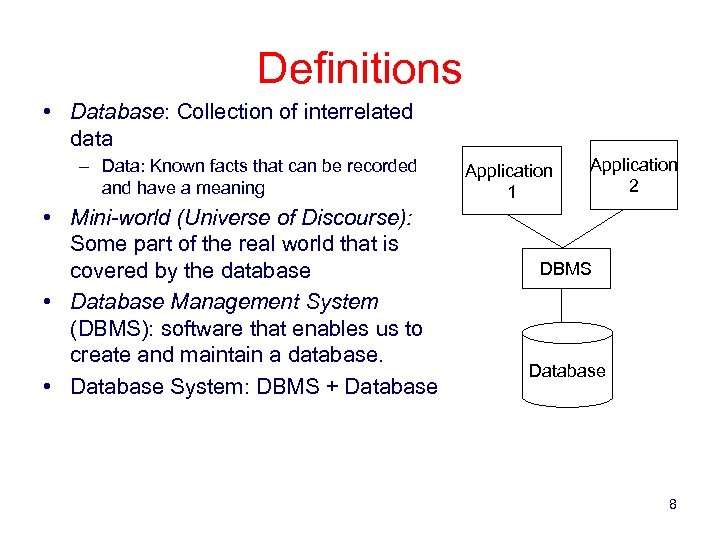
Definitions • Database: Collection of interrelated data – Data: Known facts that can be recorded and have a meaning • Mini-world (Universe of Discourse): Some part of the real world that is covered by the database • Database Management System (DBMS): software that enables us to create and maintain a database. • Database System: DBMS + Database Application 1 Application 2 DBMS Database 8
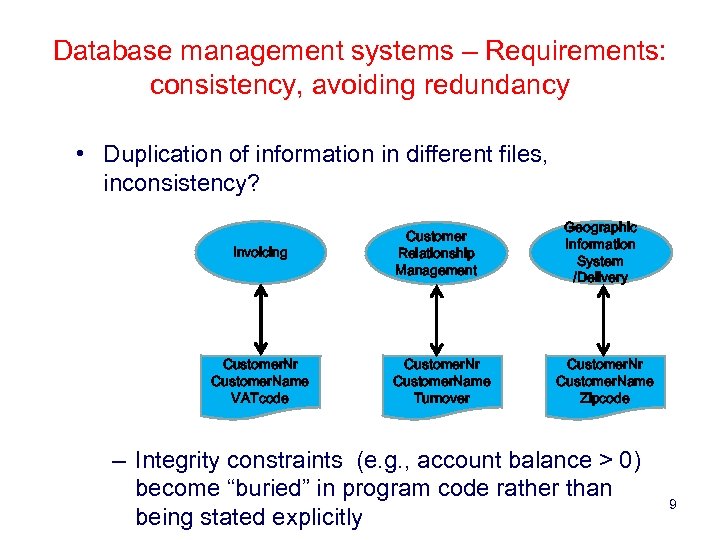
Database management systems – Requirements: consistency, avoiding redundancy • Duplication of information in different files, inconsistency? Invoicing Customer. Nr Customer. Name VATcode Customer Relationship Management Customer. Nr Customer. Name Turnover Geographic Information System /Delivery Customer. Nr Customer. Name Zipcode – Integrity constraints (e. g. , account balance > 0) become “buried” in program code rather than being stated explicitly 9
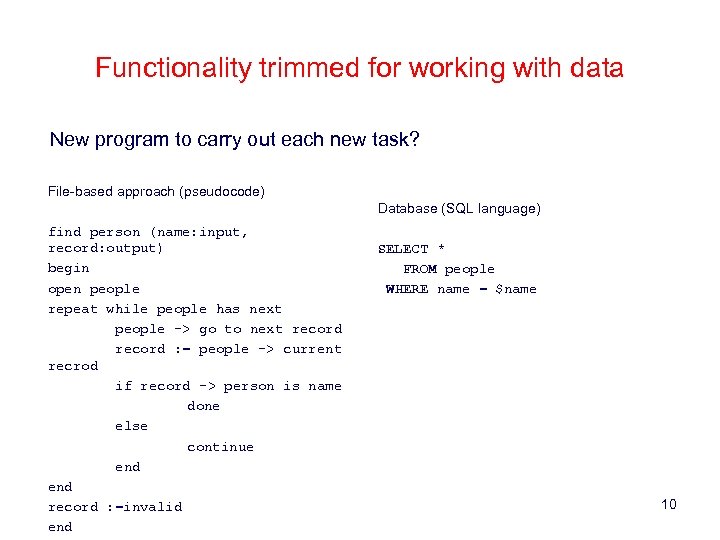
Functionality trimmed for working with data New program to carry out each new task? File-based approach (pseudocode) Database (SQL language) find person (name: input, record: output) begin open people repeat while people has next people -> go to next record : = people -> current recrod if record -> person is name done else continue end record : =invalid end SELECT * FROM people WHERE name = $name 10
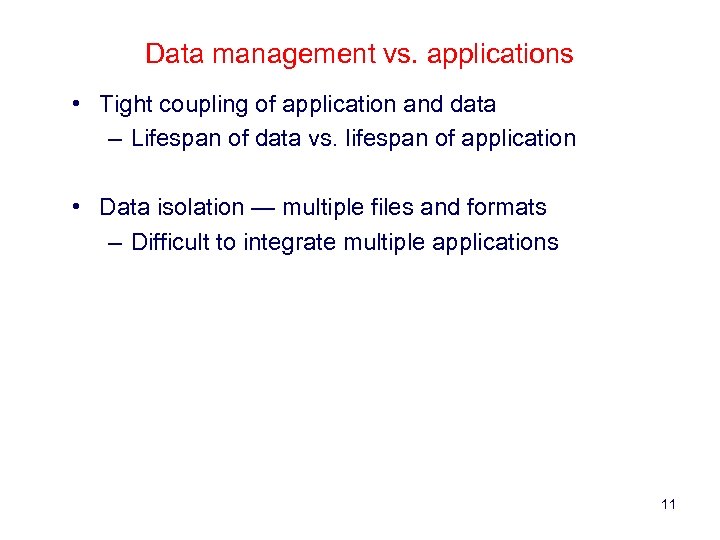
Data management vs. applications • Tight coupling of application and data – Lifespan of data vs. lifespan of application • Data isolation — multiple files and formats – Difficult to integrate multiple applications 11
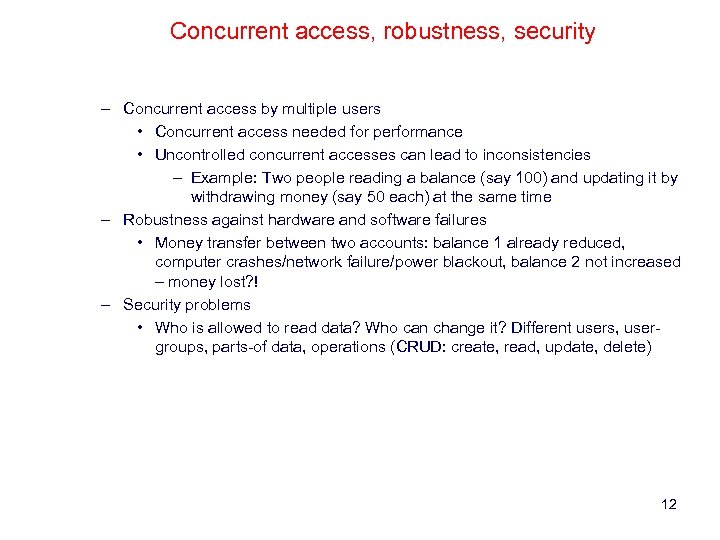
Concurrent access, robustness, security – Concurrent access by multiple users • Concurrent access needed for performance • Uncontrolled concurrent accesses can lead to inconsistencies – Example: Two people reading a balance (say 100) and updating it by withdrawing money (say 50 each) at the same time – Robustness against hardware and software failures • Money transfer between two accounts: balance 1 already reduced, computer crashes/network failure/power blackout, balance 2 not increased – money lost? ! – Security problems • Who is allowed to read data? Who can change it? Different users, usergroups, parts-of data, operations (CRUD: create, read, update, delete) 12
Scalability, hardware independency • Amount of data increases (!) • Hardware updates, more RAM, SSD, …? • Additonal nodes in a computer cluster 13
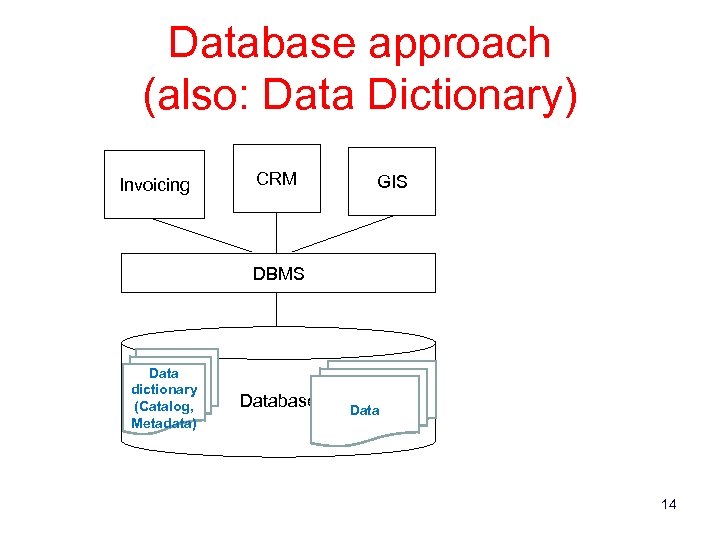
Database approach (also: Data Dictionary) Invoicing CRM GIS DBMS Data dictionary (Catalog, Metadata) Database Data 14
Elements of a Database System • • Data model Schemas and instances Three layer architecture DBMS languages 15
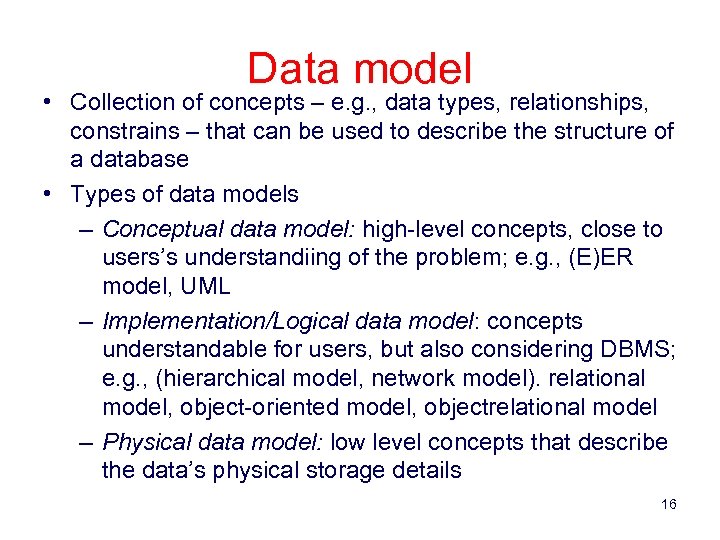
Data model • Collection of concepts – e. g. , data types, relationships, constrains – that can be used to describe the structure of a database • Types of data models – Conceptual data model: high-level concepts, close to users’s understandiing of the problem; e. g. , (E)ER model, UML – Implementation/Logical data model: concepts understandable for users, but also considering DBMS; e. g. , (hierarchical model, network model). relational model, object-oriented model, objectrelational model – Physical data model: low level concepts that describe the data’s physical storage details 16
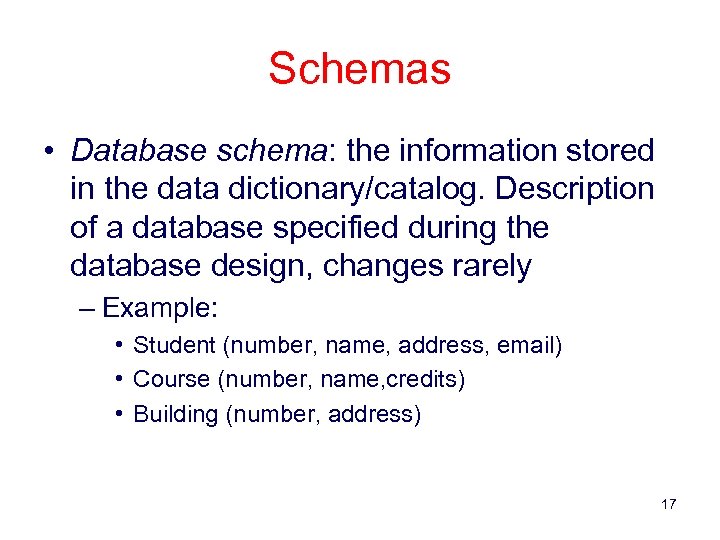
Schemas • Database schema: the information stored in the data dictionary/catalog. Description of a database specified during the database design, changes rarely – Example: • Student (number, name, address, email) • Course (number, name, credits) • Building (number, address) 17
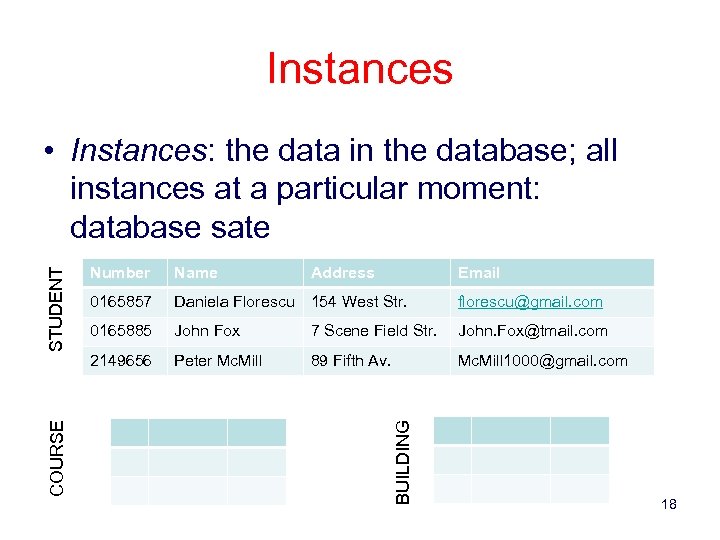
Instances Number Name Address Email 0165857 Daniela Florescu 154 West Str. florescu@gmail. com 0165885 John Fox 7 Scene Field Str. John. Fox@tmail. com 2149656 Peter Mc. Mill 89 Fifth Av. Mc. Mill 1000@gmail. com BUILDING COURSE STUDENT • Instances: the data in the database; all instances at a particular moment: database sate 18
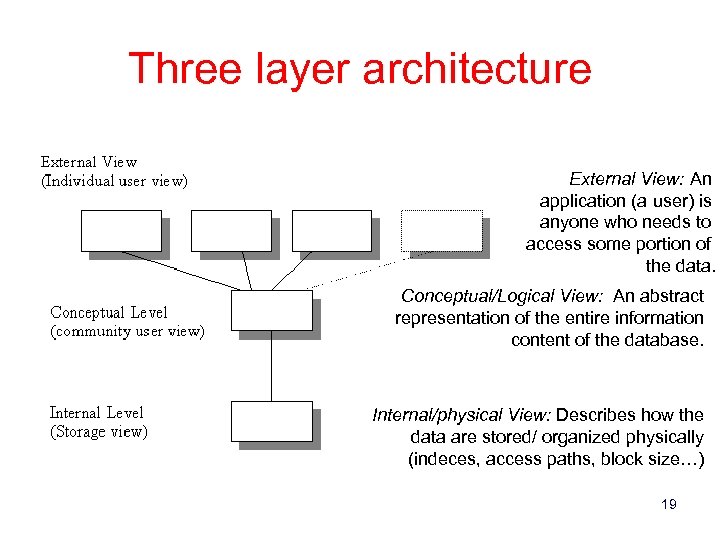
Three layer architecture External View: An application (a user) is anyone who needs to access some portion of the data. Conceptual/Logical View: An abstract representation of the entire information content of the database. Internal/physical View: Describes how the data are stored/ organized physically (indeces, access paths, block size…) 19
Data independence • Logical data independence is the ability to modify the logical schema without causing application program to be rewritten. • Physical data independence is the ability to modify the physical schema without causing application programs to be rewritten. 20
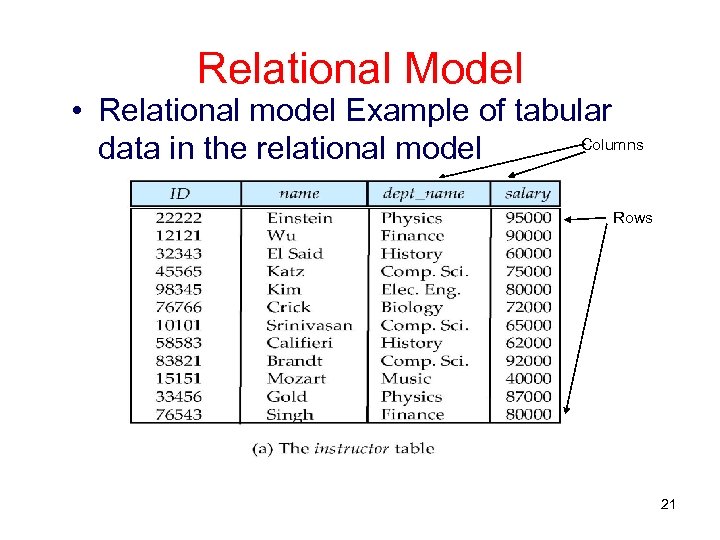
Relational Model • Relational model Example of tabular Columns data in the relational model Rows 21
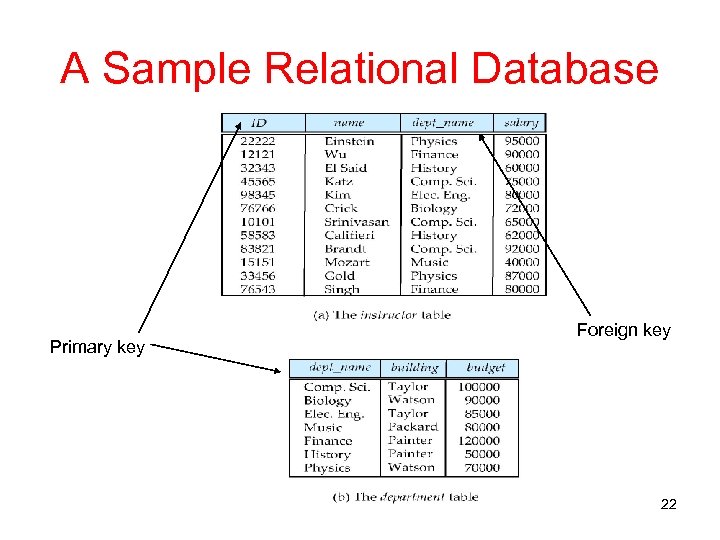
A Sample Relational Database Primary key Foreign key 22
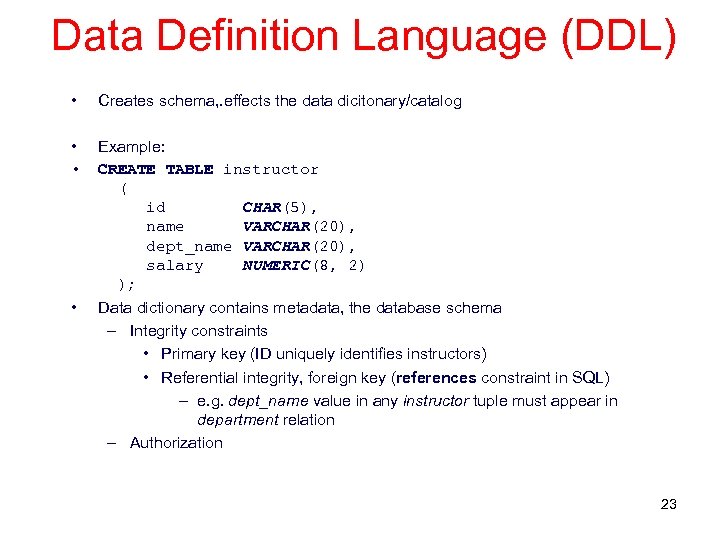
Data Definition Language (DDL) • Creates schema, . effects the data dicitonary/catalog • • Example: CREATE TABLE instructor ( id CHAR(5), name VARCHAR(20), dept_name VARCHAR(20), salary NUMERIC(8, 2) ); • Data dictionary contains metadata, the database schema – Integrity constraints • Primary key (ID uniquely identifies instructors) • Referential integrity, foreign key (references constraint in SQL) – e. g. dept_name value in any instructor tuple must appear in department relation – Authorization 23
Data Manipulation Language (DML) • Language for accessing and manipulating the data organized by the appropriate data model – DML also known as query language • Two classes of languages – Declarative (nonprocedural) – user specifies what data is required without specifying how to get those data – (Procedural – user specifies what data is required and how to get those data) • SQL is the most widely used query language 24
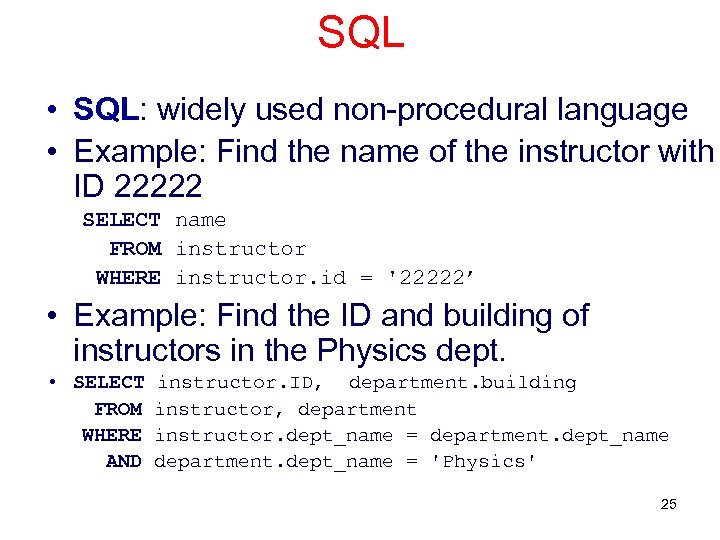
SQL • SQL: widely used non-procedural language • Example: Find the name of the instructor with ID 22222 SELECT name FROM instructor WHERE instructor. id = '22222’ • Example: Find the ID and building of instructors in the Physics dept. • SELECT instructor. ID, department. building FROM instructor, department WHERE instructor. dept_name = department. dept_name AND department. dept_name = 'Physics' 25
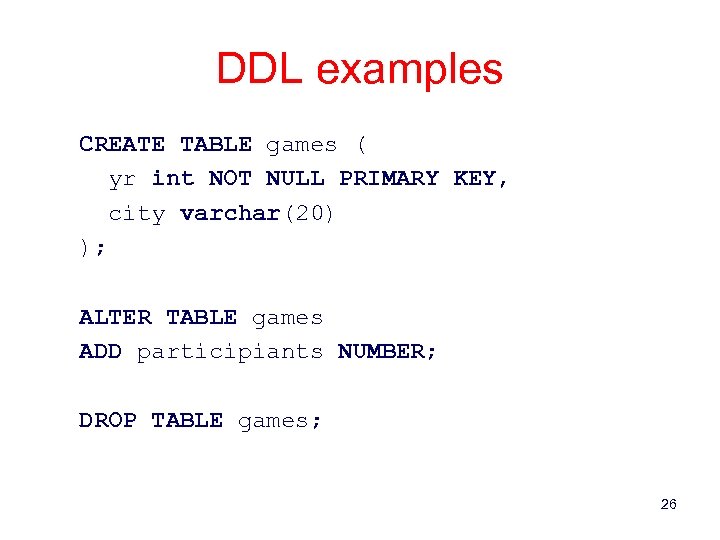
DDL examples CREATE TABLE games ( yr int NOT NULL PRIMARY KEY, city varchar(20) ); ALTER TABLE games ADD participiants NUMBER; DROP TABLE games; 26
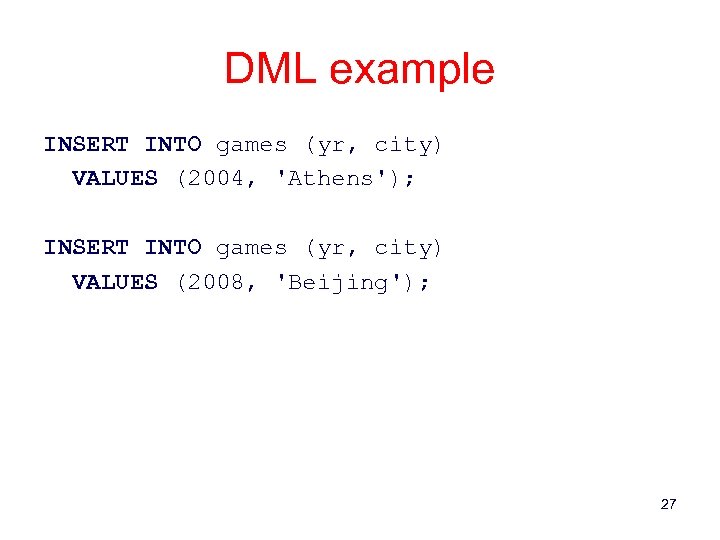
DML example INSERT INTO games (yr, city) VALUES (2004, 'Athens'); INSERT INTO games (yr, city) VALUES (2008, 'Beijing'); 27
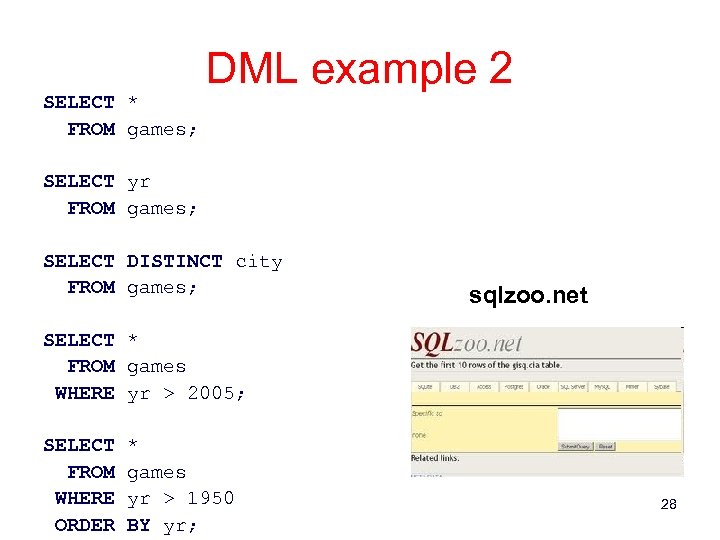
SELECT * FROM games; DML example 2 SELECT yr FROM games; SELECT DISTINCT city FROM games; sqlzoo. net SELECT * FROM games WHERE yr > 2005; SELECT * FROM games WHERE yr > 1950 ORDER BY yr; 28
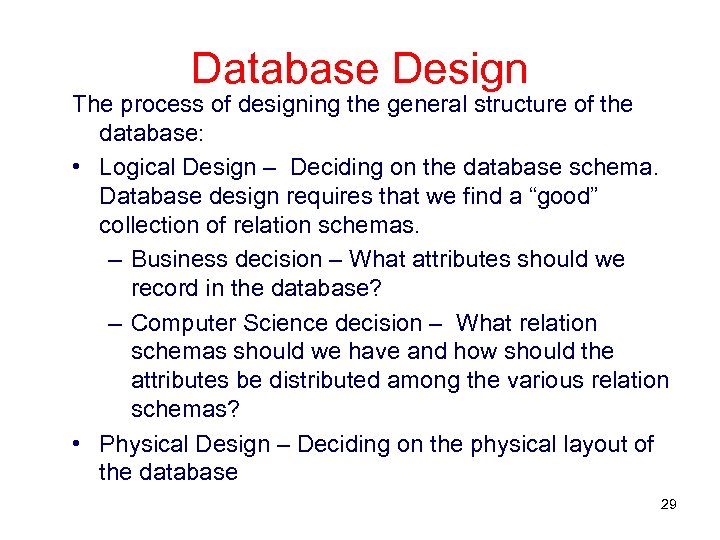
Database Design The process of designing the general structure of the database: • Logical Design – Deciding on the database schema. Database design requires that we find a “good” collection of relation schemas. – Business decision – What attributes should we record in the database? – Computer Science decision – What relation schemas should we have and how should the attributes be distributed among the various relation schemas? • Physical Design – Deciding on the physical layout of the database 29
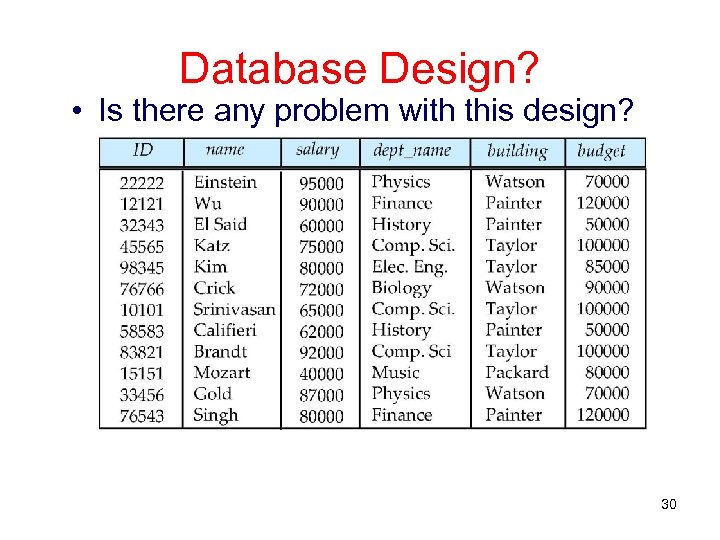
Database Design? • Is there any problem with this design? 30
History of Database Systems • 1950 s and early 1960 s: – Data processing using magnetic tapes for storage • Tapes provided only sequential access – Punched cards for input • Late 1960 s and 1970 s: – Hard disks allowed direct access to data – Network and hierarchical data models in widespread use – Ted Codd defines the relational data model • Would win the ACM Turing Award for this work • IBM Research begins System R prototype • UC Berkeley begins Ingres prototype – High-performance (for the era) transaction processing 31
History (cont. ) • 1980 s: – Research relational prototypes evolve into commercial systems • SQL becomes industrial standard – Parallel and distributed database systems – Object-oriented database systems • 1990 s: – Large decision support and data-mining applications – Large multi-terabyte data warehouses – Emergence of Web commerce • Early 2000 s: – XML and XQuery standards – Automated database administration • Later 2000 s: – Giant data storage systems • Google Big. Table, Yahoo PNuts, Amazon, . . 32
Typical database sizes • Number of records in a table – 10 000, 100 000, 1 000 000, 100 000, . . . • Number of tables – X … X XXX, XX XXX, SAP 20 000 • Queries with 10 -20 tables quite typical • Large European bank in 2005 – > 70 000 databases – 25 millions of transactions/day (30/sec) – 80 TB of data – 99. 7 % availability – 60 database administrators – 20 -50 concurrent users 33
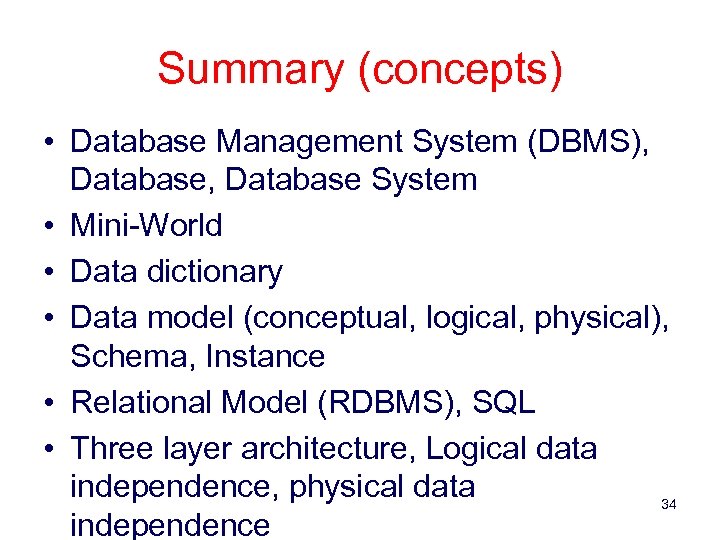
Summary (concepts) • Database Management System (DBMS), Database System • Mini-World • Data dictionary • Data model (conceptual, logical, physical), Schema, Instance • Relational Model (RDBMS), SQL • Three layer architecture, Logical data independence, physical data 34 independence
Скачать презентацию Database Systems Introduction Gergely Lukács Pázmány Péter Catholic
edb37185e8cd86ad6329eb269f43ef68.ppt