 Скачать презентацию Database-Driven Websites Nate Byrnes Agenda l l
134561cdf67d8b59290861c4e10bf0d9.ppt
- Количество слайдов: 26



Database-Driven Websites Nate Byrnes
Agenda l l l l Definitions Why Use a Web Database Designing a Database Understanding Web Database Technology Comparing the Tools Databases with Web Capabilities HTML Editors with DB Capabilities Web DB Application Servers Programming Web Database Solutions Security Show and Tell IA – Do/Don’t(s) Conclusion
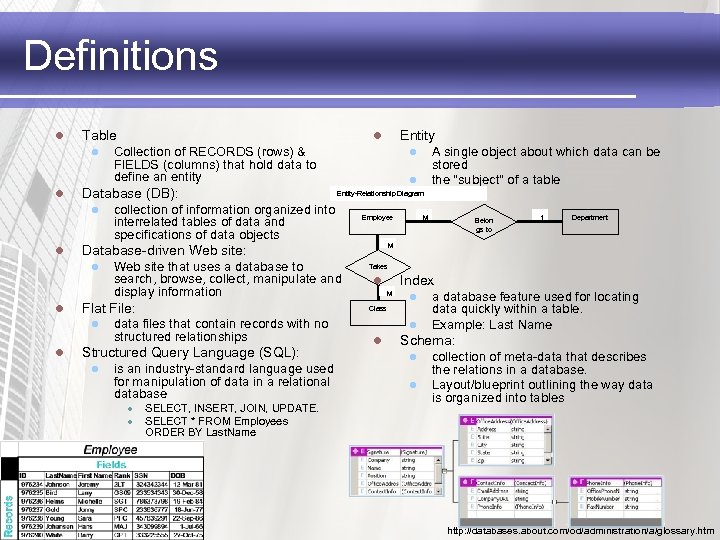
Definitions l Table l l l Entity-Relationship Diagram collection of information organized into interrelated tables of data and specifications of data objects Web site that uses a database to search, browse, collect, manipulate and display information Flat File: l Employee data files that contain records with no structured relationships is an industry-standard language used for manipulation of data in a relational database l l M SELECT, INSERT, JOIN, UPDATE. SELECT * FROM Employees ORDER BY Last. Name Belon gs to 1 Department M Takes Index l M l Class Structured Query Language (SQL): l A single object about which data can be stored the "subject" of a table l Database-driven Web site: l l Collection of RECORDS (rows) & FIELDS (columns) that hold data to define an entity Database (DB): l Entity l l l a database feature used for locating data quickly within a table. Example: Last Name Schema: l l collection of meta-data that describes the relations in a database. Layout/blueprint outlining the way data is organized into tables http: //databases. about. com/od/administration/a/glossary. htm
Why a DB Driven Website? The Web is a great medium for delivering information. 2. Databases are the perfect medium for managing information. 1. l l Flexibility Data consistency Ease of maintenance Browser independence Ashenfelter, J. P. (1998). Choosing a database for your website. New York: Wiley. Retrieved October 22, 2007, from Net. Library database: http: //www. netlibrary. com. ezproxy. lib. utexas. edu/urlapi. asp? action =summary&v=1&bookid=26152 http: //www. archetype-it. com/english/view. asp? Auto. Id=29&
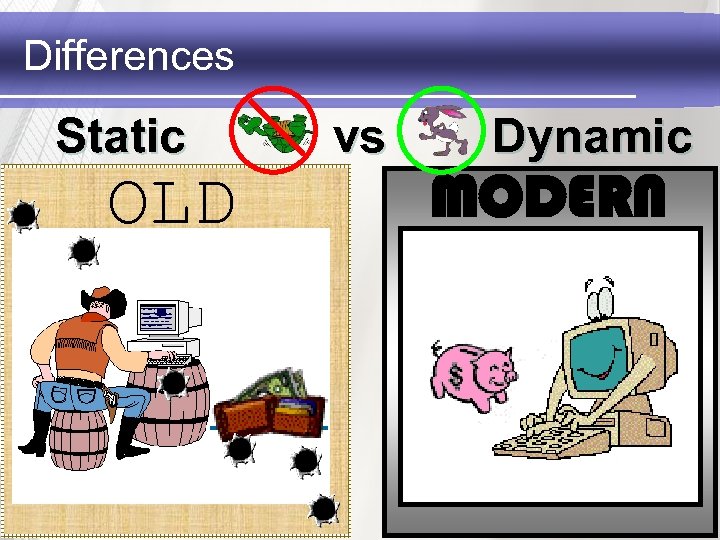
Differences Static OLD vs Dynamic MODERN
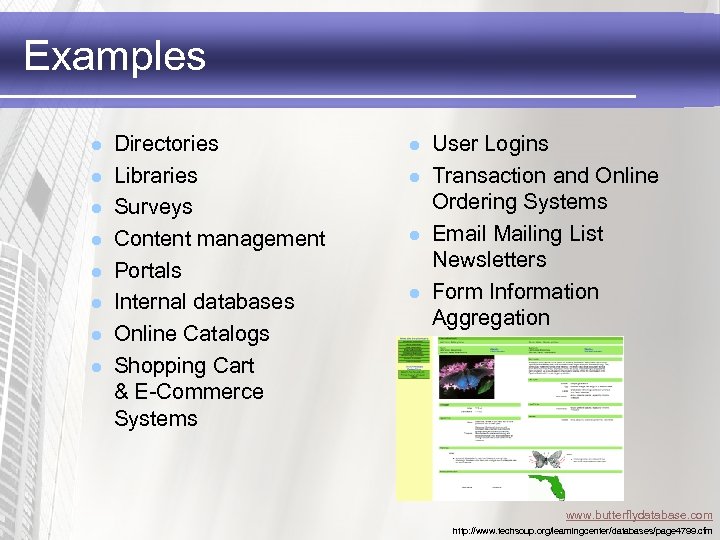
Examples l l l l Directories Libraries Surveys Content management Portals Internal databases Online Catalogs Shopping Cart & E-Commerce Systems l l User Logins Transaction and Online Ordering Systems Email Mailing List Newsletters Form Information Aggregation www. butterflydatabase. com http: //www. techsoup. org/learningcenter/databases/page 4799. cfm
DBA/Web. Master Combo = Data. Master? l web developer l l l fluent HTML graphic design scripting languages network protocols database construction and maintenance l l l do not need to be an expert understand enough facilitate communication and management of web database projects.
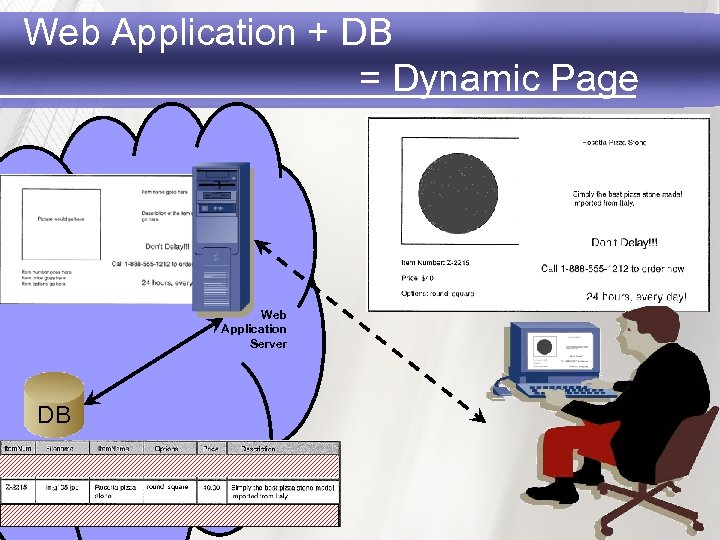
Web Application + DB = Dynamic Page Web Application Server DB
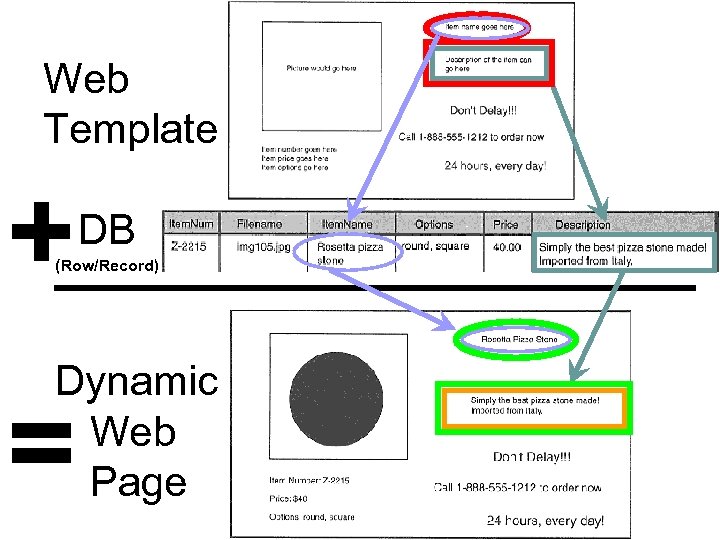
Web Template + DB (Row/Record) Dynamic Web Page =
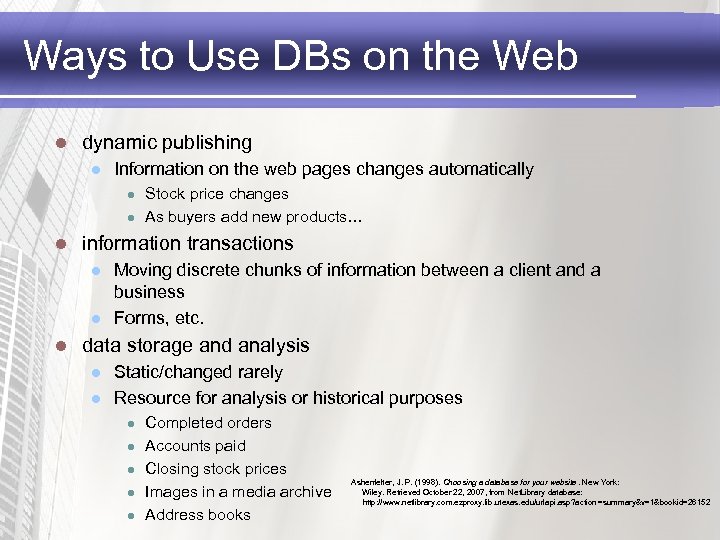
Ways to Use DBs on the Web l dynamic publishing l Information on the web pages changes automatically l l l information transactions l l l Stock price changes As buyers add new products… Moving discrete chunks of information between a client and a business Forms, etc. data storage and analysis l l Static/changed rarely Resource for analysis or historical purposes l l l Completed orders Accounts paid Closing stock prices Images in a media archive Address books Ashenfelter, J. P. (1998). Choosing a database for your website. New York: Wiley. Retrieved October 22, 2007, from Net. Library database: http: //www. netlibrary. com. ezproxy. lib. utexas. edu/urlapi. asp? action =summary&v=1&bookid=26152
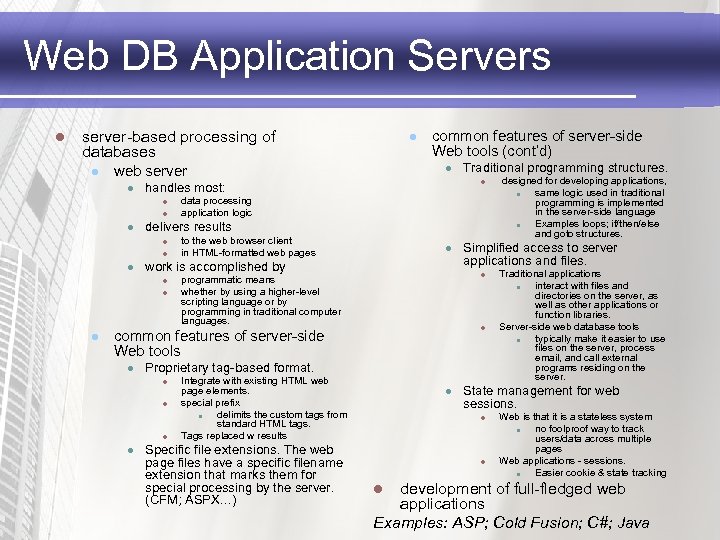
Web DB Application Servers l server-based processing of databases l web server l l l data processing application logic to the web browser client in HTML-formatted web pages l work is accomplished by l l l Proprietary tag-based format. l l Integrate with existing HTML web page elements. special prefix l delimits the custom tags from standard HTML tags. Tags replaced w results Specific file extensions. The web page files have a specific filename extension that marks them for special processing by the server. (CFM; ASPX…) l designed for developing applications, l same logic used in traditional programming is implemented in the server-side language l Examples loops; if/then/else and goto structures. Simplified access to server applications and files. l programmatic means whether by using a higher-level scripting language or by programming in traditional computer languages. common features of server-side Web tools l Traditional programming structures. delivers results l l common features of server-side Web tools (cont’d) handles most: l l l Traditional applications l interact with files and directories on the server, as well as other applications or function libraries. Server-side web database tools l typically make it easier to use files on the server, process email, and call external programs residing on the server. State management for web sessions. l l Web is that it is a stateless system l no foolproof way to track users/data across multiple pages Web applications - sessions. l Easier cookie & state tracking development of full-fledged web applications Examples: ASP; Cold Fusion; C#; Java l
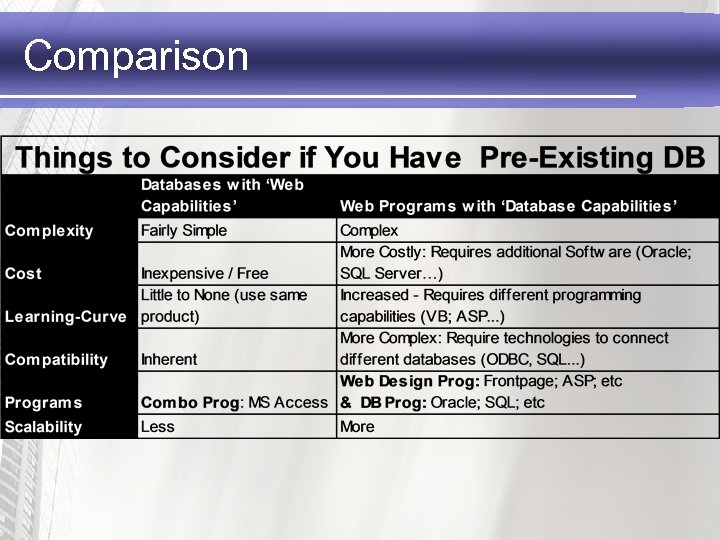
Comparison
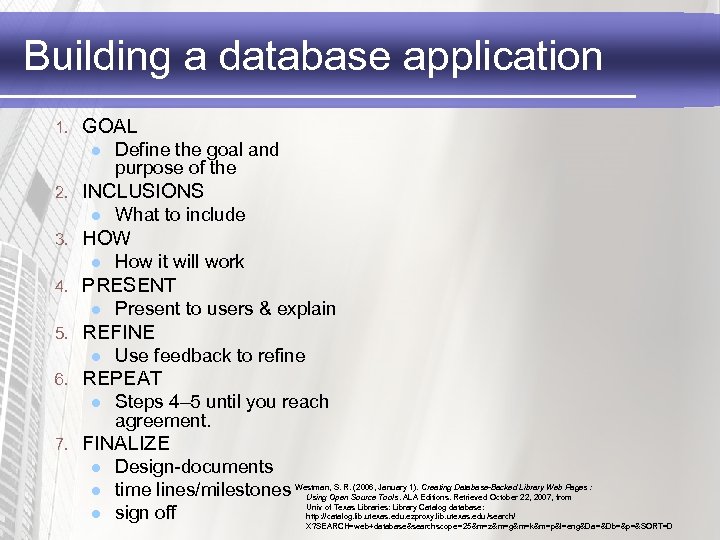
Building a database application 1. GOAL l 2. INCLUSIONS l 3. Use feedback to refine REPEAT l 7. Present to users & explain REFINE l 6. How it will work PRESENT l 5. What to include HOW l 4. Define the goal and purpose of the Steps 4– 5 until you reach agreement. FINALIZE l l l Design-documents time lines/milestones Westman, S. R. (2006, January 1). Creating Database-Backed Library Web Pages : Using Open Source Tools. ALA Editions. Retrieved October 22, 2007, from Univ of Texas Libraries: Library Catalog database: sign off http: //catalog. lib. utexas. edu. ezproxy. lib. utexas. edu /search/ X? SEARCH=web+database&searchscope=25&m=z&m=g&m=k&m=p&l=eng&Da=&Db=&p=&SORT=D
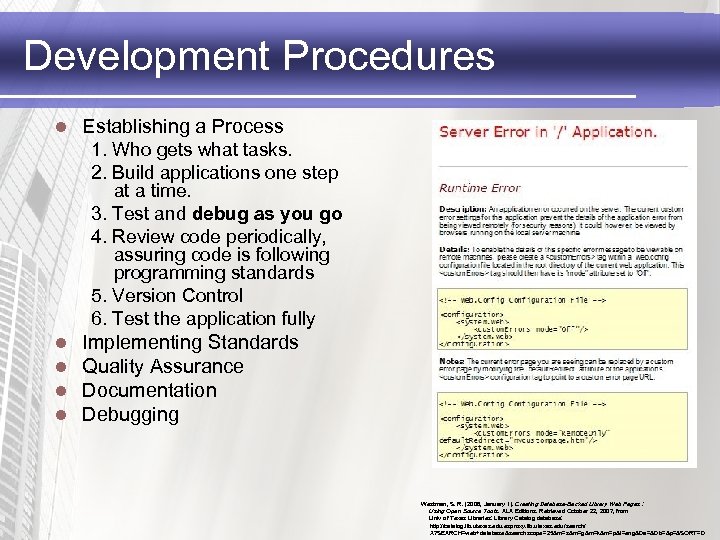
Development Procedures l Establishing a Process 1. Who gets what tasks. 2. Build applications one step at a time. 3. Test and debug as you go 4. Review code periodically, assuring code is following programming standards 5. Version Control 6. Test the application fully l l Implementing Standards Quality Assurance Documentation Debugging Westman, S. R. (2006, January 1). Creating Database-Backed Library Web Pages : Using Open Source Tools. ALA Editions. Retrieved October 22, 2007, from Univ of Texas Libraries: Library Catalog database: http: //catalog. lib. utexas. edu. ezproxy. lib. utexas. edu /search/ X? SEARCH=web+database&searchscope=25&m=z&m=g&m=k&m=p&l=eng&Da=&Db=&p=&SORT=D
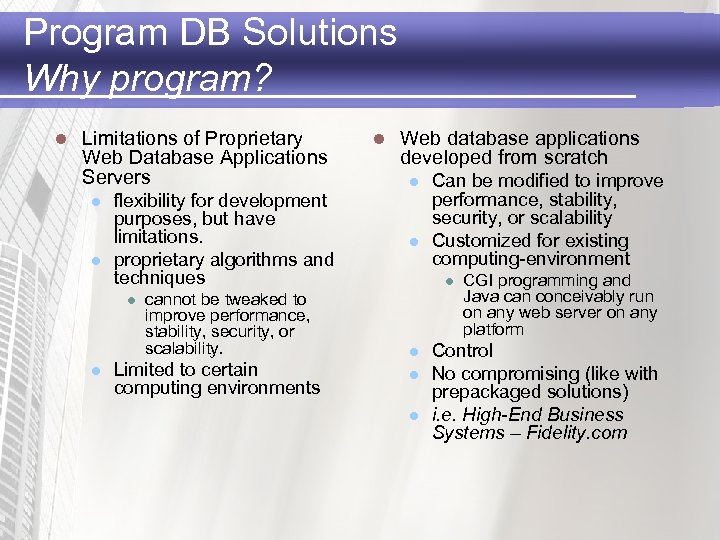
Program DB Solutions Why program? l Limitations of Proprietary Web Database Applications Servers l l flexibility for development purposes, but have limitations. proprietary algorithms and techniques l l cannot be tweaked to improve performance, stability, security, or scalability. Limited to certain computing environments l Web database applications developed from scratch l l Can be modified to improve performance, stability, security, or scalability Customized for existing computing-environment l l CGI programming and Java can conceivably run on any web server on any platform Control No compromising (like with prepackaged solutions) i. e. High-End Business Systems – Fidelity. com
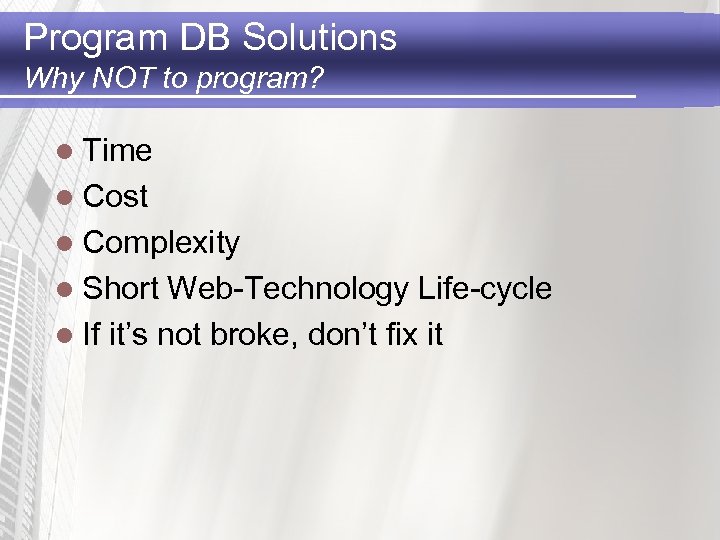
Program DB Solutions Why NOT to program? l Time l Cost l Complexity l Short Web-Technology Life-cycle l If it’s not broke, don’t fix it
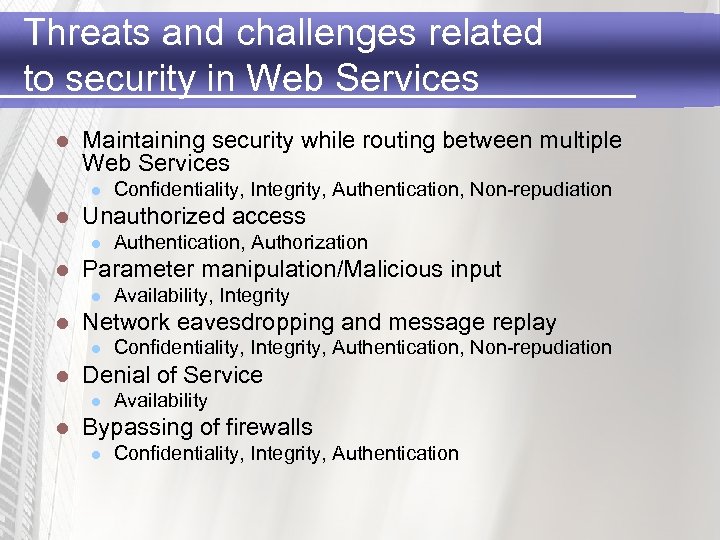
Threats and challenges related to security in Web Services l Maintaining security while routing between multiple Web Services l l Unauthorized access l l Confidentiality, Integrity, Authentication, Non-repudiation Denial of Service l l Availability, Integrity Network eavesdropping and message replay l l Authentication, Authorization Parameter manipulation/Malicious input l l Confidentiality, Integrity, Authentication, Non-repudiation Availability Bypassing of firewalls l Confidentiality, Integrity, Authentication
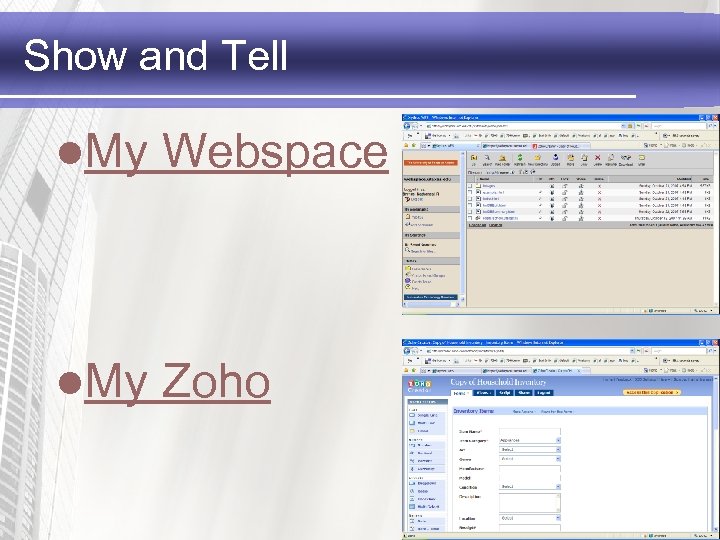
Show and Tell l. My Webspace l. My Zoho
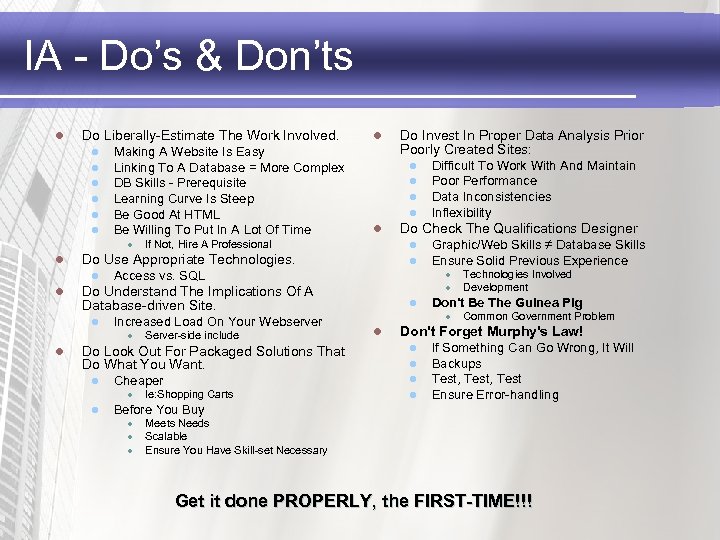
IA - Do’s & Don’ts l Do Liberally-Estimate The Work Involved. l l l Making A Website Is Easy Linking To A Database = More Complex DB Skills - Prerequisite Learning Curve Is Steep Be Good At HTML Be Willing To Put In A Lot Of Time l l l If Not, Hire A Professional Increased Load On Your Webserver Server-side include Do Look Out For Packaged Solutions That Do What You Want. l Cheaper l l Graphic/Web Skills ≠ Database Skills Ensure Solid Previous Experience l l Technologies Involved Development Don't Be The Guinea Pig l Common Government Problem Don't Forget Murphy's Law! l l l Ie: Shopping Carts Difficult To Work With And Maintain Poor Performance Data Inconsistencies Inflexibility Do Check The Qualifications Designer Access vs. SQL l l l Do Understand The Implications Of A Database-driven Site. l Do Invest In Proper Data Analysis Prior Poorly Created Sites: l Do Use Appropriate Technologies. l l If Something Can Go Wrong, It Will Backups Test, Test Ensure Error-handling Before You Buy l l l Meets Needs Scalable Ensure You Have Skill-set Necessary Get it done PROPERLY, the FIRST-TIME!!!
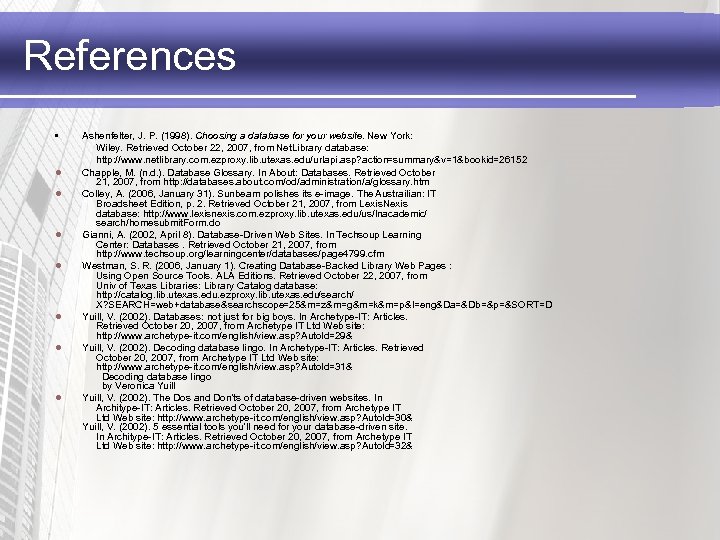
References • l l l l Ashenfelter, J. P. (1998). Choosing a database for your website. New York: Wiley. Retrieved October 22, 2007, from Net. Library database: http: //www. netlibrary. com. ezproxy. lib. utexas. edu/urlapi. asp? action=summary&v=1&bookid=26152 Chapple, M. (n. d. ). Database Glossary. In About: Databases. Retrieved October 21, 2007, from http: //databases. about. com/od/administration/a/glossary. htm Colley, A. (2006, January 31). Sunbeam polishes its e-image. The Austrailian: IT Broadsheet Edition, p. 2. Retrieved October 21, 2007, from Lexis. Nexis database: http: //www. lexisnexis. com. ezproxy. lib. utexas. edu/us/lnacademic/ search/homesubmit. Form. do Gianni, A. (2002, April 8). Database-Driven Web Sites. In Techsoup Learning Center: Databases. Retrieved October 21, 2007, from http: //www. techsoup. org/learningcenter/databases/page 4799. cfm Westman, S. R. (2006, January 1). Creating Database-Backed Library Web Pages : Using Open Source Tools. ALA Editions. Retrieved October 22, 2007, from Univ of Texas Libraries: Library Catalog database: http: //catalog. lib. utexas. edu. ezproxy. lib. utexas. edu/search/ X? SEARCH=web+database&searchscope=25&m=z&m=g&m=k&m=p&l=eng&Da=&Db=&p=&SORT=D Yuill, V. (2002). Databases: not just for big boys. In Archetype-IT: Articles. Retrieved October 20, 2007, from Archetype IT Ltd Web site: http: //www. archetype-it. com/english/view. asp? Auto. Id=29& Yuill, V. (2002). Decoding database lingo. In Archetype-IT: Articles. Retrieved October 20, 2007, from Archetype IT Ltd Web site: http: //www. archetype-it. com/english/view. asp? Auto. Id=31& Decoding database lingo by Veronica Yuill, V. (2002). The Dos and Don'ts of database-driven websites. In Architype-IT: Articles. Retrieved October 20, 2007, from Archetype IT Ltd Web site: http: //www. archetype-it. com/english/view. asp? Auto. Id=30& Yuill, V. (2002). 5 essential tools you'll need for your database-driven site. In Architype-IT: Articles. Retrieved October 20, 2007, from Archetype IT Ltd Web site: http: //www. archetype-it. com/english/view. asp? Auto. Id=32&

Questions… l?
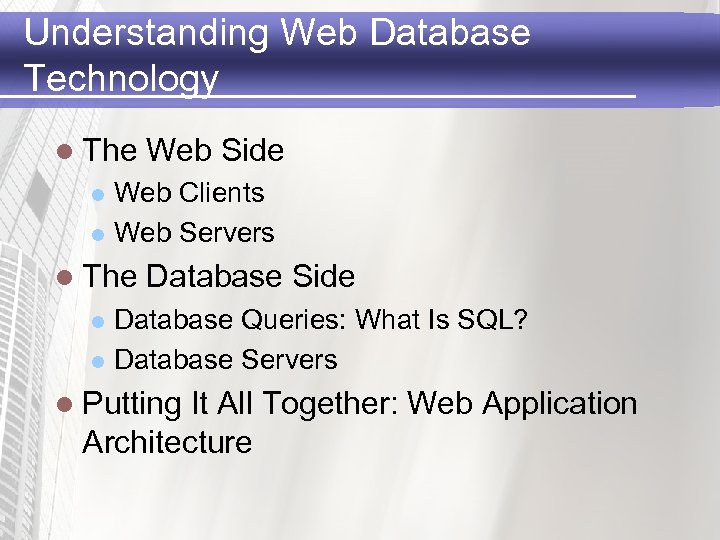
Understanding Web Database Technology l The Web Side Web Clients l Web Servers l l The Database Side Database Queries: What Is SQL? l Database Servers l l Putting It All Together: Web Application Architecture
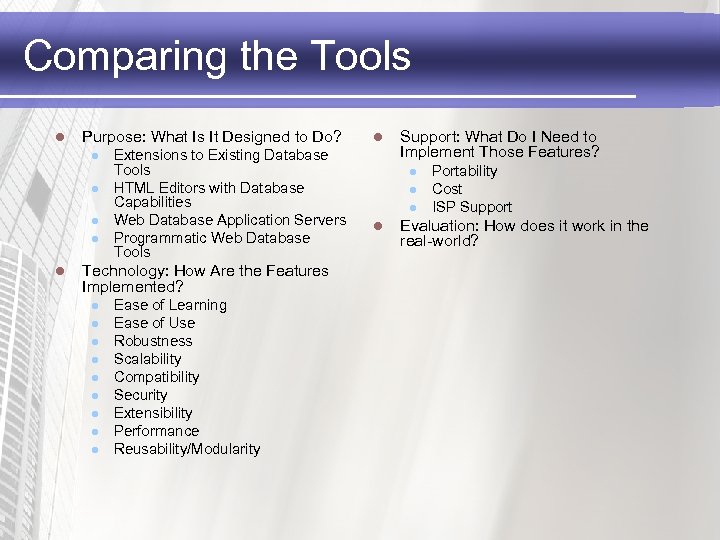
Comparing the Tools l Purpose: What Is It Designed to Do? l l l Extensions to Existing Database Tools HTML Editors with Database Capabilities Web Database Application Servers Programmatic Web Database Tools Technology: How Are the Features Implemented? l l l l l Ease of Learning Ease of Use Robustness Scalability Compatibility Security Extensibility Performance Reusability/Modularity l Support: What Do I Need to Implement Those Features? l l Portability Cost ISP Support Evaluation: How does it work in the real-world?
Security l l l l l Sensitive Information Public Search-ability High-Assurance Confidentiality Integrity Availability Authentication Authorization Non-Repudiation
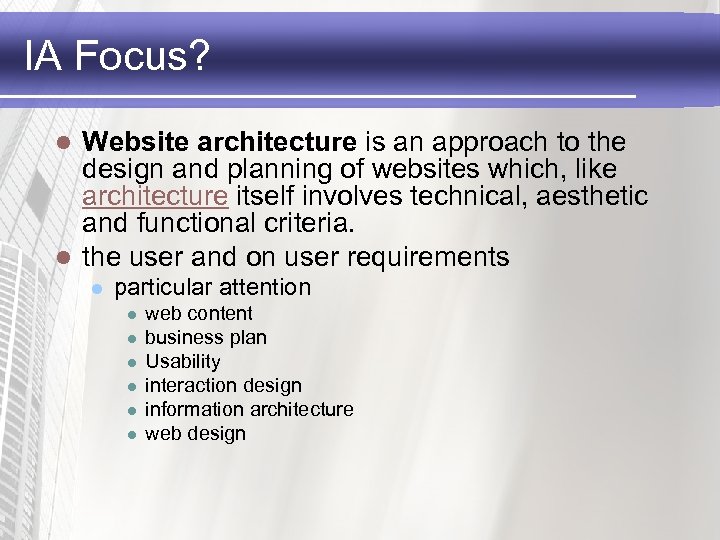
IA Focus? Website architecture is an approach to the design and planning of websites which, like architecture itself involves technical, aesthetic and functional criteria. l the user and on user requirements l l particular attention l l l web content business plan Usability interaction design information architecture web design
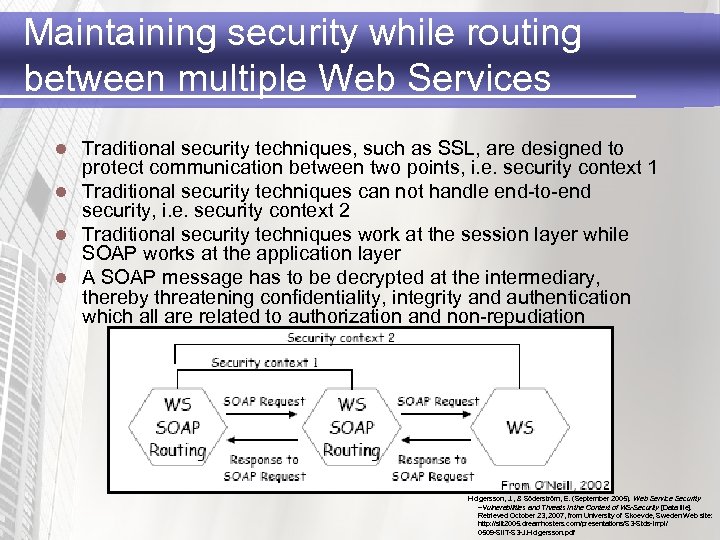
Maintaining security while routing between multiple Web Services Traditional security techniques, such as SSL, are designed to protect communication between two points, i. e. security context 1 l Traditional security techniques can not handle end-to-end security, i. e. security context 2 l Traditional security techniques work at the session layer while SOAP works at the application layer l A SOAP message has to be decrypted at the intermediary, thereby threatening confidentiality, integrity and authentication which all are related to authorization and non-repudiation l Holgersson, J. , & Söderström, E. (September 2005). Web Service Security –Vulnerabilities and Threats in the Context of WS-Security [Data file]. Retrieved October 23, 2007, from University of Skoevde, Sweden Web site: http: //siit 2005. dreamhosters. com/presentations/S 3 -Stds-Impl/ 0509 -SIIT-S 3 -J. Holgersson. pdf
Скачать презентацию Database-Driven Websites Nate Byrnes Agenda l l
134561cdf67d8b59290861c4e10bf0d9.ppt