 Скачать презентацию Data Warehouse Presented by Adriene Williams 1
07f410cd28031ae818607ebc993433c3.ppt
- Количество слайдов: 42



Data Warehouse Presented by: Adriene Williams 1
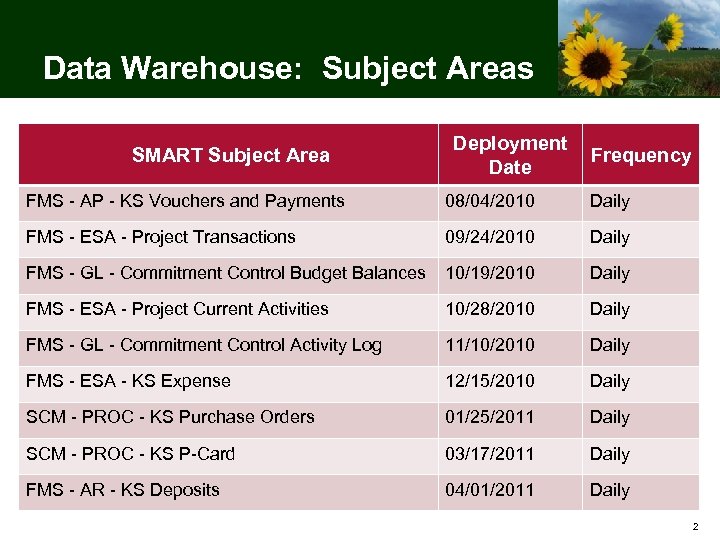
Data Warehouse: Subject Areas SMART Subject Area Deployment Date Frequency FMS - AP - KS Vouchers and Payments 08/04/2010 Daily FMS - ESA - Project Transactions 09/24/2010 Daily FMS - GL - Commitment Control Budget Balances 10/19/2010 Daily FMS - ESA - Project Current Activities 10/28/2010 Daily FMS - GL - Commitment Control Activity Log 11/10/2010 Daily FMS - ESA - KS Expense 12/15/2010 Daily SCM - PROC - KS Purchase Orders 01/25/2011 Daily SCM - PROC - KS P-Card 03/17/2011 Daily FMS - AR - KS Deposits 04/01/2011 Daily 2
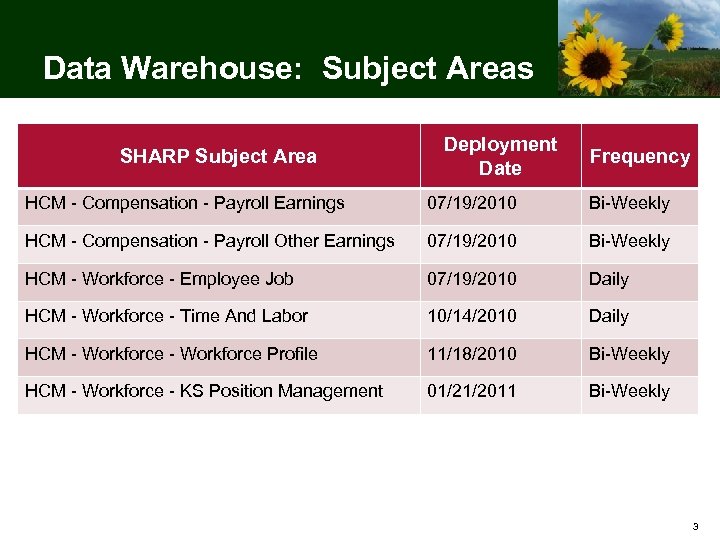
Data Warehouse: Subject Areas SHARP Subject Area Deployment Date Frequency HCM - Compensation - Payroll Earnings 07/19/2010 Bi-Weekly HCM - Compensation - Payroll Other Earnings 07/19/2010 Bi-Weekly HCM - Workforce - Employee Job 07/19/2010 Daily HCM - Workforce - Time And Labor 10/14/2010 Daily HCM - Workforce Profile 11/18/2010 Bi-Weekly HCM - Workforce - KS Position Management 01/21/2011 Bi-Weekly 3
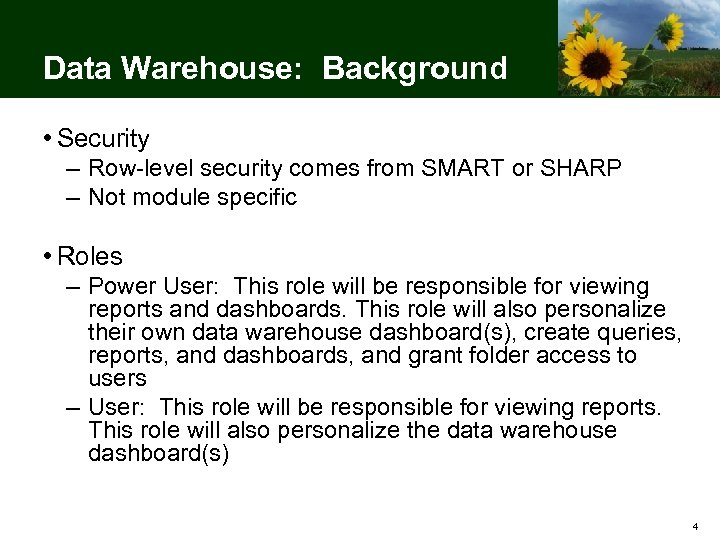
Data Warehouse: Background • Security – Row-level security comes from SMART or SHARP – Not module specific • Roles – Power User: This role will be responsible for viewing reports and dashboards. This role will also personalize their own data warehouse dashboard(s), create queries, reports, and dashboards, and grant folder access to users – User: This role will be responsible for viewing reports. This role will also personalize the data warehouse dashboard(s) 4
Data Warehouse: Training • Instructor-led training (RP 301) is required for the following roles: – Finance Power User – HR Power User • Web-based training (RP 204: Intro to BI Reporting) is the prerequisite for RP 301 and required for the following roles: – Finance User – HR User *DAGN 101: Intro to SMART is also a prerequisite 5
Data Warehouse: Training • RP 301: Ad Hoc Business Intelligence Reporting is a half-day class that is held once a month • Course Objectives: – Describe the flow of data to the data warehouse – Describe the use of subject areas to organize data – Create a new BI Answers request, including viewing and saving results – Perform common BI Answers tasks, including sort, subtotal, filter, format, and add formulas to a BI request – Create new dashboards including, modifying content, adding pages, and changing properties – Combine multiple views into a dashboard layout 6
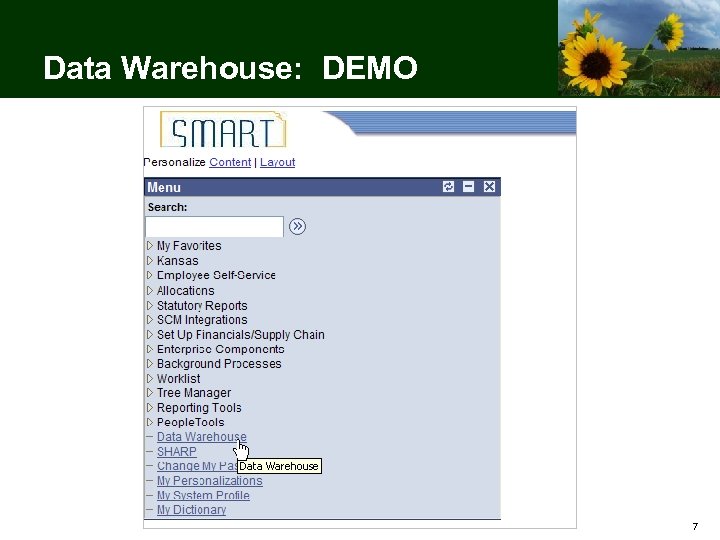
Data Warehouse: DEMO 7
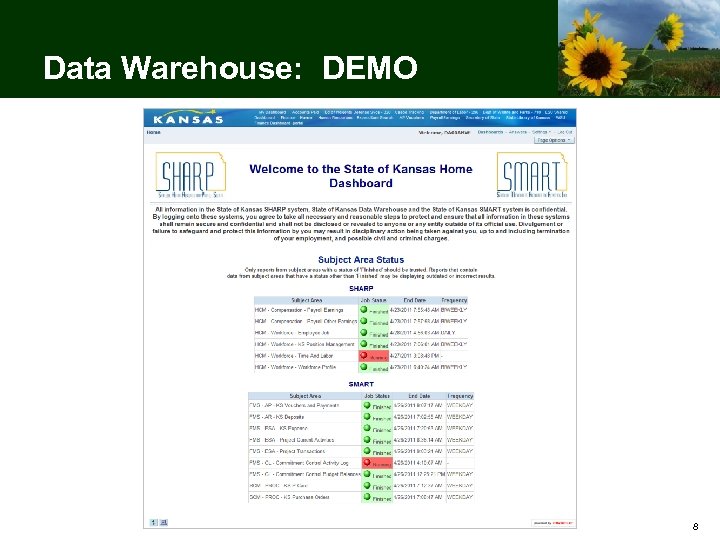
Data Warehouse: DEMO 8
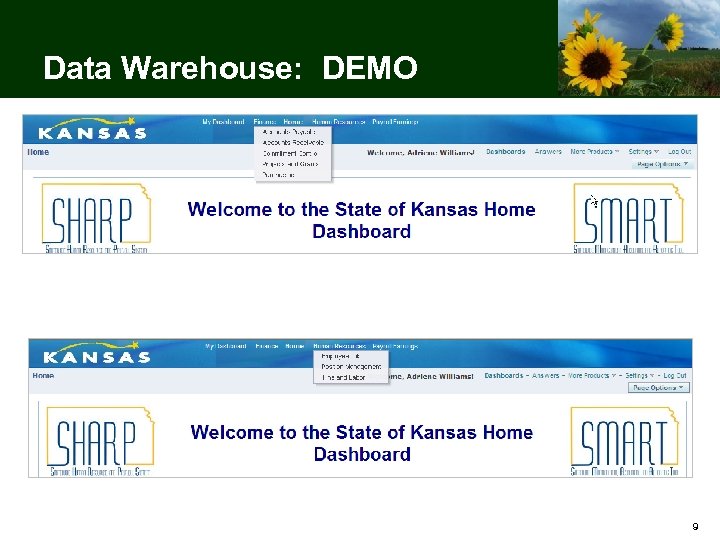
Data Warehouse: DEMO 9
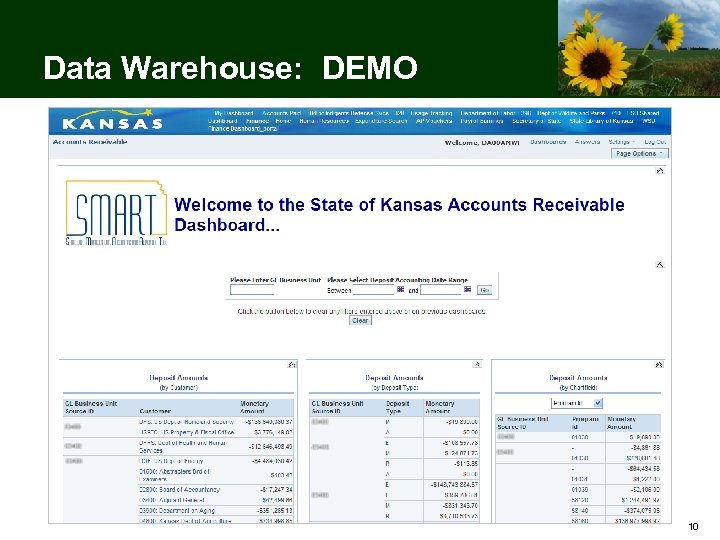
Data Warehouse: DEMO 10
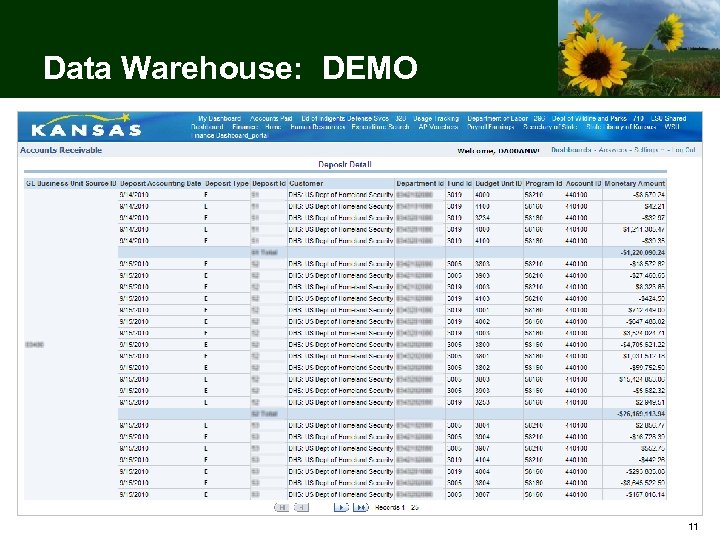
Data Warehouse: DEMO 11
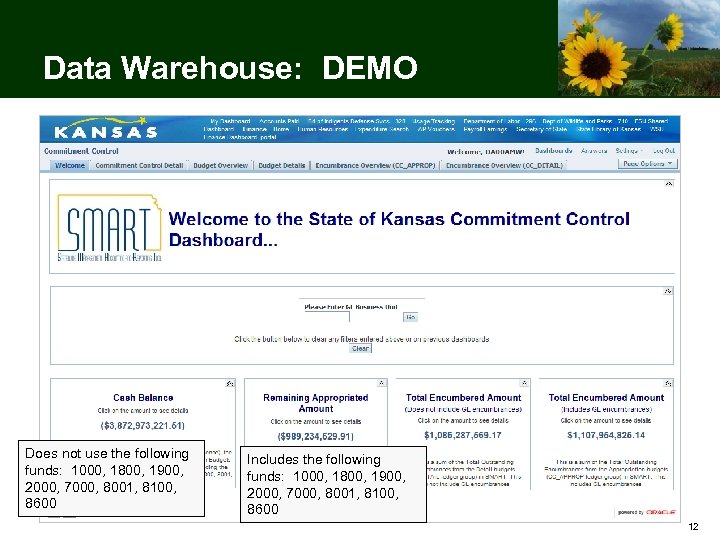
Data Warehouse: DEMO Does not use the following funds: 1000, 1800, 1900, 2000, 7000, 8001, 8100, 8600 Includes the following funds: 1000, 1800, 1900, 2000, 7000, 8001, 8100, 8600 12
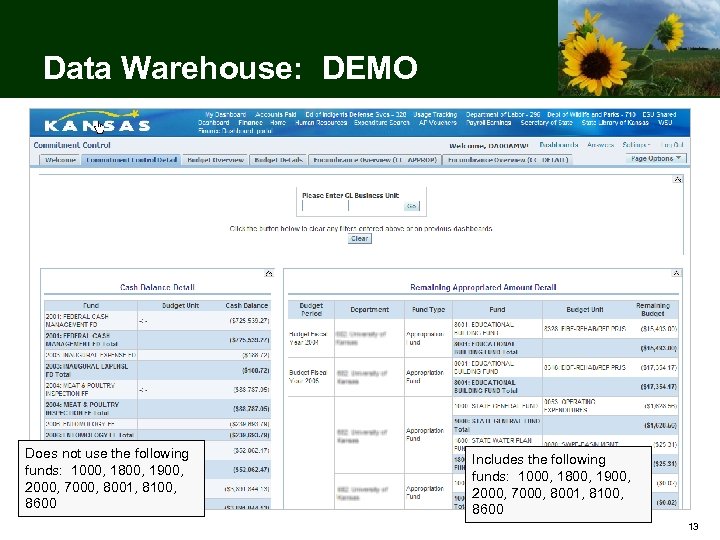
Data Warehouse: DEMO Does not use the following funds: 1000, 1800, 1900, 2000, 7000, 8001, 8100, 8600 Includes the following funds: 1000, 1800, 1900, 2000, 7000, 8001, 8100, 8600 13
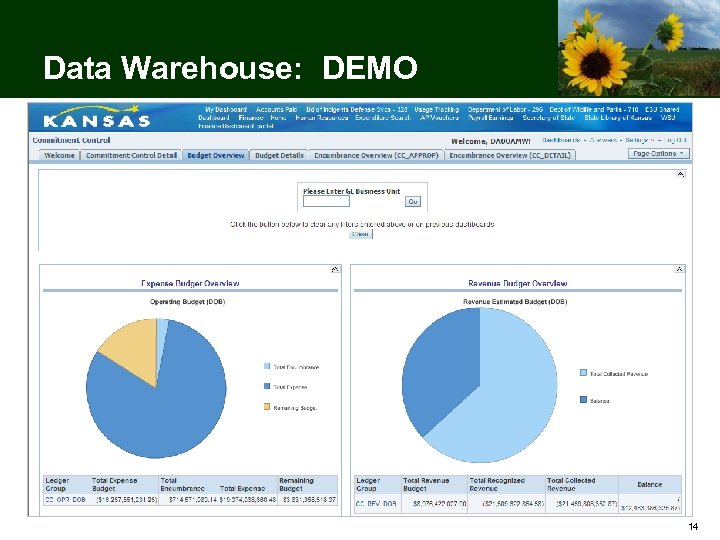
Data Warehouse: DEMO 14
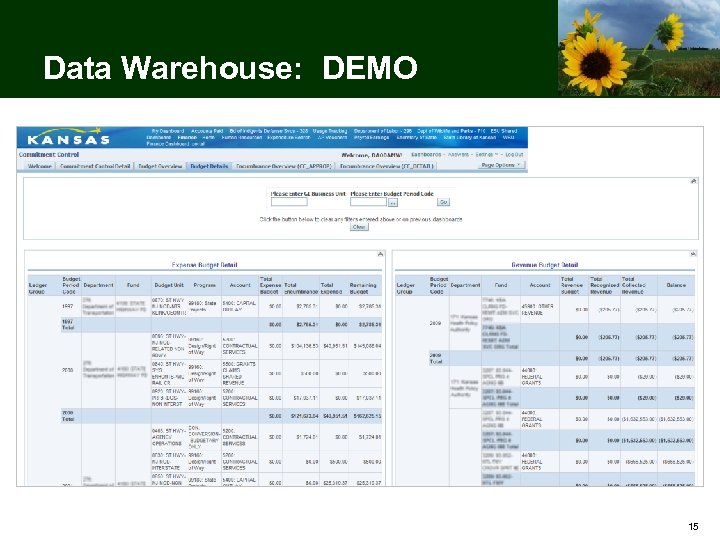
Data Warehouse: DEMO 15
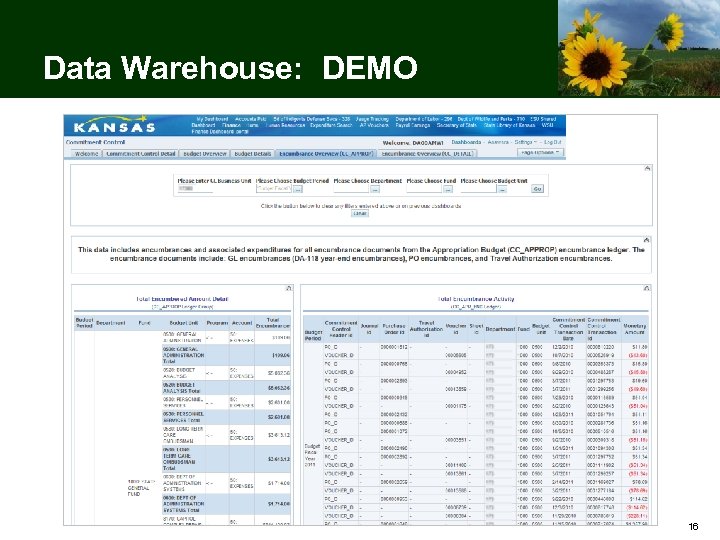
Data Warehouse: DEMO 16
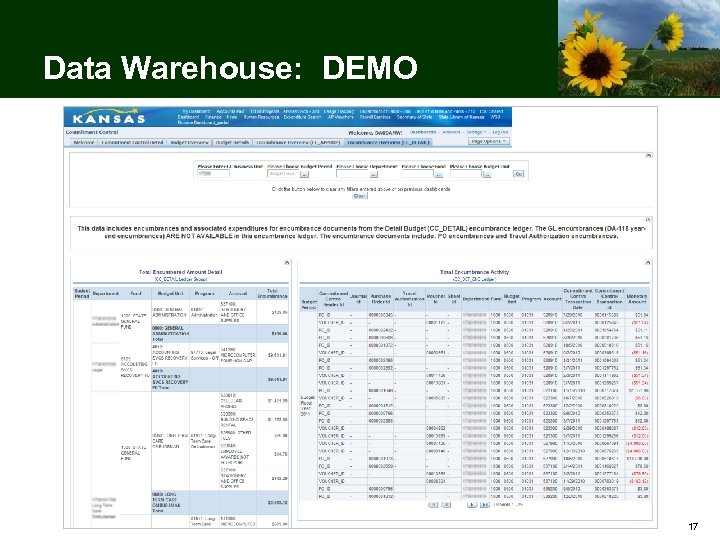
Data Warehouse: DEMO 17
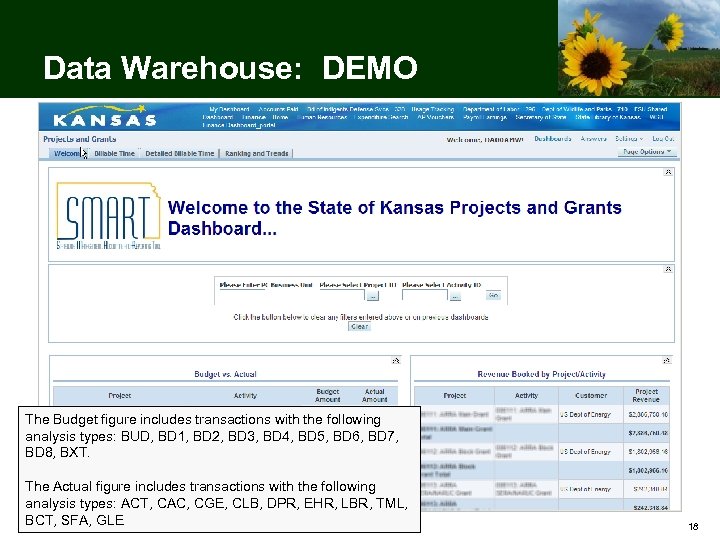
Data Warehouse: DEMO The Budget figure includes transactions with the following analysis types: BUD, BD 1, BD 2, BD 3, BD 4, BD 5, BD 6, BD 7, BD 8, BXT. The Actual figure includes transactions with the following analysis types: ACT, CAC, CGE, CLB, DPR, EHR, LBR, TML, BCT, SFA, GLE 18
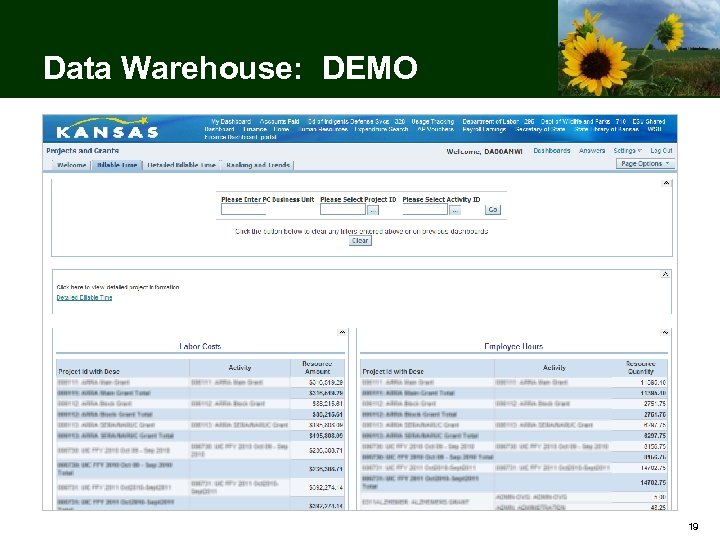
Data Warehouse: DEMO 19
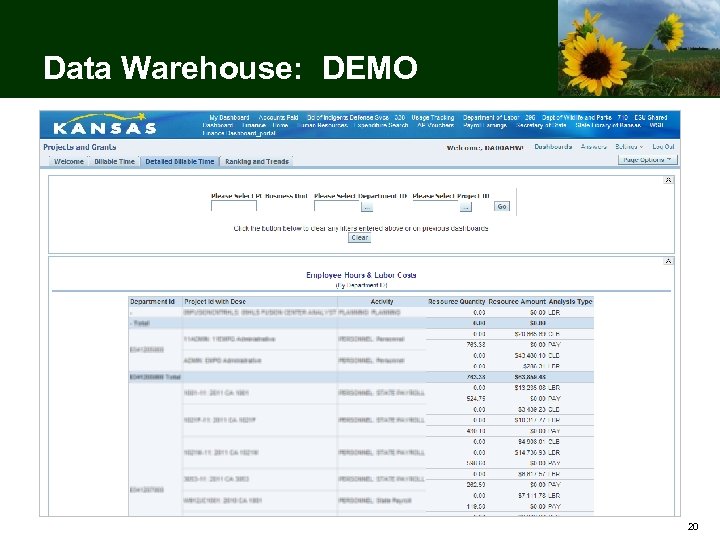
Data Warehouse: DEMO 20
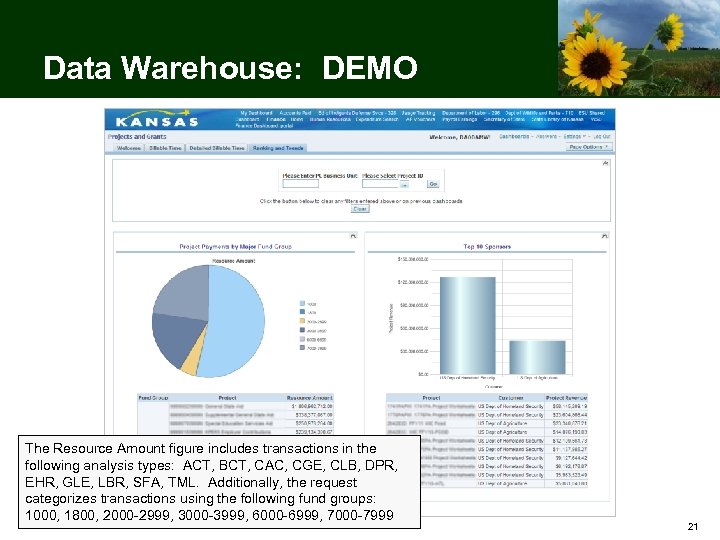
Data Warehouse: DEMO The Resource Amount figure includes transactions in the following analysis types: ACT, BCT, CAC, CGE, CLB, DPR, EHR, GLE, LBR, SFA, TML. Additionally, the request categorizes transactions using the following fund groups: 1000, 1800, 2000 -2999, 3000 -3999, 6000 -6999, 7000 -7999 21
Data Warehouse: DEMO 22
Data Warehouse: DEMO 23
Data Warehouse: DEMO 24
Data Warehouse: DEMO 25
Data Warehouse: DEMO 26
Data Warehouse: DEMO 27
Data Warehouse: DEMO 28
Data Warehouse: DEMO 29
Data Warehouse: DEMO 30
Data Warehouse: DEMO 31
Data Warehouse: DEMO 32
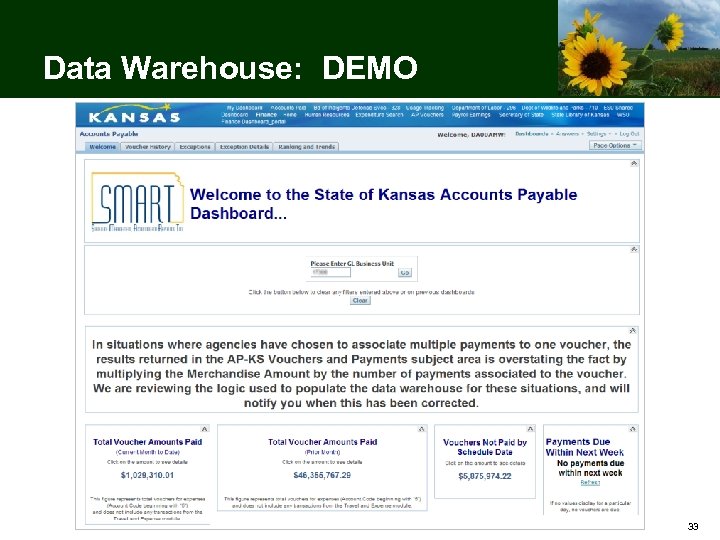
Data Warehouse: DEMO 33
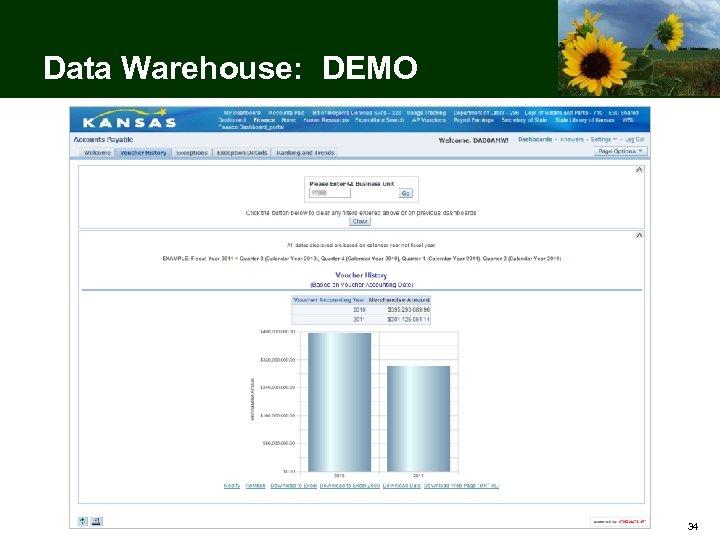
Data Warehouse: DEMO 34
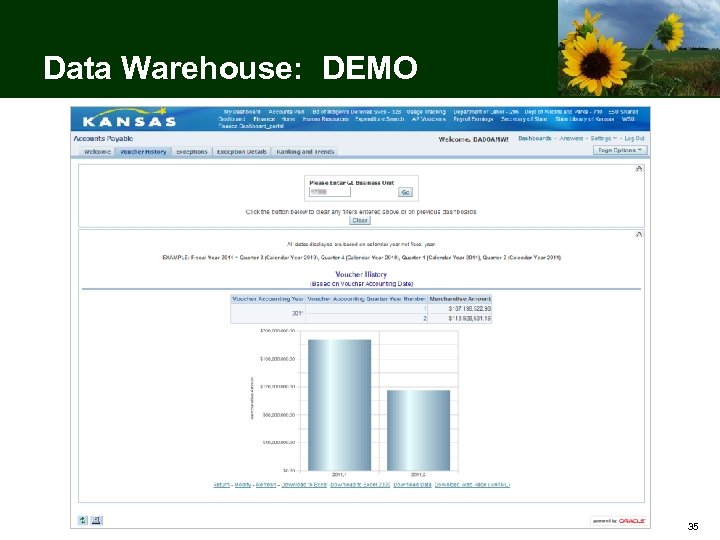
Data Warehouse: DEMO 35
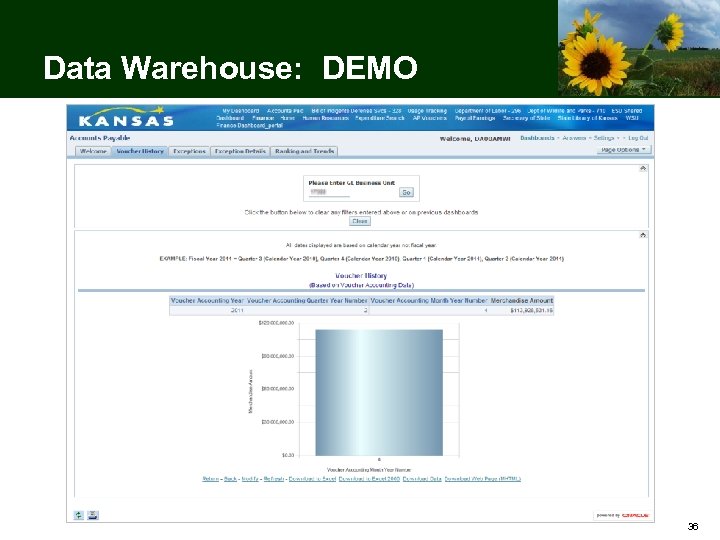
Data Warehouse: DEMO 36
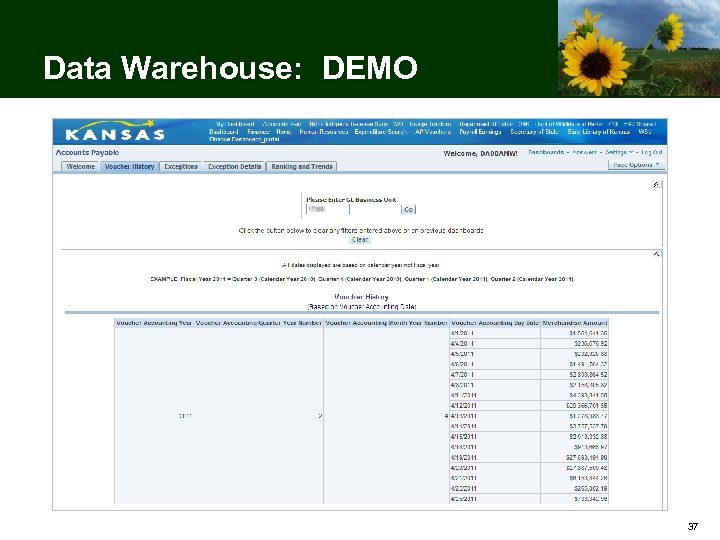
Data Warehouse: DEMO 37
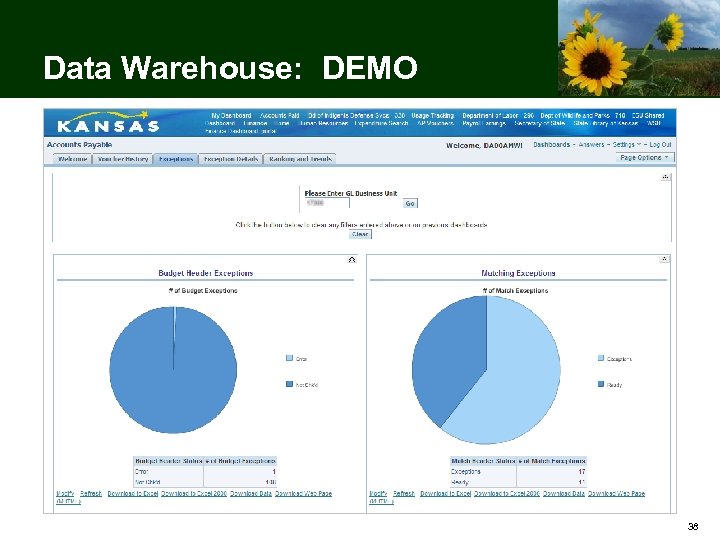
Data Warehouse: DEMO 38
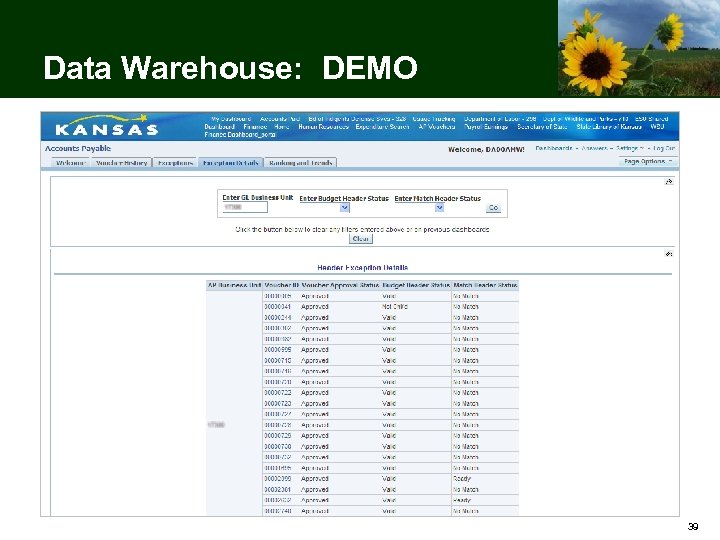
Data Warehouse: DEMO 39
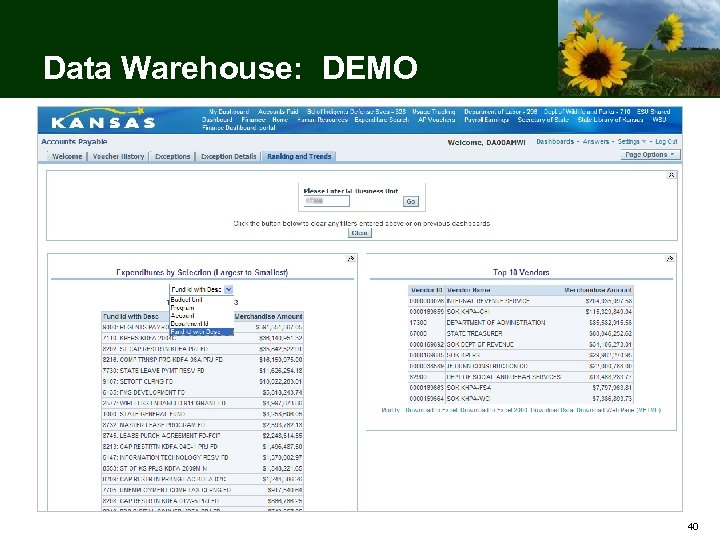
Data Warehouse: DEMO 40
Questions? 41
Data Warehouse Resources • Sunflower Project website: http: //www. da. ks. gov/smart/ • SHARP website: http: //www. da. ks. gov/sharp/ • Sunflower and SHARP Infolist – Subscribe at http: //www. da. ks. gov/listserv. htm • SMART Help Desk – Search the SMART Solutions Knowledgebase at https: //dahelpdesk. ks. gov/sd/Solutions. Home. sd – Log in to Service Desk at https: //dahelpdesk. ks. gov/ – Call 785 -368 -8000, Select Option 2 • SHARP Help Desk – Call 785 -368 -8000, Select Option 1 42
Скачать презентацию Data Warehouse Presented by Adriene Williams 1
07f410cd28031ae818607ebc993433c3.ppt