


 Скачать презентацию Data types expressions assignment statements Data
d2fd63436f47b0e59fed24483d53a677.ppt
- Количество слайдов: 46
 Data types, expressions & assignment statements
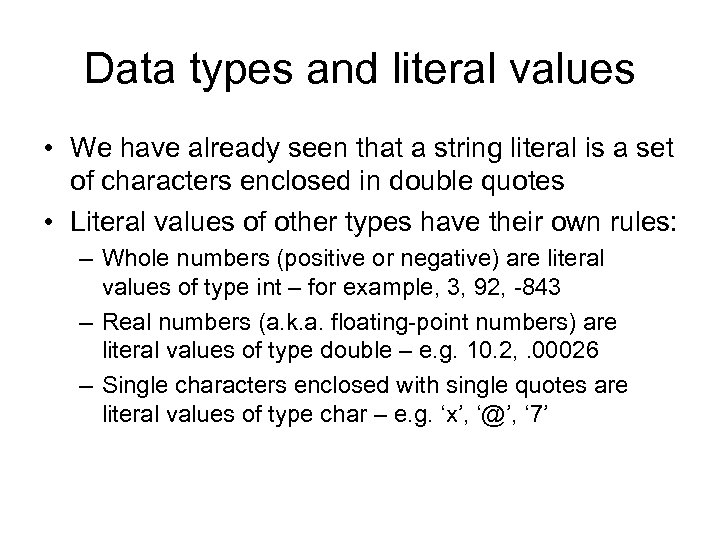 Data types and literal values • We have already seen that a string literal is a set of characters enclosed in double quotes • Literal values of other types have their own rules: – Whole numbers (positive or negative) are literal values of type int – for example, 3, 92, -843 – Real numbers (a. k. a. floating-point numbers) are literal values of type double – e. g. 10. 2, . 00026 – Single characters enclosed with single quotes are literal values of type char – e. g. ‘x’, ‘@’, ‘ 7’
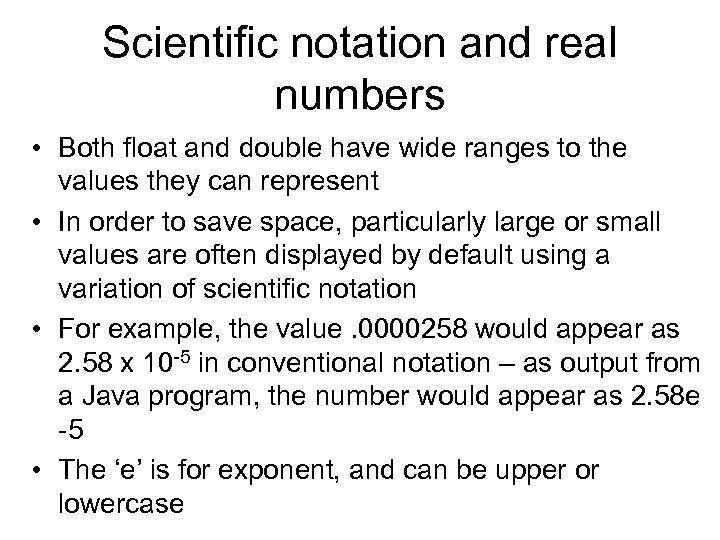 Scientific notation and real numbers • Both float and double have wide ranges to the values they can represent • In order to save space, particularly large or small values are often displayed by default using a variation of scientific notation • For example, the value. 0000258 would appear as 2. 58 x 10 -5 in conventional notation – as output from a Java program, the number would appear as 2. 58 e -5 • The ‘e’ is for exponent, and can be upper or lowercase
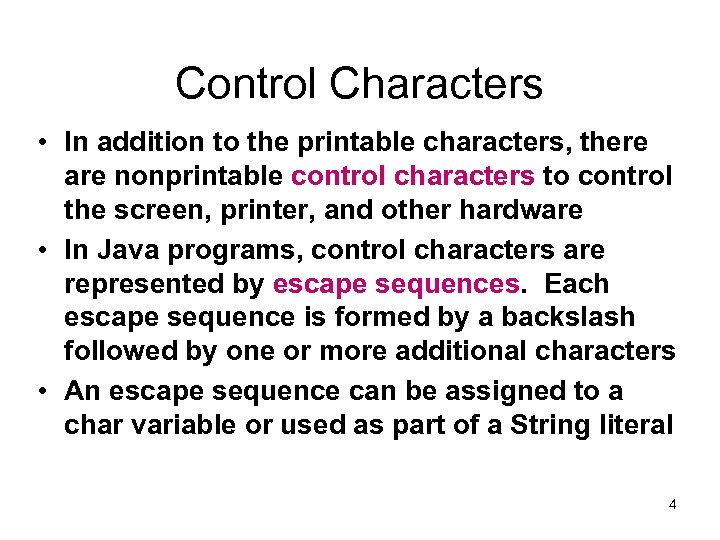 Control Characters • In addition to the printable characters, there are nonprintable control characters to control the screen, printer, and other hardware • In Java programs, control characters are represented by escape sequences. Each escape sequence is formed by a backslash followed by one or more additional characters • An escape sequence can be assigned to a char variable or used as part of a String literal 4
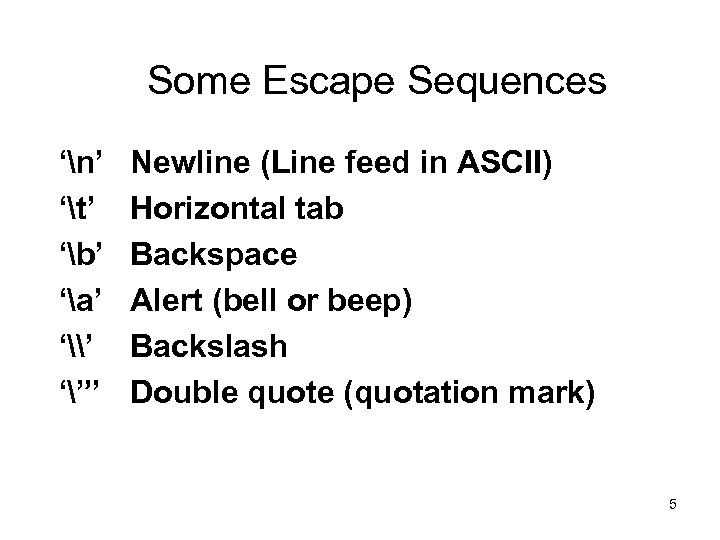 Some Escape Sequences ‘n’ ‘t’ ‘b’ ‘a’ ‘\’ ‘”’ Newline (Line feed in ASCII) Horizontal tab Backspace Alert (bell or beep) Backslash Double quote (quotation mark) 5
 Identifiers • In a data declaration statement, the programmer requests the allocation of memory for storage of a value – The data type determines the amount of memory allocated and the kind of value that can be stored – The identifier is the name chosen by the programmer to refer to the value stored – Java identifiers must comply with the syntax rules given on the next slide
 Rules for Java identifiers • An identifier must start with an alphabetic character (a-z or A-Z) • The initial letter may be followed by any number of characters chosen from the following sets: – Alphabetic characters – Numerals (0 -9) – Underscores and dollar signs (_, $)
 Rules for Java identifiers • Java keywords (such as data type names like int, char, double, etc. ) may not be used as identifiers • A list of Java keywords may be found in Appendix 1 (page 1121) of your textbook • Java is a case-sensitive language – Upper and lowercase versions of the same letter are considered separate characters – You must take care to ensure that your use of characters is consistent – for example, mytext and my. Text would be considered two different identifiers
 Choosing variable names • The name of each variable should describe the value to be stored • The goal is to make your code selfdocumenting – naming should make the purpose of both data declarations and subsequent instructions apparent
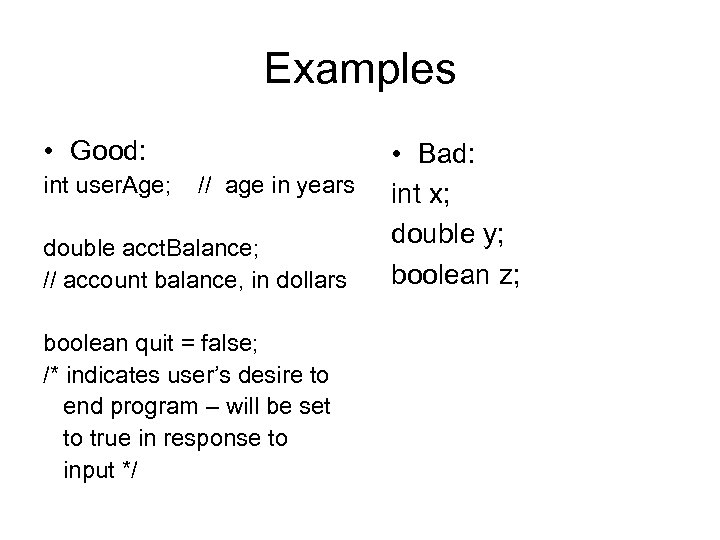 Examples • Good: int user. Age; // age in years double acct. Balance; // account balance, in dollars boolean quit = false; /* indicates user’s desire to end program – will be set to true in response to input */ • Bad: int x; double y; boolean z;
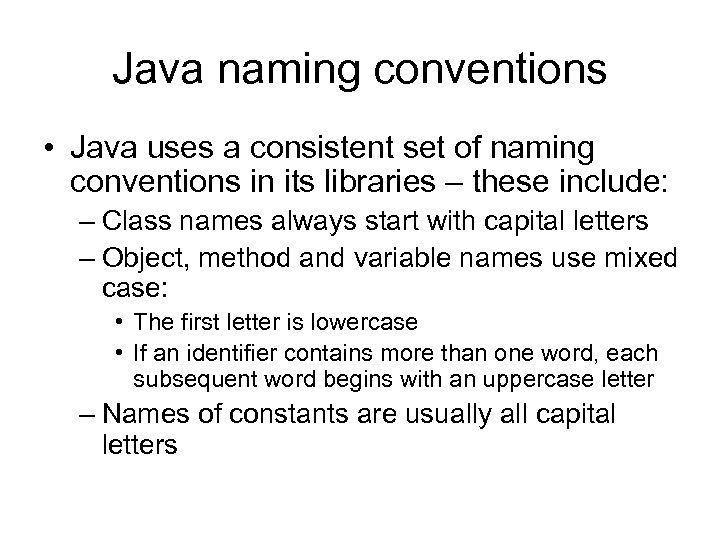 Java naming conventions • Java uses a consistent set of naming conventions in its libraries – these include: – Class names always start with capital letters – Object, method and variable names use mixed case: • The first letter is lowercase • If an identifier contains more than one word, each subsequent word begins with an uppercase letter – Names of constants are usually all capital letters
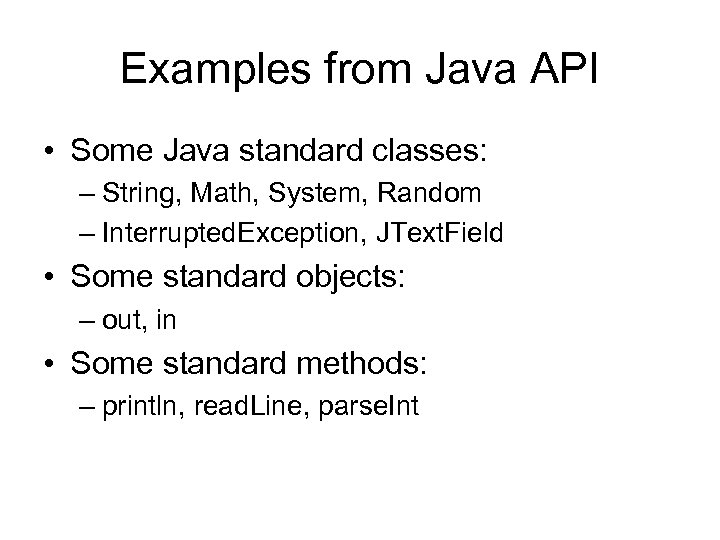 Examples from Java API • Some Java standard classes: – String, Math, System, Random – Interrupted. Exception, JText. Field • Some standard objects: – out, in • Some standard methods: – println, read. Line, parse. Int
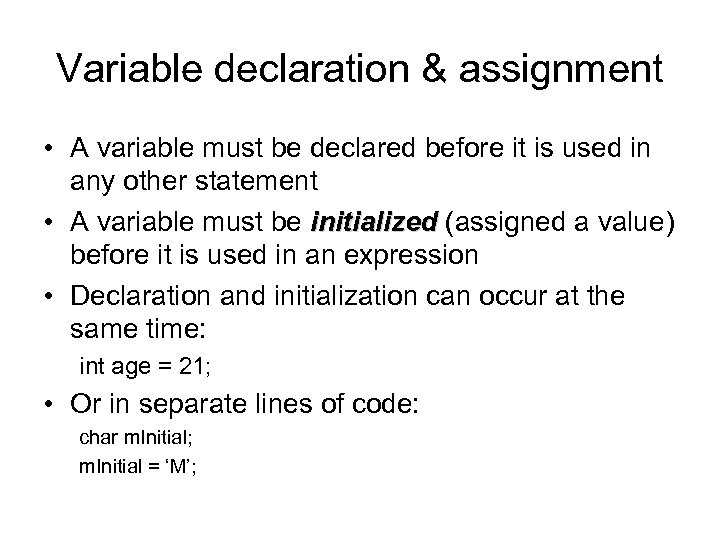 Variable declaration & assignment • A variable must be declared before it is used in any other statement • A variable must be initialized (assigned a value) before it is used in an expression • Declaration and initialization can occur at the same time: int age = 21; • Or in separate lines of code: char m. Initial; m. Initial = ‘M’;
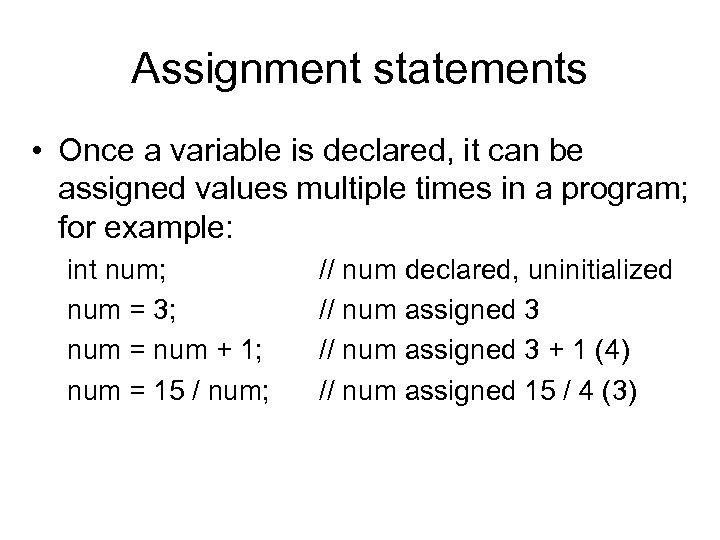 Assignment statements • Once a variable is declared, it can be assigned values multiple times in a program; for example: int num; num = 3; num = num + 1; num = 15 / num; // num declared, uninitialized // num assigned 3 + 1 (4) // num assigned 15 / 4 (3)
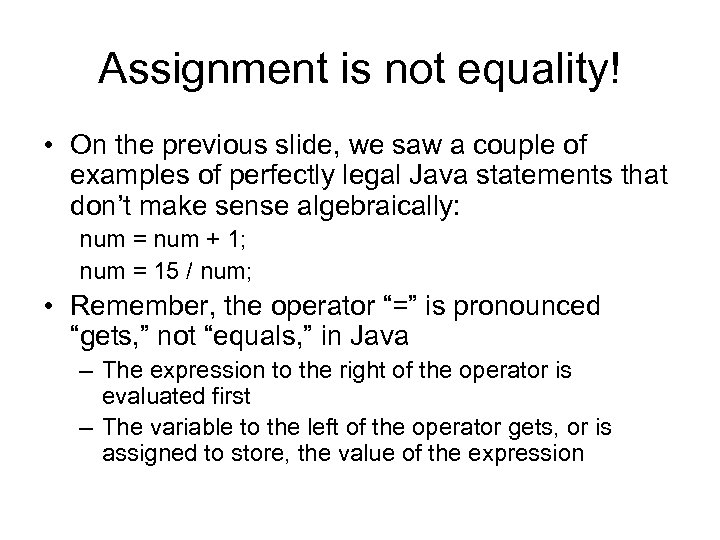 Assignment is not equality! • On the previous slide, we saw a couple of examples of perfectly legal Java statements that don’t make sense algebraically: num = num + 1; num = 15 / num; • Remember, the operator “=” is pronounced “gets, ” not “equals, ” in Java – The expression to the right of the operator is evaluated first – The variable to the left of the operator gets, or is assigned to store, the value of the expression
 Assignment compatibility • When a variable is declared, the data type in the declaration indicates the nature of the values the variable is capable of storing • For example, an int variable can store a whole number, a char variable can store a character, and a double variable can store a real number • The value assigned to the variable must be compatible with its data type
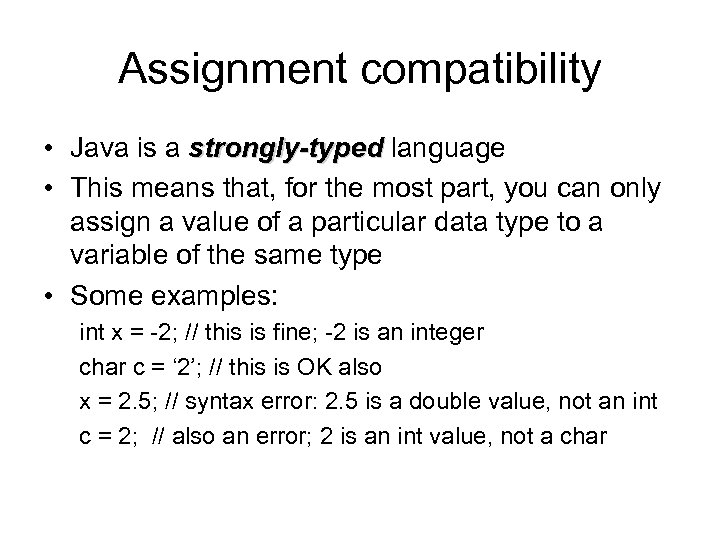 Assignment compatibility • Java is a strongly-typed language • This means that, for the most part, you can only assign a value of a particular data type to a variable of the same type • Some examples: int x = -2; // this is fine; -2 is an integer char c = ‘ 2’; // this is OK also x = 2. 5; // syntax error: 2. 5 is a double value, not an int c = 2; // also an error; 2 is an int value, not a char
 Assignment compatibility • The last two lines of code on the previous slide were examples of errors the compiler would flag because they violate a rule of the Java language • The rule is that a value can’t be “demoted” in an assignment; in particular: – A floating-point value can’t be assigned to an int variable – A numeric value can’t be assigned to a char
 Assignment compatibility • Assignment in the other direction – that is, of a simpler value to a more complicated data type – is allowed; some examples: int x = ‘A’; // will be assigned the ASCII value of ‘A’ double n = 5; // n gets 5. 0 • The chain of assignment “promotion” is given below: byte -> short -> int -> long -> float -> double – An expression whose data type is to the left in the list can be assigned to any variable which appears to the right of it – So, for example, we can assign an int value to a double – A char literal value can be assigned to an int (or above) but not a short (or below)
 Arithmetic operators in Java • The arithmetic operators in Java are: + Addition - Subtraction * Multiplication / Division % Modulus (remainder) • These operators can be used with simple expressions (e. g. variables, literal values) to form compound expressions
 Arithmetic operations in Java • As in algebra, multiplication and division (and modulus, which we’ll look at momentarily) take precedence over addition and subtraction • We can form larger expressions by adding more operators and more operands – Parentheses are used to group expressions, using the same rule as in algebra: evaluate the innermost parenthesized expression first, and work your way out through the levels of nesting – The one complication with this is we have only parentheses to group with; you can’t use curly or square brackets, as they have other specific meanings in Java
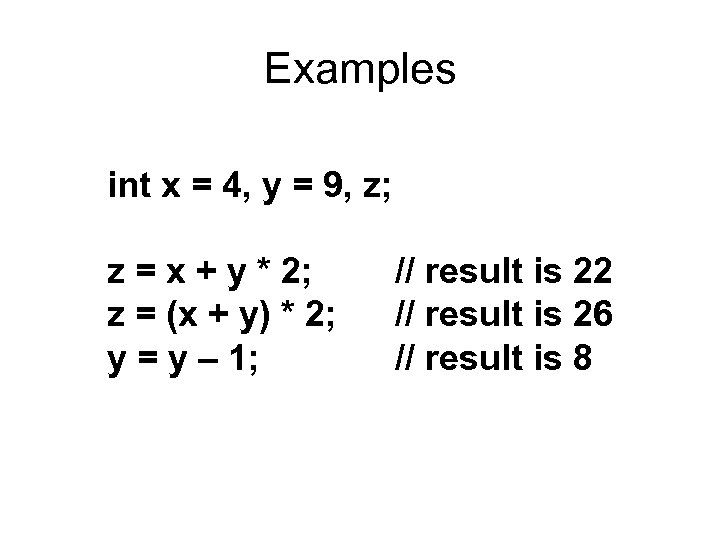 Examples int x = 4, y = 9, z; z = x + y * 2; z = (x + y) * 2; y = y – 1; // result is 22 // result is 26 // result is 8
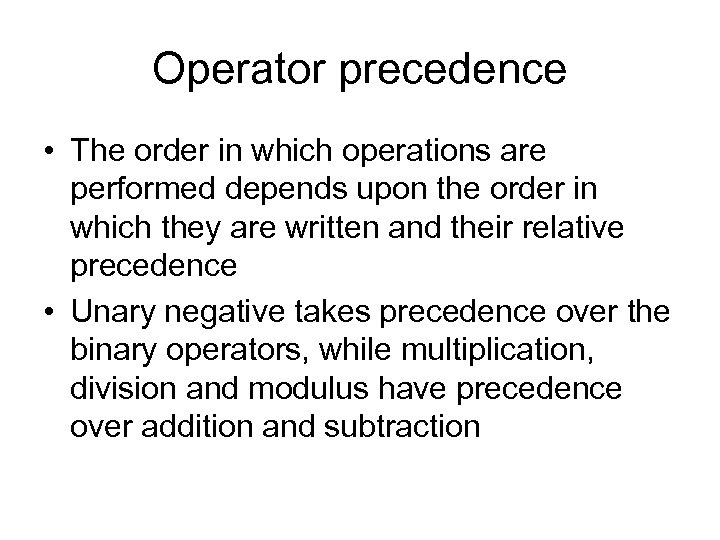 Operator precedence • The order in which operations are performed depends upon the order in which they are written and their relative precedence • Unary negative takes precedence over the binary operators, while multiplication, division and modulus have precedence over addition and subtraction
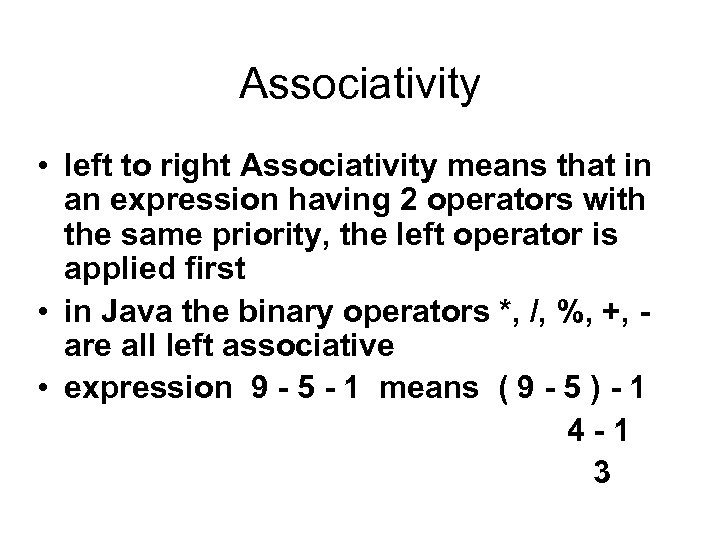 Associativity • left to right Associativity means that in an expression having 2 operators with the same priority, the left operator is applied first • in Java the binary operators *, /, %, +, are all left associative • expression 9 - 5 - 1 means ( 9 - 5 ) - 1 4 -1 3
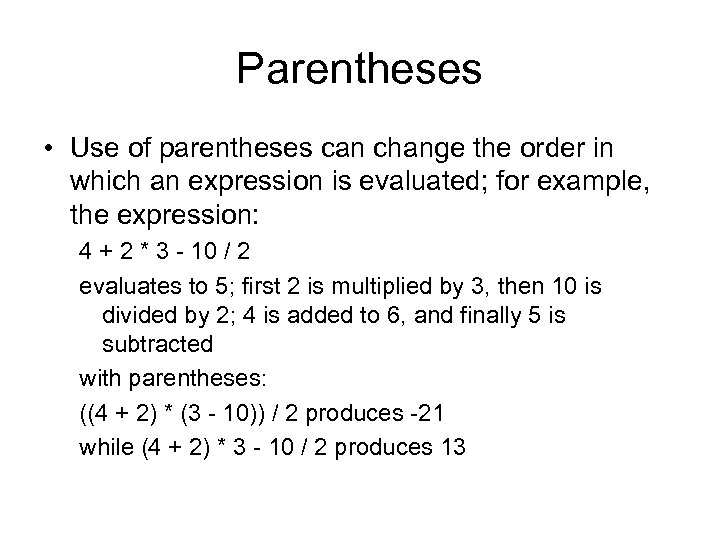 Parentheses • Use of parentheses can change the order in which an expression is evaluated; for example, the expression: 4 + 2 * 3 - 10 / 2 evaluates to 5; first 2 is multiplied by 3, then 10 is divided by 2; 4 is added to 6, and finally 5 is subtracted with parentheses: ((4 + 2) * (3 - 10)) / 2 produces -21 while (4 + 2) * 3 - 10 / 2 produces 13
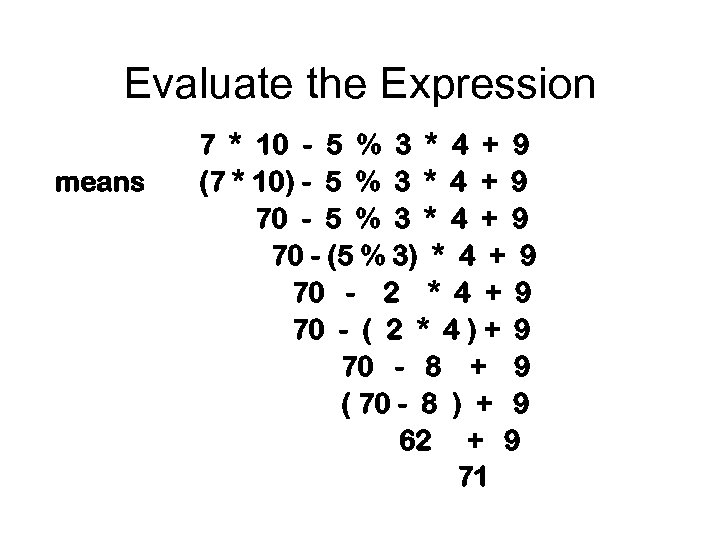 Evaluate the Expression means 7 * 10 - 5 % 3 * 4 + 9 (7 * 10) - 5 % 3 * 4 + 9 70 - (5 % 3) * 4 + 9 70 - 2 * 4 + 9 70 - ( 2 * 4 ) + 9 70 - 8 + 9 ( 70 - 8 ) + 9 62 + 9 71
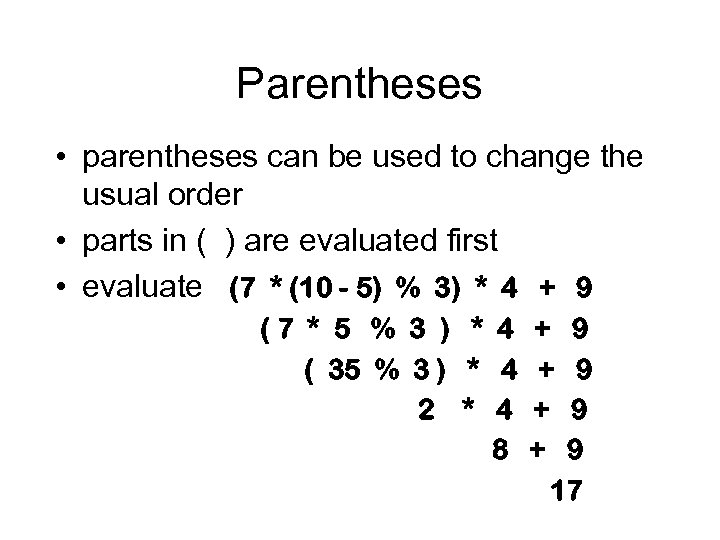 Parentheses • parentheses can be used to change the usual order • parts in ( ) are evaluated first • evaluate (7 * (10 - 5) % 3) * 4 + 9 (7 * 5 % 3 ) * 4 + 9 ( 35 % 3 ) * 4 + 9 2 * 4 + 9 8 + 9 17
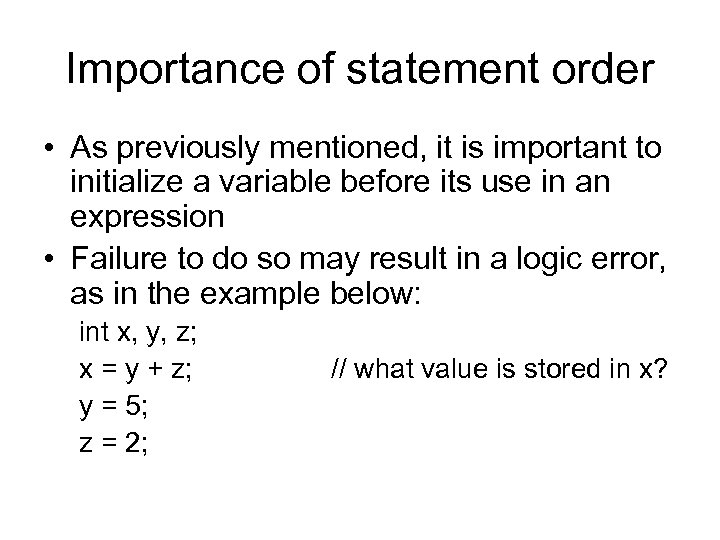 Importance of statement order • As previously mentioned, it is important to initialize a variable before its use in an expression • Failure to do so may result in a logic error, as in the example below: int x, y, z; x = y + z; y = 5; z = 2; // what value is stored in x?
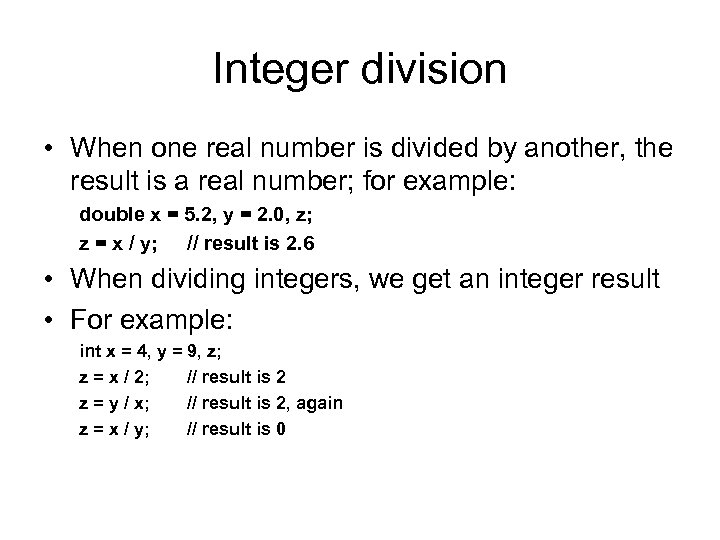 Integer division • When one real number is divided by another, the result is a real number; for example: double x = 5. 2, y = 2. 0, z; z = x / y; // result is 2. 6 • When dividing integers, we get an integer result • For example: int x = 4, y = 9, z; z = x / 2; // result is 2 z = y / x; // result is 2, again z = x / y; // result is 0
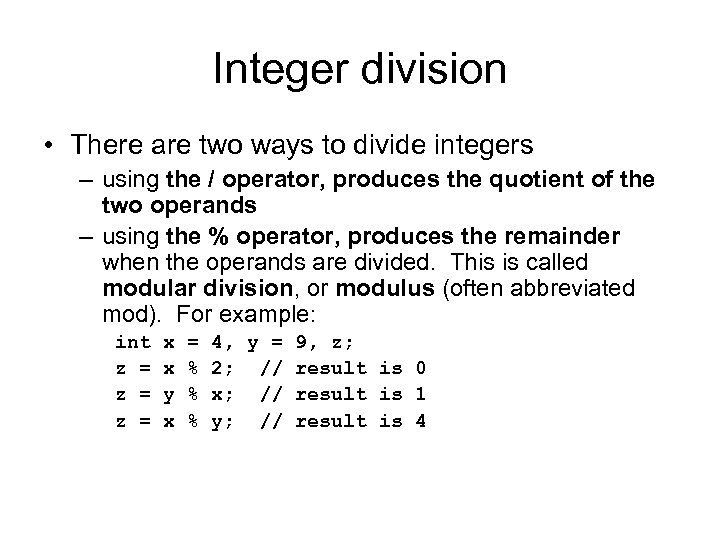 Integer division • There are two ways to divide integers – using the / operator, produces the quotient of the two operands – using the % operator, produces the remainder when the operands are divided. This is called modular division, or modulus (often abbreviated mod). For example: int z = z = x x y x = % % % 4, y = 2; // x; // y; // 9, z; result is 0 result is 1 result is 4
 Why would I ever … ? • Many students wonder initially why modulus would ever be a useful operation; here are some examples: • To determine if a number is even, calculate number%2 - if the result is 1, it’s odd, if 0, it’s even • In general, to determine if x is a factor of y, calculate y%x - if the result is 0, then x is a factor • We will see examples later on in which decisions in a program are based on divisibility
 Mixed-type expressions • A mixed-type expression is one that involves operands of different data types – Like other expressions, such an expression will evaluate to a single result – The data type of that value will be the type of the operand with the highest precision – What this means, for all practical purposes, is that, if an expression that involves both real numbers and whole numbers, the result will be a real number. • The numeric promotion that takes place in a mixed-type expression is also known as implicit type casting
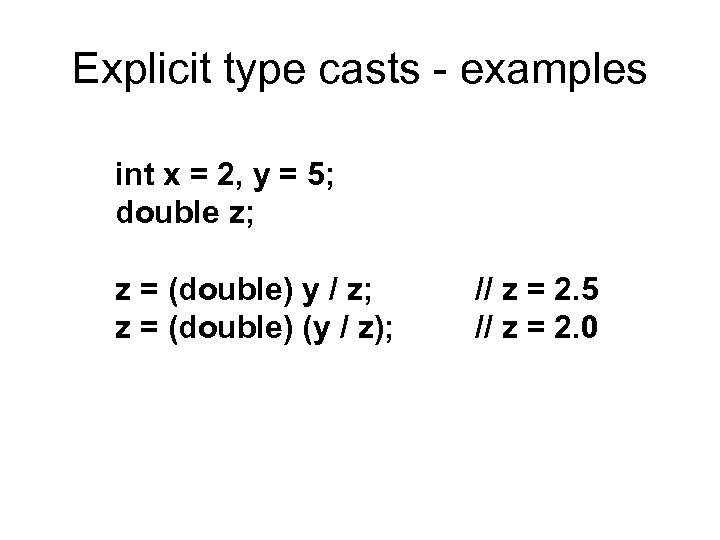
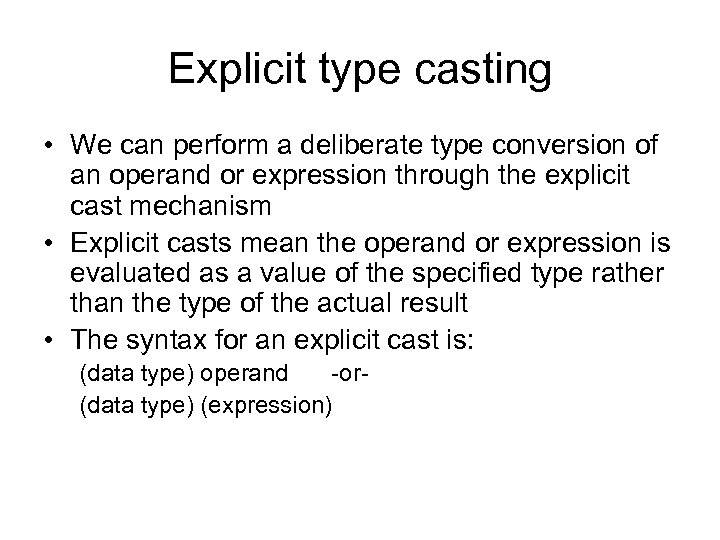 Explicit type casting • We can perform a deliberate type conversion of an operand or expression through the explicit cast mechanism • Explicit casts mean the operand or expression is evaluated as a value of the specified type rather than the type of the actual result • The syntax for an explicit cast is: (data type) operand -or(data type) (expression)
 Explicit type casts - examples int x = 2, y = 5; double z; z = (double) y / z; z = (double) (y / z); // z = 2. 5 // z = 2. 0
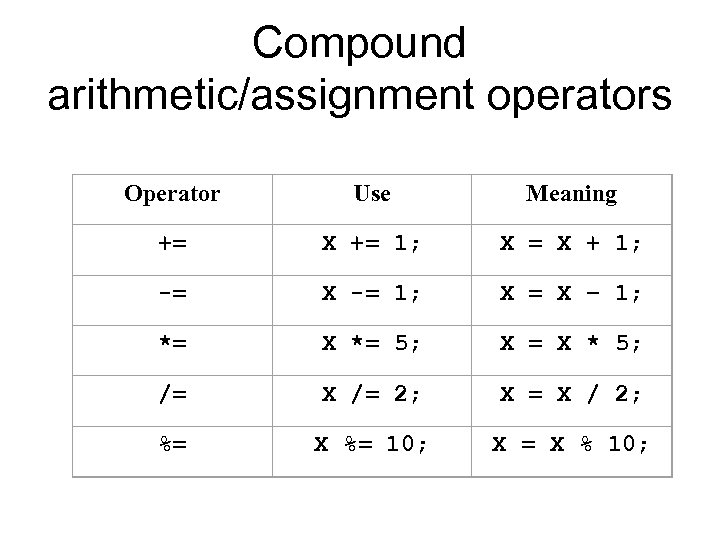
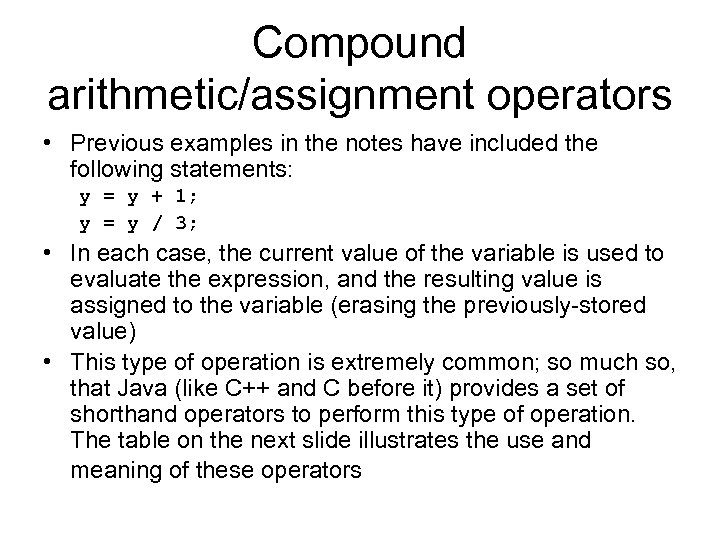 Compound arithmetic/assignment operators • Previous examples in the notes have included the following statements: y = y + 1; y = y / 3; • In each case, the current value of the variable is used to evaluate the expression, and the resulting value is assigned to the variable (erasing the previously-stored value) • This type of operation is extremely common; so much so, that Java (like C++ and C before it) provides a set of shorthand operators to perform this type of operation. The table on the next slide illustrates the use and meaning of these operators
 Compound arithmetic/assignment operators Operator Use Meaning += X += 1; X = X + 1; -= X -= 1; X = X – 1; *= X *= 5; X = X * 5; /= X /= 2; X = X / 2; %= X %= 10; X = X % 10;
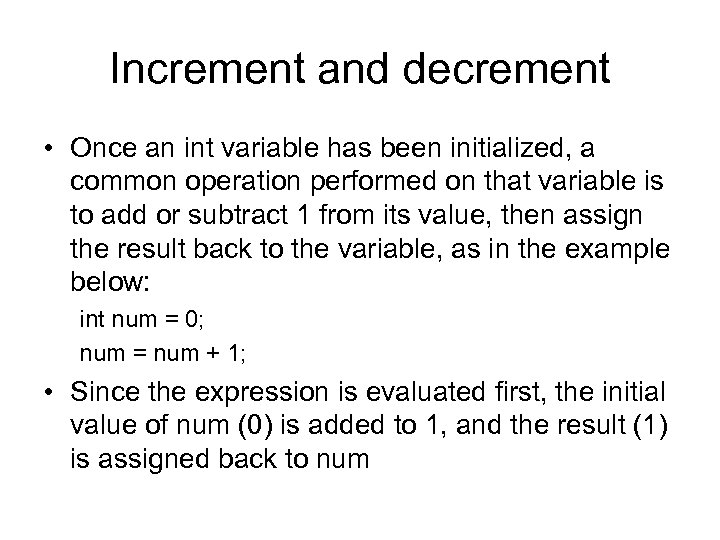 Increment and decrement • Once an int variable has been initialized, a common operation performed on that variable is to add or subtract 1 from its value, then assign the result back to the variable, as in the example below: int num = 0; num = num + 1; • Since the expression is evaluated first, the initial value of num (0) is added to 1, and the result (1) is assigned back to num
 Increment and decrement • Java provides a shorthand method for performing this common increment operation; the example below illustrates the shortcut: int num = 0; num++; /* has same effect as num = num + 1 */ • A similar shortcut exists for subtracting 1, or decrementing, an int variable, as in the example below: int countdown = 10; countdown--;
 Increment and decrement • The increment and decrement operators (++ and --, respectively) have two forms: prefix and postfix • All of the examples thus far have been the postfix form: num++; and countdown--; • The prefix form places the operator before the variable: e. g. ++num and --countdown
 Prefix vs. postscript • In the examples we’ve seen, it doesn’t make any difference which form is used • When increment or decrement is used in a larger expression, however, the form used can change the outcome • If the prefix form is used, the new value (plus or minus 1) is used in the larger expression; if the postfix form is used, the variable is not incremented or decremented until after it has been used to evaluate the larger expression
 Prefix vs. postscript • In the example below, values assigned to variable f depend on when new values get assigned to e: int e=0, f; f = e++; /* f gets 0; e gets 1 */ f = ++e; /* f gets 2; e gets 2 */
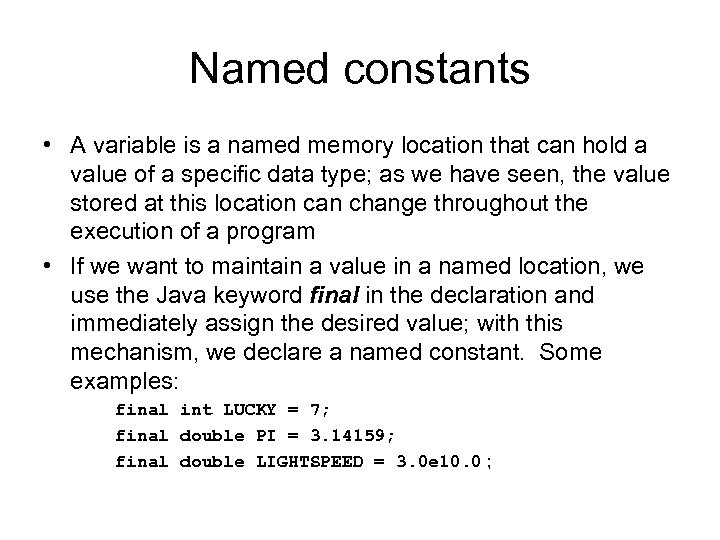 Named constants • A variable is a named memory location that can hold a value of a specific data type; as we have seen, the value stored at this location can change throughout the execution of a program • If we want to maintain a value in a named location, we use the Java keyword final in the declaration and immediately assign the desired value; with this mechanism, we declare a named constant. Some examples: final int LUCKY = 7; final double PI = 3. 14159; final double LIGHTSPEED = 3. 0 e 10. 0 ;
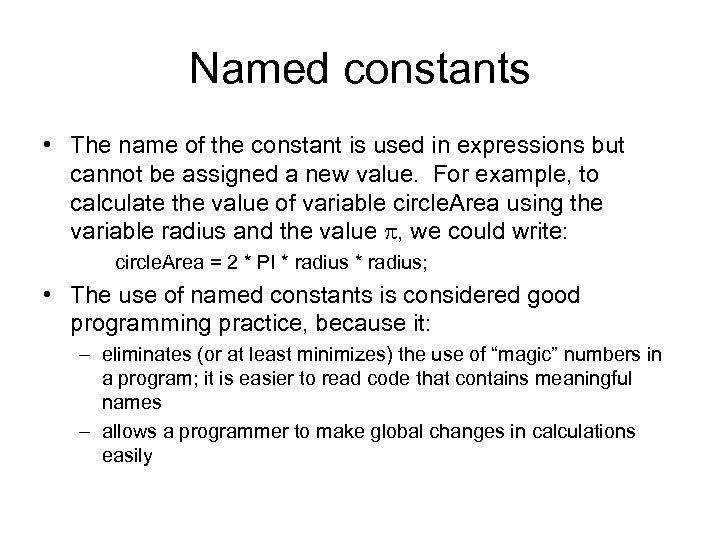 Named constants • The name of the constant is used in expressions but cannot be assigned a new value. For example, to calculate the value of variable circle. Area using the variable radius and the value , we could write: circle. Area = 2 * PI * radius; • The use of named constants is considered good programming practice, because it: – eliminates (or at least minimizes) the use of “magic” numbers in a program; it is easier to read code that contains meaningful names – allows a programmer to make global changes in calculations easily
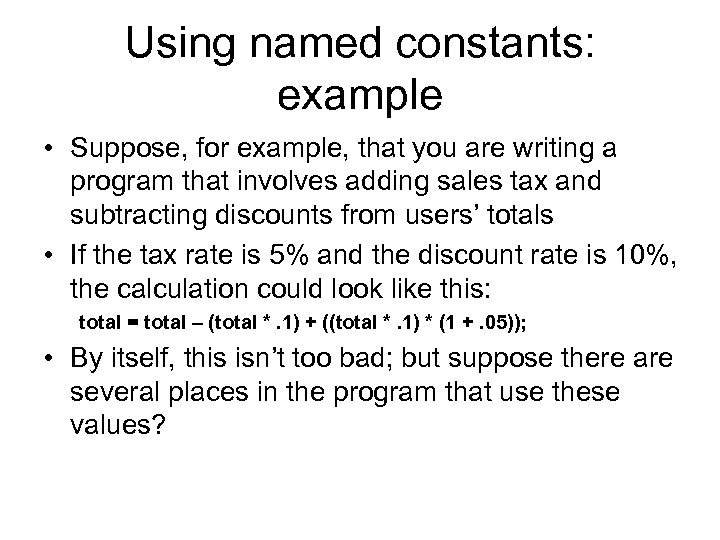 Using named constants: example • Suppose, for example, that you are writing a program that involves adding sales tax and subtracting discounts from users’ totals • If the tax rate is 5% and the discount rate is 10%, the calculation could look like this: total = total – (total *. 1) + ((total *. 1) * (1 +. 05)); • By itself, this isn’t too bad; but suppose there are several places in the program that use these values?
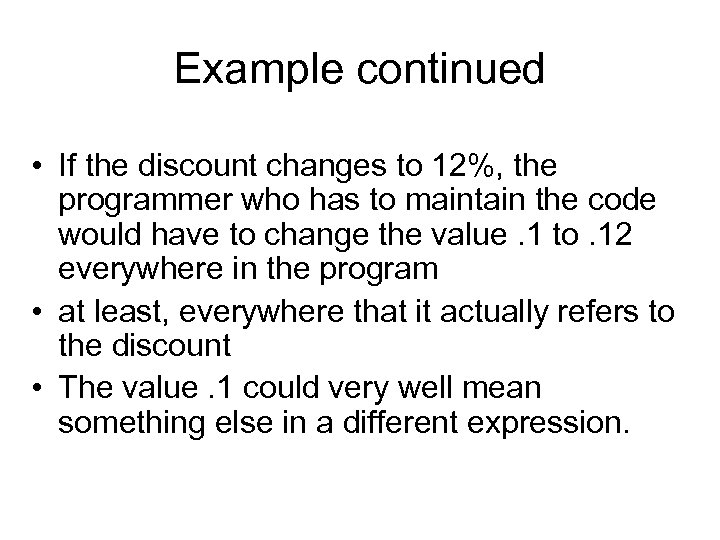 Example continued • If the discount changes to 12%, the programmer who has to maintain the code would have to change the value. 1 to. 12 everywhere in the program • at least, everywhere that it actually refers to the discount • The value. 1 could very well mean something else in a different expression.
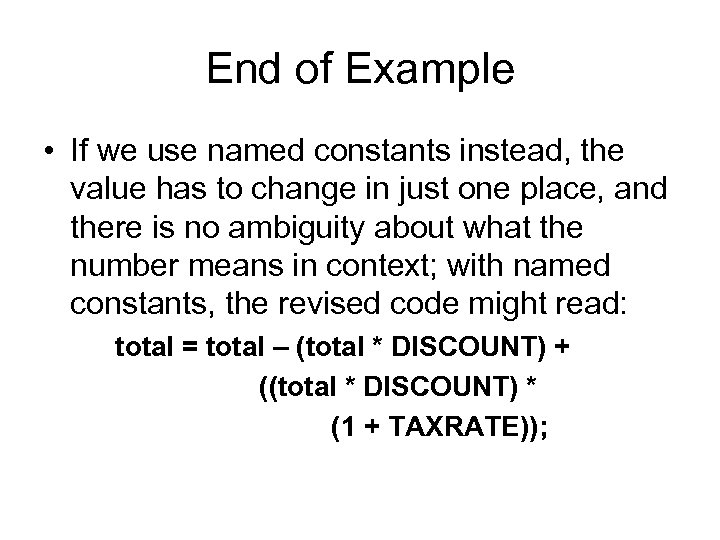 End of Example • If we use named constants instead, the value has to change in just one place, and there is no ambiguity about what the number means in context; with named constants, the revised code might read: total = total – (total * DISCOUNT) + ((total * DISCOUNT) * (1 + TAXRATE));