 Скачать презентацию Cyber Security Primer What you need to know
95e38b834bca8acf75c8ea275caaa928.ppt
- Количество слайдов: 34



Cyber Security Primer What you need to know and what we can do IBMS Facility Managers Sundowner Series 4 May 2017
Outcomes 1. Appreciation of the risks 2. Awareness of mitigations and solutions 3. Suggestions on good personal security habits ©IBMS Pty Ltd 2
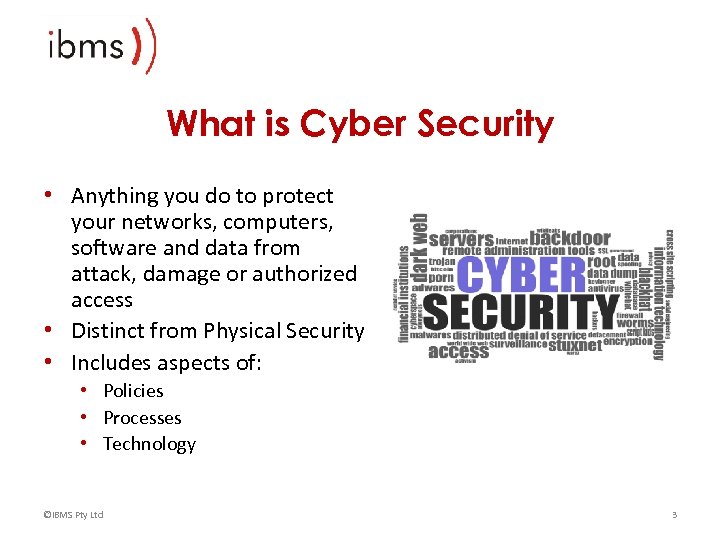
What is Cyber Security • Anything you do to protect your networks, computers, software and data from attack, damage or authorized access • Distinct from Physical Security • Includes aspects of: • Policies • Processes • Technology ©IBMS Pty Ltd 3
What does it do? • Protects confidential information • Prevents malicious damage • Keeps systems running efficiently • Helps to recover from disasters ©IBMS Pty Ltd 4
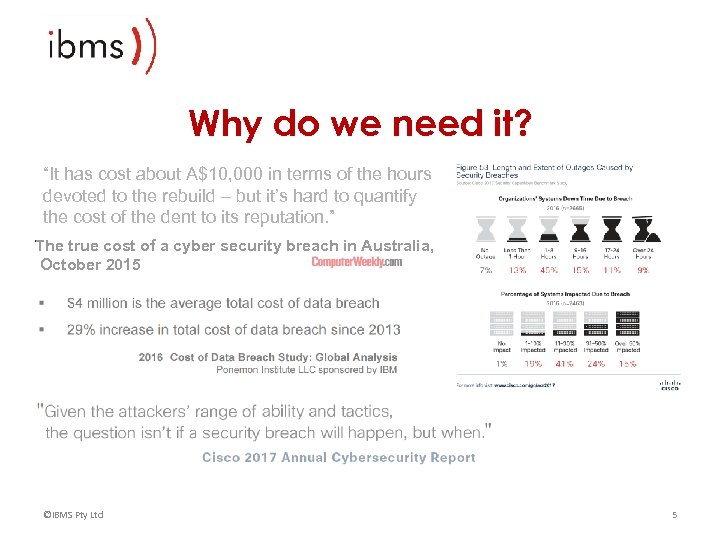
Why do we need it? “It has cost about A$10, 000 in terms of the hours devoted to the rebuild – but it’s hard to quantify the cost of the dent to its reputation. ” The true cost of a cyber security breach in Australia, October 2015 ©IBMS Pty Ltd 5
Why do we need it? ©IBMS Pty Ltd 6
Why do we need it? ©IBMS Pty Ltd 7
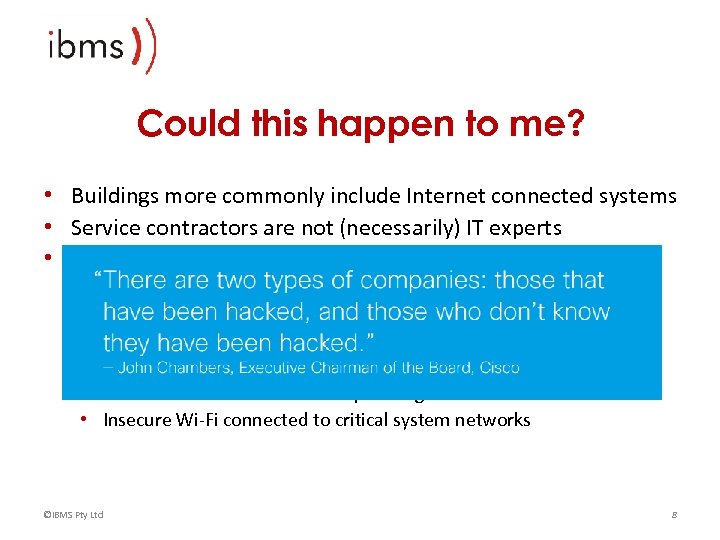
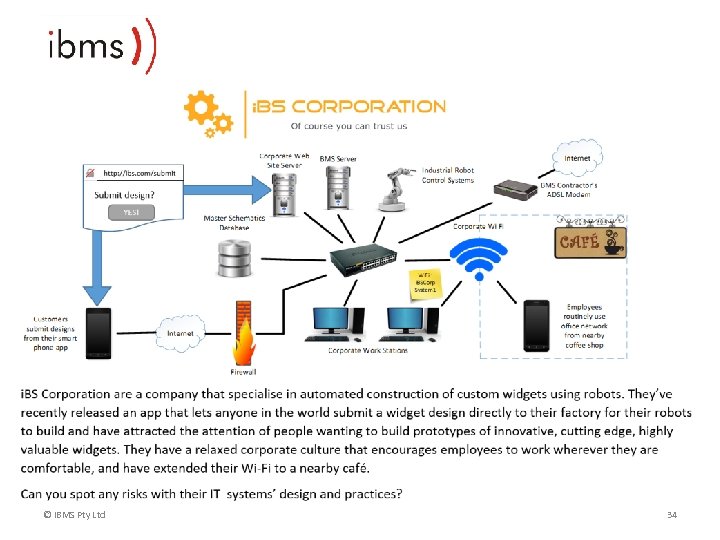
Could this happen to me? • Buildings more commonly include Internet connected systems • Service contractors are not (necessarily) IT experts • Policies are often lax or missing. Symptoms of this include: • • • Undocumented internet connections (e. g. ADSL and 4 G modems) Weak or default passwords on critical system Users granted more rights than required Out of date or absent anti-malware software Lack of software and firmware patching Insecure Wi-Fi connected to critical system networks ©IBMS Pty Ltd 8
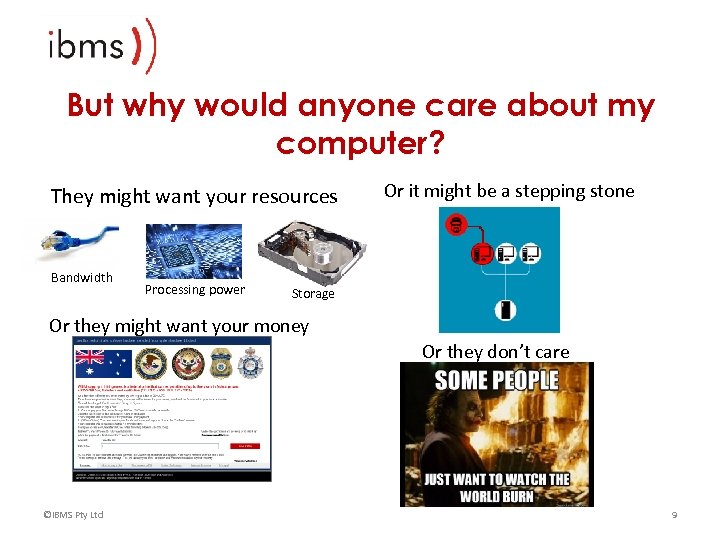
But why would anyone care about my computer? They might want your resources Bandwidth Processing power Or it might be a stepping stone Storage Or they might want your money Or they don’t care ©IBMS Pty Ltd 9
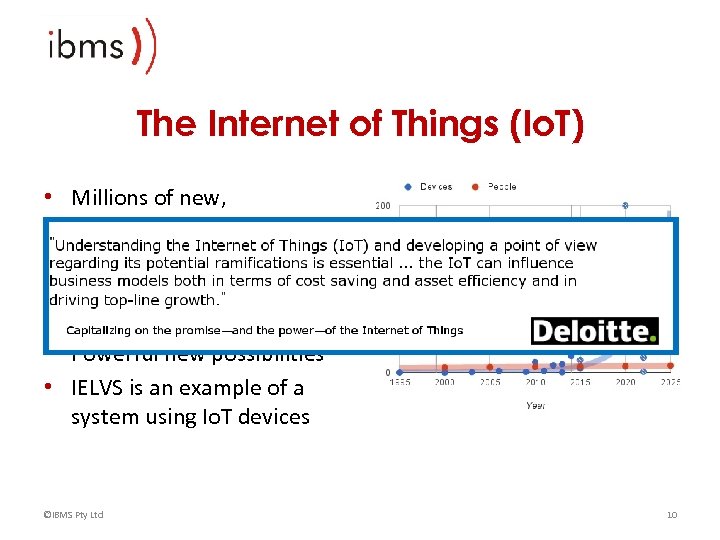
The Internet of Things (Io. T) • Millions of new, automated devices connected to the Internet • Connected to everyday objects • Powerful new possibilities • IELVS is an example of a system using Io. T devices ©IBMS Pty Ltd 10
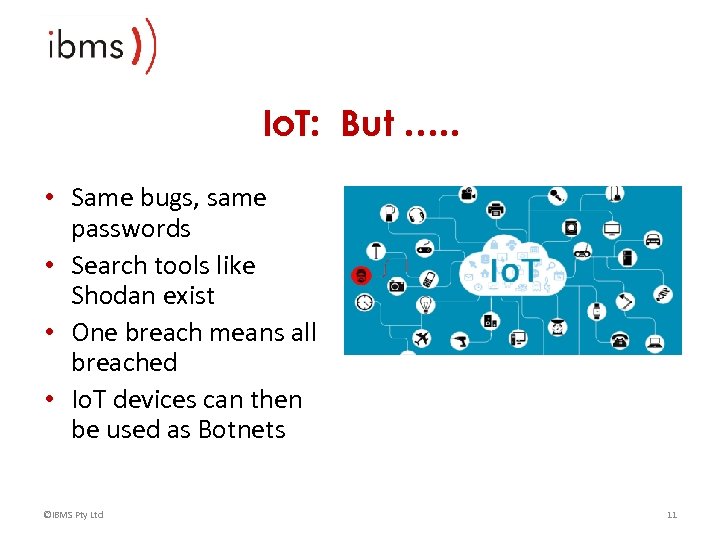
Io. T: But …. . • Same bugs, same passwords • Search tools like Shodan exist • One breach means all breached • Io. T devices can then be used as Botnets ©IBMS Pty Ltd 11
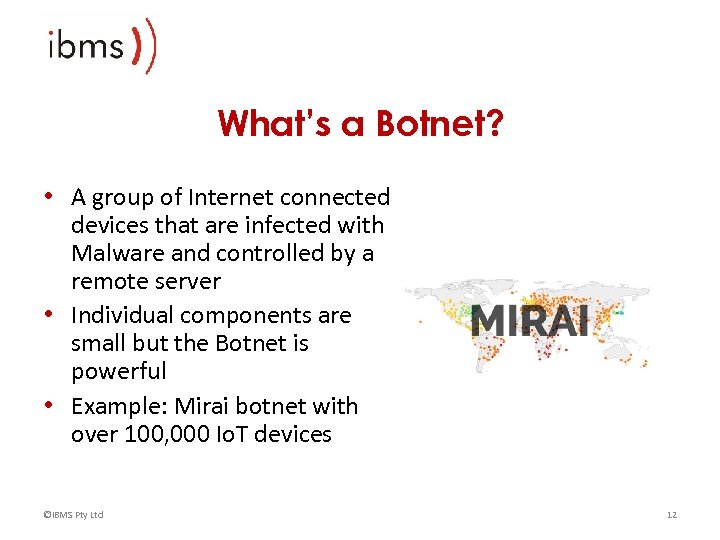
What’s a Botnet? • A group of Internet connected devices that are infected with Malware and controlled by a remote server • Individual components are small but the Botnet is powerful • Example: Mirai botnet with over 100, 000 Io. T devices ©IBMS Pty Ltd 12
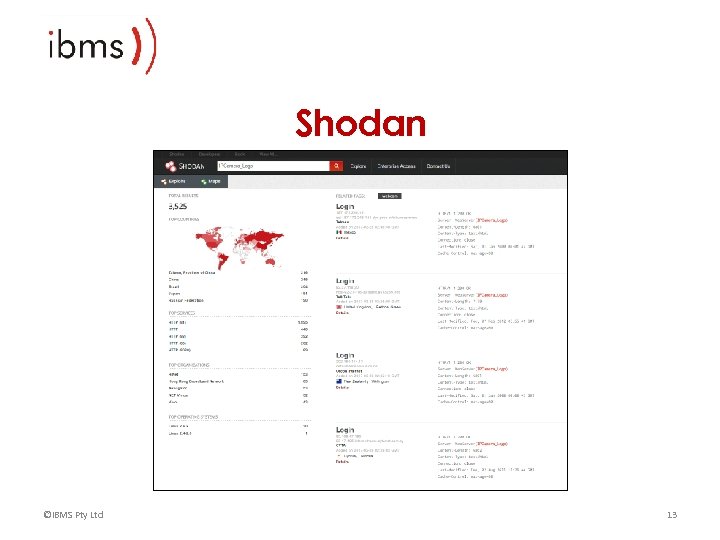
Shodan ©IBMS Pty Ltd 13
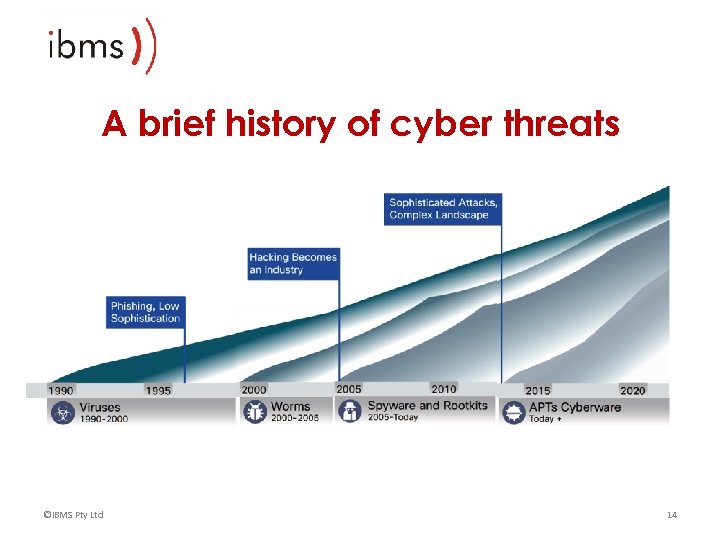
A brief history of cyber threats ©IBMS Pty Ltd 14
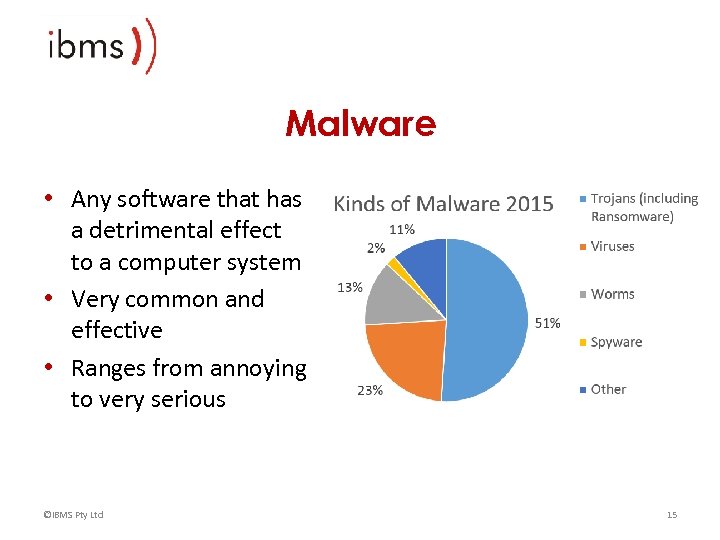
Malware • Any software that has a detrimental effect to a computer system • Very common and effective • Ranges from annoying to very serious ©IBMS Pty Ltd 15
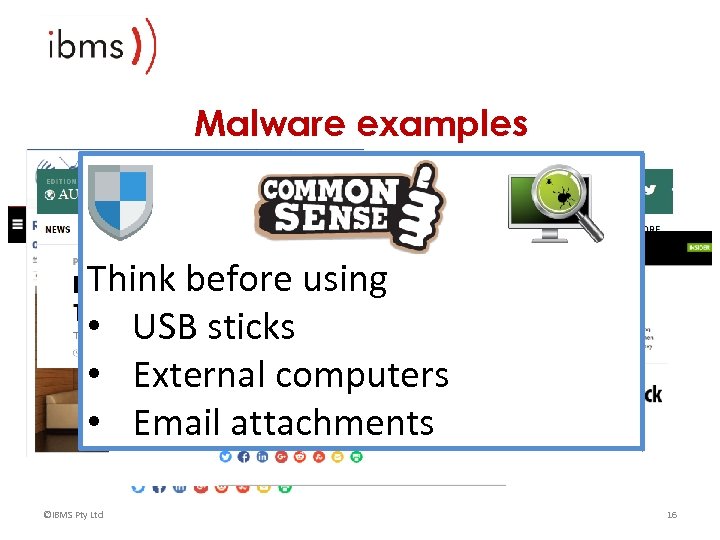
Malware examples Think before using • USB sticks • External computers • Email attachments ©IBMS Pty Ltd 16
Exploits • All software has bugs including firewalls and operating systems • These do get fixed and deployed as a patch • Attackers use knowledge of patches to ‘exploit’ a system’s bugs • Bug with no patch = “Zero Day Exploit” ©IBMS Pty Ltd 17
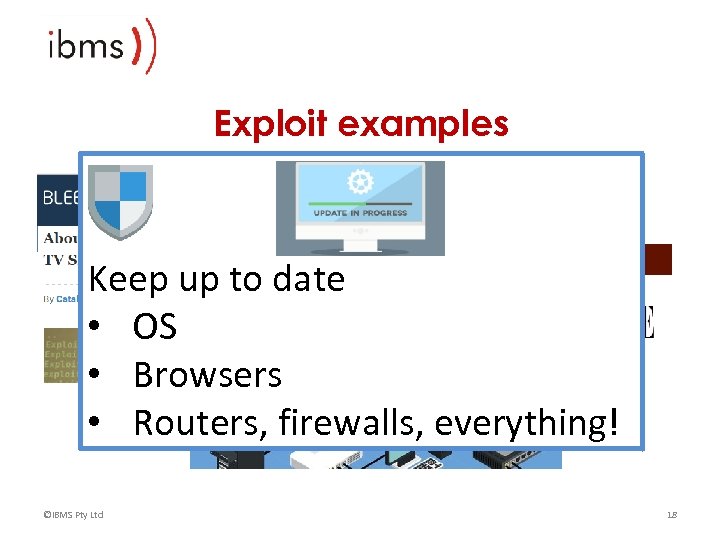
Exploit examples Keep up to date • OS • Browsers • Routers, firewalls, everything! ©IBMS Pty Ltd 18
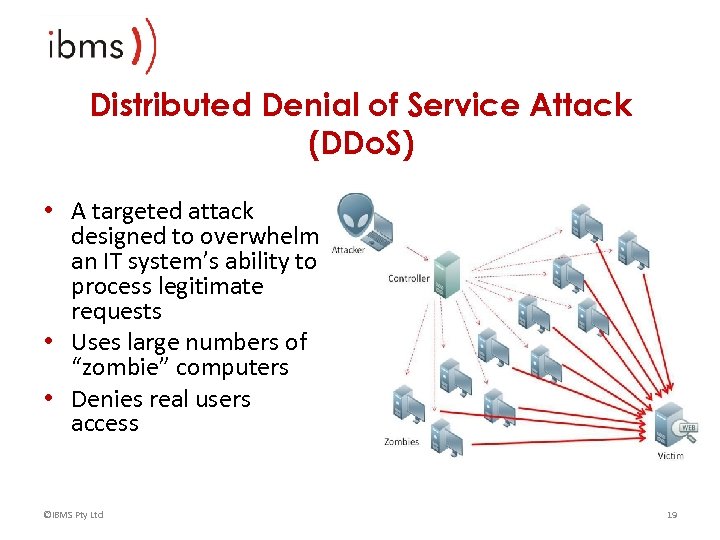
Distributed Denial of Service Attack (DDo. S) • A targeted attack designed to overwhelm an IT system’s ability to process legitimate requests • Uses large numbers of “zombie” computers • Denies real users access ©IBMS Pty Ltd 19
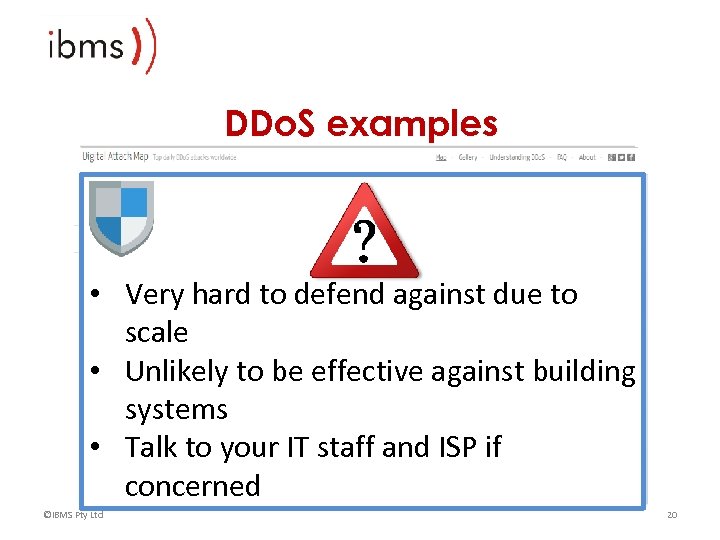
DDo. S examples • Very hard to defend against due to scale • Unlikely to be effective against building systems • Talk to your IT staff and ISP if concerned ©IBMS Pty Ltd 20
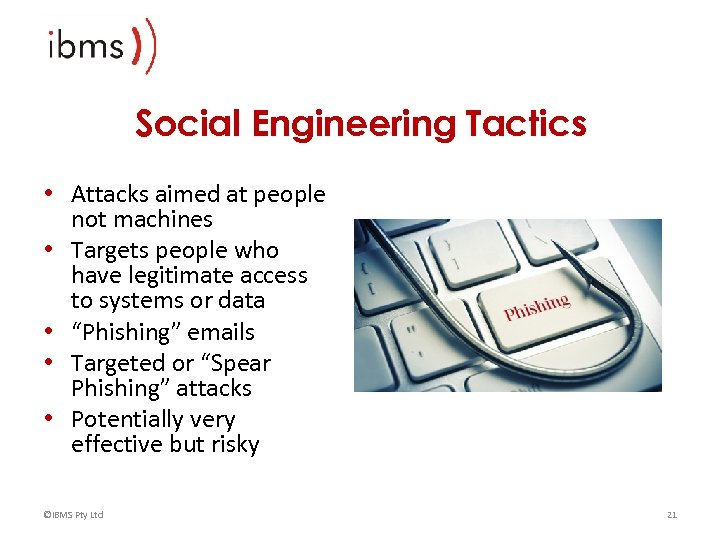
Social Engineering Tactics • Attacks aimed at people not machines • Targets people who have legitimate access to systems or data • “Phishing” emails • Targeted or “Spear Phishing” attacks • Potentially very effective but risky ©IBMS Pty Ltd 21
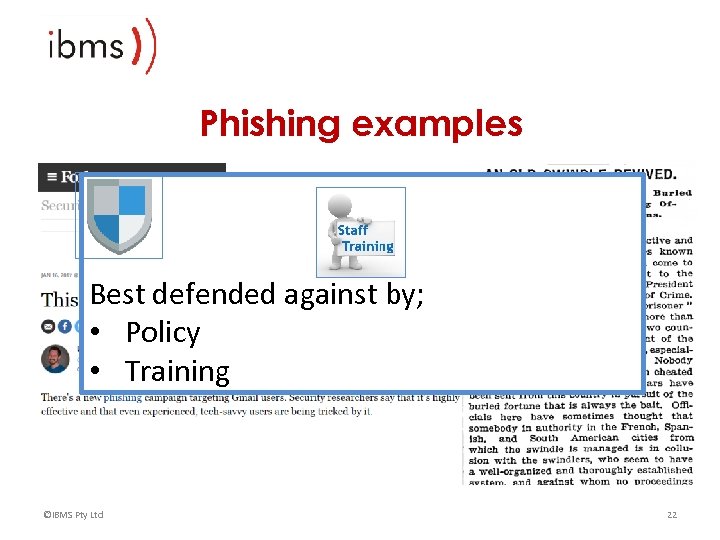
Phishing examples Best defended against by; • Policy • Training ©IBMS Pty Ltd 22
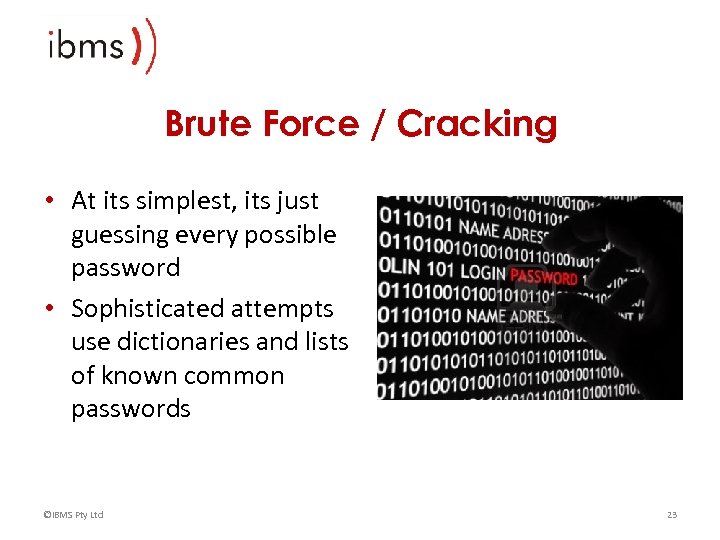
Brute Force / Cracking • At its simplest, its just guessing every possible password • Sophisticated attempts use dictionaries and lists of known common passwords ©IBMS Pty Ltd 23
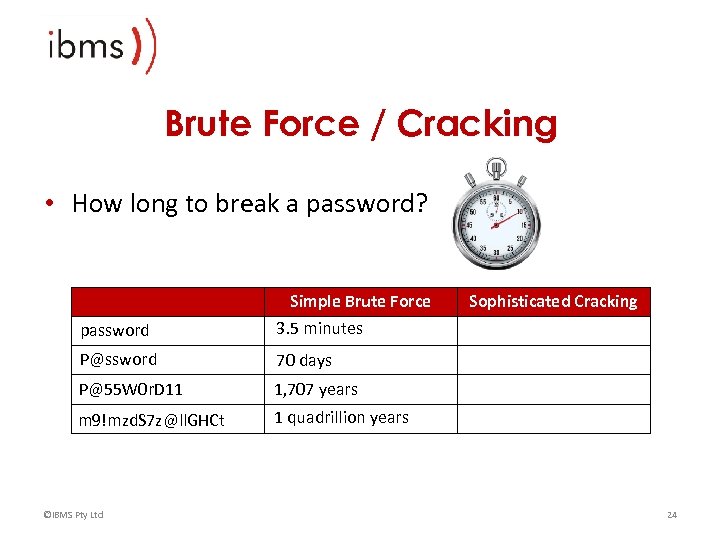
Brute Force / Cracking • How long to break a password? Simple Brute Force password 3. 5 minutes P@ssword 70 days P@55 W 0 r. D 11 1, 707 years m 9!mzd. S 7 z@ll. GHCt Sophisticated Cracking 1 quadrillion years ©IBMS Pty Ltd 24
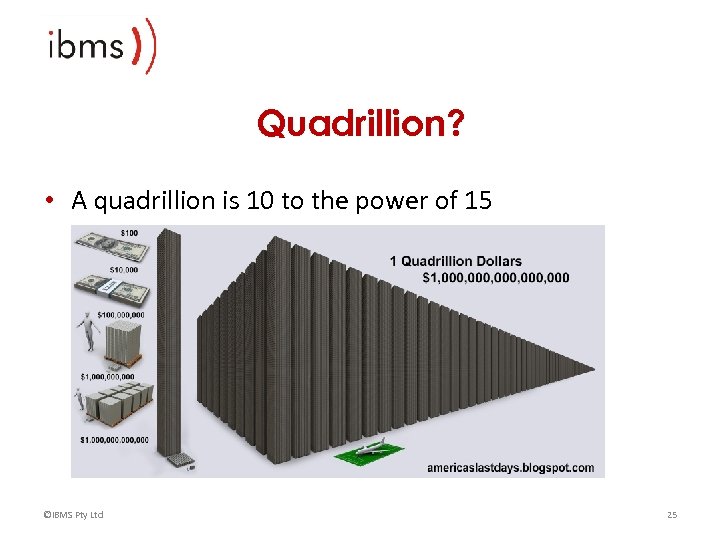
Quadrillion? • A quadrillion is 10 to the power of 15 ©IBMS Pty Ltd 25
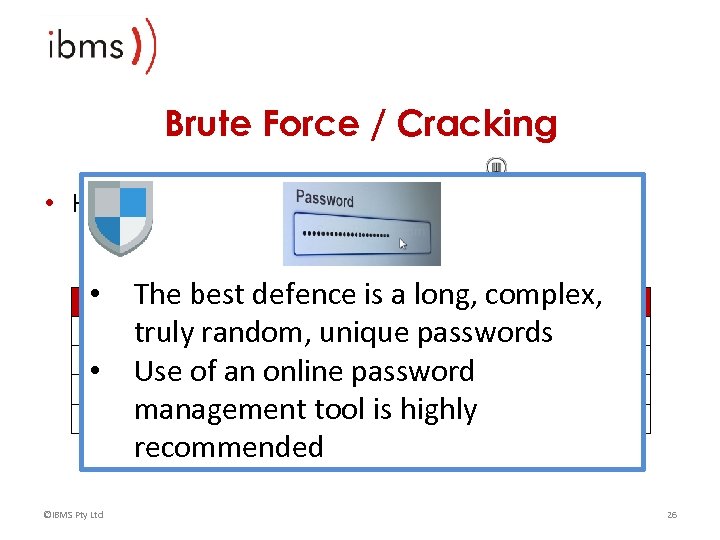
Brute Force / Cracking • How long to break a password? The best defence is Force Sophisticated Cracking Simple Brute a long, complex, 3. 5 minutes password Less than a truly random, unique passwordssecond P@ssword 70 days 26 minutes • Use of an online password 26 minutes 1, 707 years P@55 W 0 r. D 11 management tool years 1 quadrillion is highly quadrillion years 1 m 9!mzd. S 7 z@ll. GHCt recommended • ©IBMS Pty Ltd 26
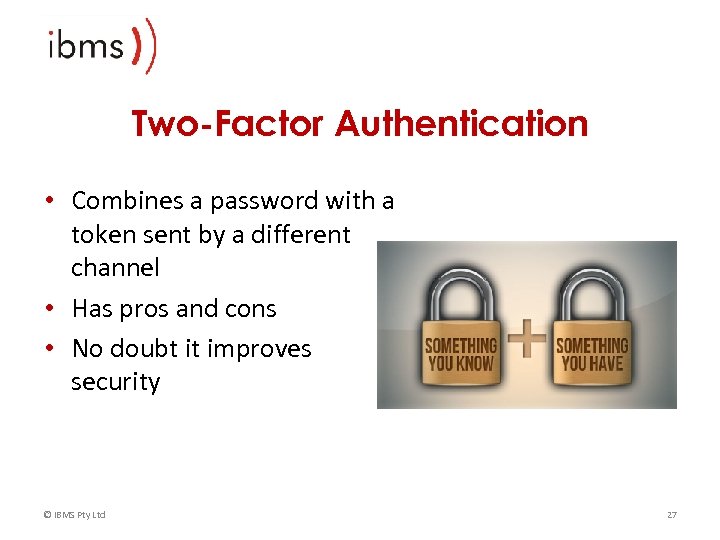
Two-Factor Authentication • Combines a password with a token sent by a different channel • Has pros and cons • No doubt it improves security © IBMS Pty Ltd 27
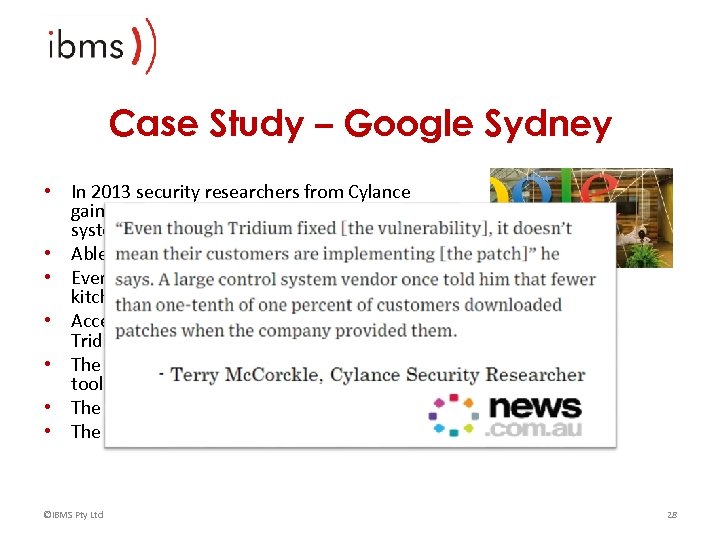
Case Study – Google Sydney • In 2013 security researchers from Cylance gained access to the building management system at Google offices in Sydney • Able to view blueprints, floor and roof plans • Even managed to locate a water leak in the kitchen • Access was gained via unpatched version of Tridium Niagara AX • The system was found using the Shodan search tool • The system was setup by a third party contractor • The system was disconnected from the internet ©IBMS Pty Ltd 28
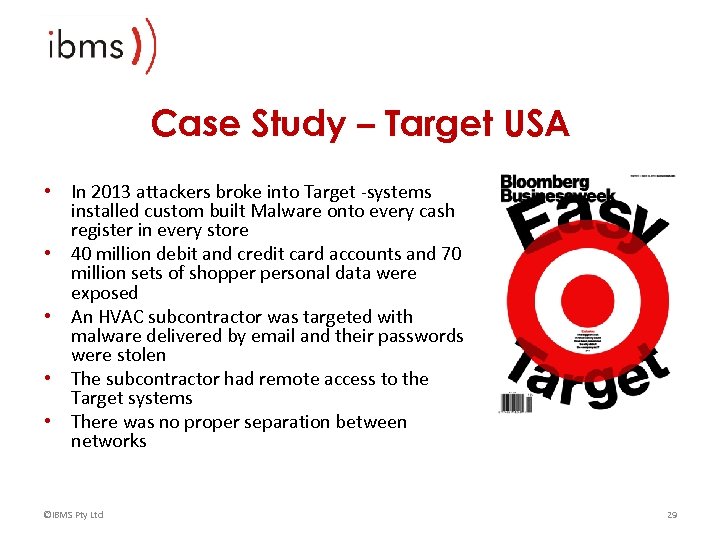
Case Study – Target USA • In 2013 attackers broke into Target -systems installed custom built Malware onto every cash register in every store • 40 million debit and credit card accounts and 70 million sets of shopper personal data were exposed • An HVAC subcontractor was targeted with malware delivered by email and their passwords were stolen • The subcontractor had remote access to the Target systems • There was no proper separation between networks ©IBMS Pty Ltd 29
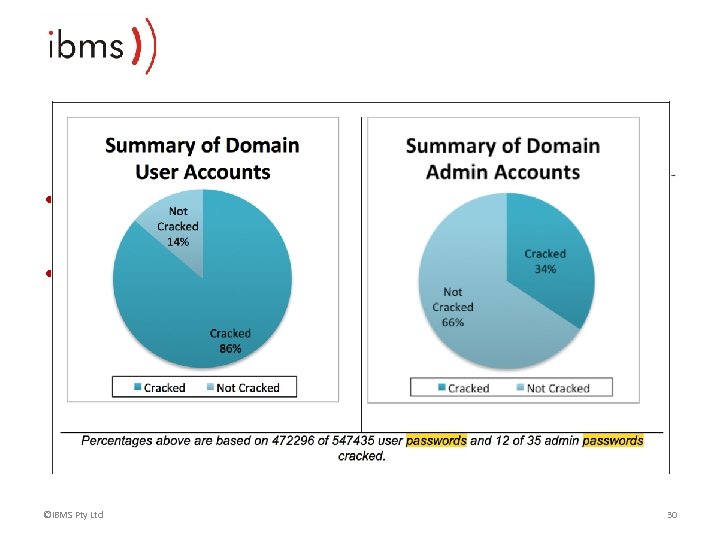
Case Study – Target USA • Target had a password policy but it wasn’t being followed • For example, lists of usernames and passwords, weak passwords, default passwords ©IBMS Pty Ltd 30
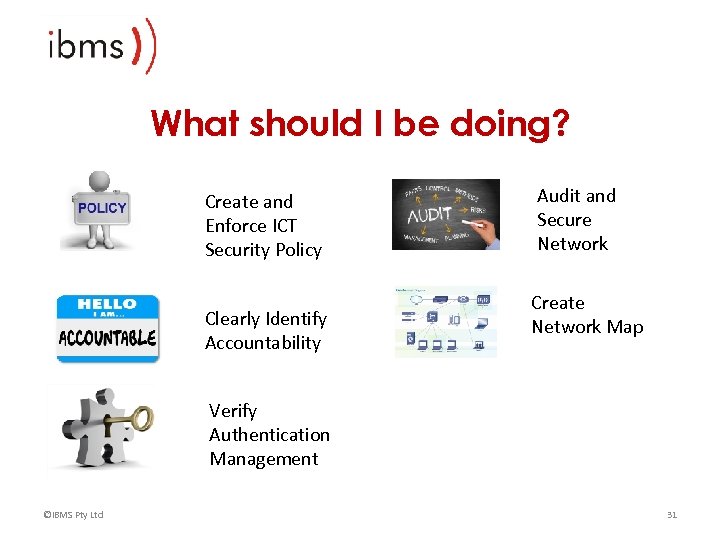
What should I be doing? Create and Enforce ICT Security Policy Clearly Identify Accountability Audit and Secure Network Create Network Map Verify Authentication Management ©IBMS Pty Ltd 31
Some good personal practices Take this stuff seriously Follow security policy including password rules Use an online password management tool Don’t give out passwords over the phone or email Don’t trust hardware that isn’t yours (USB sticks, public computers, etc) • Report suspicious activity including emails, phone calls and behaviour • Don’t download weird crap off the Internet • • • 15/03/2018 32
Activity : Spot the Risks ©IBMS Pty Ltd 33
© IBMS Pty Ltd 34
Скачать презентацию Cyber Security Primer What you need to know
95e38b834bca8acf75c8ea275caaa928.ppt