


 Скачать презентацию CVS Reporting Design Daniel Vikström Project manager
a281aba938c83e42375a7adcfc89e473.ppt
- Количество слайдов: 34
 CVS Reporting Design • Daniel Vikström: Project manager / cvs manager / PDF imp. / cvsql interface design. • Carmine Protano: Webb & PDF design & imp. • Francesco Severoni: Webb & pdf design & imp. • Ahmed kamran: Webb & pdf design imp. • Ivan Treščec: Zagreb team manager / communication / Eclipse Imp. • Mario Mikulaj: Eclipse & reporter design & imp. • Aleta Mladen: Reporter Design
 Webb. Application Specifications • Client visits the site and he creates his account by opening a registration page. • He fills the form whith: – – – – Name Surname Email User Position Username Password Retype Password
 Webb Application Specifications • He submits the form, and the form will be validated at Client site, if the form is filled correctly, then all information will go to Server site. • On Server site, server scripting language (Jsp) will extract all information from the request query, and store all information in XML file. • Now when the user visits again, he just has to supply username and password. If he supplies correct username and password (which will be checked by our jsp using XML’s data) then he enters into the Main Page of the Site
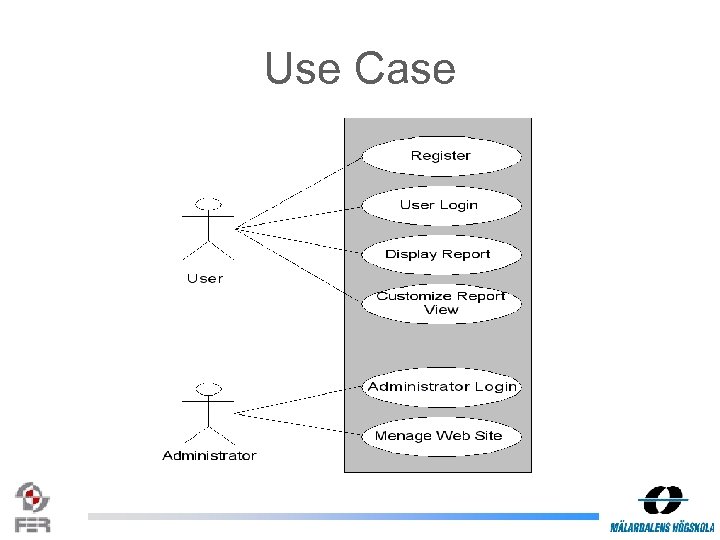 Use Case
 Use Case Description • Actor: User – – Register User Login Display Report Customize Report View • Actor: Administrator – Administrator Login – Menage Website
 Use Case: Register • Actor: User • Purpose: To get registration • Overview: A user visits the web site and fills the registeration form and finaly he gets registered.
 Use Case: User Login • Actor: User • Purpose: To enter in the system • Overview: A user visits the web site and he supplies: – Username – Password And he get entered in the system
 Use Case: Display Report • Actor: User • Purpose: User can display reports • Overview: After loging into the system the user is able to display a reports
 Use Case: Customize Report View • Actor: User • Purpose: User can customize different reports view • Overview: User inputs some information to customize the report view and finally he gets specific customized report view
 Use Case: Administrator Login • Actor: Administrator • Purpose: Administrator can login • Overview: A administrator visits the web site and he supplies: – Username – Password And he get entered in the system
 Use Case: Manage Website • Actor: Administrator • Purpose: Administrator can manage web site for example he notify some policies to users • Overview: To update web site and new features
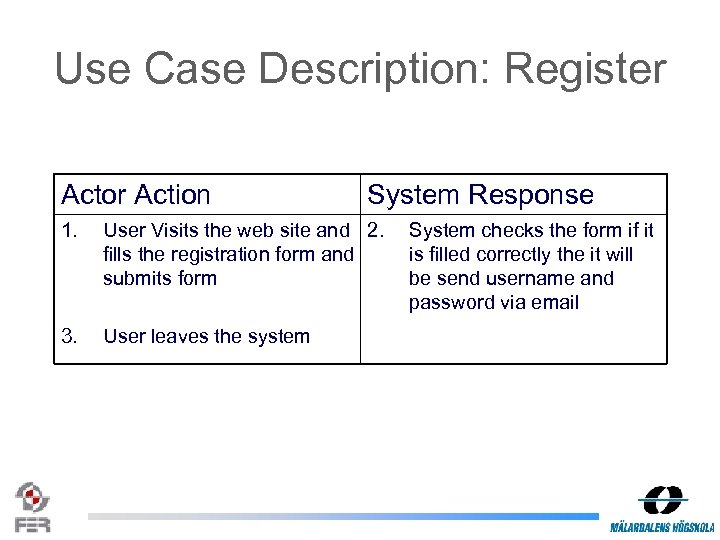 Use Case Description: Register Actor Action System Response 1. User Visits the web site and 2. fills the registration form and submits form 3. User leaves the system System checks the form if it is filled correctly the it will be send username and password via email
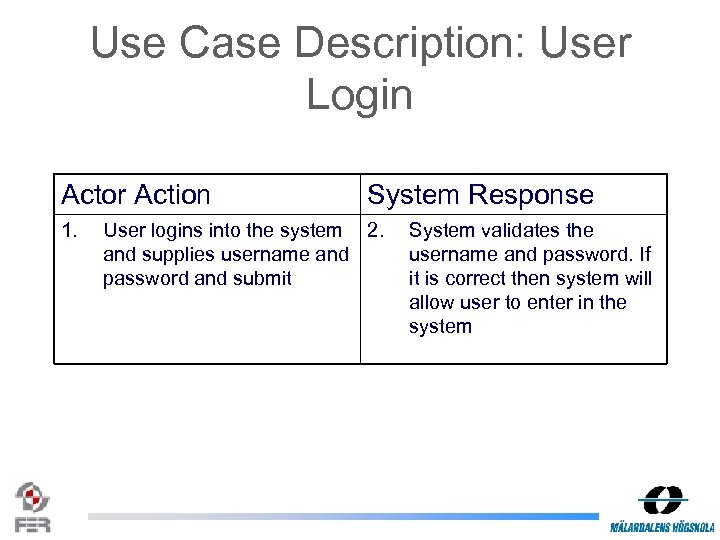 Use Case Description: User Login Actor Action 1. System Response User logins into the system 2. and supplies username and password and submit System validates the username and password. If it is correct then system will allow user to enter in the system
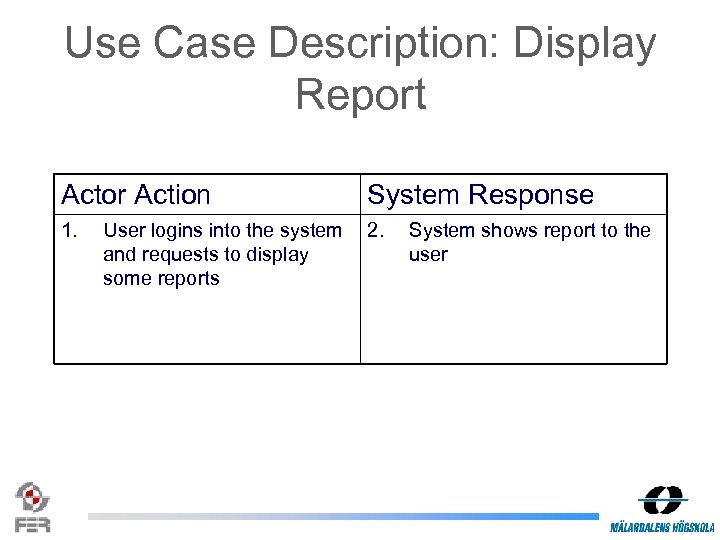 Use Case Description: Display Report Actor Action System Response 1. 2. User logins into the system and requests to display some reports System shows report to the user
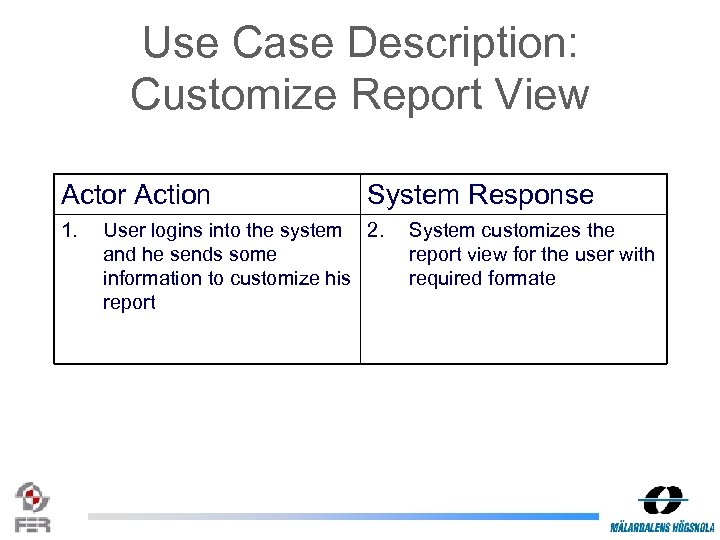 Use Case Description: Customize Report View Actor Action 1. System Response User logins into the system 2. and he sends some information to customize his report System customizes the report view for the user with required formate
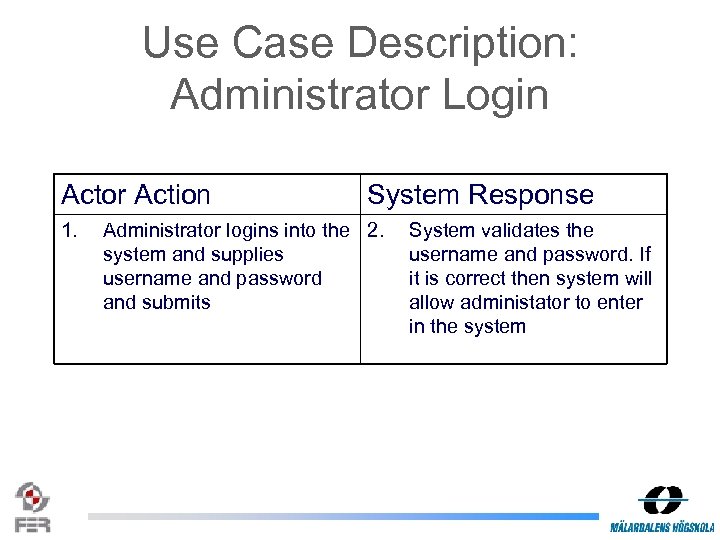 Use Case Description: Administrator Login Actor Action 1. System Response Administrator logins into the 2. system and supplies username and password and submits System validates the username and password. If it is correct then system will allow administator to enter in the system
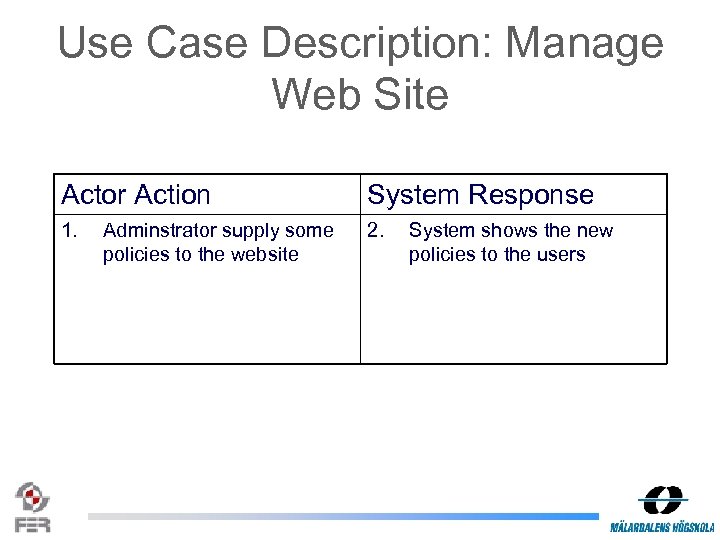 Use Case Description: Manage Web Site Actor Action System Response 1. 2. Adminstrator supply some policies to the website System shows the new policies to the users
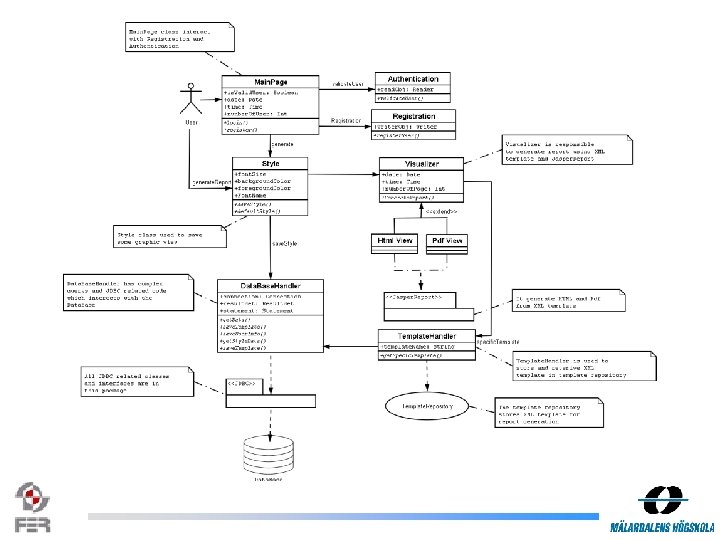 Class Diagram
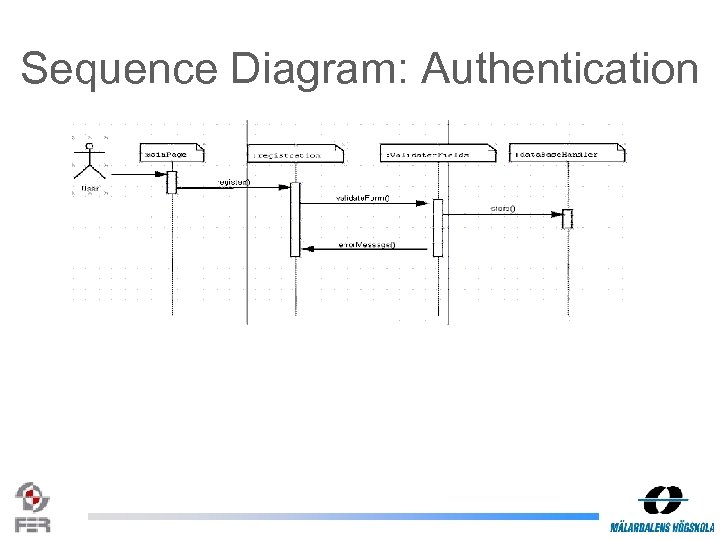 Sequence Diagram: Authentication
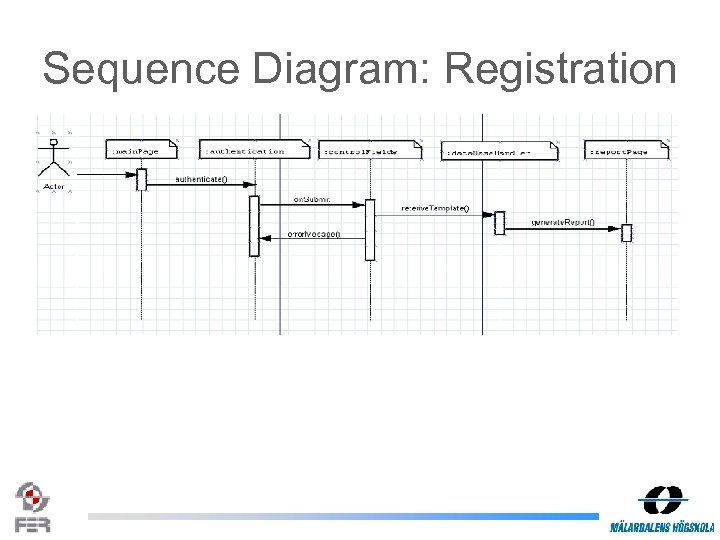 Sequence Diagram: Registration
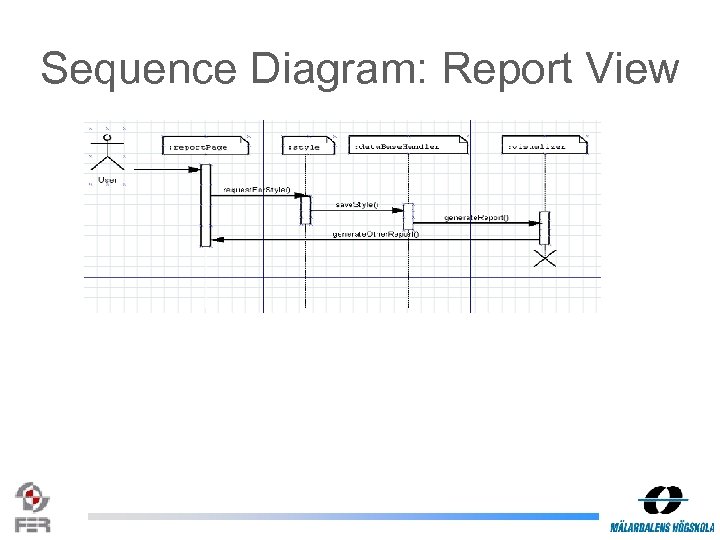 Sequence Diagram: Report View
 CVS Report Eclipse Plugin
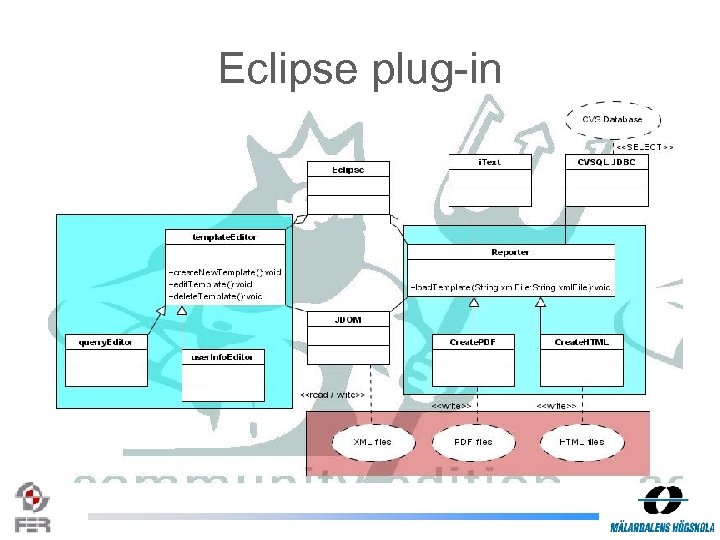 Eclipse plug-in
 Template Editor • Allows users to define – Report layout • margins, font, color, alignment. . . – User specific information (user. Info. Editor) • User name, logo. . . – CVS report information (query. Editor) • Dynamical creation of SQL commands • Stores information in XML files
 Reporter • Handles creation of PDF and HTML files – Loads information from XML template files – Connects to CVSQL database and executes queries
 External resouces • i. Text (http: //www. lowagie. com/i. Text/) – Free Java library for PDF and HTML generation • JDOM (http: //www. jdom. org) – Open-source library for Java-optimized XML data manipulation • CVSQL JDBC (http: //www. fer. hr/rasip/dsd)
 CVS REPORT XML structure
 XML structure user. Info Main. XML Table. XML report. Info Text. XML
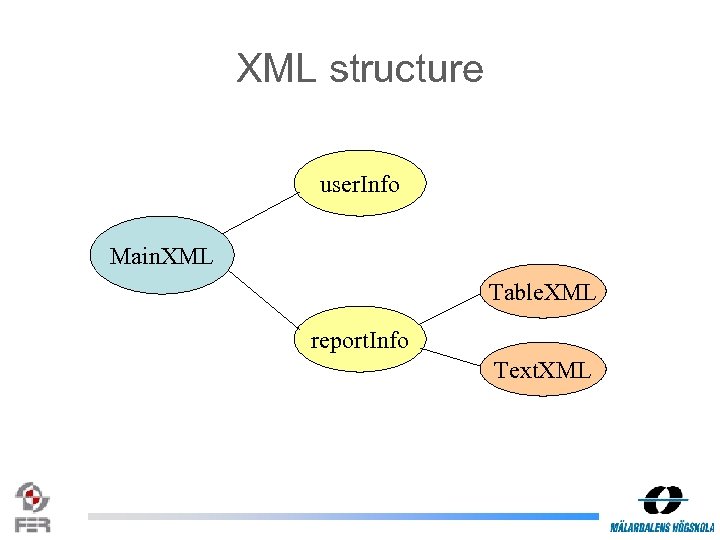
 XML structure • Separate files: – easyer implementation – re-use of XML files – modular design • CVSQL returns Result. Set so there is no need for storing data in XML.
 Main XML • layout – margins – paper. Size – background –? • user. Info. File • report. Info. File
 user. Info XML • Elements: user. Name, user. Project. Status, company • attributes describe how text should look like: – font size – font name – color – style – alignment
 report. Info • Elements: report. Title, report. Description, report. Date, report. Period, cvsql (query and result description) • same font style attributes like in user. Info • depending if cvsql query result is text or table, we use one of XML files for describing data (table. XML and text. XML).
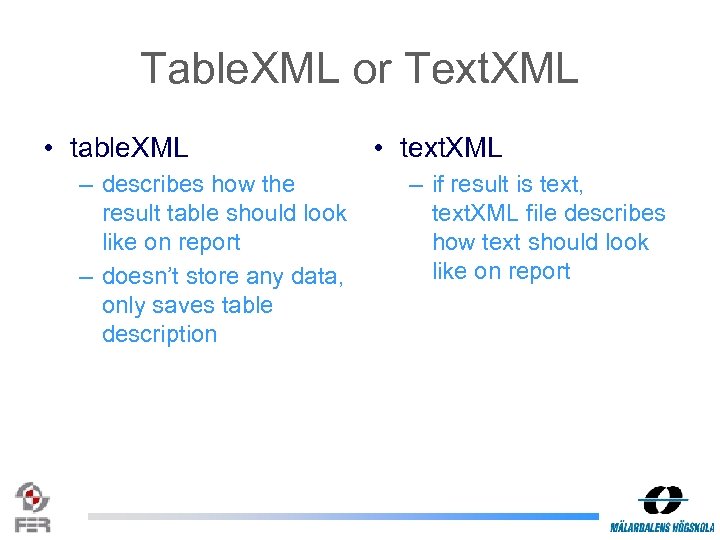 Table. XML or Text. XML • table. XML – describes how the result table should look like on report – doesn’t store any data, only saves table description • text. XML – if result is text, text. XML file describes how text should look like on report
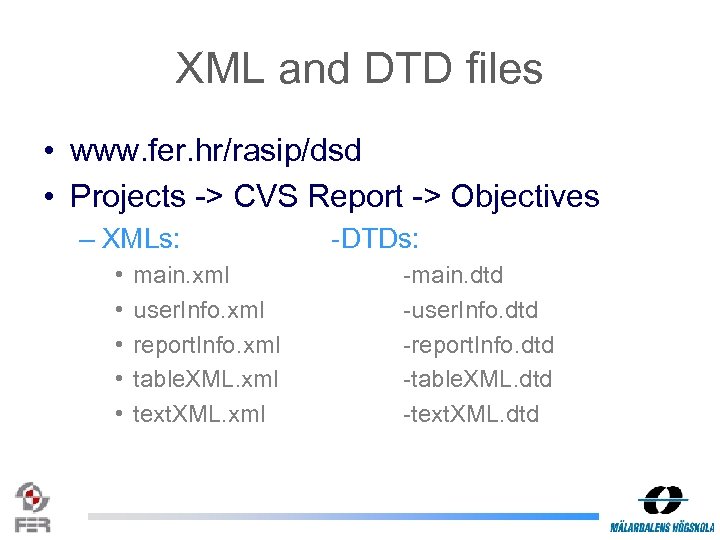 XML and DTD files • www. fer. hr/rasip/dsd • Projects -> CVS Report -> Objectives – XMLs: • • • main. xml user. Info. xml report. Info. xml table. XML. xml text. XML. xml -DTDs: -main. dtd -user. Info. dtd -report. Info. dtd -table. XML. dtd -text. XML. dtd