


 Скачать презентацию Customizing X 509 Certificate Fields Charles D Short
3f2cb16defecc1004c921f0a5bf7847a.ppt
- Количество слайдов: 22
 Customizing X. 509 Certificate Fields Charles D. Short CS 526 – S 2008 University of Colorado, Colorado Springs Dr. C. Edward Chow 5/5/2008 CDS - UCCS CS 526 - S 2008 1
 Discussion • • Project Goal Background Open. SSL commands openssl. cnf File Project. cnf Files Certificate Process Install Server Certificate 5/5/2008 • • Install Client Certificate challenge Server Acknowledgement Server Response Lessons Learned Future Research CDS - UCCS CS 526 - S 2008 2
 Project Goal • Determine and detail how to insert custom field information into an X. 509 certificate. 5/5/2008 CDS - UCCS CS 526 - S 2008 3
 Background • An X. 509 certificate can be used for authentication between a client and server to insure client identity but does not provide any additional fields for information which may be useful to custom applications running on the server. • This project will detail how to insert additional information into the client certificate which may then be used by a server based application to provide services based upon this information. 5/5/2008 CDS - UCCS CS 526 - S 2008 4
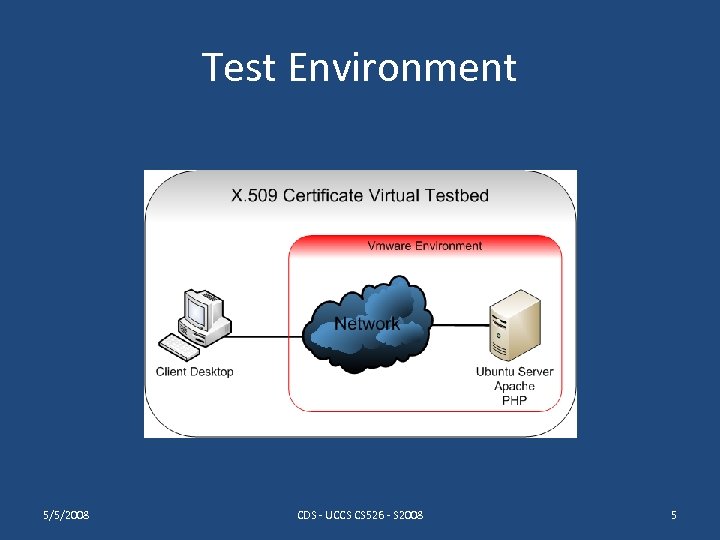 Test Environment 5/5/2008 CDS - UCCS CS 526 - S 2008 5
 Open. SSL • Open source project • Based on SSLeay library developed by Eric A. Young and Tim J. Hudson • Provides cryptographic toolkit – Secure Sockets Layer (SSL) – Transport Layer Security (TLS) – General purpose cryptography library • http: //www. openssl. org/ 5/5/2008 CDS - UCCS CS 526 - S 2008 6
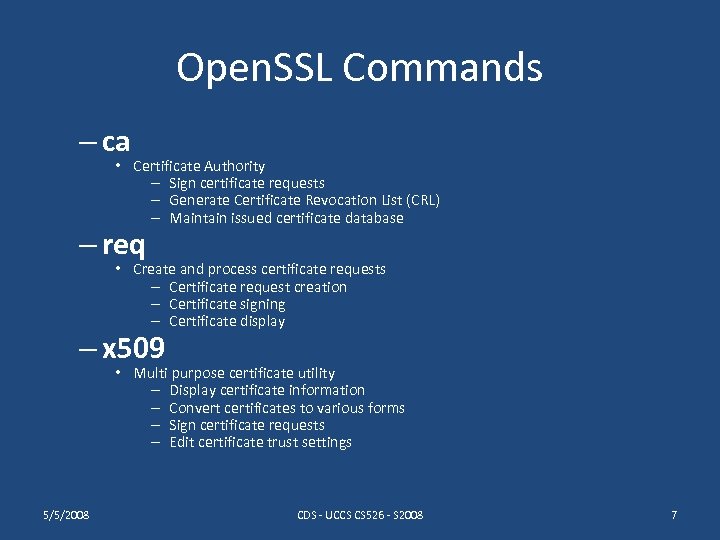 Open. SSL Commands – ca • Certificate Authority – Sign certificate requests – Generate Certificate Revocation List (CRL) – Maintain issued certificate database – req • Create and process certificate requests – Certificate request creation – Certificate signing – Certificate display – x 509 • Multi purpose certificate utility – Display certificate information – Convert certificates to various forms – Sign certificate requests – Edit certificate trust settings 5/5/2008 CDS - UCCS CS 526 - S 2008 7
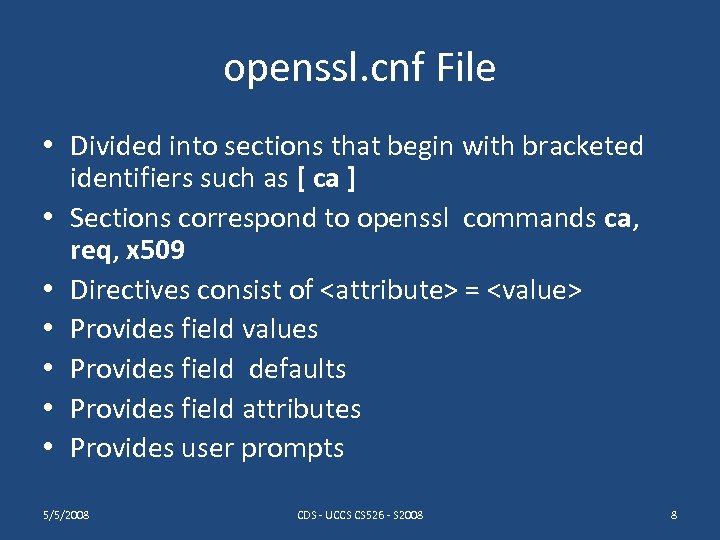 openssl. cnf File • Divided into sections that begin with bracketed identifiers such as [ ca ] • Sections correspond to openssl commands ca, req, x 509 • Directives consist of
![openssl. cnf File (cont) • CA Section – – [ ca ] [ CA_default](https://present5.com/presentation/3f2cb16defecc1004c921f0a5bf7847a/image-9.jpg "openssl. cnf File (cont) • CA Section – – [ ca ] [ CA_default") openssl. cnf File (cont) • CA Section – – [ ca ] [ CA_default ] [ policy_match ] [ policy_anything ] • REQ Section – [ req ] – [ req_distinguished_name ] – [ req_attributes ] • X. 509 EXTENSION DIRECTIVES – – [ usr_cert ] [ v 3_req ] [ v 3_ca ] [ crl_ext ] • http: //www. technoids. org/openssl. cnf. html 5/5/2008 CDS - UCCS CS 526 - S 2008 9
openssl. cnf File (cont) • CA Section – – [ ca ] [ CA_default ] [ policy_match ] [ policy_anything ] • REQ Section – [ req ] – [ req_distinguished_name ] – [ req_attributes ] • X. 509 EXTENSION DIRECTIVES – – [ usr_cert ] [ v 3_req ] [ v 3_ca ] [ crl_ext ] • http: //www. technoids. org/openssl. cnf. html 5/5/2008 CDS - UCCS CS 526 - S 2008 9
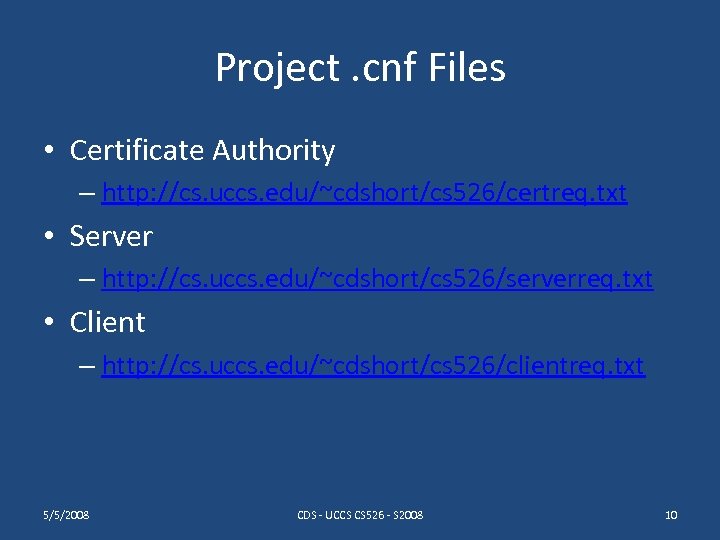 Project. cnf Files • Certificate Authority – http: //cs. uccs. edu/~cdshort/cs 526/certreq. txt • Server – http: //cs. uccs. edu/~cdshort/cs 526/serverreq. txt • Client – http: //cs. uccs. edu/~cdshort/cs 526/clientreq. txt 5/5/2008 CDS - UCCS CS 526 - S 2008 10
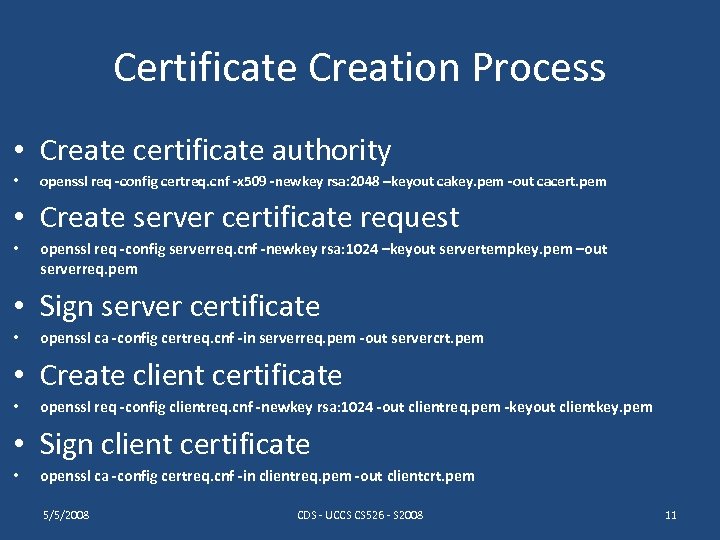 Certificate Creation Process • Create certificate authority • openssl req -config certreq. cnf -x 509 -newkey rsa: 2048 –keyout cakey. pem -out cacert. pem • Create server certificate request • openssl req -config serverreq. cnf -newkey rsa: 1024 –keyout servertempkey. pem –out serverreq. pem • Sign server certificate • openssl ca -config certreq. cnf -in serverreq. pem -out servercrt. pem • Create client certificate • openssl req -config clientreq. cnf -newkey rsa: 1024 -out clientreq. pem -keyout clientkey. pem • Sign client certificate • openssl ca -config certreq. cnf -in clientreq. pem -out clientcrt. pem 5/5/2008 CDS - UCCS CS 526 - S 2008 11
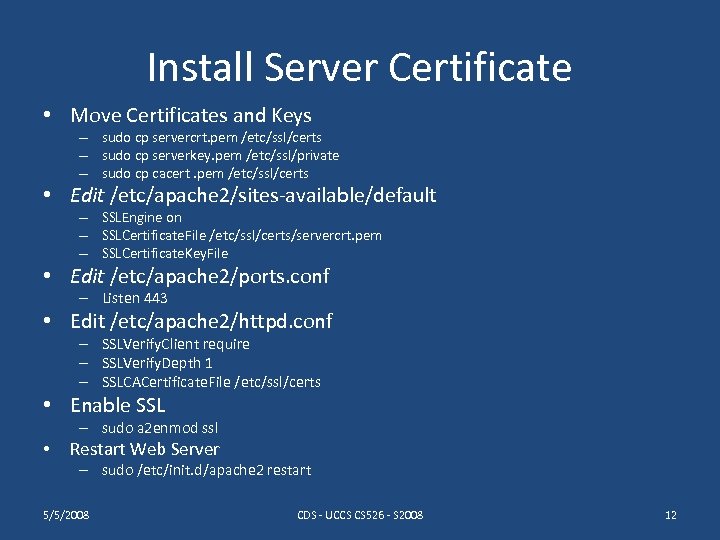 Install Server Certificate • Move Certificates and Keys – sudo cp servercrt. pem /etc/ssl/certs – sudo cp serverkey. pem /etc/ssl/private – sudo cp cacert. pem /etc/ssl/certs • Edit /etc/apache 2/sites-available/default – SSLEngine on – SSLCertificate. File /etc/ssl/certs/servercrt. pem – SSLCertificate. Key. File • Edit /etc/apache 2/ports. conf – Listen 443 • Edit /etc/apache 2/httpd. conf – SSLVerify. Client require – SSLVerify. Depth 1 – SSLCACertificate. File /etc/ssl/certs • Enable SSL – sudo a 2 enmod ssl • Restart Web Server – sudo /etc/init. d/apache 2 restart 5/5/2008 CDS - UCCS CS 526 - S 2008 12
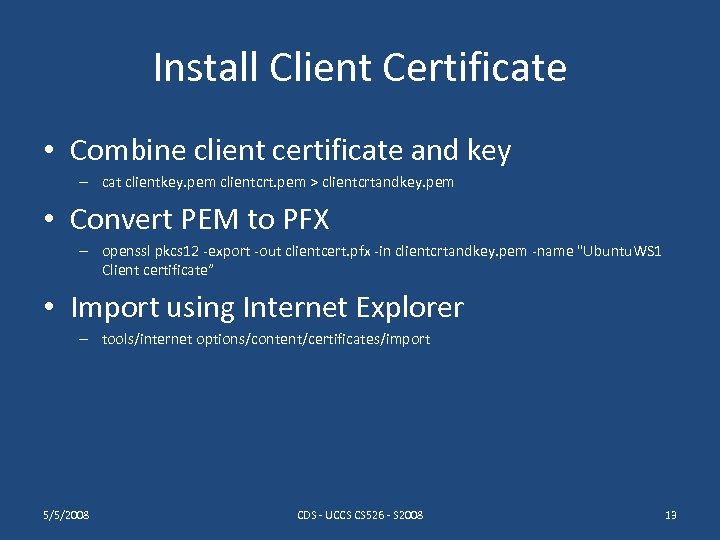 Install Client Certificate • Combine client certificate and key – cat clientkey. pem clientcrt. pem > clientcrtandkey. pem • Convert PEM to PFX – openssl pkcs 12 -export -out clientcert. pfx -in clientcrtandkey. pem -name "Ubuntu. WS 1 Client certificate” • Import using Internet Explorer – tools/internet options/content/certificates/import 5/5/2008 CDS - UCCS CS 526 - S 2008 13
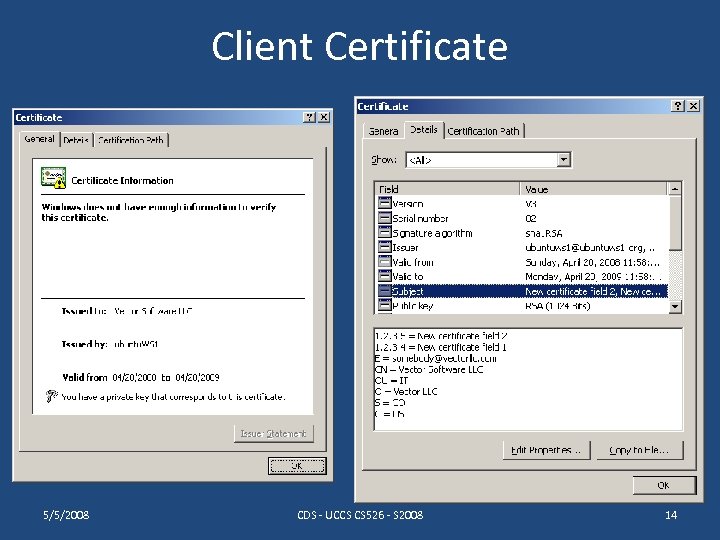 Client Certificate 5/5/2008 CDS - UCCS CS 526 - S 2008 14
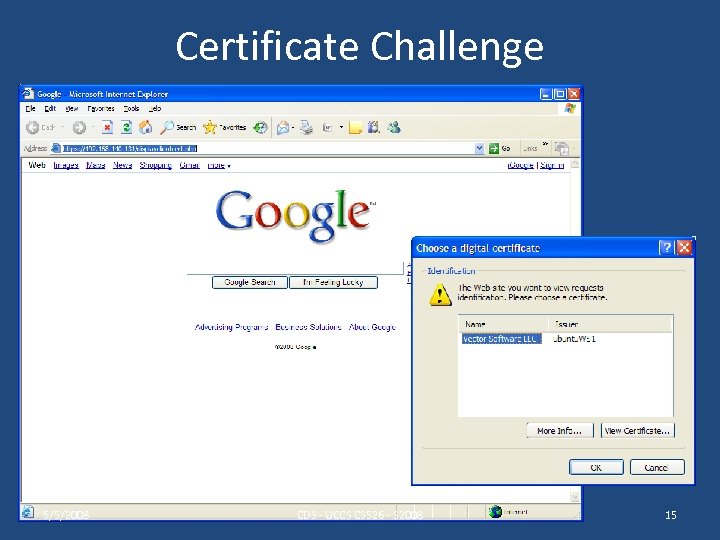 Certificate Challenge 5/5/2008 CDS - UCCS CS 526 - S 2008 15
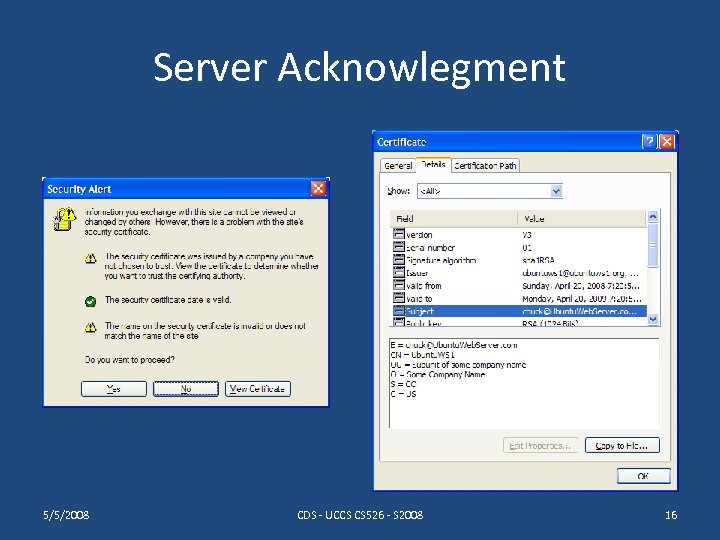 Server Acknowlegment 5/5/2008 CDS - UCCS CS 526 - S 2008 16
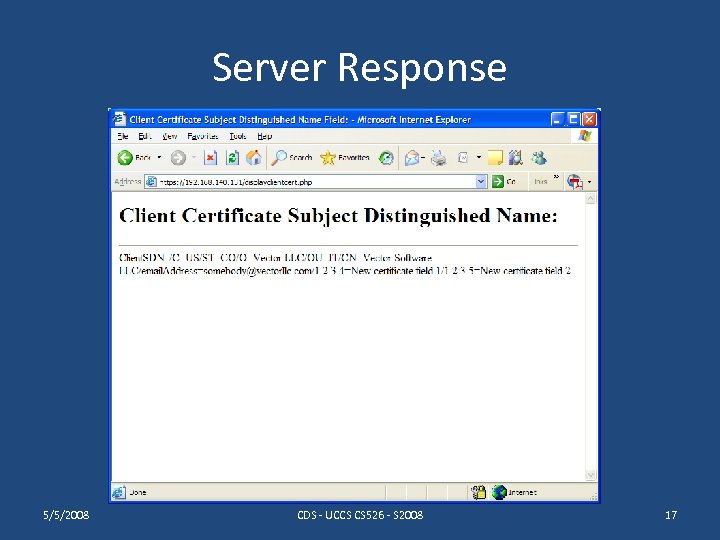 Server Response 5/5/2008 CDS - UCCS CS 526 - S 2008 17
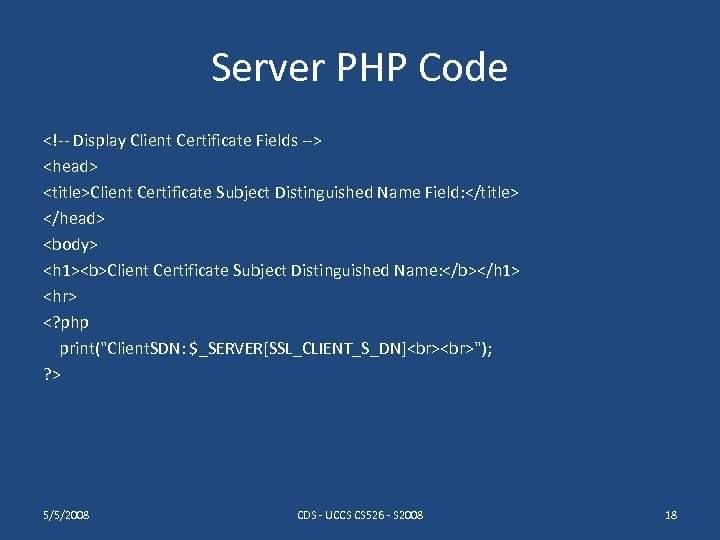 Server PHP Code
5/5/2008 CDS - UCCS CS 526 - S 2008 18
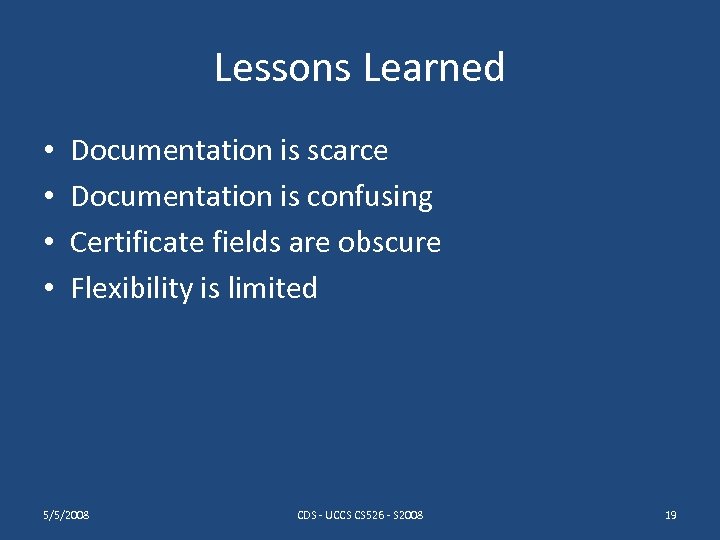 Lessons Learned • • Documentation is scarce Documentation is confusing Certificate fields are obscure Flexibility is limited 5/5/2008 CDS - UCCS CS 526 - S 2008 19
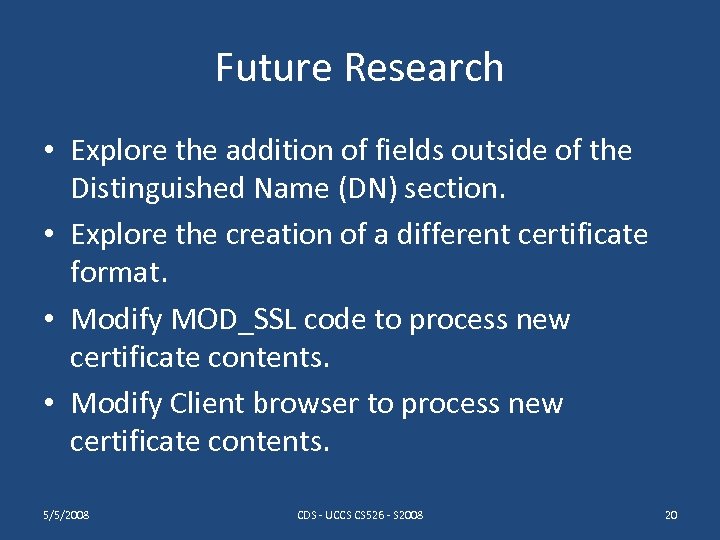 Future Research • Explore the addition of fields outside of the Distinguished Name (DN) section. • Explore the creation of a different certificate format. • Modify MOD_SSL code to process new certificate contents. • Modify Client browser to process new certificate contents. 5/5/2008 CDS - UCCS CS 526 - S 2008 20
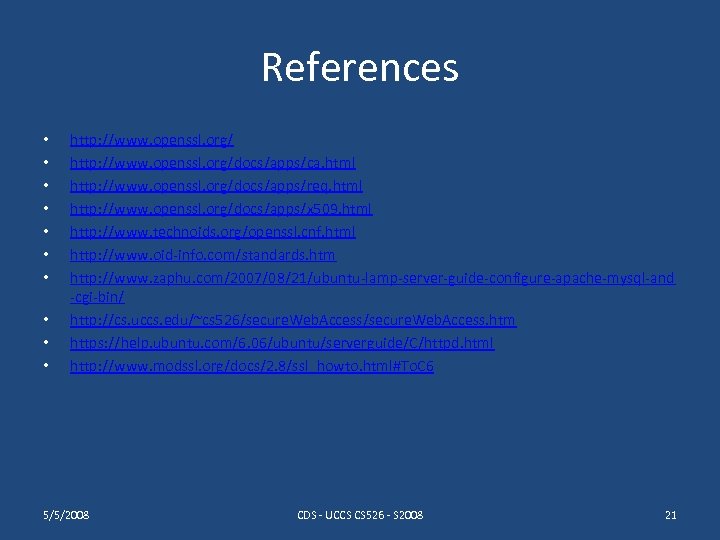 References • • • http: //www. openssl. org/docs/apps/ca. html http: //www. openssl. org/docs/apps/req. html http: //www. openssl. org/docs/apps/x 509. html http: //www. technoids. org/openssl. cnf. html http: //www. oid-info. com/standards. htm http: //www. zaphu. com/2007/08/21/ubuntu-lamp-server-guide-configure-apache-mysql-and -cgi-bin/ http: //cs. uccs. edu/~cs 526/secure. Web. Access. htm https: //help. ubuntu. com/6. 06/ubuntu/serverguide/C/httpd. html http: //www. modssl. org/docs/2. 8/ssl_howto. html#To. C 6 5/5/2008 CDS - UCCS CS 526 - S 2008 21
 Questions? 5/5/2008 CDS - UCCS CS 526 - S 2008 22