 Скачать презентацию Customizing Share Document Previews Will Abson Senior Integrations
4dca0d4bf7affb4fd029d412e0e45f58.ppt
- Количество слайдов: 42




Customizing Share Document Previews Will Abson Senior Integrations Engineer and Share Extras Project Lead (@wabson)
Upfront Notes • These examples will work against Alfresco Community 4. 0+ • It is assumed you are familiar with • Web Scripts and basic Share Development • Defining, building and deploying your own projects as a JAR
Agenda • Background on Document Previews • Web Preview implementation • Hands-on customization examples from Share Extras Media Viewers project
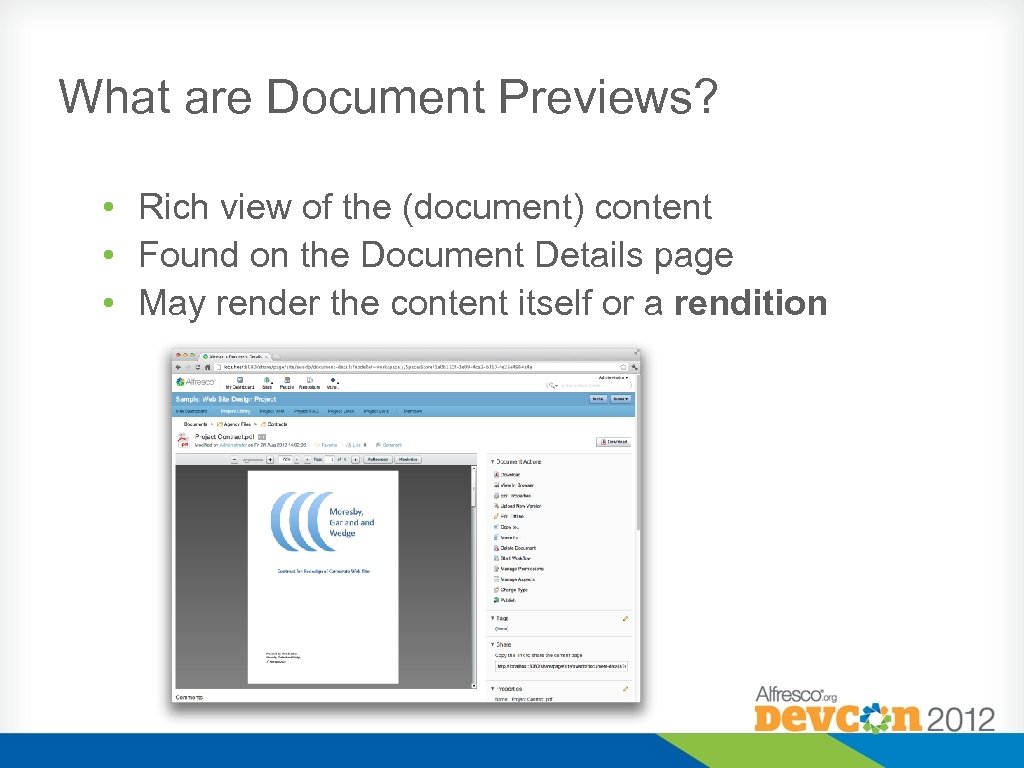
What are Document Previews? • Rich view of the (document) content • Found on the Document Details page • May render the content itself or a rendition
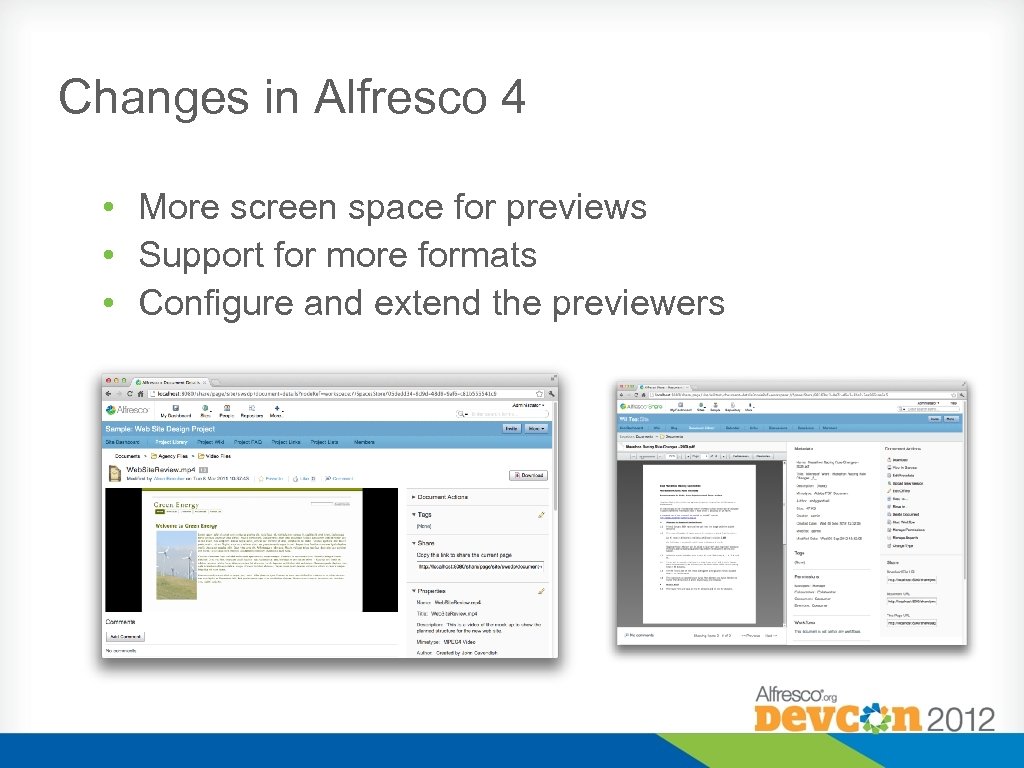
Changes in Alfresco 4 • More screen space for previews • Support for more formats • Configure and extend the previewers
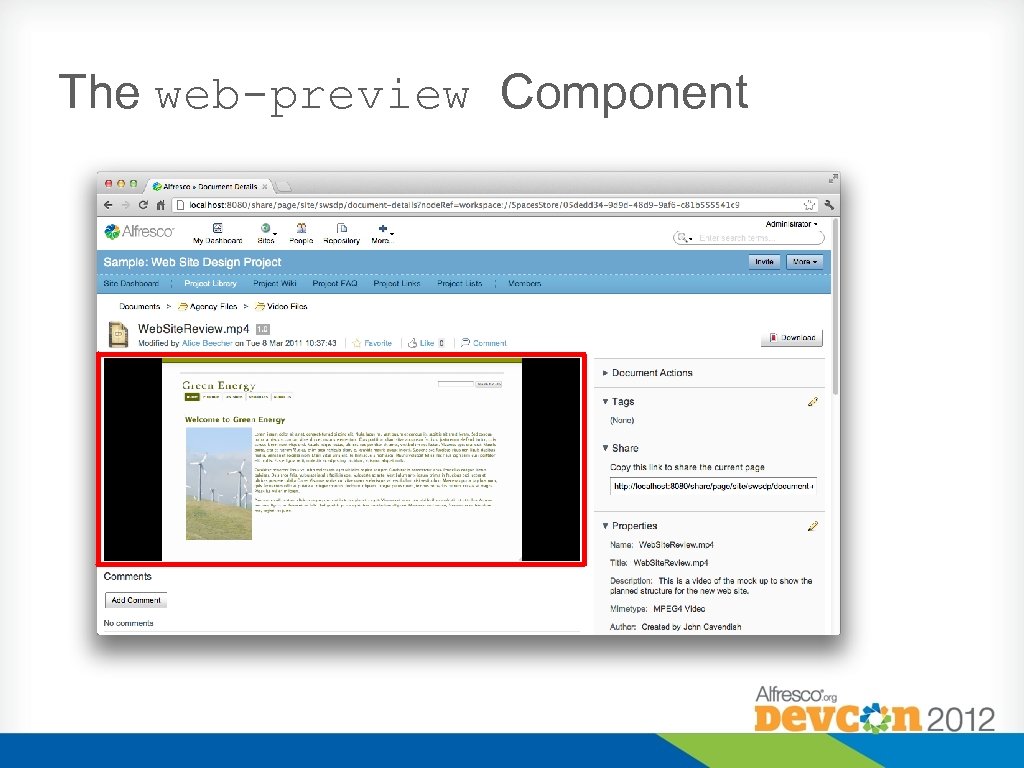
The web-preview Component
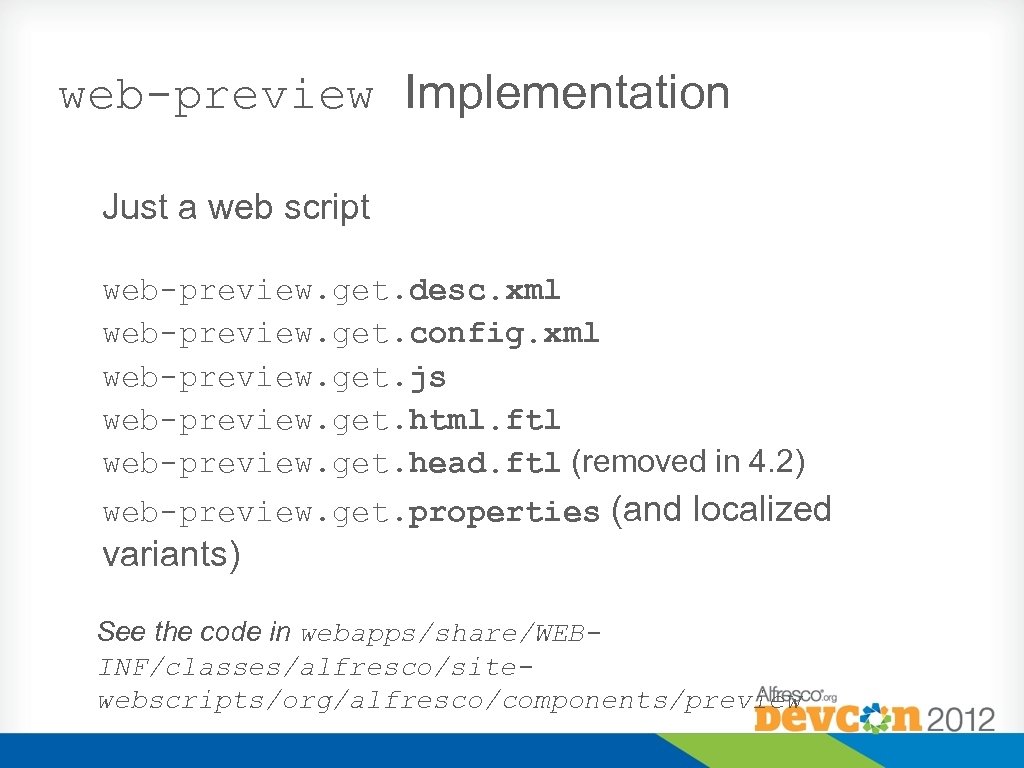
web-preview Implementation Just a web script web-preview. get. desc. xml web-preview. get. config. xml web-preview. get. js web-preview. get. html. ftl web-preview. get. head. ftl (removed in 4. 2) web-preview. get. properties (and localized variants) See the code in webapps/share/WEBINF/classes/alfresco/sitewebscripts/org/alfresco/components/preview
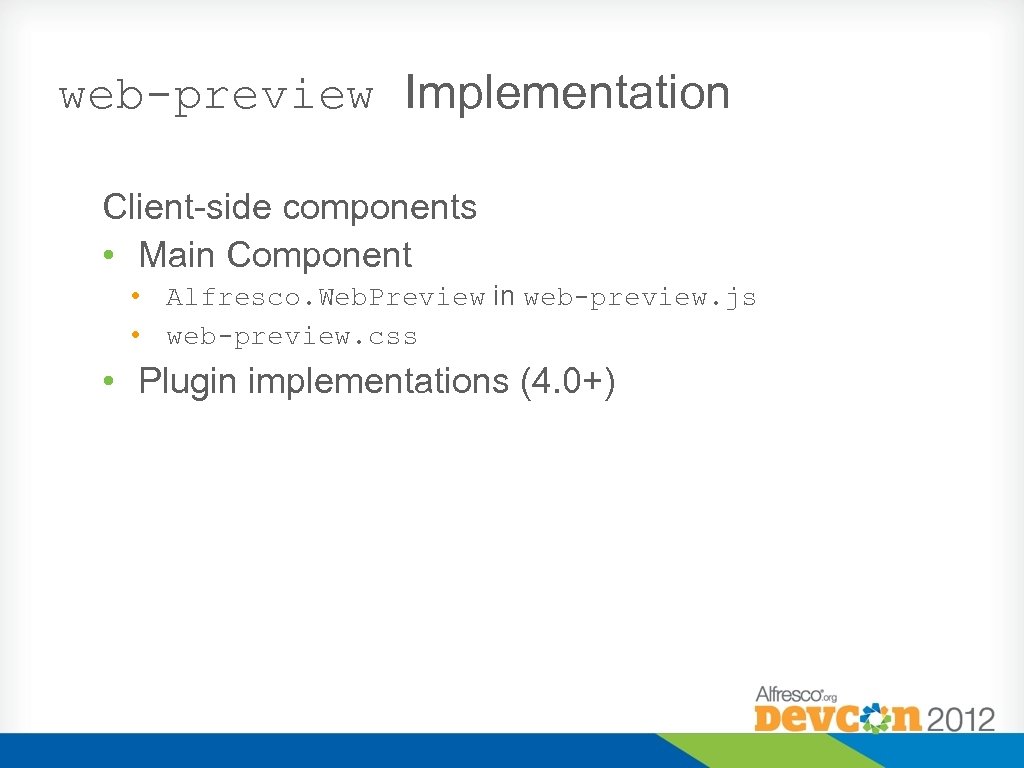
web-preview Implementation Client-side components • Main Component • Alfresco. Web. Preview in web-preview. js • web-preview. css • Plugin implementations (4. 0+)
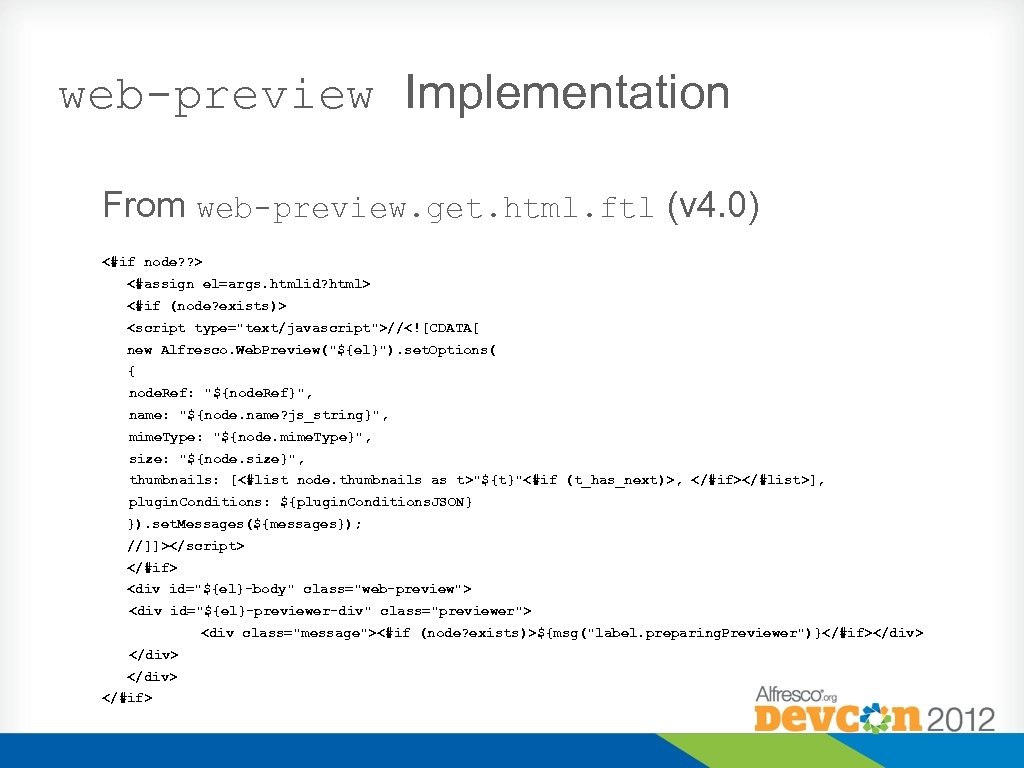
web-preview Implementation From web-preview. get. html. ftl (v 4. 0) <#if node? ? > <#assign el=args. htmlid? html> <#if (node? exists)> <script type="text/javascript">//<![CDATA[ new Alfresco. Web. Preview("${el}"). set. Options( { node. Ref: "${node. Ref}", name: "${node. name? js_string}", mime. Type: "${node. mime. Type}", size: "${node. size}", thumbnails: [<#list node. thumbnails as t>"${t}"<#if (t_has_next)>, </#if></#list>], plugin. Conditions: ${plugin. Conditions. JSON} }). set. Messages(${messages}); //]]></script> </#if> <div id="${el}-body" class="web-preview"> <div id="${el}-previewer-div" class="previewer"> <div class="message"><#if (node? exists)>${msg("label. preparing. Previewer")}</#if></div> </#if>
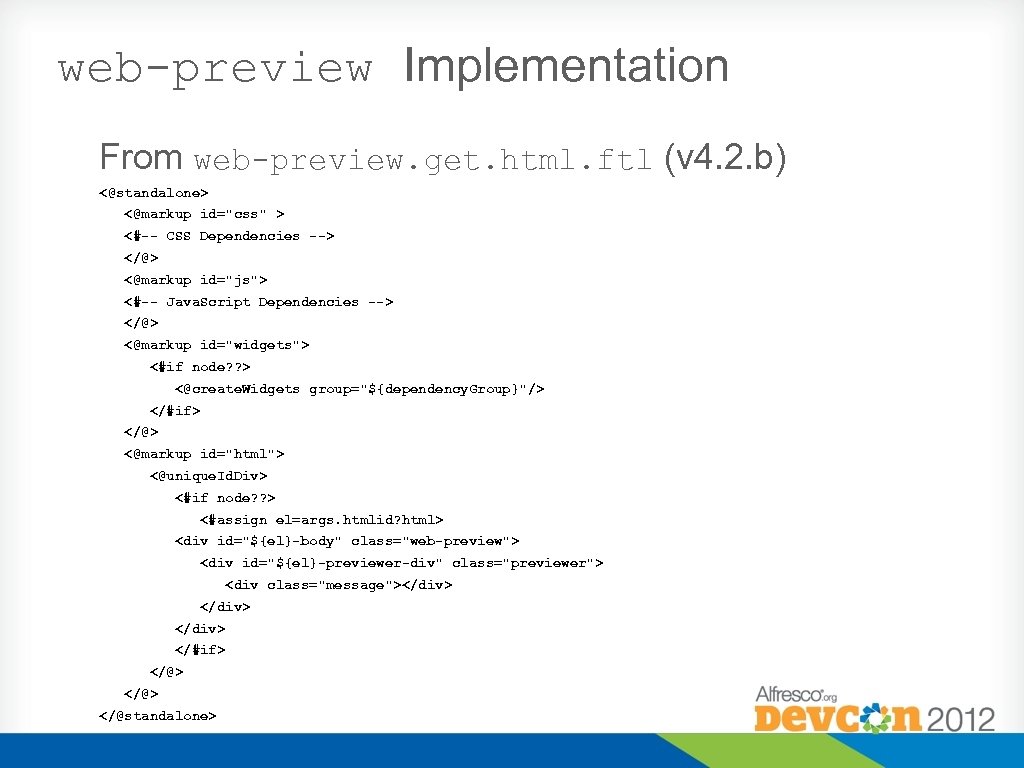
web-preview Implementation From web-preview. get. html. ftl (v 4. 2. b) <@standalone> <@markup id="css" > <#-- CSS Dependencies --> </@> <@markup id="js"> <#-- Java. Script Dependencies --> </@> <@markup id="widgets"> <#if node? ? > <@create. Widgets group="${dependency. Group}"/> </#if> </@> <@markup id="html"> <@unique. Id. Div> <#if node? ? > <#assign el=args. htmlid? html> <div id="${el}-body" class="web-preview"> <div id="${el}-previewer-div" class="previewer"> <div class="message"></div> </#if> </@> </@standalone>
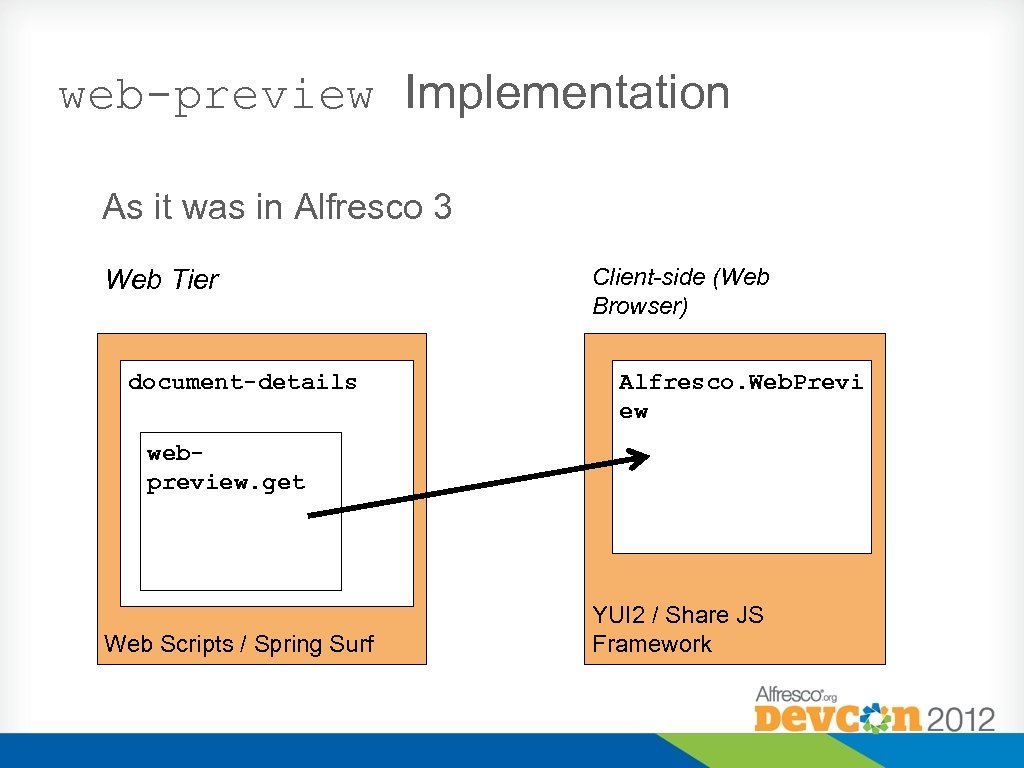
web-preview Implementation As it was in Alfresco 3 Web Tier document-details Client-side (Web Browser) Alfresco. Web. Previ ew webpreview. get Web Scripts / Spring Surf YUI 2 / Share JS Framework
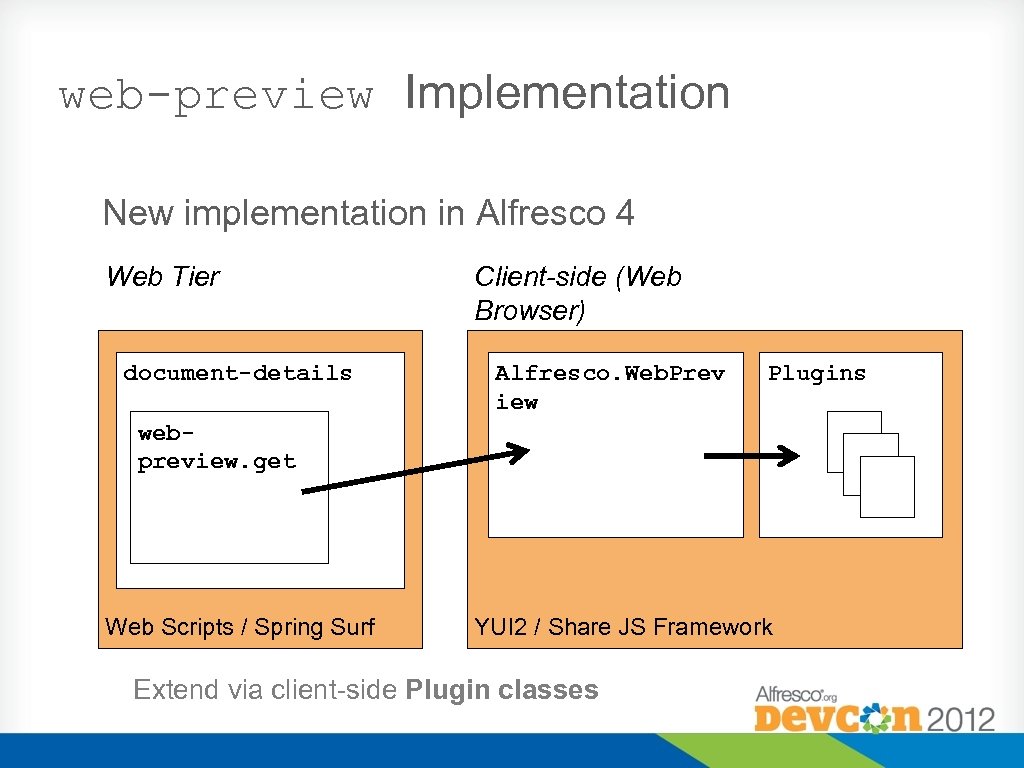
web-preview Implementation New implementation in Alfresco 4 Web Tier document-details Client-side (Web Browser) Alfresco. Web. Prev iew Plugins webpreview. get Web Scripts / Spring Surf YUI 2 / Share JS Framework Extend via client-side Plugin classes
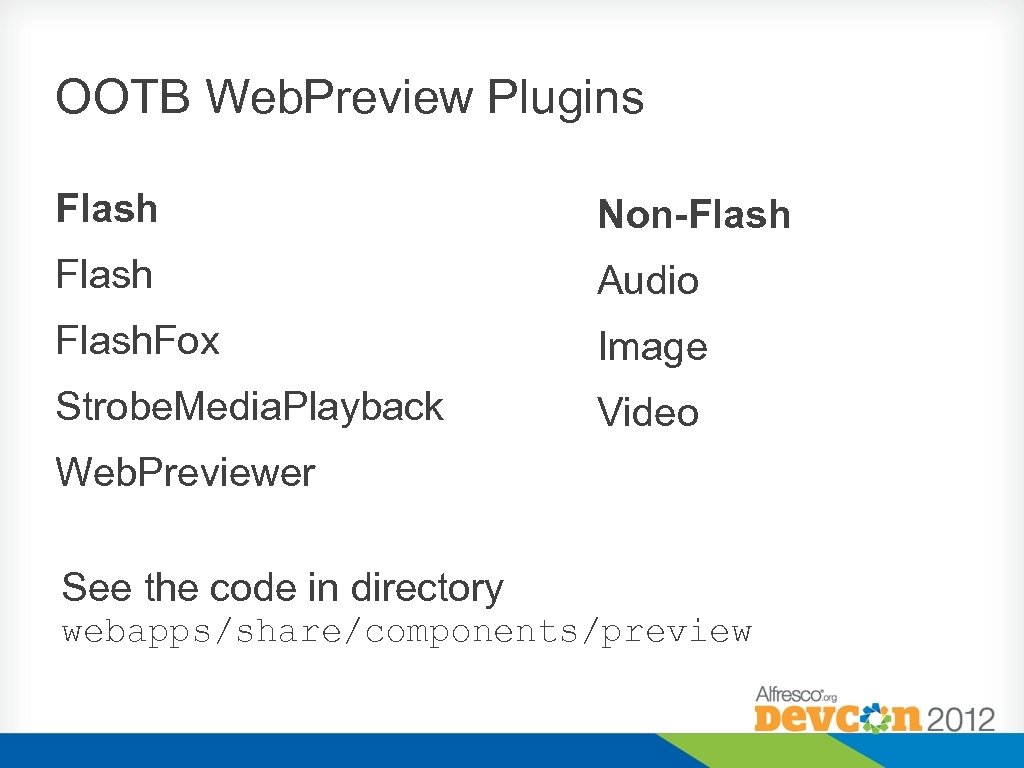
OOTB Web. Preview Plugins Flash Non-Flash Audio Flash. Fox Image Strobe. Media. Playback Video Web. Previewer See the code in directory webapps/share/components/preview
Question If we have multiple plugins which can render a particular file, how does Share decide which one to use?
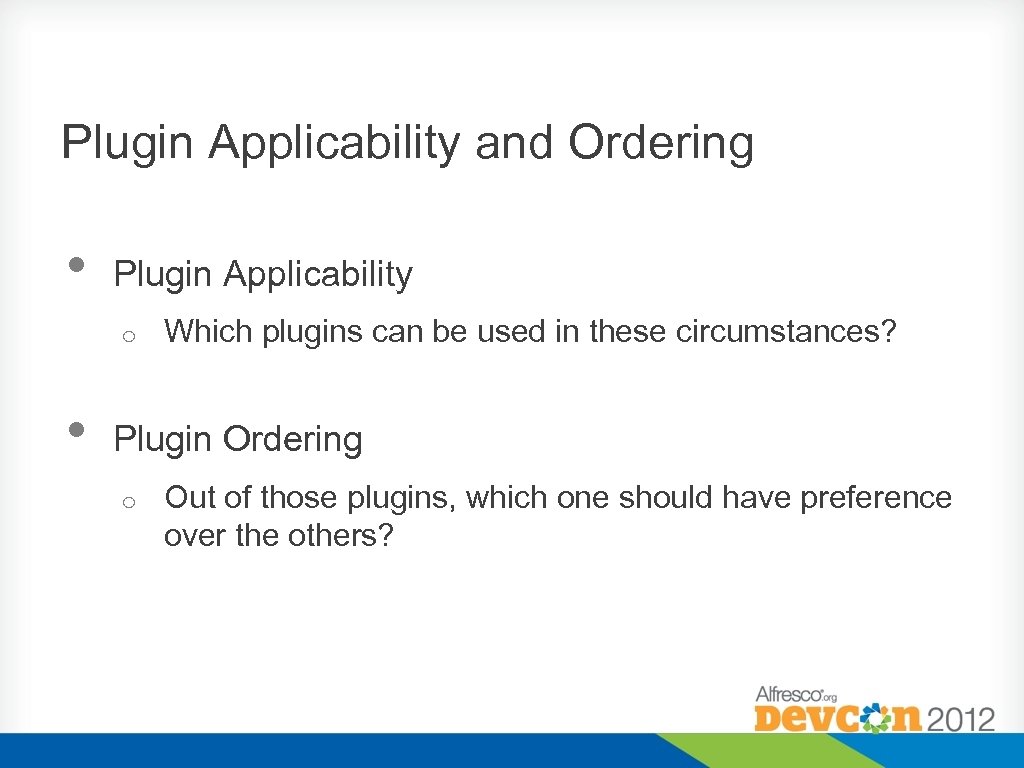
Plugin Applicability and Ordering • Plugin Applicability o • Which plugins can be used in these circumstances? Plugin Ordering o Out of those plugins, which one should have preference over the others?
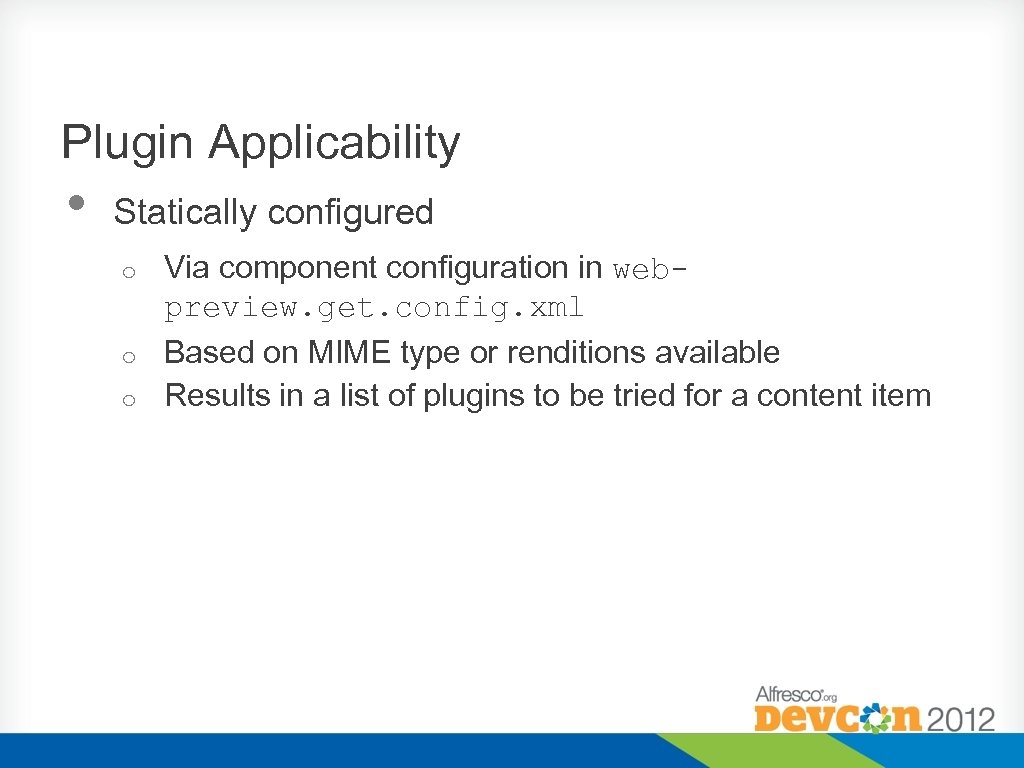
Plugin Applicability • Statically configured Via component configuration in webpreview. get. config. xml o Based on MIME type or renditions available o Results in a list of plugins to be tried for a content item o
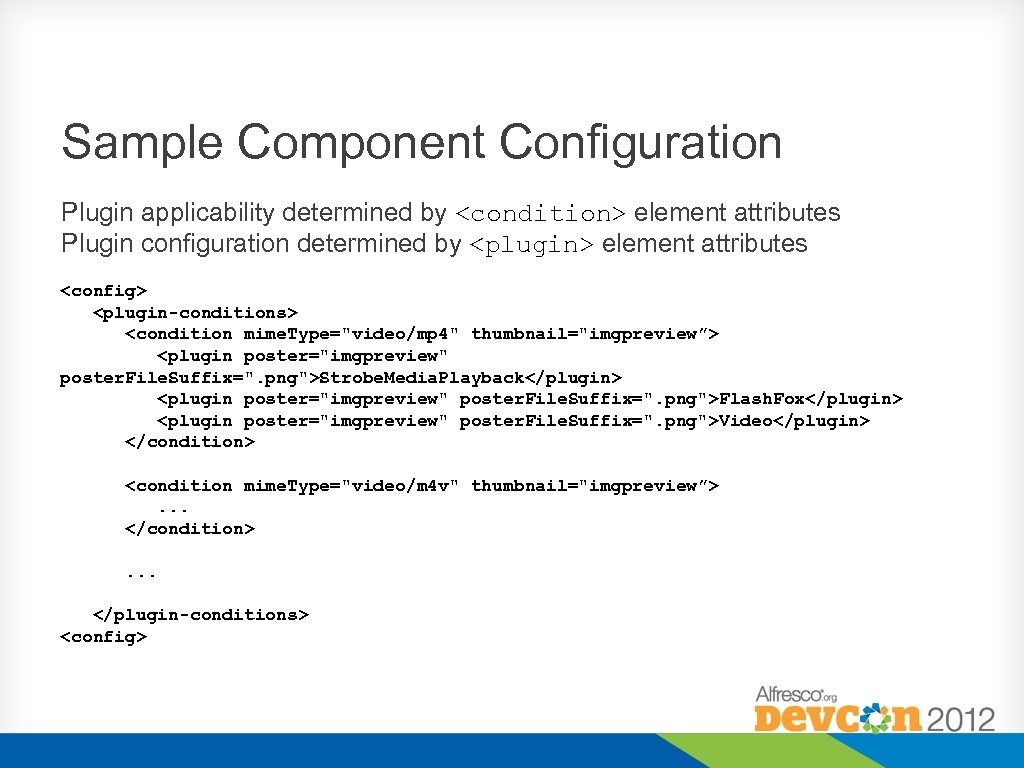
Sample Component Configuration Plugin applicability determined by <condition> element attributes Plugin configuration determined by <plugin> element attributes <config> <plugin-conditions> <condition mime. Type="video/mp 4" thumbnail="imgpreview”> <plugin poster="imgpreview" poster. File. Suffix=". png">Strobe. Media. Playback</plugin> <plugin poster="imgpreview" poster. File. Suffix=". png">Flash. Fox</plugin> <plugin poster="imgpreview" poster. File. Suffix=". png">Video</plugin> </condition> <condition mime. Type="video/m 4 v" thumbnail="imgpreview”>. . . </condition>. . . </plugin-conditions> <config>
Plugin Applicability • Statically configured Via component configuration in webpreview. get. config. xml o Based on MIME type or renditions available o Results in a list of plugins to be tried for a content item o • Dynamically determined at run time Plugins are given the opportunity to 'test' a content item o Based on any Javascript-testable condition, e. g. browser type/version, content properties o Plugins can return a ‘yes’ or a ‘no’ (plus a reason) o
Plugin Applicability See the code in webapps/share/components/preview/w eb-preview. js
Plugin Ordering • • • Taken from component configuration in webpreview. get. config. xml The first plugin which matches the static conditions and the dynamic test(s) is used. If an error occurs this is logged, then the next plugin is used
Plugin Configuration • • • Also held in web-preview. get. config. xml Allows setting of plugin configuration attributes Change the behaviour of the plugin
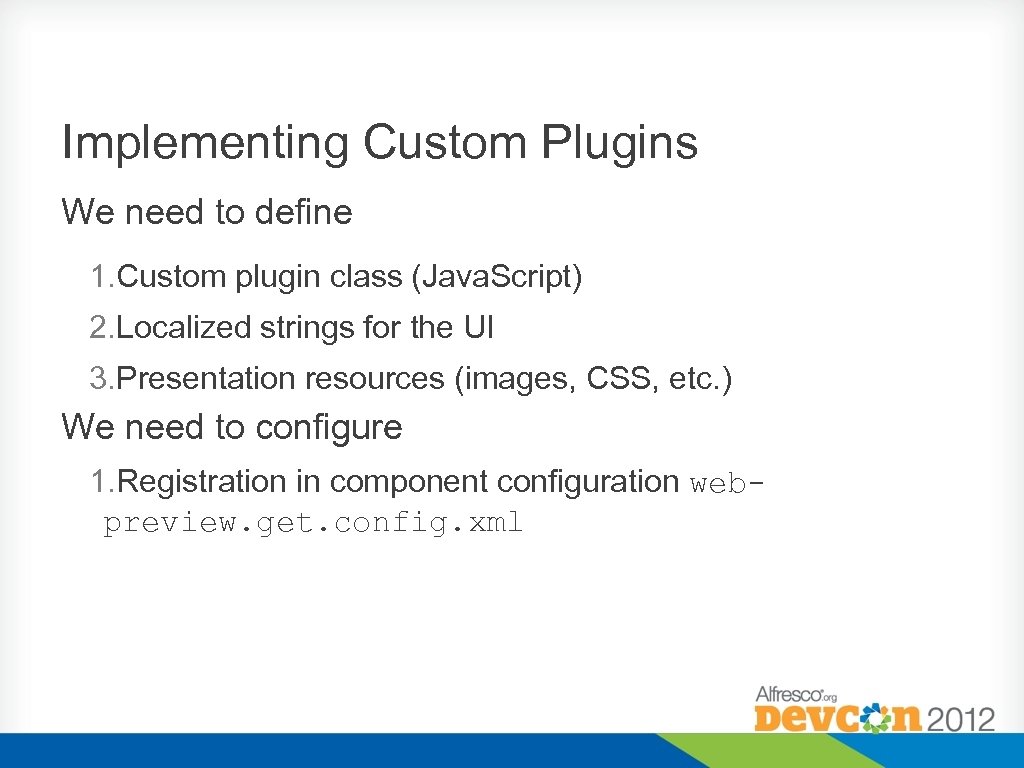
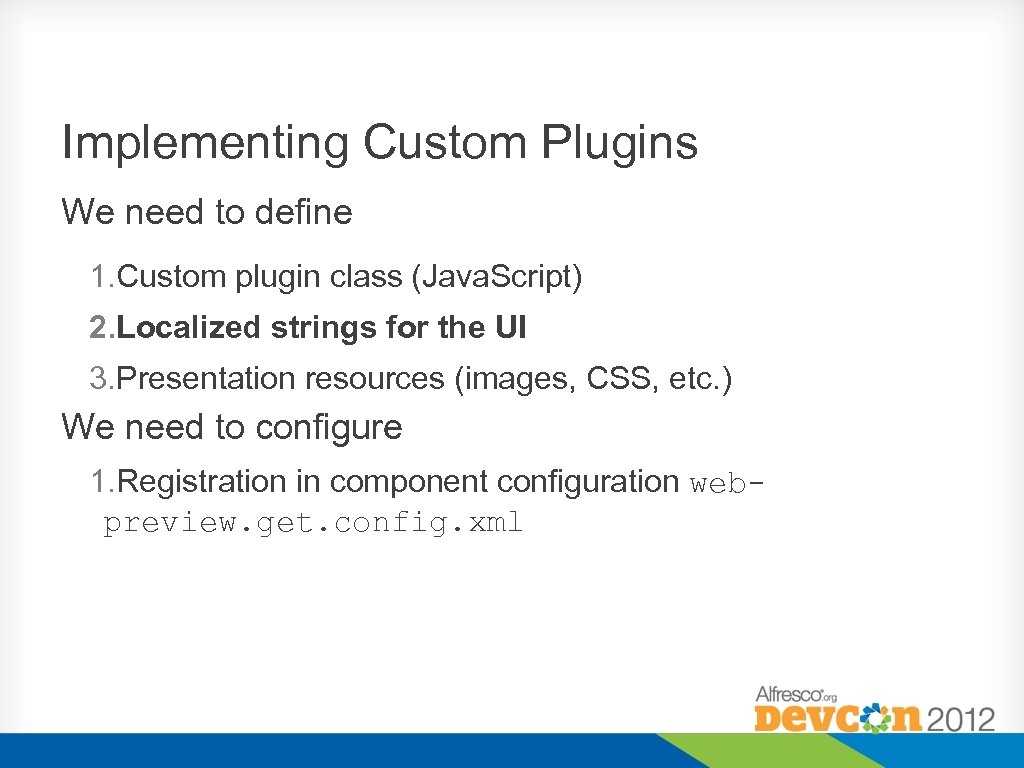
Implementing Custom Plugins We need to define 1. Custom plugin class (Java. Script) 2. Localized strings for the UI 3. Presentation resources (images, CSS, etc. ) We need to configure 1. Registration in component configuration webpreview. get. config. xml
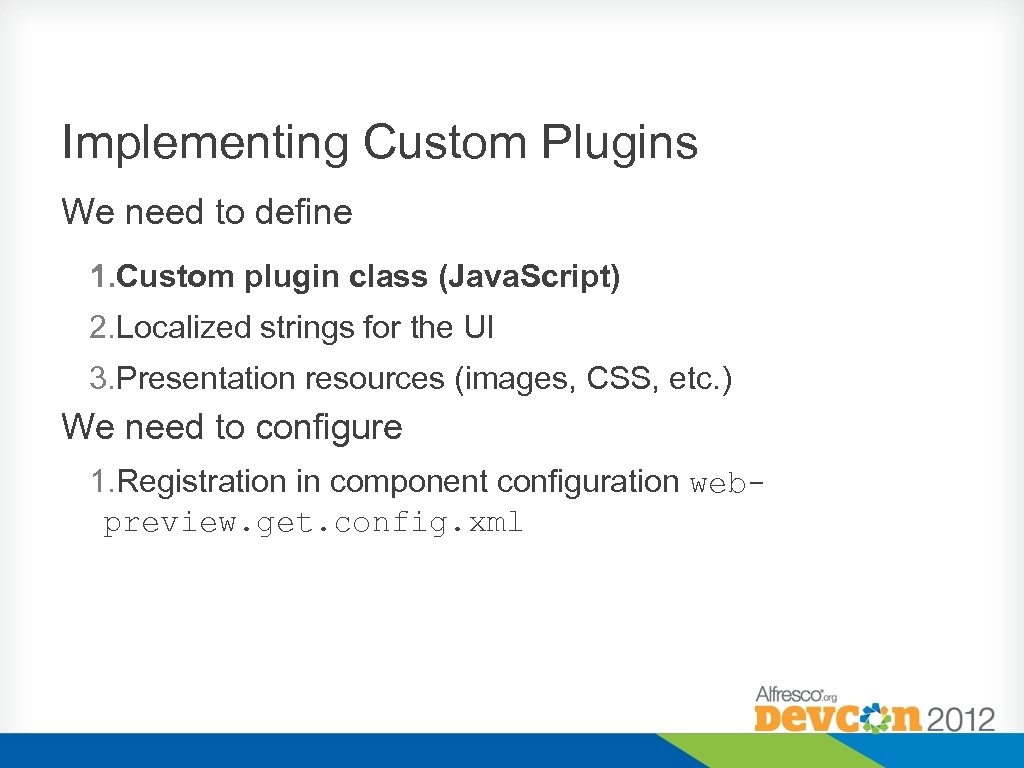
Implementing Custom Plugins We need to define 1. Custom plugin class (Java. Script) 2. Localized strings for the UI 3. Presentation resources (images, CSS, etc. ) We need to configure 1. Registration in component configuration webpreview. get. config. xml
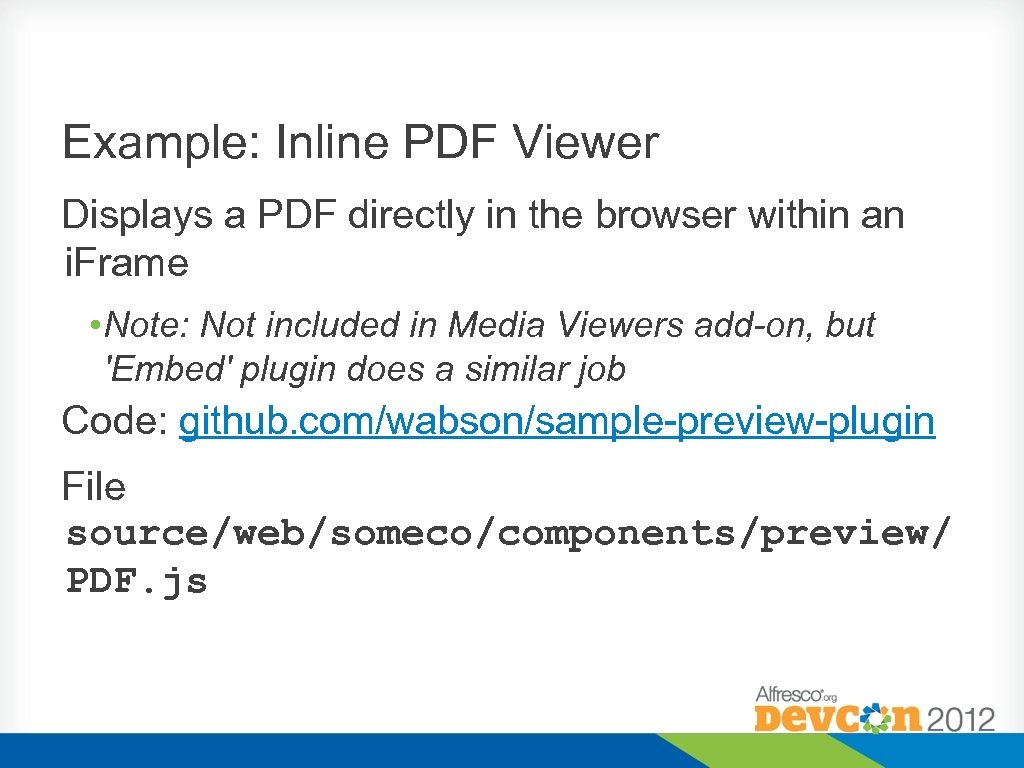
Example: Inline PDF Viewer Displays a PDF directly in the browser within an i. Frame • Note: Not included in Media Viewers add-on, but 'Embed' plugin does a similar job Code: github. com/wabson/sample-preview-plugin File source/web/someco/components/preview/ PDF. js
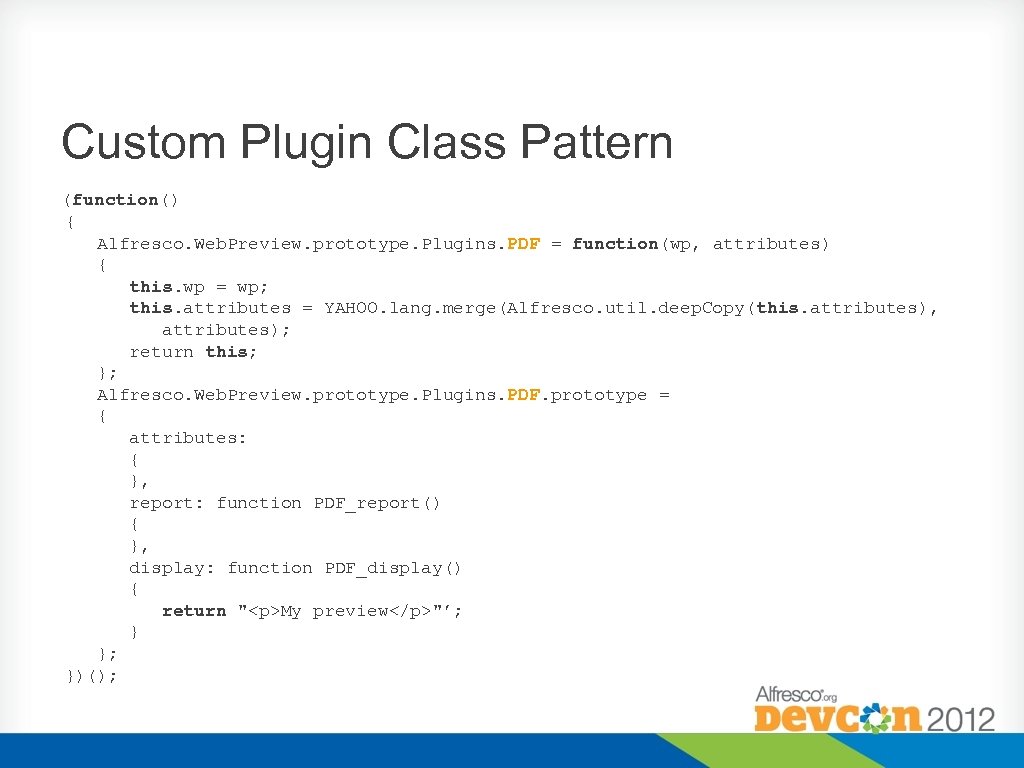
Custom Plugin Class Pattern (function() { Alfresco. Web. Preview. prototype. Plugins. PDF = function(wp, attributes) { this. wp = wp; this. attributes = YAHOO. lang. merge(Alfresco. util. deep. Copy(this. attributes), attributes); return this; }; Alfresco. Web. Preview. prototype. Plugins. PDF. prototype = { attributes: { }, report: function PDF_report() { }, display: function PDF_display() { return "<p>My preview</p>"’; } }; })();
Custom Plugin attributes • • • Just an object literal All values are simple string values Default values should be specified in the prototype o • Overrides in the component configuration XML will be merged in Don't forget the JSDoc!
Custom Plugin report() method Allows the plugin to dynamically test the document properties, system characteristics and plugin attributes, to test if it can be used • • Return null if it CAN be used Return a non-empty string value if it can't o Value should give the reason why it can't be used, e. g. "File is too big, only files < 2 MB are supported"
Custom Plugin display() method Render the content display • • Return a String value to be used as the HTML mark-up, OR Return null you want to directly build the display using <element>. inner. HTML or DOM manipulation
Example: Inline PDF Viewer • • The usual Share object prototype approach is used Property attributes can be used to customize behaviour Function report() returns null if the plugin can be used or a string if not indicating the reason Function display() returns a string containing HTML markup or null if Dom manipulation has already been used
Example: Inline PDF Viewer • To include the Java. Script file in the HTML document, we can use an extensibility module • See file config/alfresco/site- • webscripts/com/someco/customization/samplepreview-plugin/web-preview. get. head. ftl Note: in 4. 2, . head. ftl webscript templates are deprecated, use <markup> directive in. html. ftl template instead. See v 42 -config branch for new code.
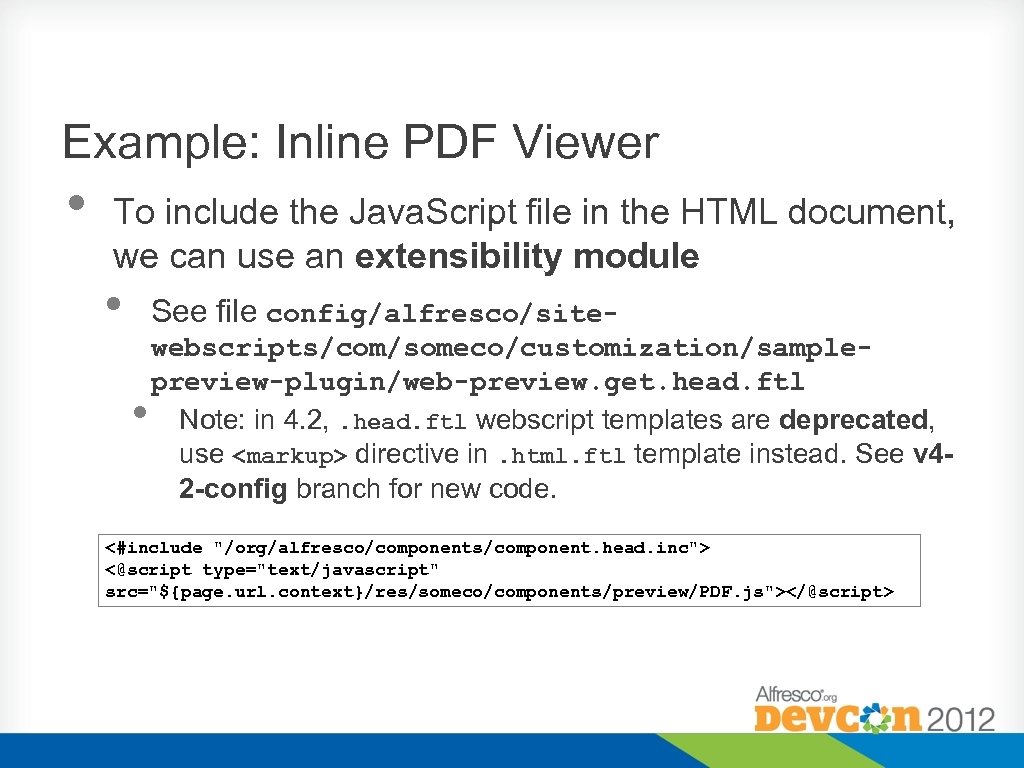
Example: Inline PDF Viewer • To include the Java. Script file in the HTML document, we can use an extensibility module • See file config/alfresco/site- • webscripts/com/someco/customization/samplepreview-plugin/web-preview. get. head. ftl Note: in 4. 2, . head. ftl webscript templates are deprecated, use <markup> directive in. html. ftl template instead. See v 42 -config branch for new code. <#include "/org/alfresco/components/component. head. inc"> <@script type="text/javascript" src="${page. url. context}/res/someco/components/preview/PDF. js"></@script>
Implementing Custom Plugins We need to define 1. Custom plugin class (Java. Script) 2. Localized strings for the UI 3. Presentation resources (images, CSS, etc. ) We need to configure 1. Registration in component configuration webpreview. get. config. xml
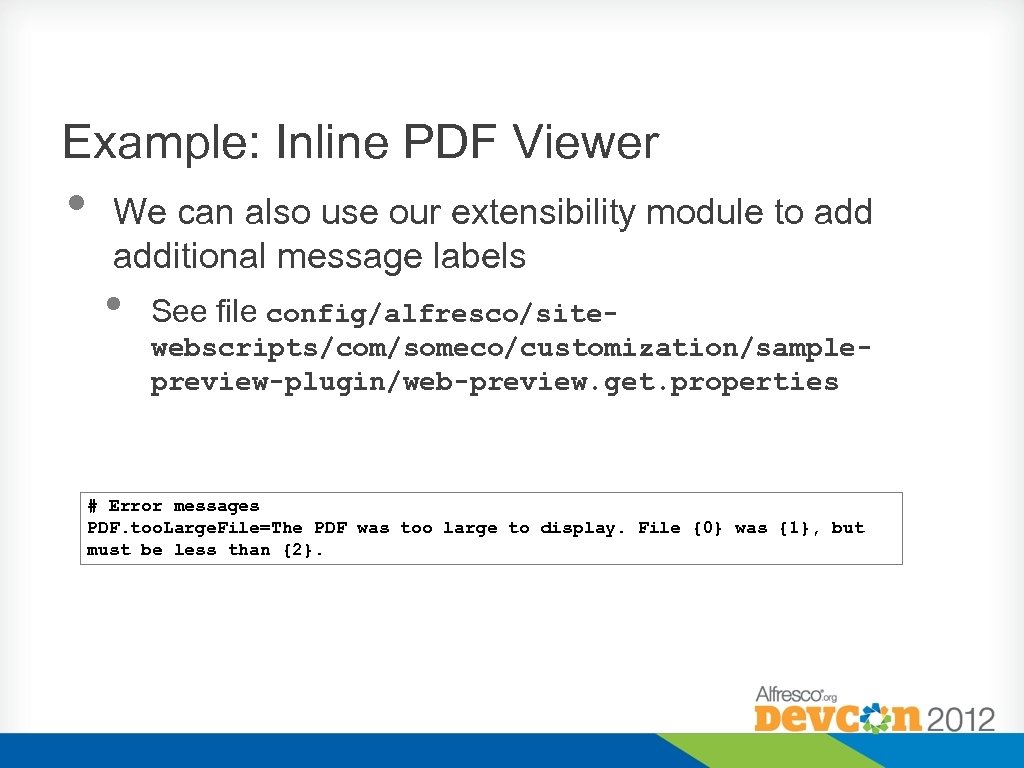
Example: Inline PDF Viewer • We can also use our extensibility module to additional message labels • See file config/alfresco/sitewebscripts/com/someco/customization/samplepreview-plugin/web-preview. get. properties # Error messages PDF. too. Large. File=The PDF was too large to display. File {0} was {1}, but must be less than {2}.
Implementing Custom Plugins We need to define 1. Custom plugin class (Java. Script) 2. Localized strings for the UI 3. Presentation resources (images, CSS, etc. ) We need to configure 1. Registration in component configuration webpreview. get. config. xml
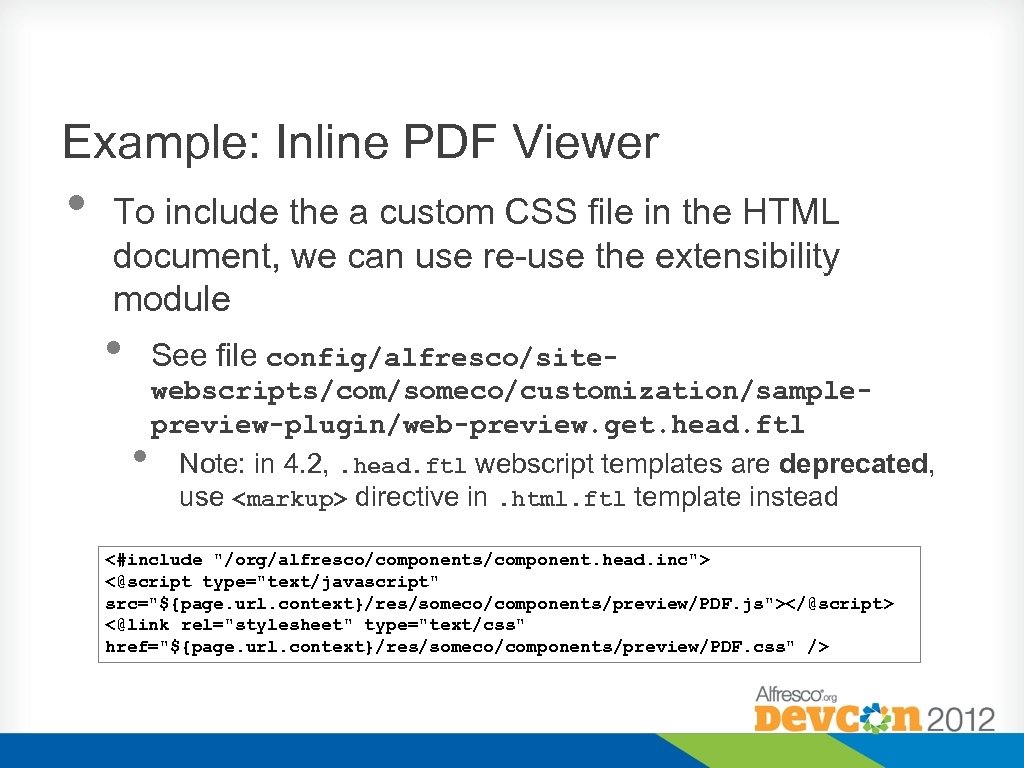
Example: Inline PDF Viewer • To include the a custom CSS file in the HTML document, we can use re-use the extensibility module • See file config/alfresco/site- • webscripts/com/someco/customization/samplepreview-plugin/web-preview. get. head. ftl Note: in 4. 2, . head. ftl webscript templates are deprecated, use <markup> directive in. html. ftl template instead <#include "/org/alfresco/components/component. head. inc"> <@script type="text/javascript" src="${page. url. context}/res/someco/components/preview/PDF. js"></@script> <@link rel="stylesheet" type="text/css" href="${page. url. context}/res/someco/components/preview/PDF. css" />
Implementing Custom Plugins We need to define 1. Custom plugin class (Java. Script) 2. Localized strings for the UI 3. Presentation resources (images, CSS, etc. ) We need to configure 1. Registration in component configuration webpreview. get. config. xml
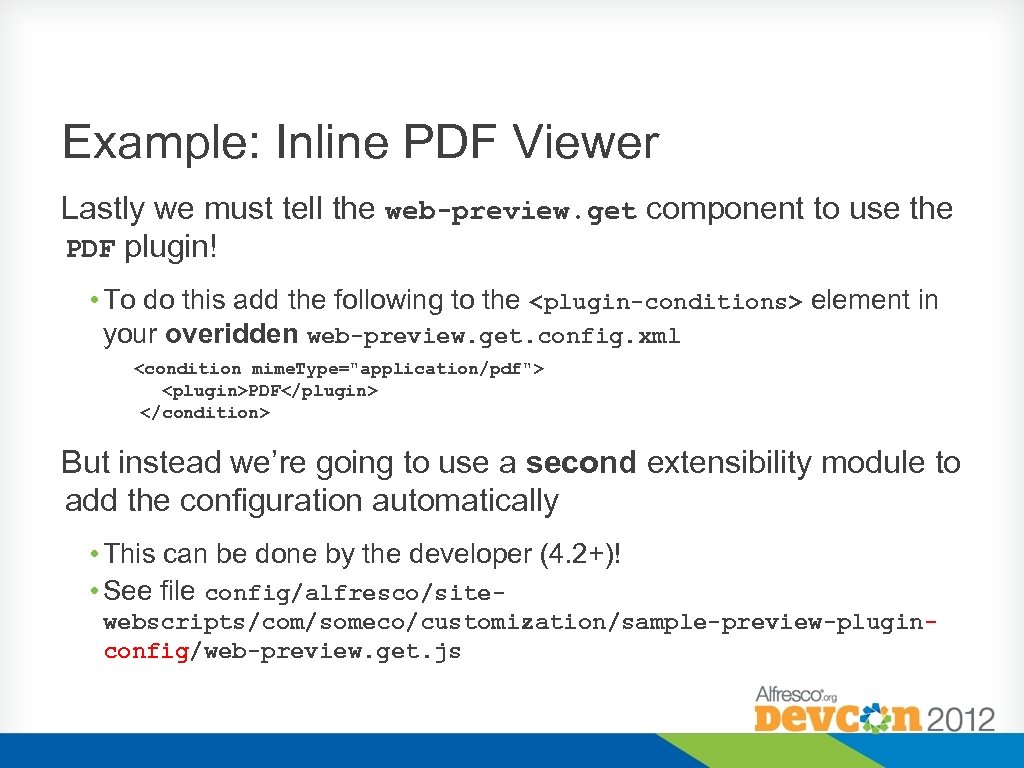
Example: Inline PDF Viewer Lastly we must tell the web-preview. get component to use the PDF plugin! • To do this add the following to the <plugin-conditions> element in your overidden web-preview. get. config. xml <condition mime. Type="application/pdf"> <plugin>PDF</plugin> </condition> But instead we’re going to use a second extensibility module to add the configuration automatically • This can be done by the developer (4. 2+)! • See file config/alfresco/sitewebscripts/com/someco/customization/sample-preview-pluginconfig/web-preview. get. js

Demo
Example: pdf. js Viewer
Summary • • • The Web Preview component is an important part of Share Alfresco 4 allows us to display our content in new and interesting ways o Or, display content that is not supported OOTB We can re-use our existing Share customization skills to bring in powerful tools such as pdf. js
More Information https: //github. com/wabson/sample-preview-plugin http: //code. google. com/p/shareextras/wiki/Media. Viewers http: //blogs. alfresco. com/wp/wabson/2012/04/11/s hare-document-previews-in-alfresco-4/ http: //blogs. alfresco. com/wp/wabson/2012/07/04/m edia-previews-is-dead-long-live-media-viewers/
Questions? http: //twitter. com/wabson
Скачать презентацию Customizing Share Document Previews Will Abson Senior Integrations
4dca0d4bf7affb4fd029d412e0e45f58.ppt