


 Скачать презентацию Customize your SAS Output with the Template Procedure
d281fd160dcefd3efc3eaee937a1f0df.ppt
- Количество слайдов: 65
 Customize your SAS® Output with the Template Procedure: A Beginning Tutorial Carol Gosselin North Carolina State University, Raleigh, NC Joy Munk Smith North Carolina State University, Raleigh, NC Gosselin and Smith, SESUG 2000
 Topics • • Review ODS What are Templates? Working with Predefined Templates Creating your own Style and Table Templates • Using your new templates Gosselin and Smith, SESUG 2000 2
 Review ODS • Output object: A basic tabular or graphical representation of output. Made up of a data component and a template component. • Data component: Collection of raw numbers and strings that make up the table or graph. • Template component: A set of instructions that describe how ODS should format and present the raw data. Gosselin and Smith, SESUG 2000 3
 Available Output Destinations Version 8. 0 • • LISTING - classic SAS output HTML – Hyper Text Markup Language OUTPUT - SAS datasets PRINTER – postscript(ps) or printer control language(pcl) Version 8. 1 additions: • PRINTER – Adobe Acrobat(pdf) • RTF - Rich Text Format(rtf) Gosselin and Smith, SESUG 2000 4
 More about Output Destinations • Output is sent to all open destinations. • LISTING is the only destination open by default. • HTML, PRINTER, and RTF, destinations must be closed before the results can be used or viewed. • Be sure to include a RUN and QUIT statement before closing a destination or the procedure output may not be sent to the destination. Gosselin and Smith, SESUG 2000 5
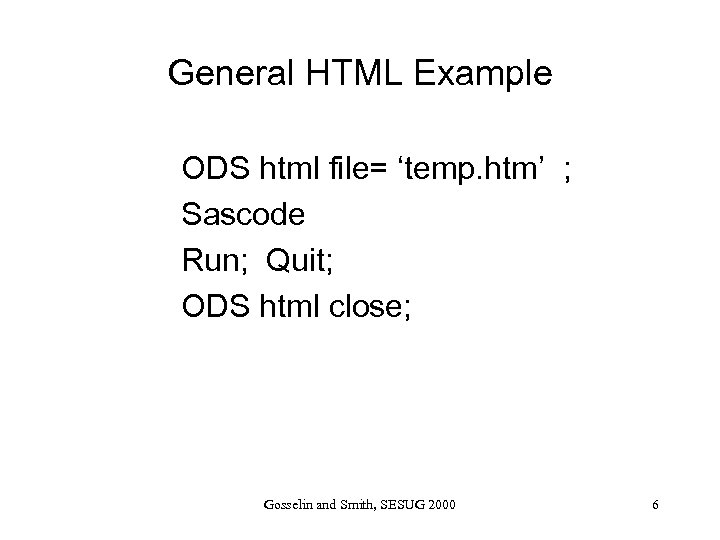 General HTML Example ODS html file= ‘temp. htm’ ; Sascode Run; Quit; ODS html close; Gosselin and Smith, SESUG 2000 6
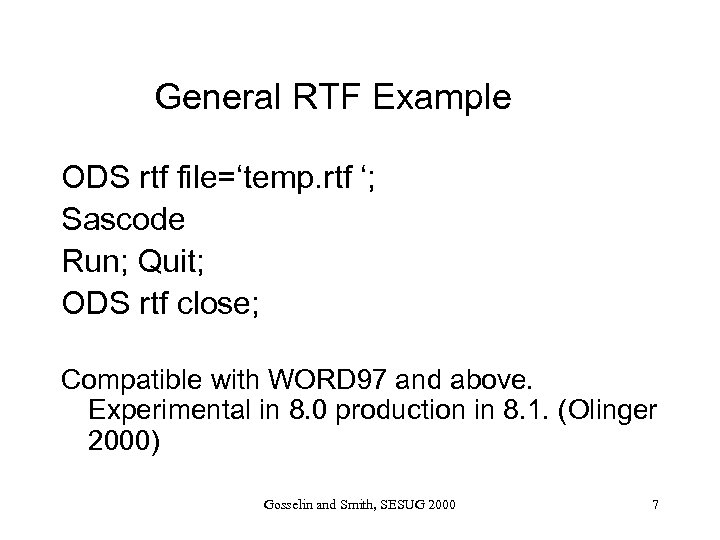 General RTF Example ODS rtf file=‘temp. rtf ‘; Sascode Run; Quit; ODS rtf close; Compatible with WORD 97 and above. Experimental in 8. 0 production in 8. 1. (Olinger 2000) Gosselin and Smith, SESUG 2000 7
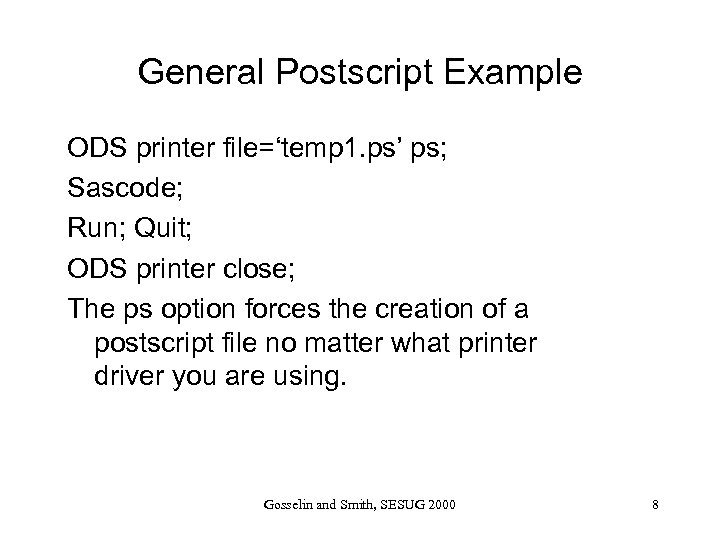 General Postscript Example ODS printer file=‘temp 1. ps’ ps; Sascode; Run; Quit; ODS printer close; The ps option forces the creation of a postscript file no matter what printer driver you are using. Gosselin and Smith, SESUG 2000 8
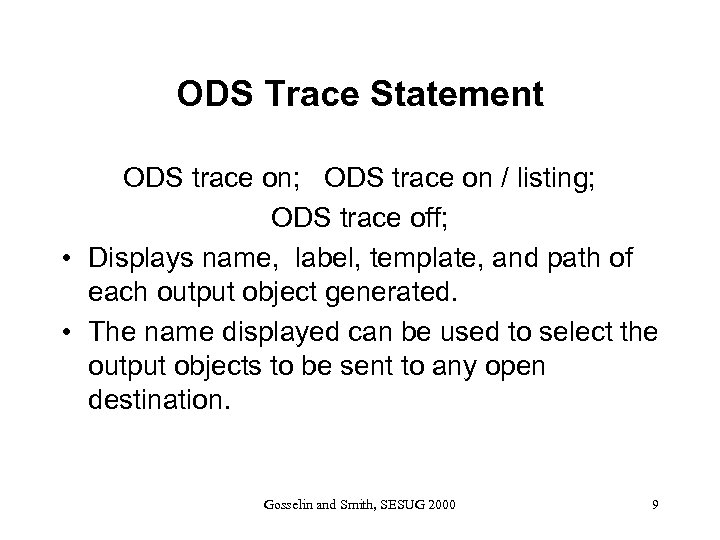 ODS Trace Statement ODS trace on; ODS trace on / listing; ODS trace off; • Displays name, label, template, and path of each output object generated. • The name displayed can be used to select the output objects to be sent to any open destination. Gosselin and Smith, SESUG 2000 9
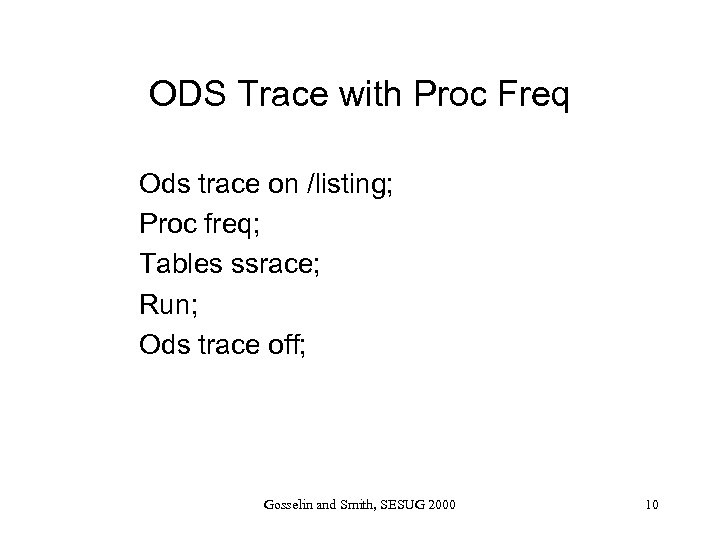 ODS Trace with Proc Freq Ods trace on /listing; Proc freq; Tables ssrace; Run; Ods trace off; Gosselin and Smith, SESUG 2000 10
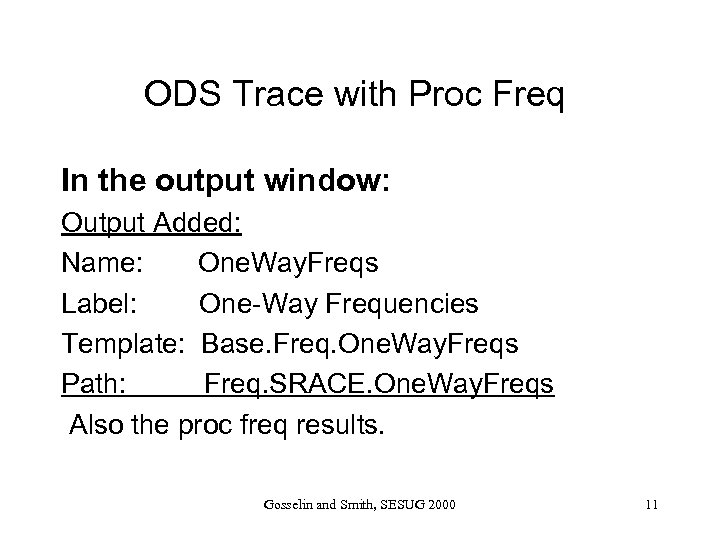 ODS Trace with Proc Freq In the output window: Output Added: Name: One. Way. Freqs Label: One-Way Frequencies Template: Base. Freq. One. Way. Freqs Path: Freq. SRACE. One. Way. Freqs Also the proc freq results. Gosselin and Smith, SESUG 2000 11
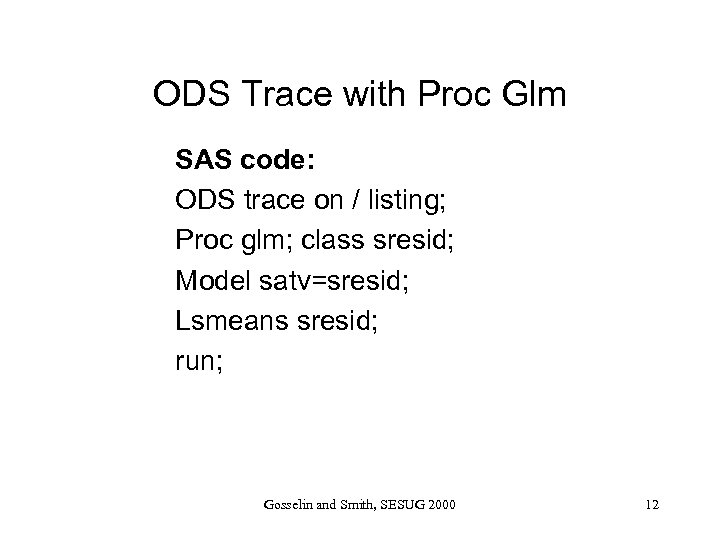 ODS Trace with Proc Glm SAS code: ODS trace on / listing; Proc glm; class sresid; Model satv=sresid; Lsmeans sresid; run; Gosselin and Smith, SESUG 2000 12
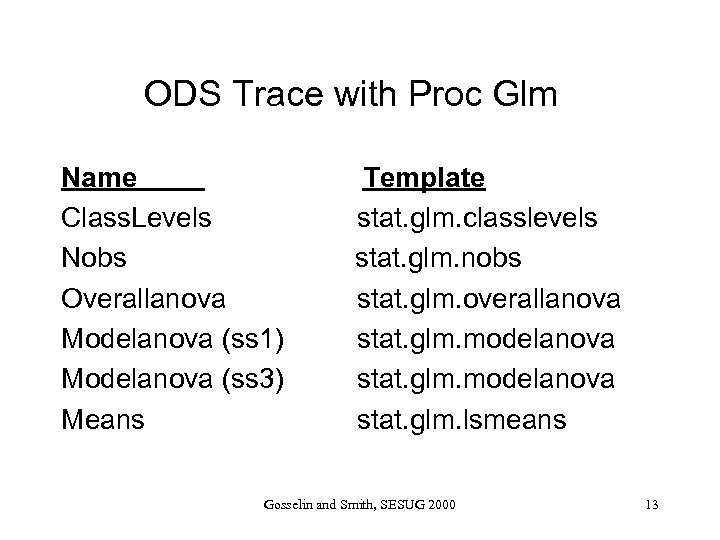 ODS Trace with Proc Glm Name Class. Levels Nobs Overallanova Modelanova (ss 1) Modelanova (ss 3) Means Template stat. glm. classlevels stat. glm. nobs stat. glm. overallanova stat. glm. modelanova stat. glm. lsmeans Gosselin and Smith, SESUG 2000 13
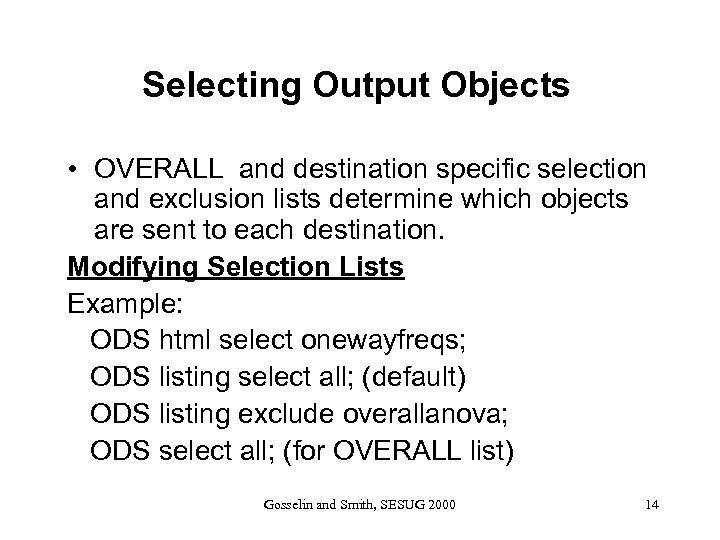 Selecting Output Objects • OVERALL and destination specific selection and exclusion lists determine which objects are sent to each destination. Modifying Selection Lists Example: ODS html select onewayfreqs; ODS listing select all; (default) ODS listing exclude overallanova; ODS select all; (for OVERALL list) Gosselin and Smith, SESUG 2000 14
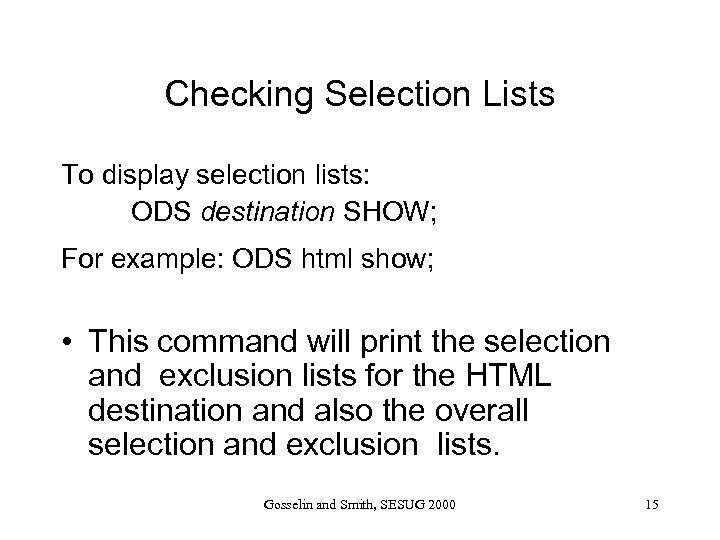 Checking Selection Lists To display selection lists: ODS destination SHOW; For example: ODS html show; • This command will print the selection and exclusion lists for the HTML destination and also the overall selection and exclusion lists. Gosselin and Smith, SESUG 2000 15
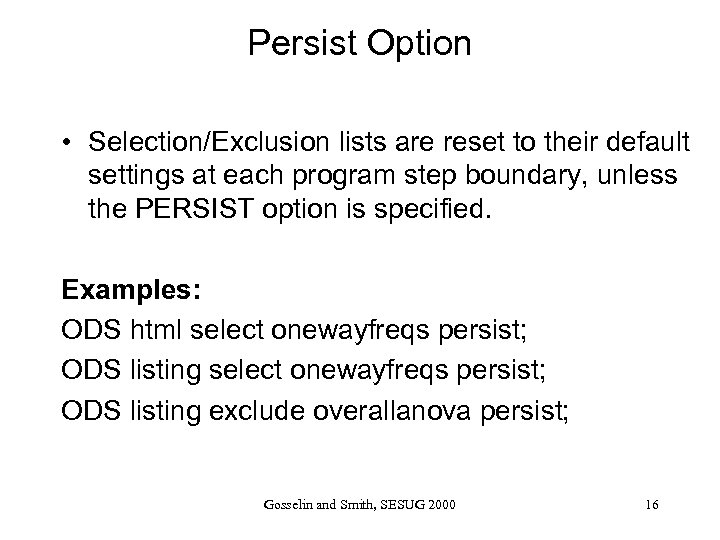 Persist Option • Selection/Exclusion lists are reset to their default settings at each program step boundary, unless the PERSIST option is specified. Examples: ODS html select onewayfreqs persist; ODS listing exclude overallanova persist; Gosselin and Smith, SESUG 2000 16
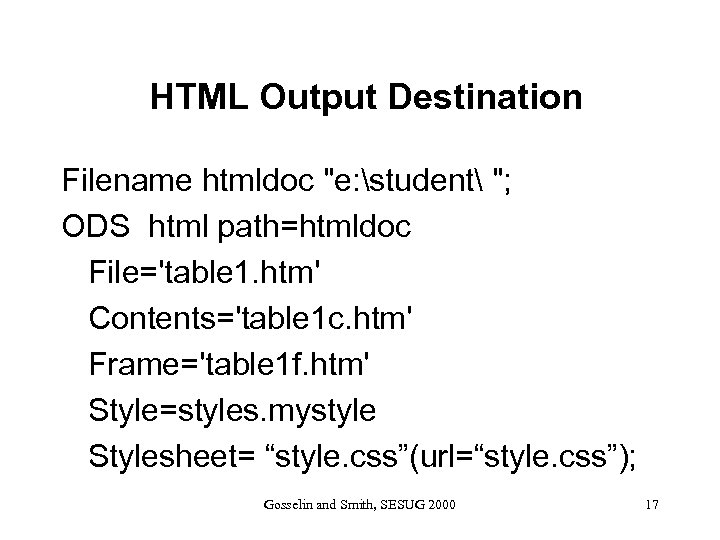 HTML Output Destination Filename htmldoc "e: student "; ODS html path=htmldoc File='table 1. htm' Contents='table 1 c. htm' Frame='table 1 f. htm' Style=styles. mystyle Stylesheet= “style. css”(url=“style. css”); Gosselin and Smith, SESUG 2000 17
 Support for CSS Note: In “ODS for Dummies” Olinger states “Use of style sheets will minimize the size of your HTML files. CSS support is experimental in release 8. 0 and production in release 8. 1” Gosselin and Smith, SESUG 2000 18
 LISTING Destination • Traditional SAS output • Open by default • Default selection list is ALL Examples: ODS listing; ODS listing close; ODS listing select outputobject ; ODS listing exclude outputobject ; Gosselin and Smith, SESUG 2000 19
 ODS References • Bryant, Muller, Pass, “ODS, Yes! Odious, No! – An Introduction to the SAS Output Delivery System. ” SUGI 25 Proceedings, 2000. www. unc. edu/~lkbryant/intro_ods • Olinger, C. R. , “ODS for Dummies”, SUGI 25 Proceedings, 2000. www. sas. com/base/rnd • SAS Institute, The Complete Guide to SAS Output Delivery, Version 8 Gosselin and Smith, SESUG 2000 20
 TEMPLATES Gosselin and Smith, SESUG 2000 21
 Table and Style Templates Table and Style templates are the two main types of templates. • Table templates provide instructions formatting a single output object. • Style templates provide presentation instructions for all output objects produced. Style templates create a consistent appearance of all SAS output. Gosselin and Smith, SESUG 2000 22
 Table Templates • Many table templates are shipped with SAS and they are used for displaying the output objects. • Table templates control data column order, column headers and footers, and data formatting. • A table template can be bound to an output object in a data step. Gosselin and Smith, SESUG 2000 23
 Style Templates: • Control the look and feel of the whole SAS job • There are 16 styles shipped with SAS 8. 0 Sample code: ODS html path= htmldoc file= ‘table 1. htm’ style= styles. minimal; Gosselin and Smith, SESUG 2000 24
 Where are Templates Stored? • Templates are stored in a new file type called “item stores”. • Template stores can have read or update access. • For obvious reasons, you should never provide update access to the template store that contains the SAS provided templates. Gosselin and Smith, SESUG 2000 25
 Where are these Template Stores? SAS defines 2 template stores. • SASUSER. TEMPLAT(UPDATE) This template store is listed first in the search path and it has update access so user created templates are stored here. • SASHELP. TMPLMST(READ) This template store has read only access and it contains the SAS provided templates. Do not provide update access to this file. Gosselin and Smith, SESUG 2000 26
 Providing Access to Template Stores • The ODS PATH statement identifies template stores, defines search order, and assigns read/write permissions. Default settings: ODS path sasuser. templat(update) sashelp. tmplmst(read); Gosselin and Smith, SESUG 2000 27
 Default Template Store Path Code: Ods path show; Results in the Log Window with the default settings: The current ODS path list is: 1. SASUSER. TEMPLAT(UPDATE) 2. SASHELP. TMPLMST(READ) Gosselin and Smith, SESUG 2000 28
 Storing Templates • User created templates are stored in SASUSER. TEMPLAT because it is the first template store with update access in the path. • This can be modified with the PATH statement. • Never give write access to SASHELP. TMPLMST Gosselin and Smith, SESUG 2000 29
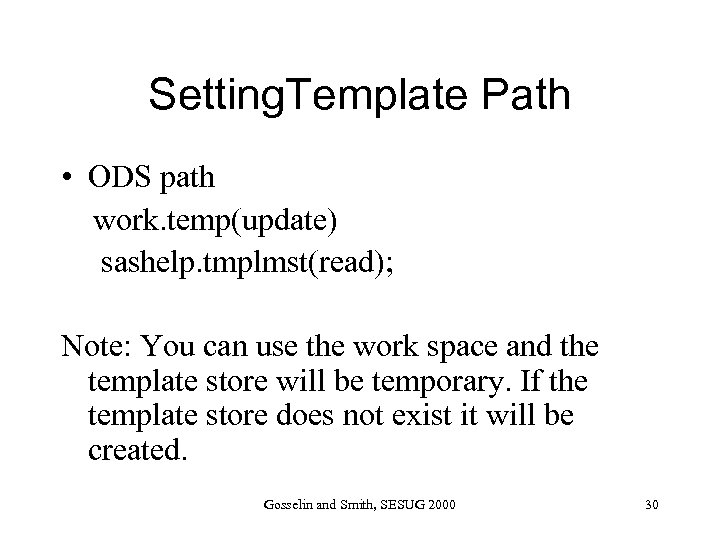 Setting. Template Path • ODS path work. temp(update) sashelp. tmplmst(read); Note: You can use the work space and the template store will be temporary. If the template store does not exist it will be created. Gosselin and Smith, SESUG 2000 30
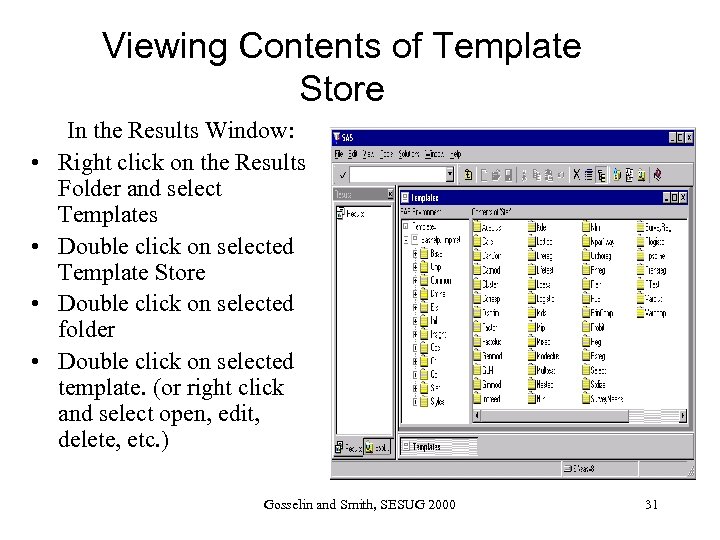 Viewing Contents of Template Store • • In the Results Window: Right click on the Results Folder and select Templates Double click on selected Template Store Double click on selected folder Double click on selected template. (or right click and select open, edit, delete, etc. ) Gosselin and Smith, SESUG 2000 31
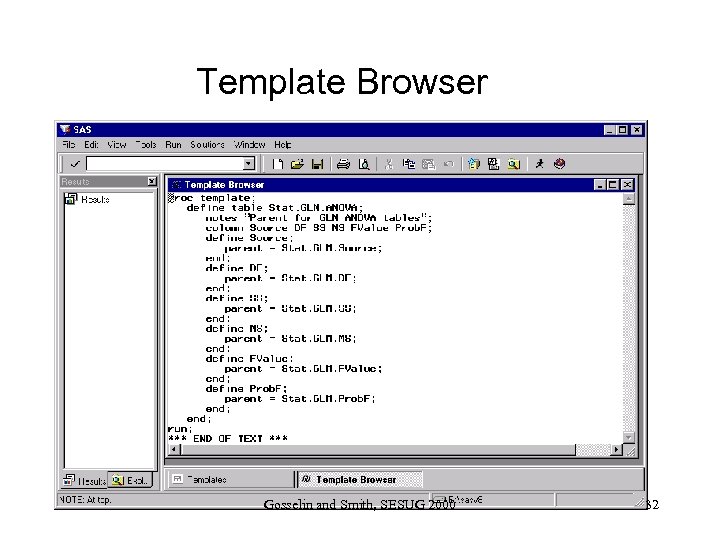 Template Browser Gosselin and Smith, SESUG 2000 32
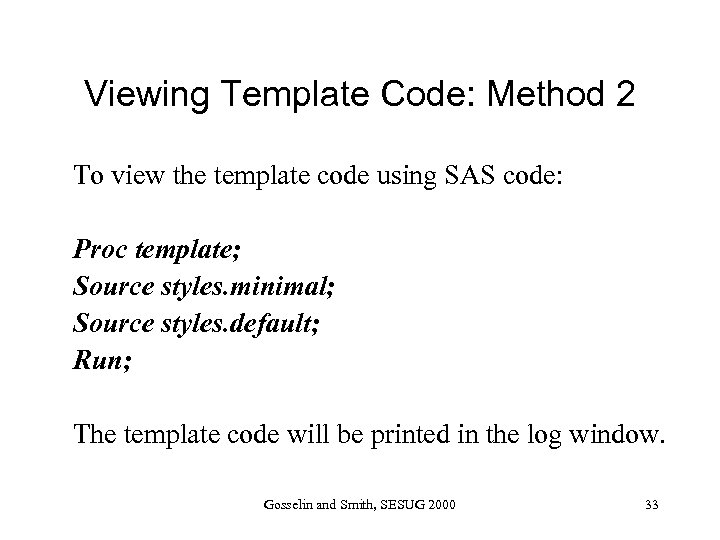 Viewing Template Code: Method 2 To view the template code using SAS code: Proc template; Source styles. minimal; Source styles. default; Run; The template code will be printed in the log window. Gosselin and Smith, SESUG 2000 33
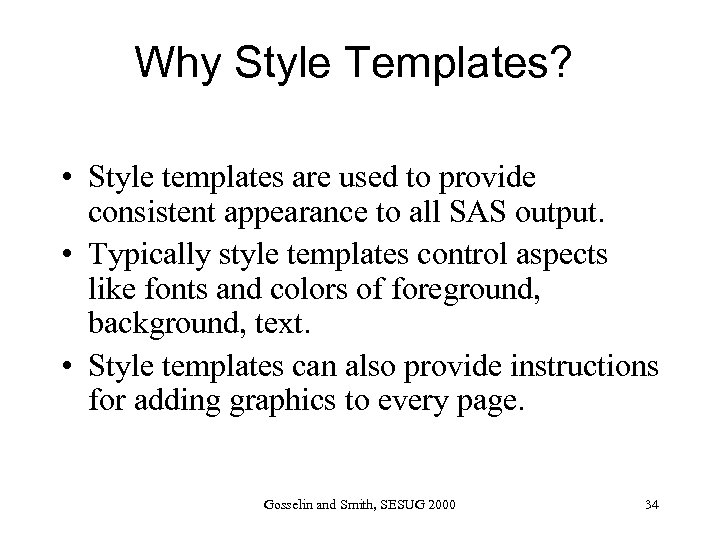 Why Style Templates? • Style templates are used to provide consistent appearance to all SAS output. • Typically style templates control aspects like fonts and colors of foreground, background, text. • Style templates can also provide instructions for adding graphics to every page. Gosselin and Smith, SESUG 2000 34
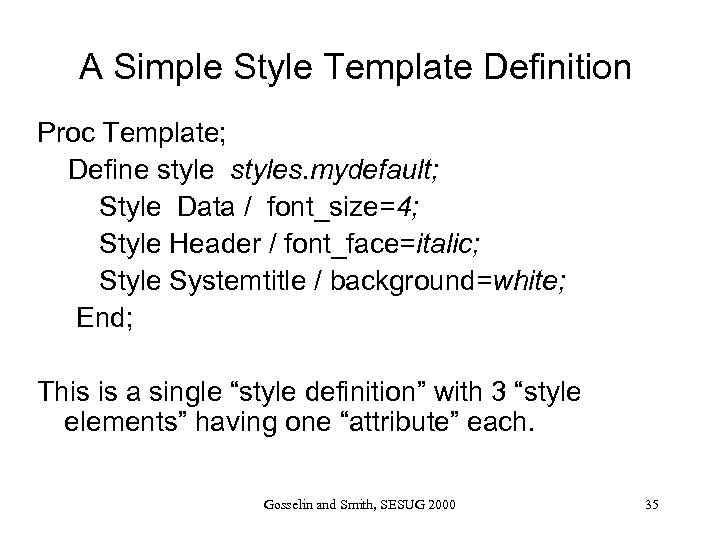 A Simple Style Template Definition Proc Template; Define styles. mydefault; Style Data / font_size=4; Style Header / font_face=italic; Style Systemtitle / background=white; End; This is a single “style definition” with 3 “style elements” having one “attribute” each. Gosselin and Smith, SESUG 2000 35
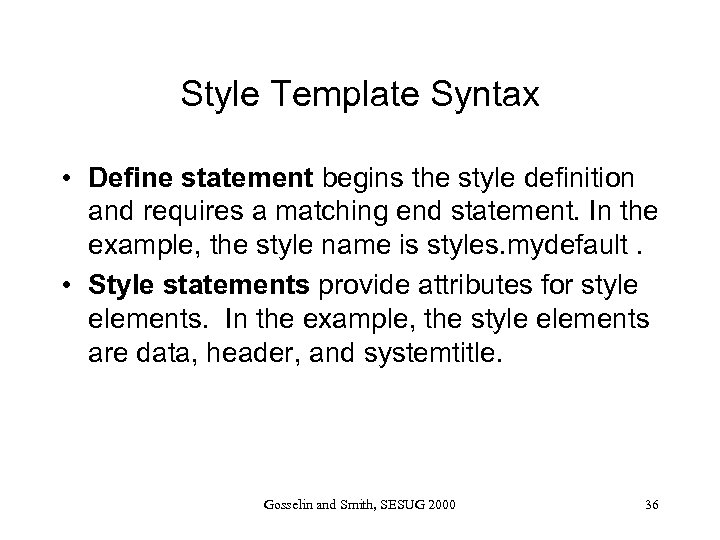 Style Template Syntax • Define statement begins the style definition and requires a matching end statement. In the example, the style name is styles. mydefault. • Style statements provide attributes for style elements. In the example, the style elements are data, header, and systemtitle. Gosselin and Smith, SESUG 2000 36
 So you want to be an expert? • Olinger(1999) states, “There approximately sixty-five different style attributes that can be specified on a style element. For a complete list, refer to the documentation. ” • I counted 101 style elements in styles. default. • Can’t wait for the certification test on this! Gosselin and Smith, SESUG 2000 37
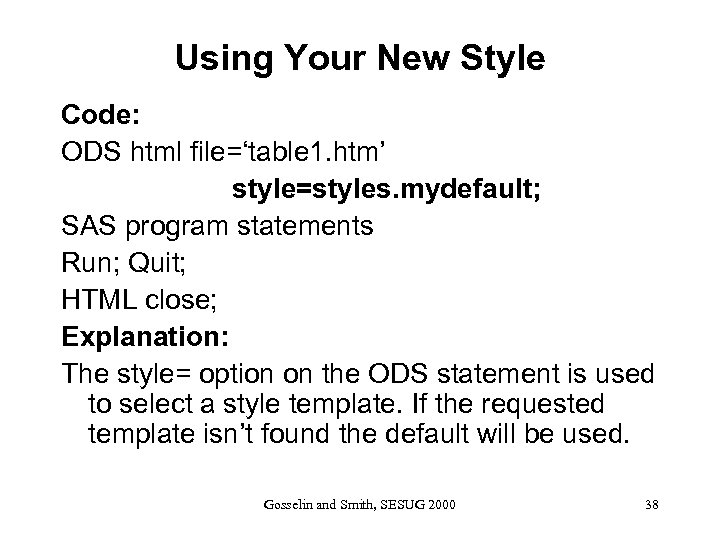 Using Your New Style Code: ODS html file=‘table 1. htm’ style=styles. mydefault; SAS program statements Run; Quit; HTML close; Explanation: The style= option on the ODS statement is used to select a style template. If the requested template isn’t found the default will be used. Gosselin and Smith, SESUG 2000 38
 Style Element Attributes • • Font and color are two commonly set style element attributes. These will be covered at an introductory level in these slides and in our examples. Gosselin and Smith, SESUG 2000 39
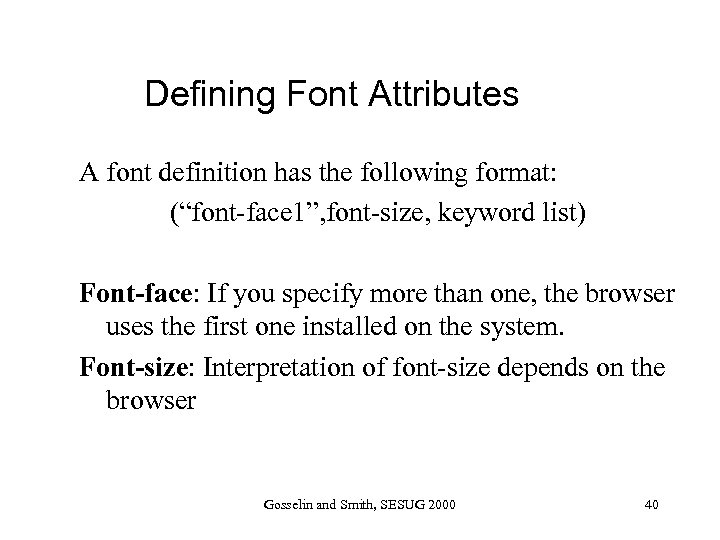 Defining Font Attributes A font definition has the following format: (“font-face 1”, font-size, keyword list) Font-face: If you specify more than one, the browser uses the first one installed on the system. Font-size: Interpretation of font-size depends on the browser Gosselin and Smith, SESUG 2000 40
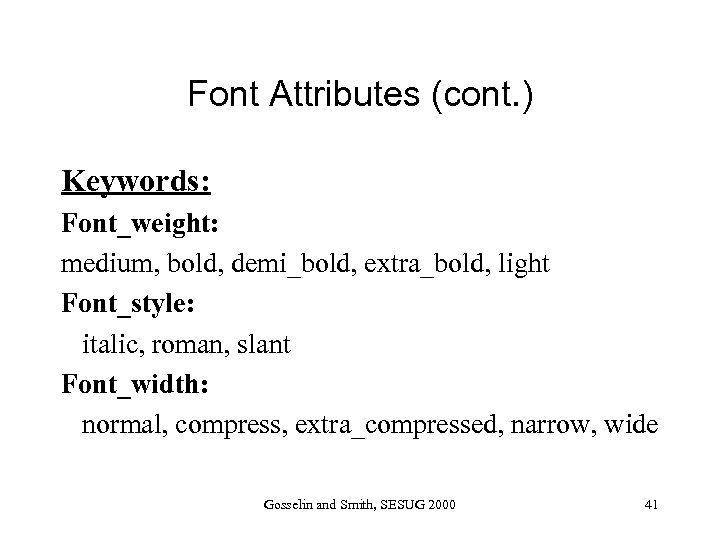 Font Attributes (cont. ) Keywords: Font_weight: medium, bold, demi_bold, extra_bold, light Font_style: italic, roman, slant Font_width: normal, compress, extra_compressed, narrow, wide Gosselin and Smith, SESUG 2000 41
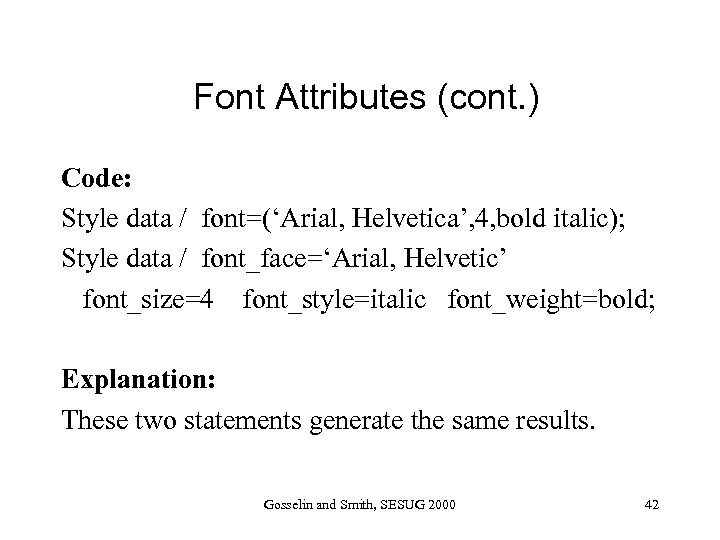 Font Attributes (cont. ) Code: Style data / font=(‘Arial, Helvetica’, 4, bold italic); Style data / font_face=‘Arial, Helvetic’ font_size=4 font_style=italic font_weight=bold; Explanation: These two statements generate the same results. Gosselin and Smith, SESUG 2000 42
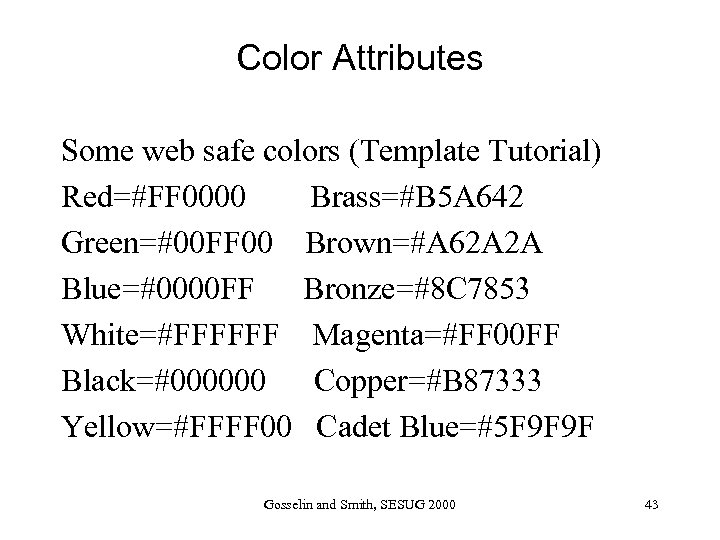 Color Attributes Some web safe colors (Template Tutorial) Red=#FF 0000 Brass=#B 5 A 642 Green=#00 FF 00 Brown=#A 62 A 2 A Blue=#0000 FF Bronze=#8 C 7853 White=#FFFFFF Magenta=#FF 00 FF Black=#000000 Copper=#B 87333 Yellow=#FFFF 00 Cadet Blue=#5 F 9 F 9 F Gosselin and Smith, SESUG 2000 43
 Inheritance Often the easiest way to create a template is to modify an existing template. This is done using inheritance. There are two types of inheritance. 1. “Style definition inheritance” uses the PARENT= statement within a style definition. 2. “Style element inheritance” uses the FROM option on the STYLE statement. Gosselin and Smith, SESUG 2000 44
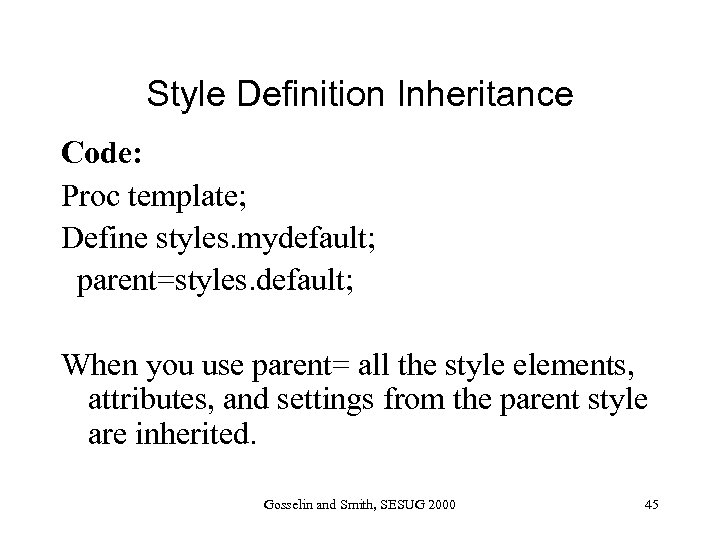 Style Definition Inheritance Code: Proc template; Define styles. mydefault; parent=styles. default; When you use parent= all the style elements, attributes, and settings from the parent style are inherited. Gosselin and Smith, SESUG 2000 45
 Style Definition Inheritance When using “style definition inheritance” you can: 1. Modify existing style elements 2. Add new style elements Gosselin and Smith, SESUG 2000 46
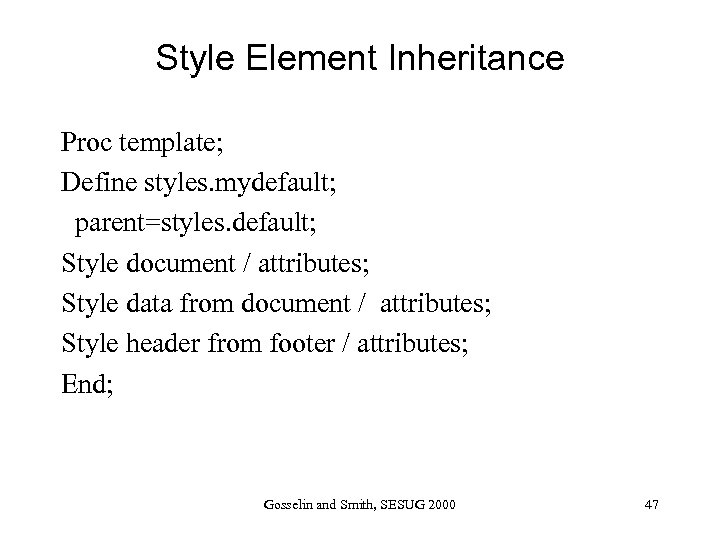 Style Element Inheritance Proc template; Define styles. mydefault; parent=styles. default; Style document / attributes; Style data from document / attributes; Style header from footer / attributes; End; Gosselin and Smith, SESUG 2000 47
 Style Element Inheritance Using “style element inheritance” you can: 1. Inherit style elements from within the current definition. 2. Inherit style elements from the parent when a PARENT= statement is used. Note: attributes are inherited from the parent if the style element doesn’t exist within the current (child) definition. Gosselin and Smith, SESUG 2000 48
 Style Element Inheritance • • Inherited style elements inherit all the attributes set in the parent. The style elements can be modified and added to. Gosselin and Smith, SESUG 2000 49
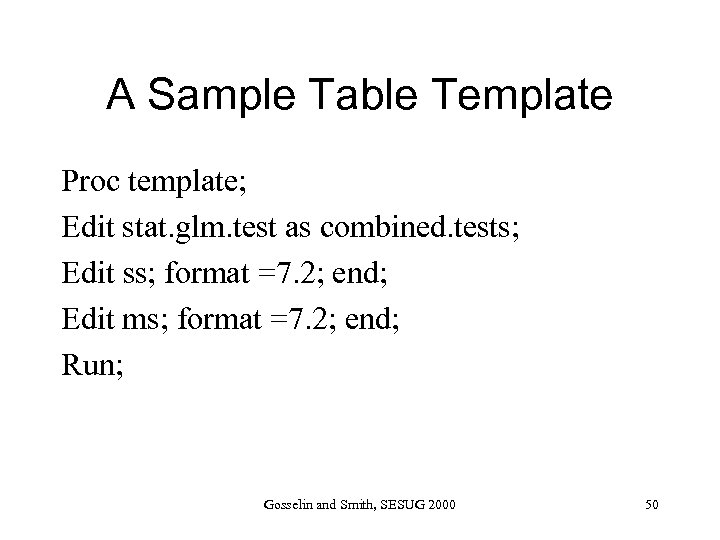 A Sample Table Template Proc template; Edit stat. glm. test as combined. tests; Edit ss; format =7. 2; end; Edit ms; format =7. 2; end; Run; Gosselin and Smith, SESUG 2000 50
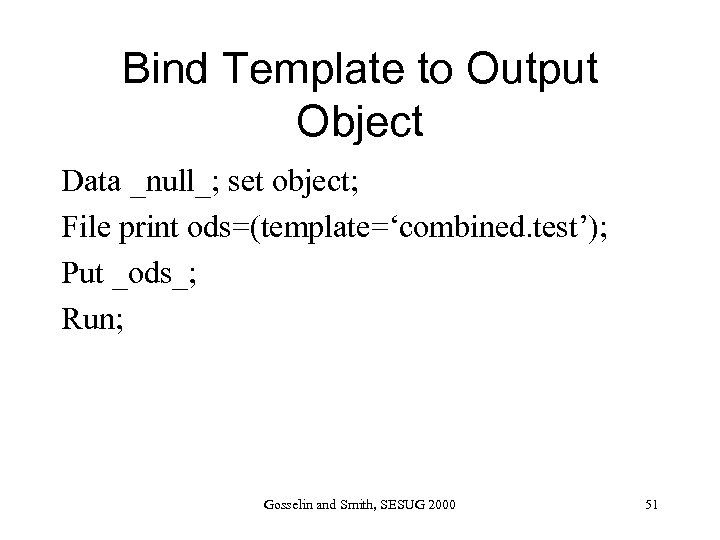 Bind Template to Output Object Data _null_; set object; File print ods=(template=‘combined. test’); Put _ods_; Run; Gosselin and Smith, SESUG 2000 51
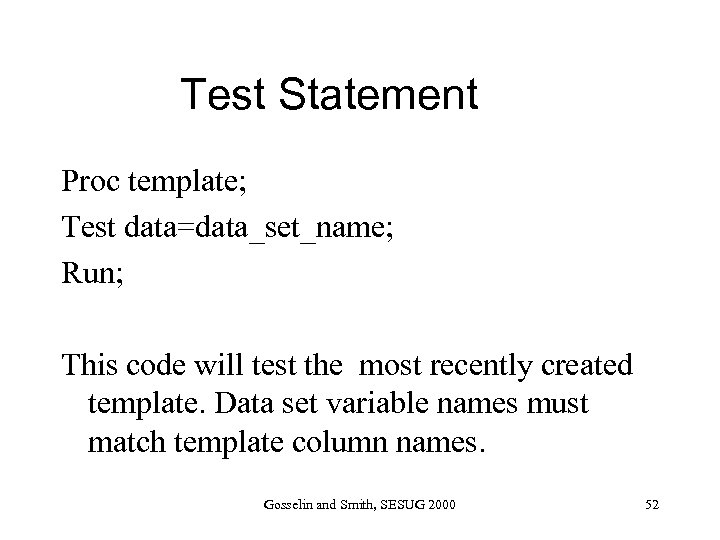 Test Statement Proc template; Test data=data_set_name; Run; This code will test the most recently created template. Data set variable names must match template column names. Gosselin and Smith, SESUG 2000 52
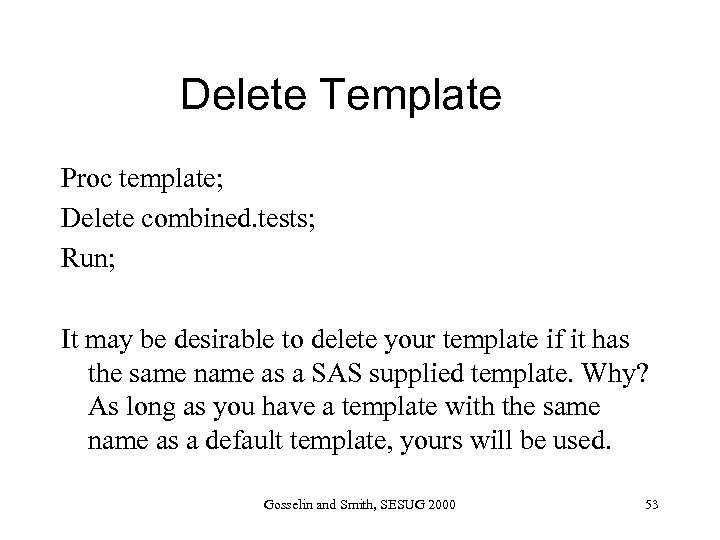 Delete Template Proc template; Delete combined. tests; Run; It may be desirable to delete your template if it has the same name as a SAS supplied template. Why? As long as you have a template with the same name as a default template, yours will be used. Gosselin and Smith, SESUG 2000 53
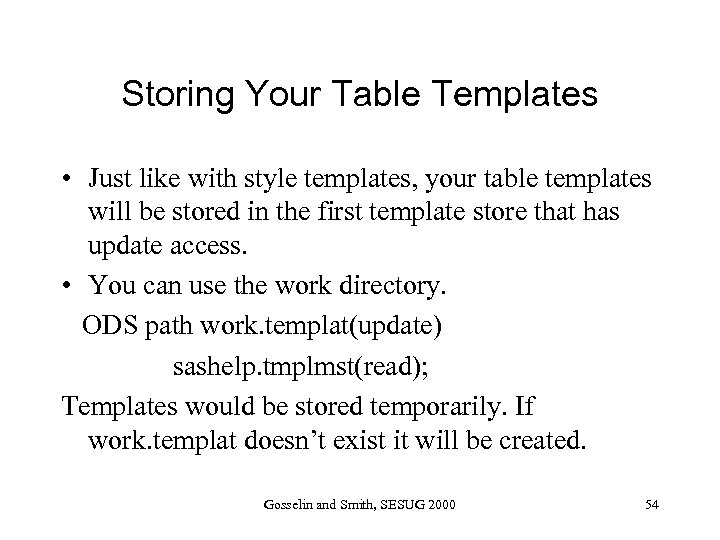 Storing Your Table Templates • Just like with style templates, your table templates will be stored in the first template store that has update access. • You can use the work directory. ODS path work. templat(update) sashelp. tmplmst(read); Templates would be stored temporarily. If work. templat doesn’t exist it will be created. Gosselin and Smith, SESUG 2000 54
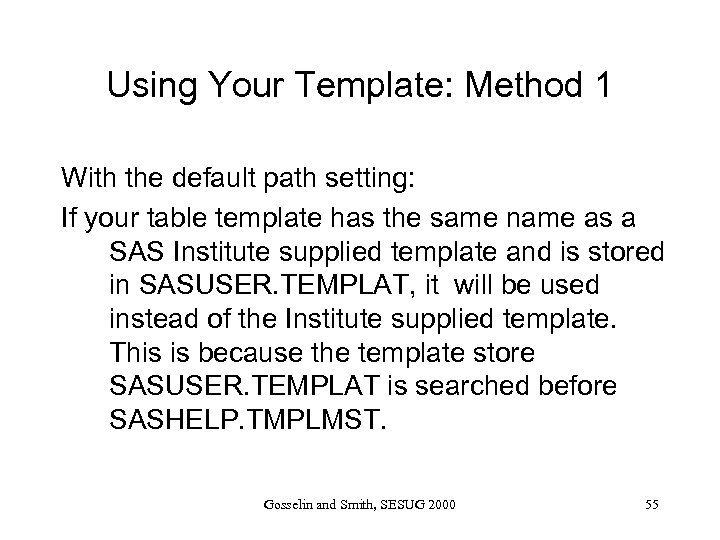 Using Your Template: Method 1 With the default path setting: If your table template has the same name as a SAS Institute supplied template and is stored in SASUSER. TEMPLAT, it will be used instead of the Institute supplied template. This is because the template store SASUSER. TEMPLAT is searched before SASHELP. TMPLMST. Gosselin and Smith, SESUG 2000 55
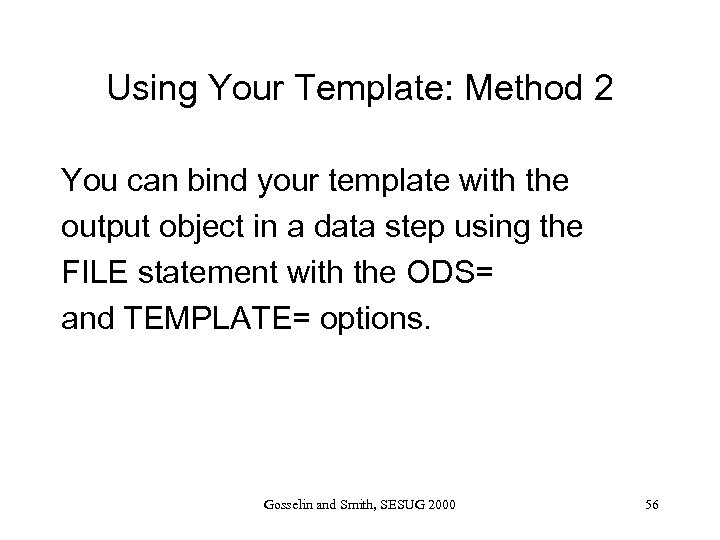 Using Your Template: Method 2 You can bind your template with the output object in a data step using the FILE statement with the ODS= and TEMPLATE= options. Gosselin and Smith, SESUG 2000 56
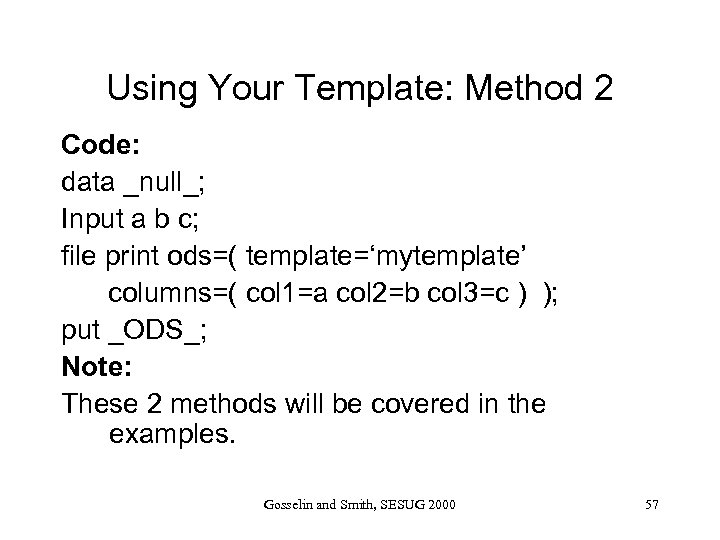 Using Your Template: Method 2 Code: data _null_; Input a b c; file print ods=( template=‘mytemplate’ columns=( col 1=a col 2=b col 3=c ) ); put _ODS_; Note: These 2 methods will be covered in the examples. Gosselin and Smith, SESUG 2000 57
 Proc Template References • Heffner(1998) “ODS: The DATA Step Knows”, SUGI 23 Proceedings, 1998. • Olinger(2000), “Twisty Little Passages, All Alike —ODS Templates Exposed. ”, SUGI 25 Proceedings. • SAS Institute, The Complete Guide to the SAS Output Delivery System, Version 8. Gosselin and Smith, SESUG 2000 58
 Proc Template References (cont. ) • SAS(2000), “The Template Tutorial”, PDF: http: //www. sas. com/rnd/base/topics/temp late. FAQ/ HTML: http: //www. sas. com/rnd/base/topics/temp late. FAQ/Template. html#intro Gosselin and Smith, SESUG 2000 59
 Proc Template Tutorial http: //www. sas. com/rnd/base/topics/template. FAQ • • • Question and example format Examples mostly modifying styles. default Colors Flyover, tool tips Links margins Gosselin and Smith, SESUG 2000 60
 Sample Programs Carol Gosselin and Smith, SESUG 2000
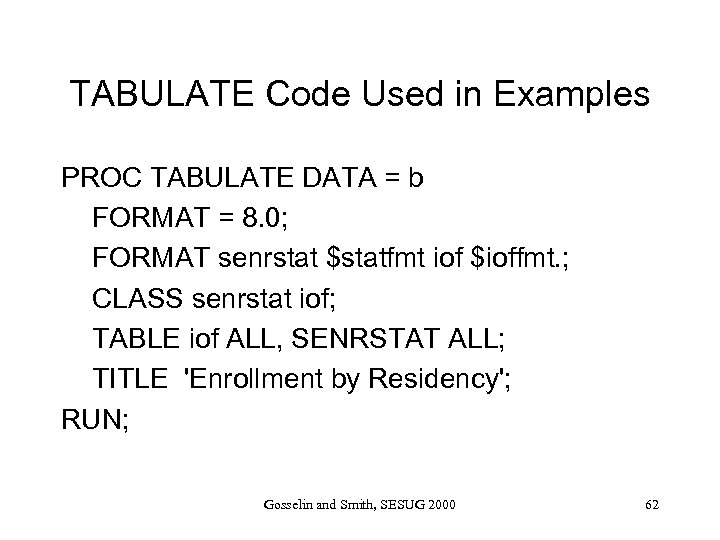 TABULATE Code Used in Examples PROC TABULATE DATA = b FORMAT = 8. 0; FORMAT senrstat $statfmt iof $ioffmt. ; CLASS senrstat iof; TABLE iof ALL, SENRSTAT ALL; TITLE 'Enrollment by Residency'; RUN; Gosselin and Smith, SESUG 2000 62
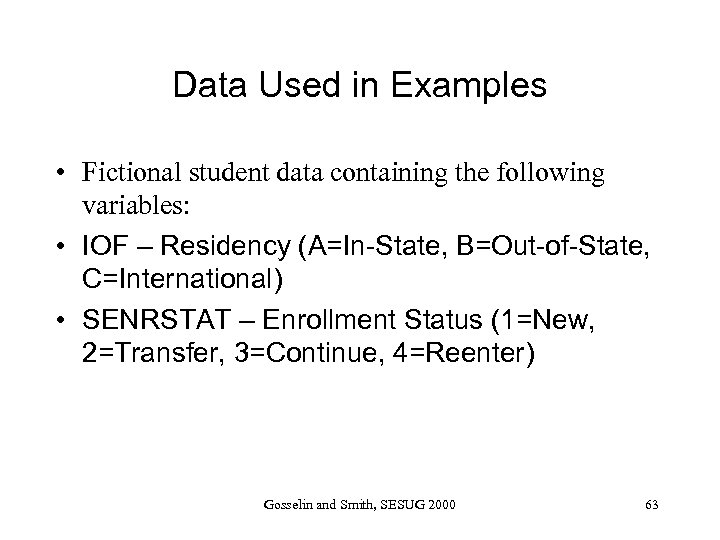 Data Used in Examples • Fictional student data containing the following variables: • IOF – Residency (A=In-State, B=Out-of-State, C=International) • SENRSTAT – Enrollment Status (1=New, 2=Transfer, 3=Continue, 4=Reenter) Gosselin and Smith, SESUG 2000 63
 Conclusion PROC TEMPLATE is a powerful tool for modifying SAS output. It takes a significant amount of time to master PROC TEMPLATE, but creating simple templates is not hard. Gosselin and Smith, SESUG 2000 64
 Contact Information • Carol Gosselin -- carol_gosselin@ncsu. edu • Joy Munk Smith -- joy_smith@ncsu. edu • Examples are available at: – http: //www. stat. ncsu. edu/sas/ods/templates Gosselin and Smith, SESUG 2000 65