


 Скачать презентацию CSE ENGR 142 Programming I Functions and
eee96f40ec6076d82b28a01001b05692.ppt
- Количество слайдов: 20
 CSE / ENGR 142 Programming I Functions and Design © 1999 UW CSE 10/25/99 1
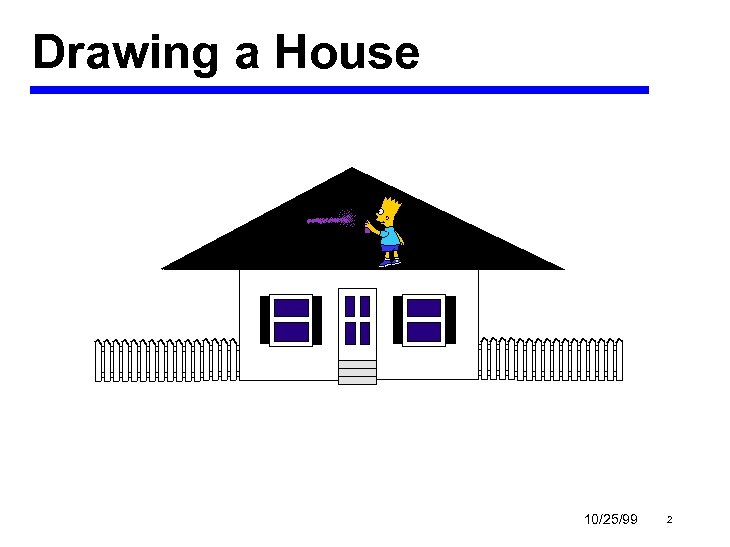 Drawing a House 10/25/99 2
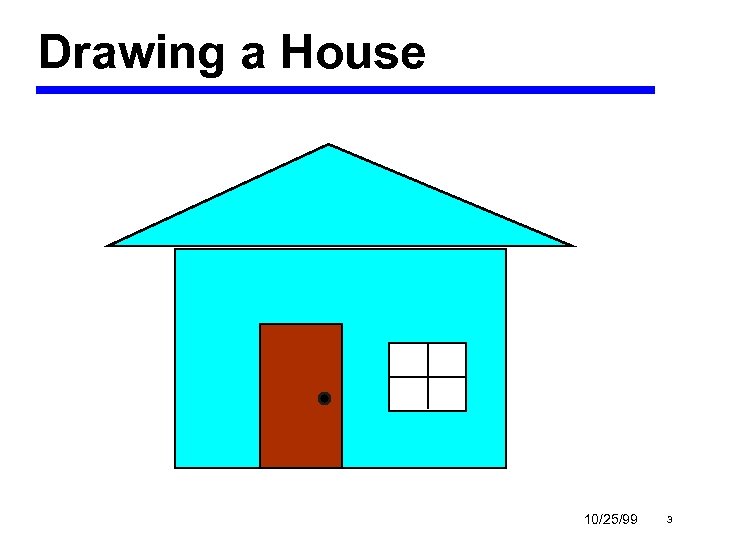 Drawing a House 10/25/99 3
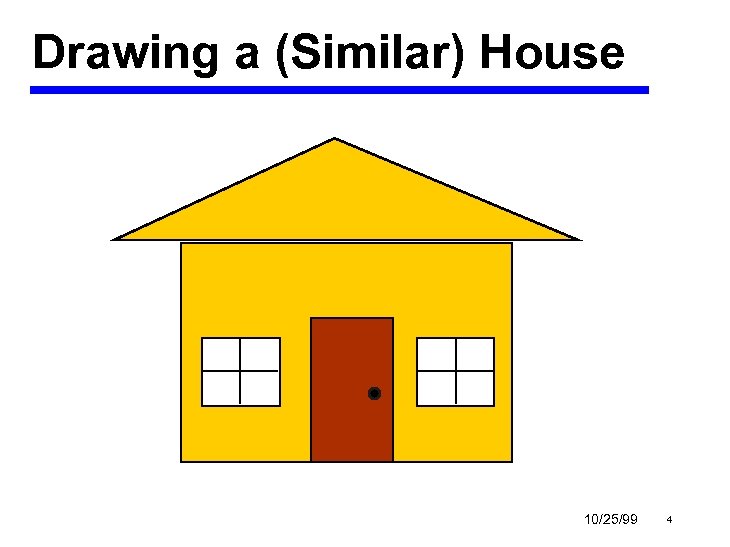 Drawing a (Similar) House 10/25/99 4
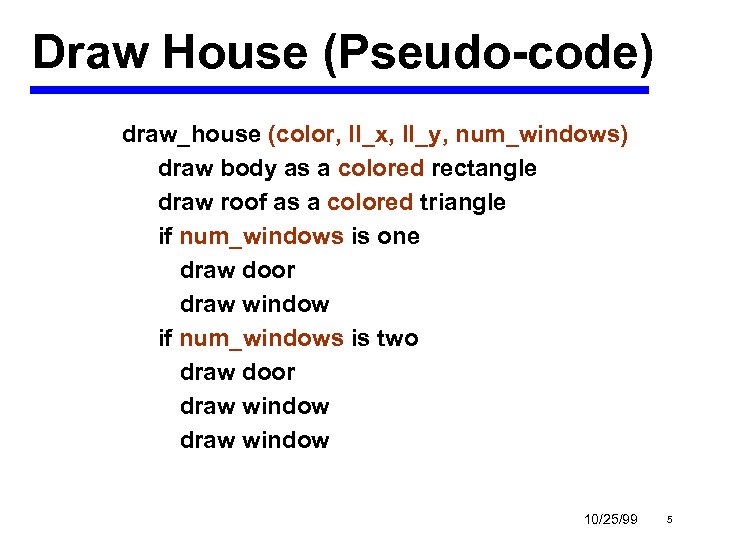 Draw House (Pseudo-code) draw_house (color, ll_x, ll_y, num_windows) draw body as a colored rectangle draw roof as a colored triangle if num_windows is one draw door draw window if num_windows is two draw door draw window 10/25/99 5
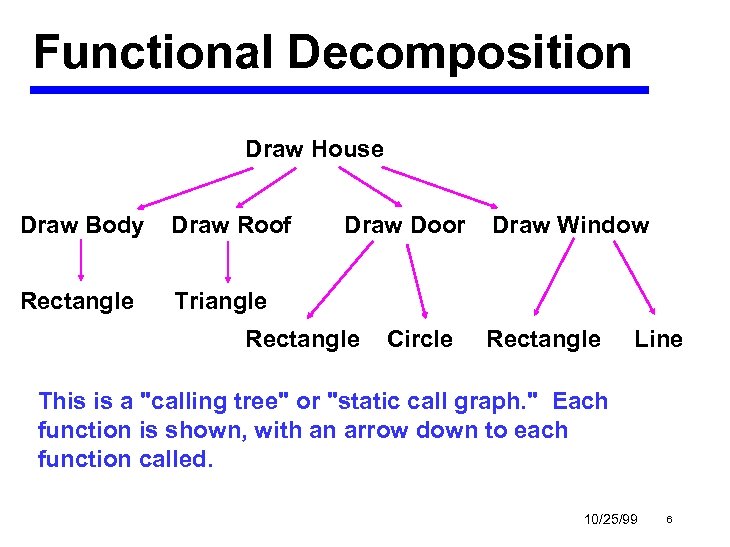 Functional Decomposition Draw House Draw Body Draw Roof Rectangle Draw Door Triangle Rectangle Circle Draw Window Rectangle Line This is a "calling tree" or "static call graph. " Each function is shown, with an arrow down to each function called. 10/25/99 6
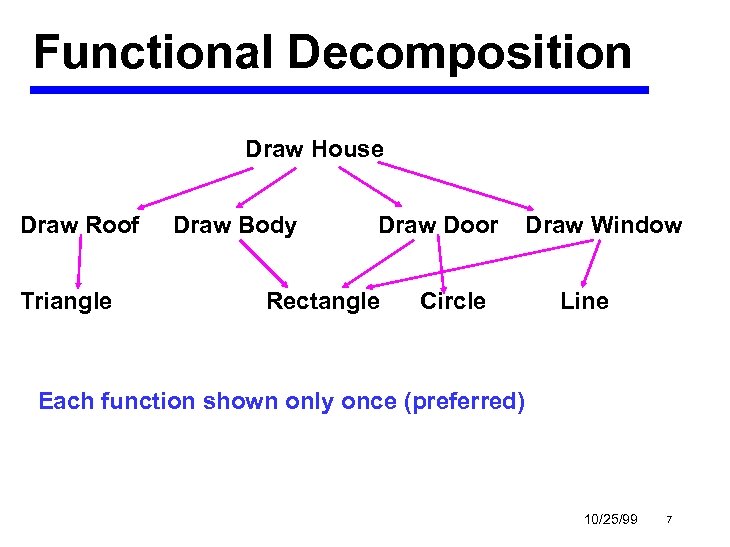 Functional Decomposition Draw House Draw Roof Triangle Draw Body Draw Door Rectangle Circle Draw Window Line Each function shown only once (preferred) 10/25/99 7
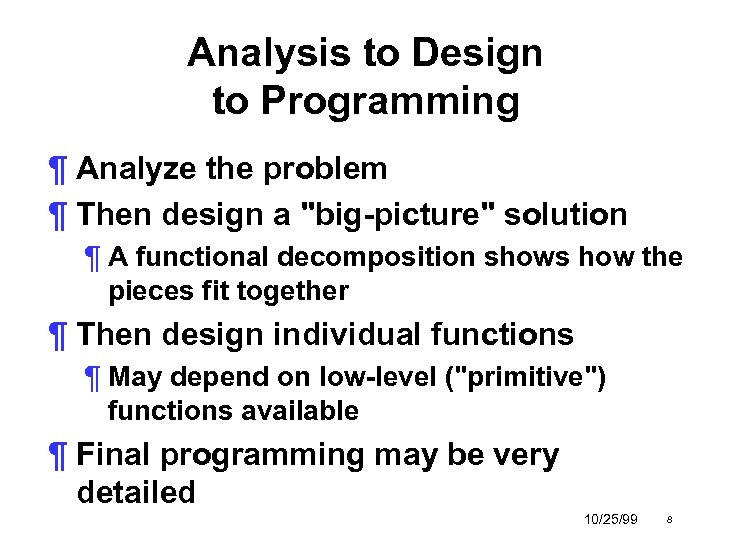 Analysis to Design to Programming ¶ Analyze the problem ¶ Then design a "big-picture" solution ¶ A functional decomposition shows how the pieces fit together ¶ Then design individual functions ¶ May depend on low-level ("primitive") functions available ¶ Final programming may be very detailed 10/25/99 8
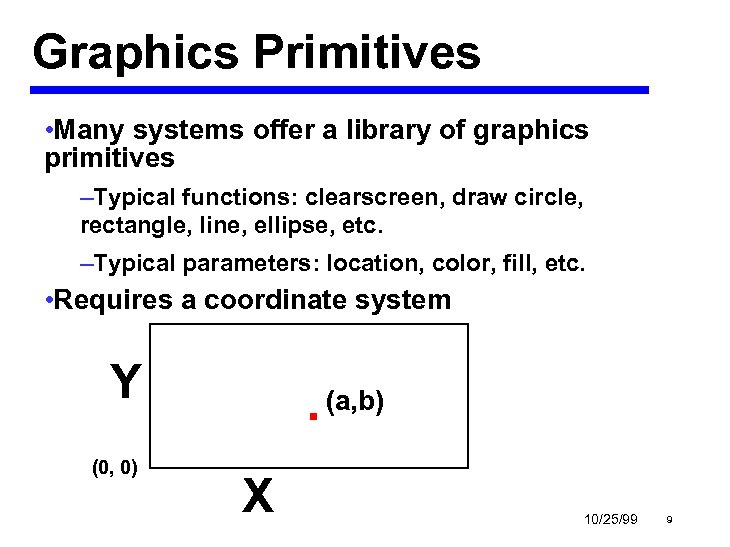 Graphics Primitives • Many systems offer a library of graphics primitives –Typical functions: clearscreen, draw circle, rectangle, line, ellipse, etc. –Typical parameters: location, color, fill, etc. • Requires a coordinate system Y (0, 0) . (a, b) X 10/25/99 9
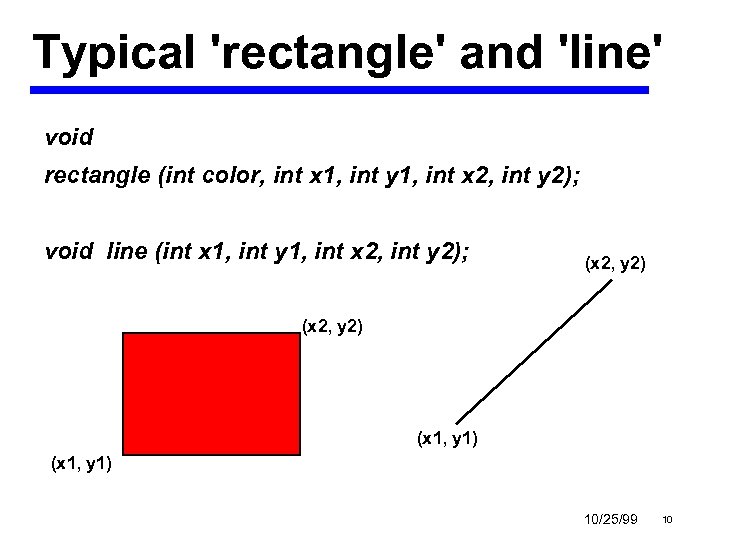 Typical 'rectangle' and 'line' void rectangle (int color, int x 1, int y 1, int x 2, int y 2); void line (int x 1, int y 1, int x 2, int y 2); (x 2, y 2) (x 1, y 1) 10/25/99 10
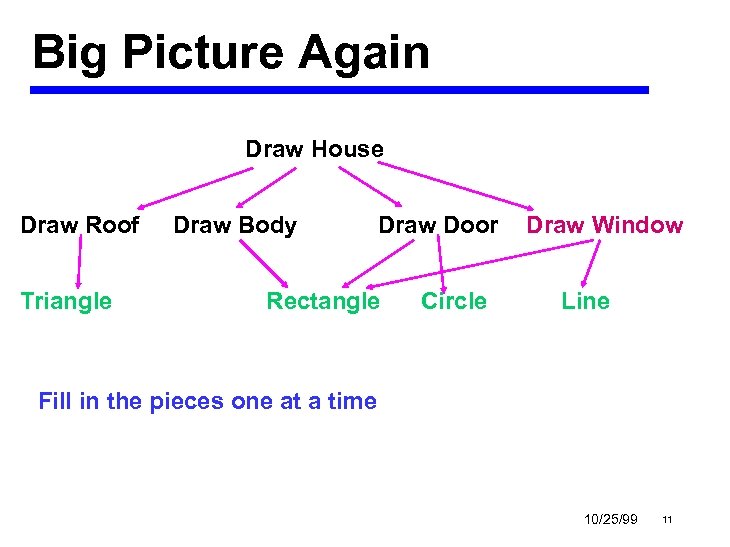 Big Picture Again Draw House Draw Roof Triangle Draw Body Draw Door Rectangle Circle Draw Window Line Fill in the pieces one at a time 10/25/99 11
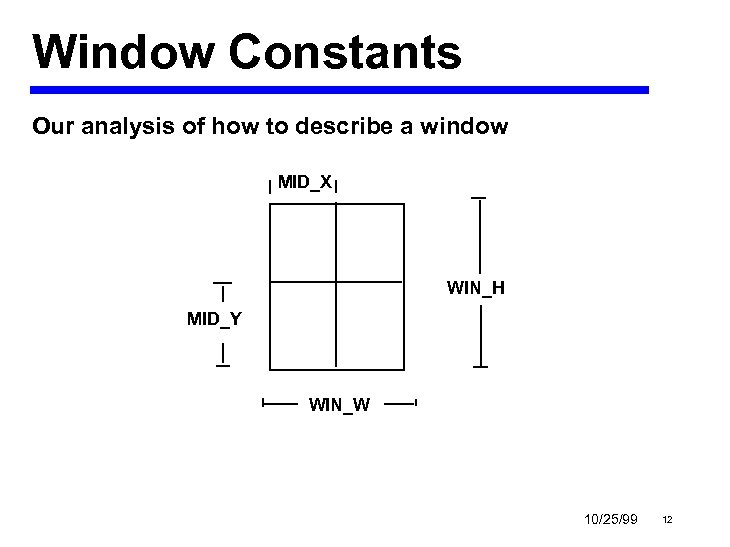 Window Constants Our analysis of how to describe a window MID_X WIN_H MID_Y WIN_W 10/25/99 12
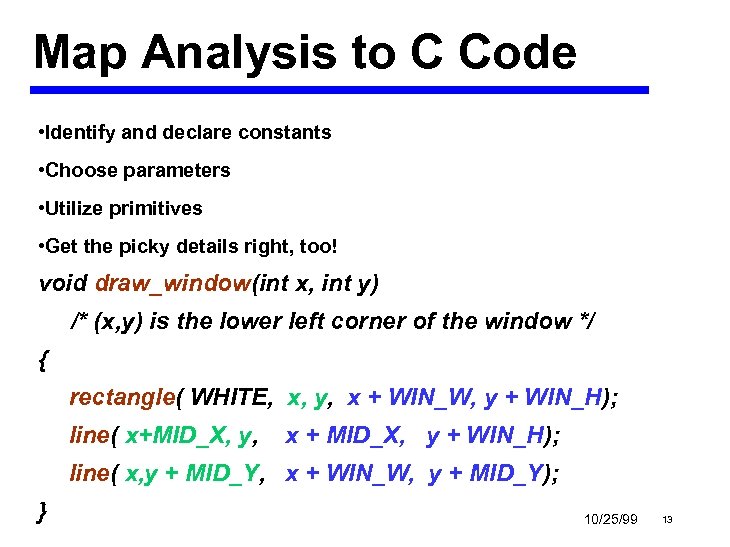 Map Analysis to C Code • Identify and declare constants • Choose parameters • Utilize primitives • Get the picky details right, too! void draw_window(int x, int y) /* (x, y) is the lower left corner of the window */ { rectangle( WHITE, x, y, x + WIN_W, y + WIN_H); line( x+MID_X, y, x + MID_X, y + WIN_H); line( x, y + MID_Y, x + WIN_W, y + MID_Y); } 10/25/99 13
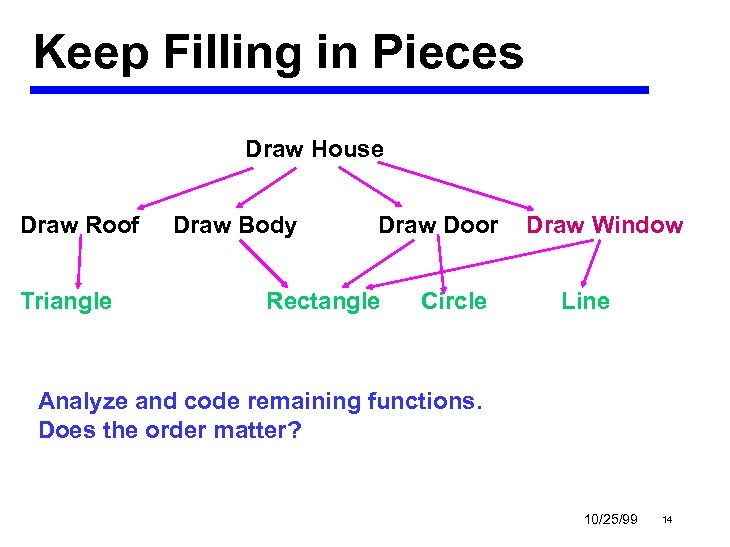 Keep Filling in Pieces Draw House Draw Roof Triangle Draw Body Draw Door Rectangle Circle Draw Window Line Analyze and code remaining functions. Does the order matter? 10/25/99 14
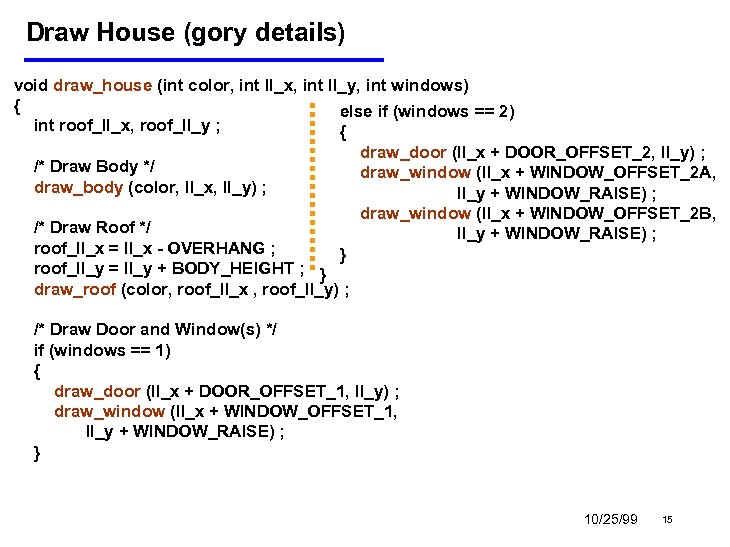 Draw House (gory details) void draw_house (int color, int ll_x, int ll_y, int windows) { else if (windows == 2) int roof_ll_x, roof_ll_y ; { /* Draw Body */ draw_body (color, ll_x, ll_y) ; /* Draw Roof */ roof_ll_x = ll_x - OVERHANG ; } roof_ll_y = ll_y + BODY_HEIGHT ; } draw_roof (color, roof_ll_x , roof_ll_y) ; draw_door (ll_x + DOOR_OFFSET_2, ll_y) ; draw_window (ll_x + WINDOW_OFFSET_2 A, ll_y + WINDOW_RAISE) ; draw_window (ll_x + WINDOW_OFFSET_2 B, ll_y + WINDOW_RAISE) ; /* Draw Door and Window(s) */ if (windows == 1) { draw_door (ll_x + DOOR_OFFSET_1, ll_y) ; draw_window (ll_x + WINDOW_OFFSET_1, ll_y + WINDOW_RAISE) ; } 10/25/99 15
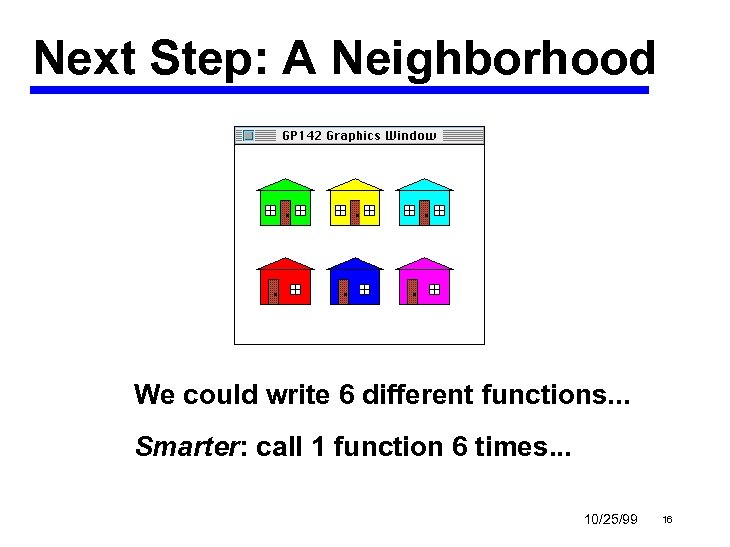 Next Step: A Neighborhood We could write 6 different functions. . . Smarter: call 1 function 6 times. . . 10/25/99 16
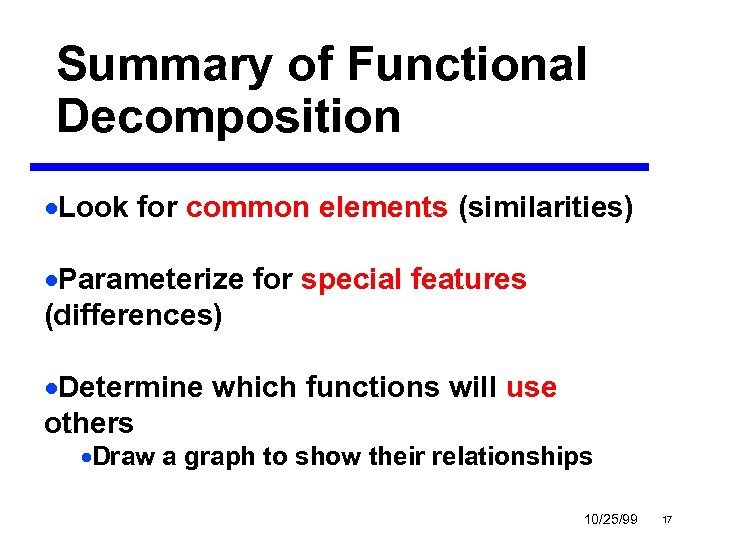 Summary of Functional Decomposition ·Look for common elements (similarities) ·Parameterize for special features (differences) ·Determine which functions will use others ·Draw a graph to show their relationships 10/25/99 17
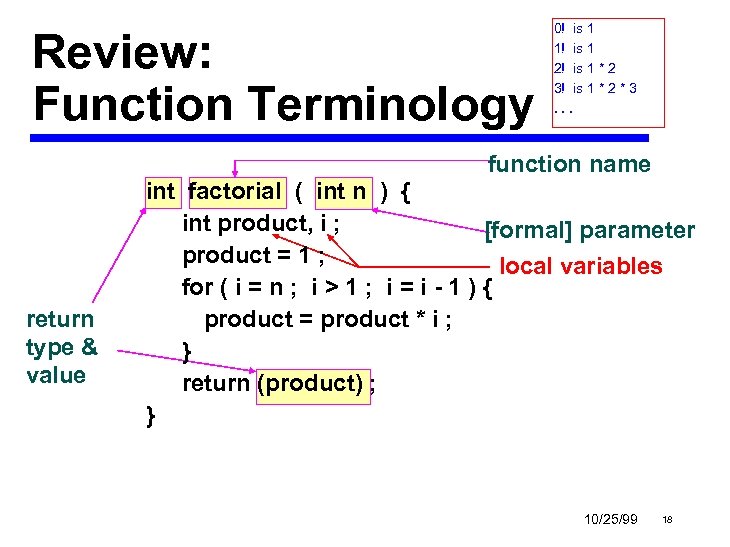 Review: Function Terminology 0! is 1 1! is 1 2! is 1 * 2 3! is 1 * 2 * 3. . . function name return type & value int factorial ( int n ) { int product, i ; [formal] parameter product = 1 ; local variables for ( i = n ; i > 1 ; i = i - 1 ) { product = product * i ; } return (product) ; } 10/25/99 18
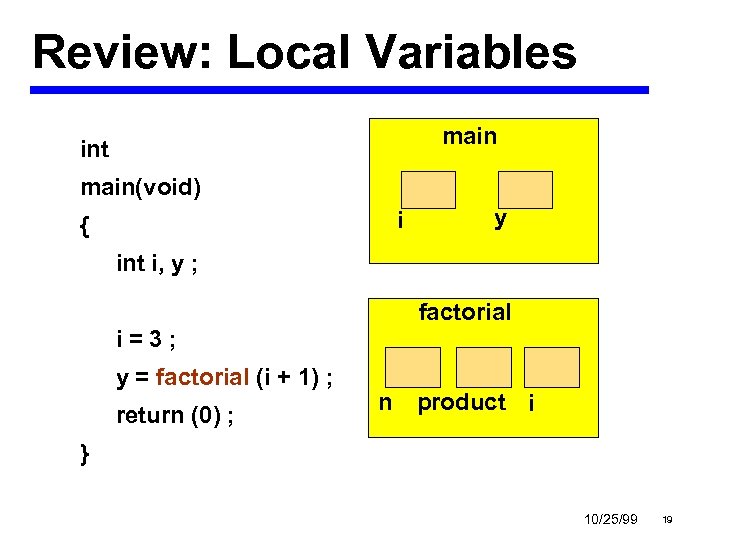 Review: Local Variables main int main(void) i { y int i, y ; factorial i=3; y = factorial (i + 1) ; return (0) ; n product i } 10/25/99 19
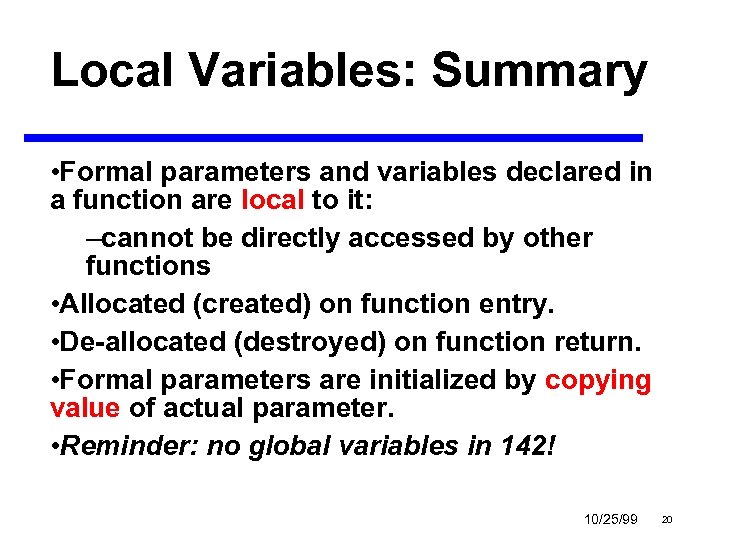 Local Variables: Summary • Formal parameters and variables declared in a function are local to it: –cannot be directly accessed by other functions • Allocated (created) on function entry. • De-allocated (destroyed) on function return. • Formal parameters are initialized by copying value of actual parameter. • Reminder: no global variables in 142! 10/25/99 20