


 Скачать презентацию CSE 390 Lecture 8 Large Program Management Make
5cfd0ecb8b7dc8641474d35fb586519a.ppt
- Количество слайдов: 26
 CSE 390 Lecture 8 Large Program Management: Make; Ant slides created by Marty Stepp, modified by Jessica Miller and Ruth Anderson http: //www. cs. washington. edu/390 a/ 1
 Motivation • single-file programs do not work well when code gets large § compilation can be slow § hard to collaborate between multiple programmers § more cumbersome to edit • larger programs are split into multiple files § each file represents a partial program or module § modules can be compiled separately or together § a module can be shared between multiple programs • but now we have to deal with all these files just to build our program… 2
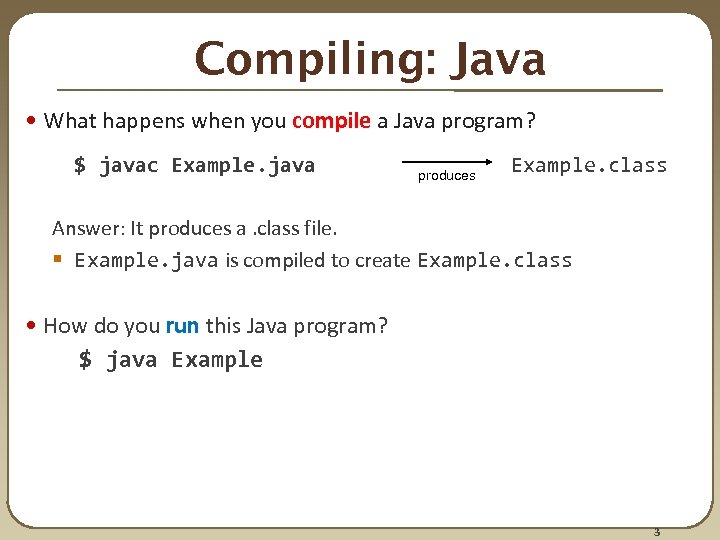 Compiling: Java • What happens when you compile a Java program? $ javac Example. java produces Example. class Answer: It produces a. class file. § Example. java is compiled to create Example. class • How do you run this Java program? $ java Example 3
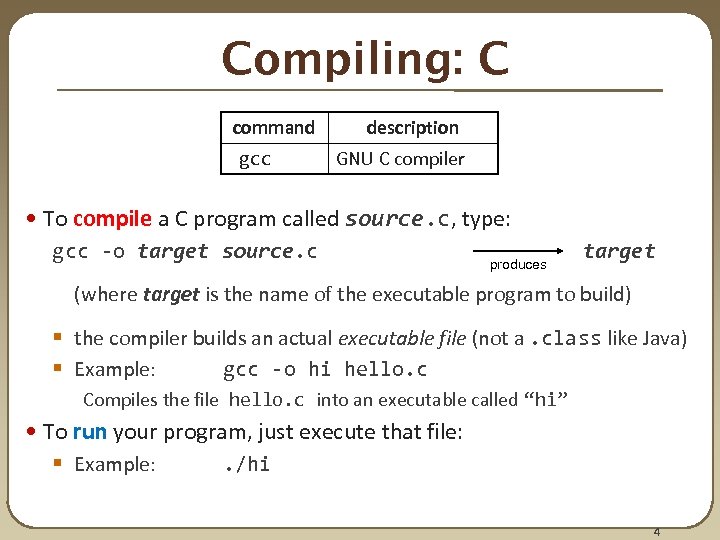 Compiling: C command gcc description GNU C compiler • To compile a C program called source. c, type: gcc -o target source. c produces target (where target is the name of the executable program to build) § the compiler builds an actual executable file (not a. class like Java) § Example: gcc -o hi hello. c Compiles the file hello. c into an executable called “hi” • To run your program, just execute that file: § Example: . /hi 4
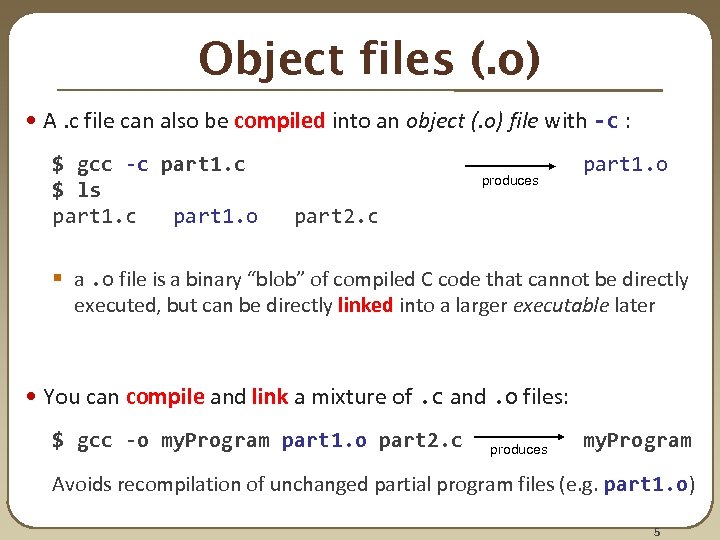 Object files (. o) • A. c file can also be compiled into an object (. o) file with -c : $ gcc -c part 1. c $ ls part 1. c part 1. o part 2. c produces part 1. o § a. o file is a binary “blob” of compiled C code that cannot be directly executed, but can be directly linked into a larger executable later • You can compile and link a mixture of. c and. o files: $ gcc -o my. Program part 1. o part 2. c produces my. Program Avoids recompilation of unchanged partial program files (e. g. part 1. o) 5
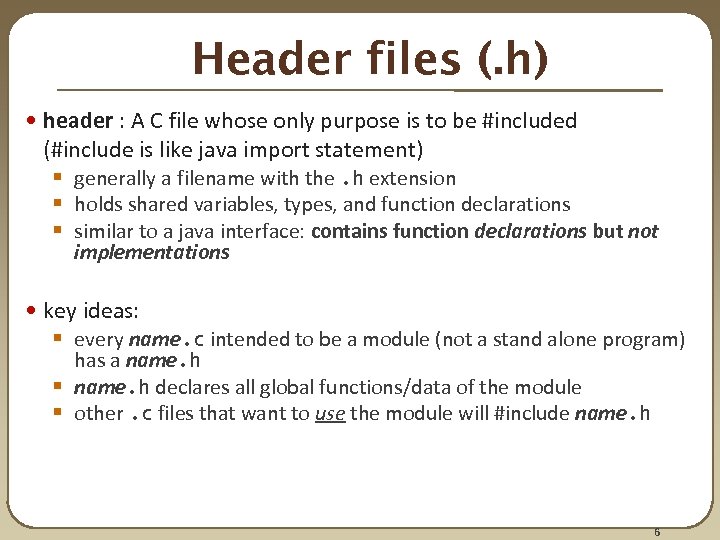 Header files (. h) • header : A C file whose only purpose is to be #included (#include is like java import statement) § generally a filename with the. h extension § holds shared variables, types, and function declarations § similar to a java interface: contains function declarations but not implementations • key ideas: § every name. c intended to be a module (not a stand alone program) has a name. h § name. h declares all global functions/data of the module § other. c files that want to use the module will #include name. h 6
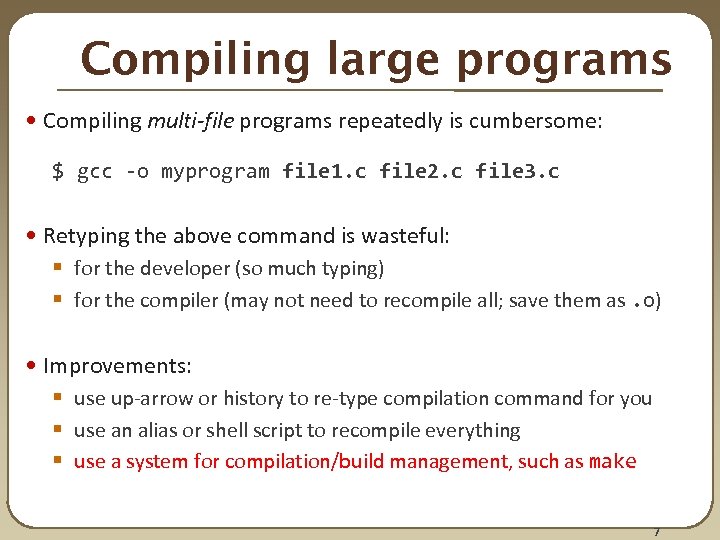 Compiling large programs • Compiling multi-file programs repeatedly is cumbersome: $ gcc -o myprogram file 1. c file 2. c file 3. c • Retyping the above command is wasteful: § for the developer (so much typing) § for the compiler (may not need to recompile all; save them as. o) • Improvements: § use up-arrow or history to re-type compilation command for you § use an alias or shell script to recompile everything § use a system for compilation/build management, such as make 7
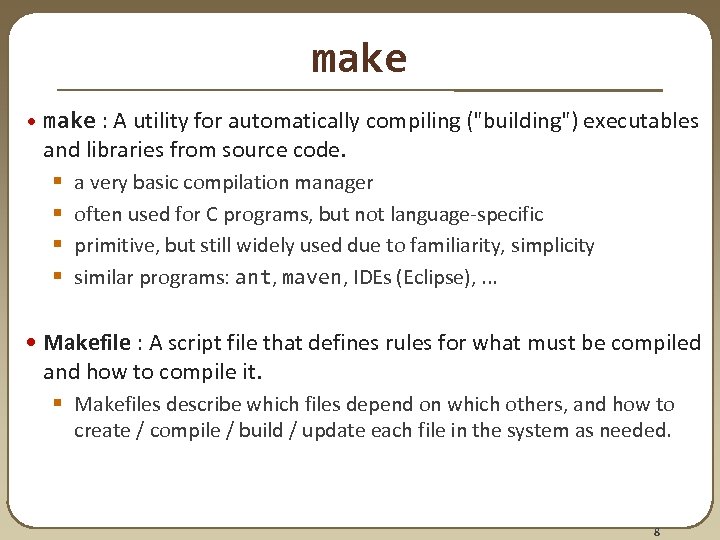 make • make : A utility for automatically compiling ("building") executables and libraries from source code. § § a very basic compilation manager often used for C programs, but not language-specific primitive, but still widely used due to familiarity, simplicity similar programs: ant, maven, IDEs (Eclipse), . . . • Makefile : A script file that defines rules for what must be compiled and how to compile it. § Makefiles describe which files depend on which others, and how to create / compile / build / update each file in the system as needed. 8
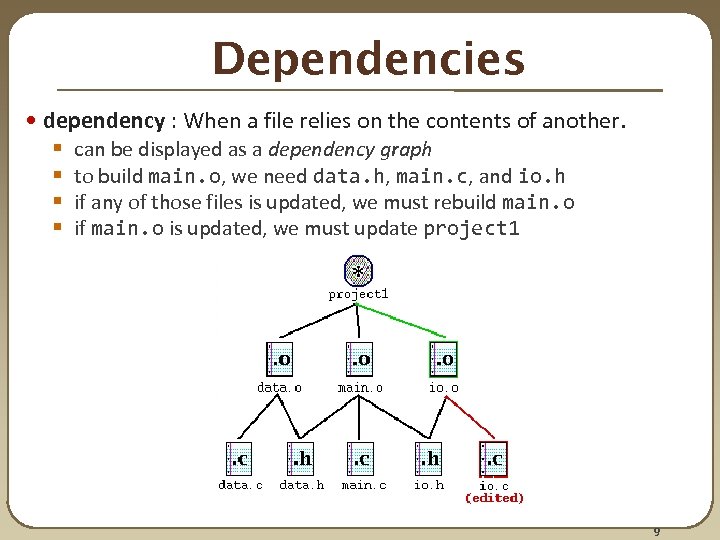 Dependencies • dependency : When a file relies on the contents of another. § § can be displayed as a dependency graph to build main. o, we need data. h, main. c, and io. h if any of those files is updated, we must rebuild main. o if main. o is updated, we must update project 1 9
 make Exercise • figlet : program for displaying large ASCII text (like banner). § http: //freecode. com/projects/figlet • Download a piece of software and compile it with make: § download. tar. gz file § un-tar it § look at README file to see how to compile it § (sometimes) run. /configure • for cross-platform programs; sets up make for our operating system § run make to compile the program § execute the program 10
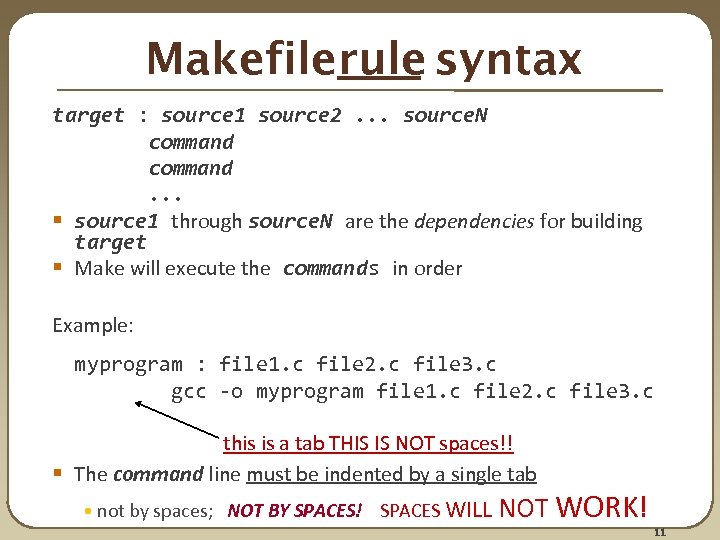 Makefilerule syntax target : source 1 source 2. . . source. N command. . . § source 1 through source. N are the dependencies for building target § Make will execute the commands in order Example: myprogram : file 1. c file 2. c file 3. c gcc -o myprogram file 1. c file 2. c file 3. c this is a tab THIS IS NOT spaces!! § The command line must be indented by a single tab • not by spaces; NOT BY SPACES! SPACES WILL NOT WORK! 11
 Running make $ make target § uses the file named Makefile in current directory § Finds a rule in Makefile for building target and follows it • if the target file does not exist, or if it is older than any of its sources, its commands will be executed • variations: $ make § builds the first target in the Makefile $ make -f makefilename target § uses a makefile other than Makefile 12
 Making a Makefile • Exercise: Create a basic Makefile to build {hello. c, file 2. c, file 3. c} § Basic works, but is wasteful. What happens if we change file 2. c? • everything is recompiled. On a large project, this could be a huge waste 13
 Making a Makefile courtesy XKCD 14
 Making a Makefile • Exercise: Create a basic Makefile to build {hello. c, file 2. c, file 3. c} § Basic works, but is wasteful. What happens if we change file 2. c? • everything is recompiled. On a large project, this could be a huge waste § Augment the makefile to make use of precompiled object files and dependencies • by adding additional targets, we can avoid unnecessary re-compilation 15
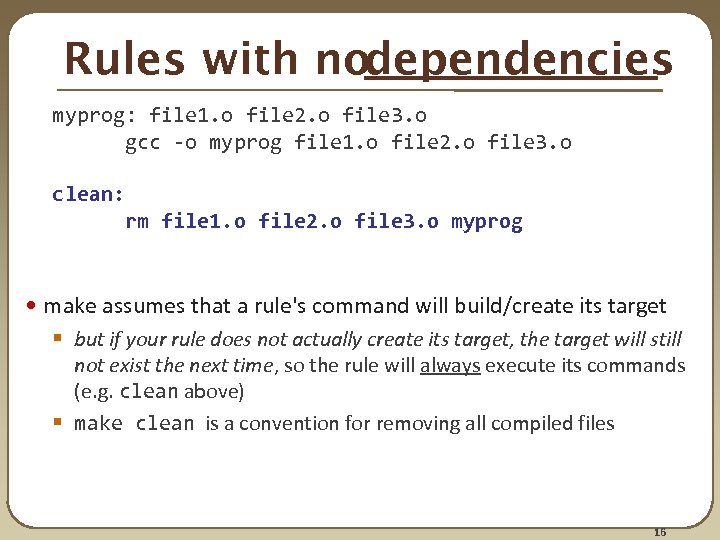 Rules with nodependencies myprog: file 1. o file 2. o file 3. o gcc -o myprog file 1. o file 2. o file 3. o clean: rm file 1. o file 2. o file 3. o myprog • make assumes that a rule's command will build/create its target § but if your rule does not actually create its target, the target will still not exist the next time, so the rule will always execute its commands (e. g. clean above) § make clean is a convention for removing all compiled files 16
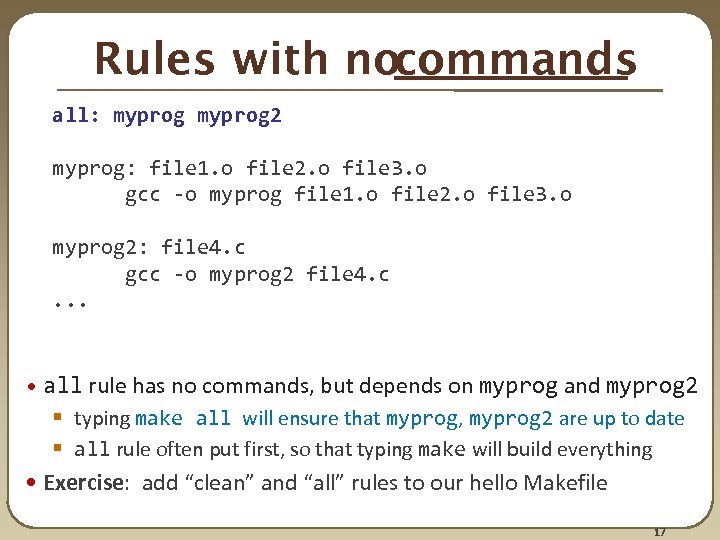 Rules with nocommands all: myprog 2 myprog: file 1. o file 2. o file 3. o gcc -o myprog file 1. o file 2. o file 3. o myprog 2: file 4. c gcc -o myprog 2 file 4. c. . . • all rule has no commands, but depends on myprog and myprog 2 § typing make all will ensure that myprog, myprog 2 are up to date § all rule often put first, so that typing make will build everything • Exercise: add “clean” and “all” rules to our hello Makefile 17
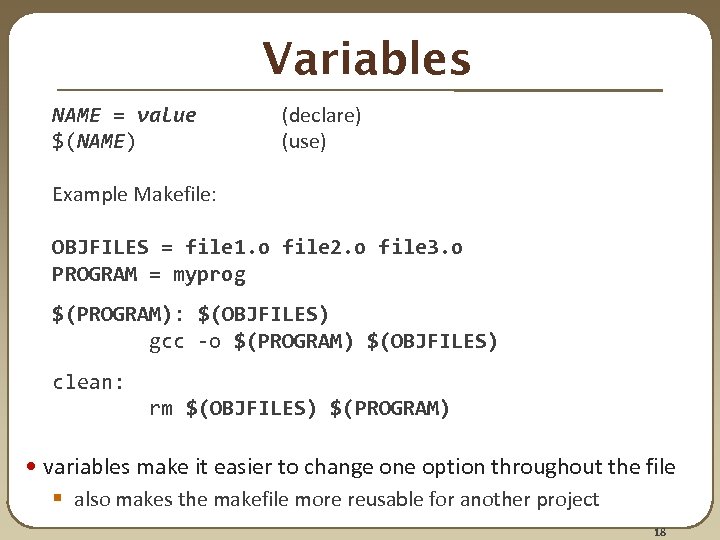 Variables NAME = value (declare) $(NAME) (use) Example Makefile: OBJFILES = file 1. o file 2. o file 3. o PROGRAM = myprog $(PROGRAM): $(OBJFILES) gcc -o $(PROGRAM) $(OBJFILES) clean: rm $(OBJFILES) $(PROGRAM) • variables make it easier to change one option throughout the file § also makes the makefile more reusable for another project 18
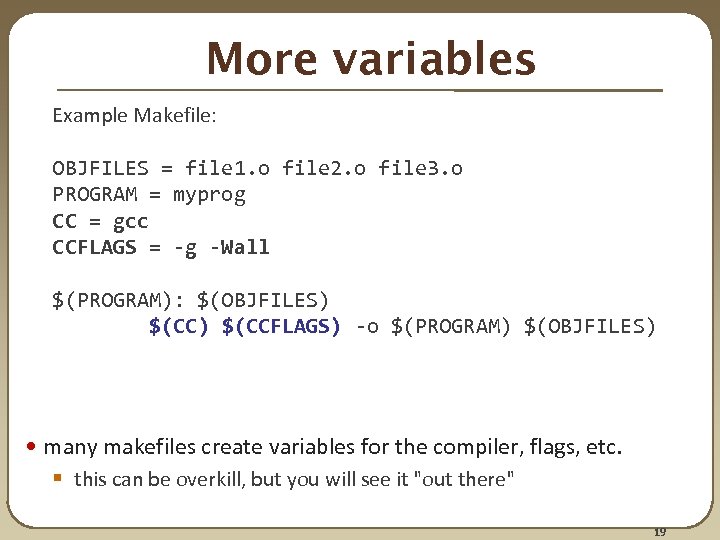 More variables Example Makefile: OBJFILES = file 1. o file 2. o file 3. o PROGRAM = myprog CC = gcc CCFLAGS = -g -Wall $(PROGRAM): $(OBJFILES) $(CC) $(CCFLAGS) -o $(PROGRAM) $(OBJFILES) • many makefiles create variables for the compiler, flags, etc. § this can be overkill, but you will see it "out there" 19
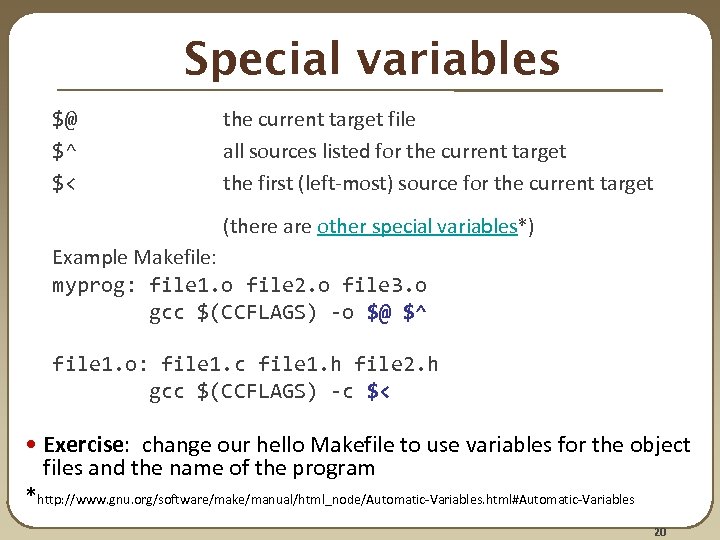 Special variables $@ $^ $< the current target file all sources listed for the current target the first (left-most) source for the current target (there are other special variables*) Example Makefile: myprog: file 1. o file 2. o file 3. o gcc $(CCFLAGS) -o $@ $^ file 1. o: file 1. c file 1. h file 2. h gcc $(CCFLAGS) -c $< • Exercise: change our hello Makefile to use variables for the object files and the name of the program *http: //www. gnu. org/software/make/manual/html_node/Automatic-Variables. html#Automatic-Variables 20
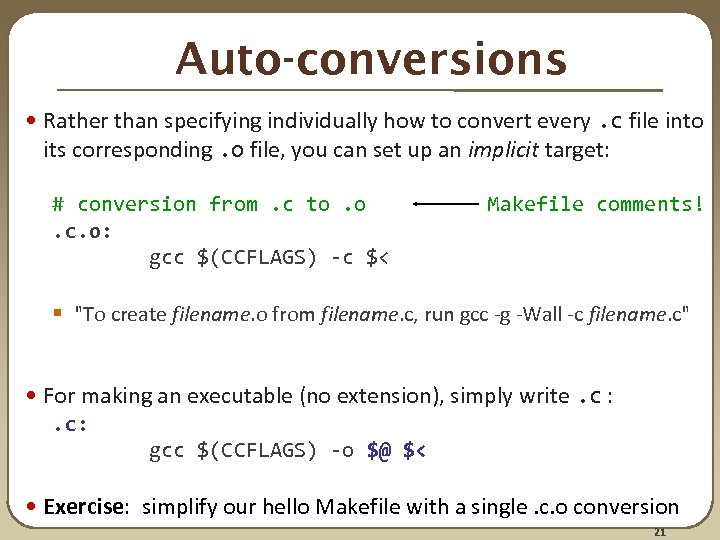 Auto-conversions • Rather than specifying individually how to convert every. c file into its corresponding. o file, you can set up an implicit target: # conversion from. c to. o . c. o: gcc $(CCFLAGS) -c $< Makefile comments! § "To create filename. o from filename. c, run gcc -g -Wall -c filename. c" • For making an executable (no extension), simply write. c : . c: gcc $(CCFLAGS) -o $@ $< • Exercise: simplify our hello Makefile with a single. c. o conversion 21
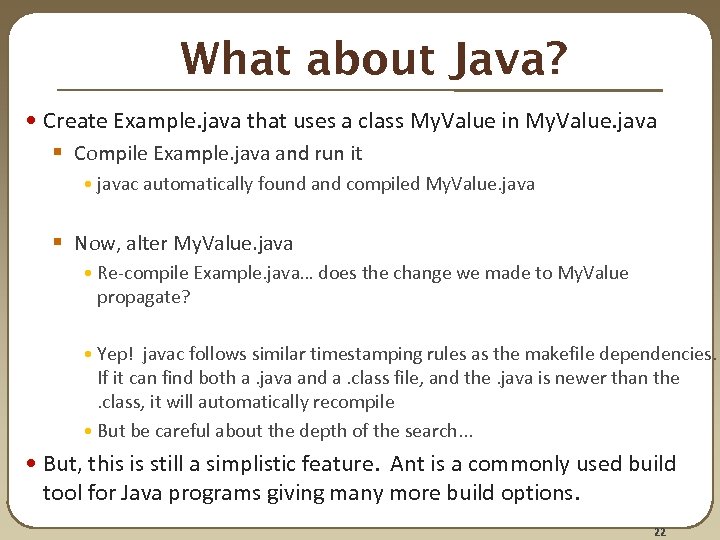 What about Java? • Create Example. java that uses a class My. Value in My. Value. java § Compile Example. java and run it • javac automatically found and compiled My. Value. java § Now, alter My. Value. java • Re-compile Example. java… does the change we made to My. Value propagate? • Yep! javac follows similar timestamping rules as the makefile dependencies. If it can find both a. java and a. class file, and the. java is newer than the. class, it will automatically recompile • But be careful about the depth of the search. . . • But, this is still a simplistic feature. Ant is a commonly used build tool for Java programs giving many more build options. 22
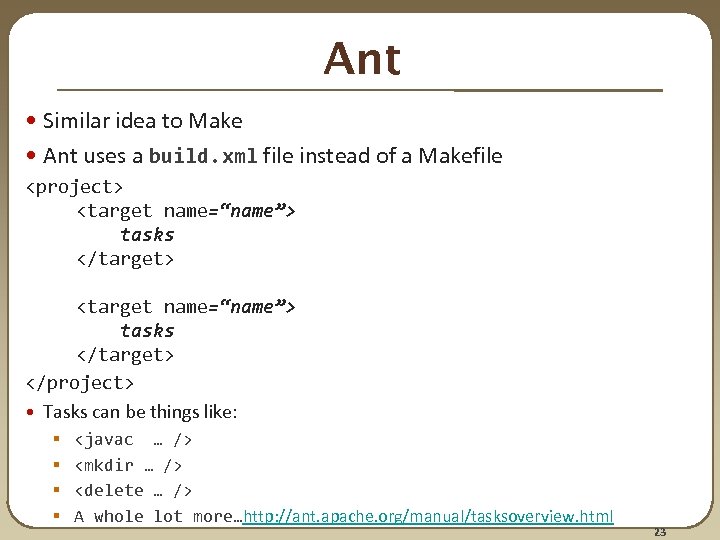 Ant • Similar idea to Make • Ant uses a build. xml file instead of a Makefile
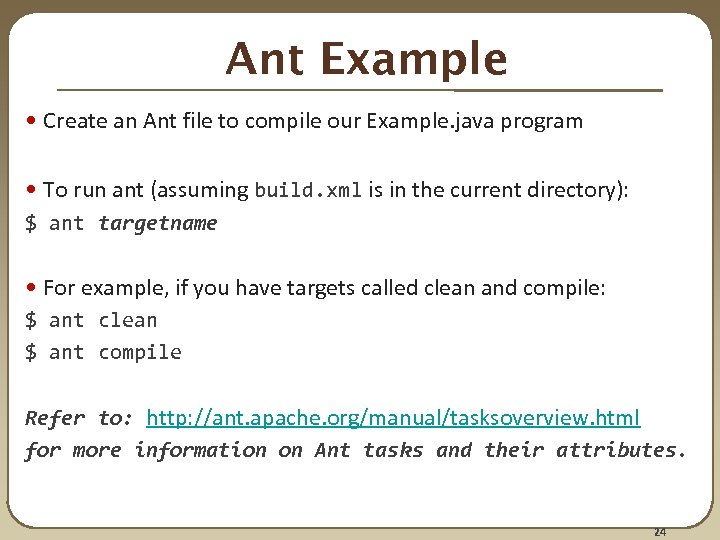 Ant Example • Create an Ant file to compile our Example. java program • To run ant (assuming build. xml is in the current directory): $ ant targetname • For example, if you have targets called clean and compile: $ ant clean $ ant compile Refer to: http: //ant. apache. org/manual/tasksoverview. html for more information on Ant tasks and their attributes. 24
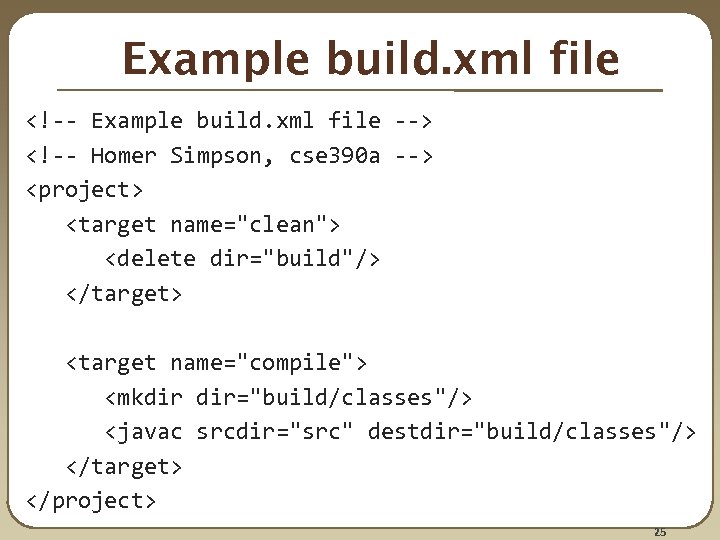 Example build. xml file
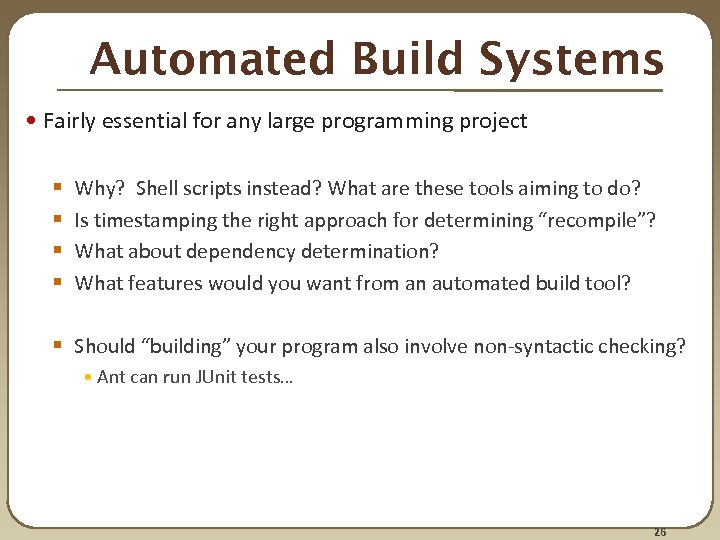 Automated Build Systems • Fairly essential for any large programming project § § Why? Shell scripts instead? What are these tools aiming to do? Is timestamping the right approach for determining “recompile”? What about dependency determination? What features would you want from an automated build tool? § Should “building” your program also involve non-syntactic checking? • Ant can run JUnit tests… 26