


 Скачать презентацию CSCI 330 THE UNIX SYSTEM File operations
f44f561932302c919f3d05701f8f5857.ppt
- Количество слайдов: 24
 CSCI 330 THE UNIX SYSTEM File operations
 OPERATIONS ON REGULAR FILES CSCI 330 - The UNIX System Create Edit Display Contents Print Others 2
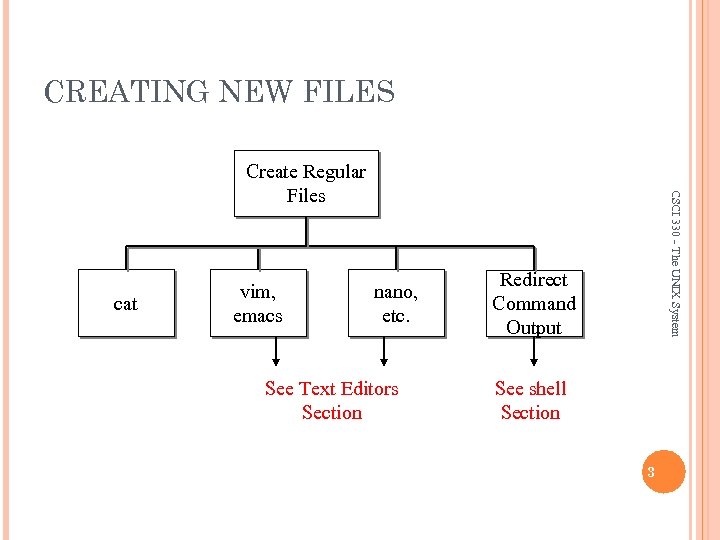 CREATING NEW FILES cat vim, emacs nano, etc. See Text Editors Section CSCI 330 - The UNIX System Create Regular Files Redirect Command Output See shell Section 3
 CREATING A FILE WITH CAT CSCI 330 - The UNIX System Example: % cat > myfile This is line 1 of input Line 2 of input ^d % 4
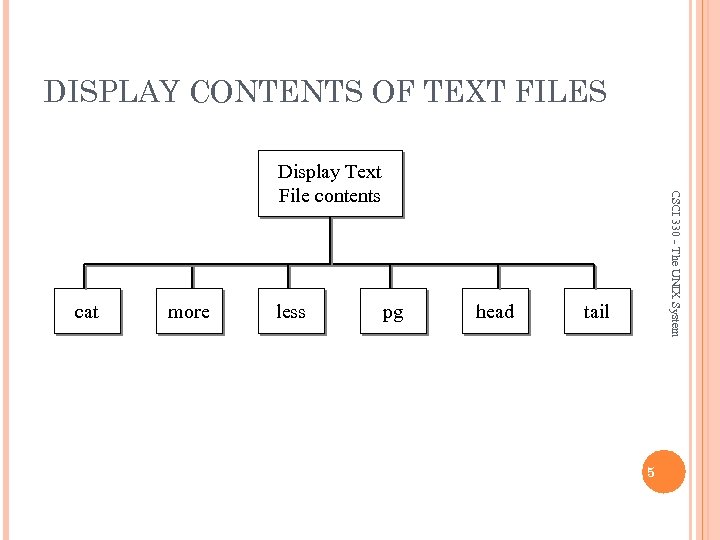 DISPLAY CONTENTS OF TEXT FILES cat more less pg head CSCI 330 - The UNIX System Display Text File contents tail 5
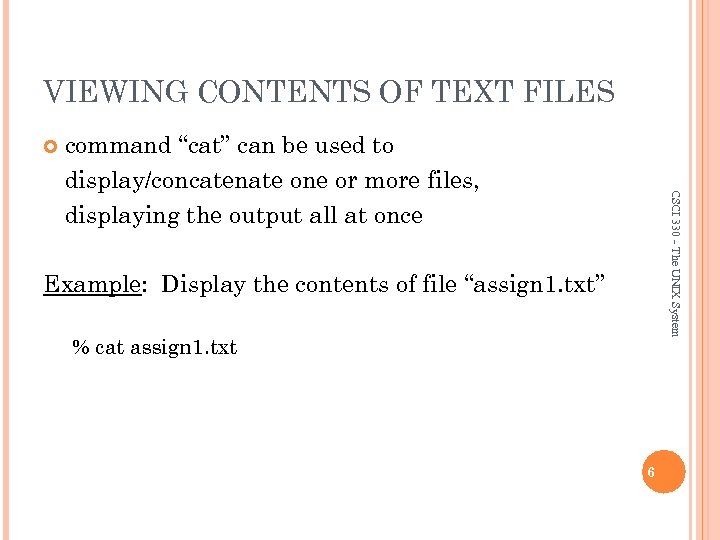 VIEWING CONTENTS OF TEXT FILES CSCI 330 - The UNIX System command “cat” can be used to display/concatenate one or more files, displaying the output all at once Example: Display the contents of file “assign 1. txt” % cat assign 1. txt 6
 VIEWING CONTENTS OF TEXT FILES CSCI 330 - The UNIX System “more”, “less” or "pg" display the contents of one or more files one page at a time Space bar – to advance to next page b – to go back a page Enter Key – to advance to next line Example: Display the contents of file “assign 1. txt” one page at a time % less assign 1. txt 7
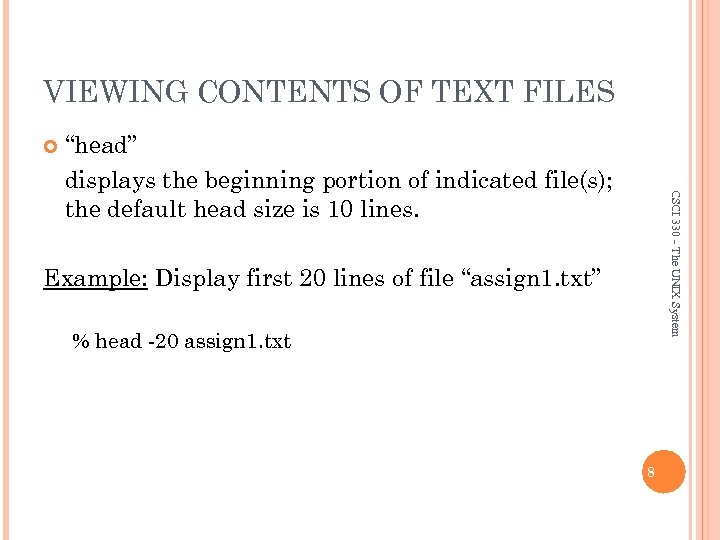 VIEWING CONTENTS OF TEXT FILES CSCI 330 - The UNIX System “head” displays the beginning portion of indicated file(s); the default head size is 10 lines. Example: Display first 20 lines of file “assign 1. txt” % head -20 assign 1. txt 8
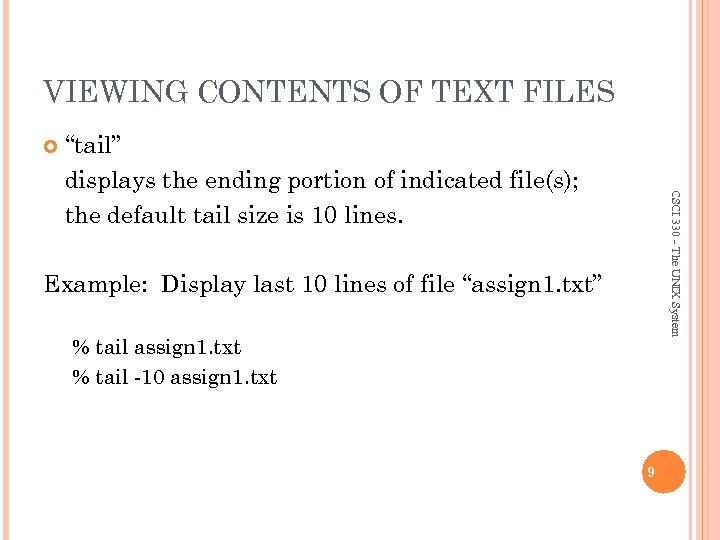 VIEWING CONTENTS OF TEXT FILES CSCI 330 - The UNIX System “tail” displays the ending portion of indicated file(s); the default tail size is 10 lines. Example: Display last 10 lines of file “assign 1. txt” % tail assign 1. txt % tail -10 assign 1. txt 9
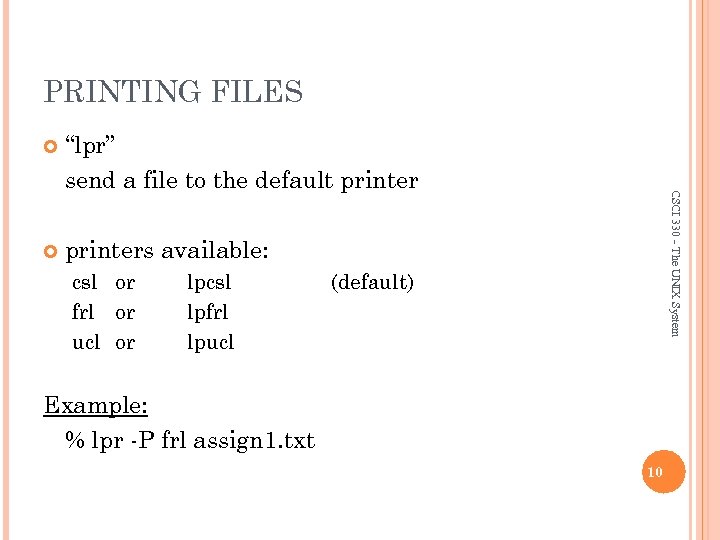 PRINTING FILES “lpr” send a file to the default printers available: csl or frl or ucl or lpcsl lpfrl lpucl CSCI 330 - The UNIX System (default) Example: % lpr -P frl assign 1. txt 10
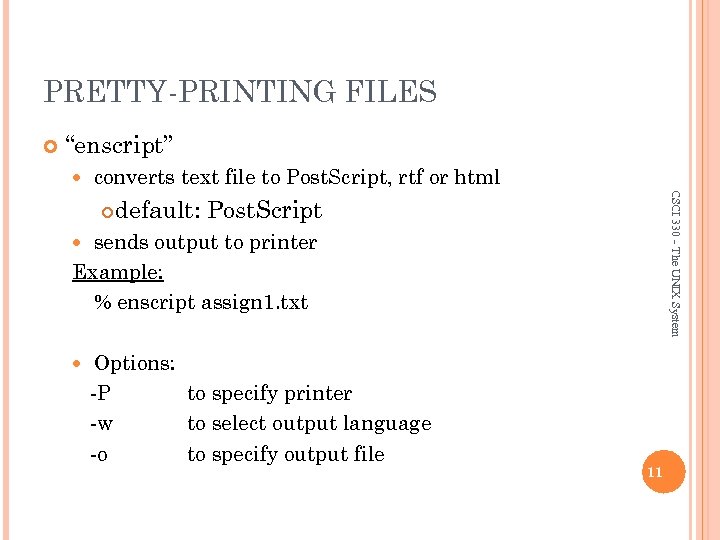 PRETTY-PRINTING FILES “enscript” converts text file to Post. Script, rtf or html CSCI 330 - The UNIX System default: Post. Script sends output to printer Example: % enscript assign 1. txt Options: -P to specify printer -w to select output language -o to specify output file 11
![CHECKING PRINTING STATUS Syntax: lpq [options] Commonly used options: -P printer shows print jobs](https://present5.com/presentation/f44f561932302c919f3d05701f8f5857/image-12.jpg "CHECKING PRINTING STATUS Syntax: lpq [options] Commonly used options: -P printer shows print jobs") CHECKING PRINTING STATUS Syntax: lpq [options] Commonly used options: -P printer shows print jobs on specific printer -U user-id shows print jobs for specific user -l long format of listing -a shows print jobs on all printers CSCI 330 - The UNIX System Also: “lprm” to remove unwanted print job 12
CHECKING PRINTING STATUS Syntax: lpq [options] Commonly used options: -P printer shows print jobs on specific printer -U user-id shows print jobs for specific user -l long format of listing -a shows print jobs on all printers CSCI 330 - The UNIX System Also: “lprm” to remove unwanted print job 12
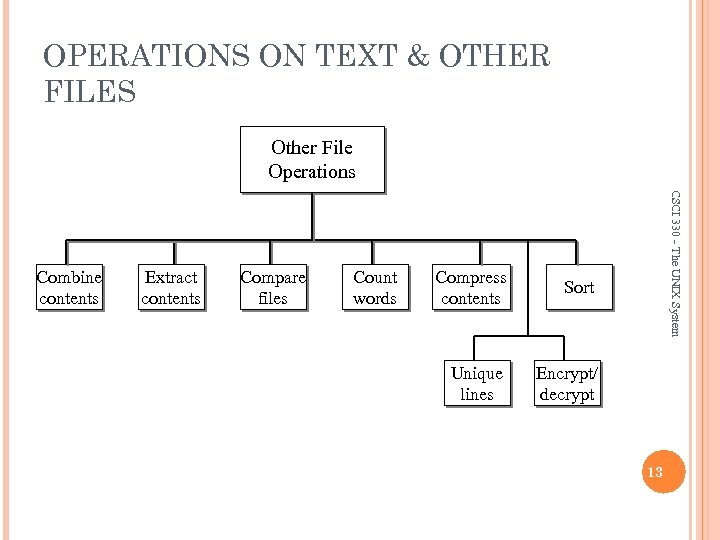 OPERATIONS ON TEXT & OTHER FILES Other File Operations Extract contents Compare files Count words Compress contents Sort Unique lines CSCI 330 - The UNIX System Combine contents Encrypt/ decrypt 13
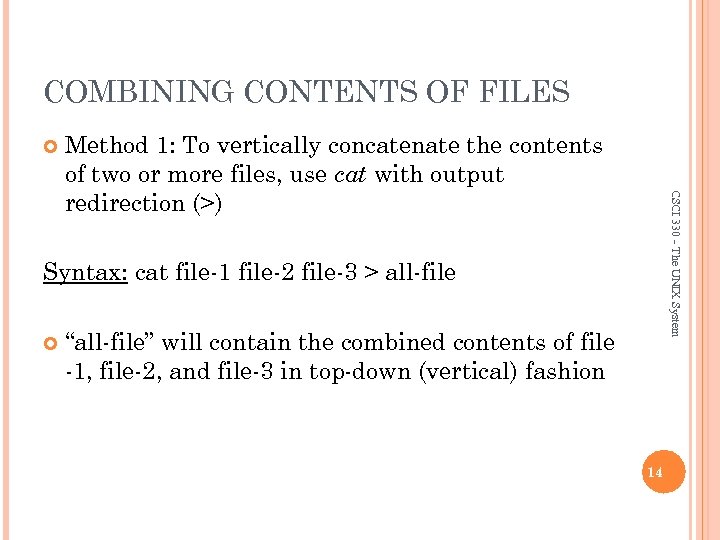 COMBINING CONTENTS OF FILES CSCI 330 - The UNIX System Method 1: To vertically concatenate the contents of two or more files, use cat with output redirection (>) Syntax: cat file-1 file-2 file-3 > all-file “all-file” will contain the combined contents of file -1, file-2, and file-3 in top-down (vertical) fashion 14
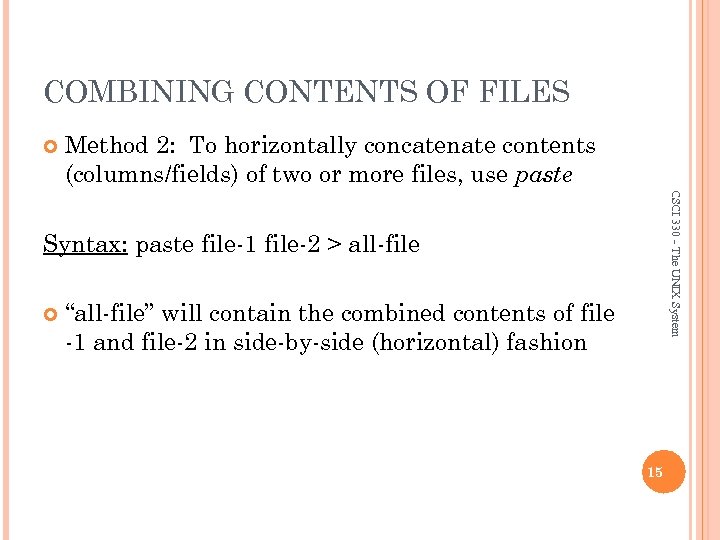 COMBINING CONTENTS OF FILES Method 2: To horizontally concatenate contents (columns/fields) of two or more files, use paste CSCI 330 - The UNIX System Syntax: paste file-1 file-2 > all-file “all-file” will contain the combined contents of file -1 and file-2 in side-by-side (horizontal) fashion 15
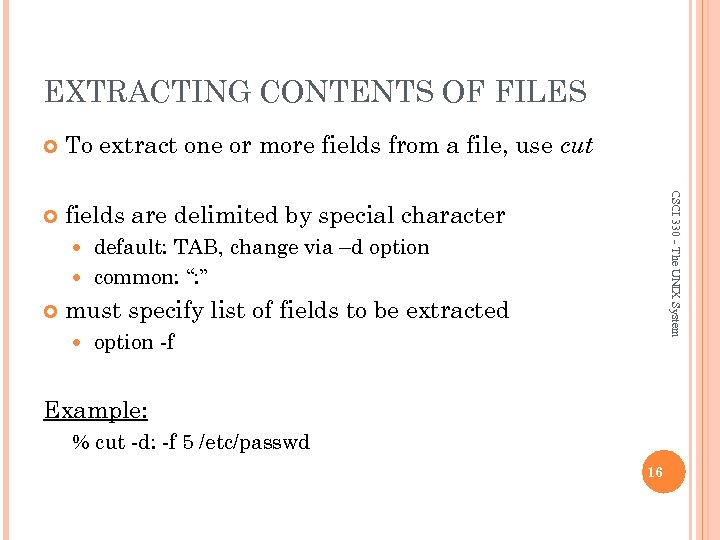 EXTRACTING CONTENTS OF FILES To extract one or more fields from a file, use cut fields are delimited by special character CSCI 330 - The UNIX System default: TAB, change via –d option common: “: ” must specify list of fields to be extracted option -f Example: % cut -d: -f 5 /etc/passwd 16
 COMPARING FILES: COMM The command named “comm” can be used to compare lines that are common in two sorted files CSCI 330 - The UNIX System Syntax: comm [options] file-1 file-2 The output contains three columns: Column 1 contains lines unique to file-1 Column 2 contains lines unique to file-2 Column 3 contains lines common to both files 17
 COMPARING FILES: DIFF The command diff compares two files line by line CSCI 330 - The UNIX System Syntax: diff [options] file-1 file-2 If file-1 and file-2 are the same, no output is produced If file-1 and file-2 are not the same, diff reports a series of commands that can be used to convert the first file to the second file (via the “patch” command) 18
 DETERMINING FILE SIZE Recall: The “ls” command with the option “-l” gives the file size in bytes Use “wc” to display the size of files as number of lines, words, and characters CSCI 330 - The UNIX System Syntax: wc file-list Commonly used options: -l display the number of lines -w display the number of words -c display the number of characters 19
 FILE COMPRESSION utilities to compress and uncompress files common on Linux: CSCI 330 - The UNIX System gzip, gunzip file extension: . gz Example: % gzip assign 1. txt % gunzip assign 1. txt. gz Gzip and gunzip delete their inputs So make a copy if you want one 20
 COMPRESS FILE CONTENTS Bzip 2 Old CSCI 330 - The UNIX System New, better compression compress/uncompress (. Z) Windows-compatible zip/unzip (. zip) Do not delete their input! 21
 SORTING FILES To sort a text file in ascending or descending order, use sort CSCI 330 - The UNIX System Syntax: sort [options] file-name Commonly used options: -r -n -t -k -f sort in reverse order numeric sort field delimiter field 1[, field 2] ignore case 22
 REMOVING REPEATED LINES CSCI 330 - The UNIX System “uniq” removes repeated lines from a sorted input file, sending unique (unrepeated) lines to standard output Syntax: uniq sorted-file-name Commonly used options: -c place a count of repeated lines at beginning of each output line -d display the repeated lines -u display the lines that are not repeated 23
 USER’S DISK QUOTA quota is upper limit of amount disk space number of files CSCI 330 - The UNIX System for each user account The command: quota -v displays the user’s disk usage and limits 2 kinds of limits: Soft limit: ex. 10 MB May be exceeded for one week System will remind you when you log on Hard limit: ex. 12 MB Cannot be exceeded 24