


 Скачать презентацию CSCI 330 THE UNIX SYSTEM Editing files
329d087bffcabb2afb8cd871c10ac805.ppt
- Количество слайдов: 20
 CSCI 330 THE UNIX SYSTEM Editing files
 EDITOR FEATURES enter text CSCI 330 - The UNIX System search and replace copy, cut and paste undo and redo importing and exporting text save and cancel 3
 TEXT FILES Unix file name does not require file extension CSCI 330 - The UNIX System Unix file system does not consider the extension when treating files However, some extensions are commonly used Program source code: . c. cpp. f. f 77. f 95 Compiled object code: . o. a. so. sa Compressed files: . z. gz. zip Archive files: . tar. tz Web site source code: . html. shtml. php Executable files typically have no extension Text files that will be moved to Windows: . txt 4
 UNIX TEXT EDITORS vim emacs pico nano CSCI 330 - The UNIX System GUI editors emacs mousepad xedit 5
 THE VI EDITOR short for: visual editor available on all UNIX systems CSCI 330 - The UNIX System original vi part of BSD Unix written by Bill Joy in 1976 many derived, improved versions available open source vim (vi improved) is part of GNU/Linux vi has multiple modes of operation: input mode, command mode, last-line mode 6
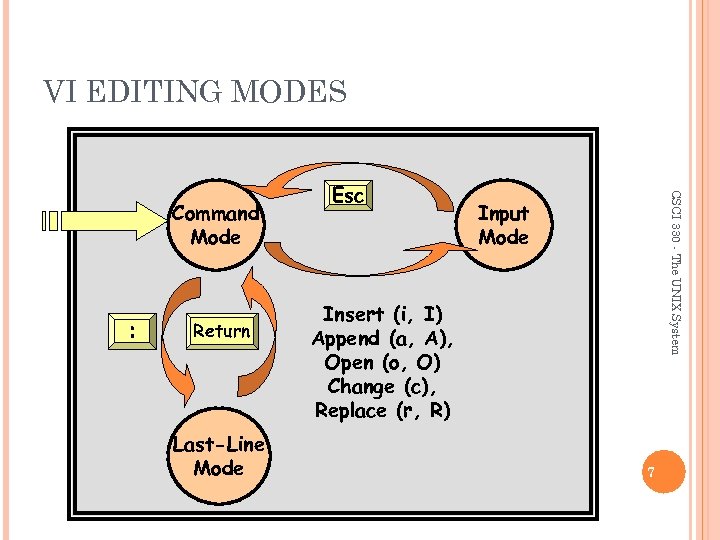 VI EDITING MODES : Return Last-Line Mode CSCI 330 - The UNIX System Command Mode Esc Input Mode Insert (i, I) Append (a, A), Open (o, O) Change (c), Replace (r, R) 7
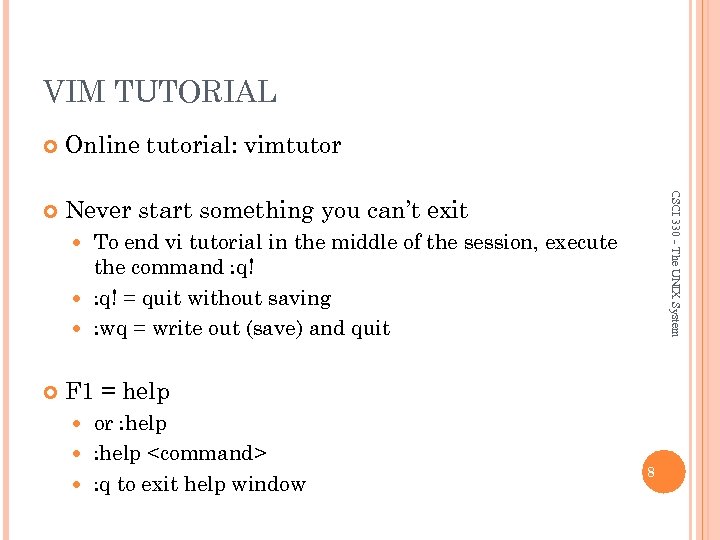 VIM TUTORIAL Online tutorial: vimtutor Never start something you can’t exit CSCI 330 - The UNIX System To end vi tutorial in the middle of the session, execute the command : q! = quit without saving : wq = write out (save) and quit F 1 = help or : help
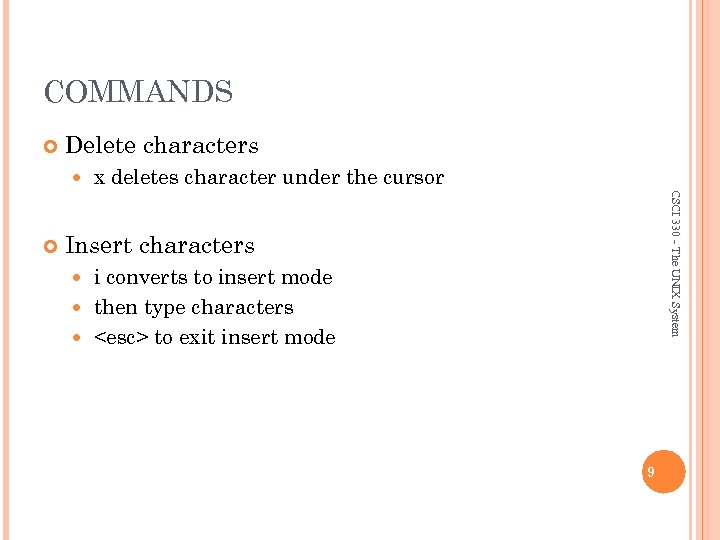 COMMANDS Delete characters CSCI 330 - The UNIX System x deletes character under the cursor Insert characters i converts to insert mode then type characters
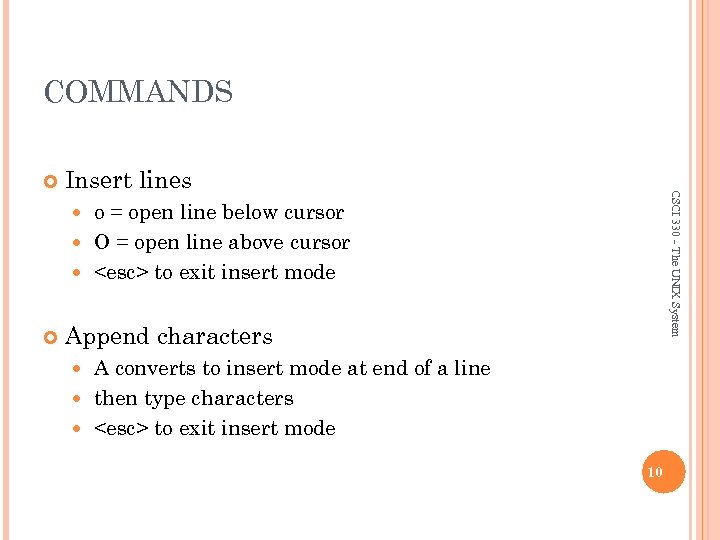 COMMANDS Insert lines CSCI 330 - The UNIX System o = open line below cursor O = open line above cursor
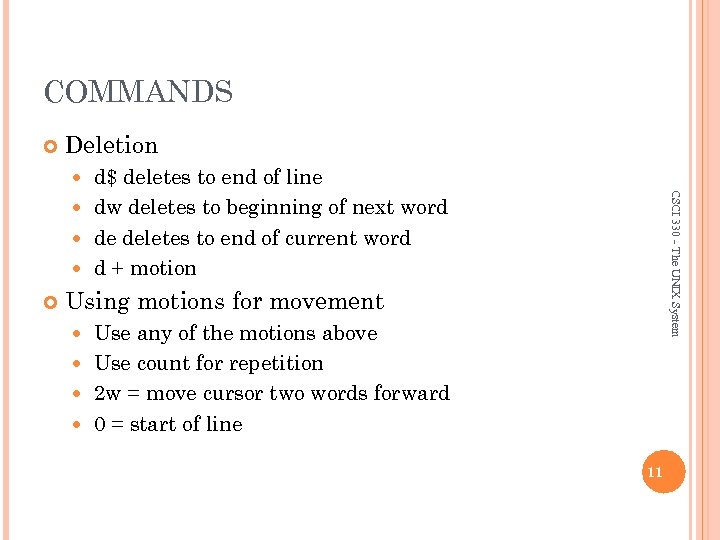 COMMANDS Deletion d$ deletes to end of line dw deletes to beginning of next word de deletes to end of current word d + motion CSCI 330 - The UNIX System Using motions for movement Use any of the motions above Use count for repetition 2 w = move cursor two words forward 0 = start of line 11
 COMMANDS Using repetition as part of deletion CSCI 330 - The UNIX System 2 dw deletes next two words Deleting a line dd = delete line 2 dd = delete two lines Undo u = undo one command U = restore a line cntl-R = redo a command 12
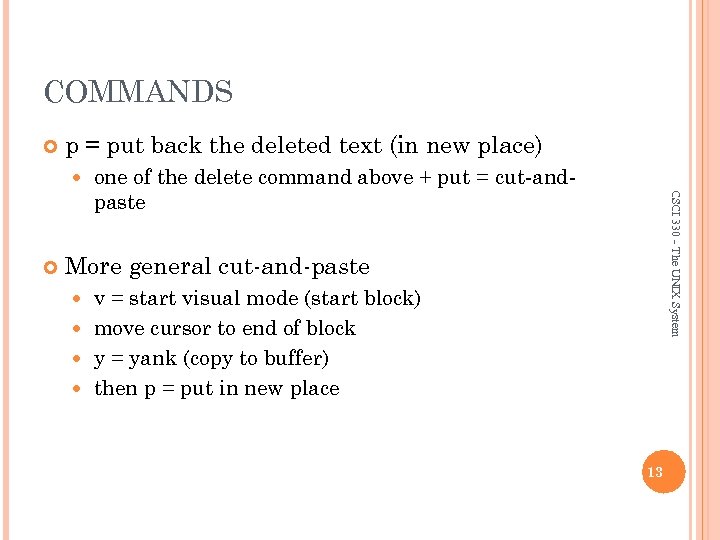 COMMANDS p = put back the deleted text (in new place) CSCI 330 - The UNIX System one of the delete command above + put = cut-andpaste More general cut-and-paste v = start visual mode (start block) move cursor to end of block y = yank (copy to buffer) then p = put in new place 13
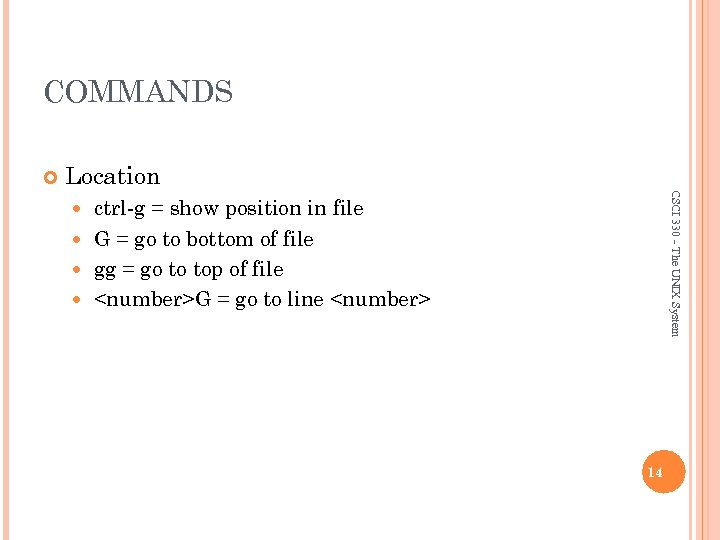 COMMANDS Location CSCI 330 - The UNIX System ctrl-g = show position in file G = go to bottom of file gg = go to top of file
 COMMANDS Search CSCI 330 - The UNIX System /
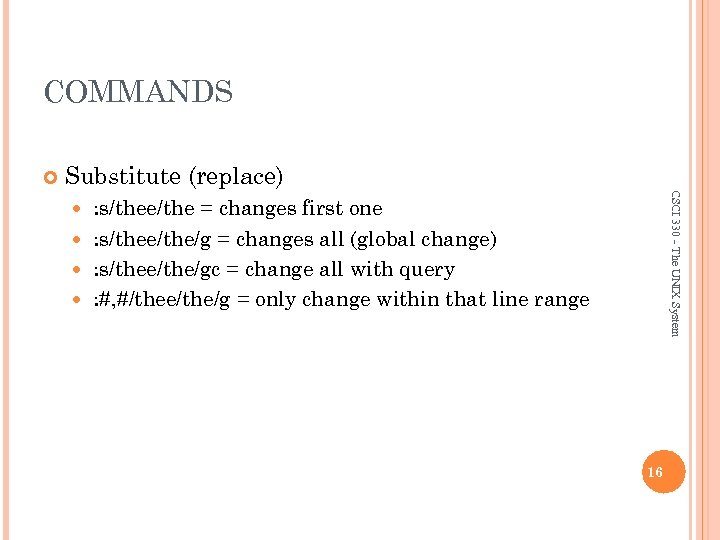 COMMANDS Substitute (replace) CSCI 330 - The UNIX System : s/thee/the = changes first one : s/thee/the/g = changes all (global change) : s/thee/the/gc = change all with query : #, #/thee/the/g = only change within that line range 16
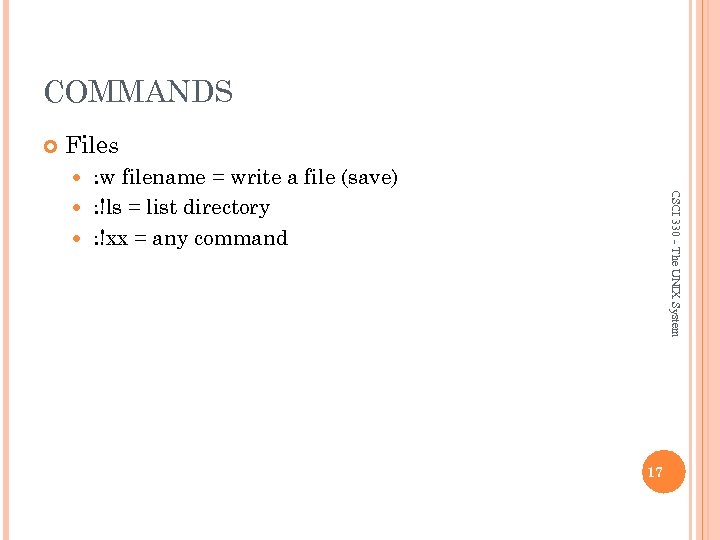 COMMANDS Files : w filename = write a file (save) : !ls = list directory : !xx = any command CSCI 330 - The UNIX System 17
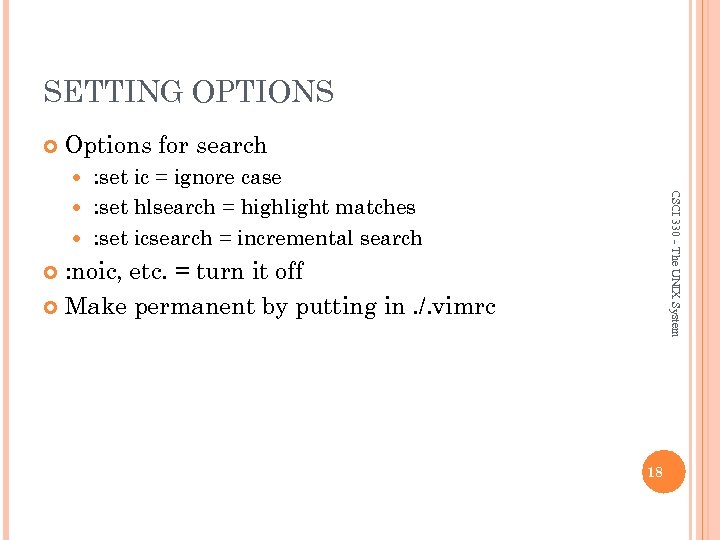 SETTING OPTIONS Options for search : set ic = ignore case : set hlsearch = highlight matches : set icsearch = incremental search CSCI 330 - The UNIX System : noic, etc. = turn it off Make permanent by putting in. /. vimrc 18
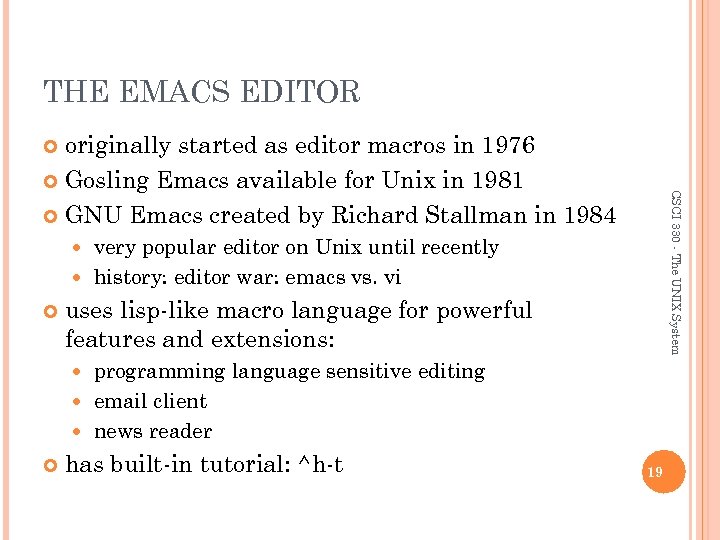 THE EMACS EDITOR originally started as editor macros in 1976 Gosling Emacs available for Unix in 1981 GNU Emacs created by Richard Stallman in 1984 CSCI 330 - The UNIX System very popular editor on Unix until recently history: editor war: emacs vs. vi uses lisp-like macro language for powerful features and extensions: programming language sensitive editing email client news reader has built-in tutorial: ^h-t 19
 THE PICO AND NANO EDITORS part of the popular pine mail utility on UNIX developed by the University of Washington pico = pine email composer CSCI 330 - The UNIX System nano is improved open source of pico available for GNU/Linux very intuitive operation on-screen guide and help 20
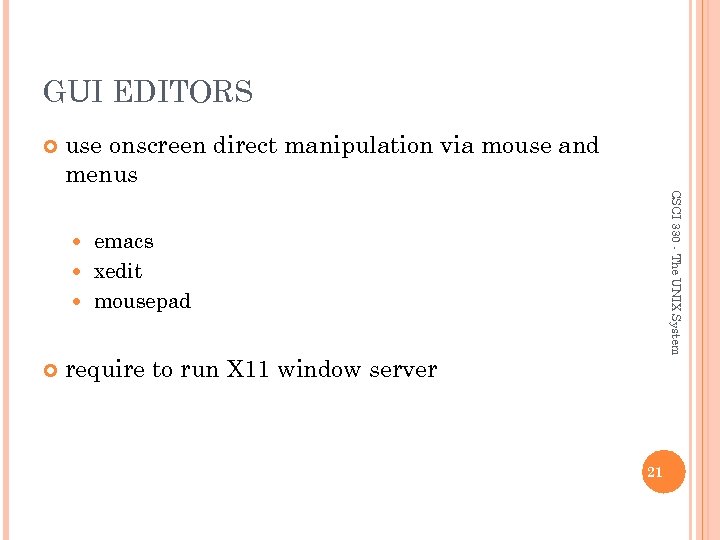 GUI EDITORS use onscreen direct manipulation via mouse and menus CSCI 330 - The UNIX System emacs xedit mousepad require to run X 11 window server 21