


 Скачать презентацию CS 533 Modeling and Performance Evaluation of Network
84adbd0e76f767665a26d69b4307aee9.ppt
- Количество слайдов: 19
 CS 533 Modeling and Performance Evaluation of Network and Computer Systems Capacity Planning and Benchmarking (Chapter 9) 1
 Introduction Do not plan a bridge capacity by counting the number of people who swim across the river today. – Heard at a presentation • Capacity management tries to ensure current computing resources provide highest performance (Present) – Tune current resources • Capacity planning tries to ensure adequate resources will be available to meet future workload needs (Future) – Buy more resources 2
 Outline • Introduction • Steps in Planning and Management • Problems in Capacity Planning • Common Mistakes in Benchmarking • Misc 3
 Steps in Capacity Planning and Management • Instrument system • Monitor system usage • • • Characterize workload Predict performance Management – Hooks, counters to record current usage – Gather data, analyze and summarize – Input to simulation model or to rules for tuning • Often detailed, system specific • 4 – Or try out tuning descisions, since low cost Planning – Models generally less detailed, coarse since alternatives may not exist – Ex: increase power by X every Y years
 Problems in Capacity Planning (1 of 5) • No standard terminology – Many vendors have different definitions – Some mean only tuning, while others mean both – Some don’t include workload characterization • No standard definition of capacity – Could be throughput, but then jobs per second, transactions per second, instructions per second or bits per second? – Could be maximum number of users (workload components) 5
 Problems in Capacity Planning (2 of 5) • Different capacities for same system – nominal, usable, knee • No standard workload unit – Measuring capacity in workload units (say, users) requires a detailed characterization • Varies from one environment to next • Forecasting future apps difficult – Assume past is like future • Ok, unless new technology changes use – Ex: low cost clients may change server load, such as streaming to PDAs 6
 Problems in Capacity Planning (3 of 5) • No uniformity among systems from different vendors – Same workload may take different resources on different systems – So, may need vendor-specific benchmarks and simulations • But this may bring in biases • Model inputs cannot always be measured 7 – For example, “think time” can be thinking between commands or a coffee break – Even tougher if monitoring, workload analysis and modeling tools built separately (vendors) since formats may be incompatible
 Problems in Capacity Planning (4 of 5) • Validating model projections difficult – Typically, change inputs to model and see if matches changed workload • But changing real workload difficult • Distributed environments complex – Many components needed to make accurate modeling expensive – Used to be many users for few components so even though variable, could get accurate answer • Today’s workstation uses very different, have few users for many components 8
 Problems in Capacity Planning (5 of 5) • Performance is only one part of capacity planning – Other major factor is cost – Much of today’s cost goes to installation, maintenance, floor space, etc. • Proper planning depends upon proper workload characterization and benchmarking – Workload characterization we can handle – Benchmarking often has mistakes (next) 9
 Outline • Introduction • Steps in Planning and Management • Problems in Capacity Planning • Common Mistakes in Benchmarking • Misc 10
 Common Mistakes in Benchmarking (1 of 5) • Only Average Behavior Represented in Test Workload – Variation not represented but high load may cause synch issues or determine performance • Skewness of Device Demands Ignored • Loading Level Controlled Inappropriately – Ex: I/O requests assumed uniform across disks, but often come to same disk – To increase load, can add users, decrease think time, or increase resource demanded per user • Decrease think time easiest, but often ignores cache • 11 misses Increases resources per user may change workload
 Common Mistakes in Benchmarking (2 of 5) • Caching Effects Ignored – Often, order of requests ignored but this matters greatly for cache performance • Buffering Sizes Not Appropriate – A small change in buffer sizes can result in a large change in performance • Ex: slightly smaller MTU can greatly increase network packets • Inaccuracies due to Sampling Ignored – Sampling is periodic, which may lead to errors (example next) 12
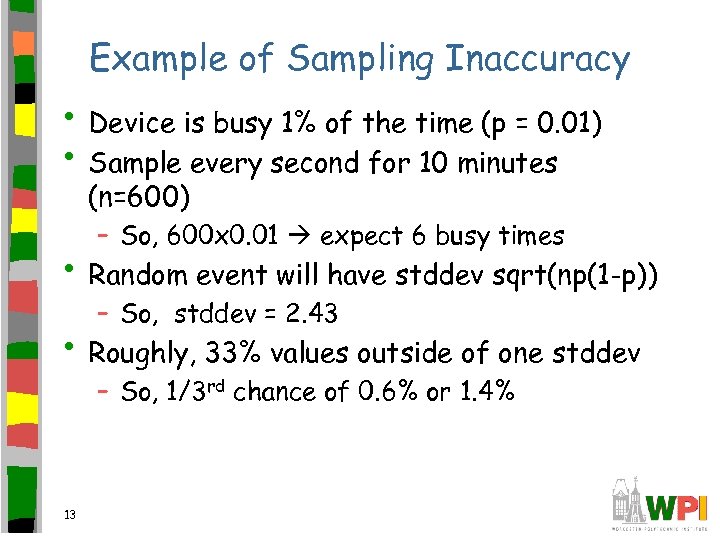 Example of Sampling Inaccuracy • Device is busy 1% of the time (p = 0. 01) • Sample every second for 10 minutes (n=600) – So, 600 x 0. 01 expect 6 busy times • Random event will have stddev sqrt(np(1 -p)) – So, stddev = 2. 43 • Roughly, 33% values outside of one stddev – So, 1/3 rd chance of 0. 6% or 1. 4% 13
 Common Mistakes in Benchmarking (3 of 5) • Ignoring Monitoring Overhead – Data collection adds overhead and introduces error – Try and account for overhead in analysis • Not Validating Measurements • Not Ensuring Same Initial Conditions 14 – Analytic models and Simulations routinely validated, but not measurements – But could be errors in setup so should cross-check results – Each run may depend upon starting conditions – Should either control conditions or check sensitivity of results to starting conditions
 Common Mistakes in Benchmarking (4 of 5) • Not Measuring Transient Performance – Most tools predict performance under stable conditions – But if system takes lots of time to be stable, performance before may be more important • Using Device Utilization for Comparison – Generally, lower utilization better but it may be that higher utilization (because system can handle more requests) is better 15
 Common Mistakes in Benchmarking (5 of 5) • Collecting Too Much Data but Doing Very Little Analysis – Sometimes getting to data collection takes lots of work, but then have lots of data – No time left for analysis and lots to do – Instead, form teams with analysis experts and allocate time for analysis 16
 Outline • Introduction • Steps in Planning and Management • Problems in Capacity Planning • Common Mistakes in Benchmarking • Misc 17
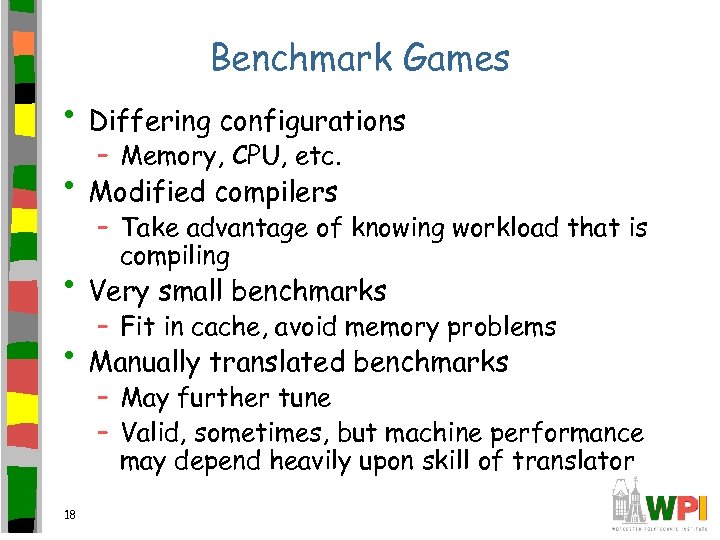 Benchmark Games • Differing configurations – Memory, CPU, etc. • Modified compilers – Take advantage of knowing workload that is compiling • Very small benchmarks – Fit in cache, avoid memory problems • Manually translated benchmarks – May further tune – Valid, sometimes, but machine performance may depend heavily upon skill of translator 18
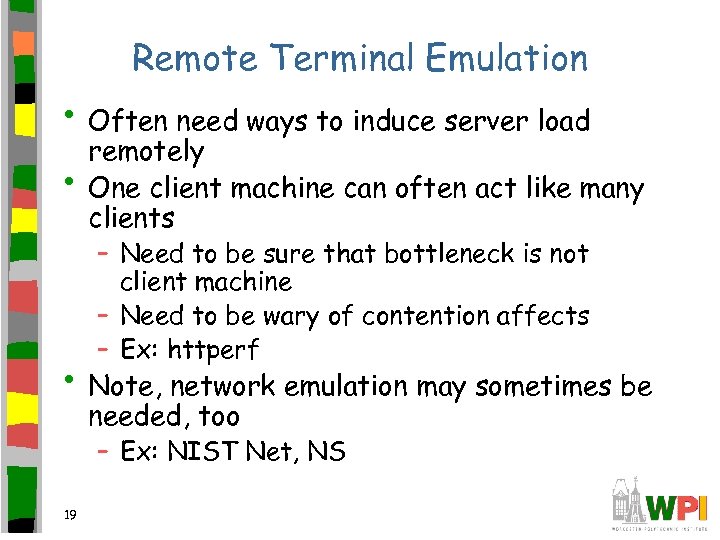 Remote Terminal Emulation • Often need ways to induce server load • remotely One client machine can often act like many clients – Need to be sure that bottleneck is not client machine – Need to be wary of contention affects – Ex: httperf • Note, network emulation may sometimes be needed, too – Ex: NIST Net, NS 19