


 Скачать презентацию CS 153 Design of Operating Systems Winter 2016
9dcb5108d42f5c7981cf63d938311f23.ppt
- Количество слайдов: 26
 CS 153 Design of Operating Systems Winter 2016 Lecture 2: Intro and Architectural Support for Operating Systems
 Administrivia l Course website is up u http: //www. cs. ucr. edu/~zhiyunq/teaching/cs 153/ » Check the website for slides u Piazza link: https: //piazza. com/ucr/winter 2016/cs 153/home » Also posted on course webpage » Enroll yourself (let me know if you have issues) l Project group formation u u l Preferably pick a partner in the same lab (coordination) You need to signed up before class next Friday Reminder: 4% for extra credit and class participation u 2% extra for not using the slack days (at all) 2
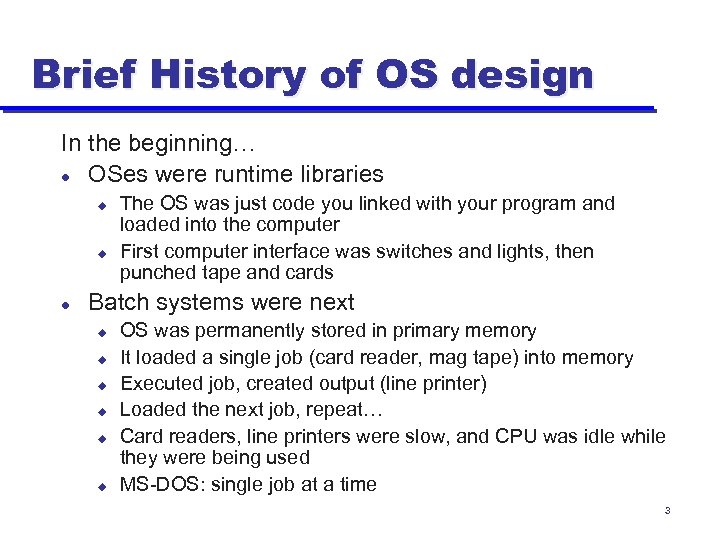 Brief History of OS design In the beginning… l OSes were runtime libraries u u l The OS was just code you linked with your program and loaded into the computer First computer interface was switches and lights, then punched tape and cards Batch systems were next u u u OS was permanently stored in primary memory It loaded a single job (card reader, mag tape) into memory Executed job, created output (line printer) Loaded the next job, repeat… Card readers, line printers were slow, and CPU was idle while they were being used MS-DOS: single job at a time 3
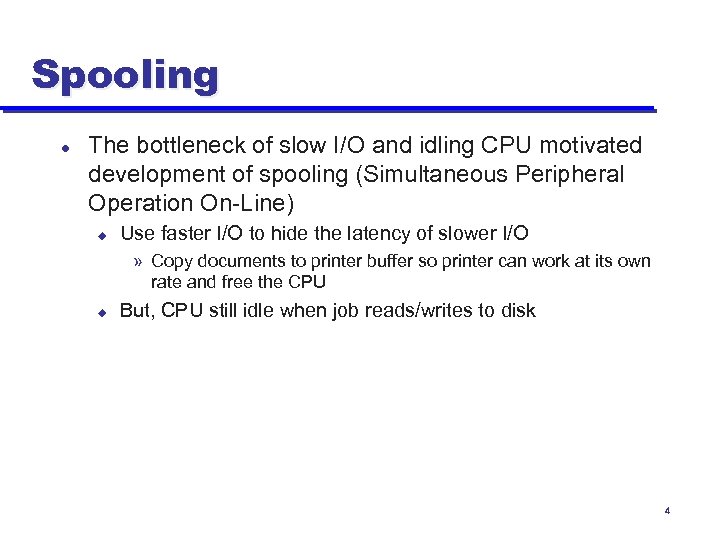 Spooling l The bottleneck of slow I/O and idling CPU motivated development of spooling (Simultaneous Peripheral Operation On-Line) u Use faster I/O to hide the latency of slower I/O » Copy documents to printer buffer so printer can work at its own rate and free the CPU u But, CPU still idle when job reads/writes to disk 4
 Multiprogramming l Multiprogramming increased system utilization u u u Keeps multiple runnable jobs loaded in memory Overlaps I/O processing of a job with computation of another Benefits from I/O devices that can operate asynchronously Requires the use of interrupts (from I/O) and DMA Requires memory protection and sharing Optimizes system throughput (number of jobs finished in a given amount of time) at the cost of response time (time until a particular job finishes) 5
 Timesharing l Timesharing supports interactive use of computer by multiple users u u u l l Terminals give the illusion that each user has own machine Optimizes response time (time to respond to an event like a keystroke) at the cost of throughput Based on timeslicing – dividing CPU time among the users Enabled new class of applications – interactive! Users now interact with viewers, editors, debuggers The MIT Multics system (mid-late 60 s) was an early, aggressive timesharing system Unix and Windows are also timesharing systems… 6
 Distributed Operating Systems l Distributed systems facilitate use of geographically distributed resources u l Supports communication between parts of a job or different jobs on different machines u l Interprocess communication Sharing of distributed resources, hardware, and software u l Machine connected by wires Exploit remote resources Enables parallelism, but speedup is not the goal u Goal is communication 7
 Parallel Operating Systems l l l Support parallel applications trying to get speedup of computationally complex tasks across multiple CPUs Requires basic primitives for dividing single task into multiple parallel activities Supports efficient communication among activities Supports synchronization of activities to coordinate data sharing Early parallel systems used dedicated networks and custom CPUs, now common to use networks of highperformance PC/workstations 8
 Embedded Operating Systems l Decreased cost of processing makes computers ubiquitous u u l Each embedded application needs its own OS u u l Your car has dozens of computers in it Think of everything that has electric motor in it, and now imagine that it also has a computer Smart phones Smart home, smart grid Very soon u u u Your house will have 100 s of embedded computers in it Your electrical lines and airwaves will serve as the network All devices will interact as a distributed system 9
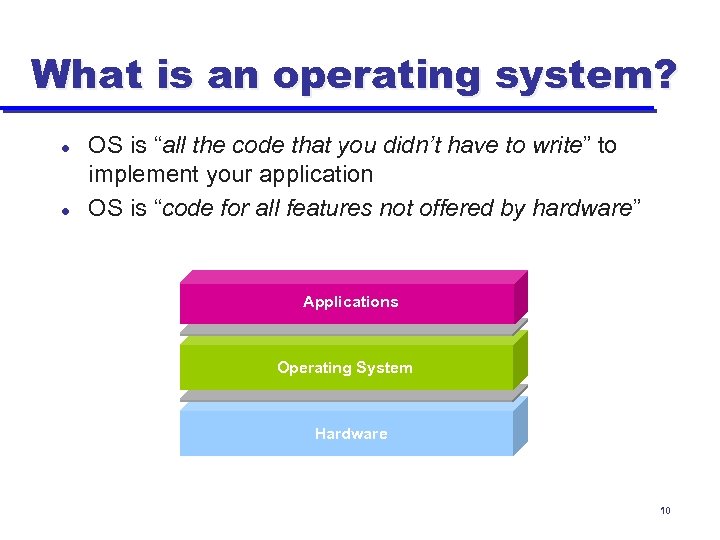 What is an operating system? l l OS is “all the code that you didn’t have to write” to implement your application OS is “code for all features not offered by hardware” Applications Operating System Hardware 10
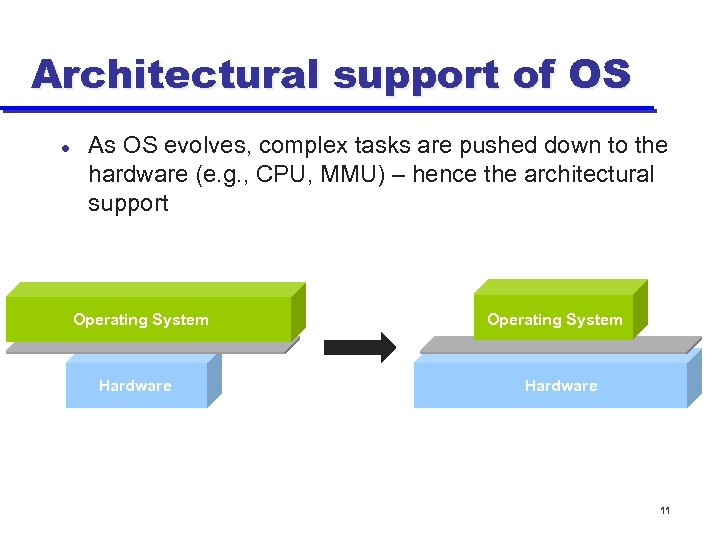 Architectural support of OS l As OS evolves, complex tasks are pushed down to the hardware (e. g. , CPU, MMU) – hence the architectural support Operating System Hardware 11
 Why Start With Architecture? l Recall: Key goals of an OS are 1) to enable virtualization/abstraction; 2) to enforce protection and resource sharing; and 3) manage concurrency u l If done well, applications can be oblivious to HW details » e. g. , fread() assumes nothing about underlying storage Architectural support can greatly simplify – or complicate – OS tasks u u Easier for OS to implement a feature if supported by hardware OS needs to implement everything hardware doesn’t 12
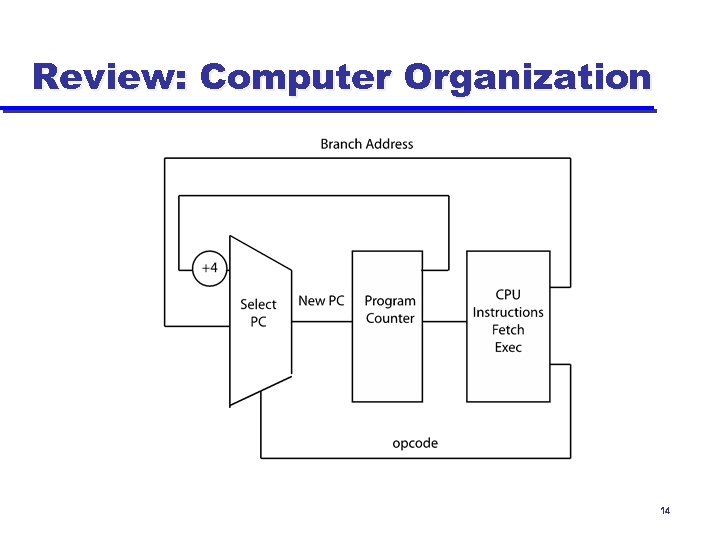 Review: Computer Organization 14
 Types of Arch Support for OS l Manipulating privileged machine state u u l Generating and handling “events” u u u l Protected instructions Manipulate device registers, TLB entries, etc. Interrupts, exceptions, system calls, etc. Respond to external events CPU requires software intervention to handle fault or trap Mechanisms to handle concurrency u Interrupts, atomic instructions 15
 Types of Arch Support for OS l Manipulating privileged machine state u u l Generating and handling “events” u u u l Protected instructions Manipulate device registers, TLB entries, etc. Interrupts, exceptions, system calls, etc. Respond to external events CPU requires software intervention to handle fault or trap Mechanisms to handle concurrency u Interrupts, atomic instructions 16
 Protected Instructions l A subset of instructions of every CPU is restricted to use only by the OS u l Known as protected (privileged) instructions Only the operating system can u Directly access I/O devices (disks, printers, etc. ) » Security, fairness (why? ) u Manipulate memory management state » Page table pointers, page protection, TLB management, etc. u Manipulate protected control registers » Kernel mode, interrupt level u Halt instruction (why? ) 17
 OS Protection l How does HW know if protected instr. can be executed? u Architecture must support (at least) two modes of operation: kernel mode and user mode (See next slide) » VAX, x 86 support four modes; earlier archs (Multics) even more » Why? u u u l Mode is indicated by a status bit in a protected control register User programs execute in user mode OS executes in kernel mode (OS == “kernel”) Protected instructions only execute in kernel mode u u u CPU checks mode bit when protected instruction executes Attempts to execute in user mode are detected and prevented Need for new protected instruction? » Setting mode bit 18
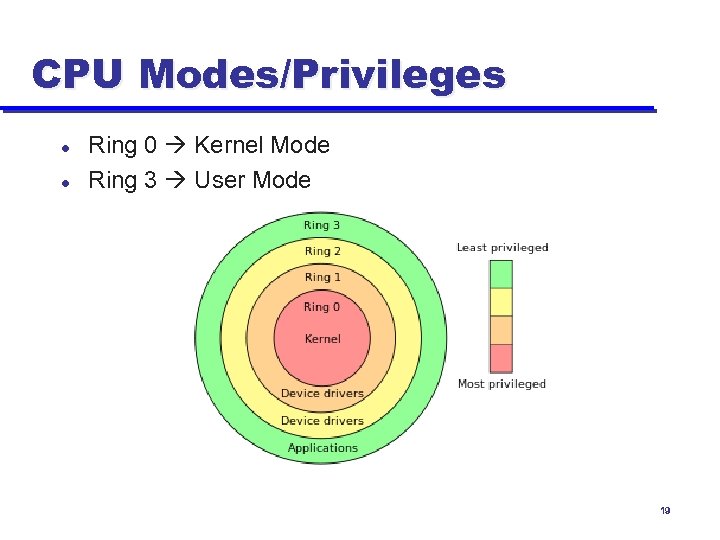 CPU Modes/Privileges l l Ring 0 Kernel Mode Ring 3 User Mode 19
 Memory Protection l l OS must be able to protect programs from each other OS must protect itself from user programs May or may not protect user programs from OS Memory management hardware provides memory protection mechanisms u u l Base and limit registers Page table pointers, page protection, TLB Virtual memory Segmentation Manipulating memory management hardware uses protected (privileged) operations 20
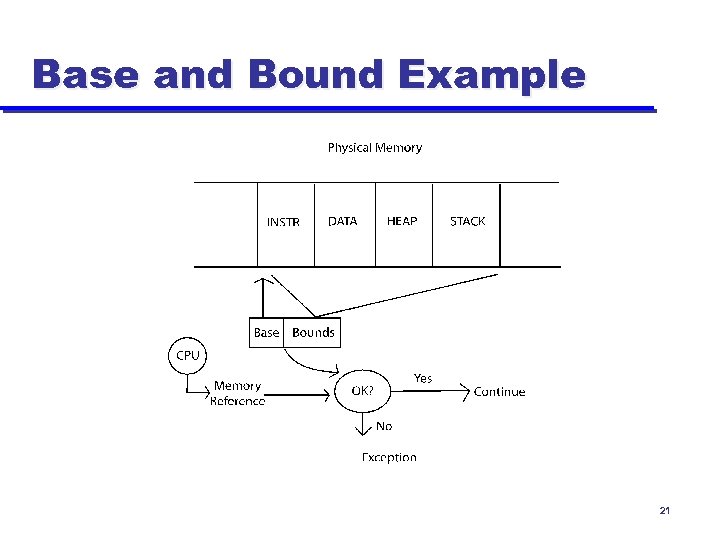 Base and Bound Example 21
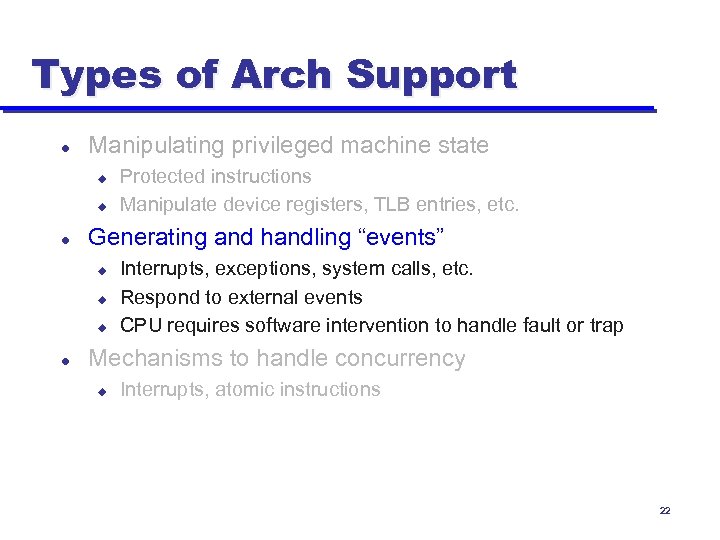 Types of Arch Support l Manipulating privileged machine state u u l Generating and handling “events” u u u l Protected instructions Manipulate device registers, TLB entries, etc. Interrupts, exceptions, system calls, etc. Respond to external events CPU requires software intervention to handle fault or trap Mechanisms to handle concurrency u Interrupts, atomic instructions 22
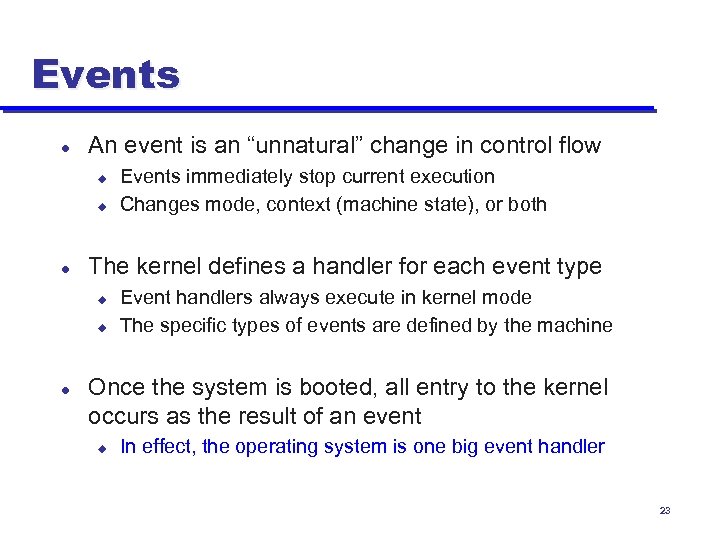 Events l An event is an “unnatural” change in control flow u u l The kernel defines a handler for each event type u u l Events immediately stop current execution Changes mode, context (machine state), or both Event handlers always execute in kernel mode The specific types of events are defined by the machine Once the system is booted, all entry to the kernel occurs as the result of an event u In effect, the operating system is one big event handler 23
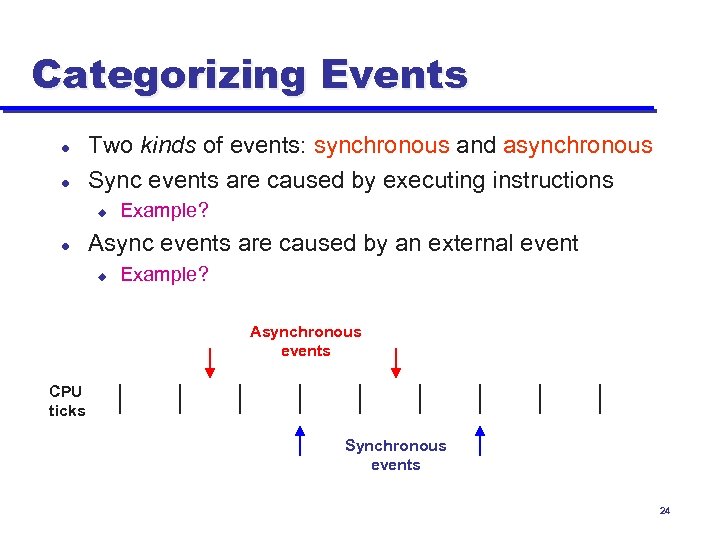 Categorizing Events l l Two kinds of events: synchronous and asynchronous Sync events are caused by executing instructions u l Example? Async events are caused by an external event u Example? Asynchronous events CPU ticks Synchronous events 24
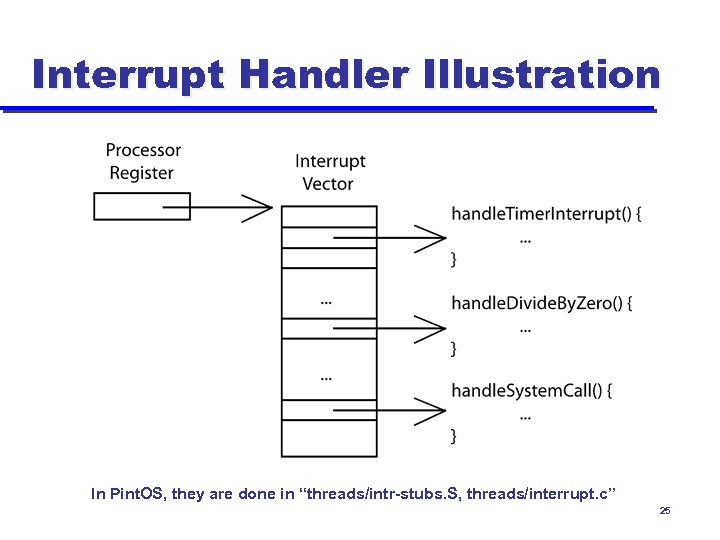 Interrupt Handler Illustration In Pint. OS, they are done in “threads/intr-stubs. S, threads/interrupt. c” 25
 Summary l Protection u u l User/kernel modes Protected instructions Events 26
 Next Time… l Processes u Read Chapter 3 27