


 Скачать презентацию CS 110 Introduction to the Computer Science Profession
ddcdaf2a3d119d622b2df13743aa4114.ppt
- Количество слайдов: 28
 CS 110 Introduction to the Computer Science Profession
 Goals of this Course w Gain an accurate understanding of life as a Computer Science professional w Provide strategies on success as a: n n University Student CS Major
 Objectives to Reach these Goals w w Get to know other CS majors Introduce potential role models Get answers to FAQs about CS Understand the value of collaborative learning and pair programming w Learn how to cope with stress w Understand the value of mentors and learn how to find them w Understand the importance of relationship networking
 CS 110 on the Web w Course Website n CS 110 Syllabus
 Did you know… w That the first semester of the freshman year in college is the most critical time in determining a student’s future success in college
 And… w That most students who become involved in campus organizations and activities have a more meaningful college experience, while still maintaining high grades, making new friends, and developing time management skills.
 More things to know… w w w w Locate all available resources Understand free time Don’t wait for a problem to become a crisis Always ask when you are not sure Go to class Buy and use your own books Save everything on disk Save all course material until you receive a final grade
 Communication w Oral n n In person By phone w Written n Letter Email Chat w Communication Etiquette
 Cell Phones w Turn your cell phones off in class n Silent is not a perfect setting And by the way… w When you are with someone, ask them if it is OK to speak on your cell phone to someone else w Talk in a respectful volume level
 Email w w w w Use a professional email address Always include something in the Subject Include a Signature file Check your email regularly Remember that it lives forever Email Etiquette (Netiquette) Guidelines for Professional E-mail Communication Etiquette
 Written w Weekly Assignments will address this graded element of the course n n Requirements Grading: l Grammar and Content
 Important Knowledge w People w Places w Things
 Who is Important? w Advisors w Teachers w Administrators w Support Staff n n Office Systems
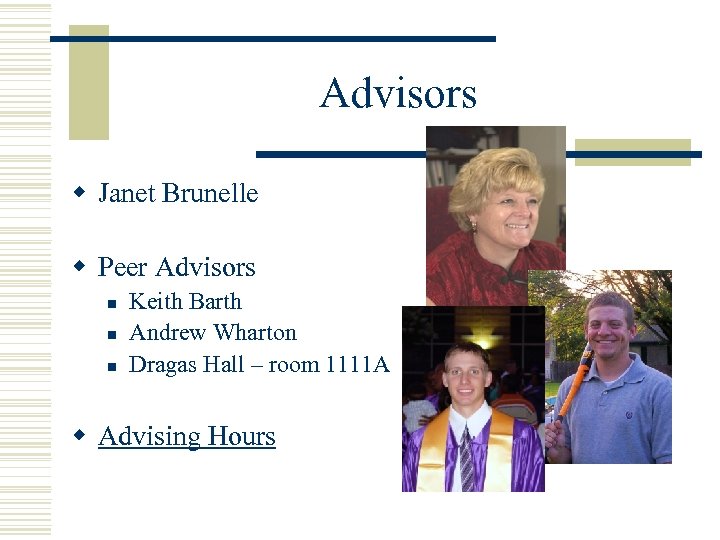 Advisors w Janet Brunelle w Peer Advisors n n n Keith Barth Andrew Wharton Dragas Hall – room 1111 A w Advising Hours
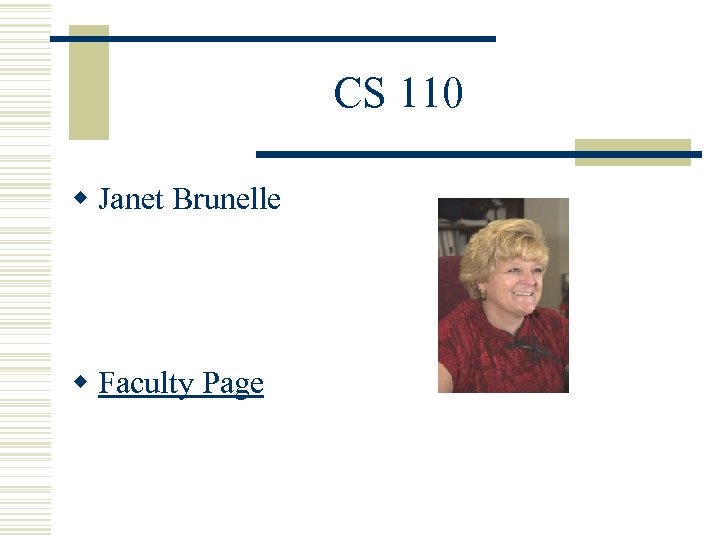 CS 110 w Janet Brunelle w Faculty Page
 Janet Brunelle w Assistant Chair w Chief Departmental Advisor w Engineering & Computational Sciences Building - Room 3210 w Phone 683 -6001 ext 4832
 Office Hours w Tuesday n 1: 30 – 4: 00 PM w Wednesday n 1: 30 – 4: 00 PM w Thursday n 1: 30 – 4: 00 PM w Janet Brunelle's Home Page
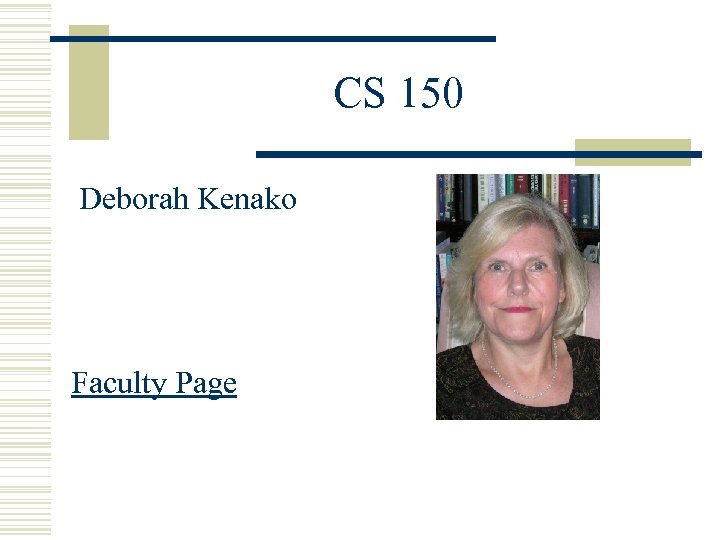 CS 150 Deborah Kenako Faculty Page
 150/250 Teaching Assistants w w w w Divya Josyala Jesteen John Manof Talagadadeevi Rajendra Chandrawat Hadi Arbabi Shakti Kamisetty Satish Lakkoju Vankata Kamineni
 Administrators w Chair n Dr. C. Michael Overstreet
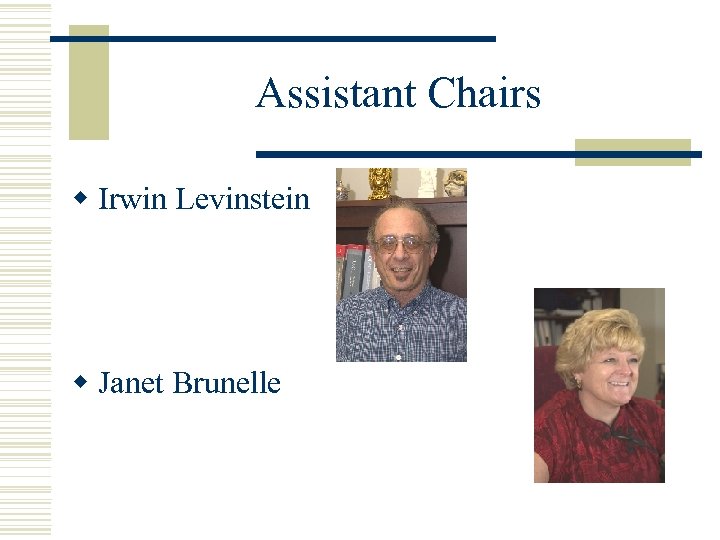 Assistant Chairs w Irwin Levinstein w Janet Brunelle
 Office Staff w Phyllis Woods n Chairman’s Secretary w Cathryn Janka n Department Secretary w Shannon Eggers n Fiscal Technician
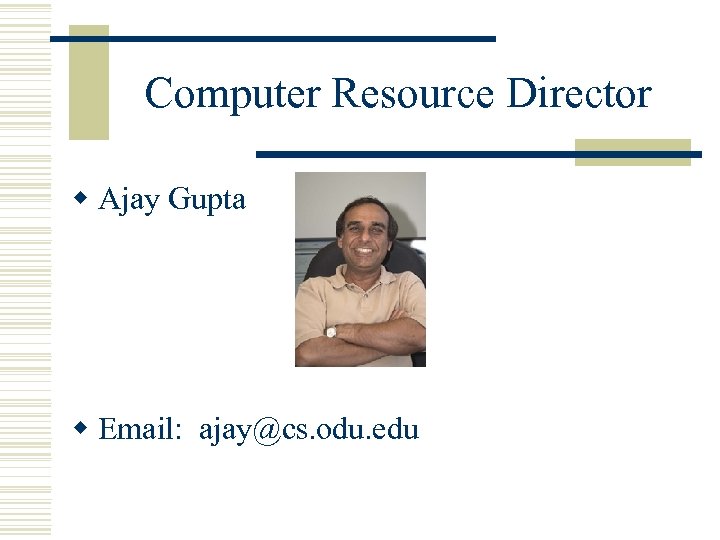 Computer Resource Director w Ajay Gupta w Email: ajay@cs. odu. edu
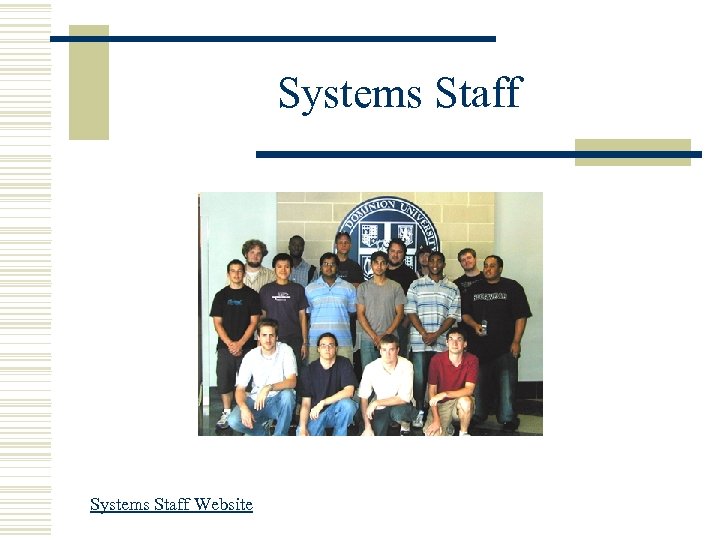 Systems Staff Website
 CS Majors w Who are they? w Where do they come from? w Where are they going? w How do they get there?
 ACM Meetings n n n Thursdays 12: 30 PM Dragas 1117 w Gabor Eszes – President n geszes@cs. odu. edu w ACM Web Page
 Campus Map w Let's Go
 Labs w CS supported n n n Dragas 1111 K – open student lab Dragas 1115 – teaching lab E & CS 3104 – open student lab w University (OCCS) supported