


 Скачать презентацию CS 102 COMPUTER SYSTEM MANAGEMENT Navpreet Singh Computer
8e0d74f7ea8007cbd2d4e9227ad86840.ppt
- Количество слайдов: 29
 CS 102 COMPUTER SYSTEM MANAGEMENT Navpreet Singh Computer Centre Indian Institute of Technology Kanpur INDIA (Ph : 2597371, Email : navi@iitk. ac. in)
 About Myself I am Principal Computer Engineer at IIT Kanpur and I manage the Campus Network and Internet Services of IITK. IIT Kanpur has one of the largest networks in the country. IITK Campus Network now has more than 12000 nodes providing connectivity to more than 6000 users in Academic Departments, Student Hostels and Residences. IITK has 110 Mbps Internet Connectivity. All application servers (Mail, DNS, Proxy Caching, Web etc. ) are maintained in-house. B. Tech (1990) and M. Tech (1996) from IIT Kanpur Working in IIT Kanpur for more than 16 years
 Course Objective The course will cover: Introduction to Computer Hardware & Software, Operating Systems, Computer Networks and Internet. Develop a conceptual understanding of PC internals, Computing Environment, Computer Networks and Internet. Enable the students to diagnose and troubleshoot Computer Hardware and Software problems.
 Course Outline There will be thirteen Lectures and associated Lab Assignments. The lecture slides, assignments and references are available on the course website: http: //home. iitk. ac. in/~navi/iiitdcourse All the Lectures will be 1. 5 hours and will be in the form of recorded presentations. The Assignments will be take home to be completed and submitted in the next lecture class.
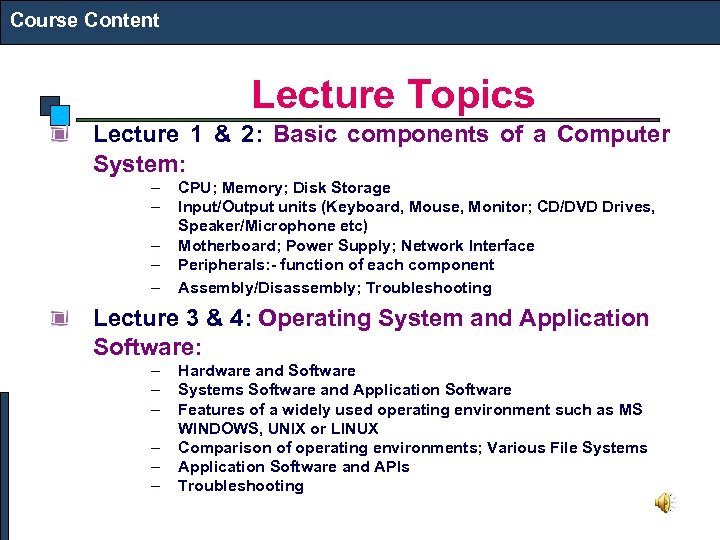 Course Content Lecture Topics Lecture 1 & 2: Basic components of a Computer System: – – – CPU; Memory; Disk Storage Input/Output units (Keyboard, Mouse, Monitor; CD/DVD Drives, Speaker/Microphone etc) Motherboard; Power Supply; Network Interface Peripherals: - function of each component Assembly/Disassembly; Troubleshooting Lecture 3 & 4: Operating System and Application Software: – – – Hardware and Software Systems Software and Application Software Features of a widely used operating environment such as MS WINDOWS, UNIX or LINUX Comparison of operating environments; Various File Systems Application Software and APIs Troubleshooting
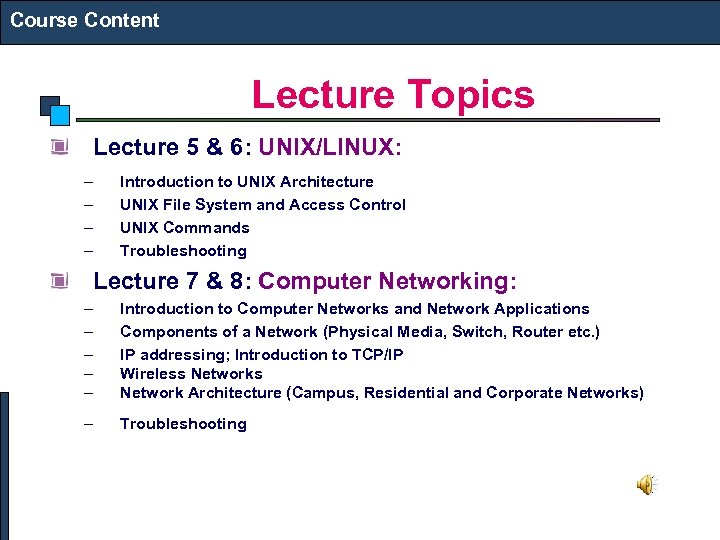 Course Content Lecture Topics Lecture 5 & 6: UNIX/LINUX: – – Introduction to UNIX Architecture UNIX File System and Access Control UNIX Commands Troubleshooting Lecture 7 & 8: Computer Networking: – – – Introduction to Computer Networks and Network Applications Components of a Network (Physical Media, Switch, Router etc. ) IP addressing; Introduction to TCP/IP Wireless Network Architecture (Campus, Residential and Corporate Networks) – Troubleshooting
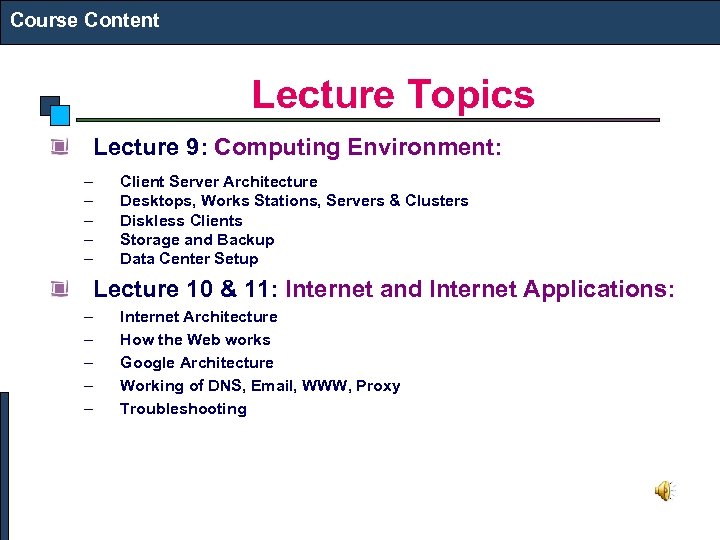 Course Content Lecture Topics Lecture 9: Computing Environment: – – – Client Server Architecture Desktops, Works Stations, Servers & Clusters Diskless Clients Storage and Backup Data Center Setup Lecture 10 & 11: Internet and Internet Applications: – – – Internet Architecture How the Web works Google Architecture Working of DNS, Email, WWW, Proxy Troubleshooting
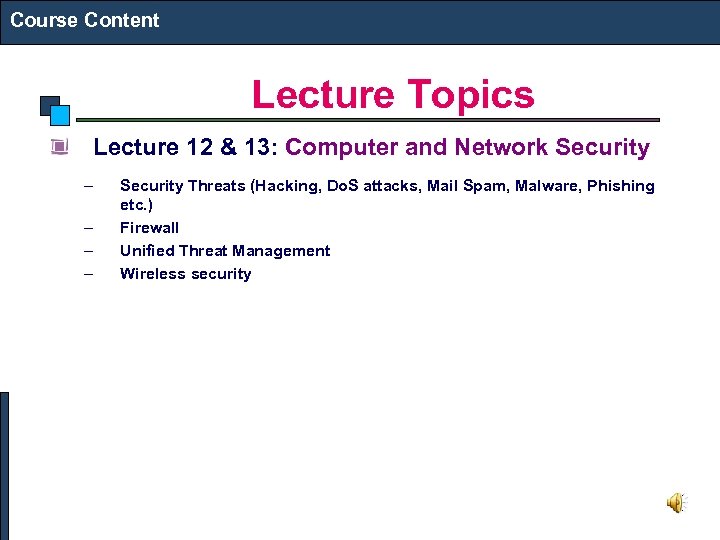 Course Content Lecture Topics Lecture 12 & 13: Computer and Network Security – – Security Threats (Hacking, Do. S attacks, Mail Spam, Malware, Phishing etc. ) Firewall Unified Threat Management Wireless security
 Course Content Assignment Topics There will be thirteen take home assignments All the assignments have been designed to give you hands on experience on the topics being covered in the lectures. You are expected to use your personal laptop to do the assignments References which will be helpful in the assignments will be provided in the course website.
 Grading Guidelines Two Exam: 20% each Lab Assignment: 60% (5% each, best of 12)
 Course References The course slides, assignments and references will be available at http: //home. iitk. ac. in/~navi/iiitdcourse Online on the Web http: //en. wikipedia. org/wiki/Main_Page
 QUESTIONS?
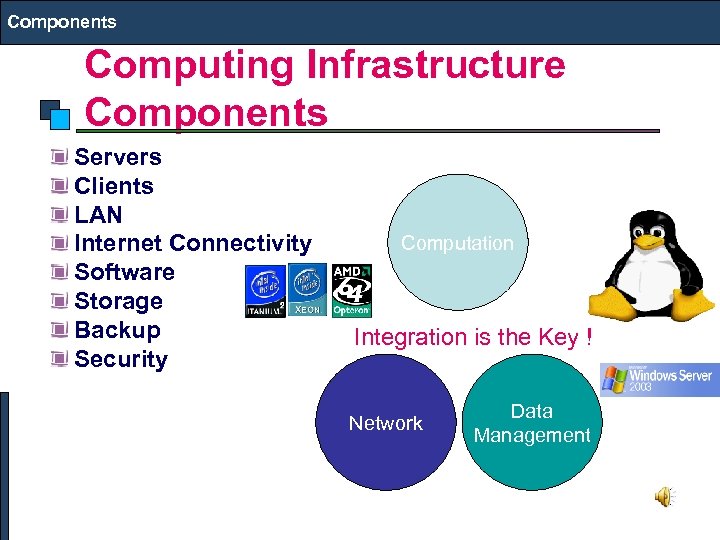 Components Computing Infrastructure Components Servers Clients LAN Internet Connectivity Software Storage Backup Security Computation Integration is the Key ! Network Data Management
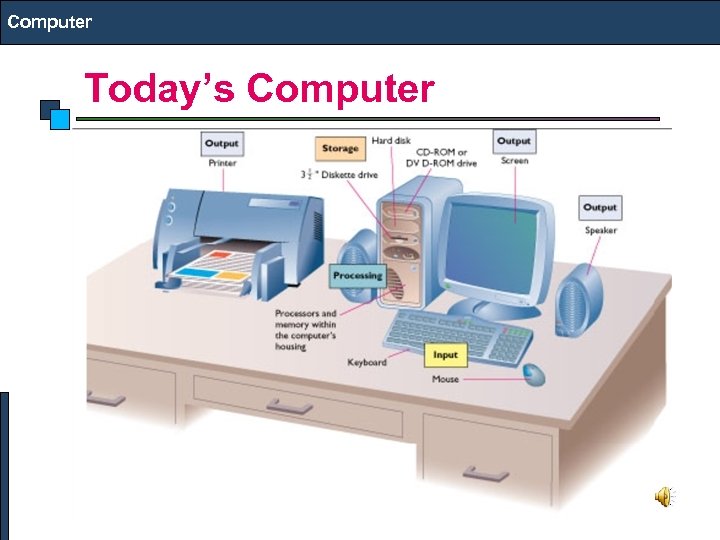 Computer Today’s Computer
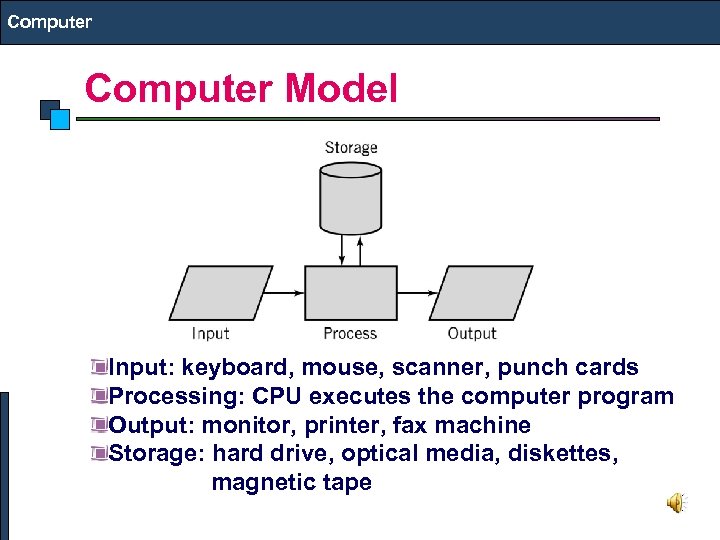 Computer Model Input: keyboard, mouse, scanner, punch cards Processing: CPU executes the computer program Output: monitor, printer, fax machine Storage: hard drive, optical media, diskettes, magnetic tape
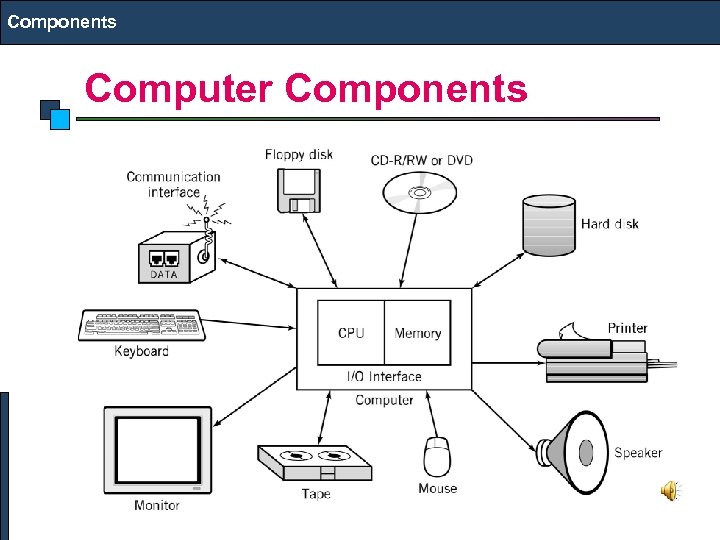 Components Computer Components
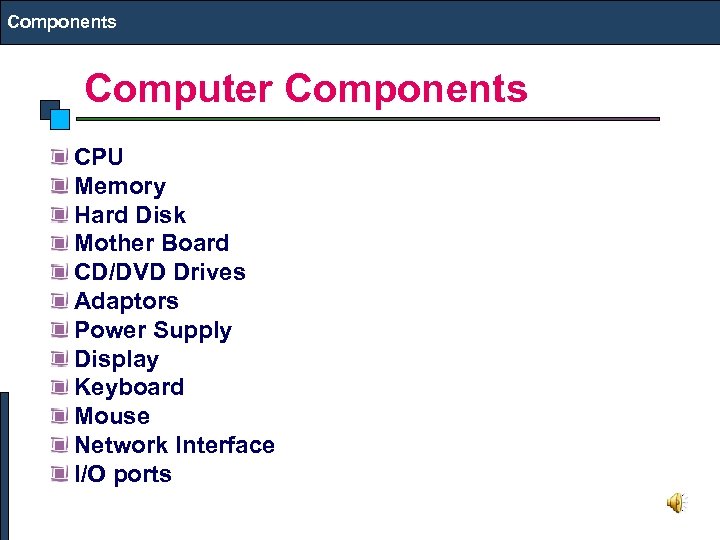 Components Computer Components CPU Memory Hard Disk Mother Board CD/DVD Drives Adaptors Power Supply Display Keyboard Mouse Network Interface I/O ports
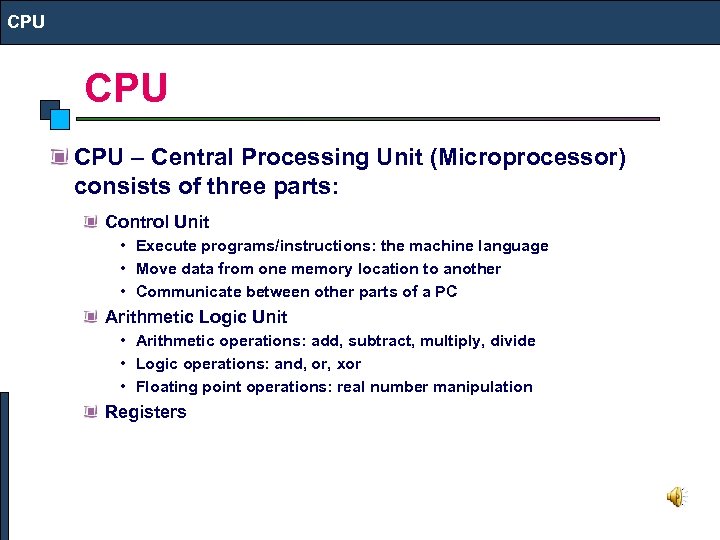 CPU CPU – Central Processing Unit (Microprocessor) consists of three parts: Control Unit • Execute programs/instructions: the machine language • Move data from one memory location to another • Communicate between other parts of a PC Arithmetic Logic Unit • Arithmetic operations: add, subtract, multiply, divide • Logic operations: and, or, xor • Floating point operations: real number manipulation Registers
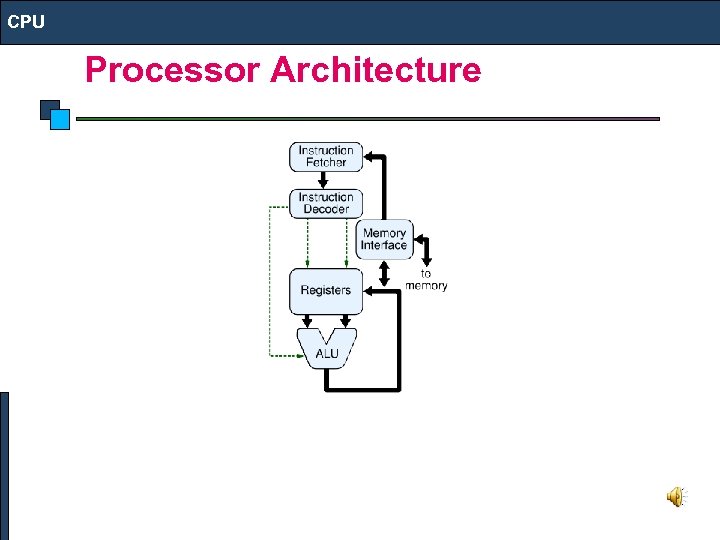 CPU Processor Architecture
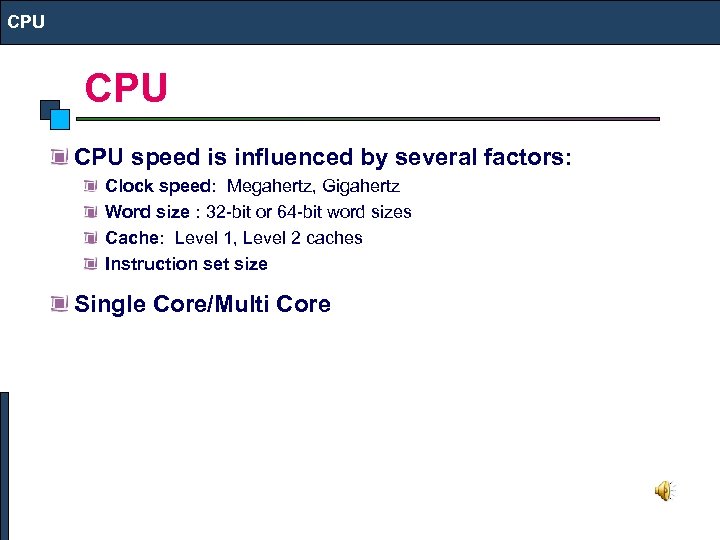 CPU CPU speed is influenced by several factors: Clock speed: Megahertz, Gigahertz Word size : 32 -bit or 64 -bit word sizes Cache: Level 1, Level 2 caches Instruction set size Single Core/Multi Core
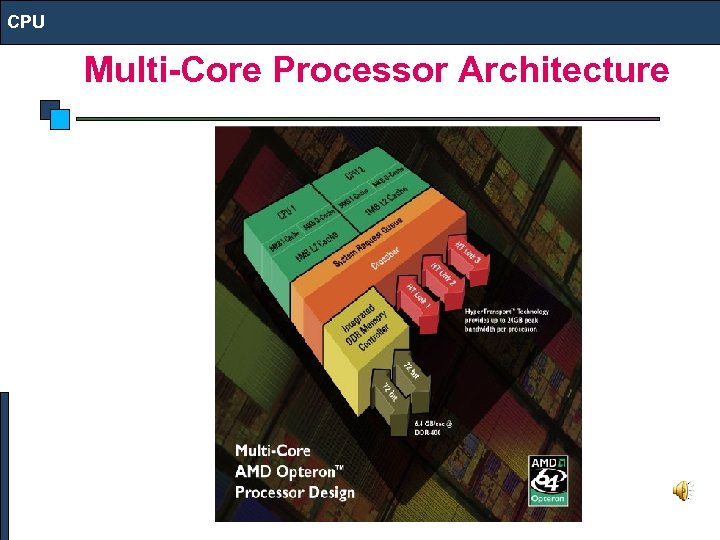 CPU Multi-Core Processor Architecture
 CPU Desktop Processor: Intel (Pentium) Core 2 Duo/Quad, AMD Athelon (Dual/Quad Core) Mobile Processor: Intel (Centrino 2) Core 2 Duo, AMD Turion (Dual Core) Server Processor: Intel Xeon Quad Core, AMD Optron Quad Core, RISC (Reduced Instruction Set Computer): IBM Power PC, SUN SPARC. . Atom Processor
 QUESTIONS?
 Memory MEMORY ROM: For BIOS (Basic Input Output System) CMOS RAM: Battery-backed memory used to store system specific parameters required by the system BIOS to boot. It also stores the system clock information. RAM: Dynamic RAM and used for storing Data and programs which disappear after task completed or power turned off Size: ex. 512 MB, 2 GB. . Speed: ex. 533 MHz, 667 MHz. . Type: ex. DDR 2/3 SDRAM (Double Data Rate Synchronous RAM) Packaging: DIMM, SIMM… Cache: Static RAM attached to the CPU and used for storing current data. L 1, L 2, L 3 Cache
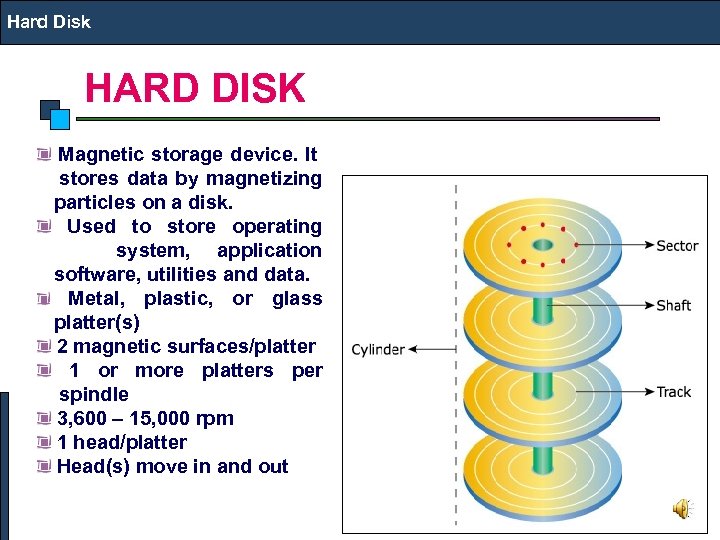 Hard Disk HARD DISK Magnetic storage device. It stores data by magnetizing particles on a disk. Used to store operating system, application software, utilities and data. Metal, plastic, or glass platter(s) 2 magnetic surfaces/platter 1 or more platters per spindle 3, 600 – 15, 000 rpm 1 head/platter Head(s) move in and out
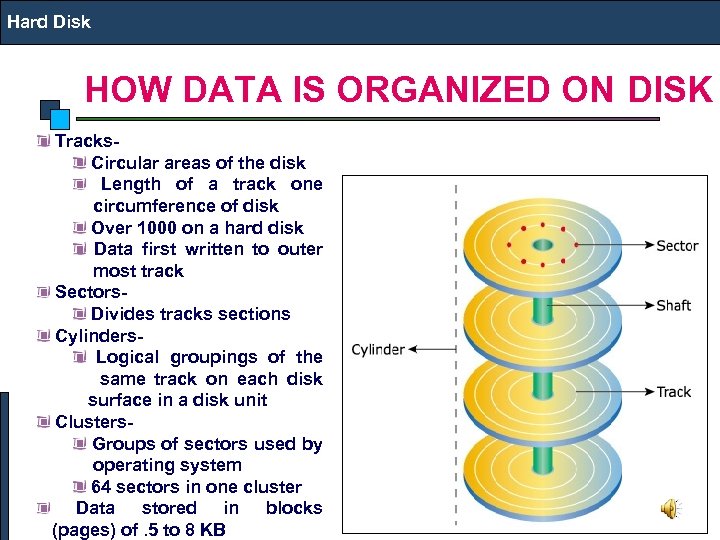 Hard Disk HOW DATA IS ORGANIZED ON DISK Tracks- Circular areas of the disk Length of a track one circumference of disk Over 1000 on a hard disk Data first written to outer most track Sectors- Divides tracks sections Cylinders- Logical groupings of the same track on each disk surface in a disk unit Clusters- Groups of sectors used by operating system 64 sectors in one cluster Data stored in blocks (pages) of. 5 to 8 KB
 Hard Disk HARD DISK IDE: Obsolete, also called PATA (Parallel Advanced Technology Attachment ), I/O Rate: 16 MB/s originally later 33, 66, 100 and 133 MB/s , SATA (Serial ATA): Used in Desktops/Laptops, I/O Rate: 1. 5/3 Gbps, 5400/7200 RPM SCSI (Small Computer System Interface ): Used in Servers, 10/15 K RPM, I/O Rate: 160/320 MB/s SAS (Serial Attached SCSI ): Used in Servers, 10/15 K RPM, I/O Rate: 3 Gbps FC (Fiber Channel): I/O Rate 4 Gbps, Expensive and used in Storage i. SCSI: I/O Rate 4 Gbps, Expensive and used in Storage Solid State Drive: non-volatile flash memory
 Hard Disk HARD DISK Low-level format- organizes both sides of each platter into tracks and sectors to define where items will be stored on the disk. Partitioning: divide hard disk into separate areas called partitions; each partition functions as if it were a separate hard disk drive. High-level format: defines the file allocation table (FAT) for each partition, which is a table of information used to locate files on the disk.
 QUESTIONS?