


 Скачать презентацию Credit Card Processing Overview Credit Card Setup
8a59ba96d230722f283d63bd7b6749e5.ppt
- Количество слайдов: 18
 Credit Card Processing Overview
 Credit Card Setup Overview p Call The Business Link (973 -473 -6599) Decide on Processor/Clearing House Software. n n n p Eprocess Network Authorize Net IC Verify Setup with your bank
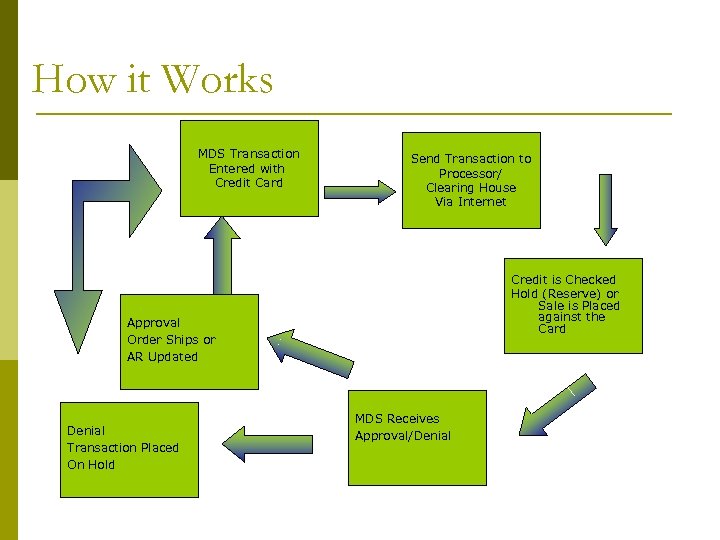 How it Works MDS Transaction Entered with Credit Card Send Transaction to Processor/ Clearing House Via Internet Credit is Checked Hold (Reserve) or Sale is Placed against the Card Approval Order Ships or AR Updated Denial Transaction Placed On Hold MDS Receives Approval/Denial
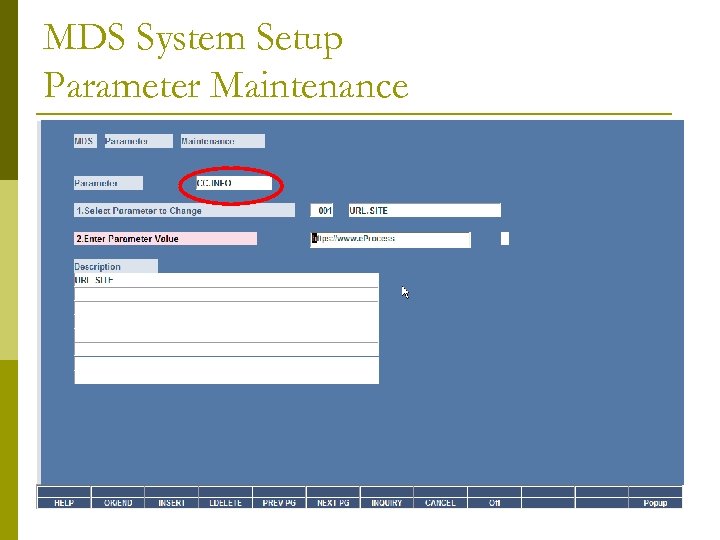 MDS System Setup Parameter Maintenance
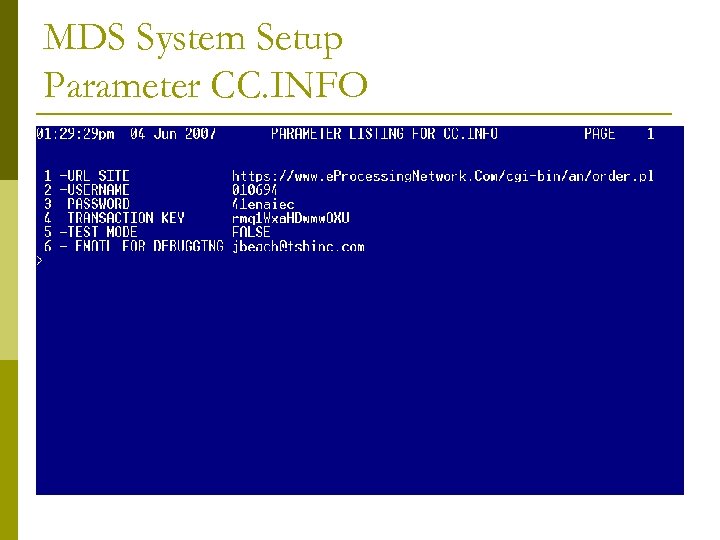 MDS System Setup Parameter CC. INFO
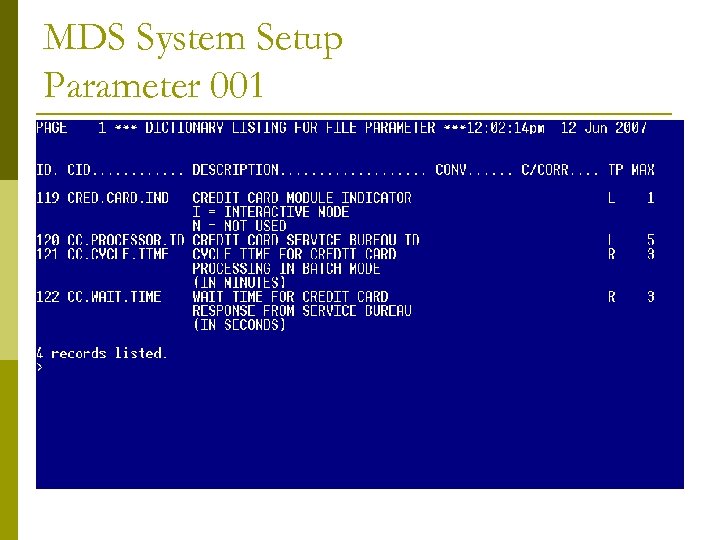 MDS System Setup Parameter 001
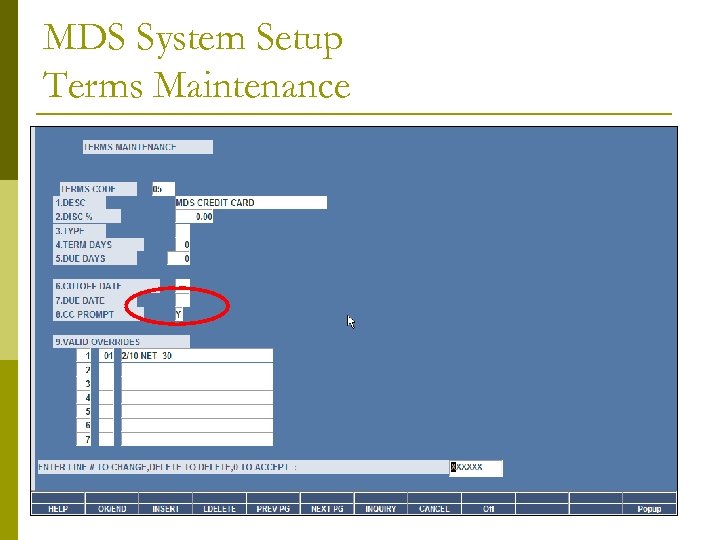 MDS System Setup Terms Maintenance
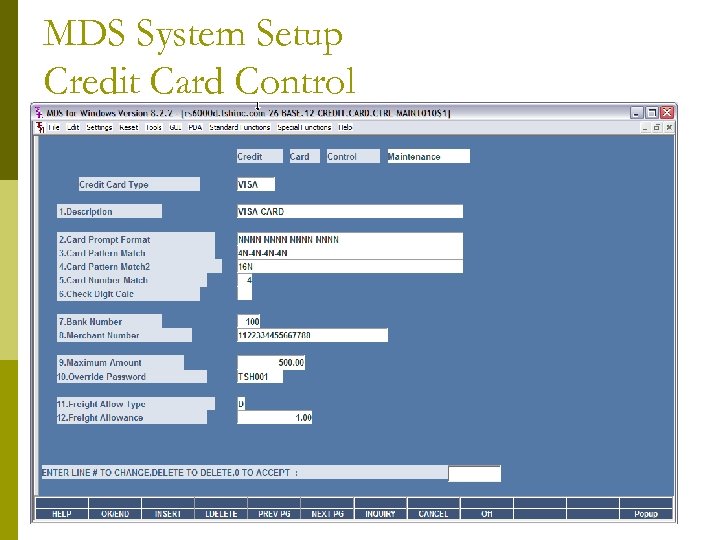 MDS System Setup Credit Card Control
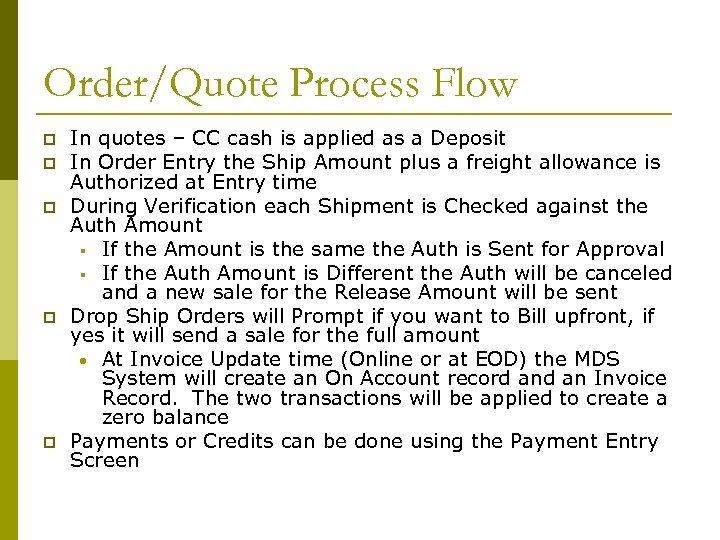 Order/Quote Process Flow p p p In quotes – CC cash is applied as a Deposit In Order Entry the Ship Amount plus a freight allowance is Authorized at Entry time During Verification each Shipment is Checked against the Auth Amount § If the Amount is the same the Auth is Sent for Approval § If the Auth Amount is Different the Auth will be canceled and a new sale for the Release Amount will be sent Drop Ship Orders will Prompt if you want to Bill upfront, if yes it will send a sale for the full amount • At Invoice Update time (Online or at EOD) the MDS System will create an On Account record an Invoice Record. The two transactions will be applied to create a zero balance Payments or Credits can be done using the Payment Entry Screen
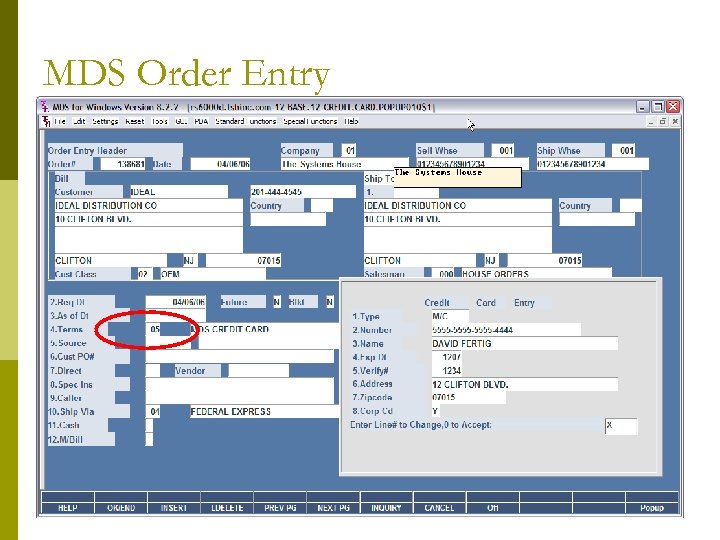 MDS Order Entry
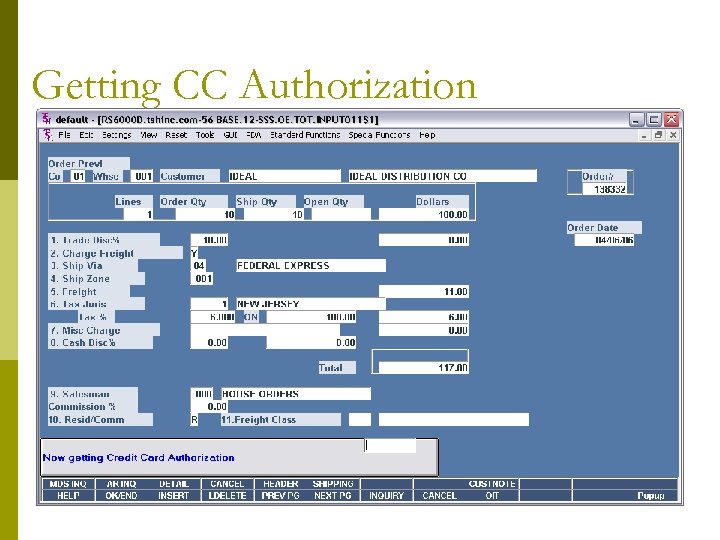 Getting CC Authorization
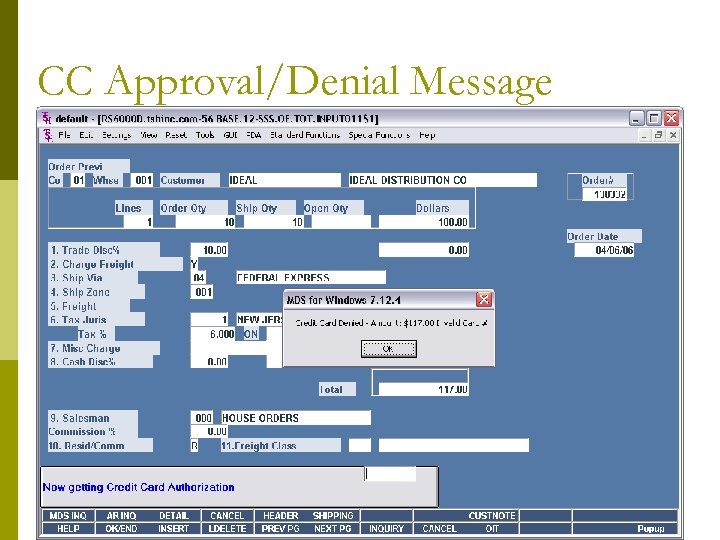 CC Approval/Denial Message
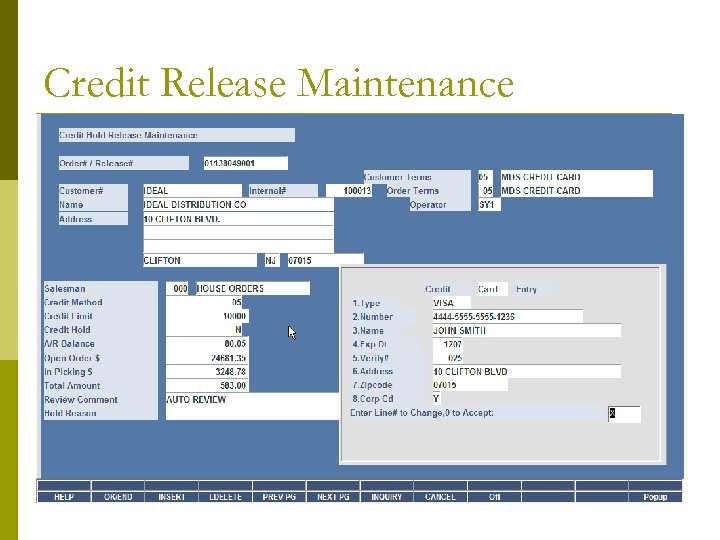 Credit Release Maintenance
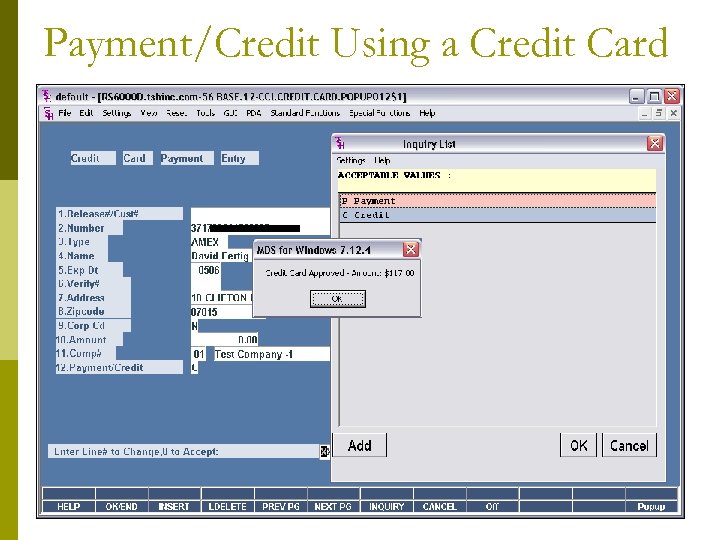 Payment/Credit Using a Credit Card
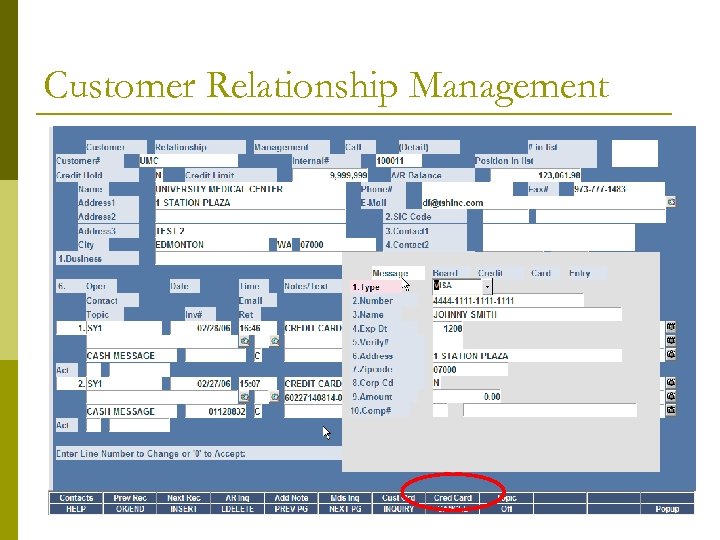 Customer Relationship Management
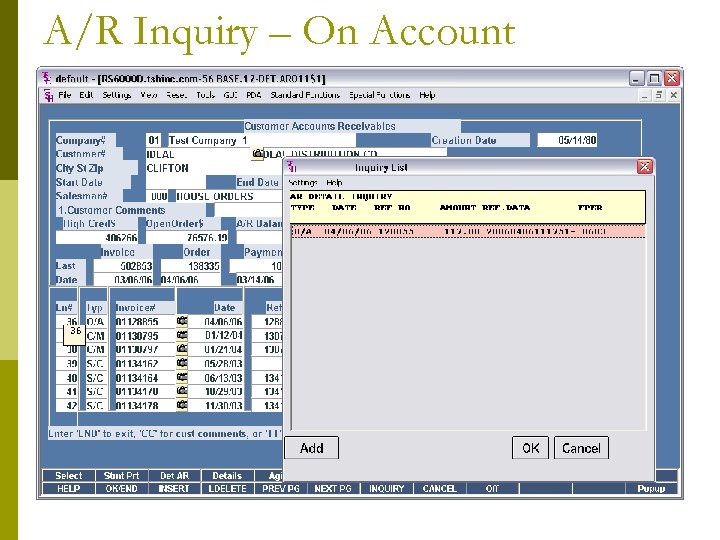 A/R Inquiry – On Account
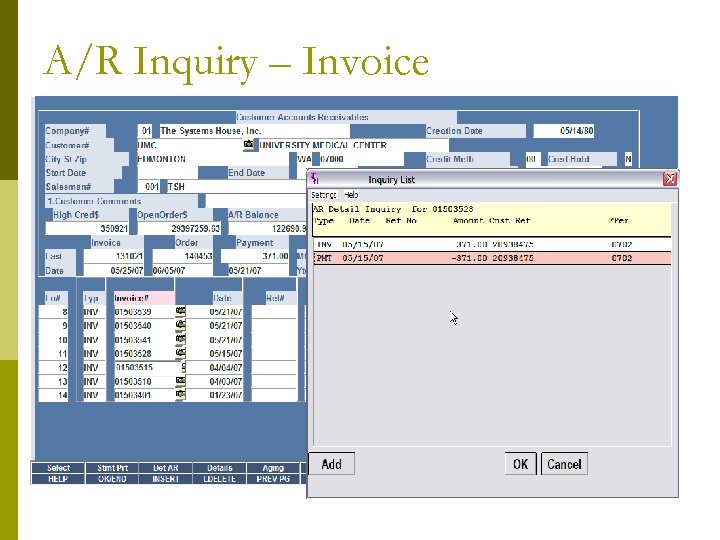 A/R Inquiry – Invoice
 Accounting Procedures Summary p p p Invoices will show as paid O/A will show as open until they are Applied Any Items paid off from the CRM system will display a note to the Cash Operator on how to Apply You can print a Receipt for your records You can run reports to match to daily cash Daily Cash Batch with CC in the beginning (CCVisa, CC-Amex, etc) will allow you to tie out to Daily/Monthly Totals from your Merchant Bank report the same way