


 Скачать презентацию Creating In-house Video Tutorials to enhance campus training
04de8add8761cdd51b0f71f26e1c7b8a.ppt
- Количество слайдов: 38
 Creating In-house Video Tutorials to enhance campus training sessions Lindsay Hutchins Matts Educational Technologist
 Introduction to William Mitchell College of Law
 Learning Outcomes • Knowledge of Best Practices in E-learning • Better understanding of screen-sharing/ video capture software products • How can you use these tools at your institution?
 E-learning is: Content and instructional methods delivered on a computer and designed to build knowledge and skills related to individual or organizational goals
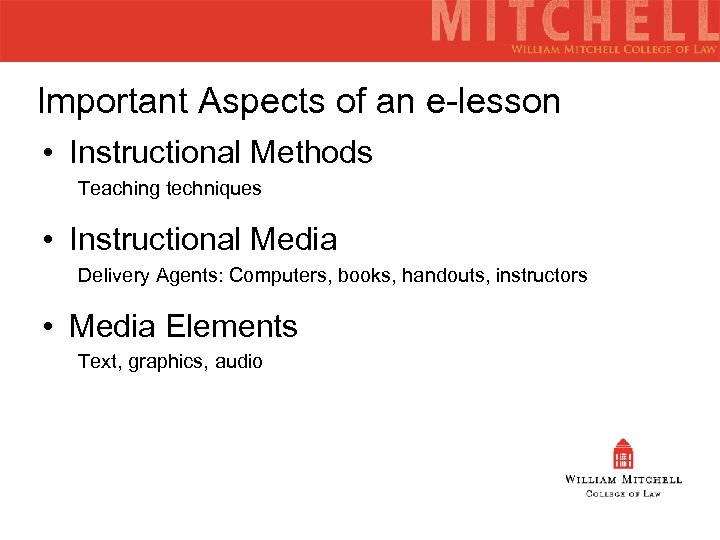 Important Aspects of an e-lesson • Instructional Methods Teaching techniques • Instructional Media Delivery Agents: Computers, books, handouts, instructors • Media Elements Text, graphics, audio
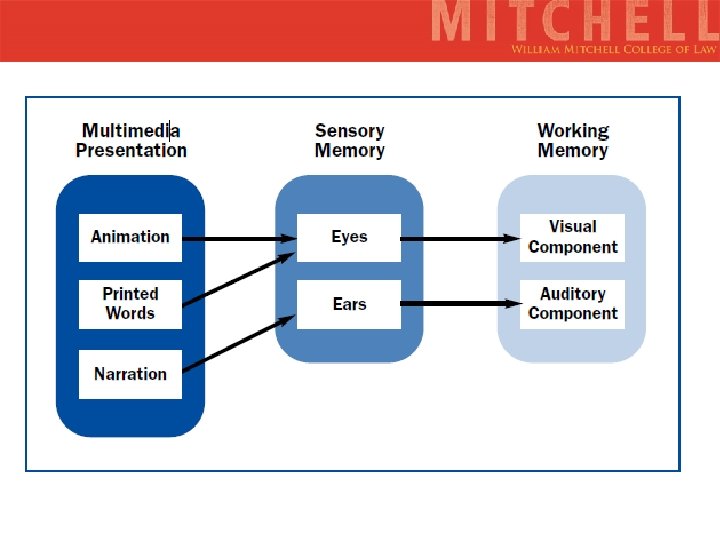
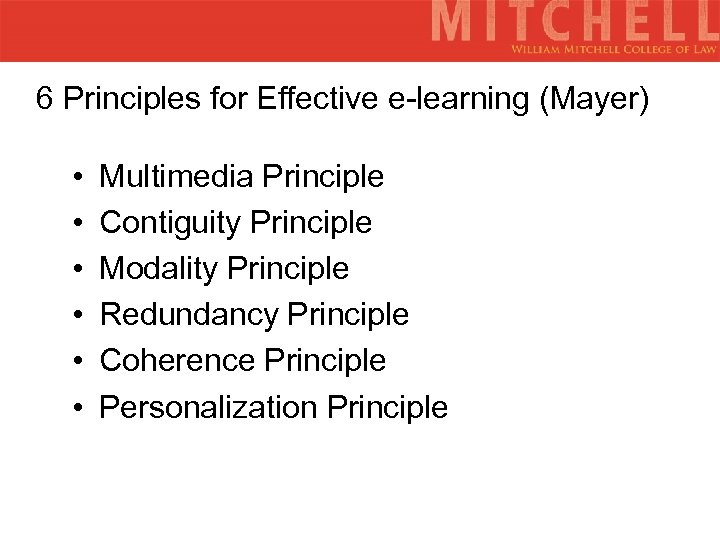 6 Principles for Effective e-learning (Mayer) • • • Multimedia Principle Contiguity Principle Modality Principle Redundancy Principle Coherence Principle Personalization Principle
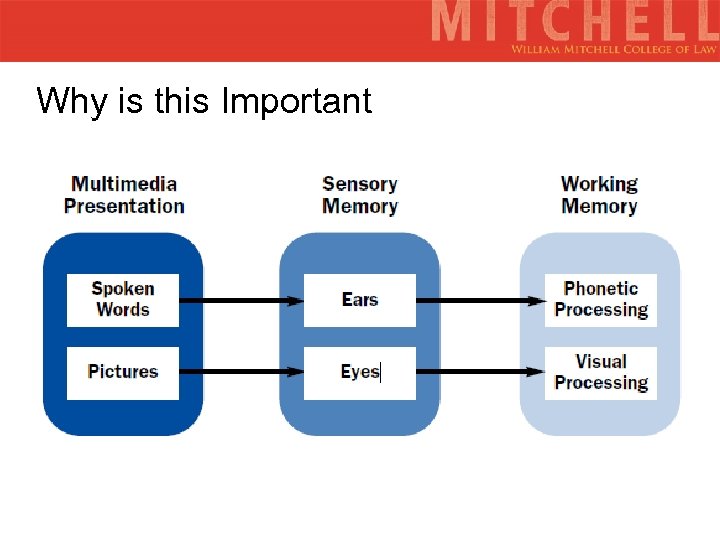 Why is this Important
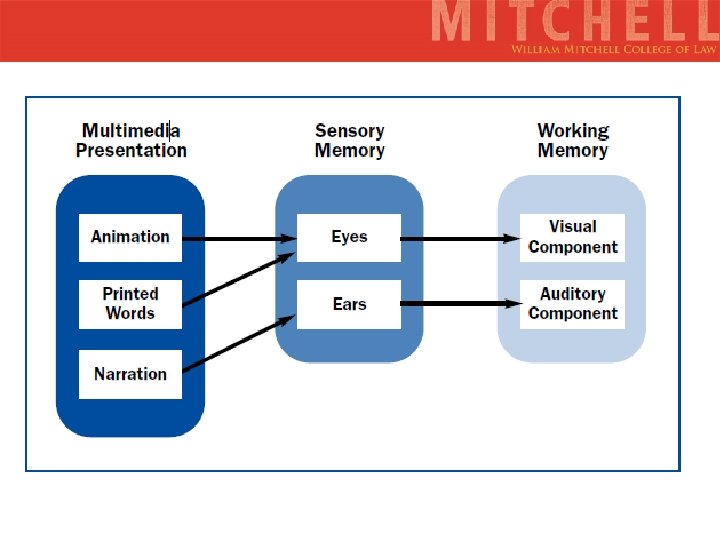
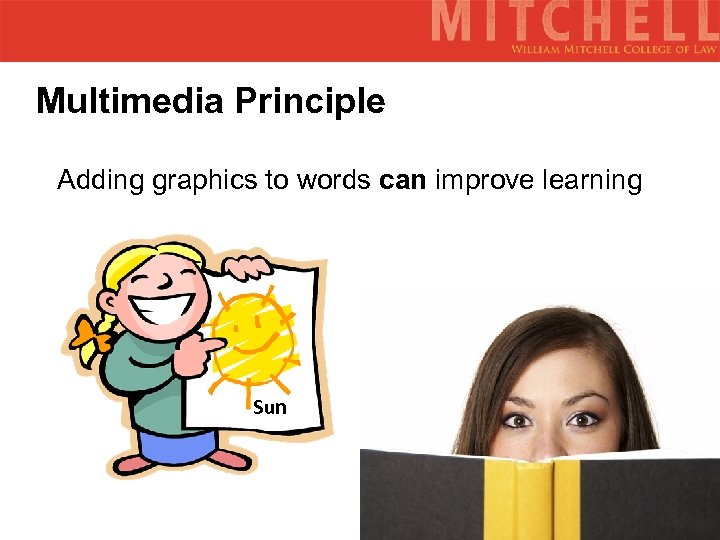 Multimedia Principle Adding graphics to words can improve learning Sun
 Types of Graphics Decorative
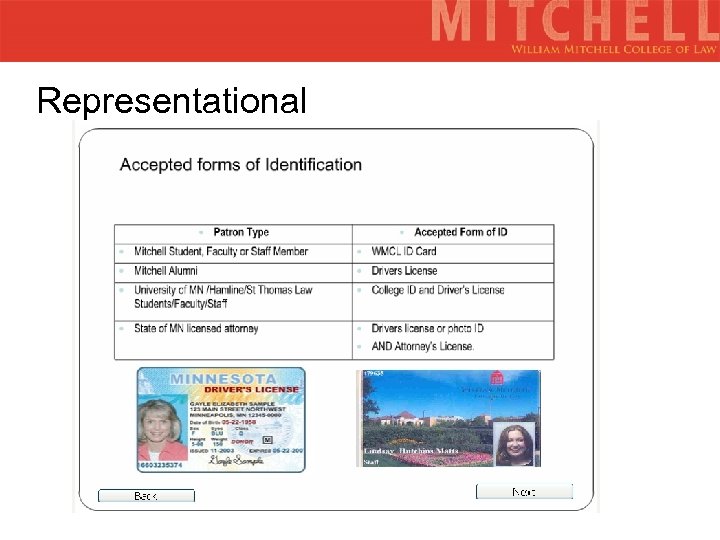 Representational
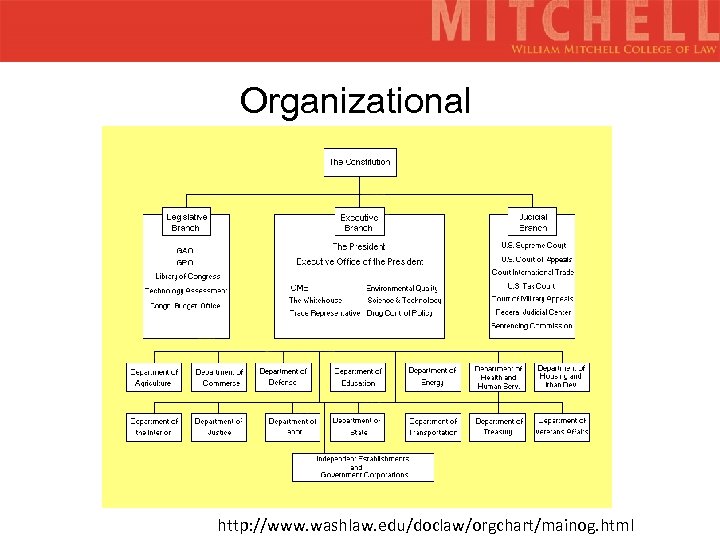 Organizational http: //www. washlaw. edu/doclaw/orgchart/mainog. html
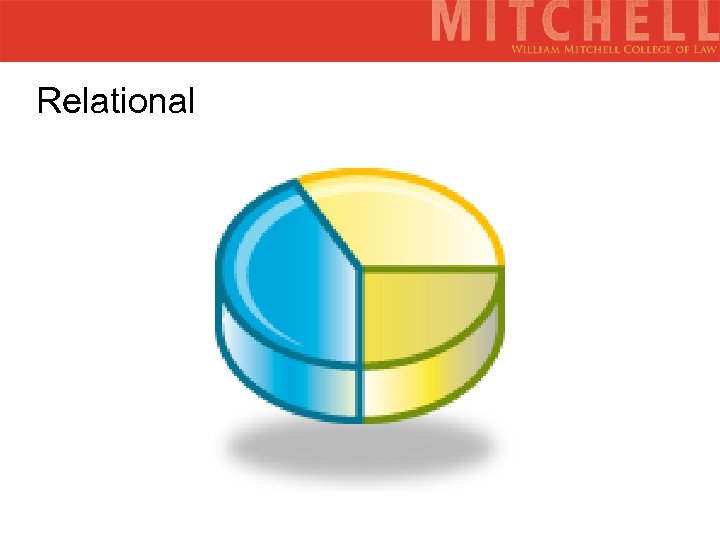 Relational
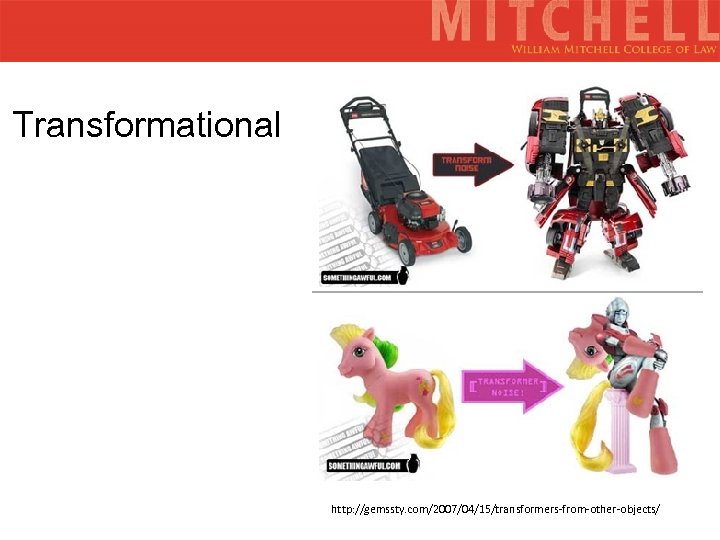 Transformational http: //gemssty. com/2007/04/15/transformers-from-other-objects/
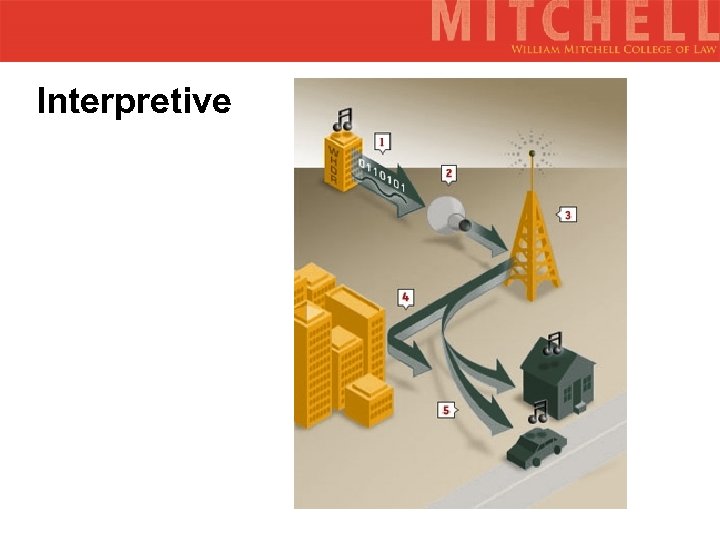 Interpretive
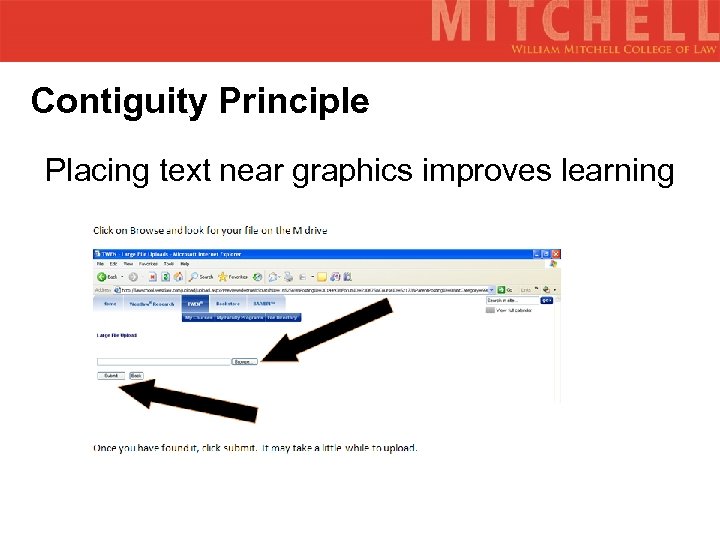 Contiguity Principle Placing text near graphics improves learning
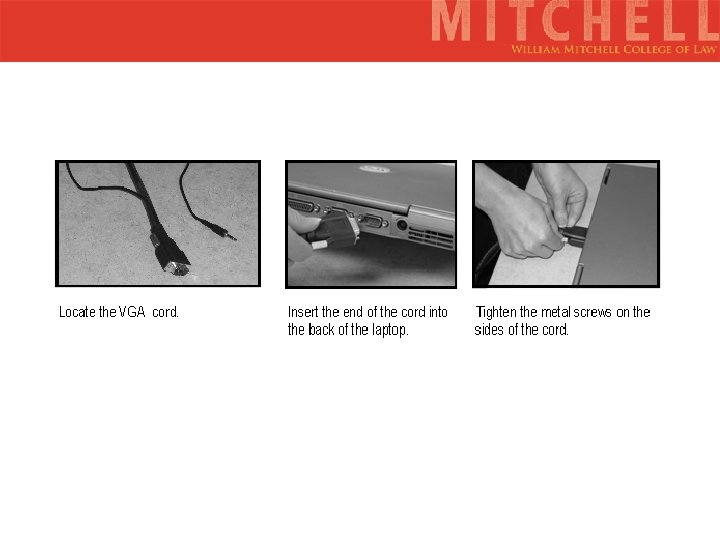
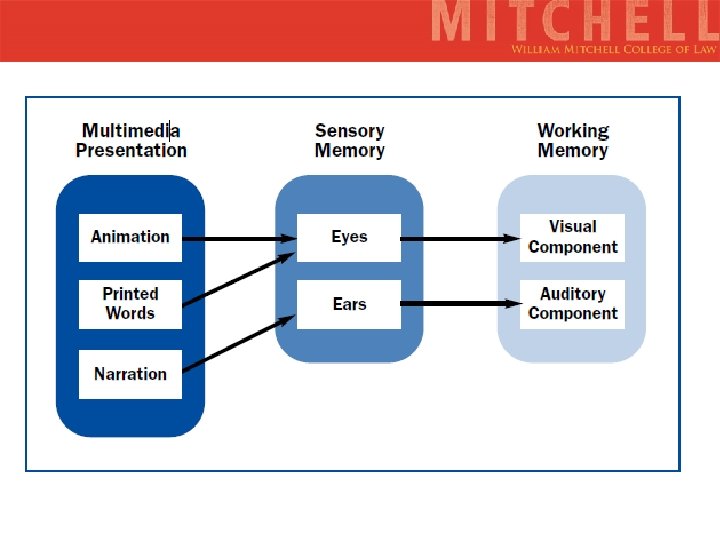
 Modality Principle Explaining graphics with audio can improve learning
 Redundancy Principle Explaining graphics with audio and redundant text can hurt learning. Don’t read off of the screen
 Coherence Principle Using gratuitous visuals, text, and sounds can hurt learning http: //www. utipu. com/app/tip/id/8/
 Personalization Principle Use a conversational tone and pedagogical agents to increase learning.
 6 Principles for Effective e-learning • • • Multimedia Principle Contiguity Principle Modality Principle Redundancy Principle Coherence Principle Personalization Principle
 Questions to ask: ; What is the goal of the screencast? • • Who is your audience? • What is the time frame?
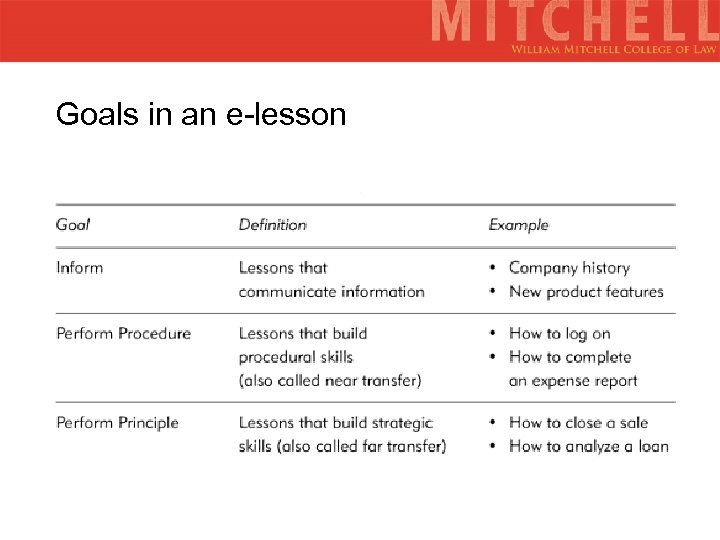 Goals in an e-lesson
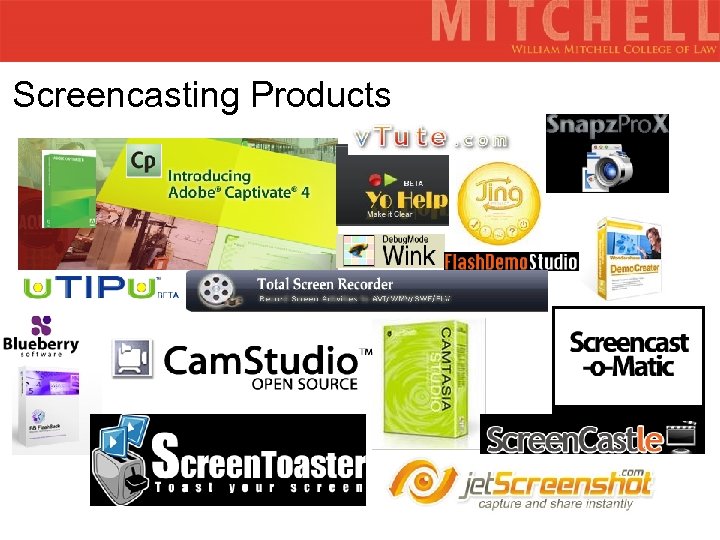 Screencasting Products
 Jing: www. jingproject. com Best for: Quick & Dirty “On the Fly” tutorials Upsides: Free 5 minute videos or less Screencapture & Screencast Hosted (on screencast. com) Capture window, pan or region Customizable buttons Customize screenshots Embedding/sharing Downsides: 5 minutes or less Can’t edit videos (unless you have Camtasia) Can’t add text Free = Jing branding No webcam recording (on $ v. ) SWF only (MPEG-4 on $ v. )
 Example of a Jing Screencast http: //screencast. com/t/m. C 4 Yt 5 o. GMj
 u. Tipu www. utipu. com Best for: Quick & Dirty “On the Fly” tutorials Upsides: Free Add in notes within timeline Hosted Public & Private videos Full screen default, zoom options Embedding/sharing Annotations Some editing features – text notes & rerecord voice Downsides: 20 minutes or less Can’t edit videos No webcam recording (on $ v. ) SWF only (MPEG-4 on $ v. ) Branded in free version
 Example of a u. Tipu Screencast How to Use u. Tipu
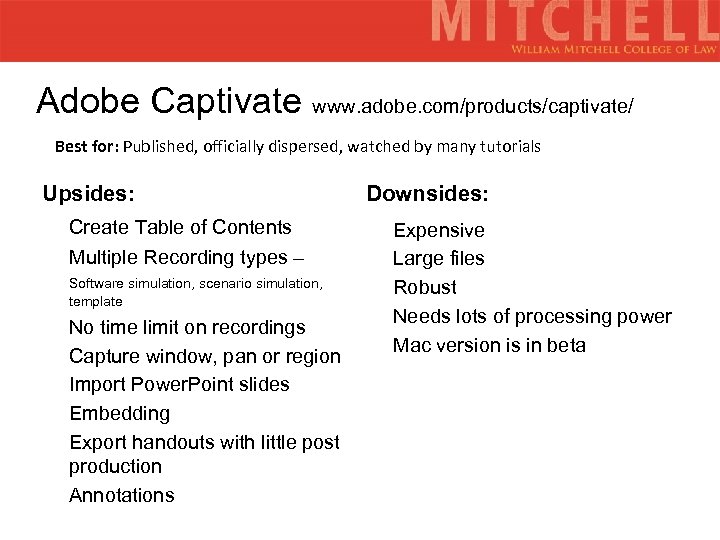 Adobe Captivate www. adobe. com/products/captivate/ Best for: Published, officially dispersed, watched by many tutorials Upsides: Create Table of Contents Multiple Recording types – Software simulation, scenario simulation, template No time limit on recordings Capture window, pan or region Import Power. Point slides Embedding Export handouts with little post production Annotations Downsides: Expensive Large files Robust Needs lots of processing power Mac version is in beta
 Using Captivate How it works Examples Using Web Courses Using Millennium Circulation Navigating the Student Web
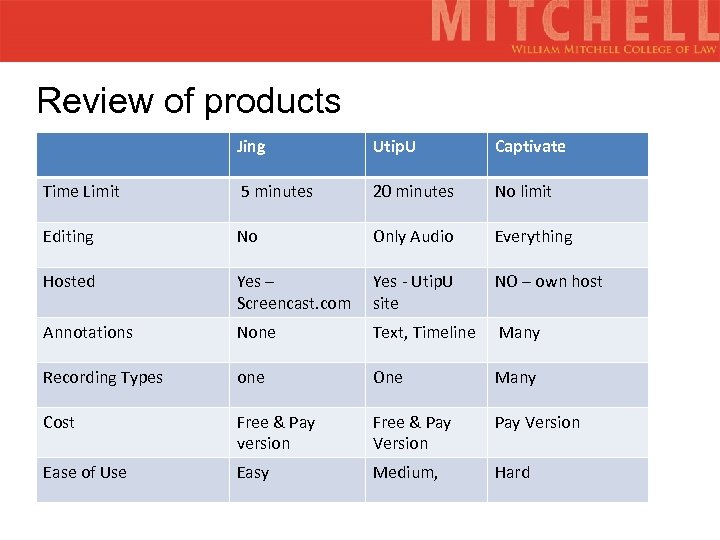 Review of products Jing Utip. U Captivate Time Limit 5 minutes 20 minutes No limit Editing No Only Audio Everything Hosted Yes – Screencast. com Yes - Utip. U site NO – own host Annotations None Text, Timeline Many Recording Types one One Many Cost Free & Pay version Free & Pay Version Ease of Use Easy Medium, Hard
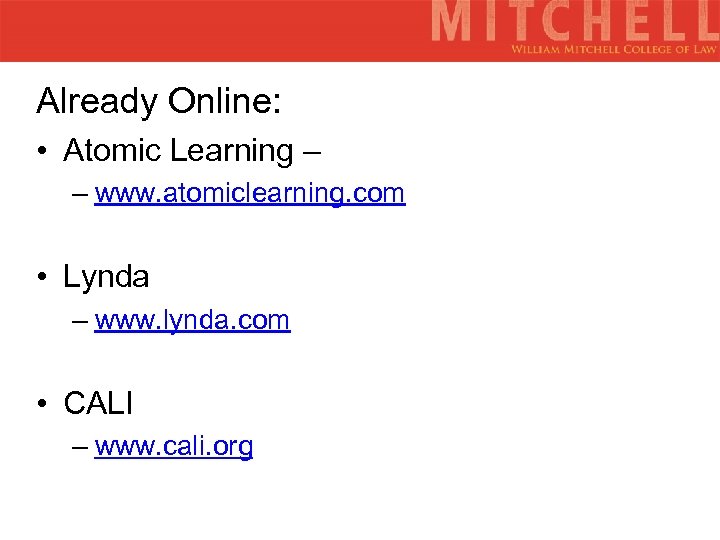 Already Online: • Atomic Learning – – www. atomiclearning. com • Lynda – www. lynda. com • CALI – www. cali. org
 Questions, Comments, Concerns?
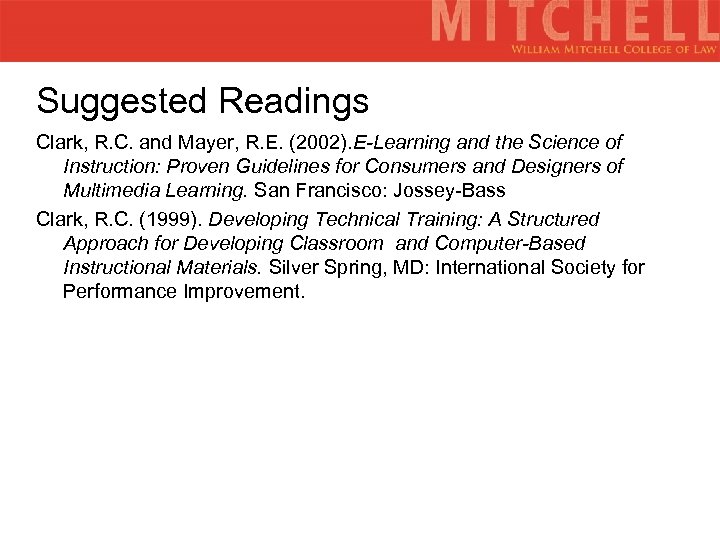 Suggested Readings Clark, R. C. and Mayer, R. E. (2002). E-Learning and the Science of Instruction: Proven Guidelines for Consumers and Designers of Multimedia Learning. San Francisco: Jossey-Bass Clark, R. C. (1999). Developing Technical Training: A Structured Approach for Developing Classroom and Computer-Based Instructional Materials. Silver Spring, MD: International Society for Performance Improvement.