 Скачать презентацию Creating a Web Site Copyright 2014 by
24eabfb0d0131b13c4d2551511cb3665.ppt
- Количество слайдов: 9



Creating a Web Site Copyright © 2014 by The University of Kansas
What is a web site? A web site is any collection of one or more web pages —single files that can be displayed on the World Wide Web Copyright © 2014 by The University of Kansas
Why create a web site? Holds lots of information. Info quickly available 24/7. Establishes image & credibility. Reaches people you might not otherwise reach. • Revisions immediately available. • Can spur people on to action. • Can help people contact you. • • Copyright © 2014 by The University of Kansas
When is a good time to create a web site? • Any time! • Early on, it can help establish your public image and some level of credibility with the public. • Adding a web site at any point can do --or at least enhance-- these things as well. Copyright © 2014 by The University of Kansas
How do you create and use a web site? • Decide who will create the site. • Must know HTML • Must keep site up-to-date • Make a rough budget. • Commercial web hosting can cost $15$100/month • Often a setup fee of $10 -$40 • Free services are often limited in terms of how much you can do with your site • Select a web hosting service. • Shop around! Copyright © 2014 by The University of Kansas
How do you create and use a web site? (cont. ) • Decide whether to register a domain name. • Registration costs $100 -$225/year • Cost often included in monthly charge from host • Decide what info to include on the site. • Mission & purpose • Contact info • Info on services or programs • Info on volunteering & donations • News/Calendar/Upcoming Events • Links for further info • Links to sponsors, partners Copyright © 2014 by The University of Kansas
Also consider: • Site map • "What's New? " • Frequently Asked Questions • Staff, board, volunteers • Guestbook or feedback • Stats on members, services • • Organization history Online gallery Job openings Action alerts Web counter Annual report Awards Copyright © 2014 by The University of Kansas
How do you create and use a web site? (cont. ) • Work with your web host and webmaster to build the site. • Decide on graphics • Make sure site is easy to navigate • Consider accessibility issues for people with disabilities • Get feedback from others and make changes. • Does site load easily? • Is info arranged logically? • Is site easy to read? • Does the info make sense? Copyright © 2014 by The University of Kansas
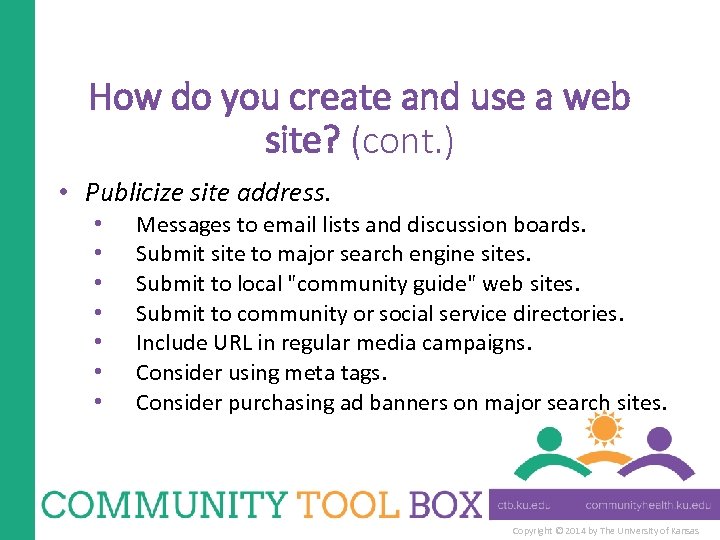
How do you create and use a web site? (cont. ) • Publicize site address. • • Messages to email lists and discussion boards. Submit site to major search engine sites. Submit to local "community guide" web sites. Submit to community or social service directories. Include URL in regular media campaigns. Consider using meta tags. Consider purchasing ad banners on major search sites. Copyright © 2014 by The University of Kansas
Скачать презентацию Creating a Web Site Copyright 2014 by
24eabfb0d0131b13c4d2551511cb3665.ppt