 Скачать презентацию Creating a Legal Web Site Jeremy Malcolm A
45b3c09d4822e0bf79bbfeddcf47a2c4.ppt
- Количество слайдов: 21



Creating a Legal Web Site Jeremy Malcolm A presentation to WASCAL on 21 May 1997
Introduction At the beginning of 1995 there were no Australian law firms on the Web l A Web page is a cost-effective form of promotion that can also add value for existing clients l In this seminar you will learn: l – What is involved in developing a Web site – How to create or prototype your own site
Agenda l Preliminaries – Should I try to do it myself? – What do you need to get started? Web page design l Tools for Web creation l Web page coding l Spice up your Web site l Power. Point, Front. Page and Hotdog demos l
Should I do it myself? l Professional Web design/construction – Dedicated graphic designers, programmers, marketers and tech-heads – Will probably not be formally qualified l Do it yourself – Prototype page can be improved later – More control – More frequent updates – Save money!
What do I need? l Internet connectivity: – Dial-up Internet connection (eg. IAP Direct) – Web hosting Next Publishing http: //www. online. next. com. au l The Internet Lawyer http: //www. internetlawyer. com l The Seamless Website http: //seamless. com l Shark Net http: //www. sharknet. com l Inherent. Com http: //www. inherent. com l – Your own permanent connection (Lotus Notes)
Design - planning What do you want to communicate? l Get ideas from similar sites l “Rough-out” site with pen and paper l – Flowcharting – Idea tree l Less is more – too many images, fonts, styles, too much text
Design - content l Distinctive content http: //www. msj. com. au Children’s paintings http: //www. pictonwarlow. com. au Humour http: //www. minters. com. au 3 D animated logo http: //www. claytonutz. com. au and news bulletins l Refresh the content – updated links and info – a regular magazine section – tell people what's updated and when.
Design - promotion l Know your users – Gauge the site’s success Hit counters l Log file analysers l – Offer a mailing list, visitors' book or feedback page to enable people to express their interest. l Market the site (http: //www. submit-it. com) – Don't spam - in 1994 Laurence Canter and Martha Siegel spammed 6000 newsgroups
Design - graphics 216 colour palette l Graphics packages l – Paint Shop Pro – Adobe Photoshop – Microsoft Image Composer l Reduce download times – JPEG for photos, GIF for artwork – “Text-only” alternative
Tools for Web creation l WYSIWYG – What You See Is What You Get l HTML editors – See the HTML code you are writing – Better fine-tuning, less redundancy l High-end products – Database integration – Interactivity
Tools: WYSIWYG l Dedicated Web publishing software – Microsoft Frontpage 97 – Adobe Pagemill 2. 0 l Word processors – Microsoft Office 97 – Wordperfect 7 l Other – Netscape Navigator Gold 3. 0 – Microsoft Publisher 97
Tools: Editors l Hot. Dog Pro 3. 0 – Market leader - and Australian! l Home. Site 2. 0 – Simpler than Hot. Dog – Shareware version available Many free products l Notepad. exe l
Tools: High-end l Lotus Notes 4. 5 – Domino Web server converts Notes to HTML l Macromedia Internet Studio 2. 0 – WYSIWYG authoring, ODBC connectivity l Net. Objects Fusion 2. 0 – ODBC, graphical authoring, site management l Microsoft Visual Inter. Dev 1. 0 – Front. Page, programming, IIS etc.
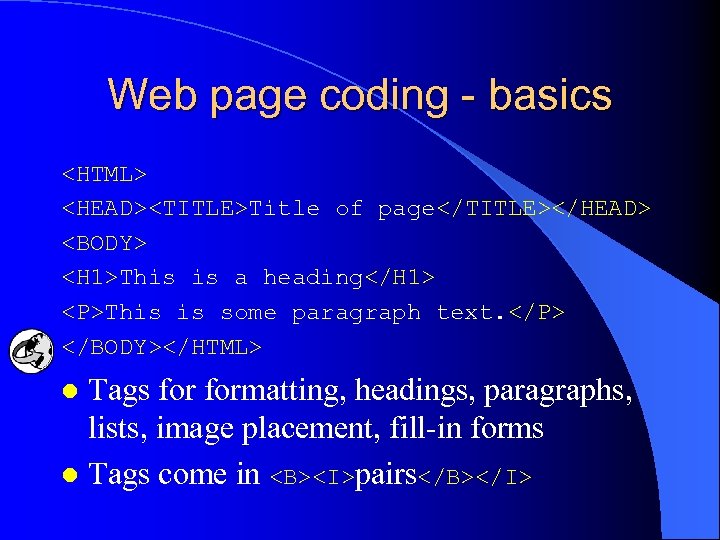
Web page coding - basics <HTML> <HEAD><TITLE>Title of page</TITLE></HEAD> <BODY> <H 1>This is a heading</H 1> <P>This is some paragraph text. </P> </BODY></HTML> Tags formatting, headings, paragraphs, lists, image placement, fill-in forms l Tags come in <B><I>pairs</B></I> l
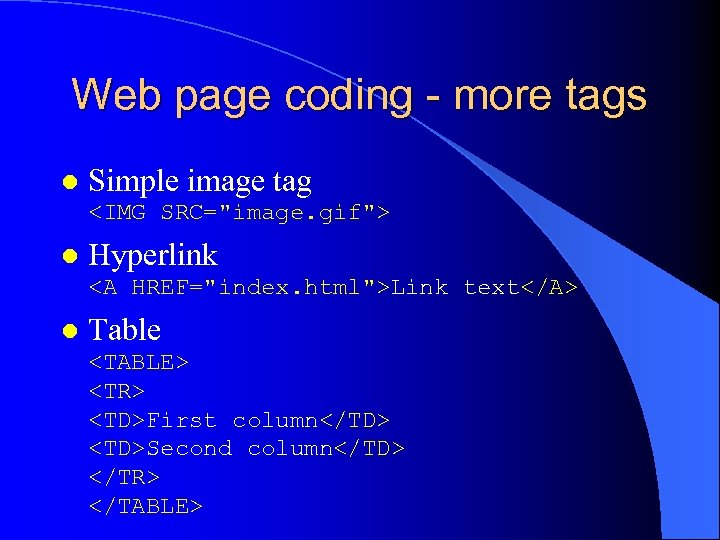
Web page coding - more tags l Simple image tag <IMG SRC="image. gif"> l Hyperlink <A HREF="index. html">Link text</A> l Table <TABLE> <TR> <TD>First column</TD> <TD>Second column</TD> </TR> </TABLE>
Spice up your Web site l Java – Java applets (navigation windows, visual FX) – Javascript (browser-detection, totalling figures) – Also Jscript, VBscript – Can be annoying, like the <blink>tag </blink> when used over-indulgently. l Active. X – Installed on system or downloaded as needed – Generally only for Windows users
Spice up… - sight and sound l Frames – Will tables do the trick? Style sheets l Image maps l Real. Audio l – ISP needs to have Realaudio server. Encoder and player software available free from http: //www. realaudio. com. l Background music
Spice up… - movement l Animation – GIF, Java, CGI (SSI), Shockwave – Can be annoying, especially if borrowed. Video, Quicktime VR l VRML l Software l – Links to freeware/shareware – Developed in-house
Spice up… - interactivity Live content l CGI scripting l – Feedback form, message board, visitors book – Front. Page Server extensions l Dynamic HTML – Advantage: client-side – Disadvantage: Internet Explorer 4. 0 only
Summary If you want control, develop your own site l Keep the content fresh and interesting l High or low end sites - from $200 per year to $200+ per week l High or low end tools - from WYSIWYG editing to database integration l Web coding is just marking up text l Spice it up - but accomodate older browsers l
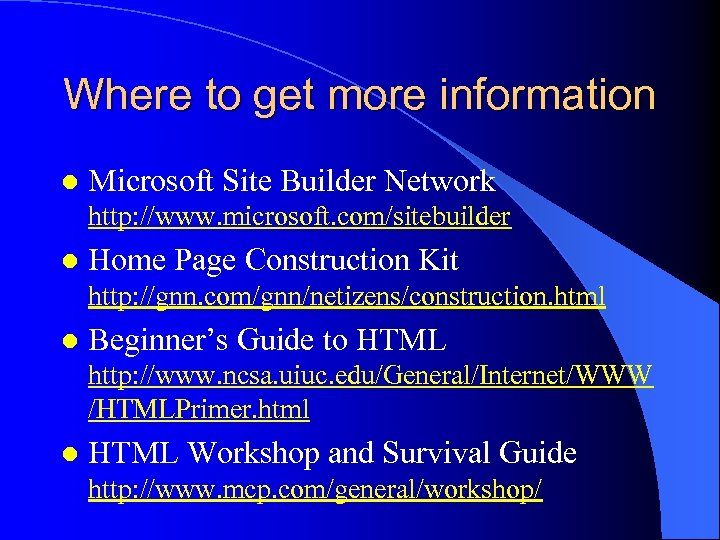
Where to get more information l Microsoft Site Builder Network http: //www. microsoft. com/sitebuilder l Home Page Construction Kit http: //gnn. com/gnn/netizens/construction. html l Beginner’s Guide to HTML http: //www. ncsa. uiuc. edu/General/Internet/WWW /HTMLPrimer. html l HTML Workshop and Survival Guide http: //www. mcp. com/general/workshop/
Скачать презентацию Creating a Legal Web Site Jeremy Malcolm A
45b3c09d4822e0bf79bbfeddcf47a2c4.ppt