


 Скачать презентацию Creating a HTML page Training Session Day 1
08eb1154149f0b9a59116d957d3abf86.ppt
- Количество слайдов: 8
 Creating a page Training Session Day 1 Web Management Training The Gambia Department of Parks and Wildlife Management Banjul, November 5 -7, 2007 Marc-Antoine Dunais Enabling Dimensions dunais@gmail. com info@enablingdimensions. com
 Overview • • • What is HTML? Anatomy of a web page What does a HTML page look like? How is HTML used (the world of tags)? How do we create the HTML page? Web Management Training The Gambia Department of Parks and Wildlife Management Banjul, November 5 -7, 2007 Marc-Antoine Dunais Enabling Dimensions dunais@gmail. com info@enablingdimensions. com
 What is HTML? • HTML = Hyper. Text Markup Language • It’s a set of orders that describe how a set of text and images should be displayed on a page in a web browser. • Using HTML, you can: – Set font size, type and colours – Add links and headings – Add images etc. Web Management Training The Gambia Department of Parks and Wildlife Management Banjul, November 5 -7, 2007 Marc-Antoine Dunais Enabling Dimensions dunais@gmail. com info@enablingdimensions. com
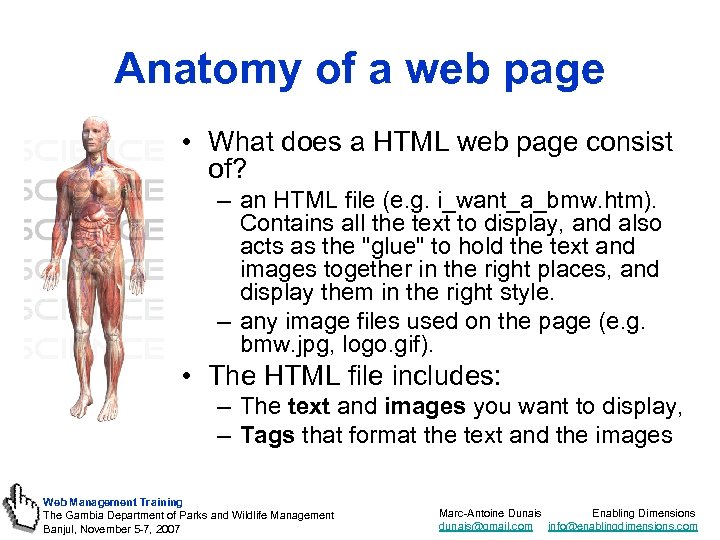 Anatomy of a web page • What does a HTML web page consist of? – an HTML file (e. g. i_want_a_bmw. htm). Contains all the text to display, and also acts as the "glue" to hold the text and images together in the right places, and display them in the right style. – any image files used on the page (e. g. bmw. jpg, logo. gif). • The HTML file includes: – The text and images you want to display, – Tags that format the text and the images Web Management Training The Gambia Department of Parks and Wildlife Management Banjul, November 5 -7, 2007 Marc-Antoine Dunais Enabling Dimensions dunais@gmail. com info@enablingdimensions. com
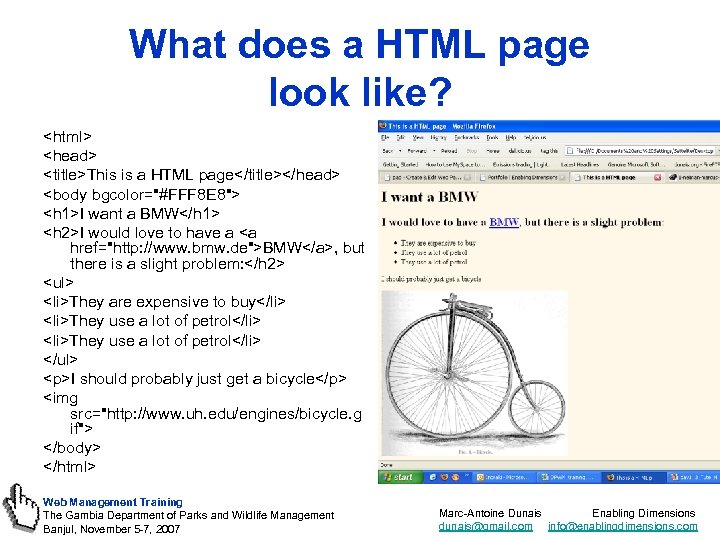 What does a HTML page look like?
- They are expensive to buy
- They use a lot of petrol
I should probably just get a bicycle
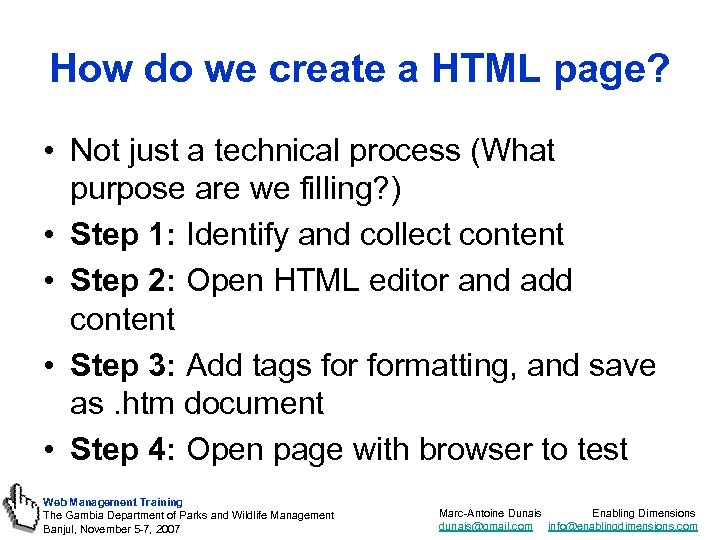 How do we create a HTML page? • Not just a technical process (What purpose are we filling? ) • Step 1: Identify and collect content • Step 2: Open HTML editor and add content • Step 3: Add tags formatting, and save as. htm document • Step 4: Open page with browser to test Web Management Training The Gambia Department of Parks and Wildlife Management Banjul, November 5 -7, 2007 Marc-Antoine Dunais Enabling Dimensions dunais@gmail. com info@enablingdimensions. com
 And now it’s your turn! 1. In your CD, open folder called “Day 1” and open file “Press Release” 2. Open Notepad and save the file as release. htm on your desktop 3. Try to replicate the text and layout in the Press Release file above by using HTML tags 4. To preview the file, open Firefox or Explorer, and open the file release. htm 5. Feel free to ask for help! Web Management Training The Gambia Department of Parks and Wildlife Management Banjul, November 5 -7, 2007 Marc-Antoine Dunais Enabling Dimensions dunais@gmail. com info@enablingdimensions. com
 Online guidance • http: //www. webdesignfromscratch. com/intr oduction-to-html. cfm • http: //www. jmarshall. com/easy/html/ • http: //www. htmldog. com/guides/htmlbegin ner/gettingstarted/ • http: //www. w 3 schools. com/html/default. as p Web Management Training The Gambia Department of Parks and Wildlife Management Banjul, November 5 -7, 2007 Marc-Antoine Dunais Enabling Dimensions dunais@gmail. com info@enablingdimensions. com