


 Скачать презентацию Crash Course in Georeferencing Michelle Koo Carol Spencer
25febc0fd289c2367bb2976758b164c3.ppt
- Количество слайдов: 47
 Crash Course in Georeferencing Michelle Koo, Carol Spencer, Andrew Reagan, Lauren Scheinberg
 Good and Bad Locality Descriptions Elements and Examples
 Overview n Elements of a Locality • • n Verbatim Locality Description Elevation Coordinates Datum GPS Accuracy Extent Reference Examples
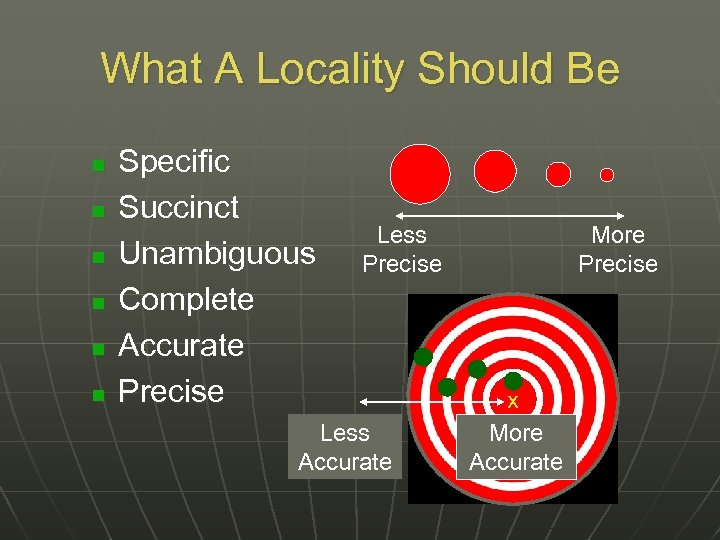 What A Locality Should Be n n n Specific Succinct Unambiguous Complete Accurate Precise Less Accurate More Precise x More Accurate
 Locality Tips n Avoid uncertainty due to imprecise headings • distance along a path • two orthogonal distances from a place n Use only one reference point • small in size (extent) • stable in position and size over time • easy to find on maps or in gazetteers n Avoid vague terms such as “near”, “vicinity of”, “about”, etc
 Elevation n Provide an elevation value Beware elevation from GPS - it is less accurate than a barometric altimeter (when calibrated) Report the source of elevation (map, altimeter, seat of pants, etc. )
 Coordinates n n n It is not enough to have coordinates alone, a locality description is essential. Decimal degrees are recommended. If a different system is used, record your resources. More decimal places are better. Original coordinates from GPS should be preserved. Know your GPS Make/Model and DATUM
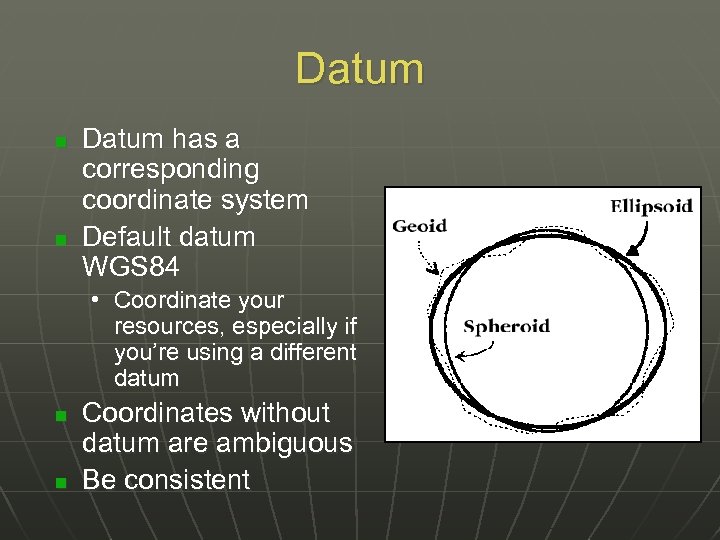 Datum n n Datum has a corresponding coordinate system Default datum WGS 84 • Coordinate your resources, especially if you’re using a different datum n n Coordinates without datum are ambiguous Be consistent
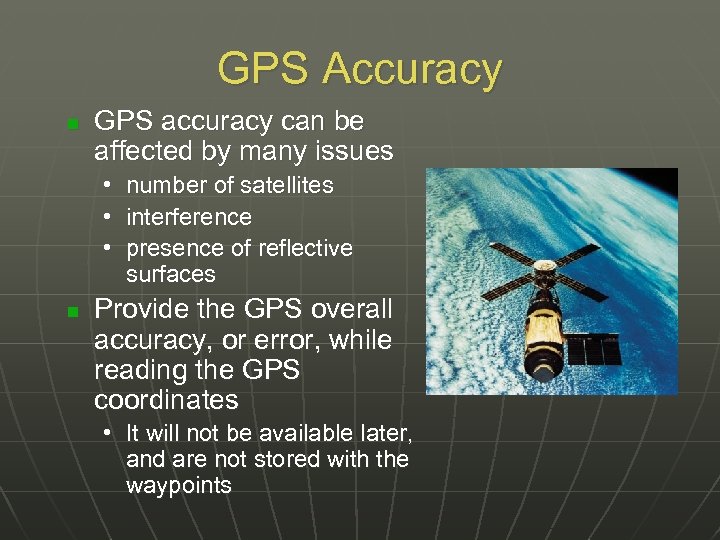 GPS Accuracy n GPS accuracy can be affected by many issues • number of satellites • interference • presence of reflective surfaces n Provide the GPS overall accuracy, or error, while reading the GPS coordinates • It will not be available later, and are not stored with the waypoints
 Extent n n Indicates the size of the area within which an event (collection, observation) occurred Can be a city, park, intersection, transect, grid, river, road, etc.
 References Document the sources and tools n Topographic map in field n Map title, publisher, scale, year, sheet number n Gazetteer or Road Atlas n Altimeter n GPS • • • Model Datum Accuracy
 Examples of Good and Bad Localities n Vague localities • BAD: “Sacramento River Delta” - an extremely large geographic area BETTER: “Locke, Sacramento River Delta, Sacramento Co. , California” - names a town within the Delta • BAD: “ 3 mi W of San Jose/Cartago border” without additional details, this would mean anywhere 3 mi W of the border GOOD: “ 3 mi W of San Jose/Cartago border on Highway 2, San Jose Province, Costa Rica”
 Examples of Good and Bad Localities n Names of Roads without additional reference • BAD: “Highway 9, Alajuela Province, Costa Rica” GOOD: “Intersection of Hwy 9 and Rio Cariblanco, Cariblanco (town), Alajuela Province, Costa Rica” • BAD: “S Berkeley, Alameda County, California” GOOD: “Oakland, 1 mi S of intersection of 66 th St and Telegraph Ave on Telegraph Ave. , Alameda Co. , California”
 Examples of Good and Bad Localities n Localities that are difficult to Georeference • BAD: “Battle Mountain, Lander Co. , Nevada” BETTER: “Battle Mountain (city), Lander Co. , Nevada” • BAD: “Km 58 Pan American Highway” GOOD: “Km 58 Pan American Highway, 6 km S of Cartago on Pan American Highway, Cartago Province, Costa Rica”
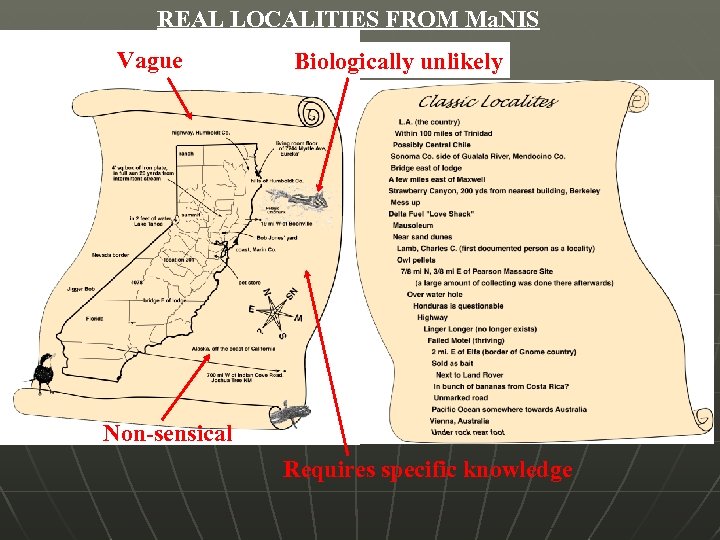 REAL LOCALITIES FROM Ma. NIS Vague Biologically unlikely Non-sensical Requires specific knowledge
 Online Resources
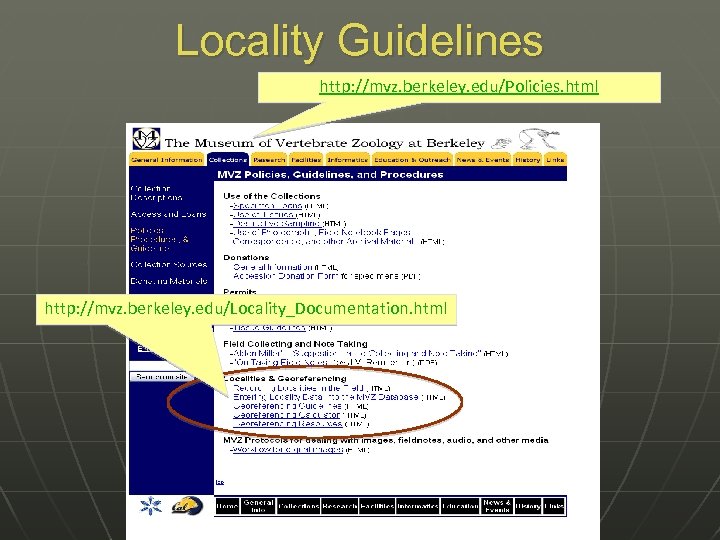 Locality Guidelines http: //mvz. berkeley. edu/Policies. html http: //mvz. berkeley. edu/Locality_Documentation. html
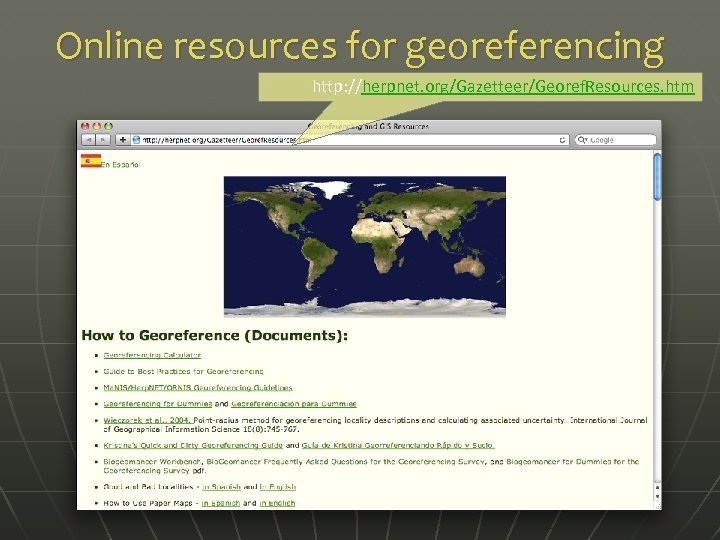 Online resources for georeferencing http: //herpnet. org/Gazetteer/Georef. Resources. htm
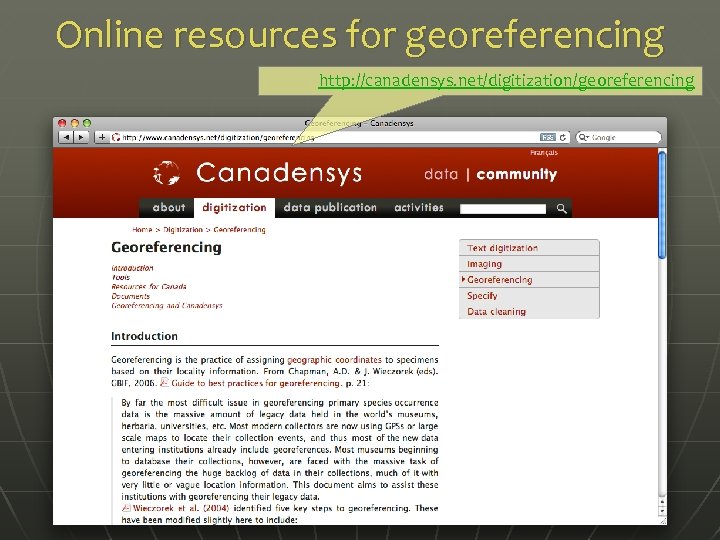 Online resources for georeferencing http: //canadensys. net/digitization/georeferencing
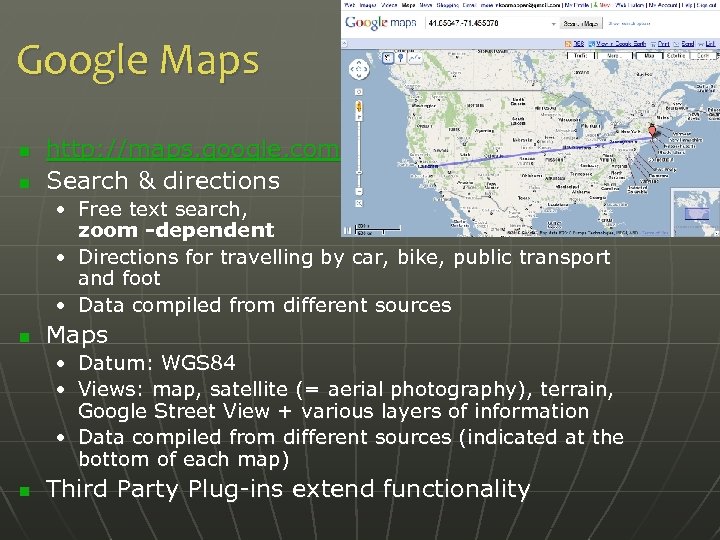 Google Maps n n http: //maps. google. com Search & directions • Free text search, zoom -dependent • Directions for travelling by car, bike, public transport and foot • Data compiled from different sources n Maps • Datum: WGS 84 • Views: map, satellite (= aerial photography), terrain, Google Street View + various layers of information • Data compiled from different sources (indicated at the bottom of each map) n Third Party Plug-ins extend functionality
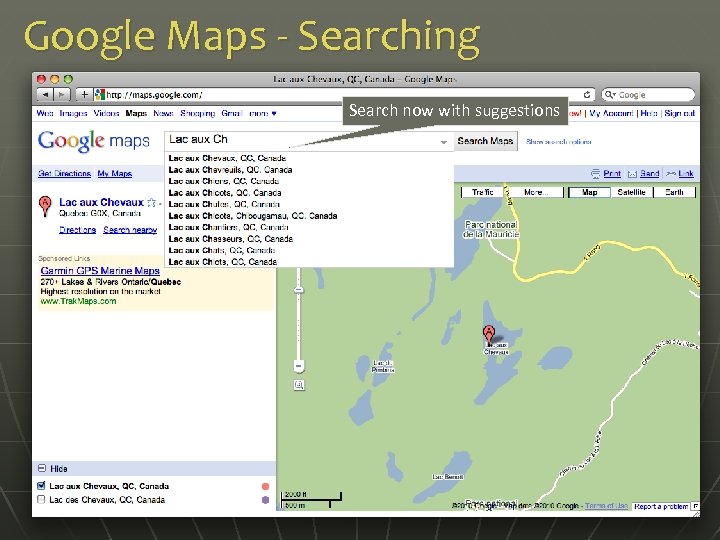 Google Maps - Searching Search now with suggestions
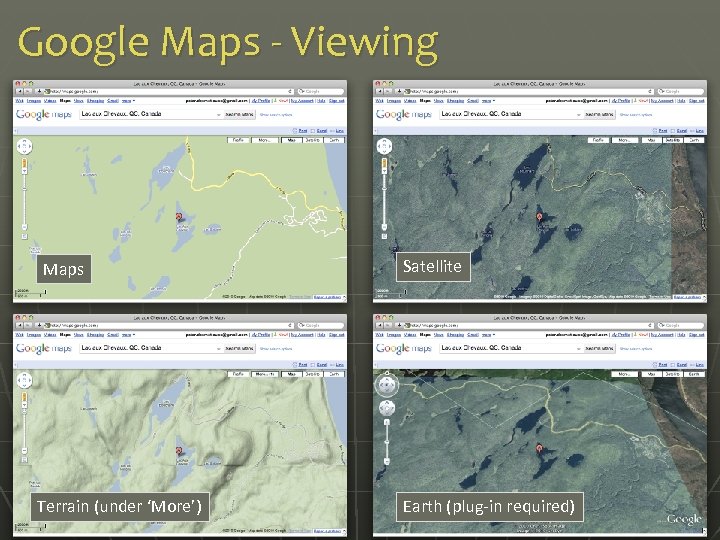 Google Maps - Viewing Maps Terrain (under ‘More’) Satellite Earth (plug-in required)
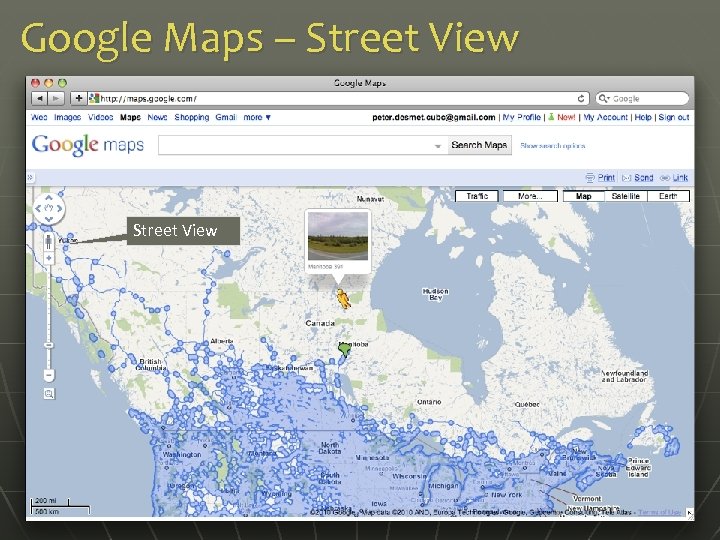 Google Maps – Street View
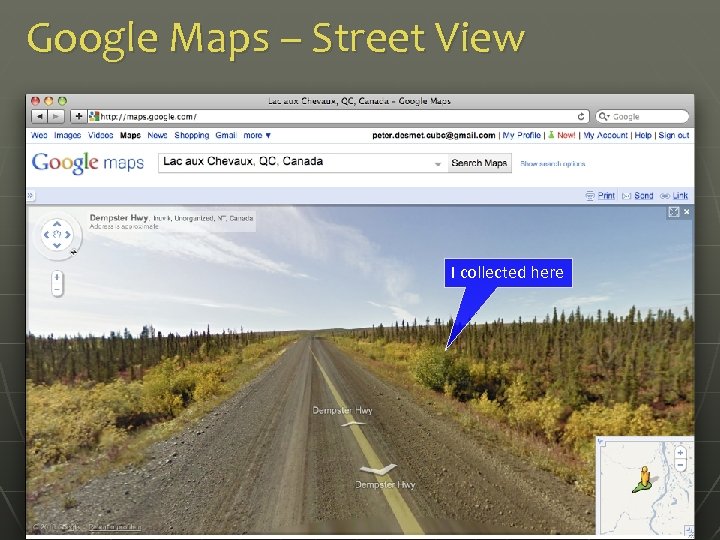 Google Maps – Street View I collected here
 Google Maps – Getting coordinates n n n Requires additional widgets or plug-ins • Activate Lat. Lng Marker in Google Maps Labs • Install a mapplet like GPS Location or Position Finder in ‘My Maps > Browse the directory’. Now deprecated! • Use Canadensys Lat. Long Crosshairs bookmarklet: http: //www. canadensys. net/georeferencing Use Distance Measurement Tool to measure extent Use My Maps to save markers, create maps, share with others (including kml import)
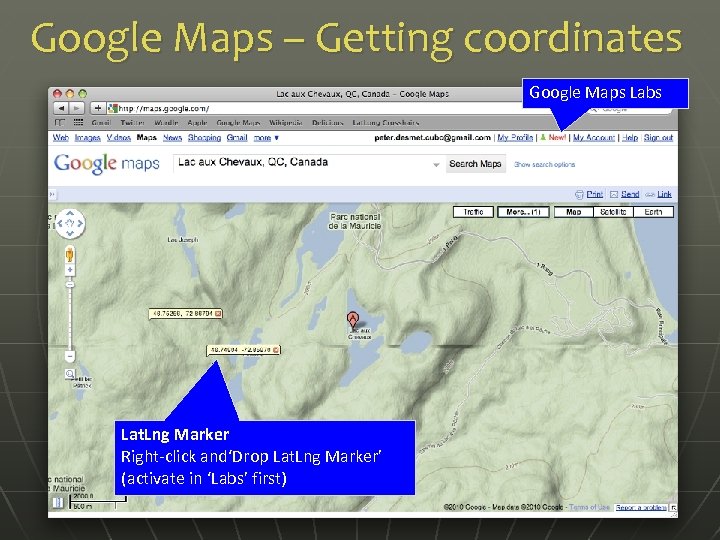 Google Maps – Getting coordinates Google Maps Labs Lat. Lng Marker Right-click and‘Drop Lat. Lng Marker’ (activate in ‘Labs’ first)
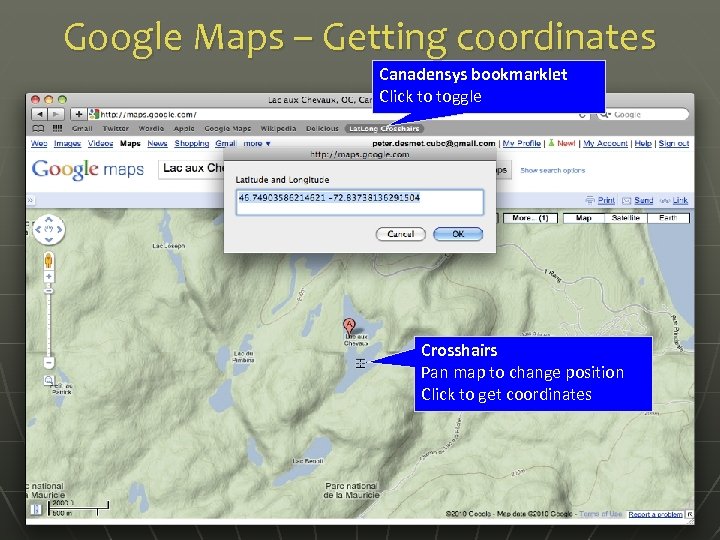 Google Maps – Getting coordinates Canadensys bookmarklet Click to toggle Crosshairs Pan map to change position Click to get coordinates
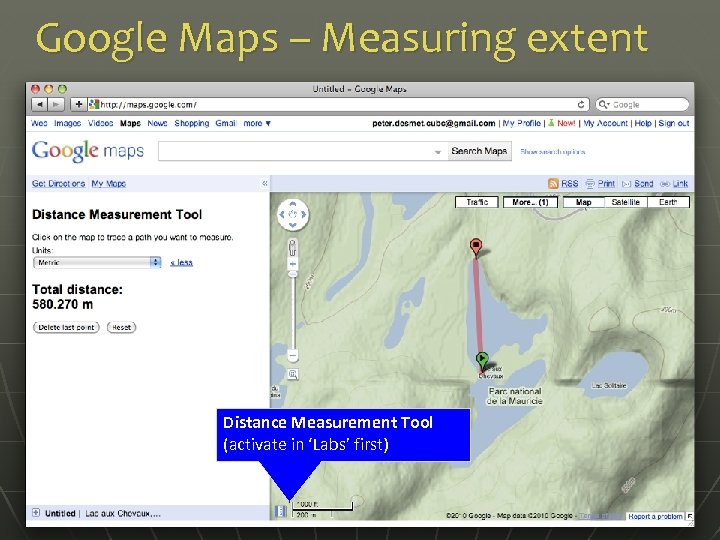 Google Maps – Measuring extent Distance Measurement Tool (activate in ‘Labs’ first)
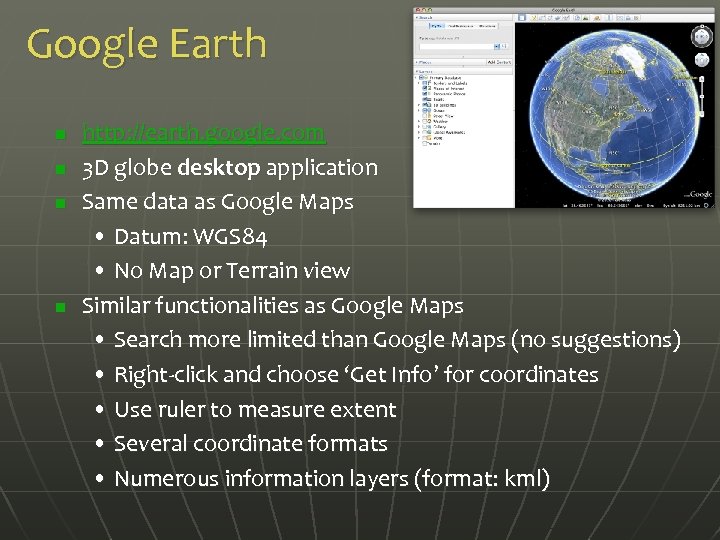 Google Earth n n http: //earth. google. com 3 D globe desktop application Same data as Google Maps • Datum: WGS 84 • No Map or Terrain view Similar functionalities as Google Maps • Search more limited than Google Maps (no suggestions) • Right-click and choose ‘Get Info’ for coordinates • Use ruler to measure extent • Several coordinate formats • Numerous information layers (format: kml)
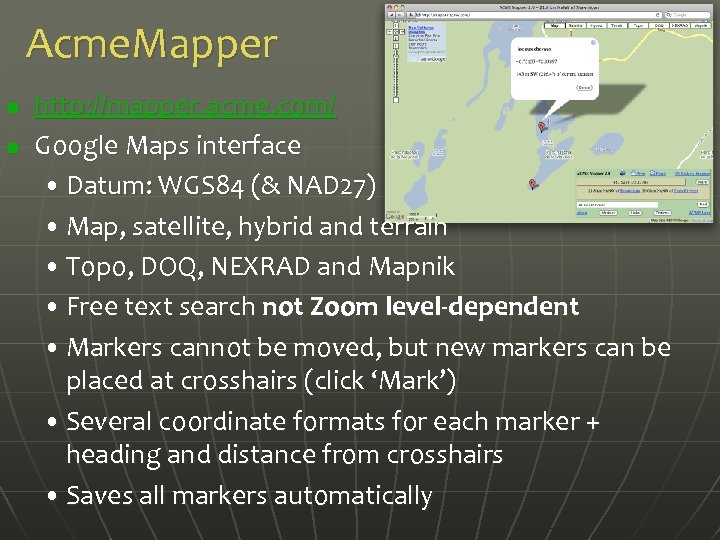 Acme. Mapper n n http: //mapper. acme. com/ Google Maps interface • Datum: WGS 84 (& NAD 27) • Map, satellite, hybrid and terrain • Topo, DOQ, NEXRAD and Mapnik • Free text search not Zoom level-dependent • Markers cannot be moved, but new markers can be placed at crosshairs (click ‘Mark’) • Several coordinate formats for each marker + heading and distance from crosshairs • Saves all markers automatically
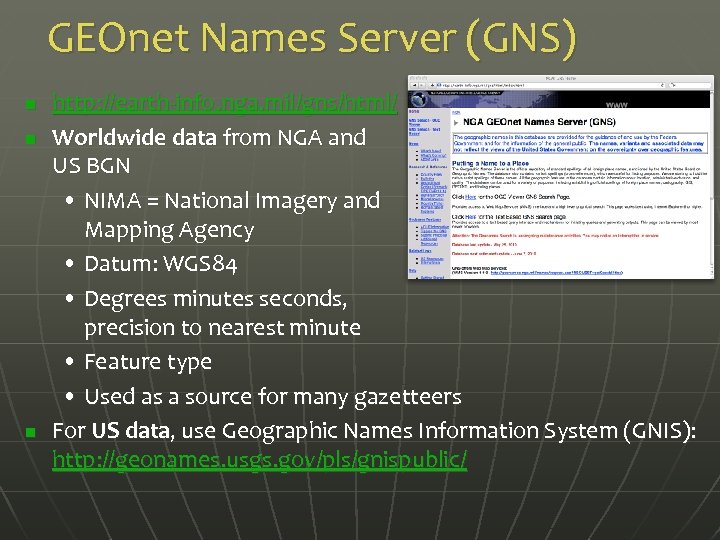 GEOnet Names Server (GNS) n n n http: //earth-info. nga. mil/gns/html/ Worldwide data from NGA and US BGN • NIMA = National Imagery and Mapping Agency • Datum: WGS 84 • Degrees minutes seconds, precision to nearest minute • Feature type • Used as a source for many gazetteers For US data, use Geographic Names Information System (GNIS): http: //geonames. usgs. gov/pls/gnispublic/
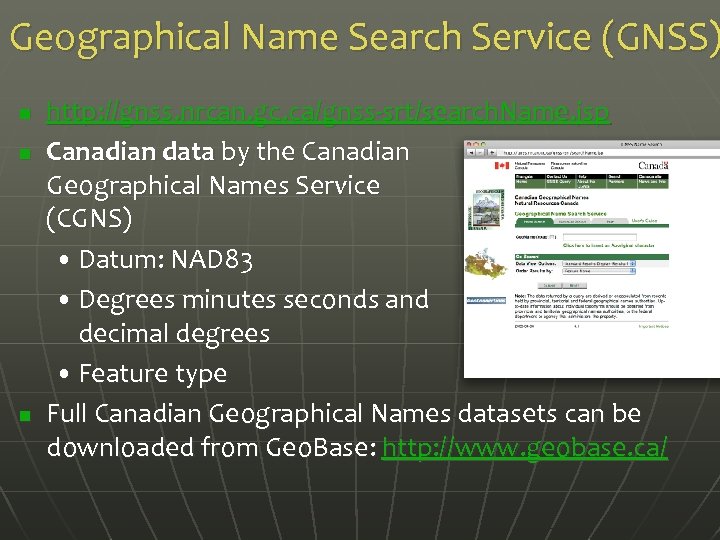 Geographical Name Search Service (GNSS) n n n http: //gnss. nrcan. gc. ca/gnss-srt/search. Name. jsp Canadian data by the Canadian Geographical Names Service (CGNS) • Datum: NAD 83 • Degrees minutes seconds and decimal degrees • Feature type Full Canadian Geographical Names datasets can be downloaded from Geo. Base: http: //www. geobase. ca/
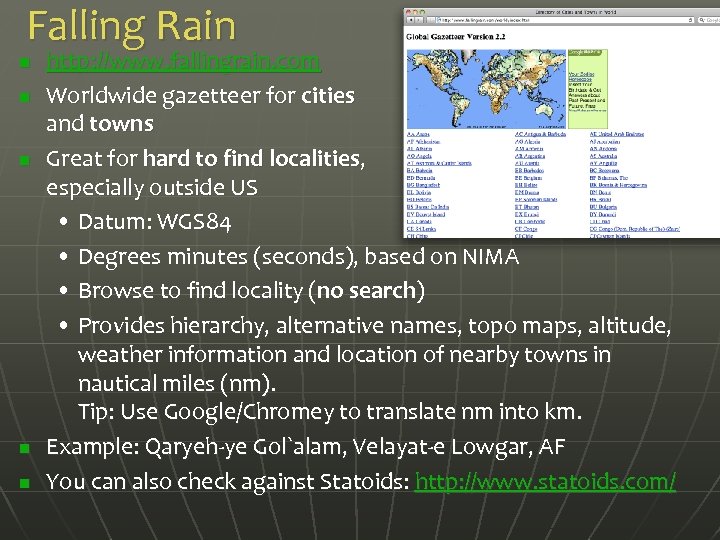 Falling Rain n n http: //www. fallingrain. com Worldwide gazetteer for cities and towns Great for hard to find localities, especially outside US • Datum: WGS 84 • Degrees minutes (seconds), based on NIMA • Browse to find locality (no search) • Provides hierarchy, alternative names, topo maps, altitude, weather information and location of nearby towns in nautical miles (nm). Tip: Use Google/Chromey to translate nm into km. Example: Qaryeh-ye Gol`alam, Velayat-e Lowgar, AF You can also check against Statoids: http: //www. statoids. com/
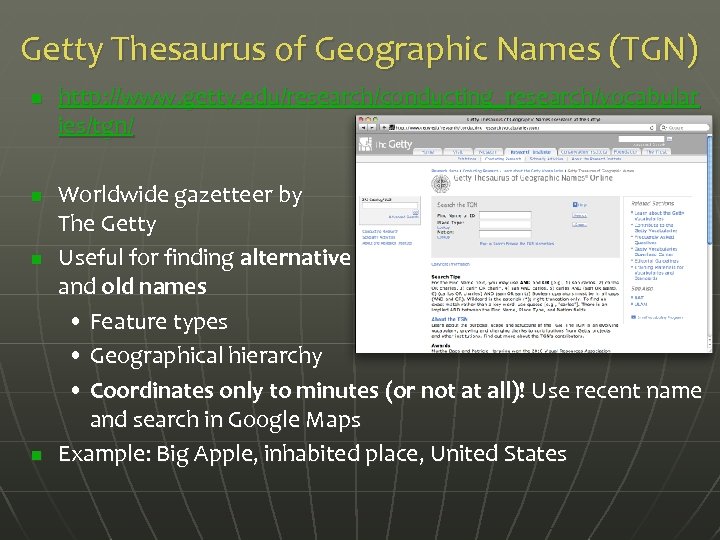 Getty Thesaurus of Geographic Names (TGN) n n http: //www. getty. edu/research/conducting_research/vocabular ies/tgn/ Worldwide gazetteer by The Getty Useful for finding alternative and old names • Feature types • Geographical hierarchy • Coordinates only to minutes (or not at all)! Use recent name and search in Google Maps Example: Big Apple, inhabited place, United States
 Fuzzy. G – JRC Fuzzy Gazetteer n n http: //dma. jrc. it/services/fuzzyg/ Worldwide gazetteer designed for bad spelling! Useful for finding alternative, doubtful spelling, old names • Feature types • By continent • Coordinates only to minutes (or not at all)! Use recent name and search in Google Maps Example: Narobi, Africa
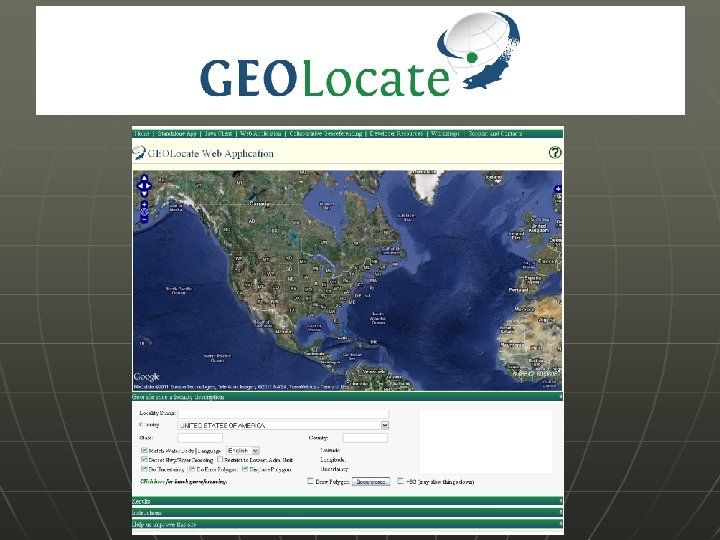
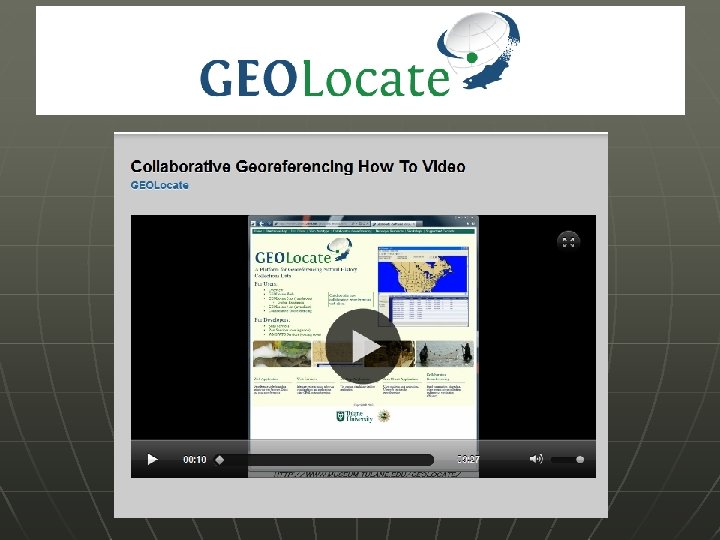
 Other Resources n n GPS Visualizer: http: //www. gpsvisualizer. com/ • Use to translate a file with coordinates into kml or a picture • Similar: http: //www. simplemappr. net/ for publications Geo. Locate: http: //www. museum. tulane. edu/geolocate/ • Georeferencing desktop and web application • Useful for roads and rivers (US only) Statoids: http: //www. statoids. com/ • Information about administrative divisions (provinces, counties) and their history, area, population, codes, etc. • No coordinates! • Similar: CIA World Factbook http: //bit. ly/d. Dt. T 1 i See http: //herpnet. org for more…
 Bio. Geomancer: Semi-automated Georeferencing Engine http: //bg. berkeley. edu/latest/ Currently works on Firefox, Explorer, not Chrome, Safari. Developed by: John Wieczorek, Aaron Steele, Dave Neufeld, P. Bryan Heidorn, Robert Guralnick, Reed Beaman, Chris Frazier, Paul Flemons, Nelson Rios, Greg Hill, Youjun Guo
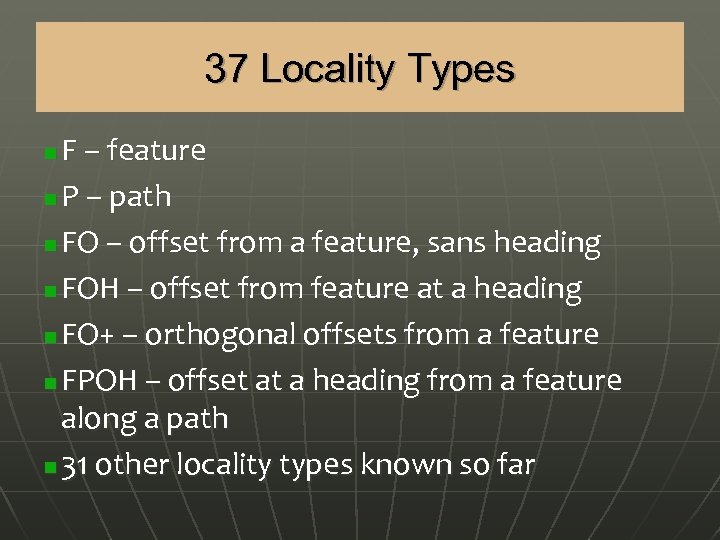 37 Locality Types F – feature n P – path n FO – offset from a feature, sans heading n FOH – offset from feature at a heading n FO+ – orthogonal offsets from a feature n FPOH – offset at a heading from a feature along a path n 31 other locality types known so far n
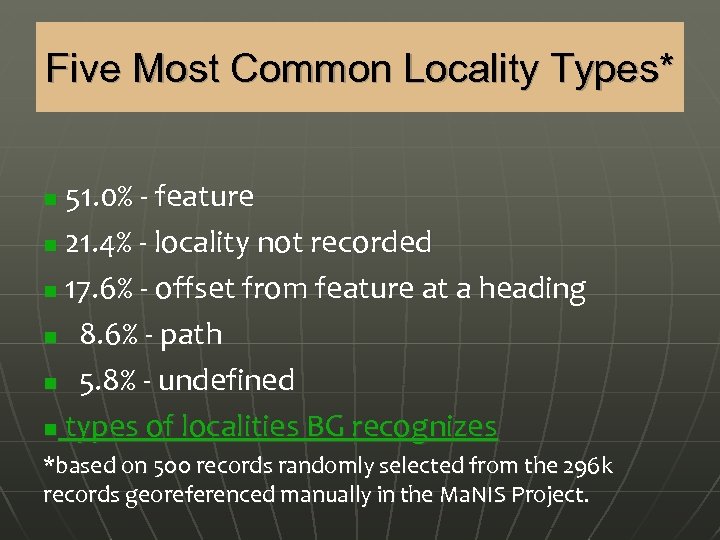 Five Most Common Locality Types* 51. 0% - feature n 21. 4% - locality not recorded n 17. 6% - offset from feature at a heading n 8. 6% - path n 5. 8% - undefined n types of localities BG recognizes n *based on 500 records randomly selected from the 296 k records georeferenced manually in the Ma. NIS Project.
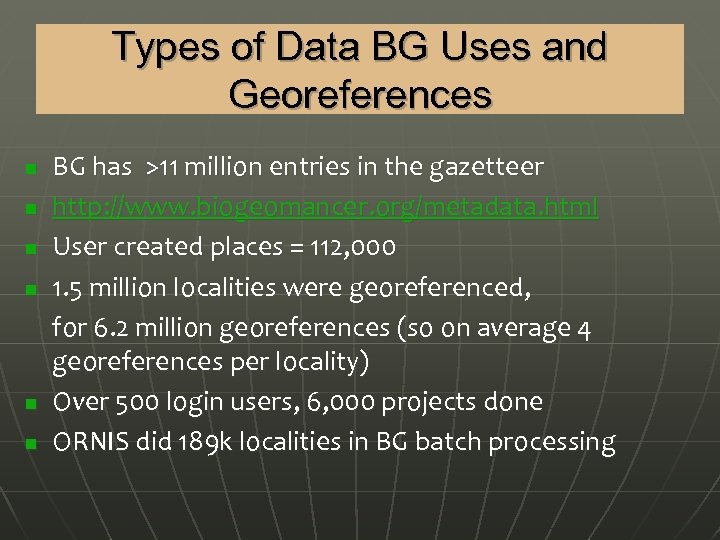 Types of Data BG Uses and Georeferences n n n BG has >11 million entries in the gazetteer http: //www. biogeomancer. org/metadata. html User created places = 112, 000 1. 5 million localities were georeferenced, for 6. 2 million georeferences (so on average 4 georeferences per locality) Over 500 login users, 6, 000 projects done ORNIS did 189 k localities in BG batch processing
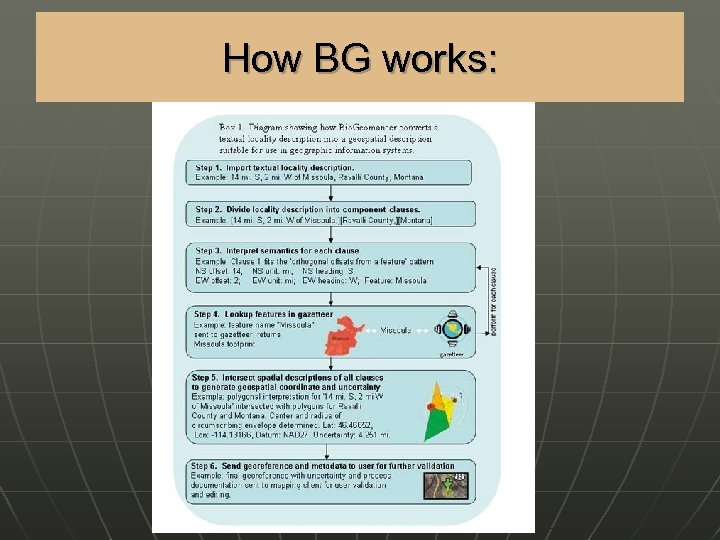 How BG works:
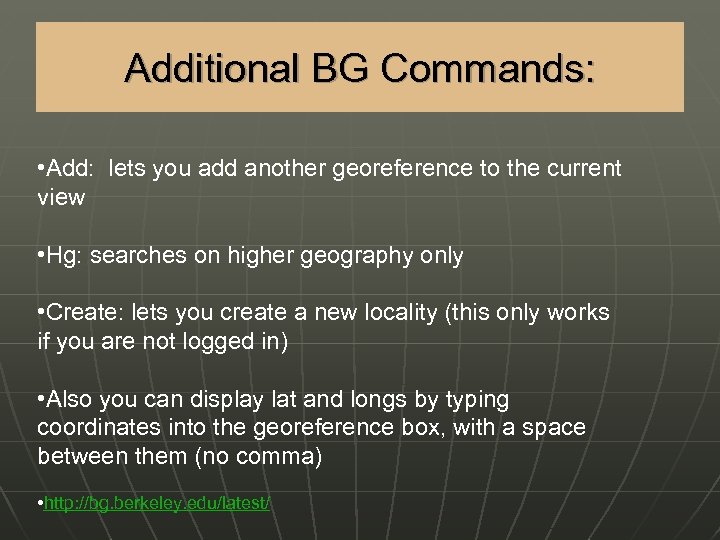 Additional BG Commands: • Add: lets you add another georeference to the current view • Hg: searches on higher geography only • Create: lets you create a new locality (this only works if you are not logged in) • Also you can display lat and longs by typing coordinates into the georeference box, with a space between them (no comma) • http: //bg. berkeley. edu/latest/
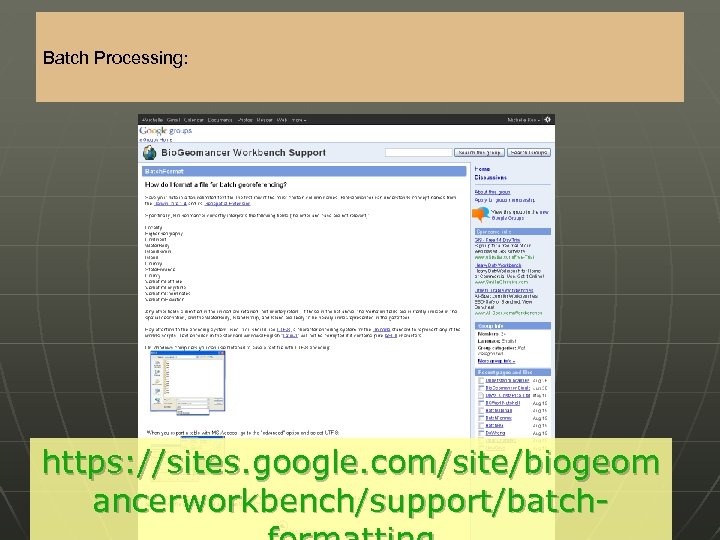 Batch Processing: https: //sites. google. com/site/biogeom ancerworkbench/support/batch-
 n n n Georeferencing tool originally designed for aquatic natural history data Calculates Uncertainty in same standards Several Versions: standalone desktop, web app, java client app (in development), web services
 Online Exercises Download exercise and all handouts here: http: //mvzgis. wordpress. com/tutorials /shortgeorefws/ n