


 Скачать презентацию Course Overview Introduction Understanding Users and Their Tasks
4d4b8193a38fc6ce0faf59d7655adf38.ppt
- Количество слайдов: 50
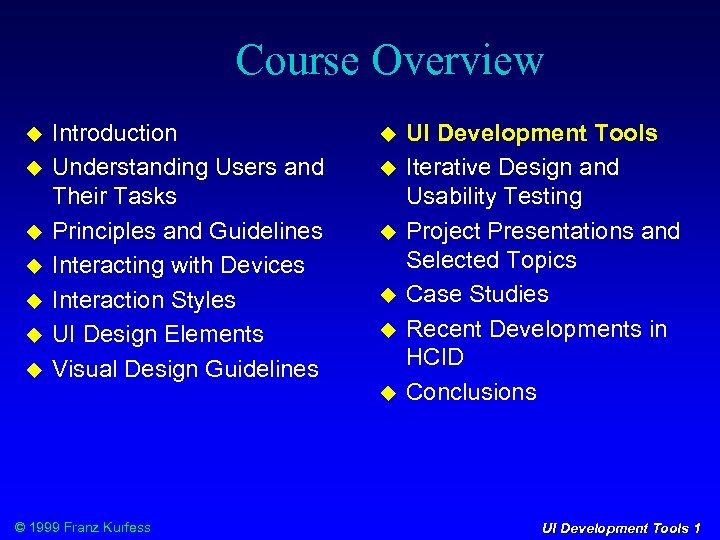 Course Overview Introduction Understanding Users and Their Tasks Principles and Guidelines Interacting with Devices Interaction Styles UI Design Elements Visual Design Guidelines © 1999 Franz Kurfess UI Development Tools Iterative Design and Usability Testing Project Presentations and Selected Topics Case Studies Recent Developments in HCID Conclusions UI Development Tools 1
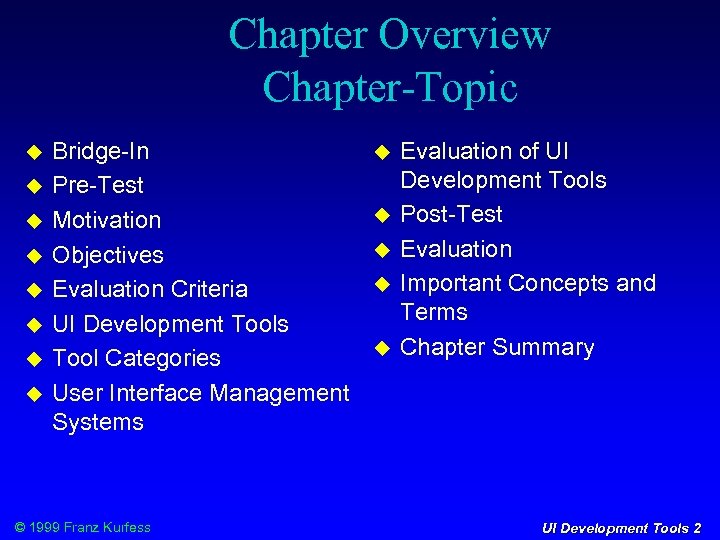 Chapter Overview Chapter-Topic Bridge-In Pre-Test Motivation Objectives Evaluation Criteria UI Development Tools Tool Categories User Interface Management Systems © 1999 Franz Kurfess Evaluation of UI Development Tools Post-Test Evaluation Important Concepts and Terms Chapter Summary UI Development Tools 2
 Agenda HW 10 Demos hand in Project Documentation Part 2 hand in HW 5: CLUES evaluation © 1999 Franz Kurfess UI Development Tools 3
 Why UI Development Tools? Write down three important reasons to use UI development tools! © 1999 Franz Kurfess UI Development Tools 4
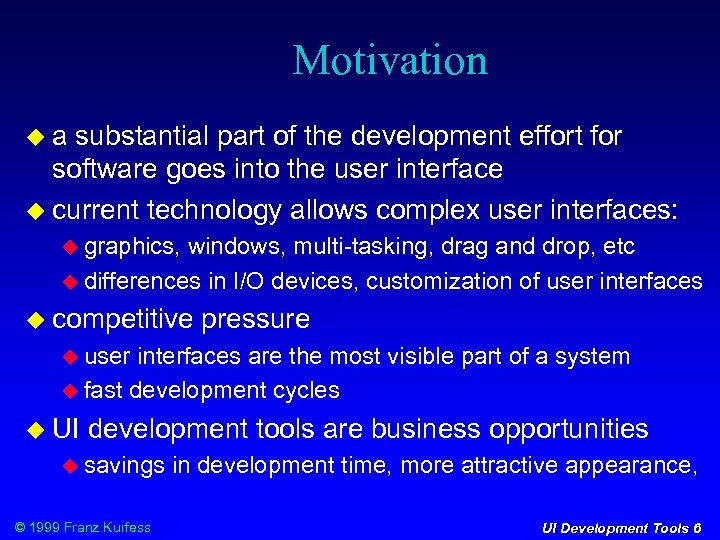 Motivation a substantial part of the development effort for software goes into the user interface current technology allows complex user interfaces: graphics, windows, multi-tasking, drag and drop, etc differences in I/O devices, customization of user interfaces competitive pressure user interfaces are the most visible part of a system fast development cycles UI development tools are business opportunities savings © 1999 Franz Kurfess in development time, more attractive appearance, UI Development Tools 6
 Objectives © 1999 Franz Kurfess UI Development Tools 7
 Evaluation Criteria © 1999 Franz Kurfess UI Development Tools 8
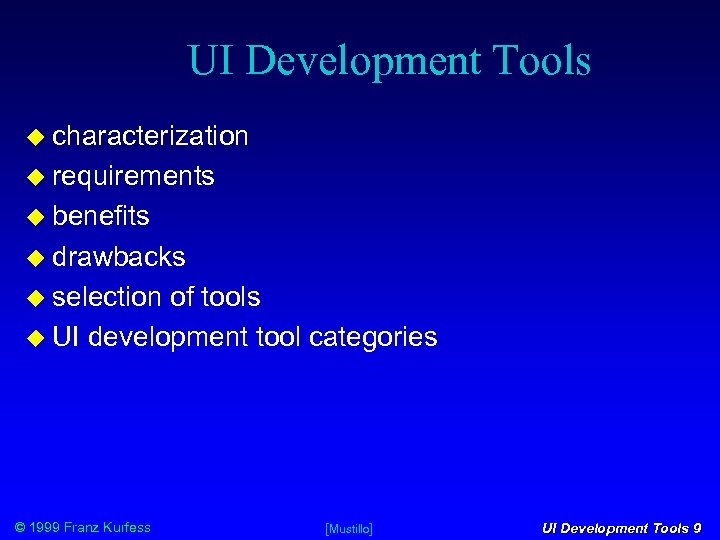 UI Development Tools characterization requirements benefits drawbacks selection of tools UI development tool categories © 1999 Franz Kurfess [Mustillo] UI Development Tools 9
 Characterization software packages that provide automated support for any part of the UI development process UI development tools make it easier to prototype systems support many of the activities of a UI developer not necessarily complex e. g. a simple routine that controls the movement of a mouse , or a complex software system that oversees the operations, administration, and maintenance of an entire system (e. g. , telephone network) © 1999 Franz Kurfess [Mustillo] UI Development Tools 10
 Requirements for Tools help with the design of the UI translation of the end user’s task specification prototype the UI given the design specification help create easy-to-use UIs permit designers to rapidly evaluate different prototype designs and alternatives permit non-programmers to design and prototype UIs portability across different platforms and devices easy to use © 1999 Franz Kurfess [Mustillo] UI Development Tools 11
 Benefits simple for GUI designing windows and screens greater permit non-programmers and human factors specialists to contribute their expertise access and use one does not need to be a programmer to use these tools prototype development can be used to build prototypes throughout the development cycle some tools provide a test/prototype mode for testing displays without compiling and executing the entire application © 1999 Franz Kurfess [Mustillo] UI Development Tools 12
 Benefits (cont. ) automatic code generation some tools can automatically generate at least part of the interface code less code to write generated code is more consistent coding standards like naming conventions and standard headers and comments are maintained automatically generated graphics code contains fewer bugs when isolated from the functional code tool-generated display designs, components, and generated code can sometimes be reused saves development time provides consistency across different Uis different applications are more likely to have consistent UIs if they are © 1999 Franz Kurfessbuilt using the same tool. ] UI Development Tools 13 [Mustillo
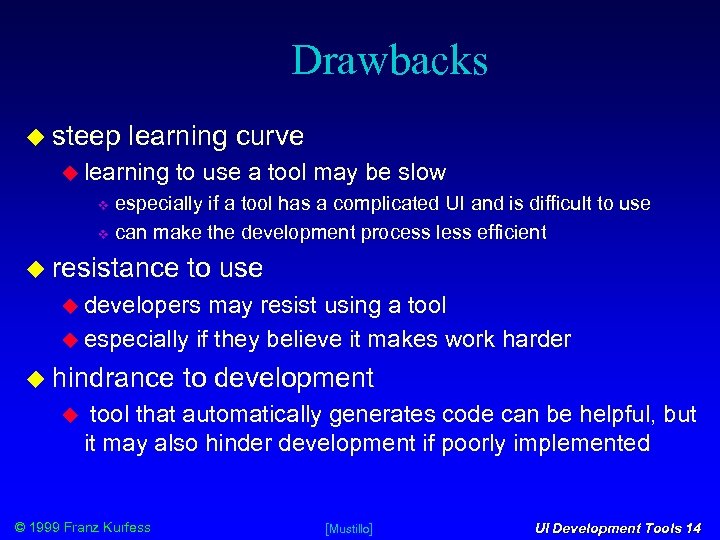 Drawbacks steep learning curve learning to use a tool may be slow especially if a tool has a complicated UI and is difficult to use can make the development process less efficient resistance to use developers may resist using a tool especially if they believe it makes work harder hindrance to development tool that automatically generates code can be helpful, but it may also hinder development if poorly implemented © 1999 Franz Kurfess [Mustillo] UI Development Tools 14
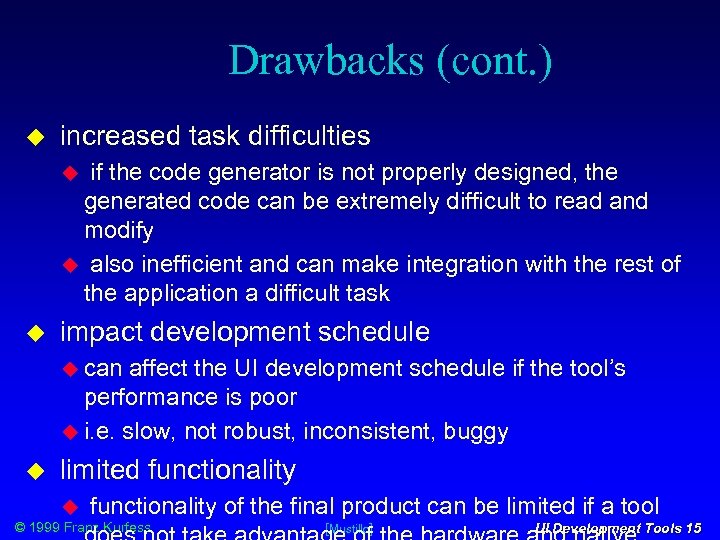 Drawbacks (cont. ) increased task difficulties if the code generator is not properly designed, the generated code can be extremely difficult to read and modify also inefficient and can make integration with the rest of the application a difficult task impact development schedule can affect the UI development schedule if the tool’s performance is poor i. e. slow, not robust, inconsistent, buggy limited functionality of the final product can be limited if a tool © 1999 Franz Kurfess [Mustillo] UI Development Tools 15
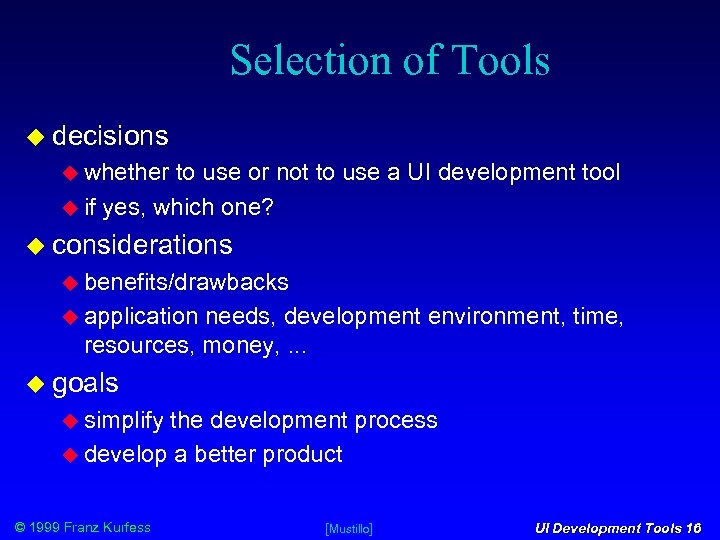 Selection of Tools decisions whether to use or not to use a UI development tool if yes, which one? considerations benefits/drawbacks application needs, development environment, time, resources, money, . . . goals simplify the development process develop a better product © 1999 Franz Kurfess [Mustillo] UI Development Tools 16
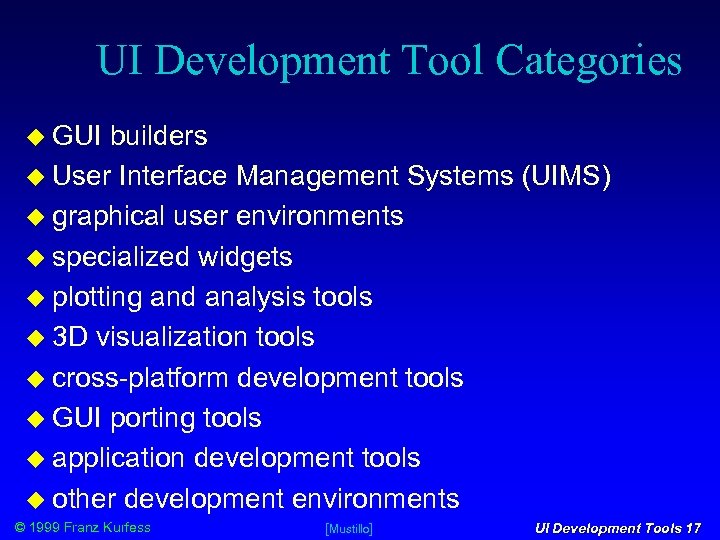 UI Development Tool Categories GUI builders User Interface Management Systems (UIMS) graphical user environments specialized widgets plotting and analysis tools 3 D visualization tools cross-platform development tools GUI porting tools application development tools other development environments © 1999 Franz Kurfess [Mustillo] UI Development Tools 17
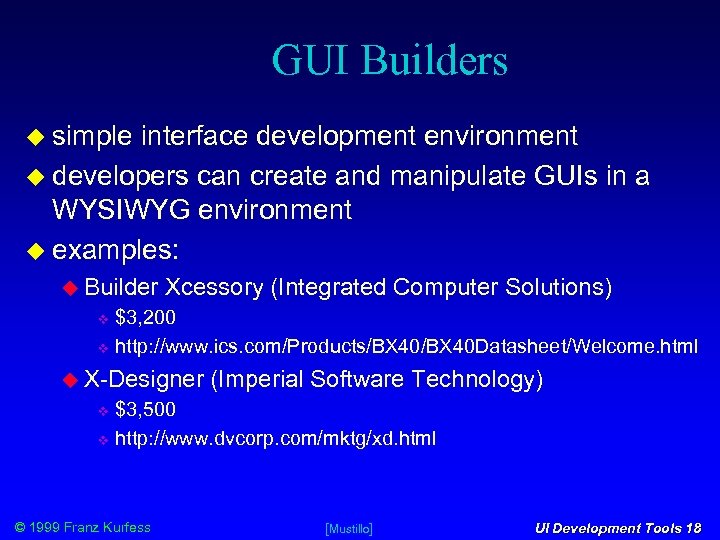 GUI Builders simple interface development environment developers can create and manipulate GUIs in a WYSIWYG environment examples: Builder Xcessory (Integrated Computer Solutions) $3, 200 http: //www. ics. com/Products/BX 40 Datasheet/Welcome. html X-Designer (Imperial Software Technology) $3, 500 http: //www. dvcorp. com/mktg/xd. html © 1999 Franz Kurfess [Mustillo] UI Development Tools 18
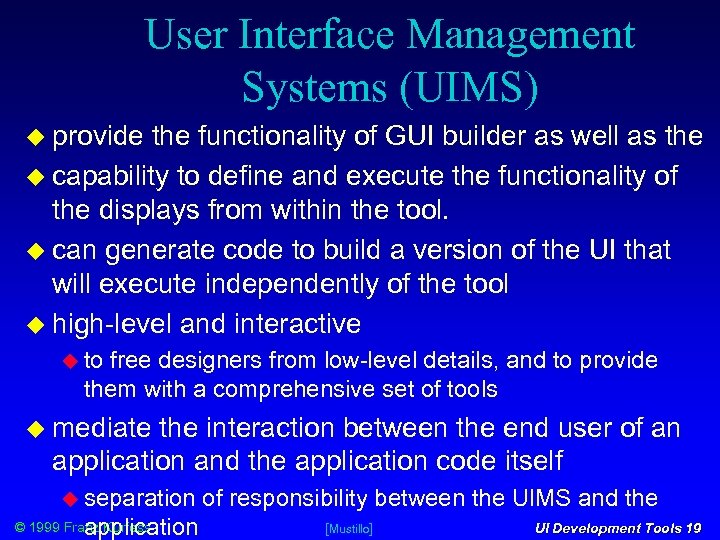 User Interface Management Systems (UIMS) provide the functionality of GUI builder as well as the capability to define and execute the functionality of the displays from within the tool. can generate code to build a version of the UI that will execute independently of the tool high-level and interactive to free designers from low-level details, and to provide them with a comprehensive set of tools mediate the interaction between the end user of an application and the application code itself separation application © 1999 Franz Kurfess of responsibility between the UIMS and the [Mustillo] UI Development Tools 19
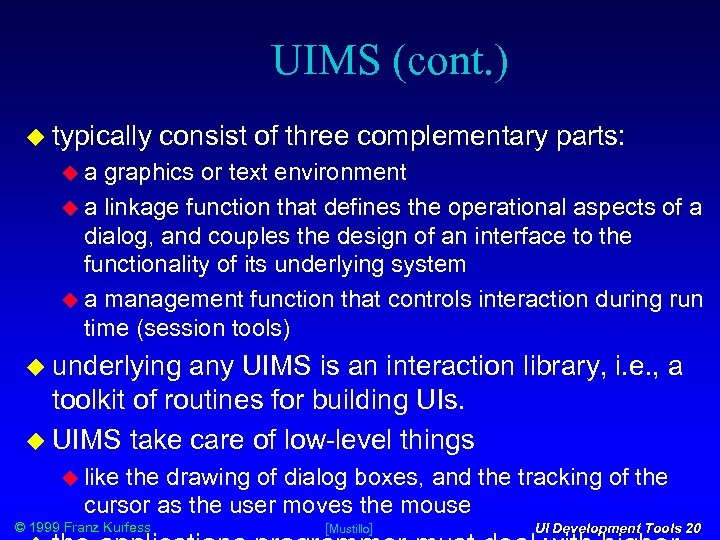 UIMS (cont. ) typically consist of three complementary parts: a graphics or text environment a linkage function that defines the operational aspects of a dialog, and couples the design of an interface to the functionality of its underlying system a management function that controls interaction during run time (session tools) underlying any UIMS is an interaction library, i. e. , a toolkit of routines for building UIs. UIMS take care of low-level things like the drawing of dialog boxes, and the tracking of the cursor as the user moves the mouse © 1999 Franz Kurfess [Mustillo] UI Development Tools 20
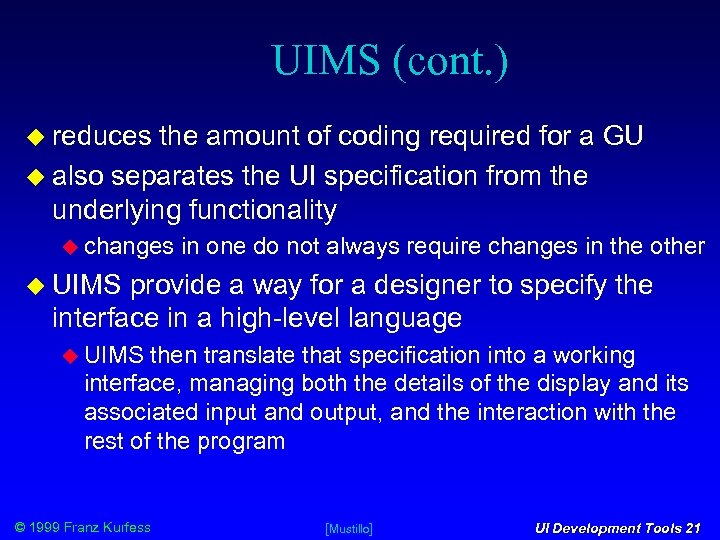 UIMS (cont. ) reduces the amount of coding required for a GU also separates the UI specification from the underlying functionality changes in one do not always require changes in the other UIMS provide a way for a designer to specify the interface in a high-level language UIMS then translate that specification into a working interface, managing both the details of the display and its associated input and output, and the interaction with the rest of the program © 1999 Franz Kurfess [Mustillo] UI Development Tools 21
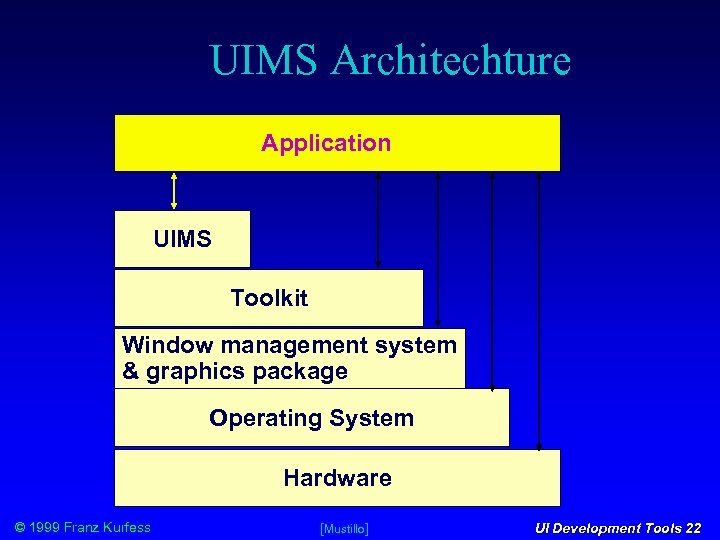 UIMS Architechture Application UIMS Toolkit Window management system & graphics package Operating System Hardware © 1999 Franz Kurfess [Mustillo] UI Development Tools 22
![UIMS Capabilities © 1999 Franz Kurfess [Mustillo] UI Development Tools 23](https://present5.com/presentation/4d4b8193a38fc6ce0faf59d7655adf38/image-22.jpg "UIMS Capabilities © 1999 Franz Kurfess [Mustillo] UI Development Tools 23") UIMS Capabilities © 1999 Franz Kurfess [Mustillo] UI Development Tools 23
UIMS Capabilities © 1999 Franz Kurfess [Mustillo] UI Development Tools 23
 UIMS Benefits UI code is easier and more economical to create and maintain low-level and repetitive tasks can be eliminated e. g. , menu handling, button construction more time to concentrate on UI design aspects UI code can take up to 80% of the total code Use of UIMS can reduce development time and costs by a factor of 4 X or more. UI specifications can be represented, validated, and evaluated more easily. less code to write much of it is supplied by the UIMS © 1999 Franz Kurfess [Mustillo] UI Development Tools 24
 UIMS Benefits (cont. ) better modularization due to the separation of the UI component from the application UI can change without affecting the application Changes in the application are possible without affecting the UI ; evel of programming expertise of the interface designers and implementers can be lower the UIMS hides much of the complexities of the underlying system reliability of the UI will be higher the code of the UI is created automatically from a higher-level specification © 1999 Franz Kurfess UI Development Tools 25
 UIMS Benefits (cont. ) promote the creation of higher-quality UIs designs can be rapidly prototyped and implemented possibly even before the application code is written incorporation changes discovered during user testing there can be multiple UIs for the same application more effort can be spent on the tool than may be practical on any single UI the tool will be used with many different applications consistent UIs for different applications if they are created using the same UIMS involvement of domain experts rather than having the UI created entirely by programmers © 1999 Franz Kurfess [Mustillo] UI Development Tools 26
 UIMS Drawbacks too much emphasis on control flow and screen design neglecting level other key elements of UIs such as context-sensitive menus, direct manipulation of interactively created objects, macros, undo, etc. of abstraction is sometimes too low forces the UI designer to deal with too many details for an excellent reference on UIMS, see Myers, B. A. (1996). UIMS, Toolkits, Interface Builders. available at http: //www. cs. cmu. edu/afs/cs/user/bam/www/toolnames/in dex. html © 1999 Franz Kurfess [Mustillo] UI Development Tools 27
 UIMS Examples Commercial, industrial-strength examples: UIM/X (Visual Edge Software, Montreal) $5, 000 http: //www. vedge. com/prods/uimx. html Tele. USE (Aonix) $7, 500 http: //www. aonix. com/Products/teleuse. html © 1999 Franz Kurfess [Mustillo] UI Development Tools 28
 Graphical User Environments also referred to as data visualization tools provide dynamic data representations and visualization developers can define and animate objects or scenes of objects design static displays with standard or custom objects. attach dynamic behavior to objects useful for real-time applications © 1999 Franz Kurfess [Mustillo] UI Development Tools 29
 Examples Data. Views (Dataviews Corporation) $17. 7 K http: //www. dvcorp. com/mktg/dv. html SL-GMS (SL Corp. ) $12, 500 http: //www. sl. com © 1999 Franz Kurfess UI Development Tools 30
 Specialized Widgets provide specific functionalities beyond the basic capabilities of a typical widget set like X/Motif customization individual widgets or libraries of widgets from different vendors can be integrated © 1999 Franz Kurfess [Mustillo] UI Development Tools 31
 Examples Group. Kit (University of Calgary) free http: //www. cpsc. ucalgary. ca/projects/grouplab/projects/gro upkit/groupkit. html INT Widgets (INT Corp. ) $1, 750 - $3, 000 http: //www. int. com/products © 1999 Franz Kurfess UI Development Tools 32
 Plotting and Analysis Tools let designers display technical data via a variety of generic &/or customized graphs technical ability analysis of data provided by some tools example PV-Wave (Visual Numerics) $? http: //www. vni. com/products/wave/newoverview. html © 1999 Franz Kurfess [Mustillo] UI Development Tools 33
 3 D Visualization Tools specialized category of tools generally most practical on hardware platforms that support the extensive calculations required in 3 -D graphics examples: AVS/Express (Advanced Visual Systems) $? http: //www. avs. com/products/index. htm IDL (Research Systems) $Free? http: //www. rsinc. com/idl/index. html © 1999 Franz Kurfess [Mustillo] UI Development Tools 34
 Cross-Platform Development Tools essential for multi-platform application common “look-&-feel” across different platforms layered Application Programming Interface (API) or a simulated API provides a common programming interface across all the available platforms adds a layer between the application and the native windowing system © 1999 Franz Kurfess [Mustillo] UI Development Tools 35
 Examples: XVT Development Solution for C and C++ (XVT Software) $1, 950 -$6, 300 http: //www. xvt. com/docs/dsc. html for C http: //www. xvt. com/docs/dscpp. html for C++ Open Interface Element (Neuron Data) $10, 000 http: //www. neurondata. com/Products © 1999 Franz Kurfess UI Development Tools 36
 GUI Porting Tools automatically port UI code to a different platform. native calls from the original platform are replaced with native calls of the new platform example Wind/U (Bristol Technology) ports Visual C++ UI by replacing Windows 95 or Windows NT with native platforms such as X/Motif. $ ? License http: //www. bristol. com/Products/windu. html © 1999 Franz Kurfess [Mustillo] UI Development Tools 37
 Application Development Tools miscellaneous capabilities beyond UI design and development distributed application communications, real-time system capabilities, database access, expert system development examples: Galaxy (Ambiencia Information Systems, Brazil) $? http: //www. ambiencia. com RTworks (Talarian Corp. ) $? http: //www. talarian. com/rtworks. html © 1999 Franz Kurfess [Mustillo] UI Development Tools 38
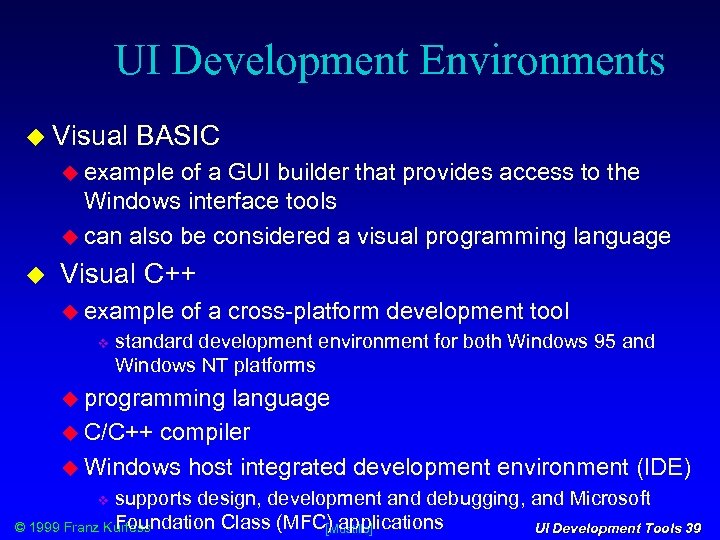 UI Development Environments Visual BASIC example of a GUI builder that provides access to the Windows interface tools can also be considered a visual programming language Visual C++ example of a cross-platform development tool standard development environment for both Windows 95 and Windows NT platforms programming language C/C++ compiler Windows host integrated development environment (IDE) supports design, development and debugging, and Microsoft Foundation Class (MFC)Mustillo] © 1999 Franz Kurfess UI Development Tools 39 [ applications
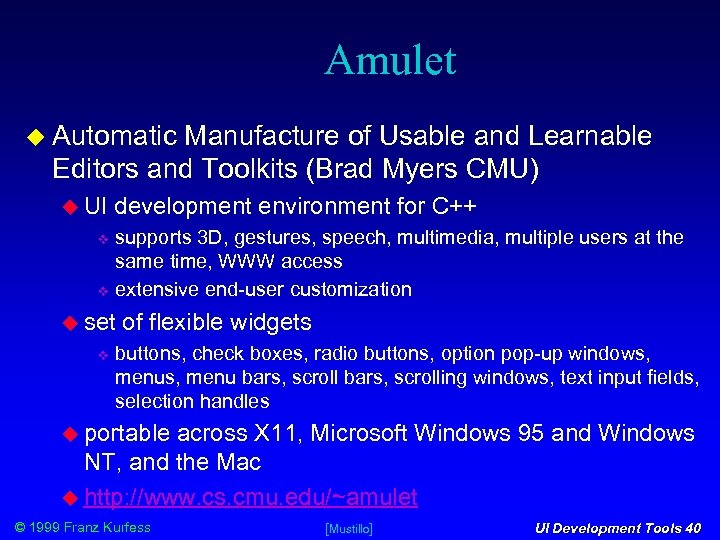 Amulet Automatic Manufacture of Usable and Learnable Editors and Toolkits (Brad Myers CMU) UI development environment for C++ supports 3 D, gestures, speech, multimedia, multiple users at the same time, WWW access extensive end-user customization set of flexible widgets buttons, check boxes, radio buttons, option pop-up windows, menu bars, scrolling windows, text input fields, selection handles portable across X 11, Microsoft Windows 95 and Windows NT, and the Mac http: //www. cs. cmu. edu/~amulet © 1999 Franz Kurfess [Mustillo] UI Development Tools 40
 Other UI Development Environments Java see below Virtual for Reality Modeling Language (VRML) 3 D environments prototyping tools Macro. Mind Director powerful demo tool © 1999 Franz Kurfess [Mustillo] UI Development Tools 41
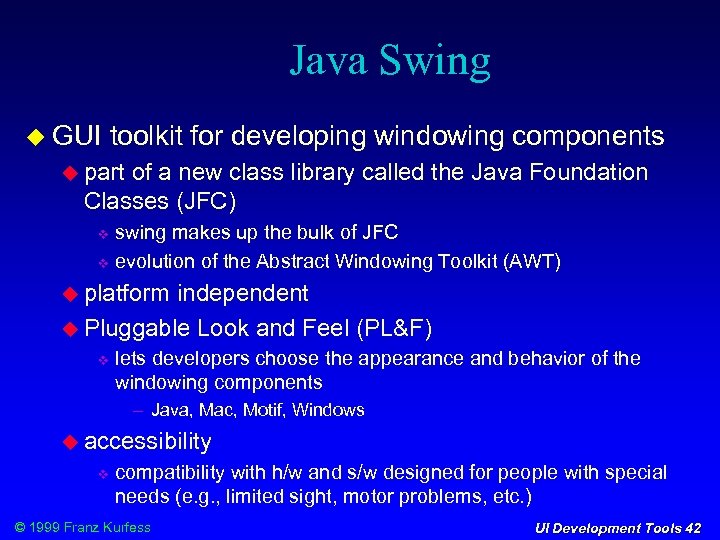 Java Swing GUI toolkit for developing windowing components part of a new class library called the Java Foundation Classes (JFC) swing makes up the bulk of JFC evolution of the Abstract Windowing Toolkit (AWT) platform independent Pluggable Look and Feel (PL&F) lets developers choose the appearance and behavior of the windowing components Java, Mac, Motif, Windows accessibility compatibility with h/w and s/w designed for people with special needs (e. g. , limited sight, motor problems, etc. ) © 1999 Franz Kurfess UI Development Tools 42
 Tools for Other Modalities Speech Development Kits (SDKs), and Speech APIs (SAPIs) are beginning to appear from companies like Microsoft and Java. Soft (Java Speech API). dedicated toolkits for developing speech UIs and applications are emerging © 1999 Franz Kurfess [Mustillo] UI Development Tools 43
 Examples Speech. Works 4. 0 Applied Language Technologies (Altech) Dialog. Modules (high-level application building blocks), Speech. Builder (set of tools for customizing Dialog. Modules, and for creating other apps) CSLUrp Center for Spoken Language Understanding at the Oregon Graduate Institute. rp = rapid prototyper Nuance Developers' Toolkit open architecture Java and Active. X APIs, C and C++ interfaces Open. Speech Recognizer Developer Kit Nortel Networks Speech © 1999 Franz Kurfess Assistant, Natural Language Assistant UI Development Tools 44
 Evaluation of Tools usability should be easy to install, easy to learn, and easy to use functionality should match the requirements of the ui. should provide the widgets you need. should provide a convenient way to extend the widget set flexibility should be responsive to changing application requirements © 1999 Franz Kurfess [Mustillo] UI Development Tools 45
 Evaluation of Tools (cont. ) portability support should include documentation, training, and other information provided by the vendor, as well as on-line technical help cost consider non-recurring costs (e. g. , purchase price) as well as recurring costs (e. g. , licensing, technical support, maintenance, updates, training, etc. ). © 1999 Franz Kurfess UI Development Tools 46
![© 1999 Franz Kurfess [Mustillo] UI Development Tools 47](https://present5.com/presentation/4d4b8193a38fc6ce0faf59d7655adf38/image-46.jpg "© 1999 Franz Kurfess [Mustillo] UI Development Tools 47") © 1999 Franz Kurfess [Mustillo] UI Development Tools 47
© 1999 Franz Kurfess [Mustillo] UI Development Tools 47
![© 1999 Franz Kurfess [Mustillo] UI Development Tools 48](https://present5.com/presentation/4d4b8193a38fc6ce0faf59d7655adf38/image-47.jpg "© 1999 Franz Kurfess [Mustillo] UI Development Tools 48") © 1999 Franz Kurfess [Mustillo] UI Development Tools 48
© 1999 Franz Kurfess [Mustillo] UI Development Tools 48
 Important Concepts and Terms graphical user interface (GUI) human factors engineering human-machine interface input/output devices © 1999 Franz Kurfess Rapid Prototyping user interface design user requirements What You See Is What You Get” (WYSIWYG) window UI Development Tools 51
 Chapter Summary © 1999 Franz Kurfess UI Development Tools 52
 © 1999 Franz Kurfess UI Development Tools 53