


 Скачать презентацию Course Flow Introduction What Is a
613db57e16fa2ca8e85b77c0a19b3f8e.ppt
- Количество слайдов: 156

 Course Flow
 Introduction

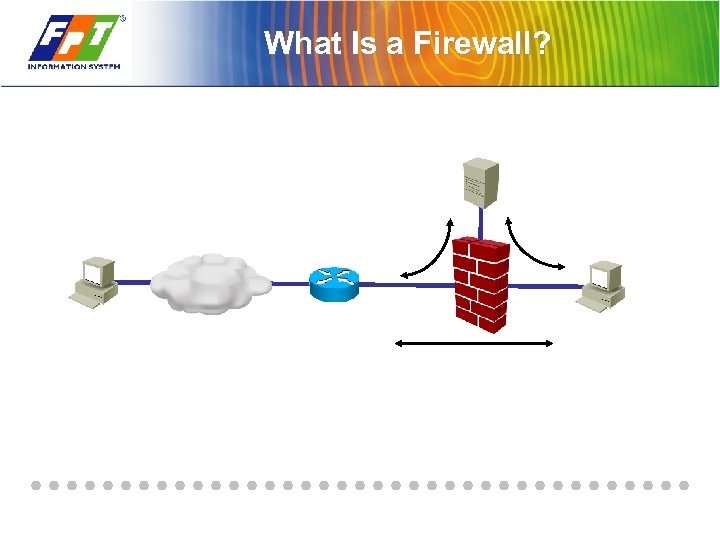 What Is a Firewall?
 Firewall Technologies
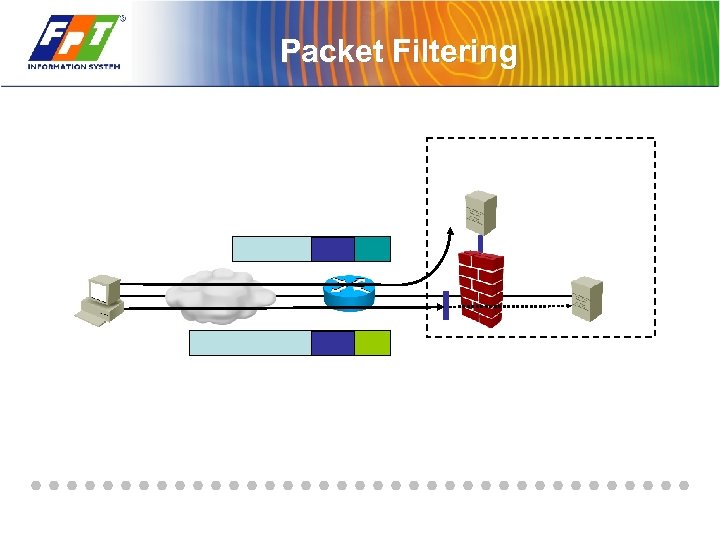 Packet Filtering
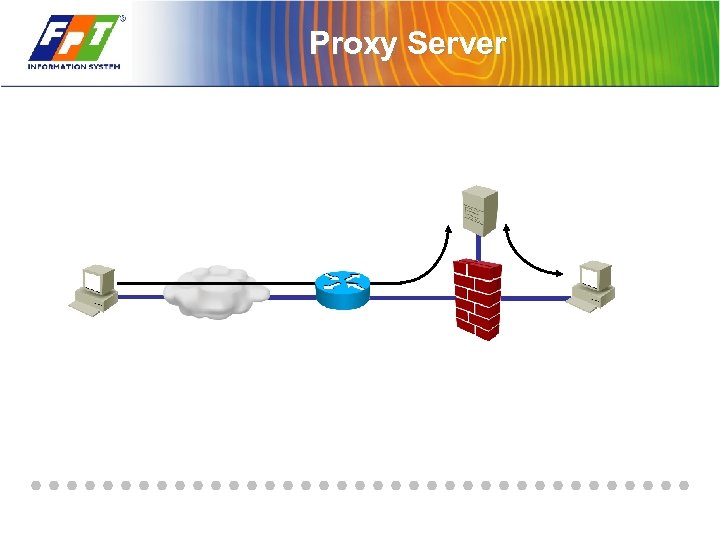 Proxy Server
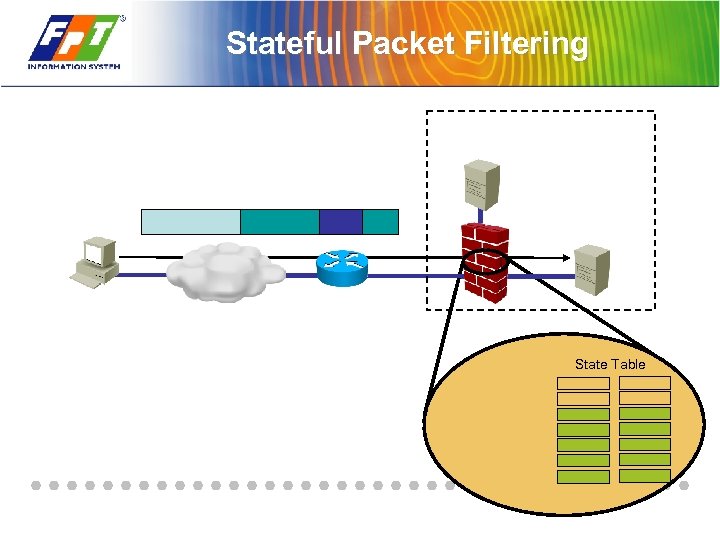 Stateful Packet Filtering State Table

 Proprietary Operating System
 Stateful Packet Inspection
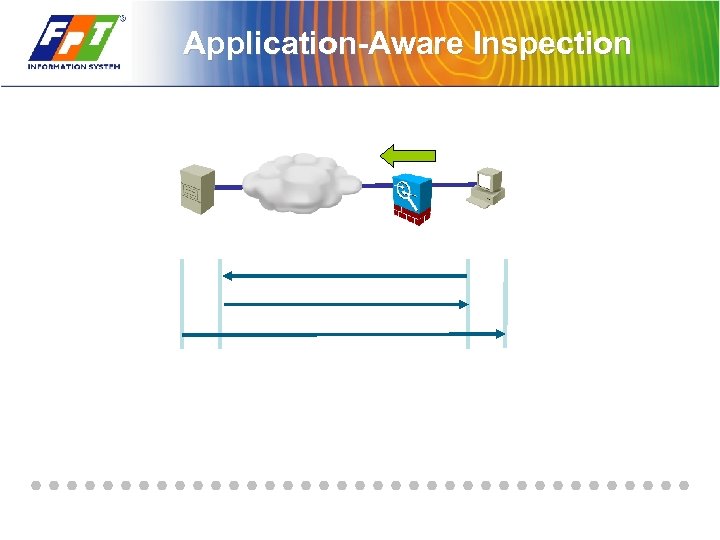 Application-Aware Inspection
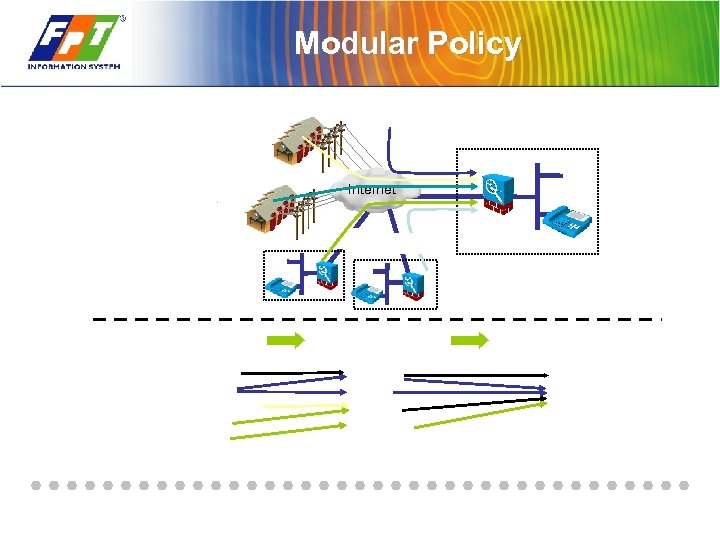 Modular Policy Internet
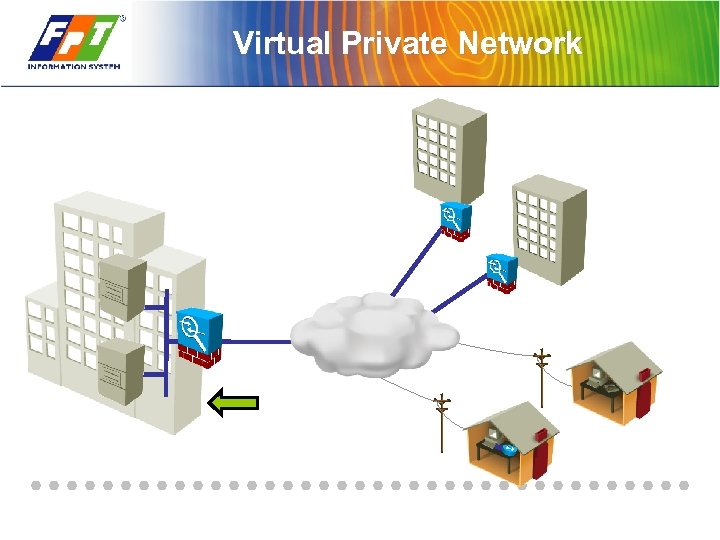 Virtual Private Network
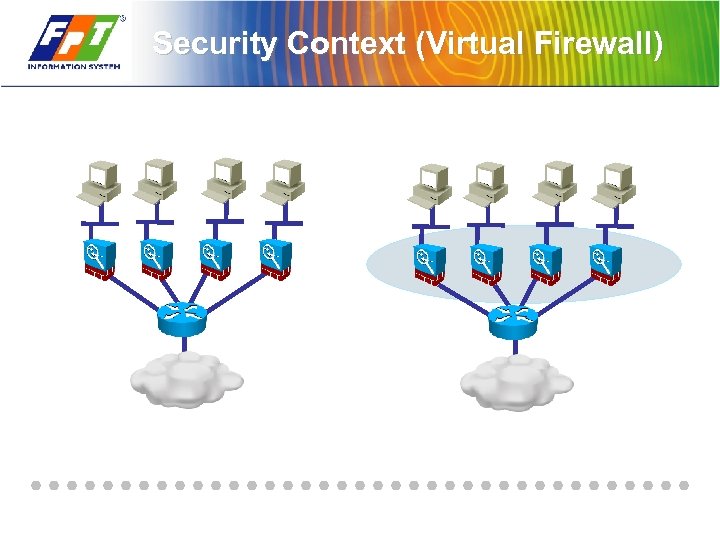 Security Context (Virtual Firewall)
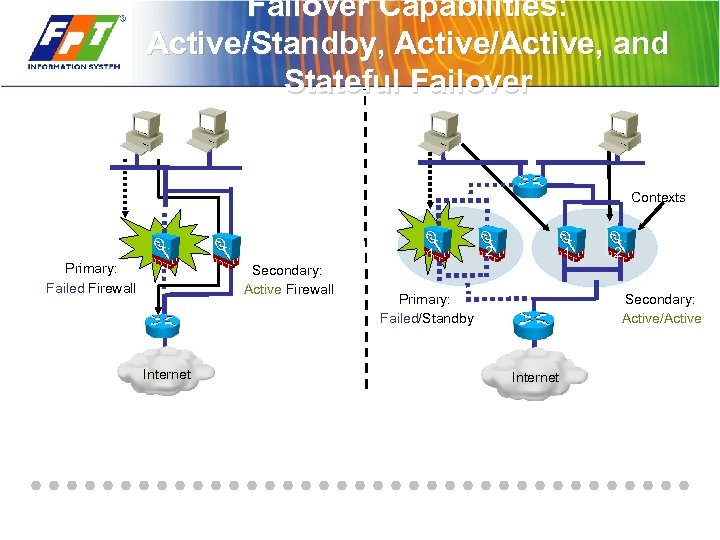 Failover Capabilities: Active/Standby, Active/Active, and Stateful Failover Contexts 1 Primary: Failed Firewall Secondary: Active Firewall Internet 2 1 Primary: Failed/Standby 2 Secondary: Active/Active Internet
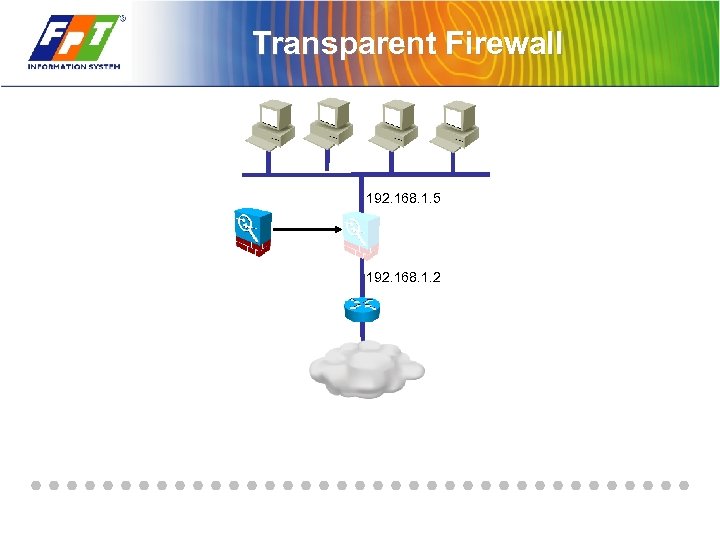 Transparent Firewall 192. 168. 1. 5 192. 168. 1. 2
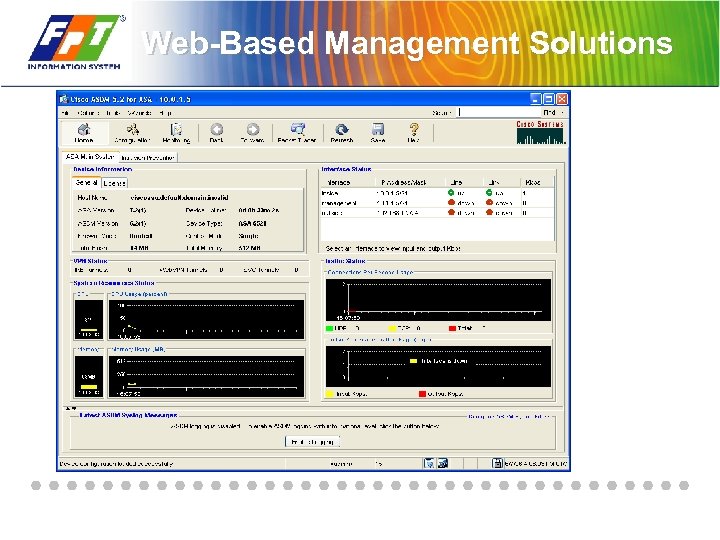 Web-Based Management Solutions
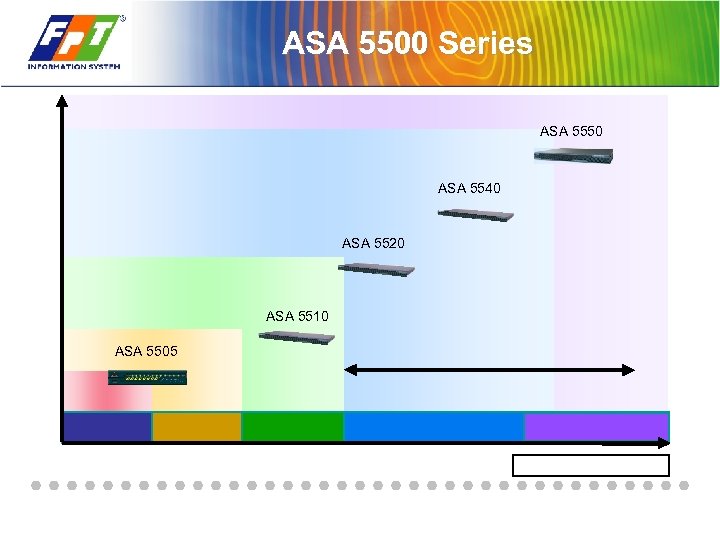 ASA 5500 Series ASA 5550 ASA 5540 ASA 5520 ASA 5510 ASA 5505
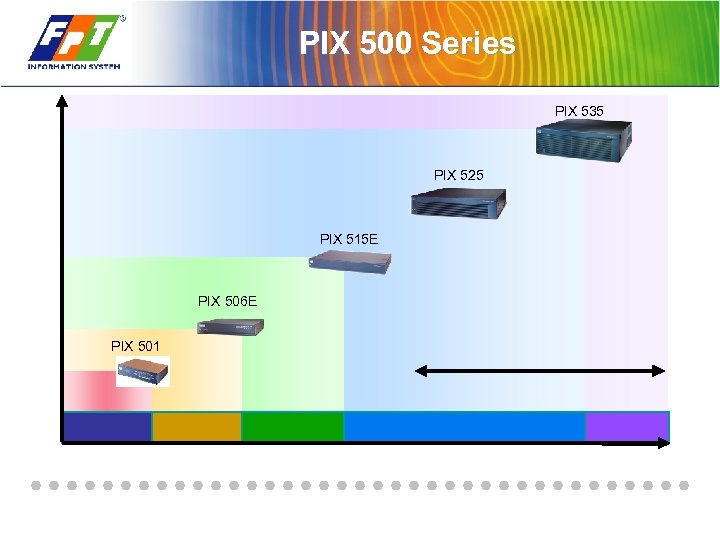 PIX 500 Series PIX 535 PIX 525 PIX 515 E PIX 506 E PIX 501
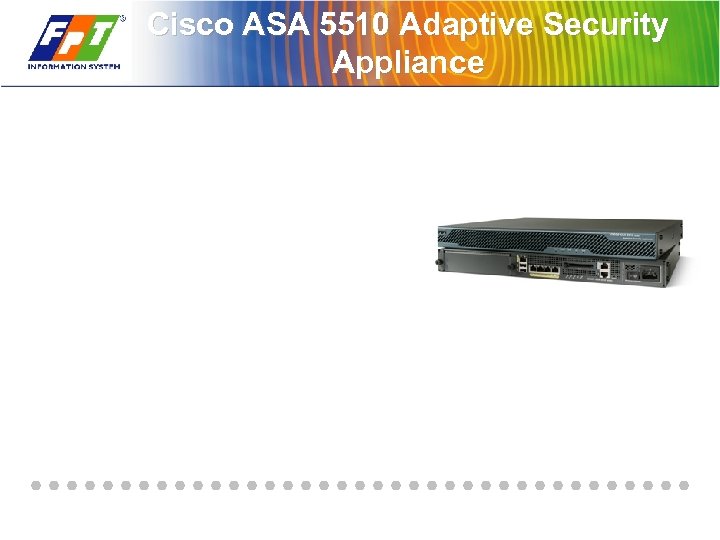 Cisco ASA 5510 Adaptive Security Appliance
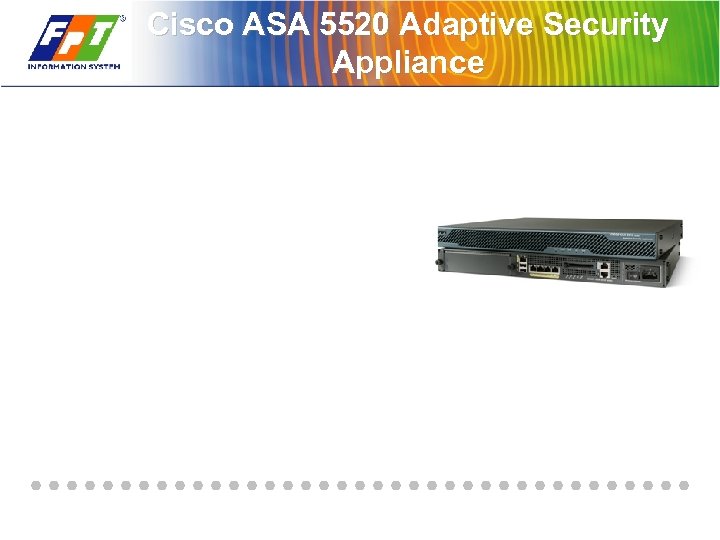 Cisco ASA 5520 Adaptive Security Appliance
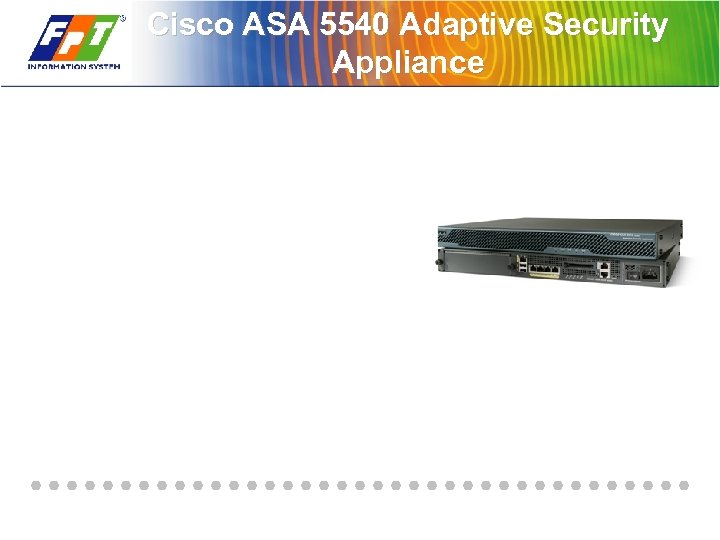 Cisco ASA 5540 Adaptive Security Appliance
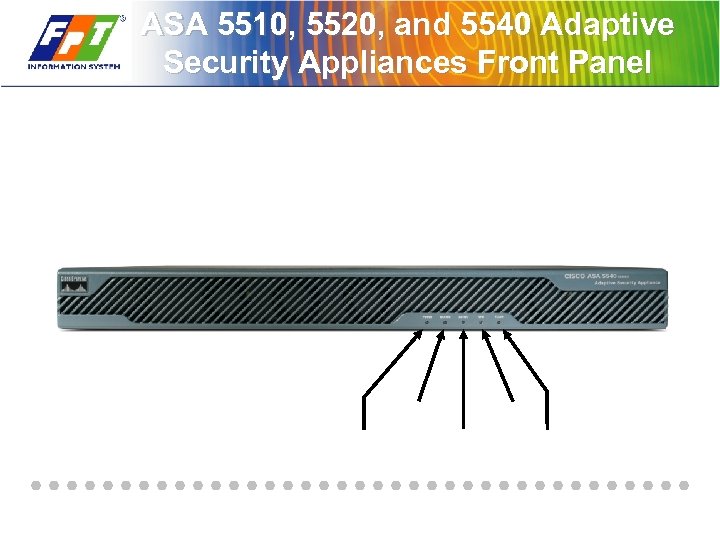 ASA 5510, 5520, and 5540 Adaptive Security Appliances Front Panel
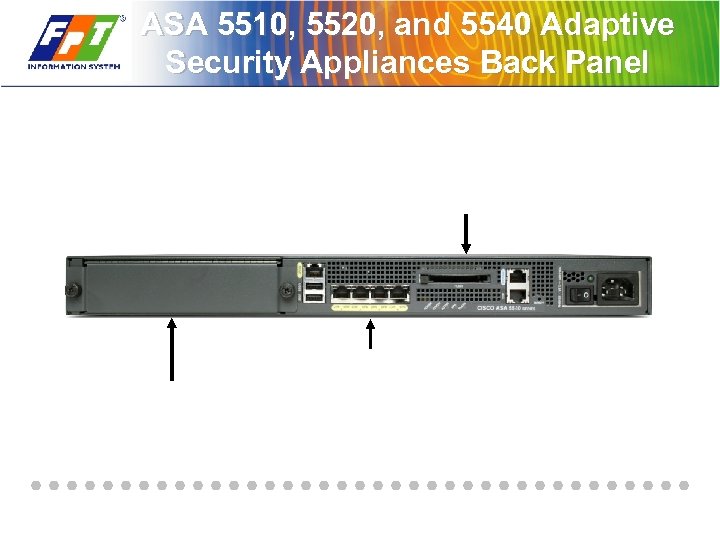 ASA 5510, 5520, and 5540 Adaptive Security Appliances Back Panel
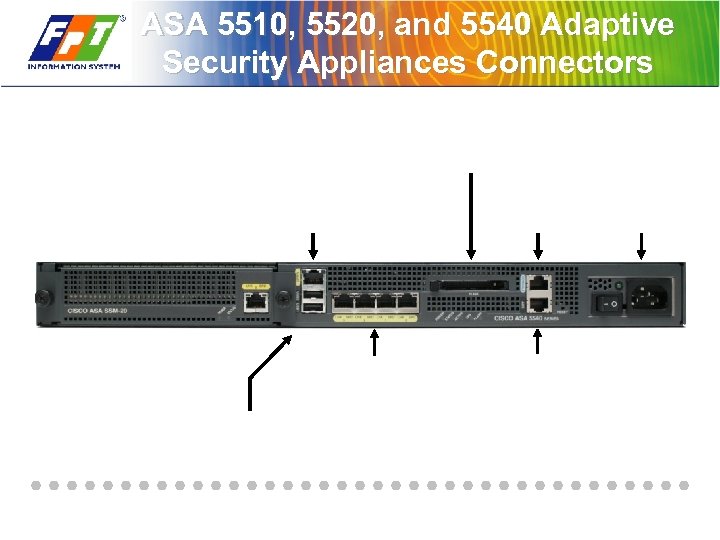 ASA 5510, 5520, and 5540 Adaptive Security Appliances Connectors
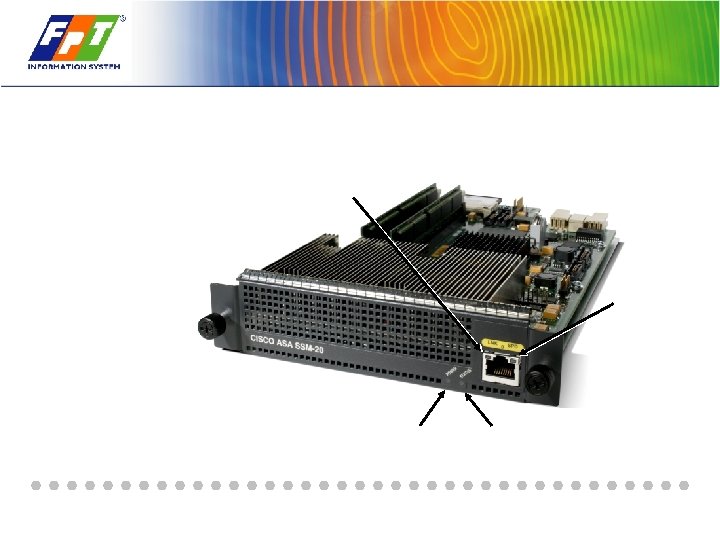
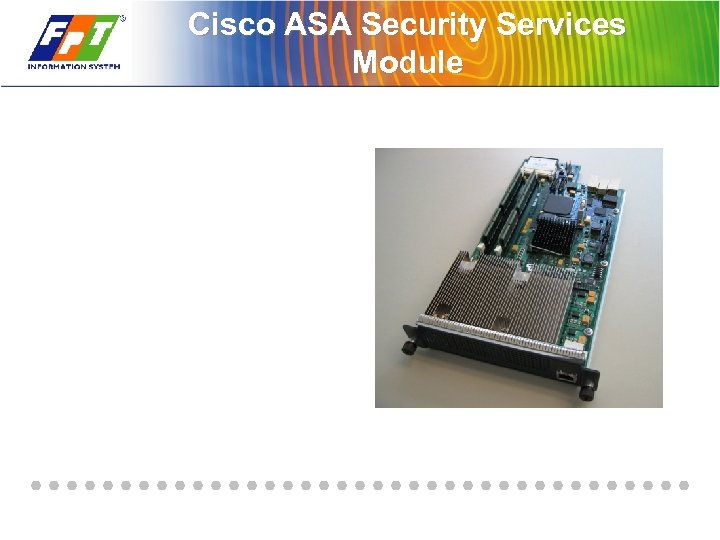 Cisco ASA Security Services Module
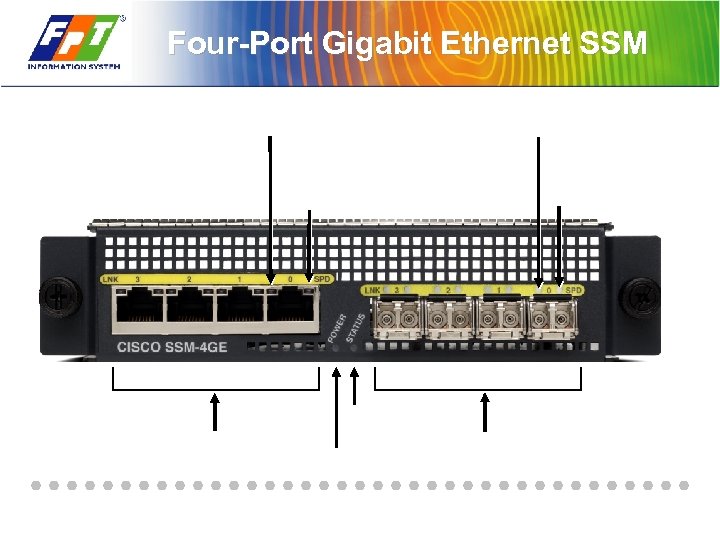 Four-Port Gigabit Ethernet SSM
 Summary

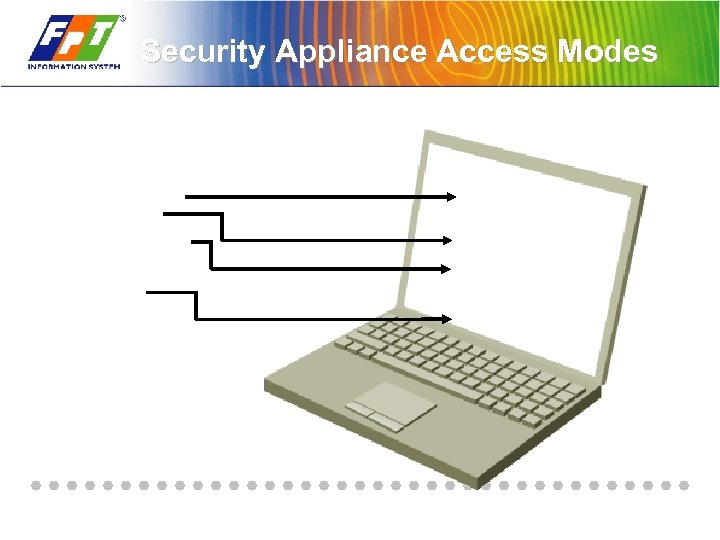 Security Appliance Access Modes
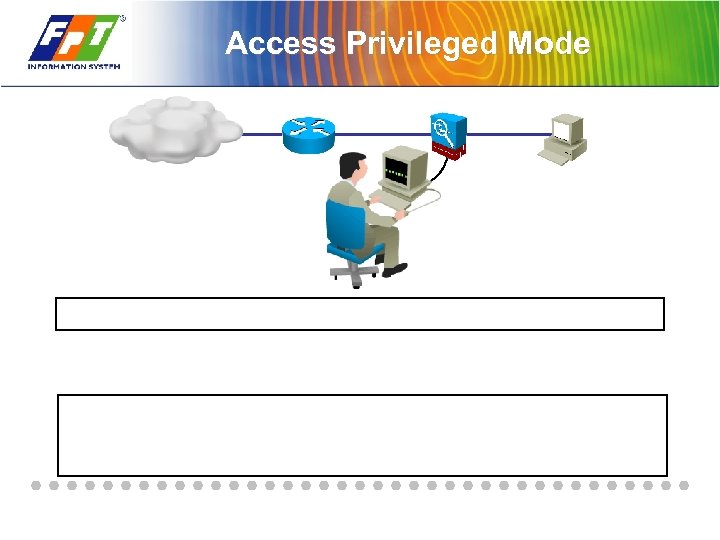 Access Privileged Mode
 Access Configuration Mode: configure terminal Command
 help Command
 Viewing and Saving Your Configuration
 Clearing Running Configuration
 Clearing Startup Configuration
 Reload the Configuration: reload Command
 File System
 Displaying Stored Files: System and Configuration ciscoasa# Display the directory contents
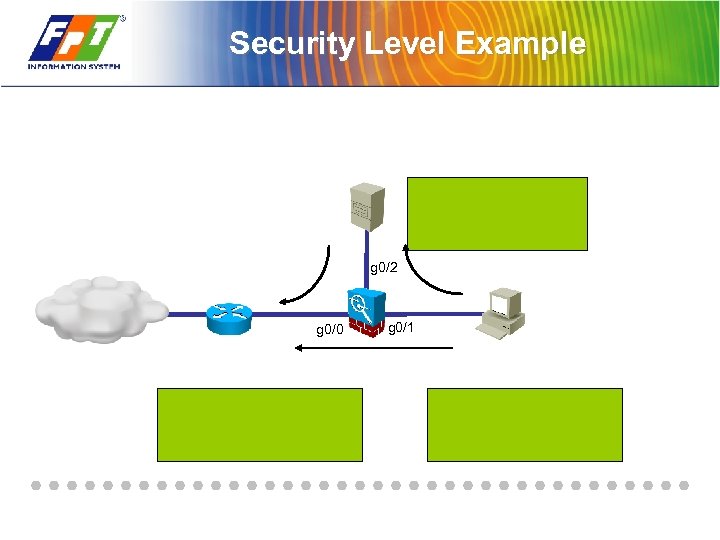 Security Level Example g 0/2 g 0/0 g 0/1
 show Commands
 show memory Command
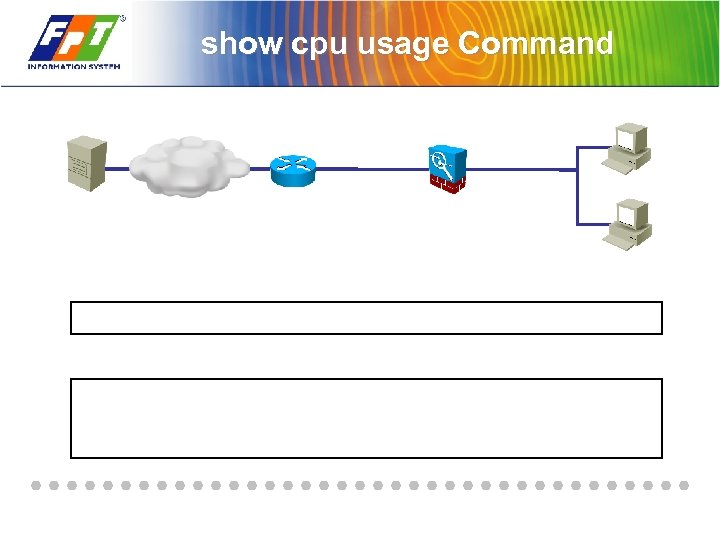 show cpu usage Command
 show version Command
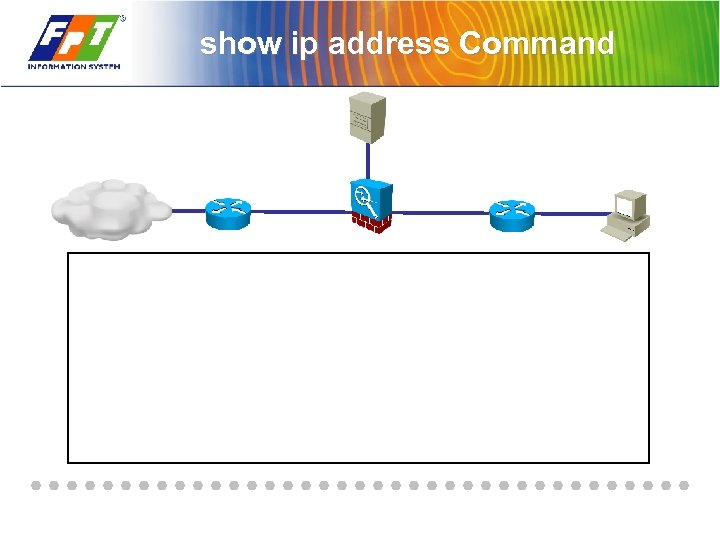 show ip address Command
 show interface Command
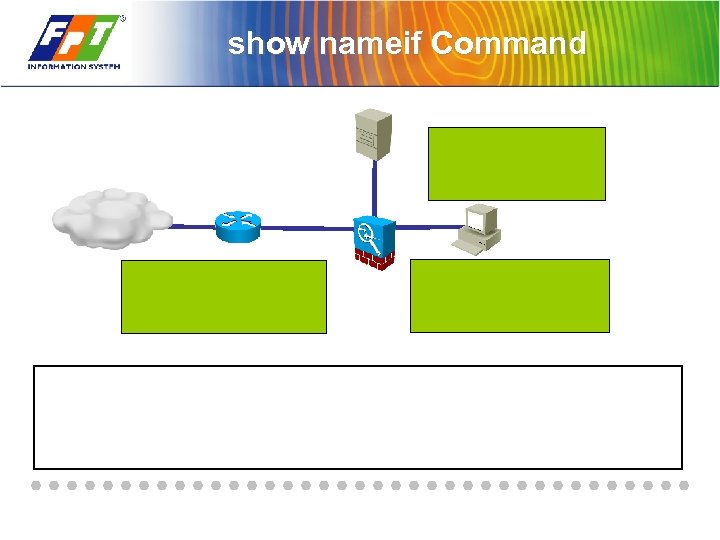 show nameif Command
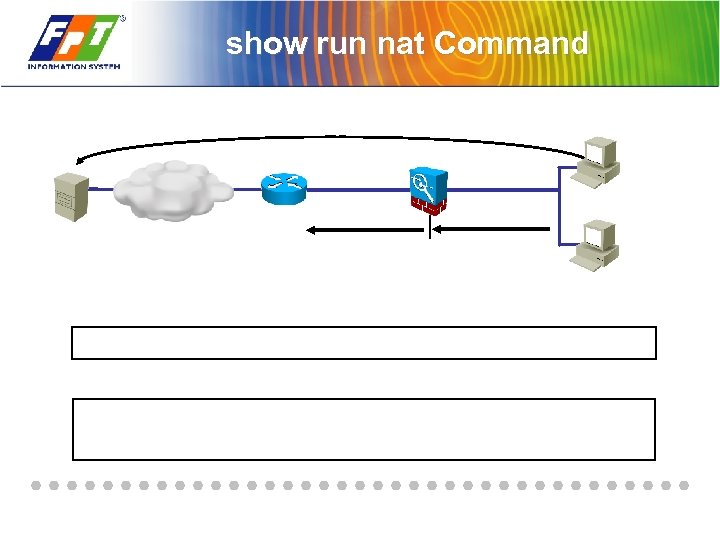 show run nat Command
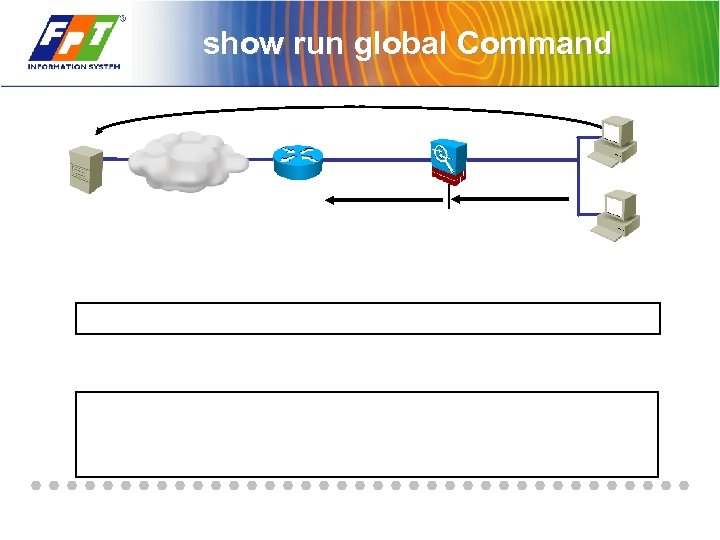 show run global Command
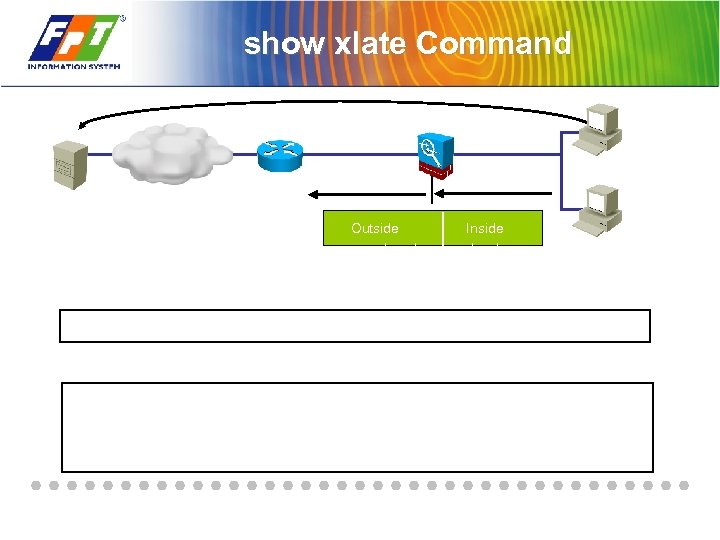 show xlate Command Outside mapped pool Inside local
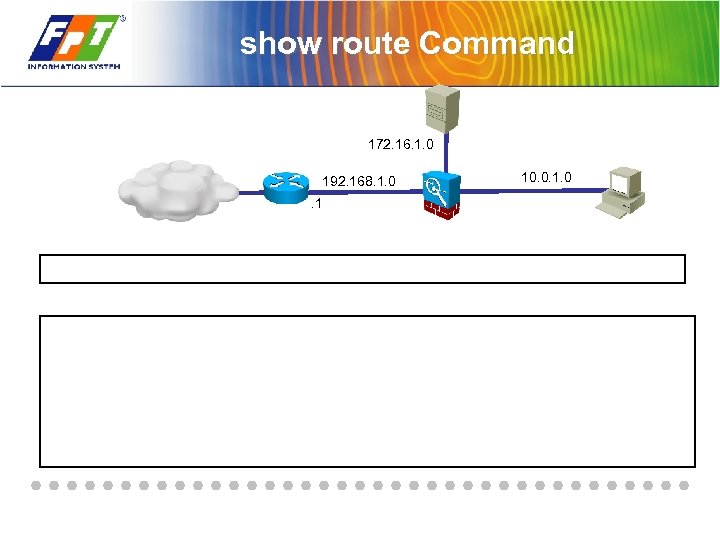 show route Command 172. 16. 1. 0 192. 168. 1. 0. 1 10. 0. 1. 0
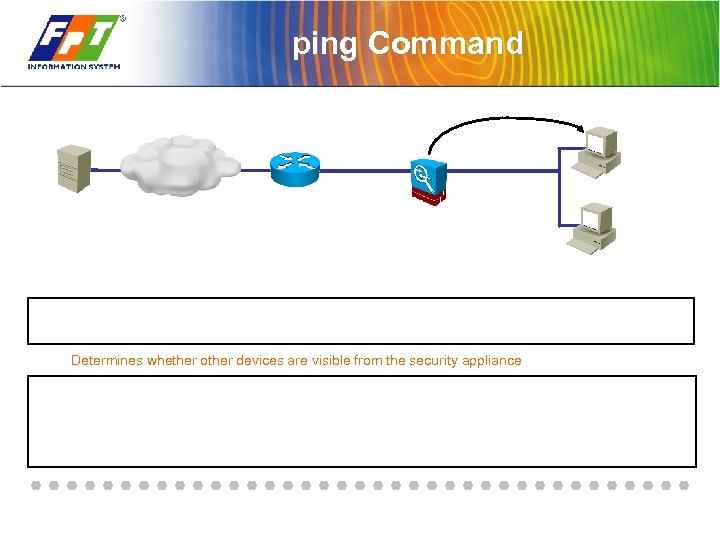 ping Command Determines whether other devices are visible from the security appliance
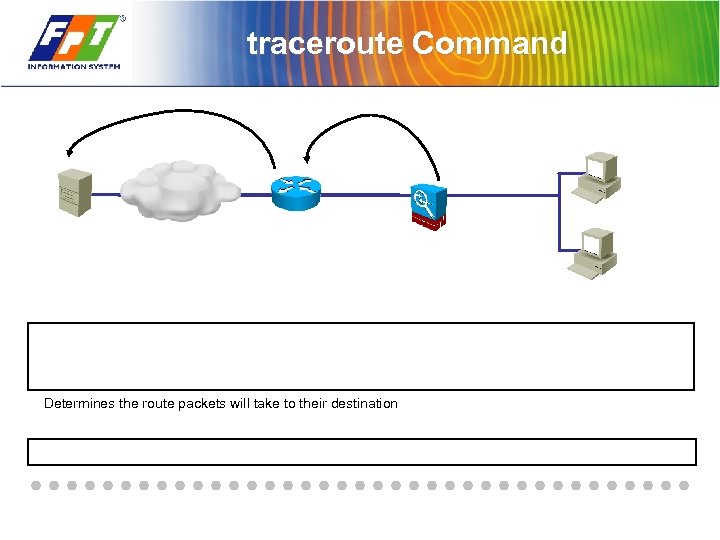 traceroute Command Determines the route packets will take to their destination
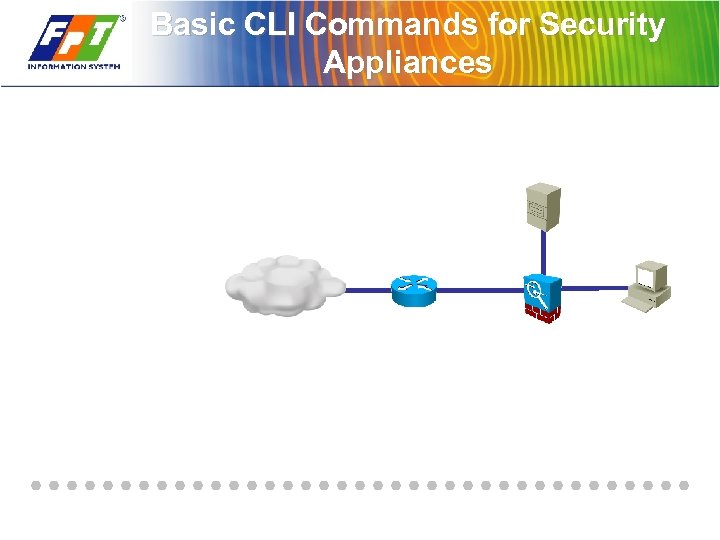 Basic CLI Commands for Security Appliances
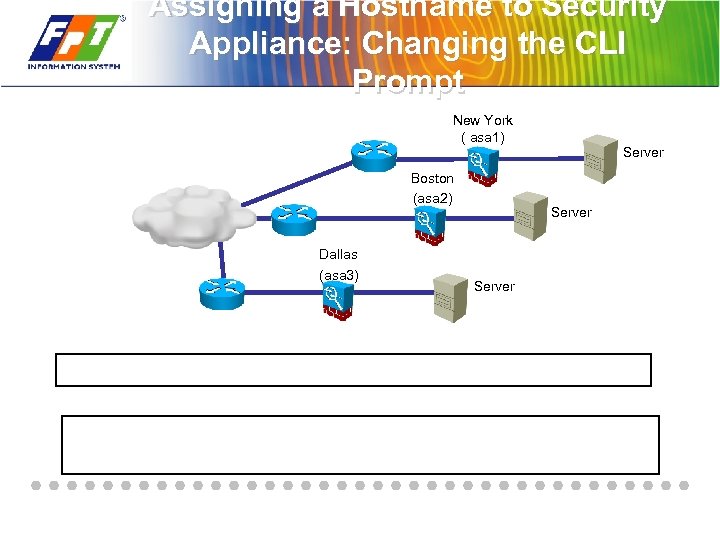 Assigning a Hostname to Security Appliance: Changing the CLI Prompt New York ( asa 1) Boston (asa 2) Dallas (asa 3) Server
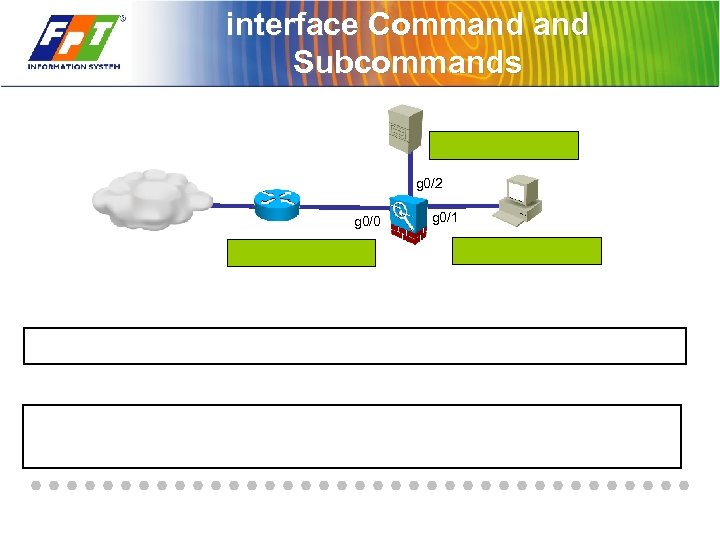 interface Command Subcommands g 0/2 g 0/0 g 0/1
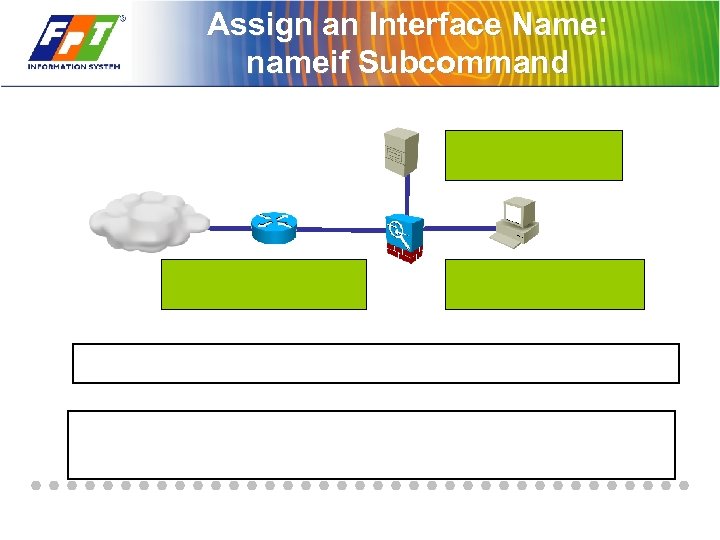 Assign an Interface Name: nameif Subcommand
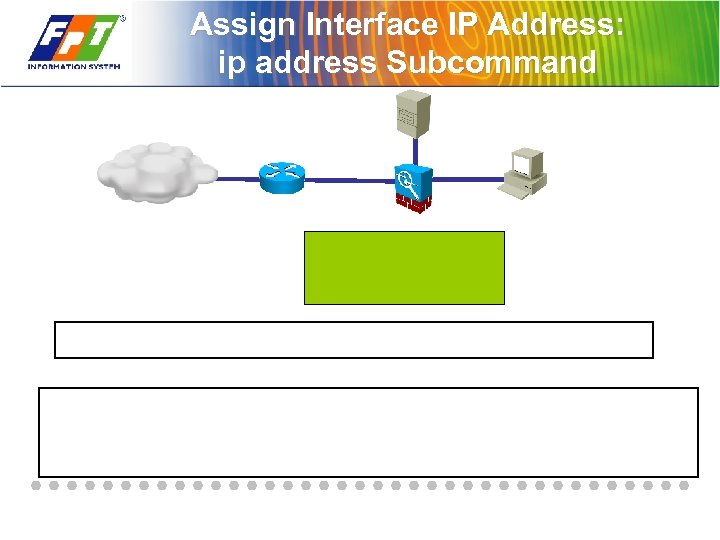 Assign Interface IP Address: ip address Subcommand
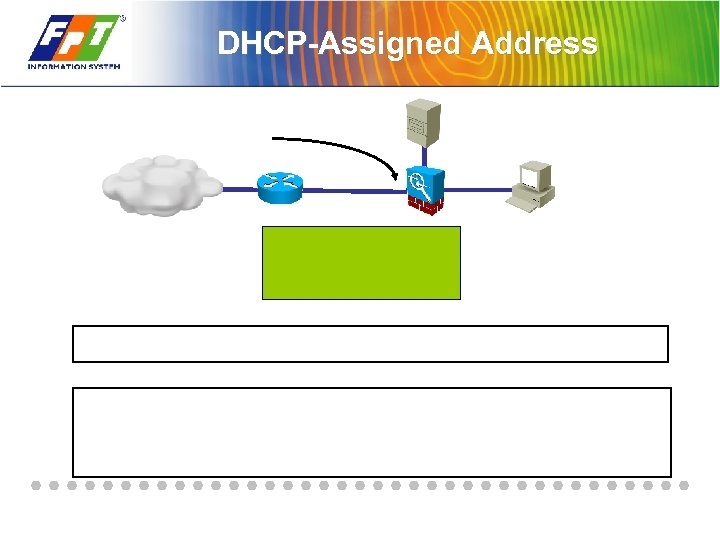 DHCP-Assigned Address
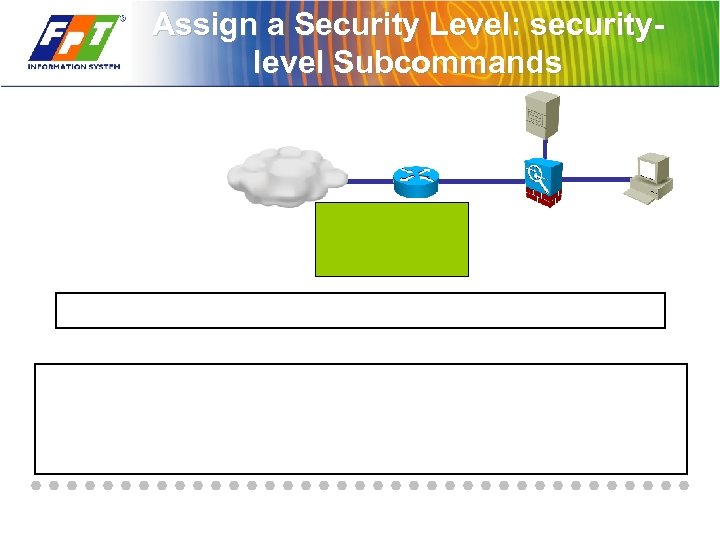 Assign a Security Level: securitylevel Subcommands
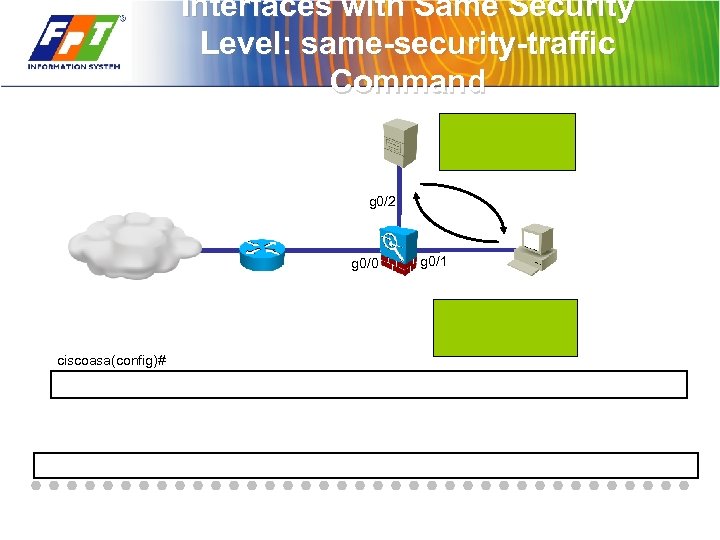 Interfaces with Same Security Level: same-security-traffic Command g 0/2 g 0/0 ciscoasa(config)# g 0/1
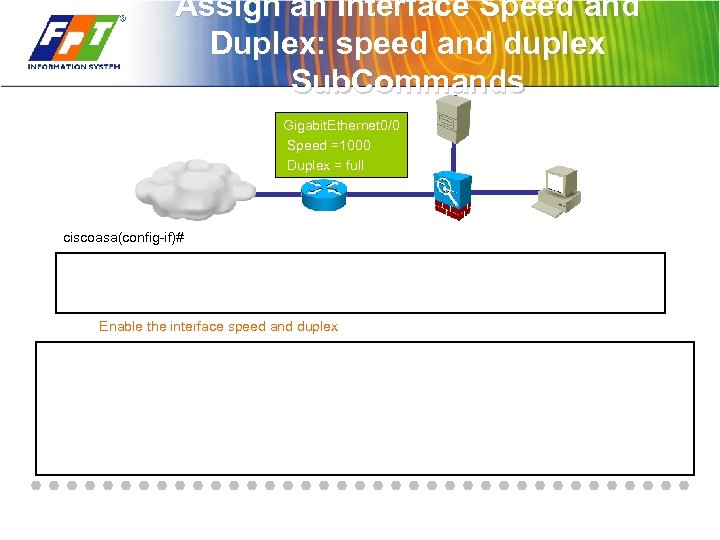 Assign an Interface Speed and Duplex: speed and duplex Sub. Commands Gigabit. Ethernet 0/0 Speed =1000 Duplex = full ciscoasa(config-if)# Enable the interface speed and duplex
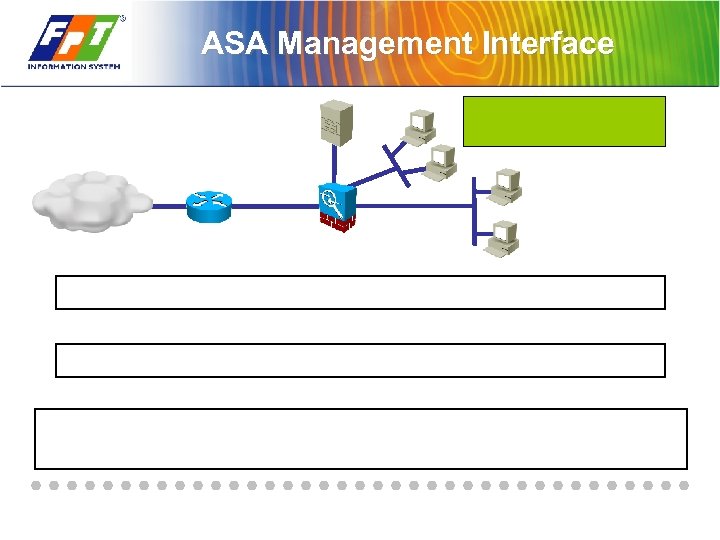 ASA Management Interface
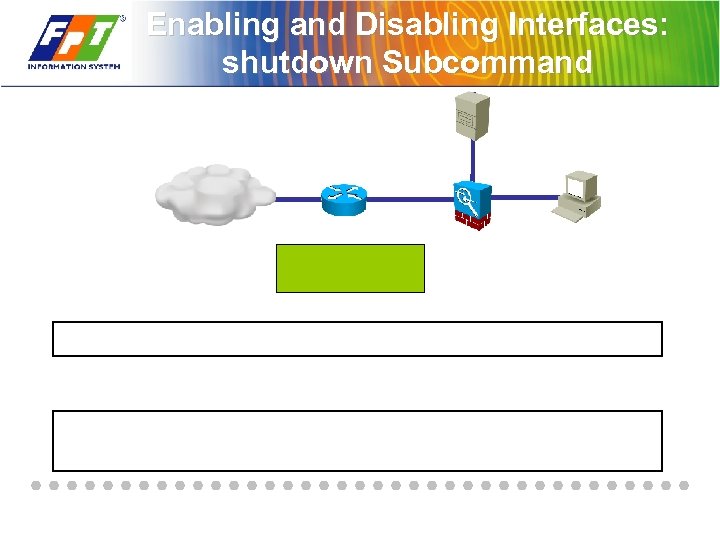 Enabling and Disabling Interfaces: shutdown Subcommand
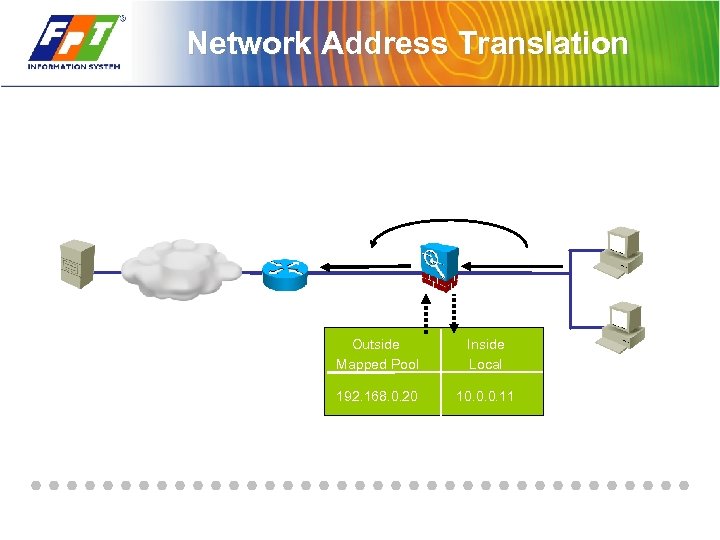 Network Address Translation Outside Mapped Pool Inside Local 192. 168. 0. 20 10. 0. 0. 11
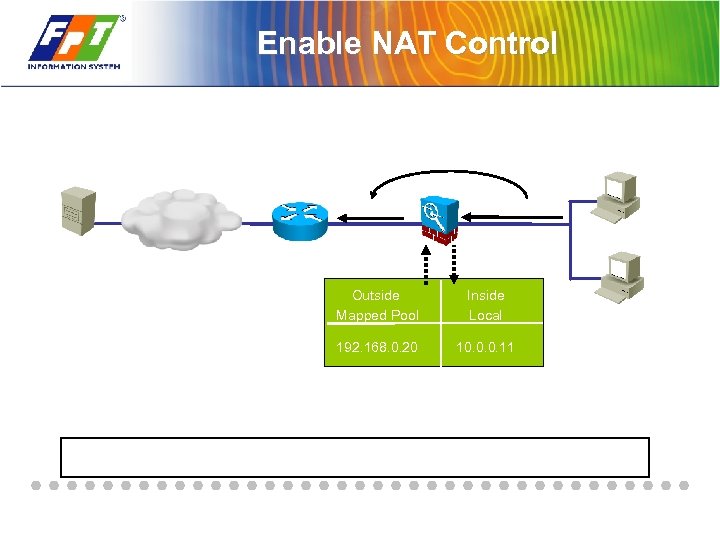 Enable NAT Control Outside Mapped Pool Inside Local 192. 168. 0. 20 10. 0. 0. 11
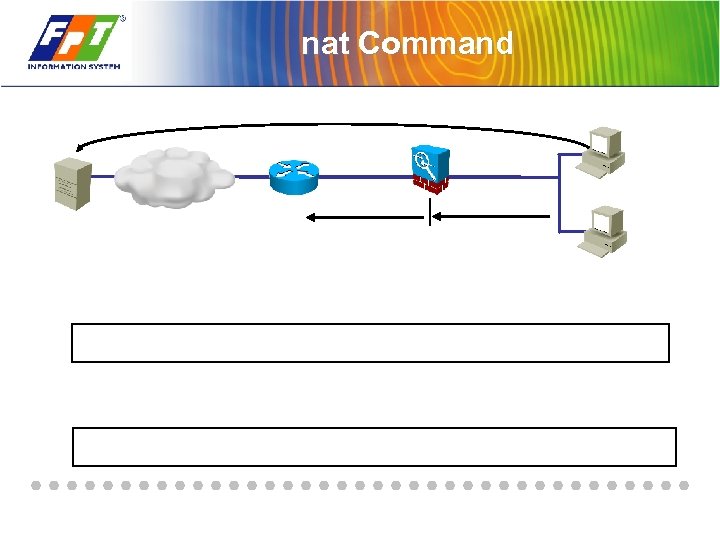 nat Command
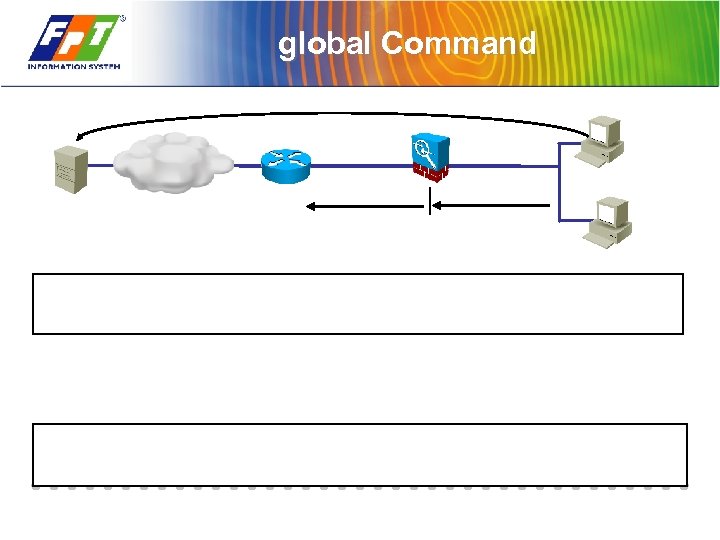 global Command
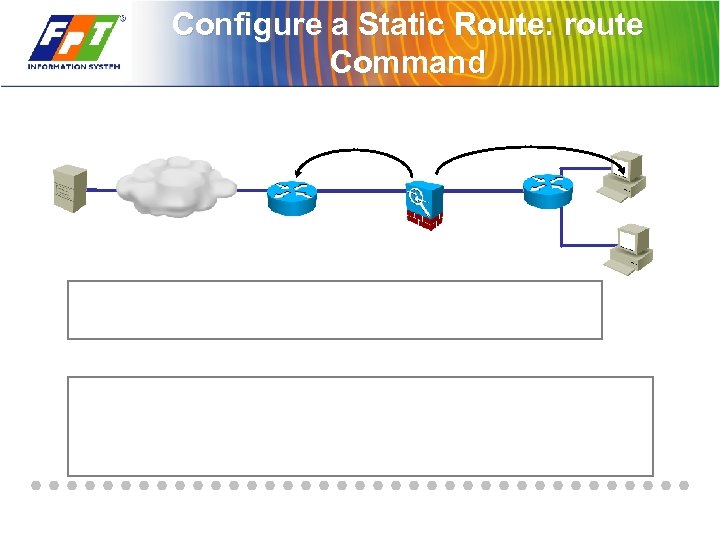 Configure a Static Route: route Command
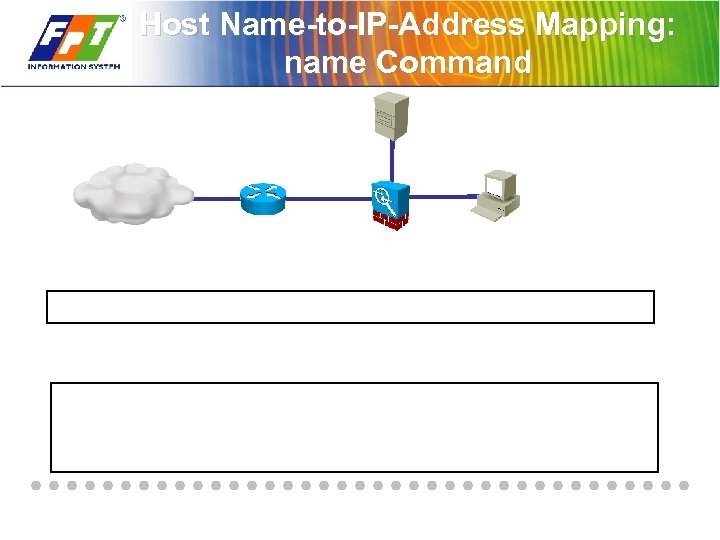 Host Name-to-IP-Address Mapping: name Command
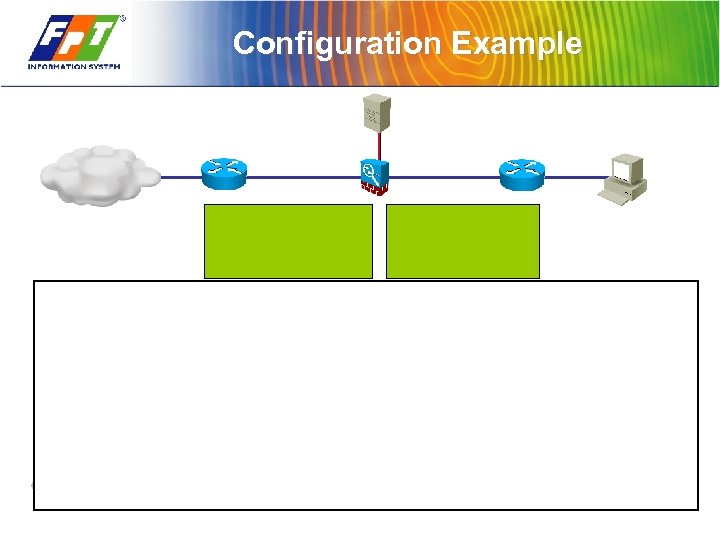 Configuration Example
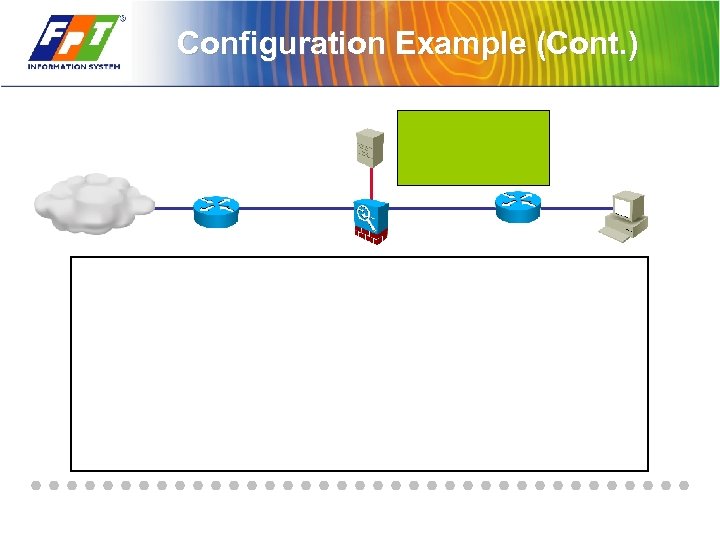 Configuration Example (Cont. )
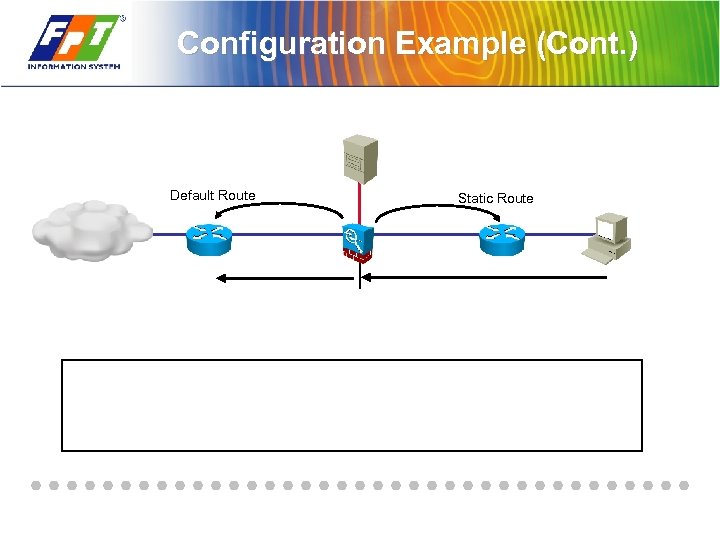 Configuration Example (Cont. ) Default Route Static Route
 Summary

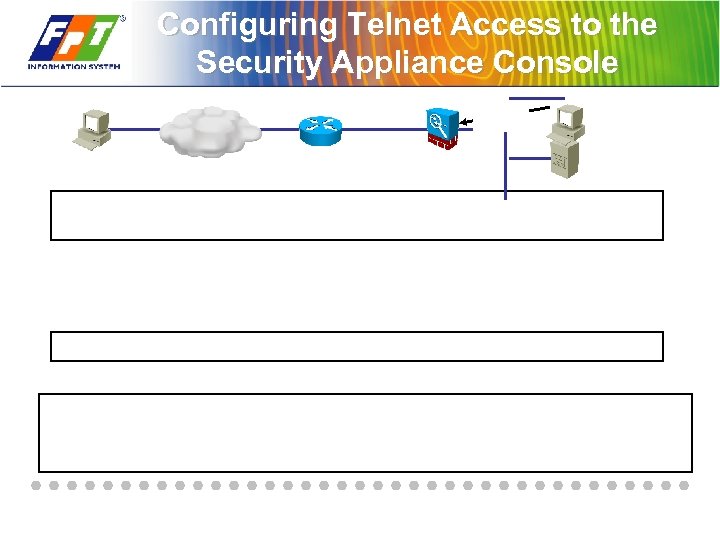 Configuring Telnet Access to the Security Appliance Console
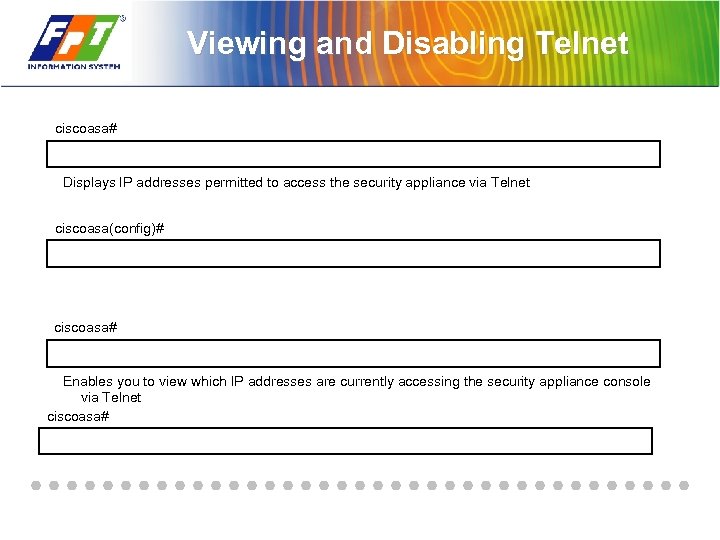 Viewing and Disabling Telnet ciscoasa# Displays IP addresses permitted to access the security appliance via Telnet ciscoasa(config)# ciscoasa# Enables you to view which IP addresses are currently accessing the security appliance console via Telnet ciscoasa#
 SSH Connections to the Security Appliance
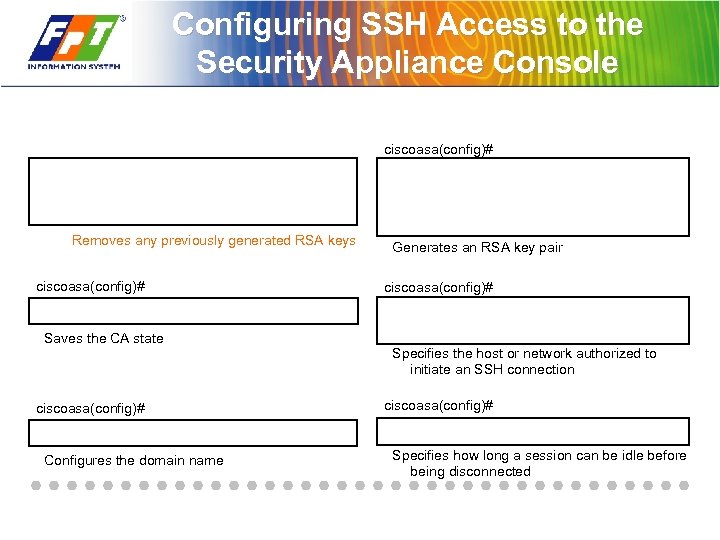 Configuring SSH Access to the Security Appliance Console ciscoasa(config)# Removes any previously generated RSA keys ciscoasa(config)# Saves the CA state ciscoasa(config)# Configures the domain name Generates an RSA key pair ciscoasa(config)# Specifies the host or network authorized to initiate an SSH connection ciscoasa(config)# Specifies how long a session can be idle before being disconnected
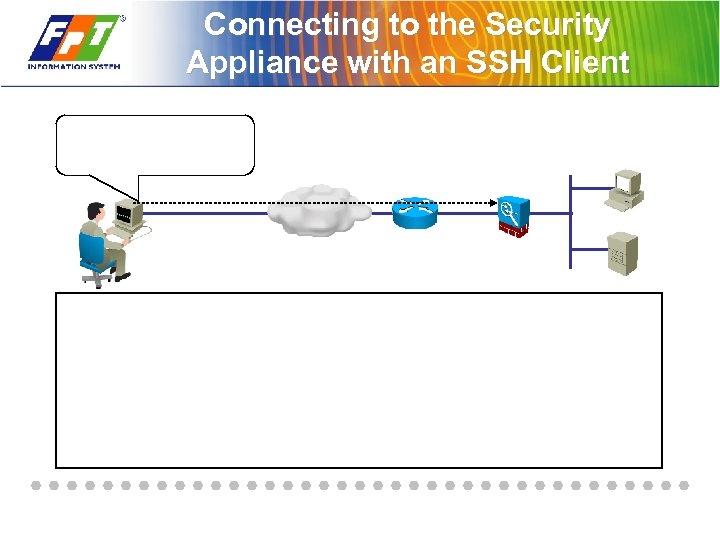 Connecting to the Security Appliance with an SSH Client
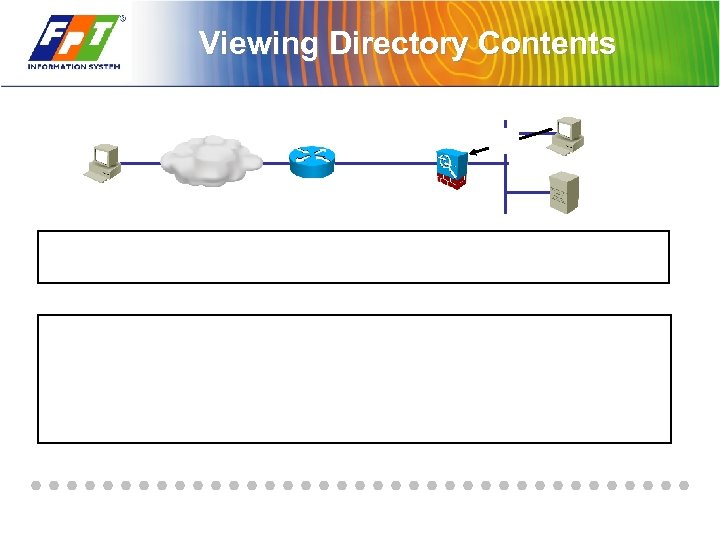 Viewing Directory Contents
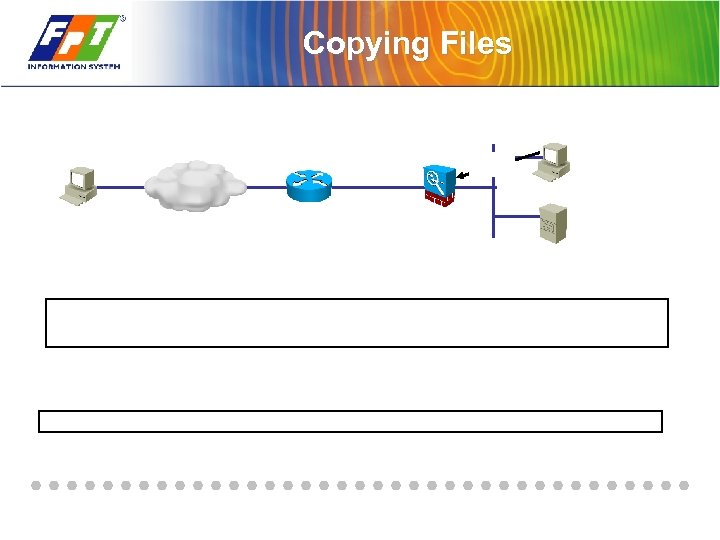 Copying Files
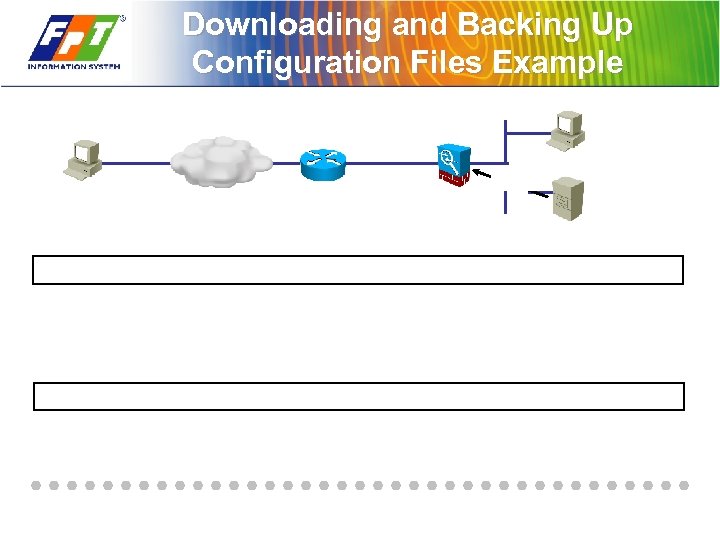 Downloading and Backing Up Configuration Files Example
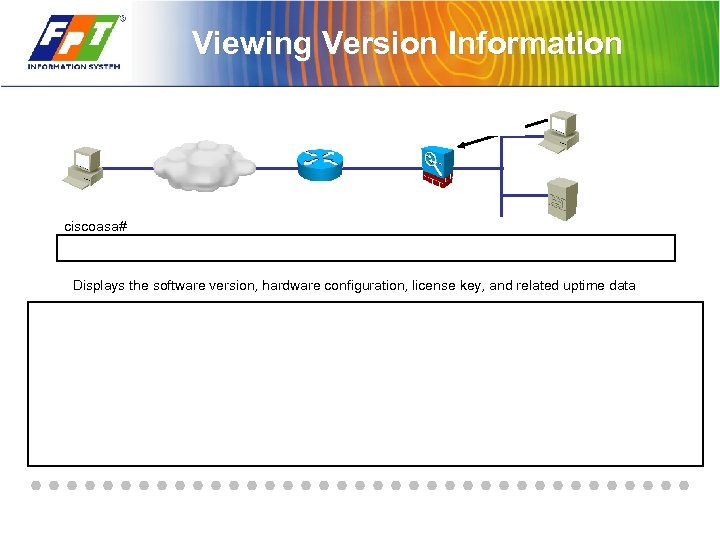 Viewing Version Information ciscoasa# Displays the software version, hardware configuration, license key, and related uptime data
 Image Upgrade
 Summary

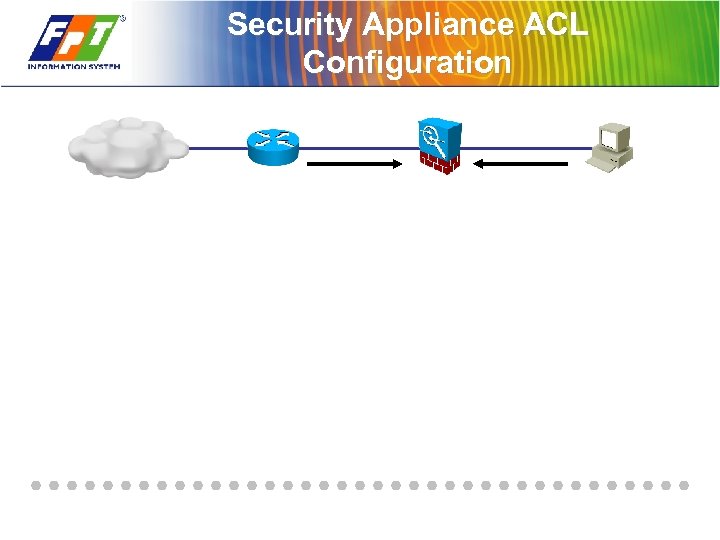 Security Appliance ACL Configuration
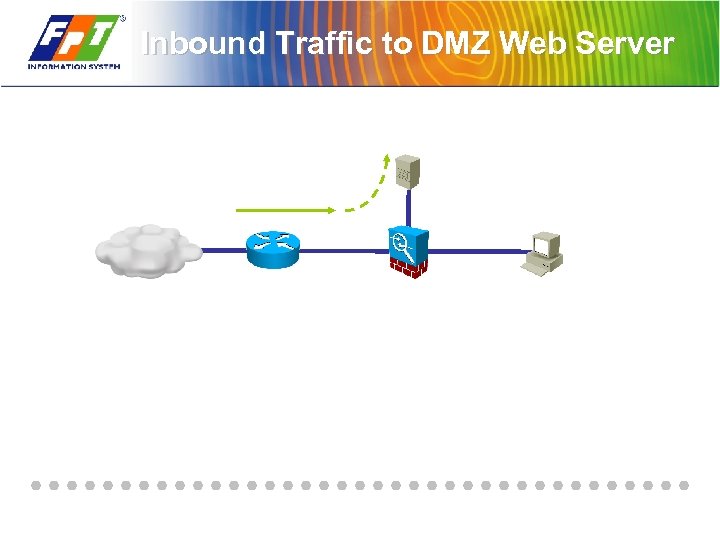 Inbound Traffic to DMZ Web Server
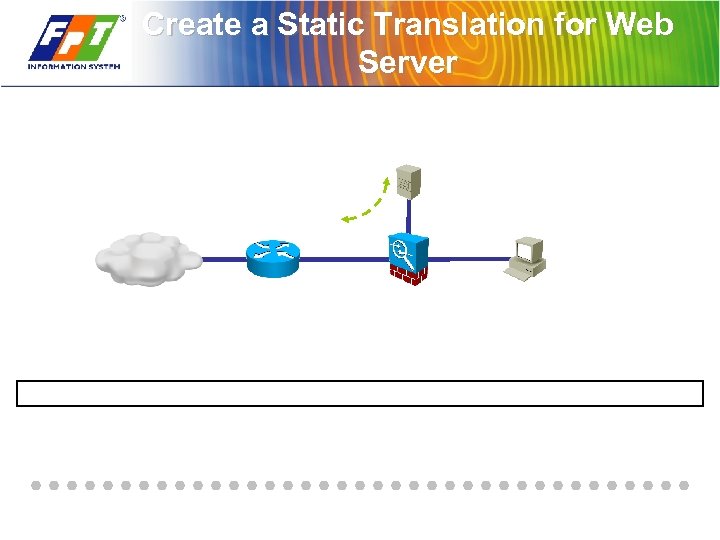 Create a Static Translation for Web Server
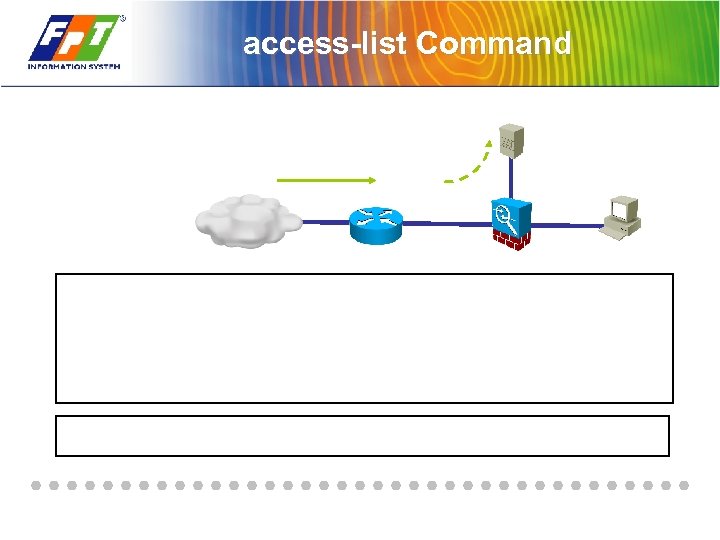 access-list Command
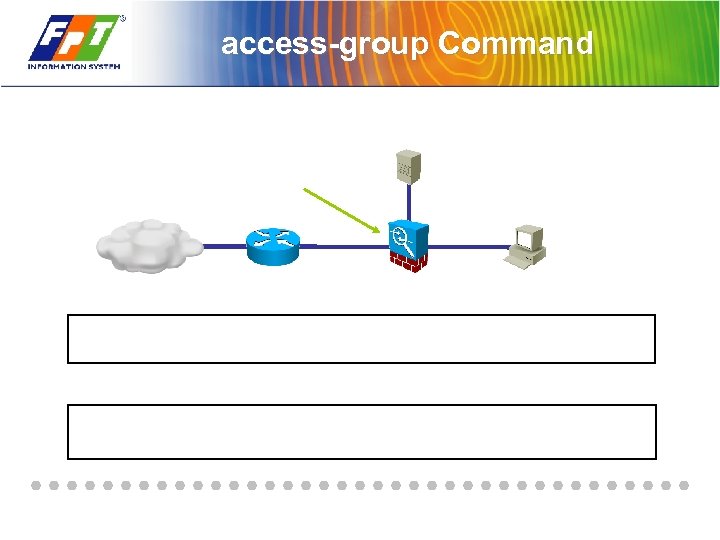 access-group Command
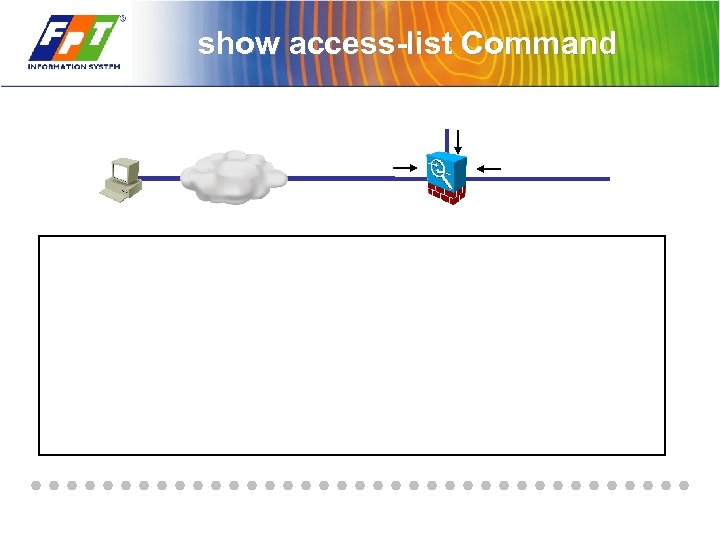 show access-list Command
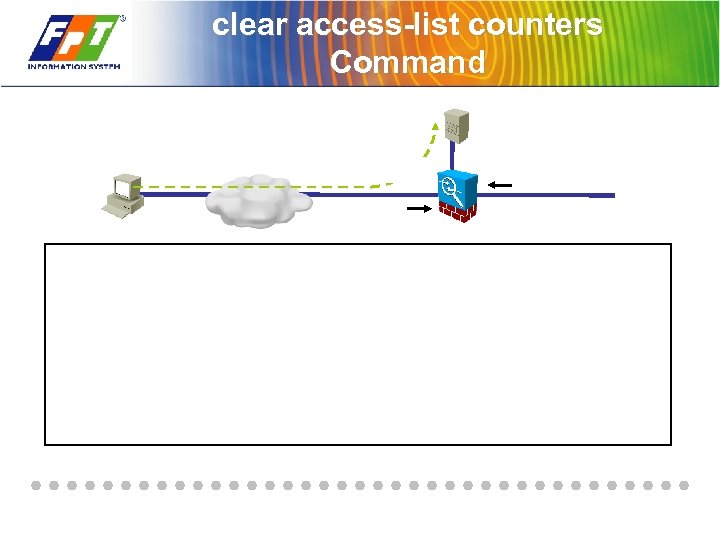 clear access-list counters Command
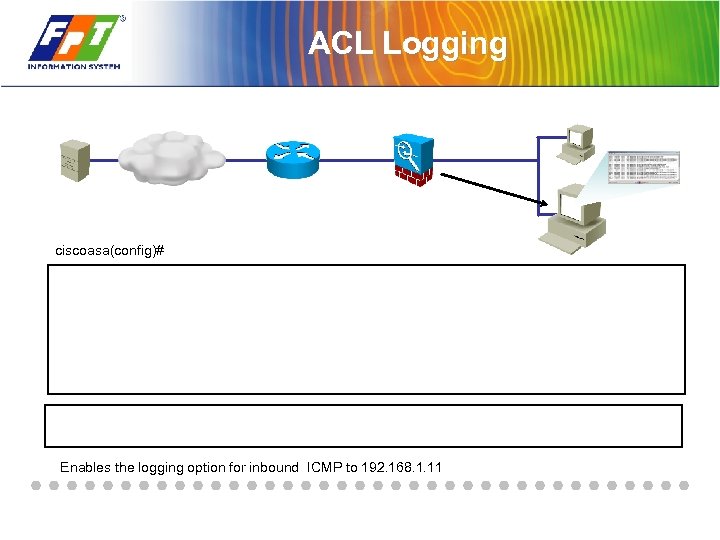 ACL Logging ciscoasa(config)# Enables the logging option for inbound ICMP to 192. 168. 1. 11
 ACL Comments
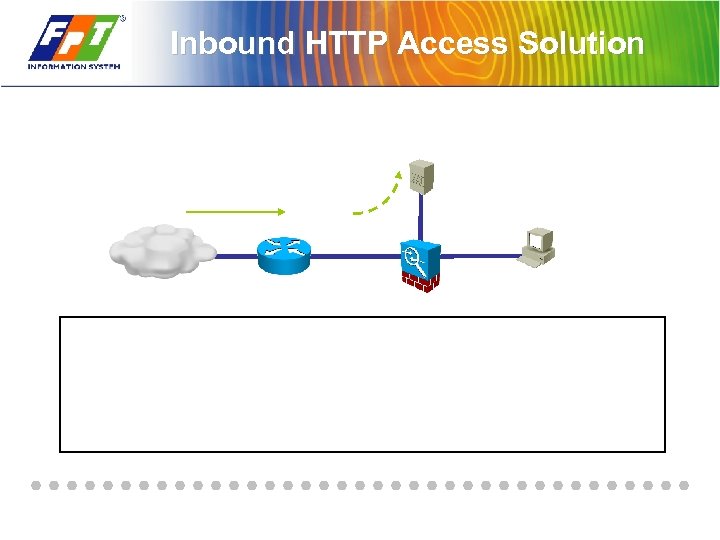 Inbound HTTP Access Solution
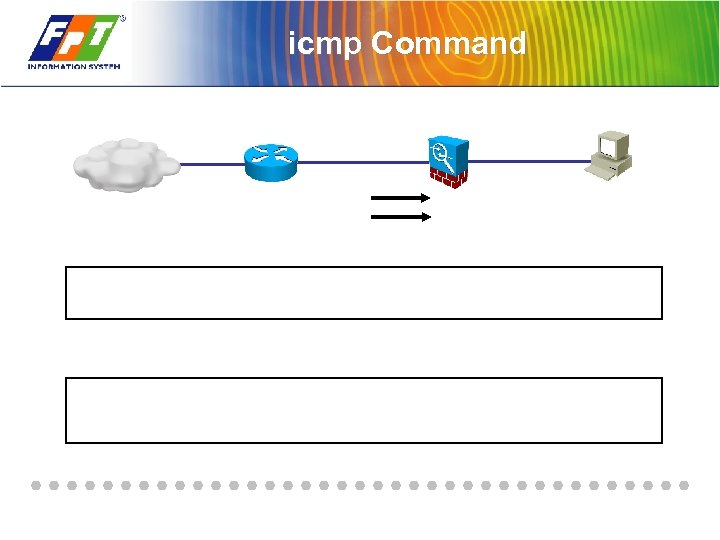 icmp Command
 Summary

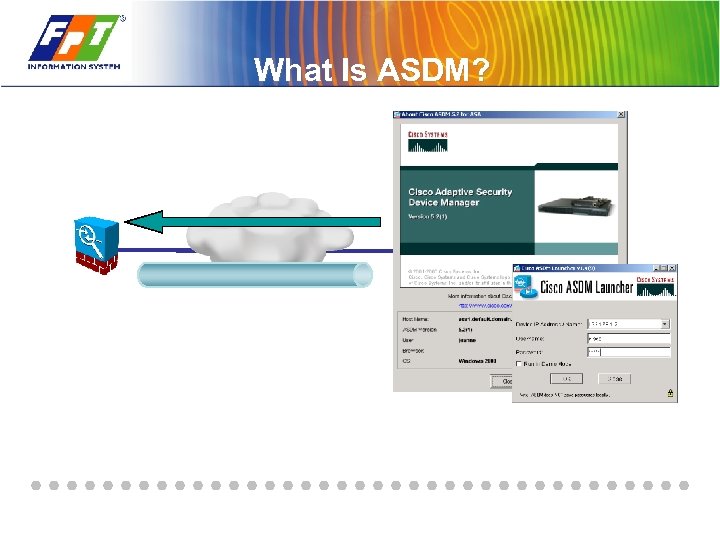 What Is ASDM?
 ASDM Features
 ASDM Security Appliance Requirements
 ASDM Browser Requirements
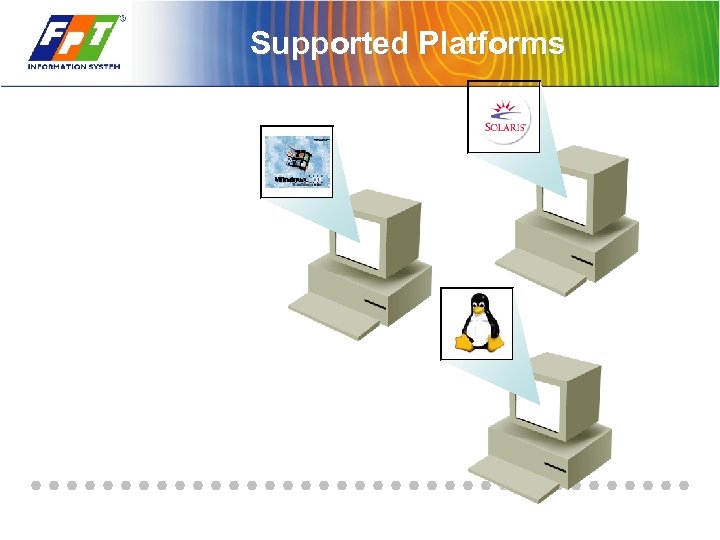 Supported Platforms
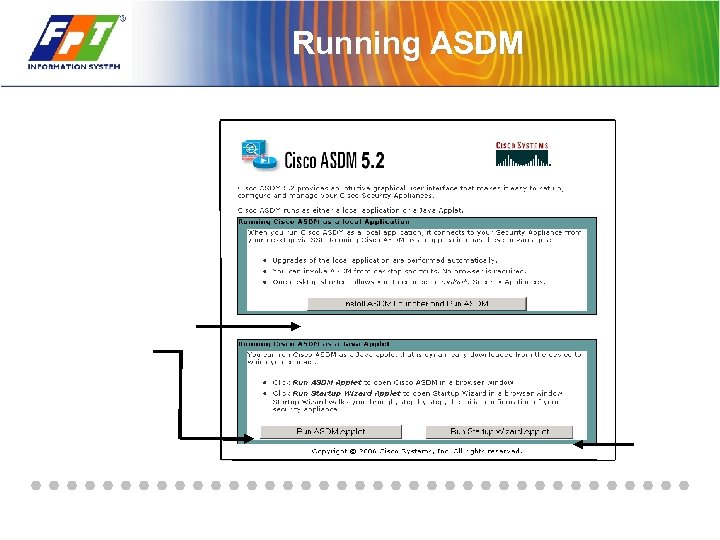 Running ASDM
 Configure the Security Appliance to Use ASDM
 Setup Dialog
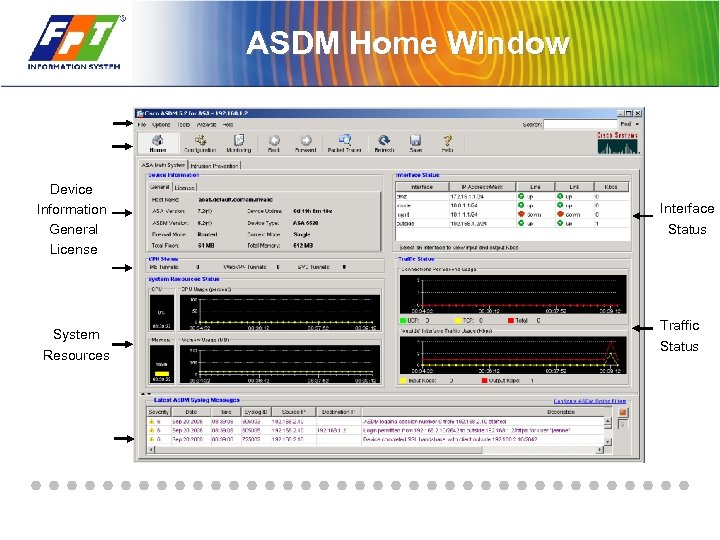 ASDM Home Window Device Information General License System Resources Interface Status Traffic Status
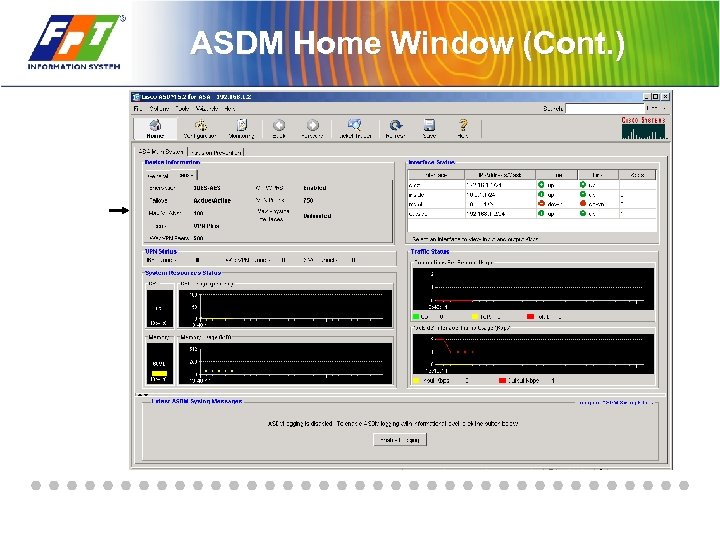 ASDM Home Window (Cont. )
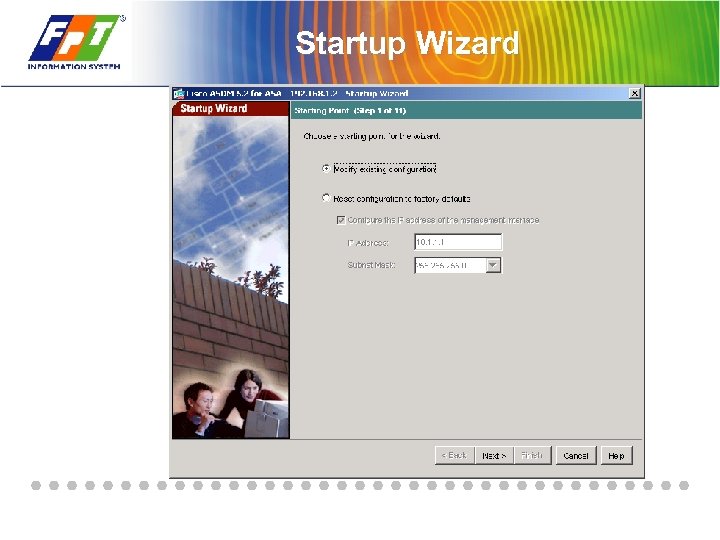 Startup Wizard
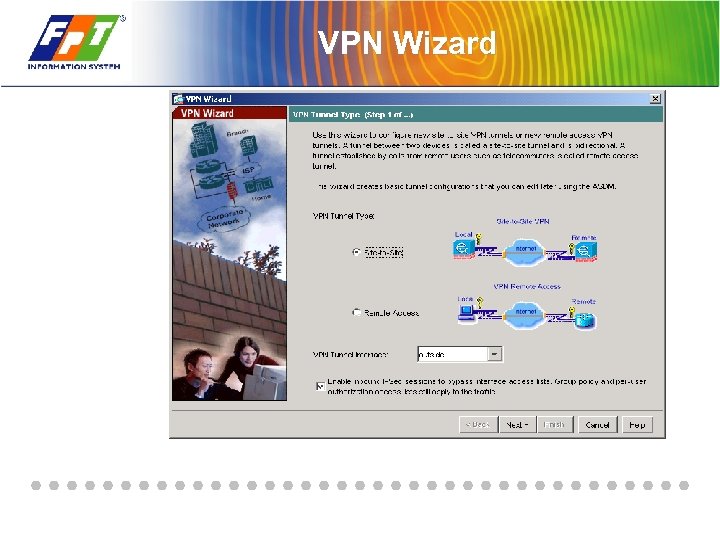 VPN Wizard
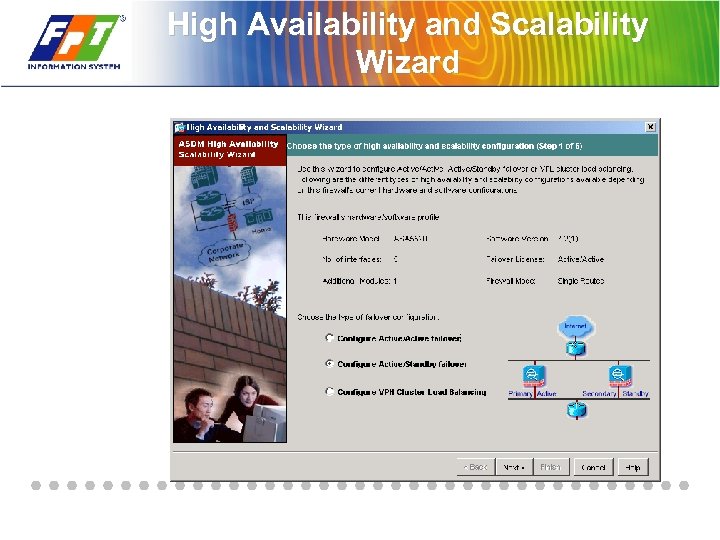 High Availability and Scalability Wizard
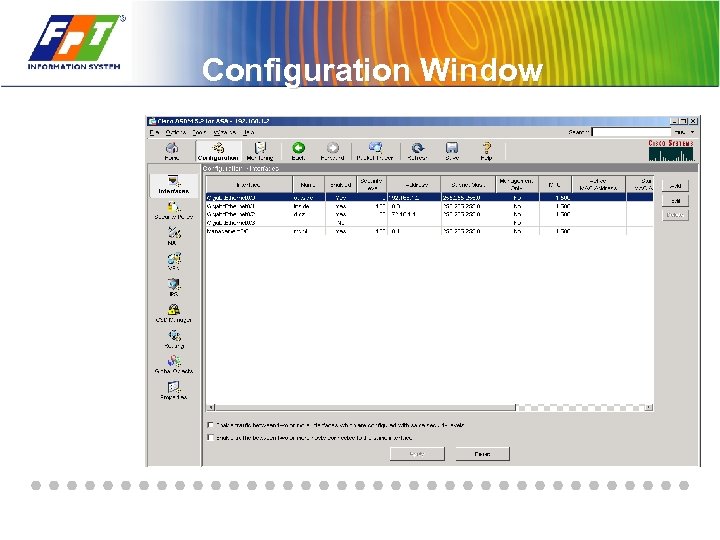 Configuration Window
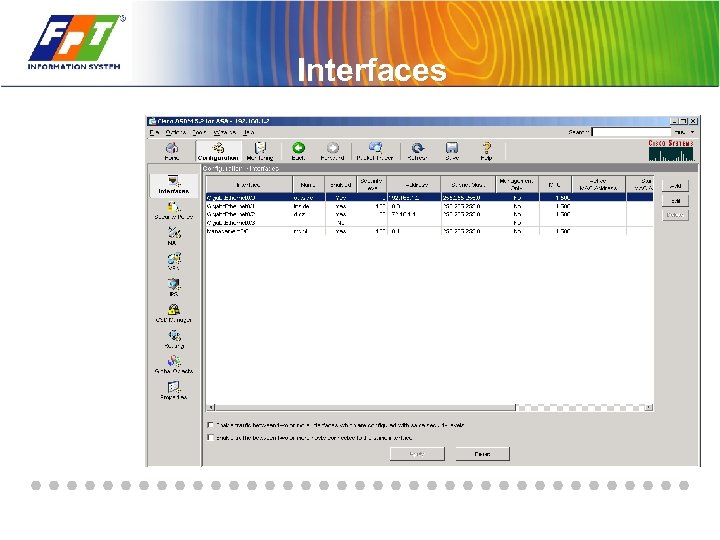 Interfaces
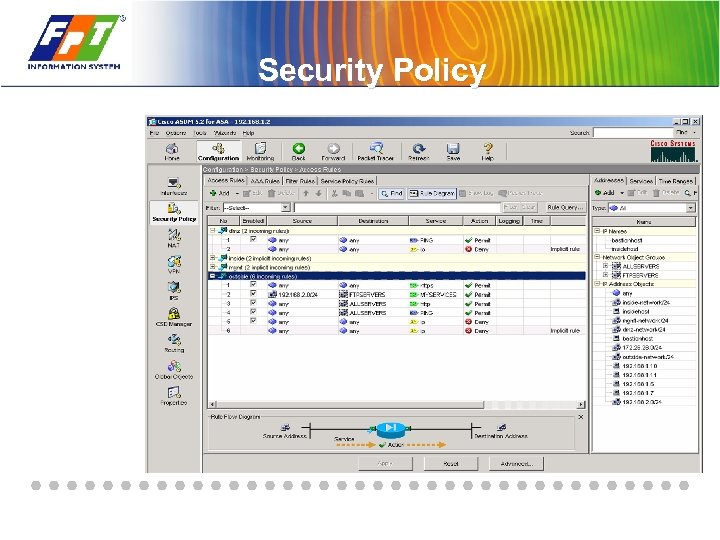 Security Policy
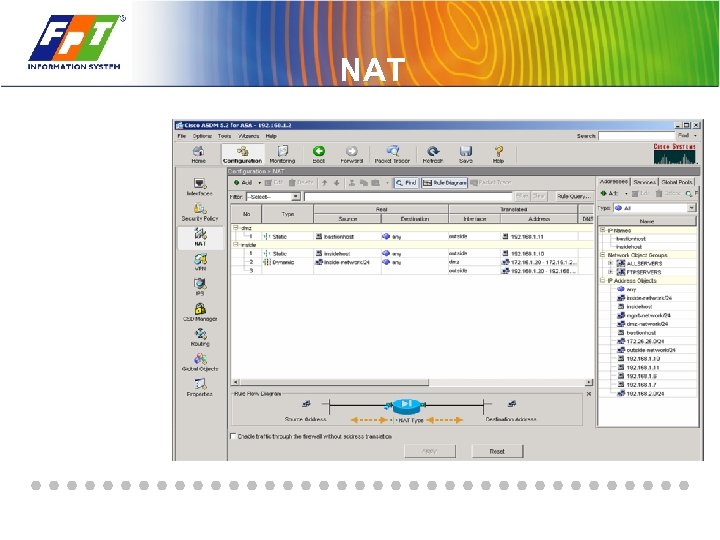 NAT
NAT
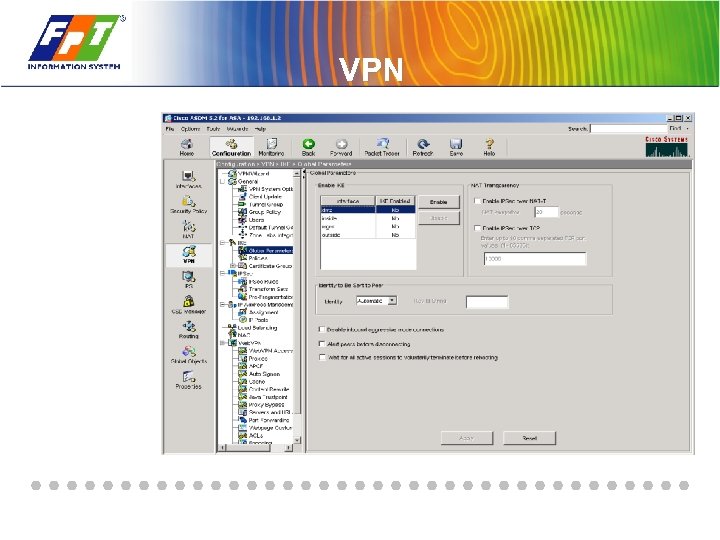 VPN
VPN
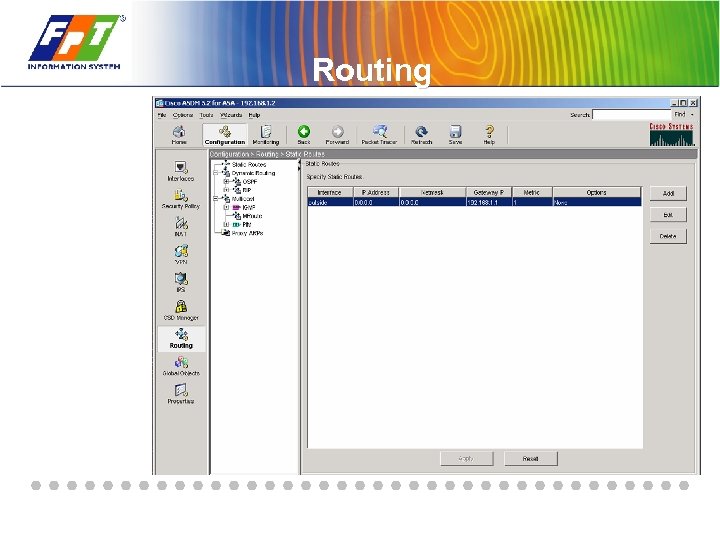 Routing
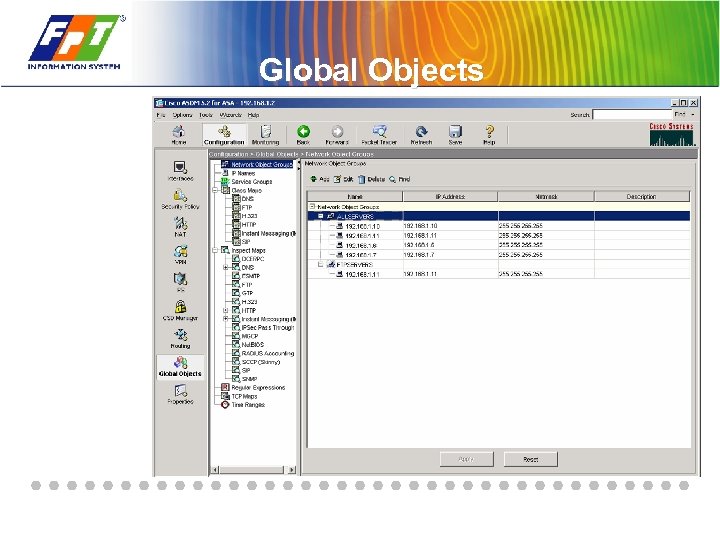 Global Objects
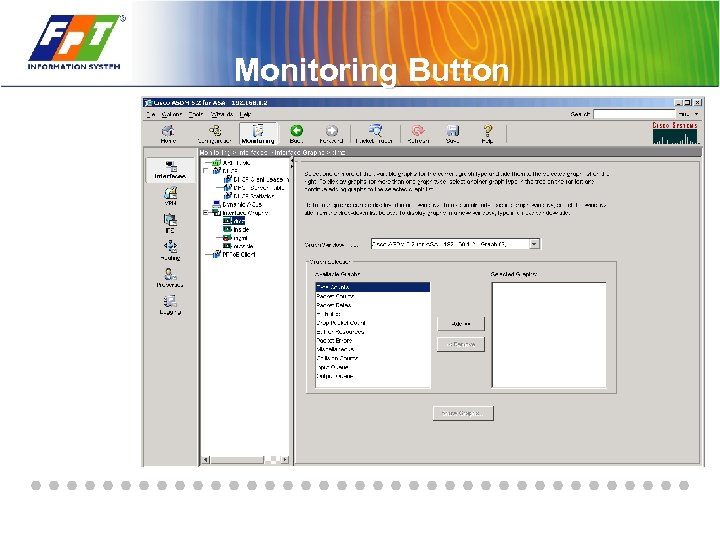 Monitoring Button
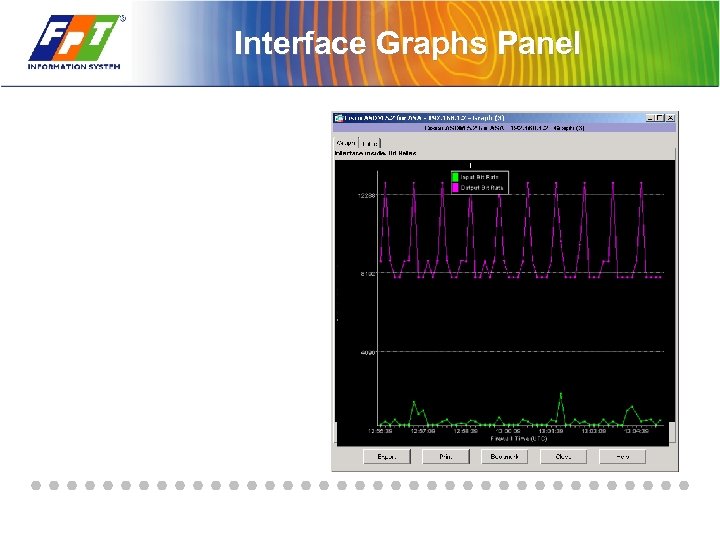 Interface Graphs Panel
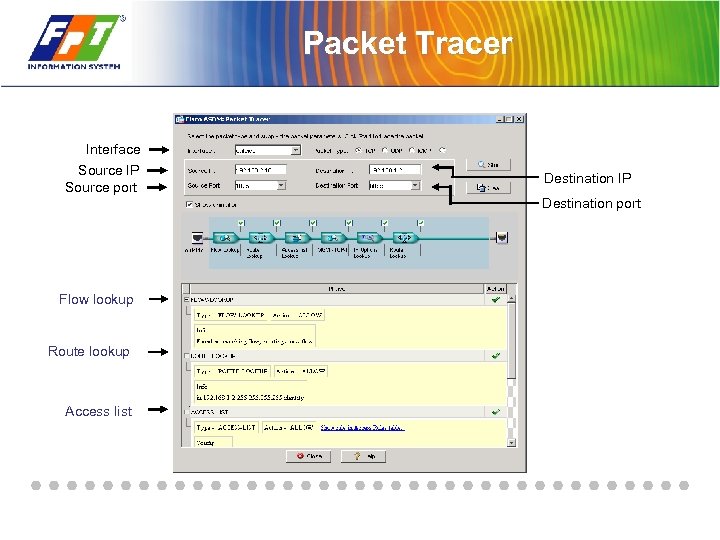 Packet Tracer Interface Source IP Source port Destination IP Destination port Flow lookup Route lookup Access list
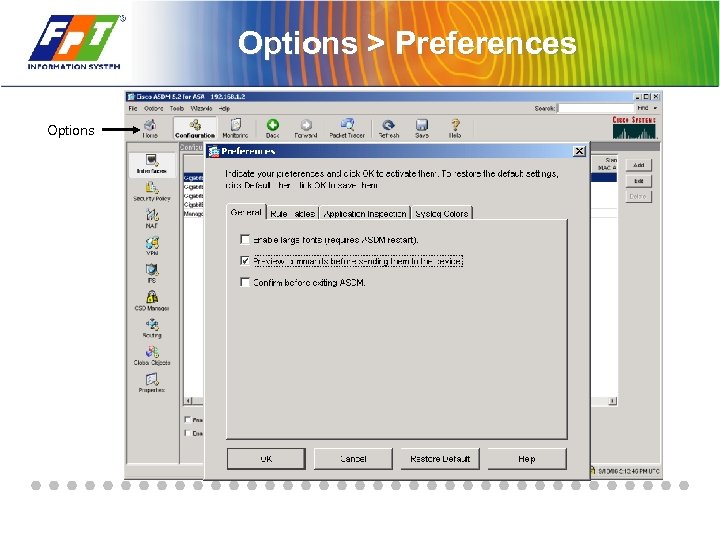 Options > Preferences Options
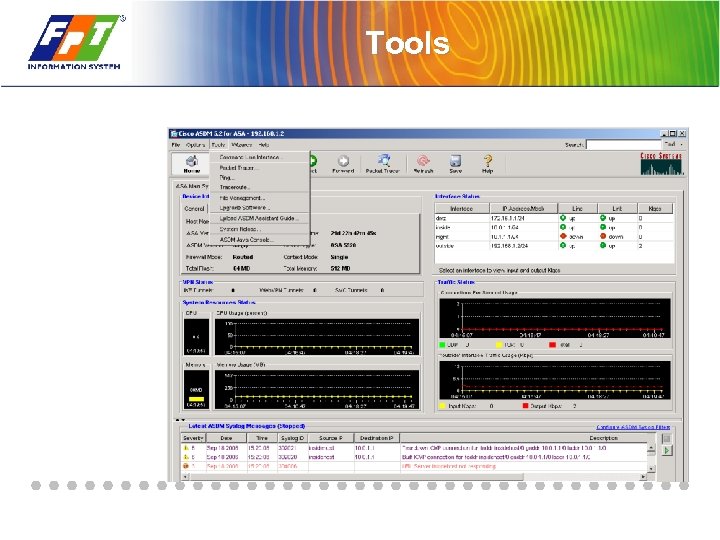 Tools
Tools
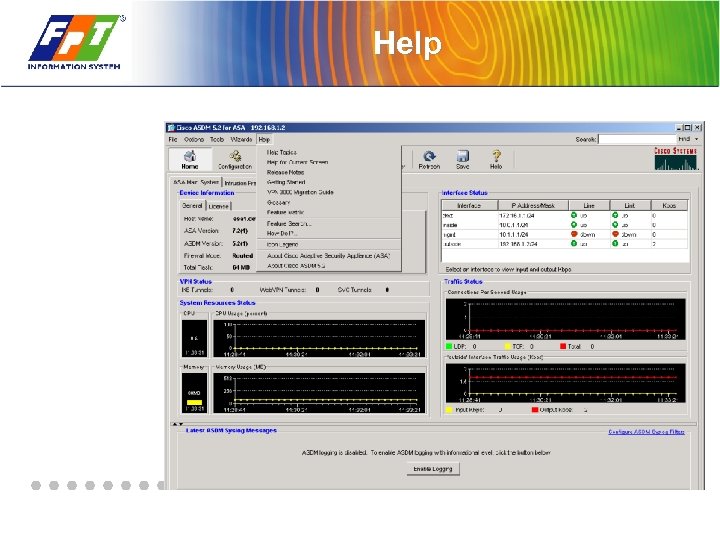 Help
Help
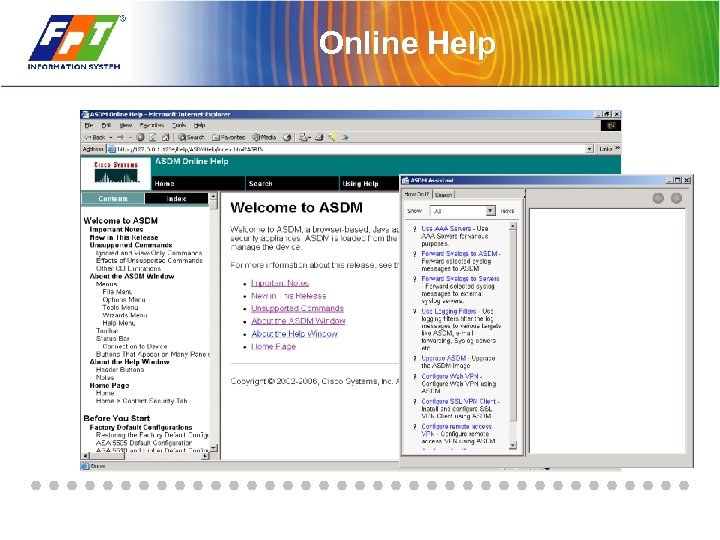 Online Help
 Summary

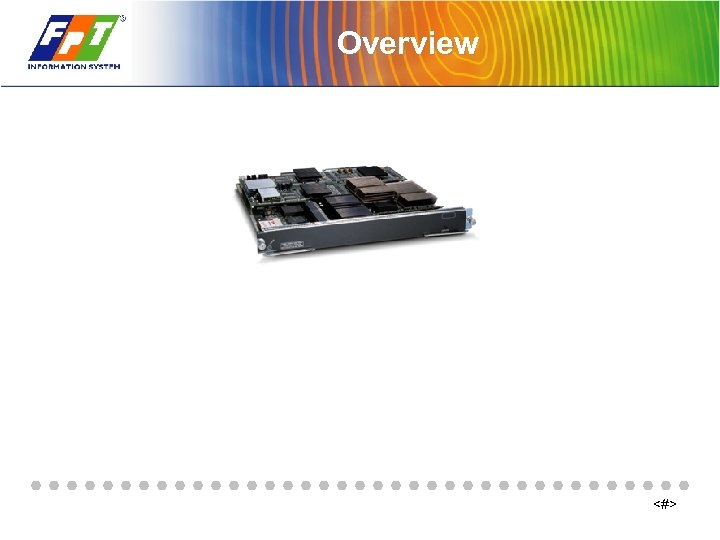 Overview <#>
 FWSM Key Features <#>
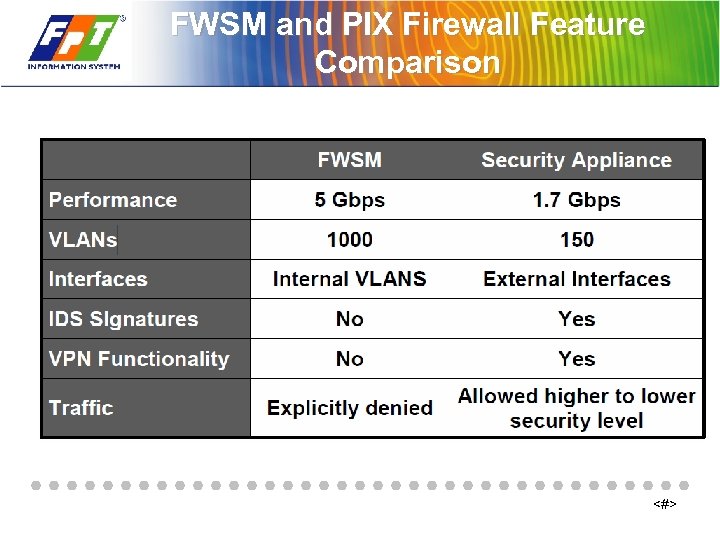 FWSM and PIX Firewall Feature Comparison <#>
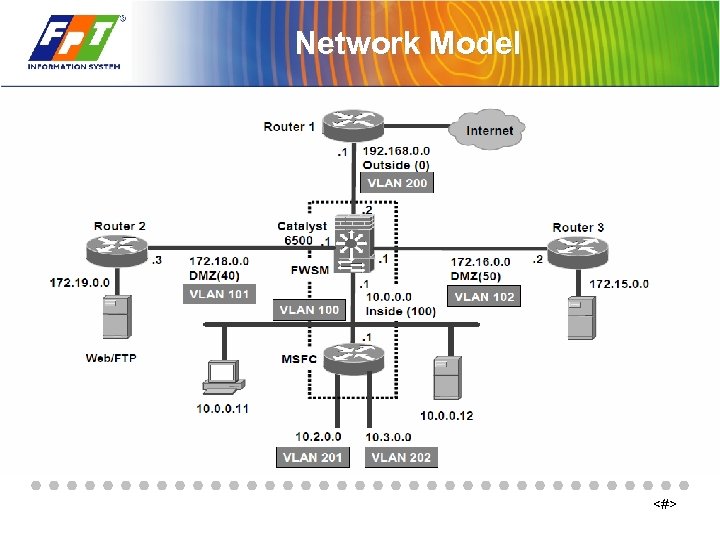 Network Model <#>
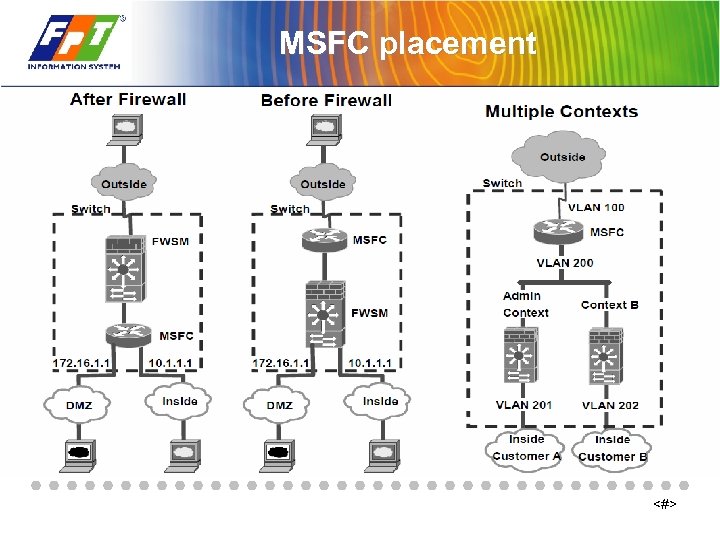 MSFC placement <#>
 Getting Started with the FWSM <#>
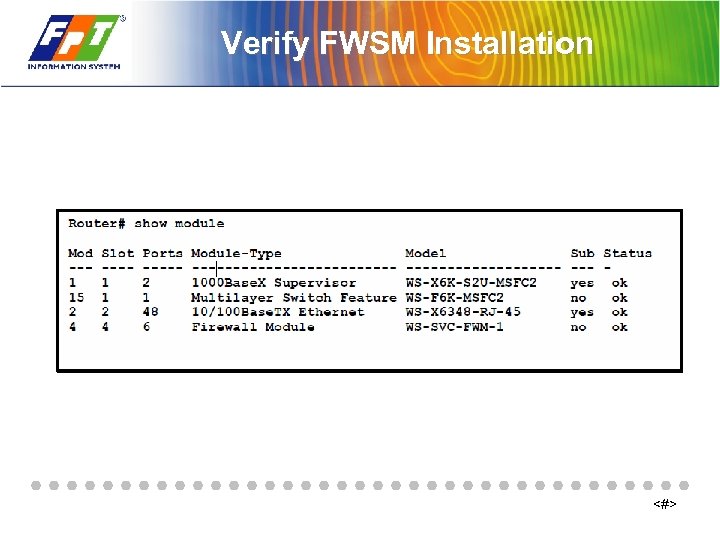 Verify FWSM Installation <#>
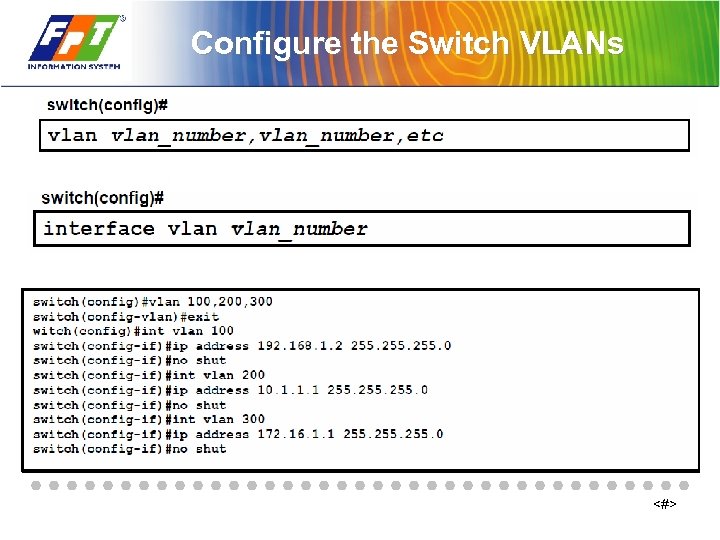 Configure the Switch VLANs <#>
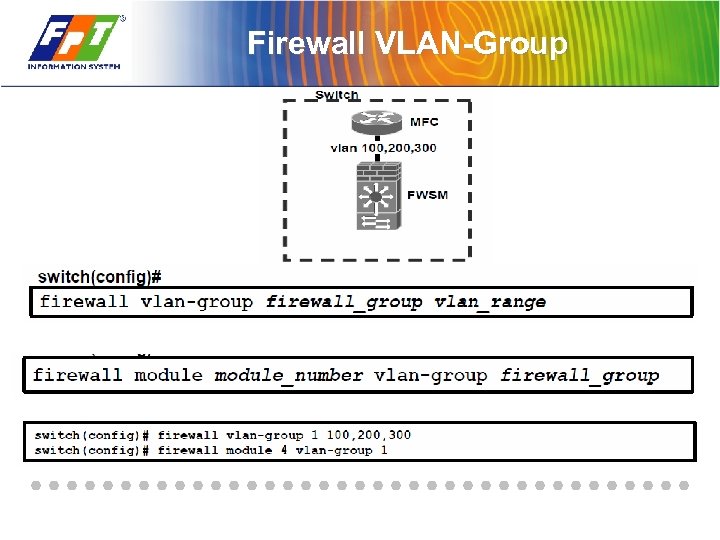 Firewall VLAN-Group
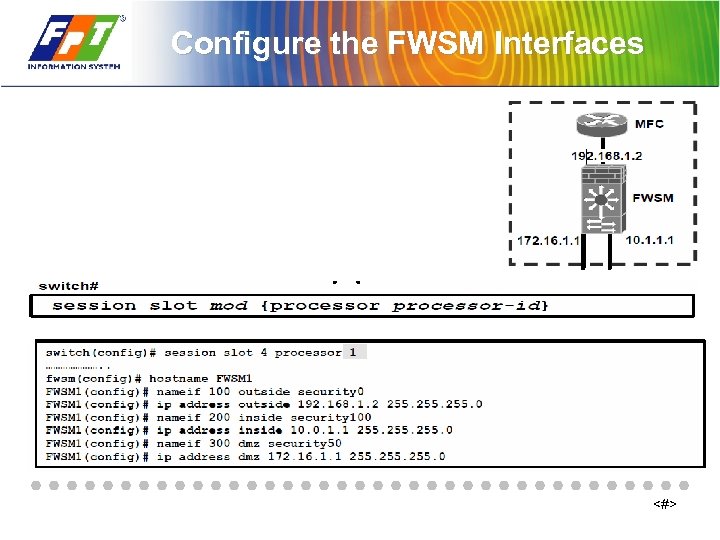 Configure the FWSM Interfaces <#>
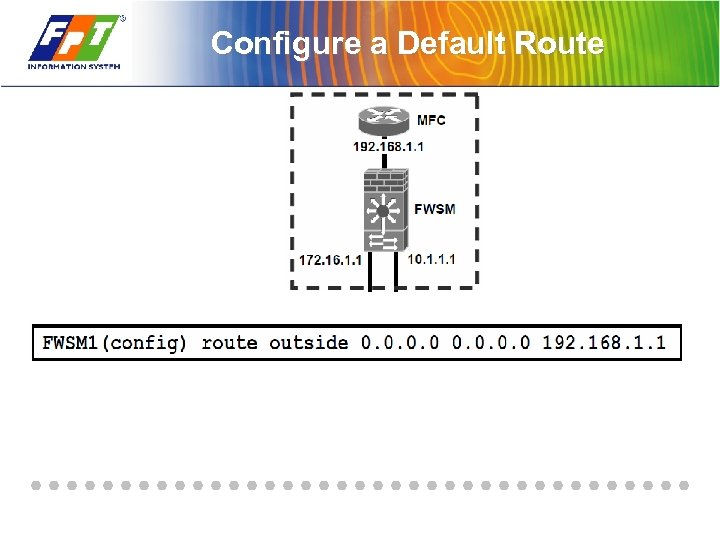 Configure a Default Route
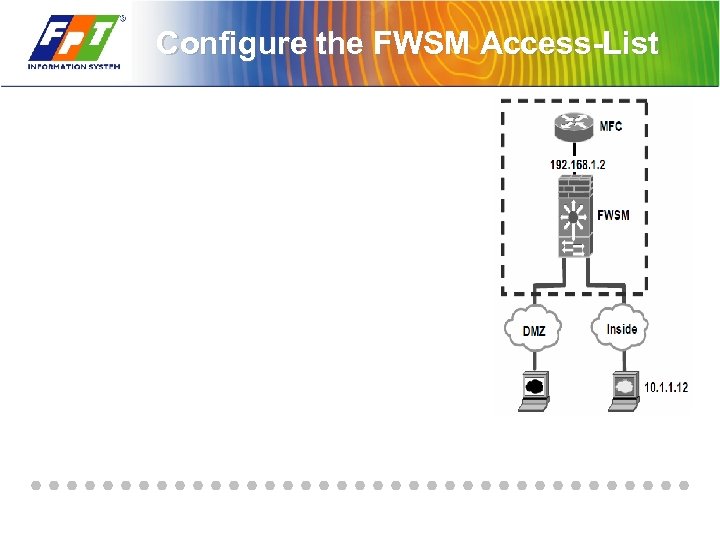 Configure the FWSM Access-List
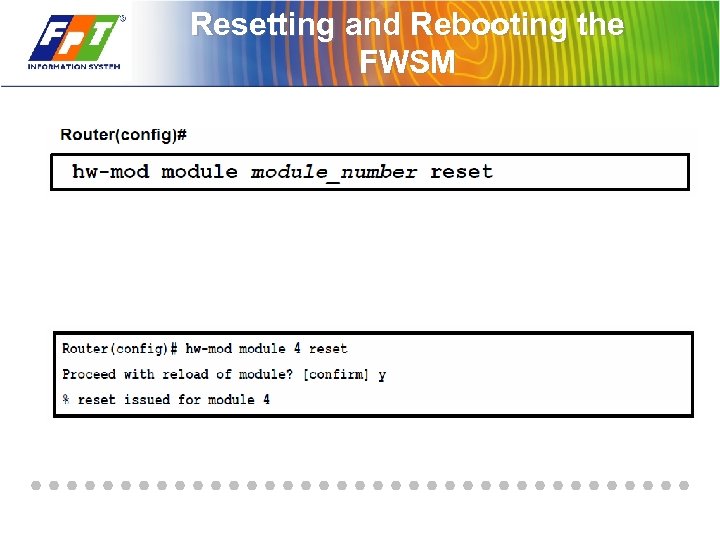 Resetting and Rebooting the FWSM
 Summary