


 Скачать презентацию Cosc 4765 Wireless Technology and security Wi
68e962f3397a0914bfb1d5e4a8d0cda7.ppt
- Количество слайдов: 33
 Cosc 4765 Wireless Technology and security
 Wi. Fi, IEEE 802. 11 standard • services provided: – Association • establishes initial association between computer and access point – before computer can send and receives frames (layer 2), the identity and address must been known – Reassociation • association can be transferred from on access point to another, allowing mobile station to move
 Wi. Fi, IEEE 802. 11 standard (2) • Disassociation – notification from station or access point that association is terminated – like LAN MAC, protects itself when computers disconnect without notification. • Authentication: (optional) – no authentication scheme mandated – provides that computer are allowed to communicate with access point. • Privacy (optional) – method to prevent messages being read by other then intended recipient.
 Reliable Data Delivery • Part of the IEEE 802. 11 MAC Layer (layer 2 and 1) – Noise, interference, and other propagation effects result in the loss of a significant number of frames. – Can be dealt with in higher levels with TCP, but retransmission rate would be very high. – Uses Frame Exchange Protocol • When a station receives a data frame from another station, it must return an acknowledgement (ACK) frame. • If the source doesn't receive an ACK in a short time period, then it retransmits the frame.
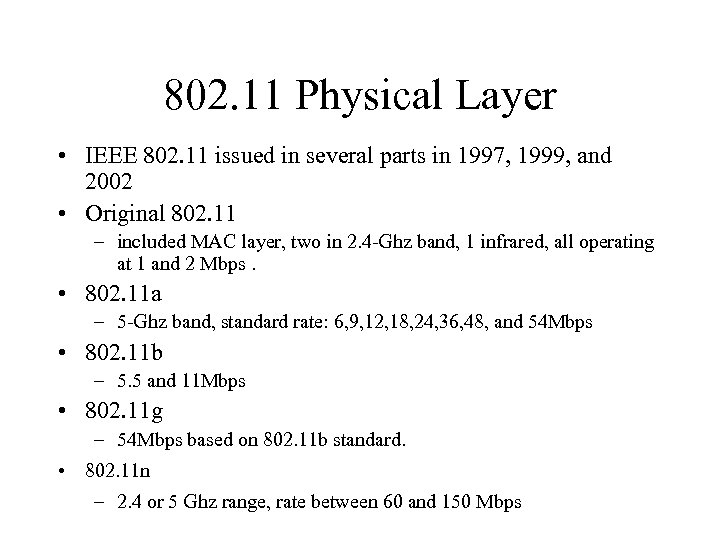 802. 11 Physical Layer • IEEE 802. 11 issued in several parts in 1997, 1999, and 2002 • Original 802. 11 – included MAC layer, two in 2. 4 -Ghz band, 1 infrared, all operating at 1 and 2 Mbps. • 802. 11 a – 5 -Ghz band, standard rate: 6, 9, 12, 18, 24, 36, 48, and 54 Mbps • 802. 11 b – 5. 5 and 11 Mbps • 802. 11 g – 54 Mbps based on 802. 11 b standard. • 802. 11 n – 2. 4 or 5 Ghz range, rate between 60 and 150 Mbps
 802. 11 a/b/g Access Points • Always remember, the access point is functions like a hub, so every computer connecting to it is sharing the bandwidth – as the number of connections go up, the bandwidth go down!
 B standard • Mostly widely accepted standard – Approx 4. 3 Mbps throughput. – extension of 802. 11 DSSS scheme • DSSS: Direct-sequence spread spectrum operating in 2. 4 Ghz ISM band. • mapping each data bit into a string of bits, with one string used for binary 1 and another used for binary 0. The effect is to spread each bit out over time, which minimizes the effects of interference and degradation. – Apple offered it first in the i. Book computer using an Air. Port wireless network option. • Wireless Ethernet Compatibility Alliances (WECA) created a test suite to certify interoperability for all 802. 11 b products.
 54 Mb standard • 802. 11 a and 802. 11 g – Both use advanced modulation technology • Orthogonal Frequency Division Multiplexing (OFDM) – also called multicarrier modulation, uses multiple carrier signals (up to 52) at different frequencies, sending some of the bits on each channel. – 802. 11 g • Approx 19 Mbps throughput • operates in 2. 4 -GHz frequency as 802. 11 b and backwardcompatibility for b standard. – 802. 11 a • Approx 23 Mbps throughput • uses 5 -Ghz band, offers more channels and relatively unused band, not compatible with b or g standard. – What's best, 802. 11 b/g or 802. 11 a?
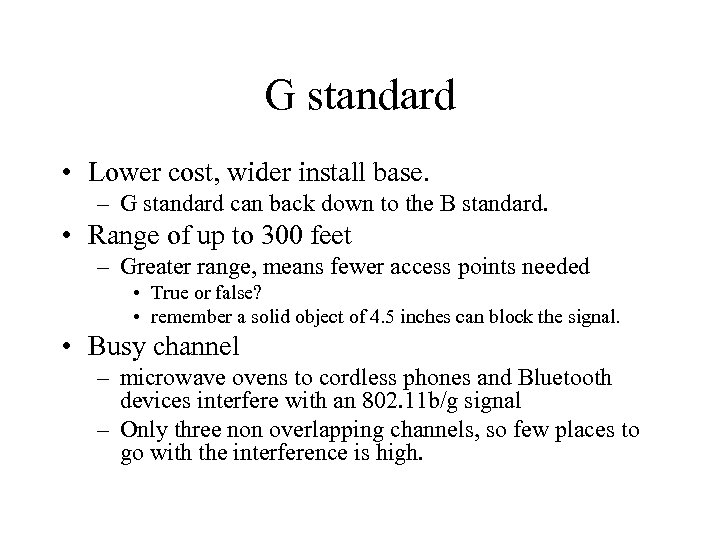 G standard • Lower cost, wider install base. – G standard can back down to the B standard. • Range of up to 300 feet – Greater range, means fewer access points needed • True or false? • remember a solid object of 4. 5 inches can block the signal. • Busy channel – microwave ovens to cordless phones and Bluetooth devices interfere with an 802. 11 b/g signal – Only three non overlapping channels, so few places to go with the interference is high.
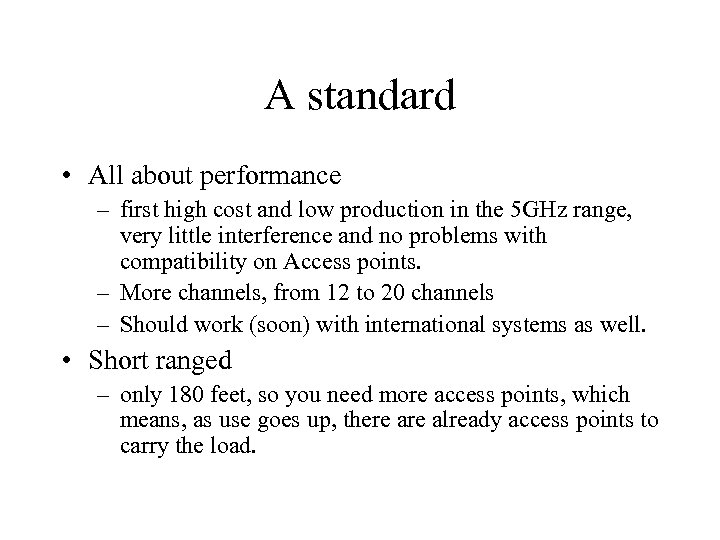 A standard • All about performance – first high cost and low production in the 5 GHz range, very little interference and no problems with compatibility on Access points. – More channels, from 12 to 20 channels – Should work (soon) with international systems as well. • Short ranged – only 180 feet, so you need more access points, which means, as use goes up, there already access points to carry the load.
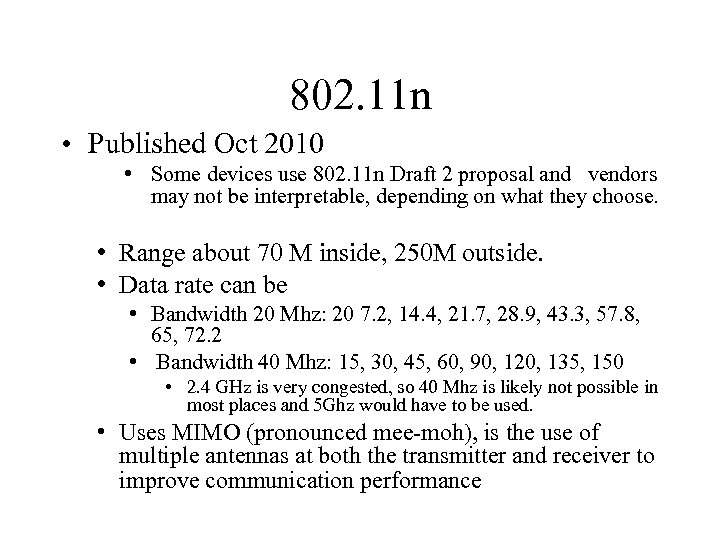 802. 11 n • Published Oct 2010 • Some devices use 802. 11 n Draft 2 proposal and vendors may not be interpretable, depending on what they choose. • Range about 70 M inside, 250 M outside. • Data rate can be • Bandwidth 20 Mhz: 20 7. 2, 14. 4, 21. 7, 28. 9, 43. 3, 57. 8, 65, 72. 2 • Bandwidth 40 Mhz: 15, 30, 45, 60, 90, 120, 135, 150 • 2. 4 GHz is very congested, so 40 Mhz is likely not possible in most places and 5 Ghz would have to be used. • Uses MIMO (pronounced mee-moh), is the use of multiple antennas at both the transmitter and receiver to improve communication performance
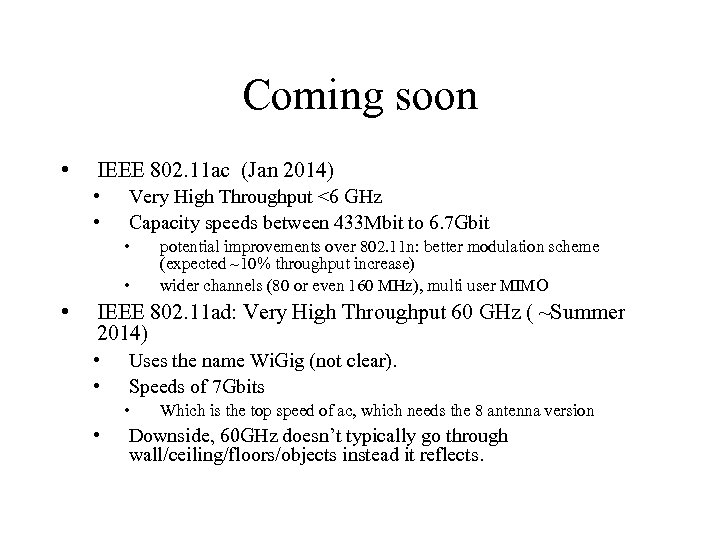 Coming soon • IEEE 802. 11 ac (Jan 2014) • • Very High Throughput <6 GHz Capacity speeds between 433 Mbit to 6. 7 Gbit • • • potential improvements over 802. 11 n: better modulation scheme (expected ~10% throughput increase) wider channels (80 or even 160 MHz), multi user MIMO IEEE 802. 11 ad: Very High Throughput 60 GHz ( ~Summer 2014) • • Uses the name Wi. Gig (not clear). Speeds of 7 Gbits • • Which is the top speed of ac, which needs the 8 antenna version Downside, 60 GHz doesn’t typically go through wall/ceiling/floors/objects instead it reflects.
 Security Risks • • • Misconfiguration Insertion Attacks War. Driving: Interception and monitoring Jamming Client to Client Attacks – Same attacks that happen in a wired network.
 Misconfigurations • Using factory defaults! – SSID numbers • • • “tsunami” - Cisco “ 101” – 3 Com “Roam. About Default Network Name” - Lucent/Cabletron “Default SSID" “Compaq” - Compaq “WLAN” – Addtron, a popular AP “intel” - Intel “linksys” – Linksys “Wireless”
 Misconfigurations (2) • Bruteforce the Base Sation SSID – Easy, most base stations broadcast their SSID – If not, try a dictionary attack to find the SSID • Using default WEP keys from Net. Gear – 10 11 12 13 14 – 21 22 23 24 25 – 31 32 33 34 35 – 41 42 43 44 45
 Simple configuration fixes. • Change Default SSID and password • Disable SSID Broadcast • Move the Access point to the “center” of the house if possible. • Maximize use and minimize signal “leakage” • Turn on WPA (WEP if no other choice)
 Insertion attacks • Simply put: Someone connects to AP with a computer or adding another unauthorized Access Point to your system. – Wireless bridges or extenders • See any store for the products, including Wal-mart – The bridge routes it’s wireless traffic to the AP and “extends” the range of the AP. • i. e. your neighbor purchases a bridge and connects to your access point.
 War. Driving • War Driving is the concept of getting in your car and driving around for an access point to “break into”. – Sniff the wireless network • If unencrypted, attach directly, otherwise, break in. – Allows attacker to inject false traffic – Issue commands on behalf of the legitimate user and even hijack their session
 War. Driving • Air. Snort, a good sniffer for 802. 11 a/b/g. – There is another called Air. Snarf that allows you steal passwords, by setting up a fake web page for people log into. – http: //freshmeat. net/projects/airsnort • WEPCrack http: //sourceforge. net/projects/wepcrack • Netstumber: – scans for networks roughly every second and logs all the networks it runs into--including the real SSIDs, the AP's MAC address, the best signal-to-noise ratio encountered, and the time you crossed into the network's space. www. netstumbler. com – Also has a wireless hotspot map • Wi. Fi War-chalking Symbols are at http: //www. warchalking. org • Howto war drive: http: //www. wardrive. net/wardriving/faq • Dozens more tools at http: //www. wardrive. net/wardriving/tools/
 Wi Fi security • Most Wi. Fi run unprotected and as "clear" text message. Anyone can then "sniff" the packets to determine what is being sent and received. – On a LAN network they had to be at least connected. • WEP: Wireless Encryption Protocol – While considered weak, it normally takes about a million packets before the encryption is broken, changing your WEP key every so often provides a good set of protection for a home network. – Also provides other people from using the Access Point if they don't know the WEP key.
 WEP • Wired Equivalent Privacy – Flaws in WEP • Passive attacks to decrypt traffic based on statistical analysis. • Active attack to inject new traffic from unauthorized mobile stations, based on known plaintext. • Active attacks to decrypt traffic, based on tricking the access point. • Dictionary-building attack that, after analysis of about a day's worth of traffic, allows real-time automated decryption of all traffic – Some say 2 hours is all the time that is needed, for either 64 or 128 bit. Some say 15 minutes.
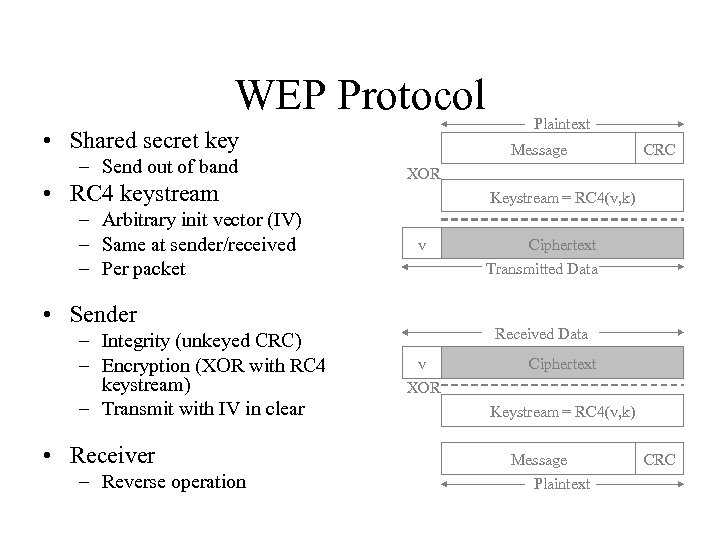 WEP Protocol • Shared secret key – Send out of band • RC 4 keystream – Arbitrary init vector (IV) – Same at sender/received – Per packet Message • Receiver – Reverse operation CRC XOR Keystream = RC 4(v, k) v • Sender – Integrity (unkeyed CRC) – Encryption (XOR with RC 4 keystream) – Transmit with IV in clear Plaintext Ciphertext Transmitted Data Received Data v Ciphertext XOR Keystream = RC 4(v, k) Message Plaintext CRC
 WEP problems • WEP uses the RC 4 encryption algorithm, which is known as a stream cipher. – A stream cipher operates by expanding a short key into an infinite pseudo-random key stream. – The sender XORs the key stream with the plaintext to produce ciphertext. – The receiver has a copy of the same key, and uses it to generate identical key stream. XORing the key stream with the ciphertext yields the original plaintext. • This mode of operation makes stream ciphers vulnerable to several attacks. – If an attacker flips a bit in the ciphertext, then upon decryption, the corresponding bit in the plaintext will be flipped. – Also, if an eavesdropper intercepts two ciphertexts encrypted with the same key stream, it is possible to obtain the XOR of the two plaintexts. – Knowledge of this XOR can enable statistical attacks to recover the plaintexts. – The statistical attacks become increasingly practical as more ciphertexts that use the same key stream are known. Once one of the plaintexts becomes known, it is trivial to recover all of the others.
 Wi Fi security (2) • LEAP and EAP – Lightweight Extensible Authentication Protocol • 802. 1 x MAC security and authentication – Authentic, then keys can be distributed. • WPA: Wifi Protected Access – Enterprise Mode – requires authentication server using RADIUS protocols for authentication and key distribution – Pre-Shared key mode – doesn't require server, "Shared Secret" is for authentication to access point – Part of 802. 11 i draft standard.
 WPA and WPA 2 • WPA 2 is based on the Robust Security Network (RSN) mechanism • • Provides support for all the mechanisms available to WPA too. Strong encryption and authentication support for infrastructure and ad-hoc networks • • • WPA is limited to infrastructure networks Reduced overhead in key derivation during the wireless LAN authentication exchange Support for opportunistic key caching to reduce the overhead in roaming between access points
 WPA and WPA 2 (2) • • Support for pre-authentication, where a station completes the IEEE 802. 1 X authentication exchange before roaming Support for the CCMP (Counter Mode with Cipher Block Chaining Message Authentication Code Protocol) encryption mechanism based on the Advanced Encryption Standard (AES) cipher as an alternative to the TKIP protocol. • 2006: the WPA 2 certification became mandatory for all new equipment certified by the Wi-Fi Alliance, ensuring that any reasonably modern hardware will support both WPA and WPA 2.
 Jamming • Do. S attack – 5 or 2. 4 GHz Interfering Technology – An attacker with the proper equipment and tools can easily flood the 2. 4 GHz frequency, so that the signal to noise drops so low, that the wireless network ceases to function. – This can be a risk with even non-malicious intent as more technologies use the same frequencies and cause blocking. Cordless phones, baby monitors, and other devices like Bluetooth that operate on the 2. 4 GHz frequency can disrupt a wireless network.
 Bluetooth • It's a cable-replacement technology – For things like printers, keyboards, mice, monitors, PDAs, headphones, etc. • It's a standard for wireless devices using the 2. 4 Ghz range • The maximum range is 10 meters. Data can be exchanged at a rate of 1 Mbps (up to 2 Mbps in the second generation of the technology). – NOTE: NOT Ethernet or LAN technology • A frequency hop scheme allows devices to communicate even in areas with a great deal of electromagnetic interference. • Built-in encryption and verification is provided.
 Bluetooth (2) • Besides a cable replacement • cell-phones and PDAs – Comminicate between them, and other devices. – Could allow you purchase things at vending machines. • You would walk up with your Bluetooth cell-phone and get a signal from the vending machine allowing you to purchase something without needing money.
 Bluetooth (3) • Bluetooth hacking (bluejacking) – There are entire web sites devoted to how-to hack into bluetooth PDAs and cell phones. • http: //www. bluejackingtools. com/ • With Bluetooth now included in cars to even refrigerators. • Bluetooth security is becoming more and more a huge issue that has yet to be addressed by the security community with any real depth. – If you have bluetooth device, make sure it is configured correctly.
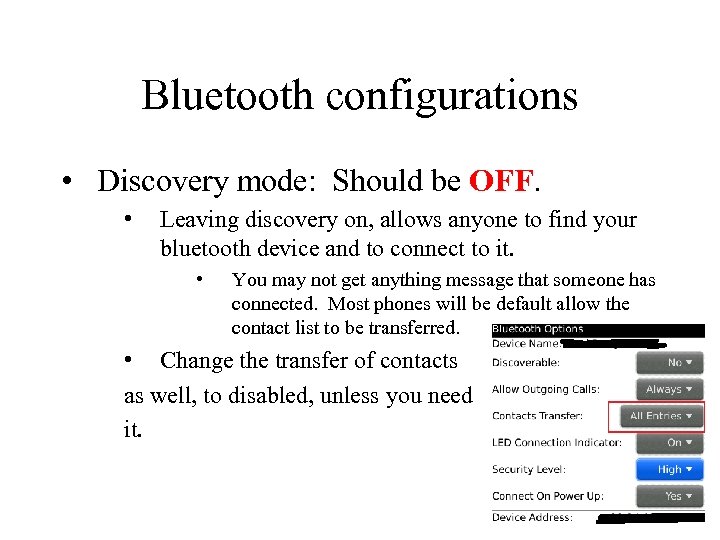 Bluetooth configurations • Discovery mode: Should be OFF. • Leaving discovery on, allows anyone to find your bluetooth device and to connect to it. • You may not get anything message that someone has connected. Most phones will be default allow the contact list to be transferred. • Change the transfer of contacts as well, to disabled, unless you need it.
 References • • • Wireless LAN Alliance http: //en. wikipedia. org/wiki/Wireless_security IEEE 802. 11 wireless LAN working Group Security of the WEP algorithm http: //www. isaac. cs. berkeley. edu/isaac/wep-faq. html Wi-Fi Alliance http: //www. networkworld. com/columnists/2006/091 106 -wireless-security. html Computer Networking with internet protocols and technology, Stallings, Prentice Hall, 2004 http: //www. wardrive. net/wardriving/tools/ http: //www. iss. net/wireless/WLAN_FAQ. php
 Q&A
Q&A