


 Скачать презентацию Copyright Statement n Copyright Richard Pessin 2004 This
6bd739d5e4a98763297aff0125c18c65.ppt
- Количество слайдов: 39
 Copyright Statement n Copyright Richard Pessin 2004. This work is the intellectual property of the author. Permission is granted for this material to be shared for non-commercial, educational purposes, provided that this copyright statement appears on the reproduced materials and notice is given that the copying is by permission of the author. To disseminate otherwise or to republish requires written permission from the author. March 22, 2004 NERCOMP Annual Conference 1
 Ten Things We’ve Learned About Desktop Replacement Rick Pessin, Director, IT User Services Bob Randall, Desktop Services Coordinator Rick Brabander, Repair Shop Manager Brandeis University March 22, 2004 NERCOMP Annual Conference 2
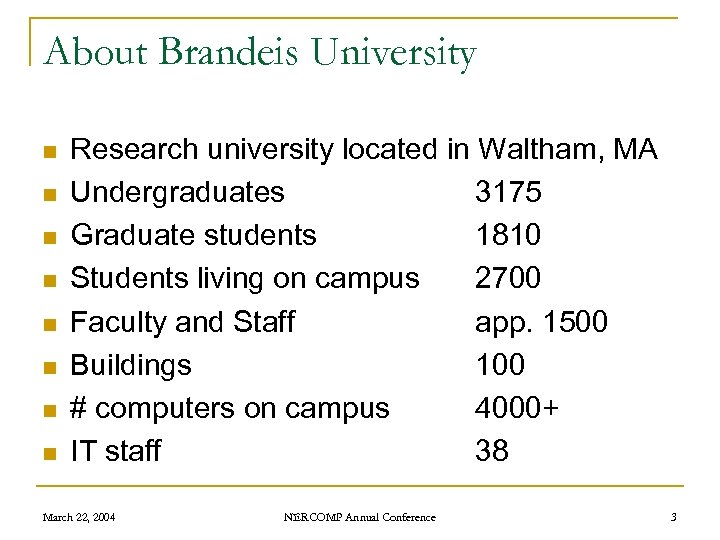 About Brandeis University n n n n Research university located in Waltham, MA Undergraduates 3175 Graduate students 1810 Students living on campus 2700 Faculty and Staff app. 1500 Buildings 100 # computers on campus 4000+ IT staff 38 March 22, 2004 NERCOMP Annual Conference 3
 History 101 n n n At least 10 brands of computers on campus New ones ordered in varying configurations Ordered by a host of people Ordered on a random basis Huge disparity between departments March 22, 2004 NERCOMP Annual Conference 4
 History 102 n n n Desktop Refresh Program Started in 2000 (4 years old) update and standardize computers in undergraduate academic departments and most administrative offices. March 22, 2004 NERCOMP Annual Conference 5
 Today n n n 2003 -04 began our second desktop replacement cycle The program has become so successful it has spread throughout most of the University. Includes 3 of the 4 graduate schools, the library, and departments with separate budgets like Development March 22, 2004 NERCOMP Annual Conference 6
 Going Beyond the Desktop n n Include all computers, not just those in offices Added hundreds more computers Better prices Easier to support n n n March 22, 2004 Computer classrooms Public clusters Regular classrooms with computer and data projection installed Scanning stations Instructional Technology Resource Center Media services NERCOMP Annual Conference 7
 Ten Things We’ve Learned 1) Include as many computers on campus as you can March 22, 2004 NERCOMP Annual Conference 8
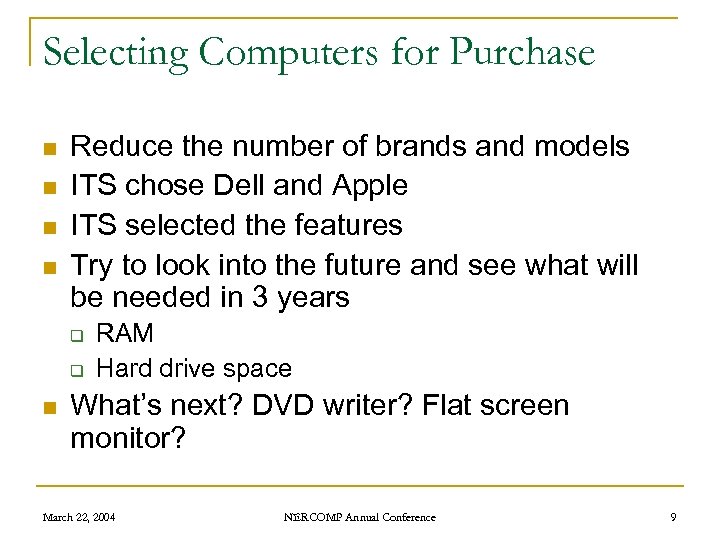 Selecting Computers for Purchase n n Reduce the number of brands and models ITS chose Dell and Apple ITS selected the features Try to look into the future and see what will be needed in 3 years q q n RAM Hard drive space What’s next? DVD writer? Flat screen monitor? March 22, 2004 NERCOMP Annual Conference 9
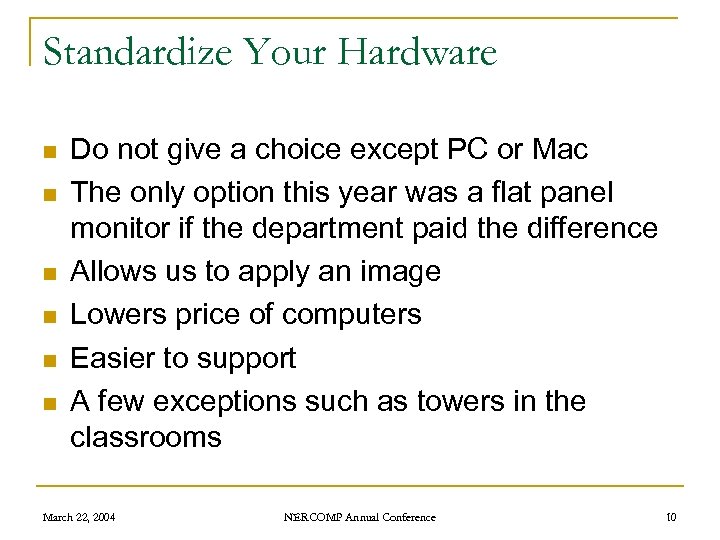 Standardize Your Hardware n n n Do not give a choice except PC or Mac The only option this year was a flat panel monitor if the department paid the difference Allows us to apply an image Lowers price of computers Easier to support A few exceptions such as towers in the classrooms March 22, 2004 NERCOMP Annual Conference 10
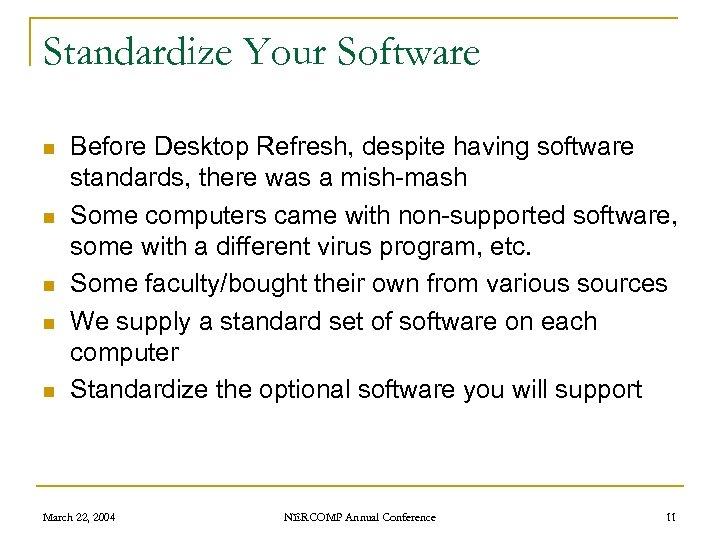 Standardize Your Software n n n Before Desktop Refresh, despite having software standards, there was a mish-mash Some computers came with non-supported software, some with a different virus program, etc. Some faculty/bought their own from various sources We supply a standard set of software on each computer Standardize the optional software you will support March 22, 2004 NERCOMP Annual Conference 11
 Ten Things We’ve Learned 1) 2) Include as many computers on campus as you can Standardize March 22, 2004 NERCOMP Annual Conference 12
 Buy the Extended Warranty n n Covers parts and labor Buy for the length of the lease or “first” ownership Murphy should have had the extended warranty On-site service doesn’t replace your repair shop March 22, 2004 NERCOMP Annual Conference 13
 Ten Things We’ve Learned 1) 2) 3) Include as many computers on campus as you can Standardize Buy the extended warranty March 22, 2004 NERCOMP Annual Conference 14
 Who Gets New Computers? n n n The first year we replaced the oldest computers on campus – bad idea Now we only distribute computers by department. The entire department is done at one time, in most cases in one day Advantages q q Faster Easier to support departments on the phone because we know what everyone has March 22, 2004 NERCOMP Annual Conference 15
 Ditto for Computers Not in Offices n n n Classrooms, public labs, scanning stations, etc. Entire room refreshed at once with identical machines Less disruption to classes Allows for easier imaging Easier support March 22, 2004 NERCOMP Annual Conference 16
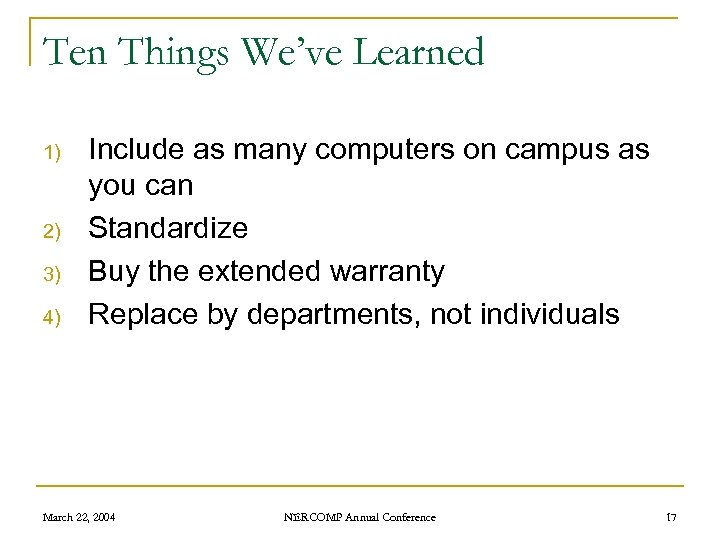 Ten Things We’ve Learned 1) 2) 3) 4) Include as many computers on campus as you can Standardize Buy the extended warranty Replace by departments, not individuals March 22, 2004 NERCOMP Annual Conference 17
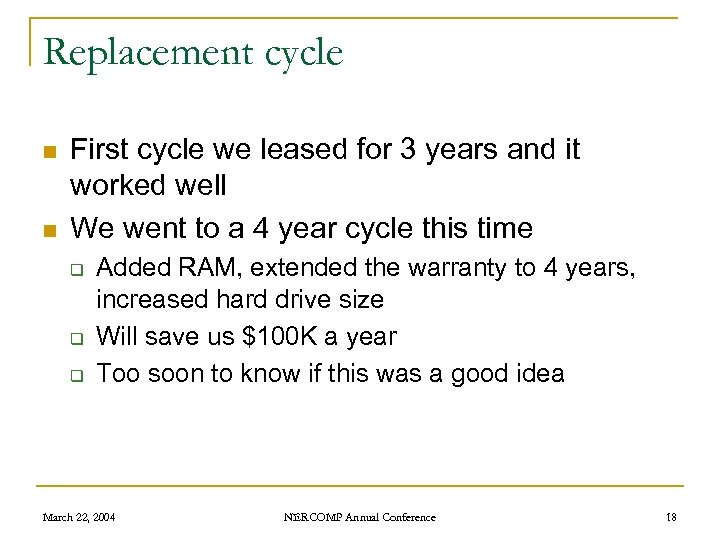 Replacement cycle n n First cycle we leased for 3 years and it worked well We went to a 4 year cycle this time q q q Added RAM, extended the warranty to 4 years, increased hard drive size Will save us $100 K a year Too soon to know if this was a good idea March 22, 2004 NERCOMP Annual Conference 18
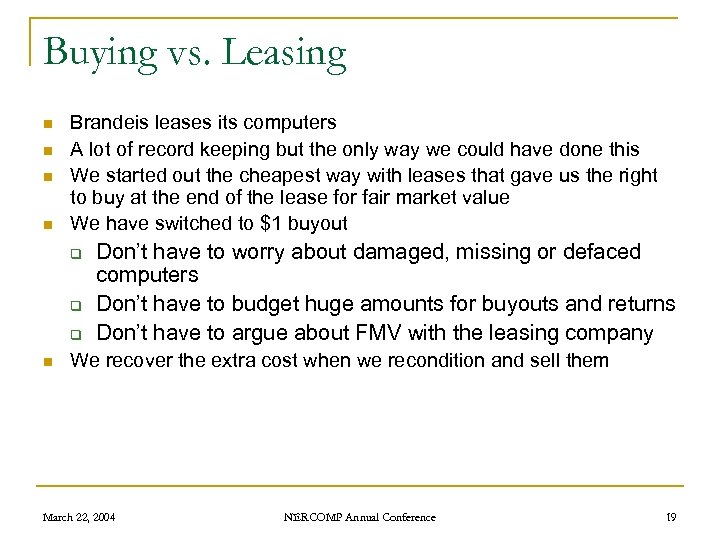 Buying vs. Leasing n n Brandeis leases its computers A lot of record keeping but the only way we could have done this We started out the cheapest way with leases that gave us the right to buy at the end of the lease for fair market value We have switched to $1 buyout q q q n Don’t have to worry about damaged, missing or defaced computers Don’t have to budget huge amounts for buyouts and returns Don’t have to argue about FMV with the leasing company We recover the extra cost when we recondition and sell them March 22, 2004 NERCOMP Annual Conference 19
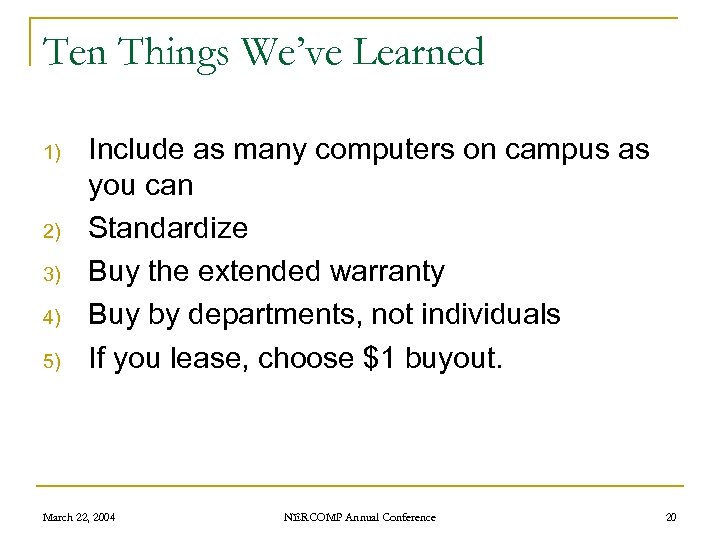 Ten Things We’ve Learned 1) 2) 3) 4) 5) Include as many computers on campus as you can Standardize Buy the extended warranty Buy by departments, not individuals If you lease, choose $1 buyout. March 22, 2004 NERCOMP Annual Conference 20
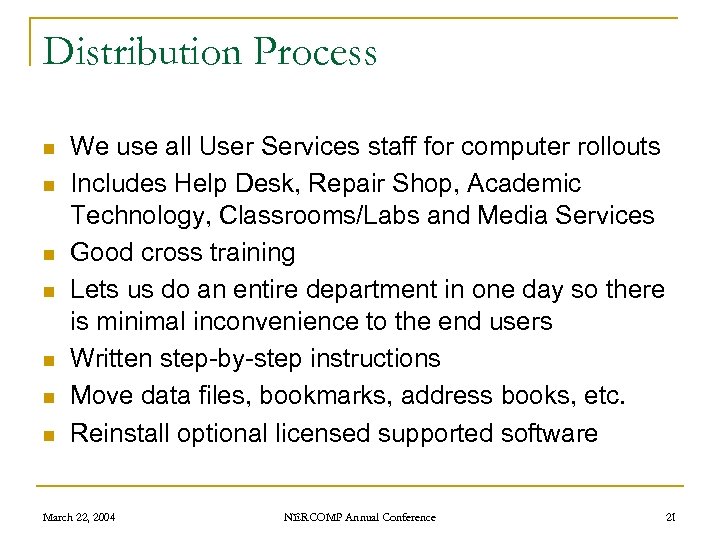 Distribution Process n n n n We use all User Services staff for computer rollouts Includes Help Desk, Repair Shop, Academic Technology, Classrooms/Labs and Media Services Good cross training Lets us do an entire department in one day so there is minimal inconvenience to the end users Written step-by-step instructions Move data files, bookmarks, address books, etc. Reinstall optional licensed supported software March 22, 2004 NERCOMP Annual Conference 21
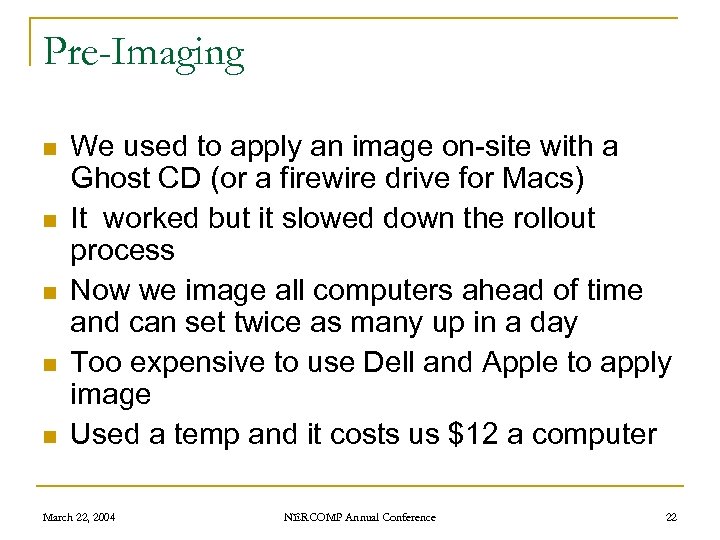 Pre-Imaging n n n We used to apply an image on-site with a Ghost CD (or a firewire drive for Macs) It worked but it slowed down the rollout process Now we image all computers ahead of time and can set twice as many up in a day Too expensive to use Dell and Apple to apply image Used a temp and it costs us $12 a computer March 22, 2004 NERCOMP Annual Conference 22
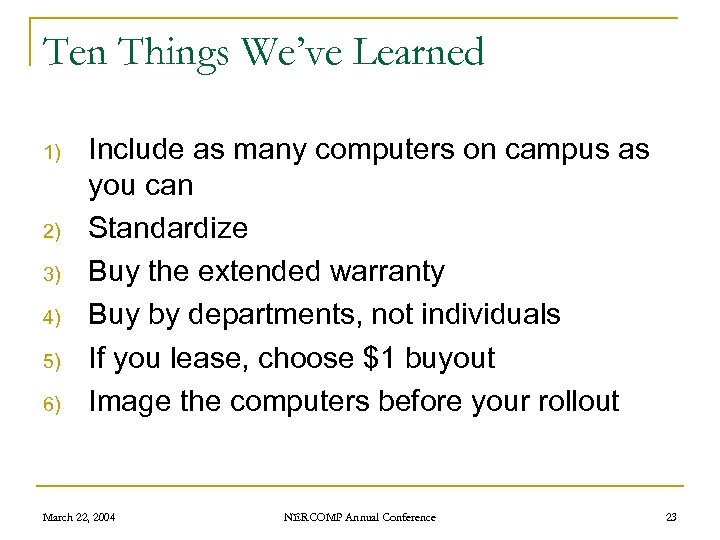 Ten Things We’ve Learned 1) 2) 3) 4) 5) 6) Include as many computers on campus as you can Standardize Buy the extended warranty Buy by departments, not individuals If you lease, choose $1 buyout Image the computers before your rollout March 22, 2004 NERCOMP Annual Conference 23
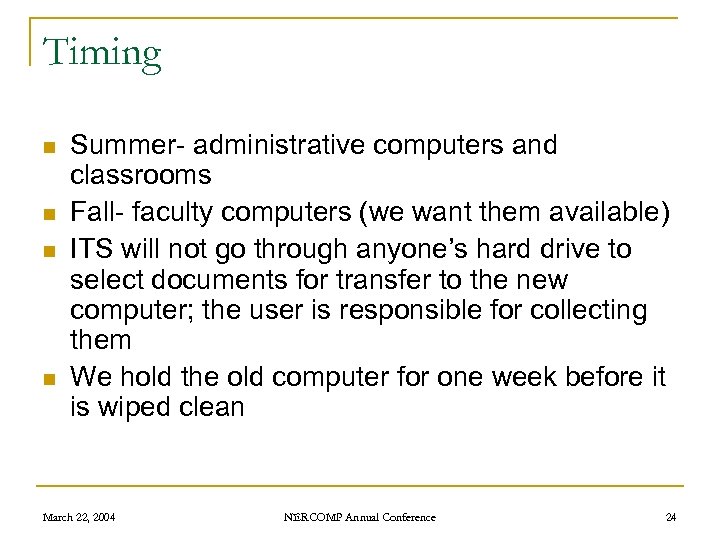 Timing n n Summer- administrative computers and classrooms Fall- faculty computers (we want them available) ITS will not go through anyone’s hard drive to select documents for transfer to the new computer; the user is responsible for collecting them We hold the old computer for one week before it is wiped clean March 22, 2004 NERCOMP Annual Conference 24
 Ten Things We’ve Learned 1) 2) 3) 4) 5) 6) 7) Include as many computers on campus as you can Standardize Buy the extended warranty Buy by departments, not individuals If you lease, choose $1 buyout Image the computers before your rollout Make users responsible for collecting what has to be transferred to their new computer March 22, 2004 NERCOMP Annual Conference 25
 Communicate with Your End Users n Each user receives 4 communications from ITS q q n A notice that they will be receiving a new computer Directions on how to prepare for the transition to their new computer Information on their new hardware and software An invitation to training We run classes for users as close to the day of the rollout as possible to go over their new operating system and new technology such as CD burners March 22, 2004 NERCOMP Annual Conference 26
 Use Your Department Administrators n n Each department at Brandeis has a department administrator or similar position We use the DAs to verify personnel and locations and to check computer preferences DAs also circulate our notices to the faculty and NAG them to follow instructions and be ready Many DAs help non-technical faculty with backups, creating transfer folders, etc. March 22, 2004 NERCOMP Annual Conference 27
 Ten Things We’ve Learned 1) 2) 3) 4) 5) 6) 7) 8) Include as many computers on campus as you can Standardize Buy the extended warranty Buy by departments, not individuals If you lease, choose $1 buyout Image the computers before your rollout Make users responsible for collecting what has to be transferred to their new computer Department administrators are your best friends March 22, 2004 NERCOMP Annual Conference 28
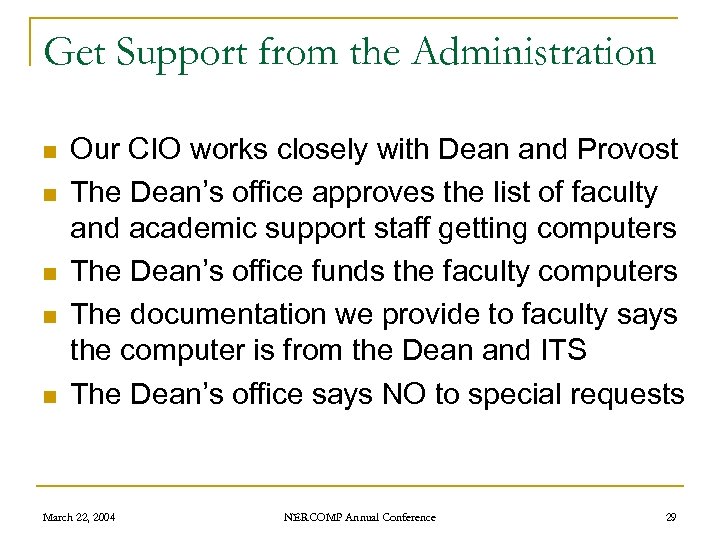 Get Support from the Administration n n Our CIO works closely with Dean and Provost The Dean’s office approves the list of faculty and academic support staff getting computers The Dean’s office funds the faculty computers The documentation we provide to faculty says the computer is from the Dean and ITS The Dean’s office says NO to special requests March 22, 2004 NERCOMP Annual Conference 29
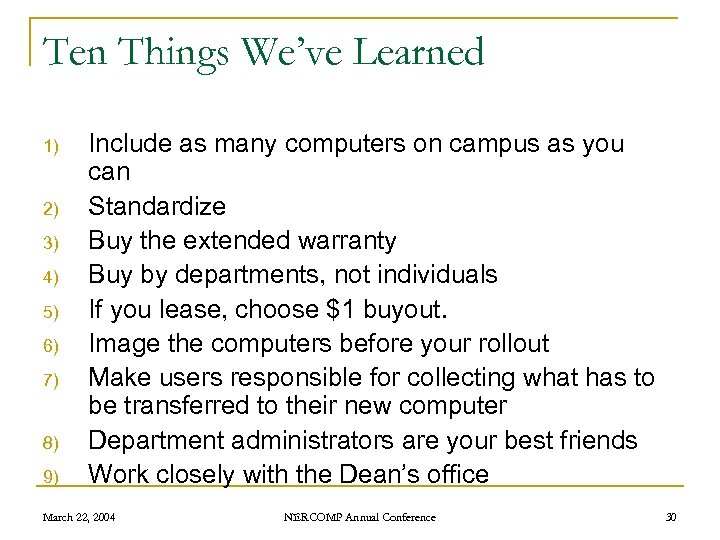 Ten Things We’ve Learned 1) 2) 3) 4) 5) 6) 7) 8) 9) Include as many computers on campus as you can Standardize Buy the extended warranty Buy by departments, not individuals If you lease, choose $1 buyout. Image the computers before your rollout Make users responsible for collecting what has to be transferred to their new computer Department administrators are your best friends Work closely with the Dean’s office March 22, 2004 NERCOMP Annual Conference 30
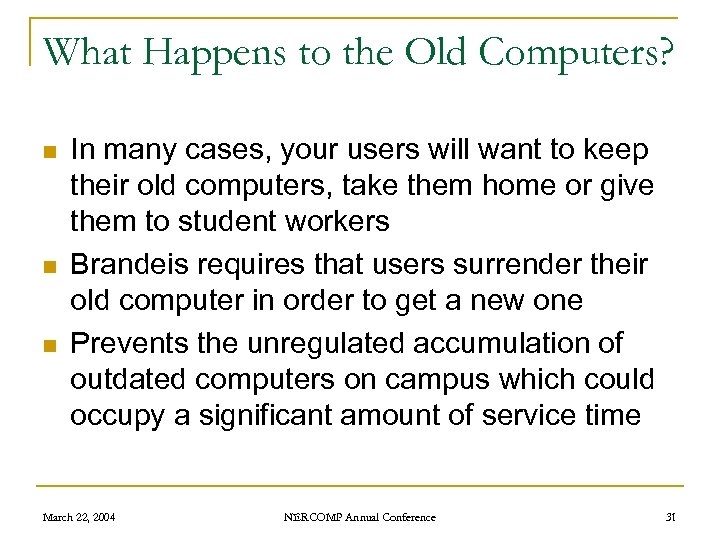 What Happens to the Old Computers? n n n In many cases, your users will want to keep their old computers, take them home or give them to student workers Brandeis requires that users surrender their old computer in order to get a new one Prevents the unregulated accumulation of outdated computers on campus which could occupy a significant amount of service time March 22, 2004 NERCOMP Annual Conference 31
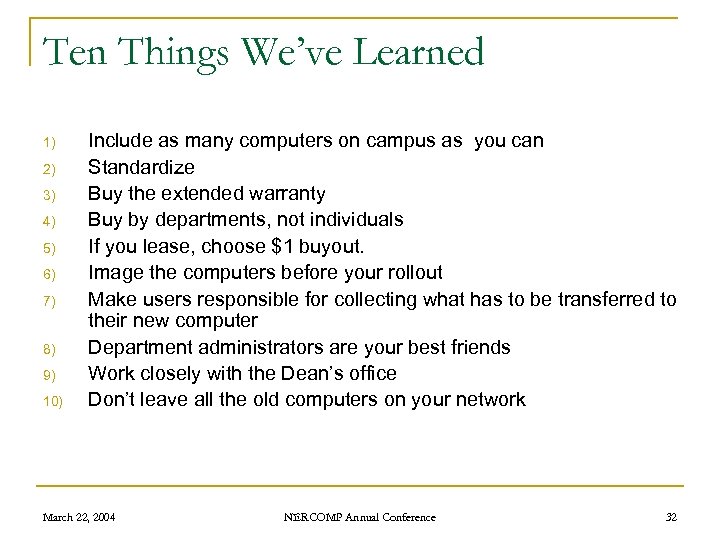 Ten Things We’ve Learned 1) 2) 3) 4) 5) 6) 7) 8) 9) 10) Include as many computers on campus as you can Standardize Buy the extended warranty Buy by departments, not individuals If you lease, choose $1 buyout. Image the computers before your rollout Make users responsible for collecting what has to be transferred to their new computer Department administrators are your best friends Work closely with the Dean’s office Don’t leave all the old computers on your network March 22, 2004 NERCOMP Annual Conference 32
 What To Do with Your Old Computers n n If leased, you can buy the old computers or send them back If you send them back, use a shipping service If you don’t lease, or if you buy the computers from the leasing company, you can sell them and recoup some money Should you redistribute some on campus? March 22, 2004 NERCOMP Annual Conference 33
 Redistribution – Pros and Cons n Advantages of redistributing old computers q q q n Serve more users Help some people who wouldn’t otherwise have computers Graduate student offices, work study students, student organizations Disadvantages of redistributing old computers q q q Warranties expired Need more frequent service Lack new features March 22, 2004 NERCOMP Annual Conference 34
 What To Do with Your Old Computers n We used to redistribute all old computers around campus q q n A lot of time and money spent preparing them Too much time and money spent servicing old computers Now we distribute some through the Used Computer program q q q Recondition, reformat and reimage the best used machines Sell them to departments at reasonable rates 90 day warranty Paid service through the Repair Shop only after 90 days Departments and organizations only, not individuals Lets us control the number and location of older PCs March 22, 2004 NERCOMP Annual Conference 35
 Ten Eleven Things We’ve Learned 1) 2) 3) 4) 5) 6) 7) 8) 9) 10) 11) Include as many computers on campus as you can Standardize Buy the extended warranty Buy by departments, not individuals If you lease, choose $1 buyout. Image the computers before your rollout Make users responsible for collecting what has to be transferred to their new computer Department administrators are your best friends Work closely with the Dean’s office Don’t leave all the old computers on your network Charge for servicing your old computers or you will spend way too much time on them March 22, 2004 NERCOMP Annual Conference 36
 Asset Tracking n A nightmare! q q q n People leave the University People move offices People switch departments People put their computers in student labs People use their own monitor, keyboard or mouse Nobody tells you anything We now name the computer with the service tag/serial number so we can find it on the network March 22, 2004 NERCOMP Annual Conference 37
 Ten Twelve Things We’ve Learned 1) 2) 3) 4) 5) 6) 7) 8) 9) 10) 11) 12) Include as many computers on campus as you can Standardize Buy the extended warranty Buy by departments, not individuals If you lease, choose $1 buyout. Image the computers before your rollout Make users responsible for collecting what has to be transferred to their new computer Department administrators are your best friends Work closely with the Dean’s office Don’t leave all the old computers on your network Charge for servicing your old computers or you will spend way too much time on them Name the computer with the service tag or serial number March 22, 2004 NERCOMP Annual Conference 38
 For More Information n This presentation is on the web at http: //www. brandeis. edu/~pessin/NERCOMP n Our web site is http: //www. brandeis. edu/its n You can contact us at: q q q pessin@brandeis. edu brandall@brandeis. edu rickb@brandeis. edu March 22, 2004 NERCOMP Annual Conference 39