


 Скачать презентацию Contracts Training Summer 2007 1 Agenda
86f121ee59263eebf68463ef6cbe6b08.ppt
- Количество слайдов: 42
 Contracts Training Summer 2007 1
 Agenda • Entering a Provider • Entering a Contract –Enter Contract Holder Information –Enter Contract Line Item Number (CLIN) –Facility §Linking Provider • Contract Monitoring 2
 Administrative Details 3
 Purpose of Contracts Training • To learn to effectively use FACES. NET as a tool to track information regarding contracts that CFSA into for the provision of child welfare services by private providers. • To learn to setup new contract information in the District of Columbia’s Statewide Automated Child Welfare Information System. • To learn to manage and monitor CFSA’s contracts with private provider agencies. 4
 Introductions Please tell us –Your name and role in your Unit/Administration –Your experience level with the system and with computers –How long have you been with the agency –Your expectations for this training session –One personal fun fact 5
 What is FACES. NET? • It is the District of Columbia’s Statewide Automated Child Welfare Information System (SACWIS). • It is a tool to organize that information. • It is a large database. 6
 What is SACWIS? • Federally mandated through the Administration of Children and Families; • Comprehensive automated case management tool that supports a case from investigation, removal of a child through placement, until the child achieves permanence, and all the other supportive functions such as finance, contracts, clinical practice, well being indicators, etc; • Required to support mandated Federal reporting of data to the Adoption and Foster Care Analysis Reporting System (AFCARS) and the National Child Abuse and Neglect Data System (NCANDS). 7
 What is SACWIS? (cont) • House and utilize information to promote stability, economic security, responsibility, and self-sufficiency of children and families within our care; • Captures the entire life of a case; • Ability to provide case specific and aggregate reports; • Collects information relating to the eligibility of individuals under Title IV-E. 8
 Benefits of FACES. NET - on the Web? • User Friendly – GUI Interface; • Workers from CFSA and Private Agencies have the same access to FACES. NET; • Saves Time (Field versus Office); • Increased Accessibility - All users have access from anywhere there is Internet Service Provider access, i. e. Court, MPD, home etc; • Workers are closer to the community; 9
 FACES. NET Security 10
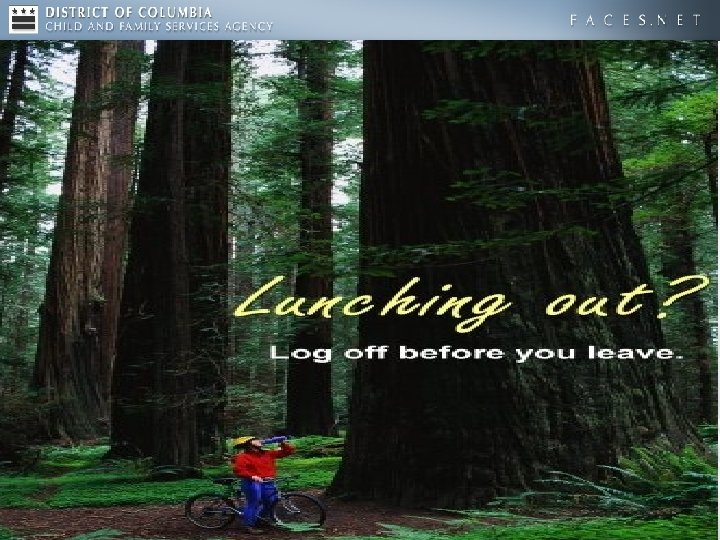
 FACES. NET Security • SSL/Veri. Sign (same as your bank or Amazon. com function); • Role-based security; • Some rules to live by: –Be aware of shoulder surfers; –Protect your password; –Do not save client and case data on disk or flash drive; –ALWAYS remember to log out; • Compliance with HIPAA & DC Government IT security; 11
 Why is Security Important? • It protects client and worker confidentiality; • Prevents unauthorized access to client and case data; • Tracks who has made changes to data. 12
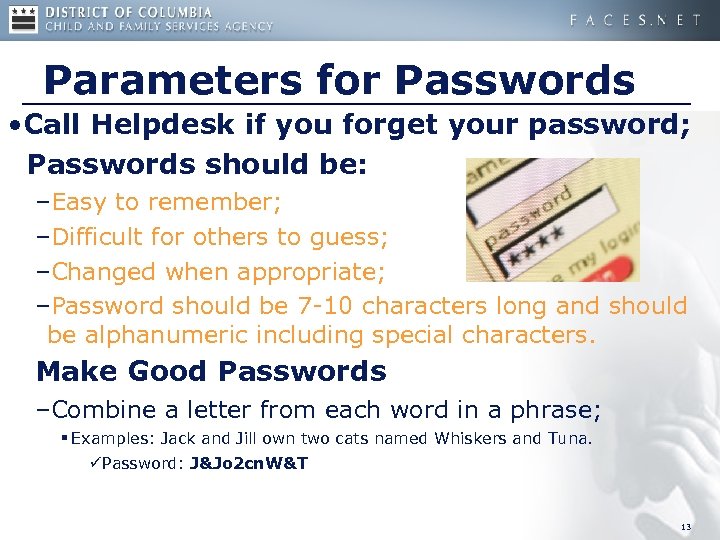 Parameters for Passwords • Call Helpdesk if you forget your password; Passwords should be: –Easy to remember; –Difficult for others to guess; –Changed when appropriate; –Password should be 7 -10 characters long and should be alphanumeric including special characters. Make Good Passwords –Combine a letter from each word in a phrase; § Examples: Jack and Jill own two cats named Whiskers and Tuna. üPassword: J&Jo 2 cn. W&T 13
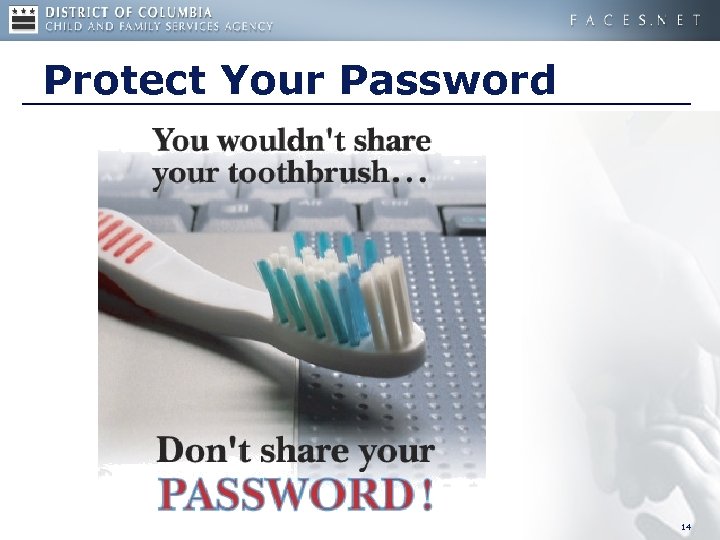 Protect Your Password 14
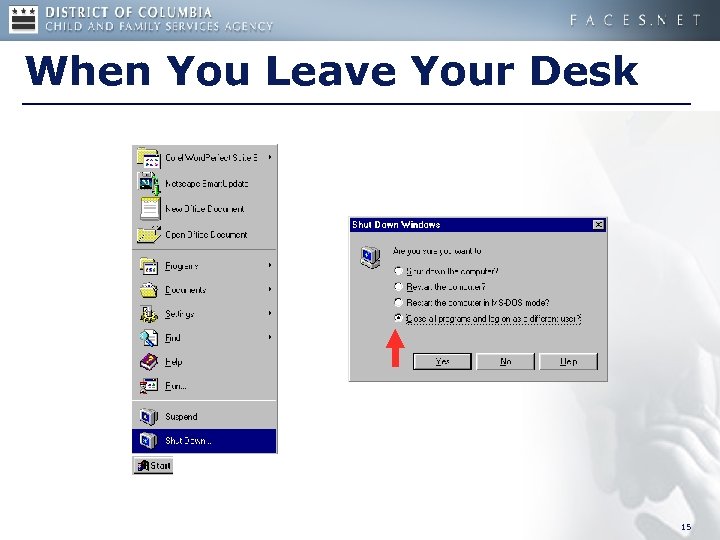 When You Leave Your Desk 15
 16
16
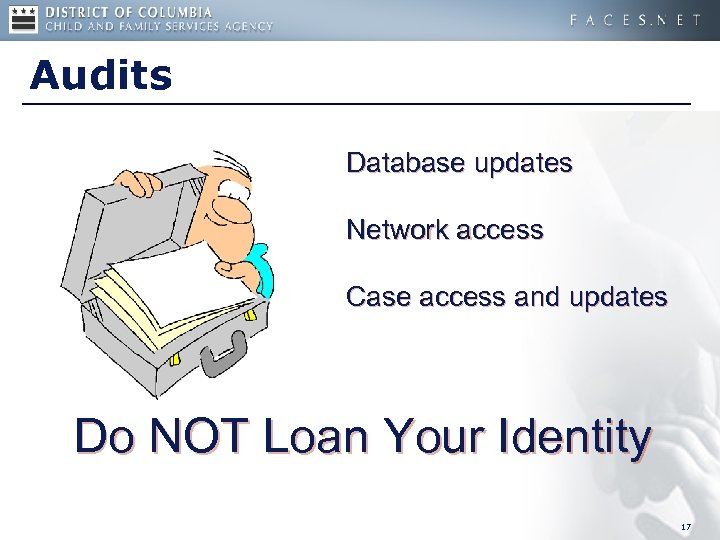 Audits Database updates Network access Case access and updates Do NOT Loan Your Identity 17
 Features 18
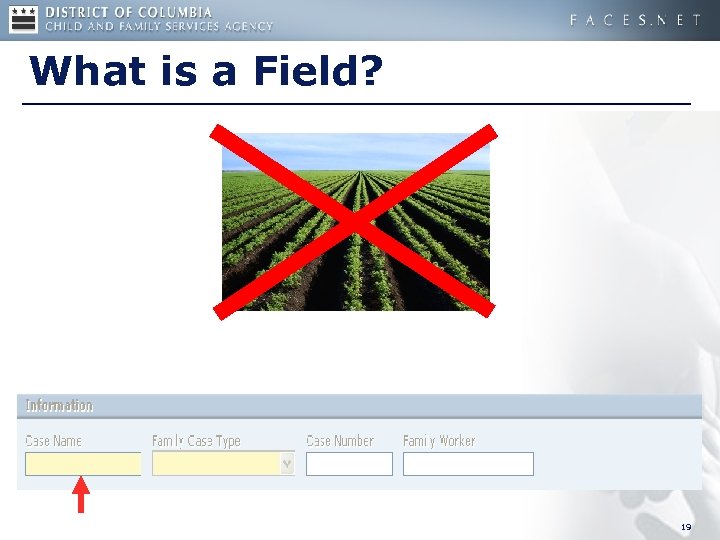 What is a Field? 19
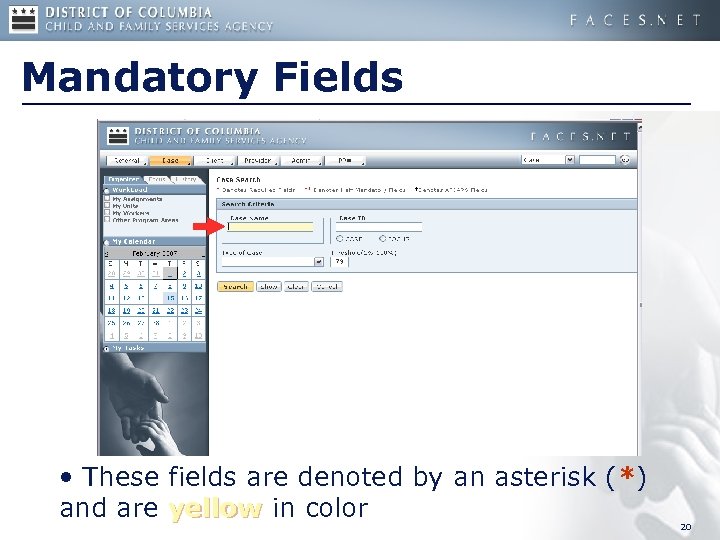 Mandatory Fields • These fields are denoted by an asterisk (*) and are yellow in color 20
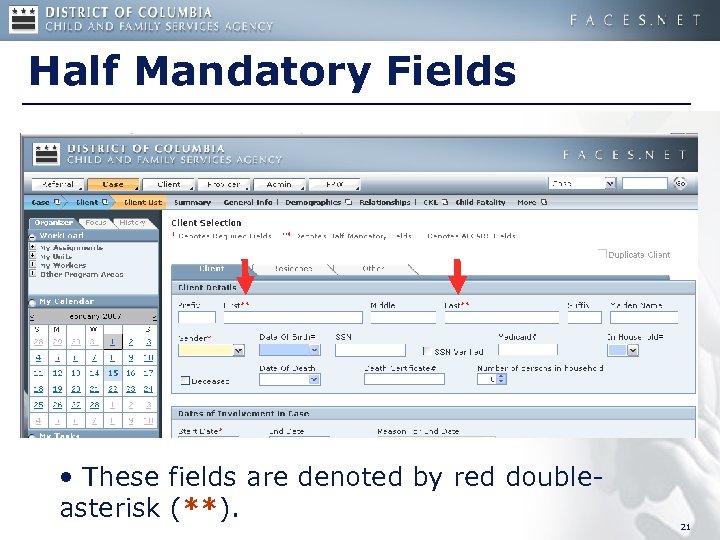 Half Mandatory Fields • These fields are denoted by red doubleasterisk (**). 21
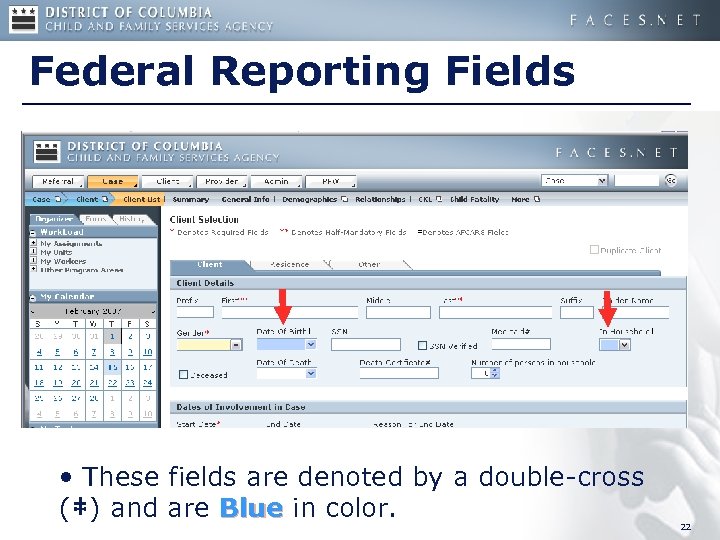 Federal Reporting Fields • These fields are denoted by a double-cross (‡) and are Blue in color. 22
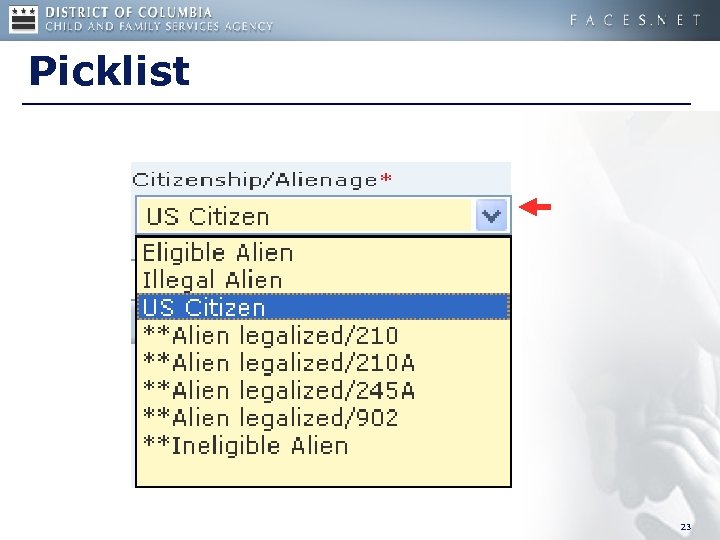 Picklist 23
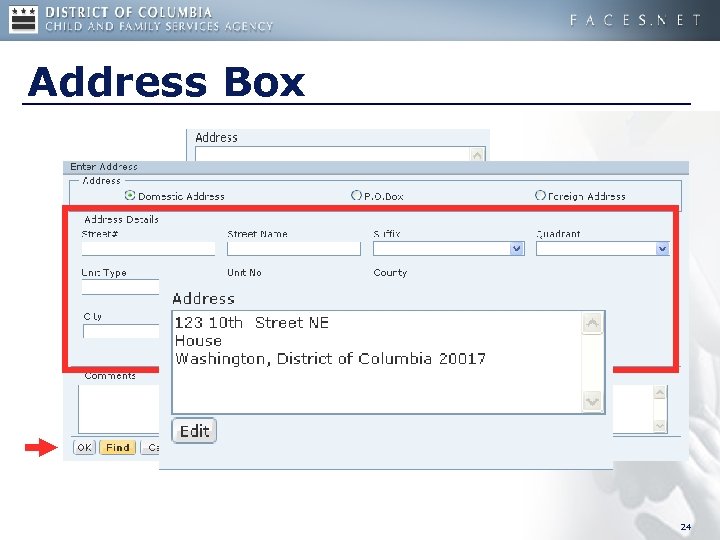 Address Box 24
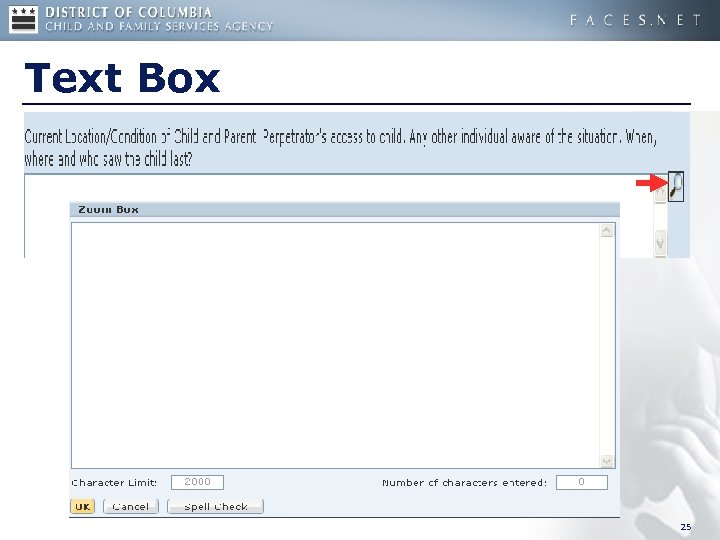 Text Box 25
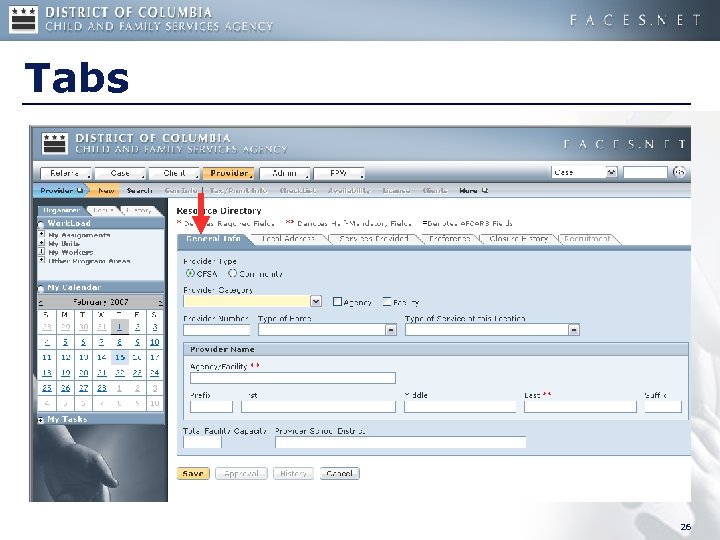 Tabs 26
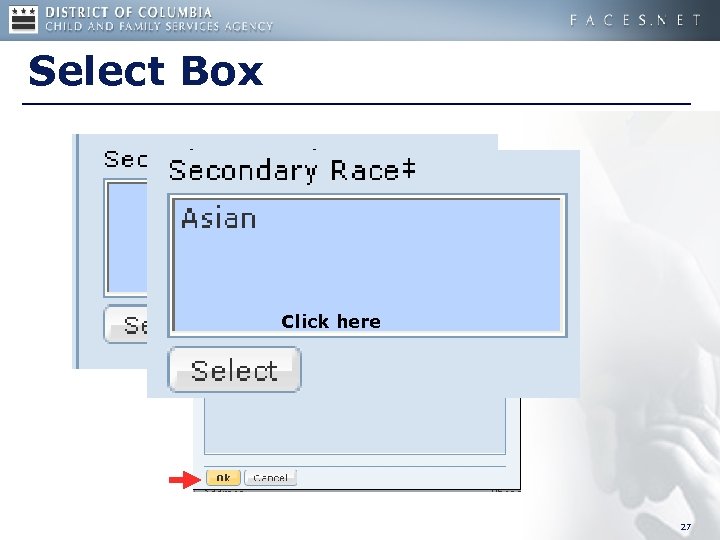 Select Box Click here 27
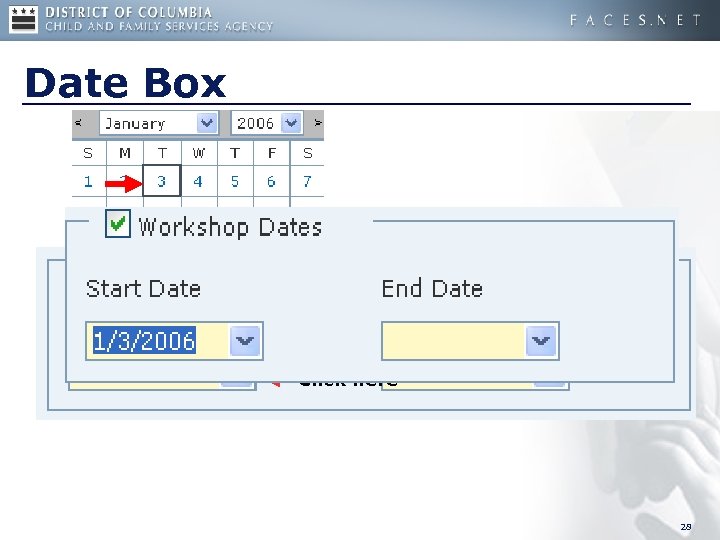 Date Box Click here 28
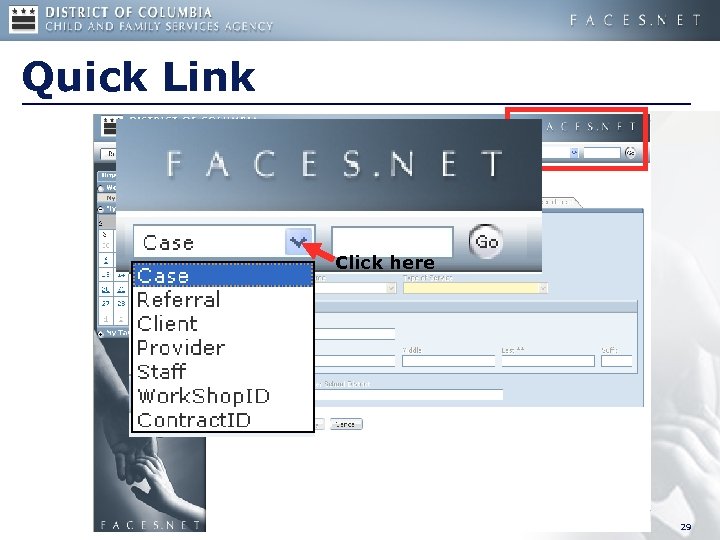 Quick Link Click here 29
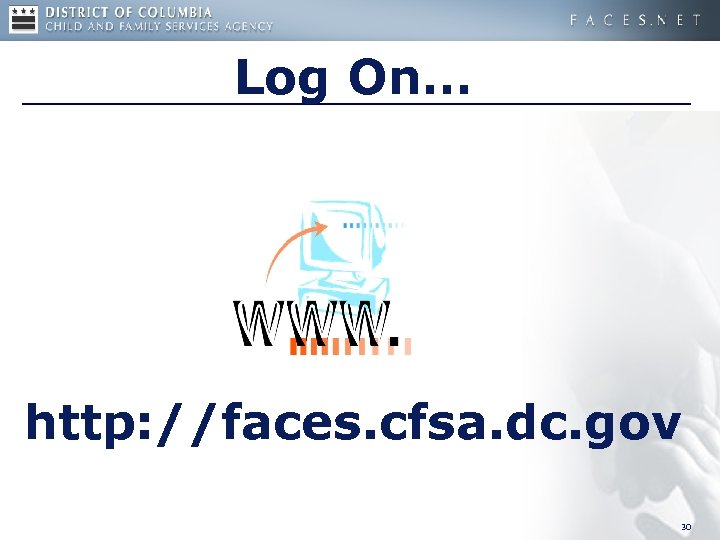 Log On… http: //faces. cfsa. dc. gov 30
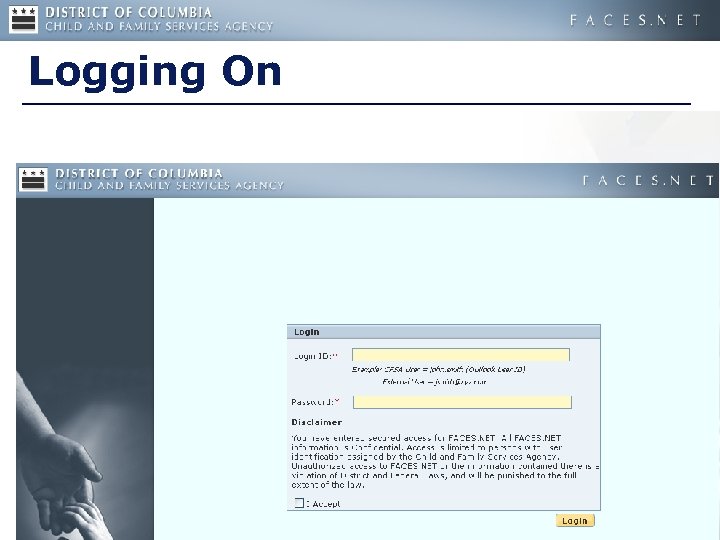 Logging On 31
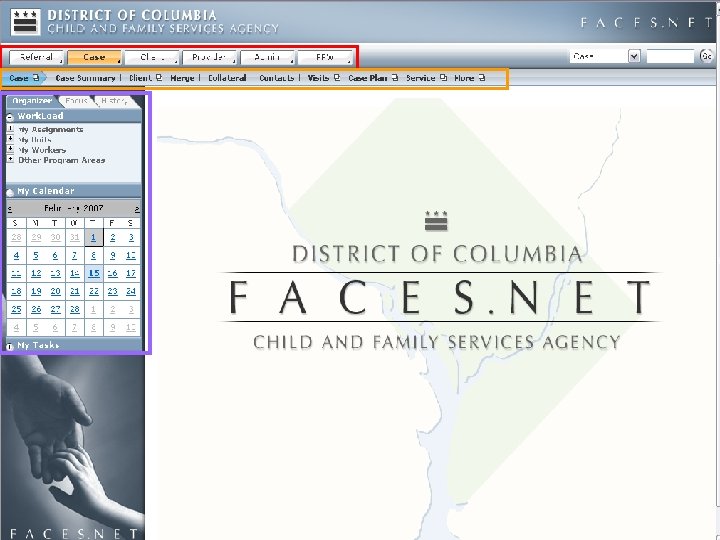
 FACES. NET Navigation 32
 33
33
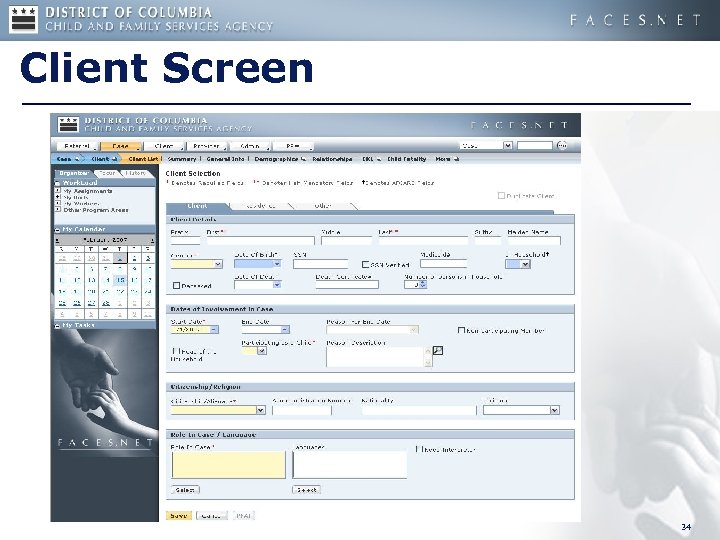 Client Screen 34
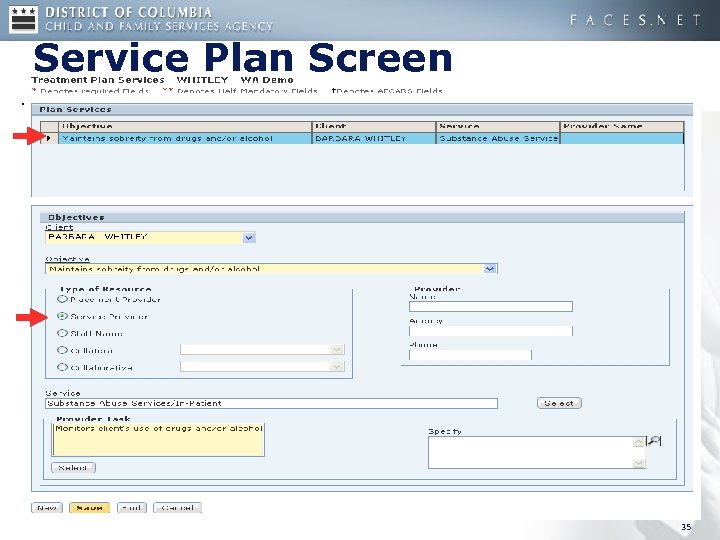 Service Plan Screen 35
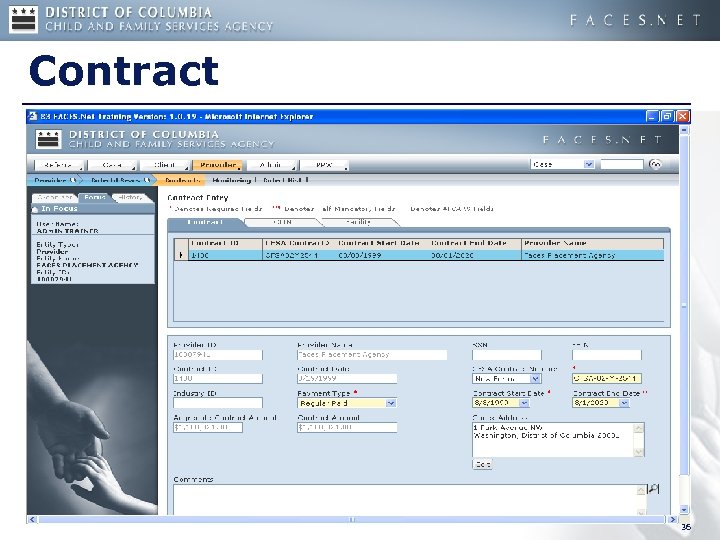 Contract 36
 Interfaces, Reports, Resources 37
 Existing Interfaces • ACEDS (Automated Client Eligibility Determination System) • SOAR (System of Accounting and Reporting) • Family Court 38
 Existing Reports • On-line • DDE – Dynamic Data Exchange • Template • Management 39
 More Resources • FACES. NET User Manual • CFSA Policy Manual • FACES. NET Weekly Workdays • FACES. NET Tip Sheets • CFSA Help Desk 202. 434. 0009 Email: cfsa. helpdesk@dc. gov 40
 Reporting Issues to the Help Desk • Name of the screen; • Exactly what happened; • Exact wording of any error messages; • Screen shot of the problem, if possible. 41
 Question & Answer 42