


 Скачать презентацию Contents Introduction to this course What
f782103773c9132a0833b22b89378eda.ppt
- Количество слайдов: 67
 Contents • Introduction to this course • What is a computer • Computer based information system 1
 Objectives • Explain the importance of learning computer and how to learn it. • Define the term computer and identify the components of a computer (Describe the Von Neumann model). • Describe hardware devices for input, processing, storage, output, and communication. 2
 Objectives • Differentiate between system software and application software. • Describe the categories of computers and their uses. • Explain the five parts of an information system. 3
 Chapter 1 Introduction 4
 part 1 INTRODUCTION TO THIS COURSE 5
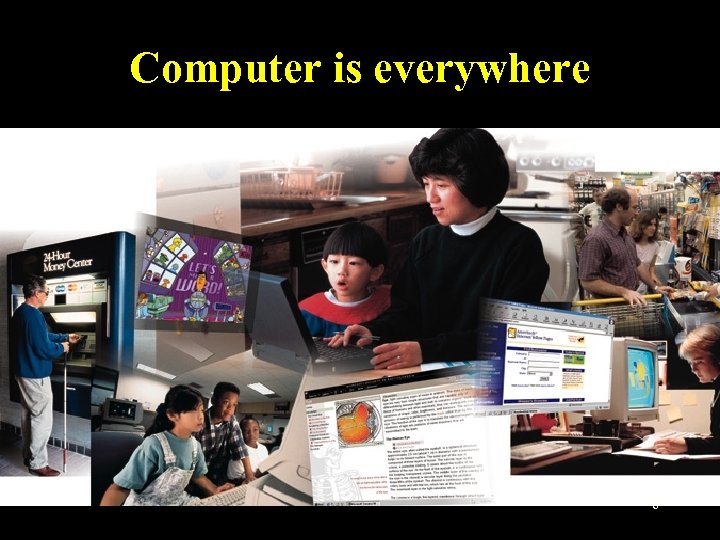 Computer is everywhere • Computers are affecting our lives and the whole society profoundly • Without computers, the world won't go around 6
 Why should we learn computer & how to learn it • computer professional or computer user? – A computer professional is a person who has a certain amount of experience and/or at least a two-year degree in the technical aspects of using computers. – for example • software programmer • system analyst • network administrator 7
 Why should we learn computer & how to learn it • computer professional or computer user? – The user (or end-user) is a person without much technical knowledge of computers but who uses or wants to use computers to perform work-related or personal tasks, enhance learning and productivity, or have fun. 8
 Why should we learn computer & how to learn it • Why should I learn computer? – work requirement – improve life quality 9
 Why should we learn computer & how to learn it • different from learning mathematics • use computer as much as possible • read extensively 10
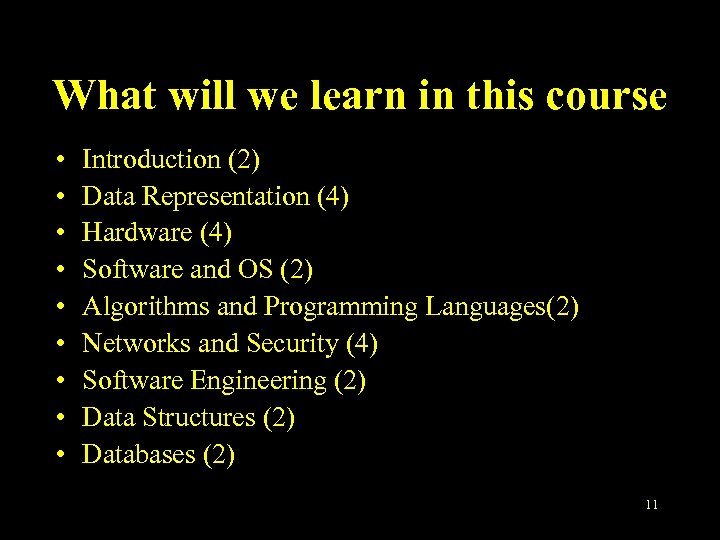 What will we learn in this course • • • Introduction (2) Data Representation (4) Hardware (4) Software and OS (2) Algorithms and Programming Languages(2) Networks and Security (4) Software Engineering (2) Data Structures (2) Databases (2) 11
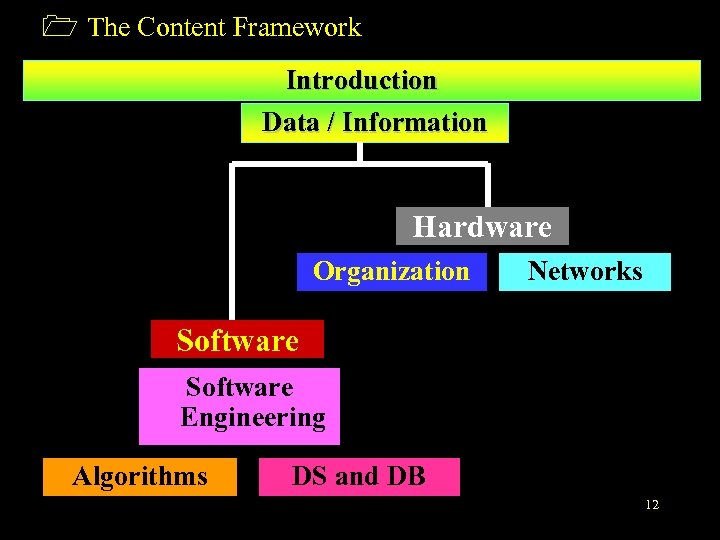 1 The Content Framework Introduction Data / Information Hardware Organization Networks Software Engineering Algorithms DS and DB 12
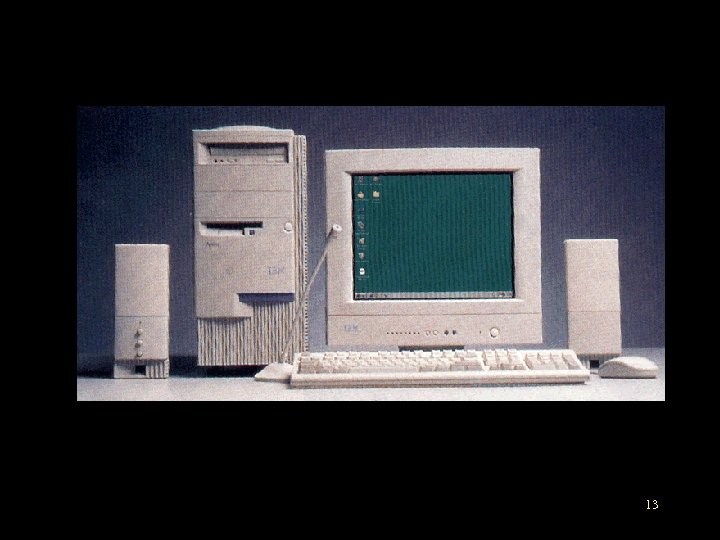 part 2 WHAT IS A COMPUTER? 13
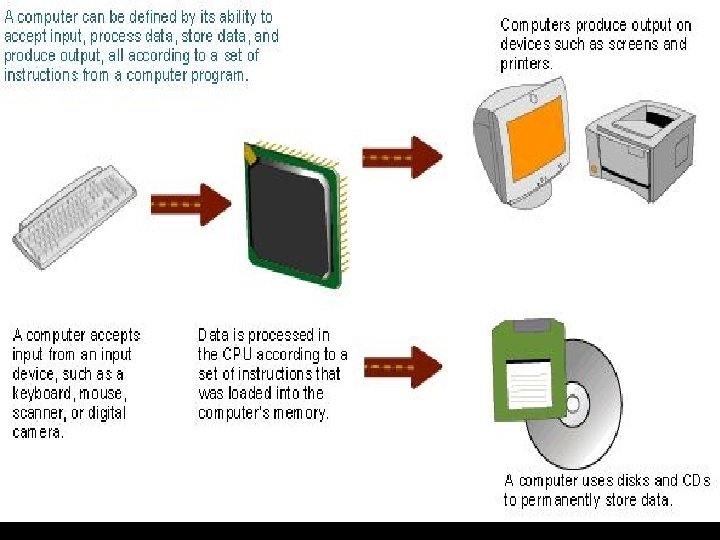 Definition of computer • A computer is an electronic device that receives data (input), processes data, stores data, and produces a result (output). 14
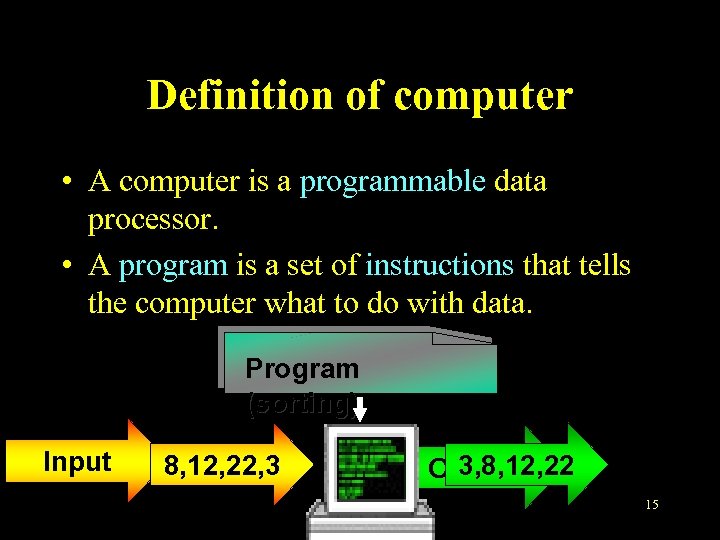 Definition of computer • A computer is a programmable data processor. • A program is a set of instructions that tells the computer what to do with data. Program (sorting) Input 8, 12, 22, 3 3, 8, 12, 22 Output 15
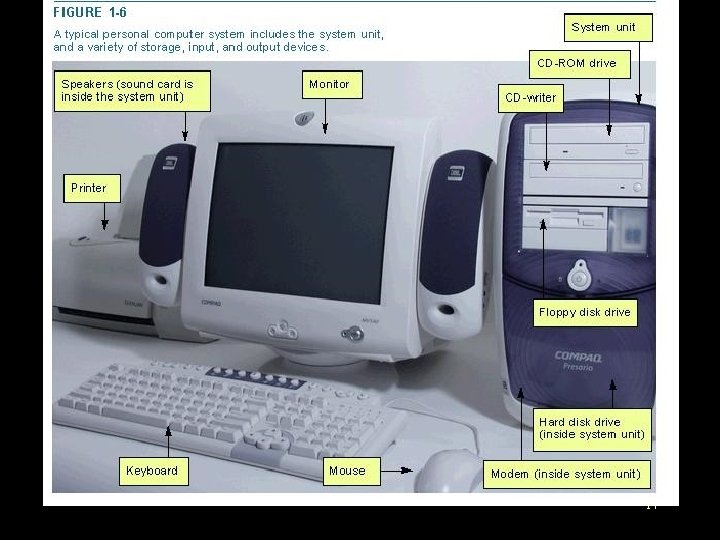
 Computer hardware • The electric, electronic, and mechanical equipment that makes up a computer is called hardware. 16
 17
17
 Computer hardware • We can divide these devices into 4 basic categories: – System unit – Input/Output devices – Secondary storage devices – Communications devices 18
 Computer hardware • system unit • Two important components of the system unit are the microprocessor and memory. The microprocessor controls and manipulates data to produce information. Memory, also known as primary storage or random access memory (RAM), holds data and program instructions for processing the data. It also holds the processed information before it is output. 19
 Computer hardware • Input/Output devices – Input devices translate data and programs that humans can understand into a form that the computer can process. The most common devices are the keyboard and the mouse. – Output devices translate the processed information from the computer into a form that humans can understand. The most common output devices are monitors and printers. 20
 Computer hardware • Secondary storage devices • Unlike memory, secondary storage devices hold data and programs even after electrical power to the computer system has been turned off. The most important kinds of secondary media are floppy, hard, and optical disks. 21
 Computer hardware • Communications devices • Communications hardware sends and receives data and programs from one computer or secondary storage device to another. Many computers use a modem to convert digital signals from one computer into analog signals that can travel over a telephone line and onto the Internet. that is, modem is used to communicate between different computers via telephone lines. 22
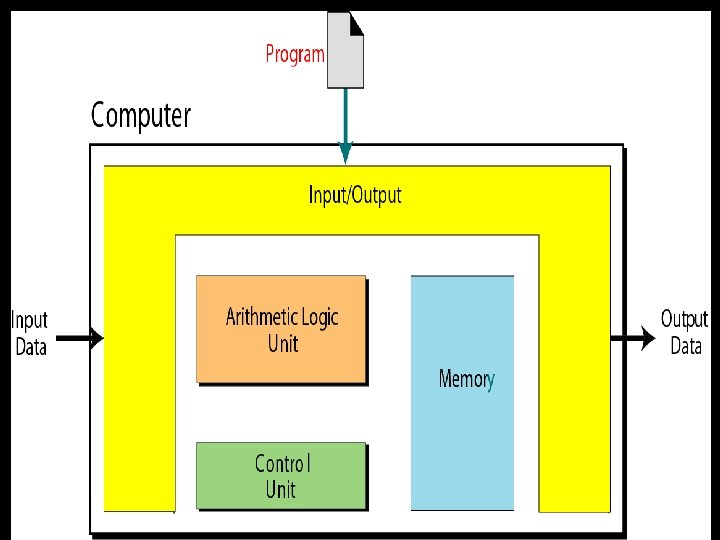
 Von Neumann Model • The model looks at the inside of a computer (black box) and defines how processing is done. It is based on 3 ideas. • Idea 1: The model defines a computer as four subsystems: memory, arithmetic logic unit, control unit, and input/output. 23
 Von Neumann Model • Idea 2: The program must be stored in memory. • Idea 3: A program in the von Neumann model is made of a finite number of instructions. And the instructions are executed one after another (sequentially). 24
 25
25
 Computer software • Software is the instructions that tell the computer how to process data into the form you want. In other words, Software is instructions issued to the computer so that specific tasks may be performed. • There are two basic types of software: – system software – application software 26
 Computer software • System software is background software that helps the computer manage its own internal resources. • The most important system software is the operating system, which interacts with the application software and the computer. 27
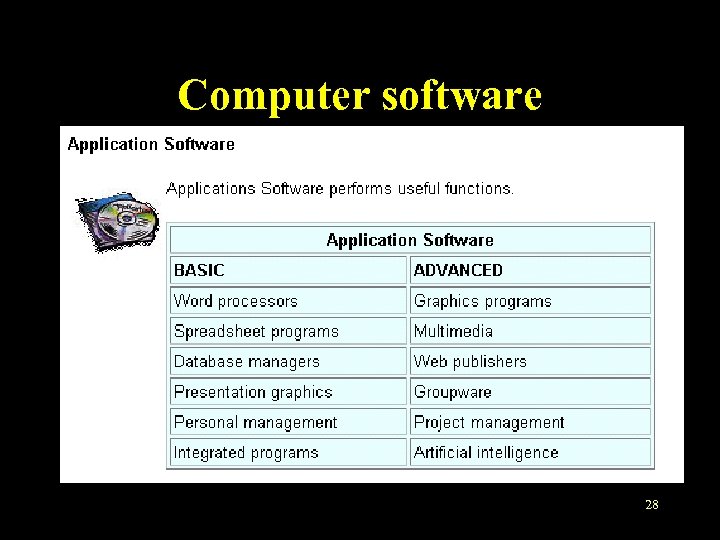 Computer software • Application software – Application software is the software we use everyday to perform certain task, such as word processing or data analysis. – There are several kinds of application software almost everyone should learn, such as the browser. – For the summary of the basic and advanced applications, see the following figure. 28
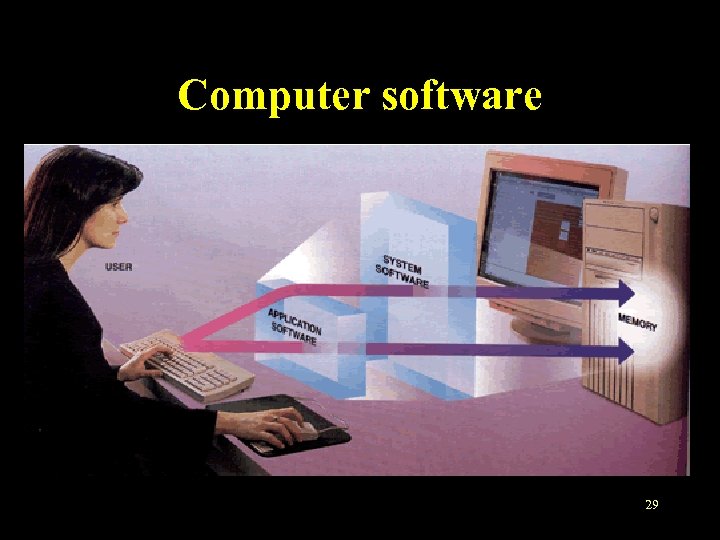 Computer software • The relationship between software and hardware 29
 Types of computers • There are four types of computers: – supercomputers – mainframe computers – minicomputers – microcomputers 30
 Types of computers • Supercomputers – Supercomputer is the most powerful type of computer. These machines are special, highcapacity computers used by very large organizations. For example, NASA uses supercomputers to track and control space explorations. 31
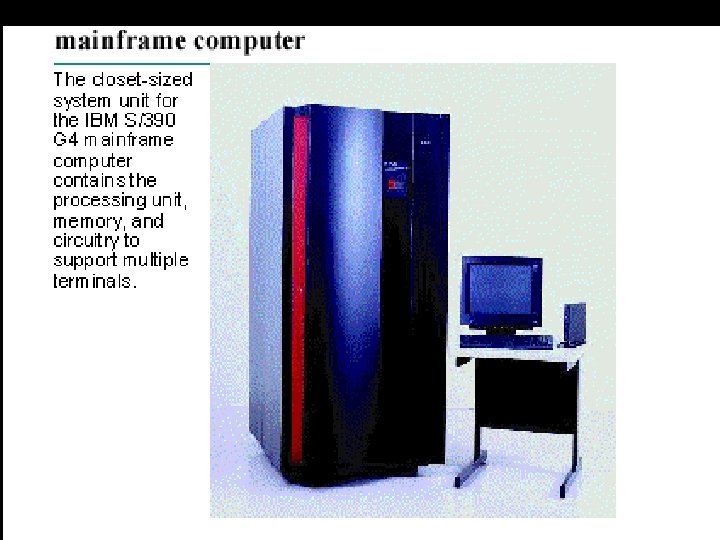
 Types of computers • Mainframe computers – They are not as powerful as supercomputers, but they are also capable of great processing speeds and data storage. For example, insurance companies use mainframes to process information about millions of policyholders. 32
 33
33
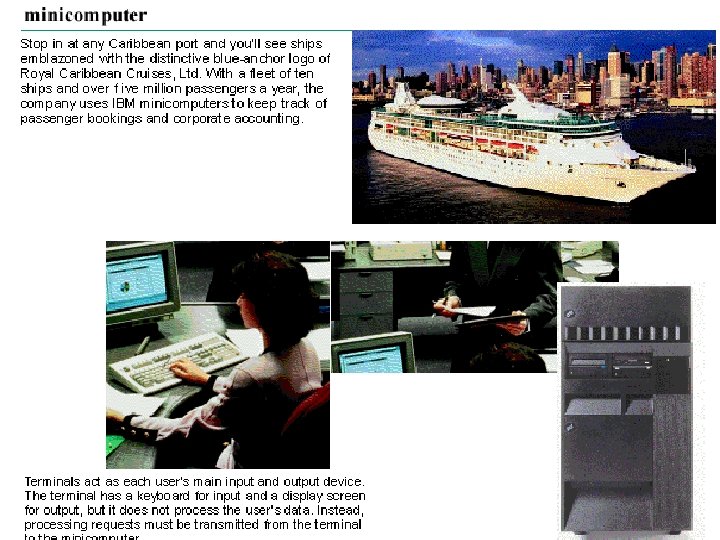
 Types of computers • minicomputers – Minicomputers are desk-sized machines, which can be used by medium-sized companies or departments of large companies to do certain tasks. For example, production departments may use minicomputers to monitor certain manufacturing processes and assembly-line operations. 34
 35
35
 Types of computers • microcomputers – Although the least powerful, microcomputers are the most widely used and fastest-growing type of computer. Categories of microcomputers include desktop, notebook, and personal digital assistants(PDA). 36
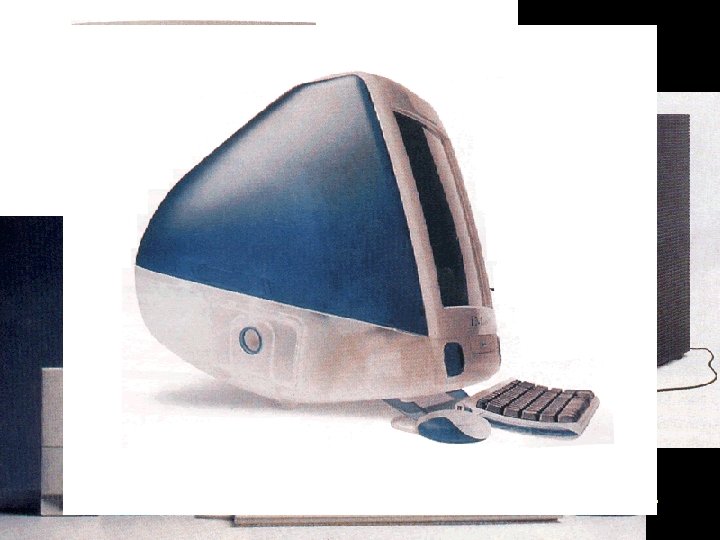 Types of computers • microcomputers – Desktop computers are small enough to fit on top of or alongside a desk yet are too big to carry around. 37
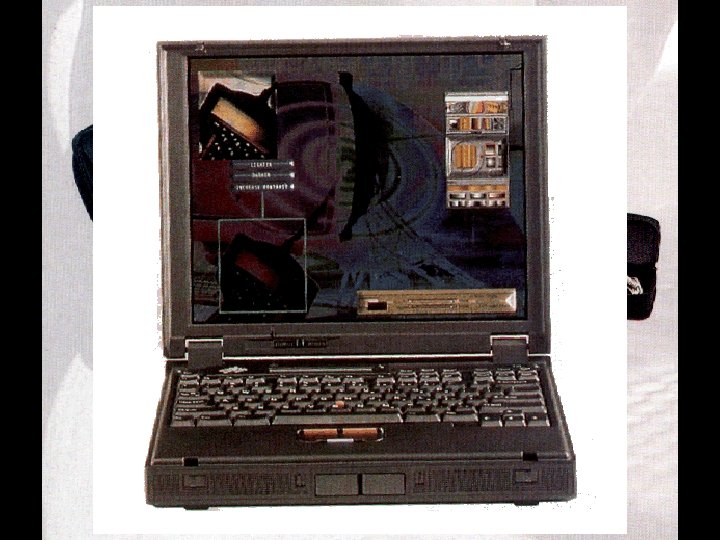 Types of computers • microcomputers – Notebook are portable, they weigh 1 or several kilograms, and can be contained in a briefcase. 38
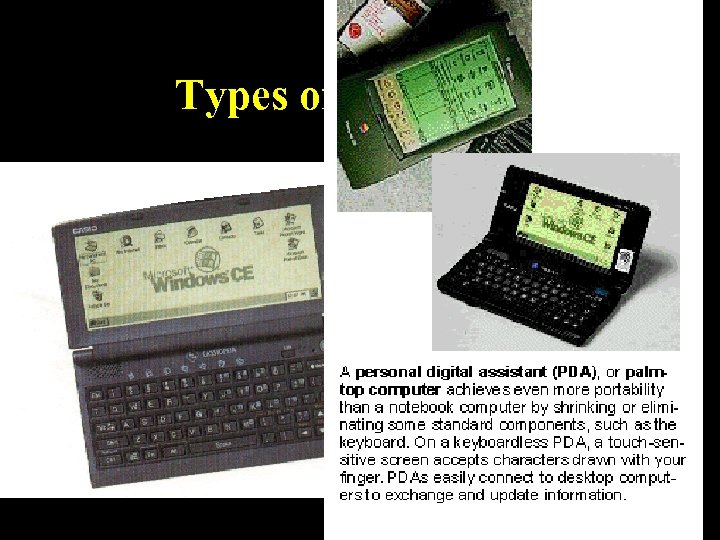 Types of computers • microcomputers – Personal digital assistants are also known as palmtop computers or handheld computers. They combine pen input, writing recognition, personal organizational tools, and communications capabilities in a very small package. 39
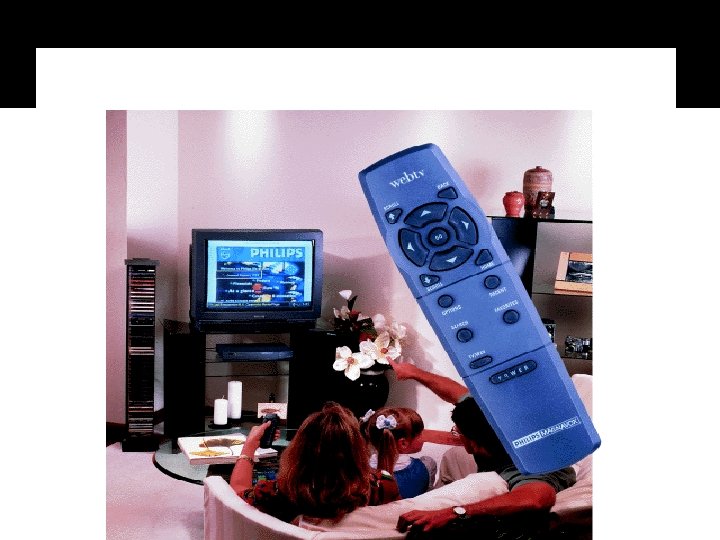 Types of computers • microcomputers – Set-top box. 40
 Evolution of computers • In 1951, the first computer was made available to the public, which marked the beginning of computer age. The modern age of computers span more than 50 years, which is typically broken down into five generations. – – – First generation (1951 -57) (Vacuum Tube Age) Second generation (1958 -63) (Transistor Age) Third generation (1964 -69) (Integrated Circuit Age) Fourth generation (1970 -90) (Microprocessor Age) Fifth generation (1991 -now) (Age of Connectivity) 41
 What is the future? • User Interface More friendly and natural interaction between human and computer 42
 43
43
 • Artificial Intelligence Make the computer “ Look”, “Listen” and “Think”. • “Look” Computer Vision; Image Processing…… • “Listen” Speech Processing and Recognition…… • “Think” Machine Learning; NLP…… 44
 45
45
 46
46
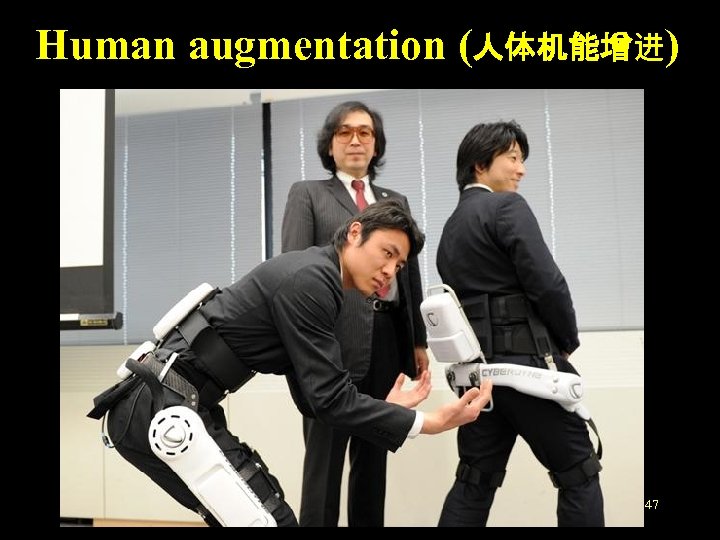 Human augmentation (人体机能增进) 47
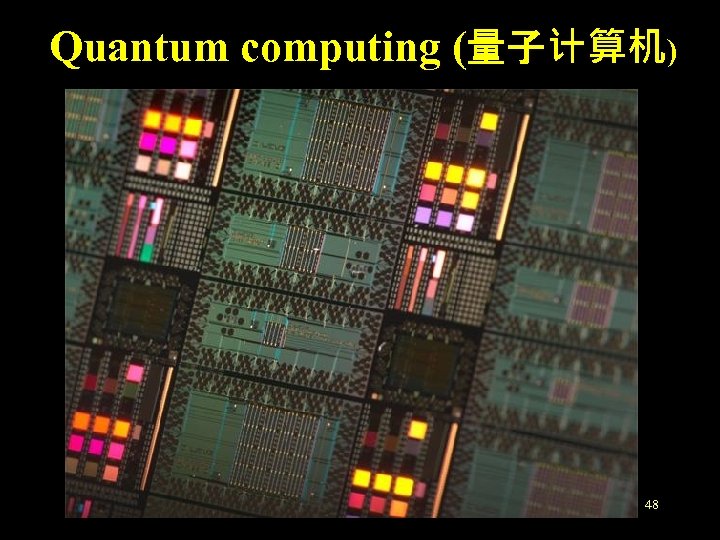 Quantum computing (量子计算机) 48
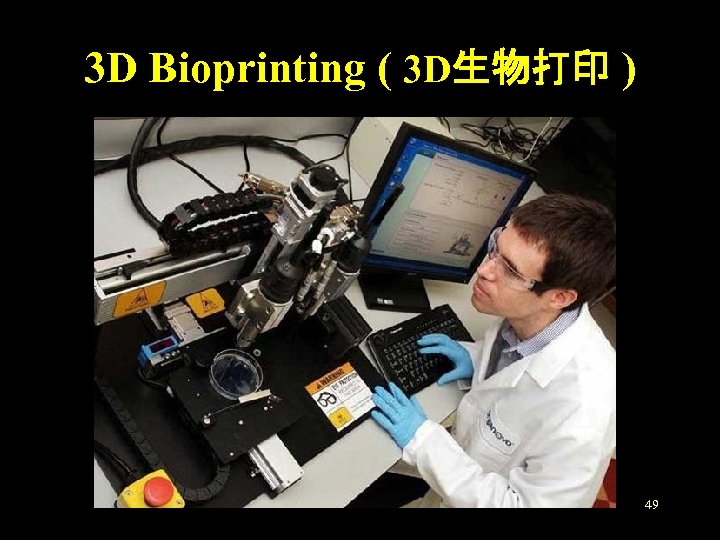 3 D Bioprinting ( 3 D生物打印 ) 49
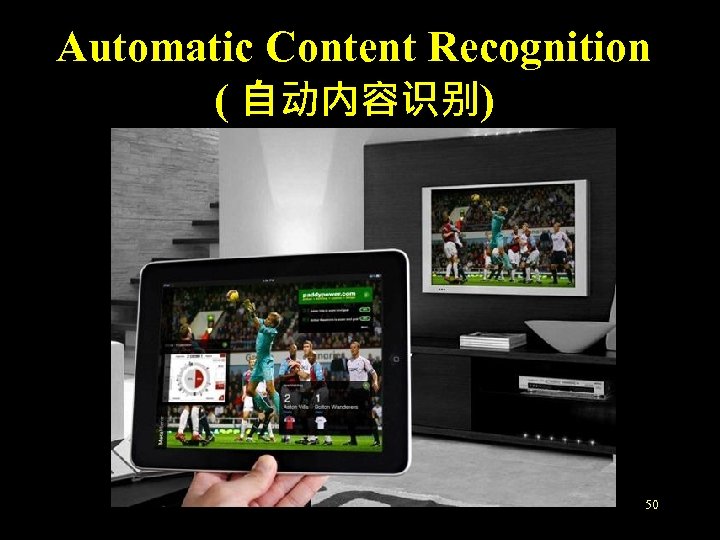 Automatic Content Recognition ( 自动内容识别) 50
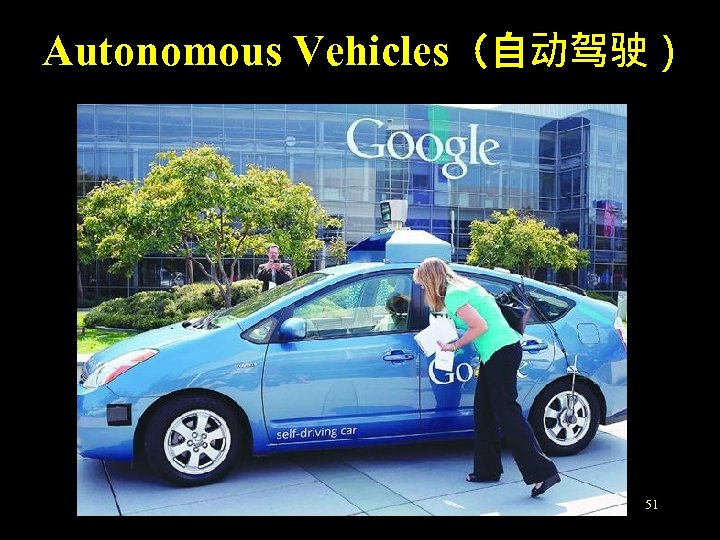 Autonomous Vehicles(自动驾驶) 51
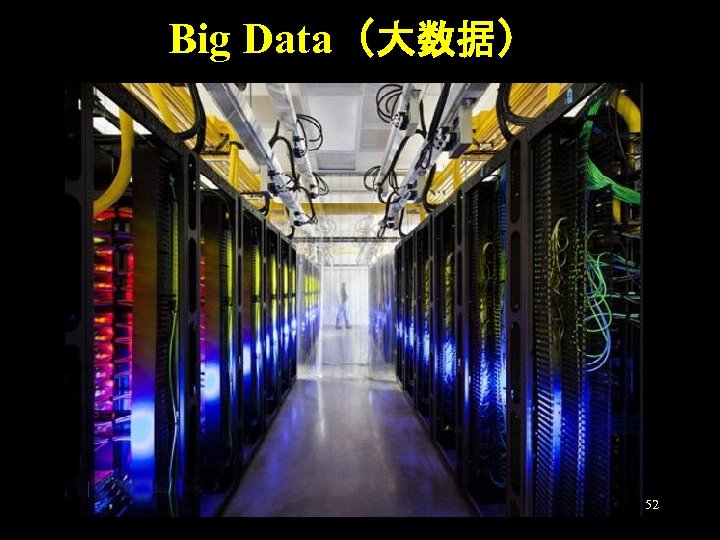 Big Data(大数据) 52
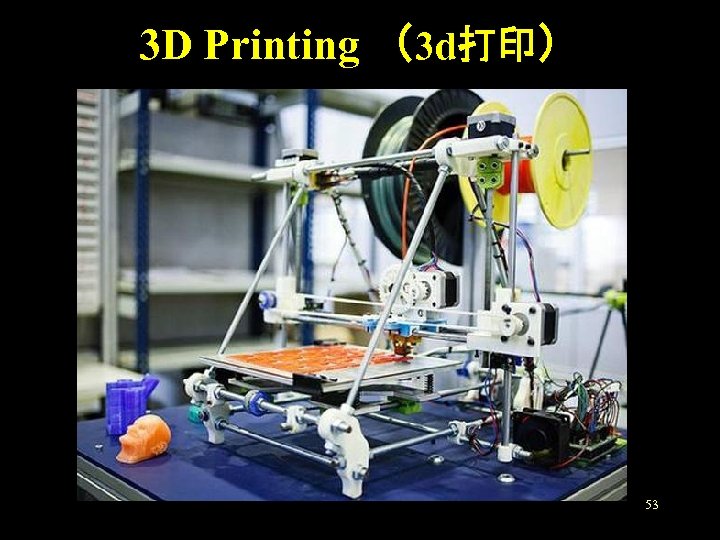 3 D Printing (3 d打印) 53
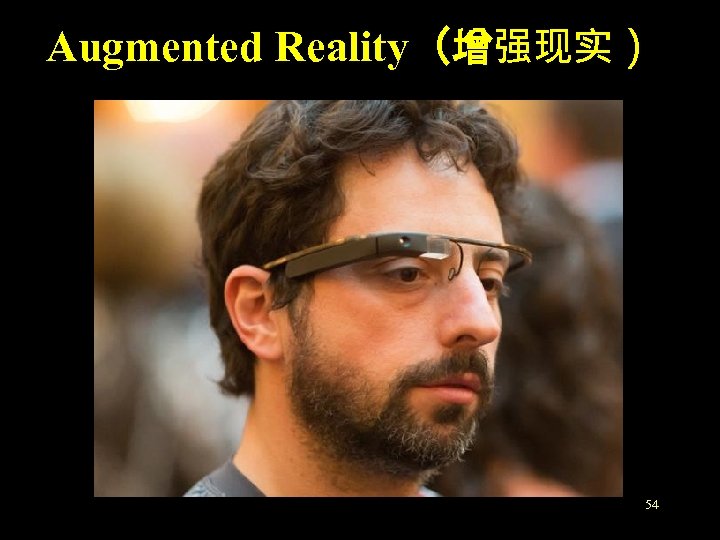 Augmented Reality(增强现实) 54
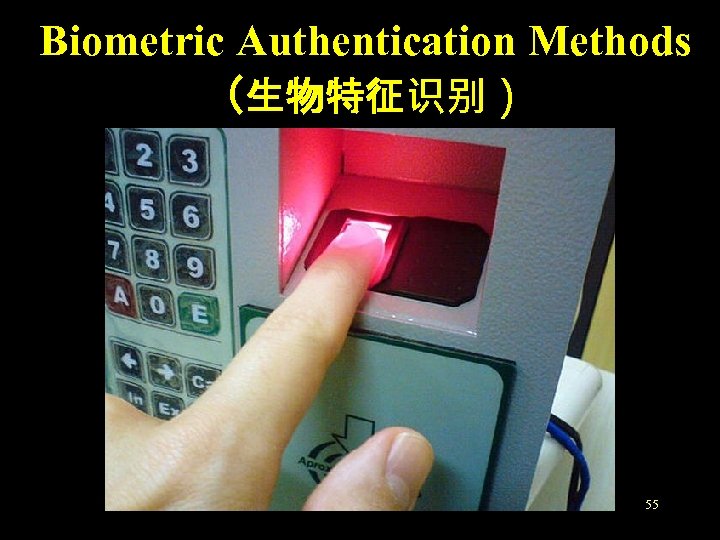 Biometric Authentication Methods (生物特征识别) 55
 part 3 COMPUTER BASED INFORMATION SYSTEM 56
 What is IT • IT (information technology) is a term that encompasses all forms of technology used to create, store, exchange, and use information in its various forms (business data, voice conversations, still images, motion pictures, multimedia presentations, and other forms, including those not yet conceived). 57
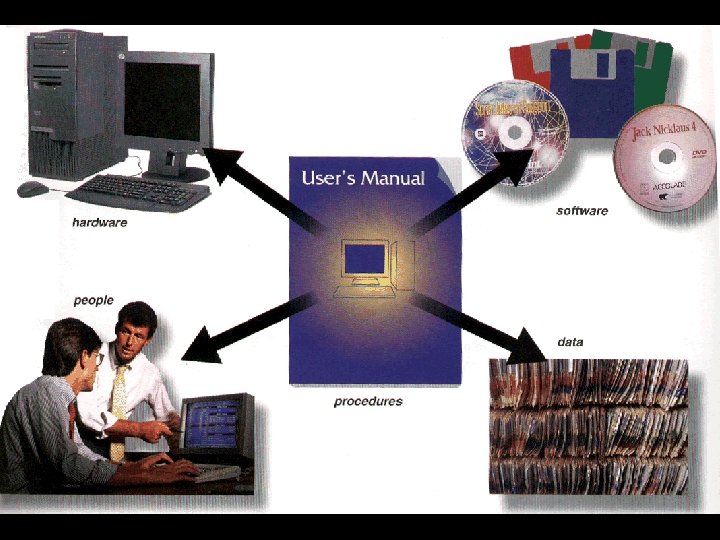 Five components of an information system 58
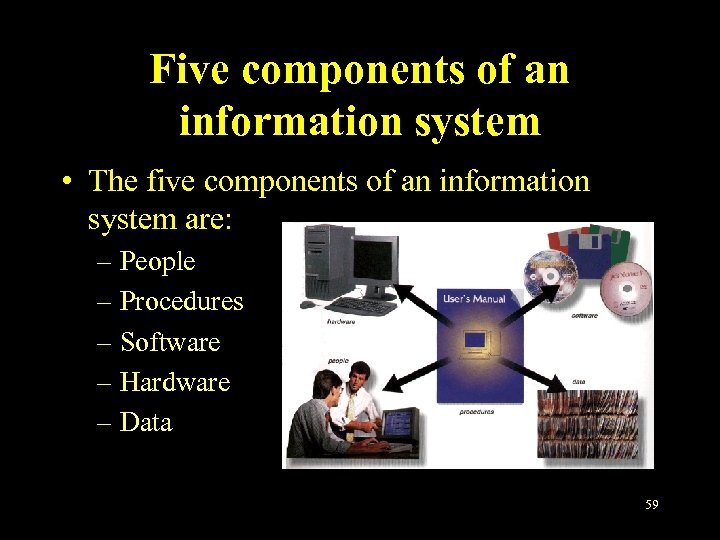 Five components of an information system • The five components of an information system are: – People – Procedures – Software – Hardware – Data 59
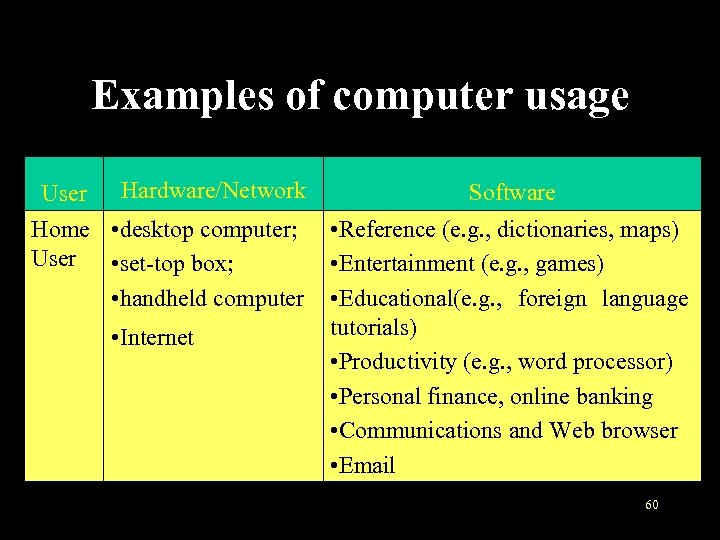 Examples of computer usage User Hardware/Network Home • desktop computer; User • set-top box; • handheld computer • Internet Software • Reference (e. g. , dictionaries, maps) • Entertainment (e. g. , games) • Educational(e. g. , foreign language tutorials) • Productivity (e. g. , word processor) • Personal finance, online banking • Communications and Web browser • Email 60
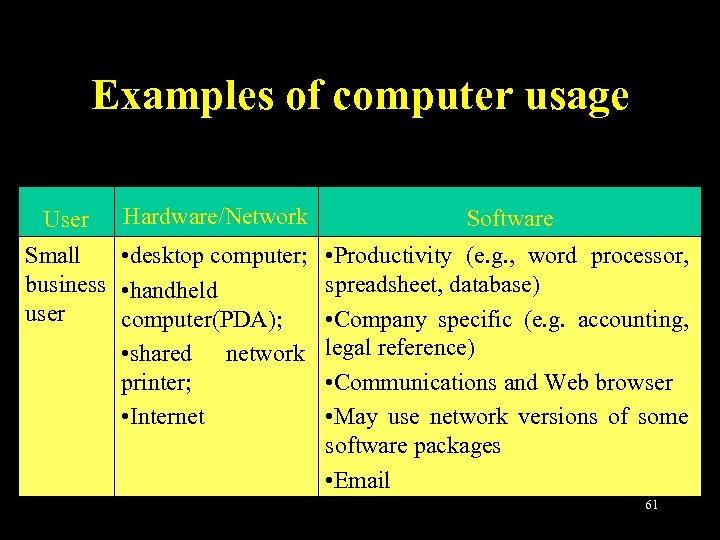 Examples of computer usage User Hardware/Network Small • desktop computer; business • handheld user computer(PDA); • shared network printer; • Internet Software • Productivity (e. g. , word processor, spreadsheet, database) • Company specific (e. g. accounting, legal reference) • Communications and Web browser • May use network versions of some software packages • Email 61
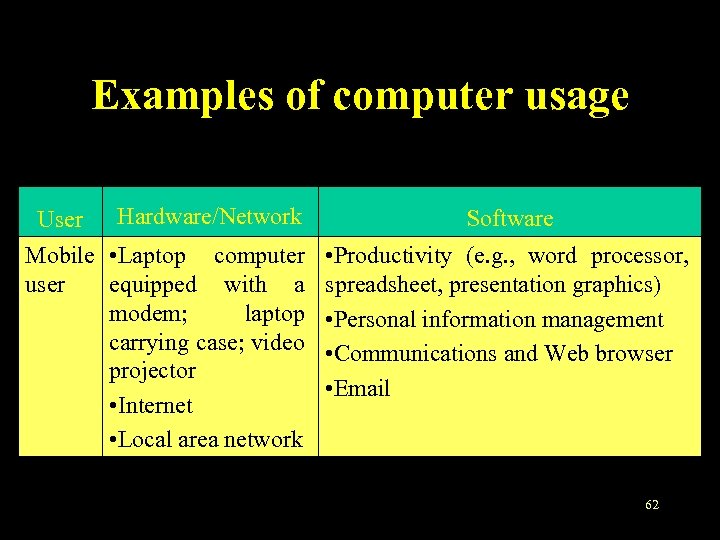 Examples of computer usage User Hardware/Network Mobile • Laptop computer user equipped with a modem; laptop carrying case; video projector • Internet • Local area network Software • Productivity (e. g. , word processor, spreadsheet, presentation graphics) • Personal information management • Communications and Web browser • Email 62
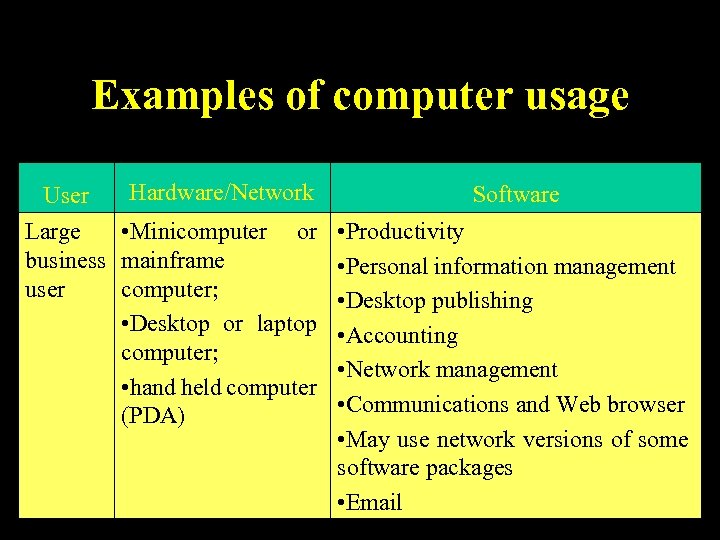 Examples of computer usage User Hardware/Network Large • Minicomputer or business mainframe user computer; • Desktop or laptop computer; • hand held computer (PDA) Software • Productivity • Personal information management • Desktop publishing • Accounting • Network management • Communications and Web browser • May use network versions of some software packages 63 • Email
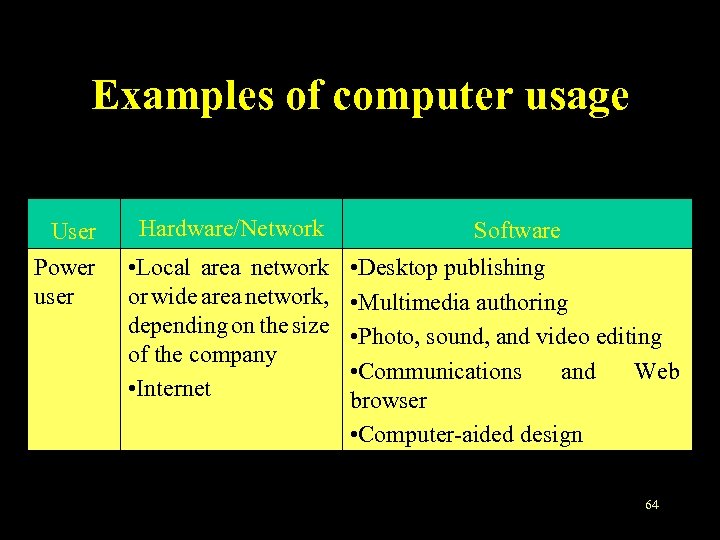 Examples of computer usage User Hardware/Network Software Power user • Local area network or wide area network, depending on the size of the company • Internet • Desktop publishing • Multimedia authoring • Photo, sound, and video editing • Communications and Web browser • Computer-aided design 64
 Objectives • Explain the importance of learning computer and how to learn it. • Define the term computer and identify the components of a computer (Describe the von Neumann model). • Describe hardware devices for input, processing, storage, output, and communication. 65
 Objectives • Differentiate between system software and application software. • Describe the categories of computers and their uses • Explain the five parts of an information system. 66
 That’s all for this chapter! 67