


 Скачать презентацию Content Management Systems INF 385 e Fall 2007
71c9588bd8f9c11c7b1ac65ebab08aed.ppt
- Количество слайдов: 20
 Content Management Systems INF 385 e Fall 2007 Ron Garza 30 October 2007
 Agenda What is Content Management? l The CM Process l What is a Content Management System (CMS)? l Content Management System Features and Benefits l Questions l
 Content Management l Content management, or CM, is a set of processes and technologies that support the evolutionary life cycle of digital information. This digital information is often referred to as content or, to be precise, digital content. (www. wikipedia. org)
 The CM Process The digital content lifecycle: create, update, publish, translate, archive, and retire l CM is a collaborative effort and it consists of basic roles and responsibilities. l (www. wikipedia. org)
 What is a Content Management System (CMS)? A software application or system used for Content Management. l Examples of CMS software: Movable Type, Drupal, Social. Text, Interwoven, etc… l
 Benefits of CMS Software l A CMS is very easy to use, and it requires hardly any training at all!
 Benefits of CMS Software l Cont. Automated templates l Create standard visual templates that can be automatically applied to new and existing content.
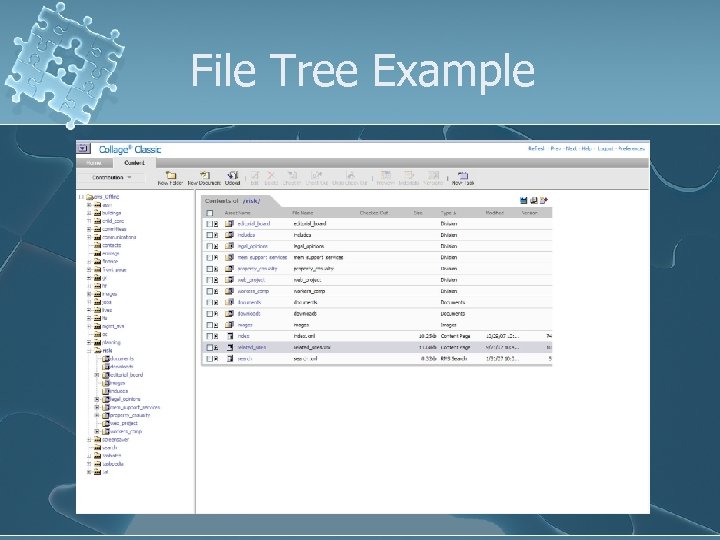 File Tree Example
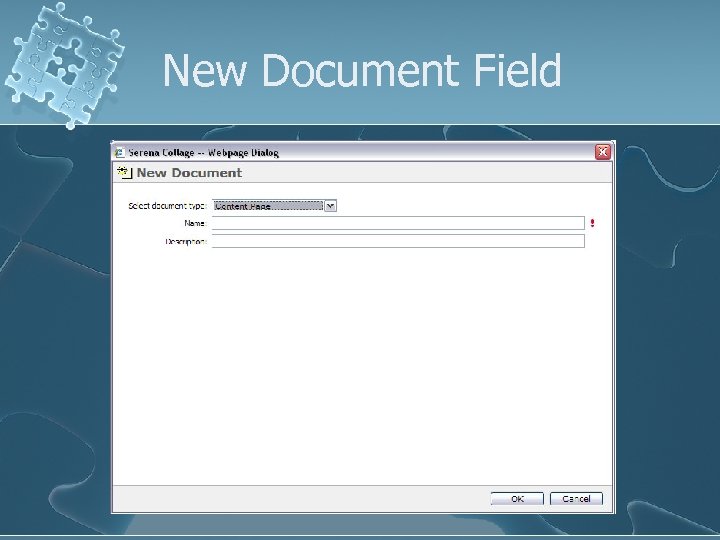 New Document Field
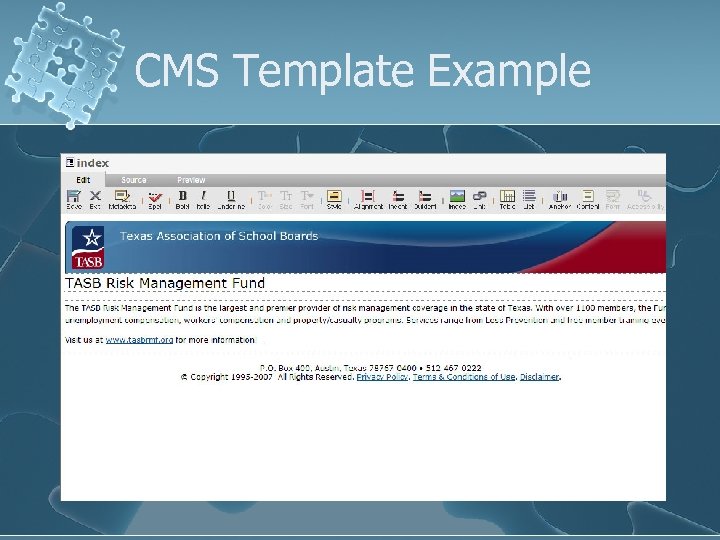 CMS Template Example
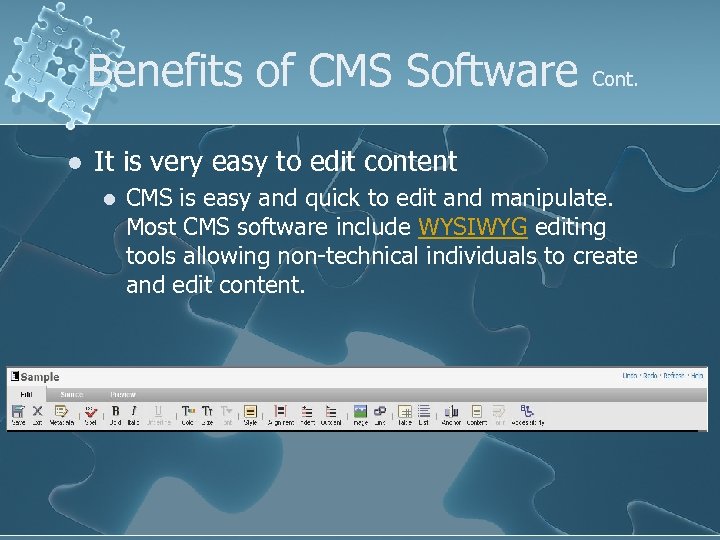 Benefits of CMS Software l Cont. It is very easy to edit content l CMS is easy and quick to edit and manipulate. Most CMS software include WYSIWYG editing tools allowing non-technical individuals to create and edit content.
 Benefits of CMS Software l Cont. Feature sets that are scalable l Most CMS have modules that can be easily installed to extend an existing site's functionality.
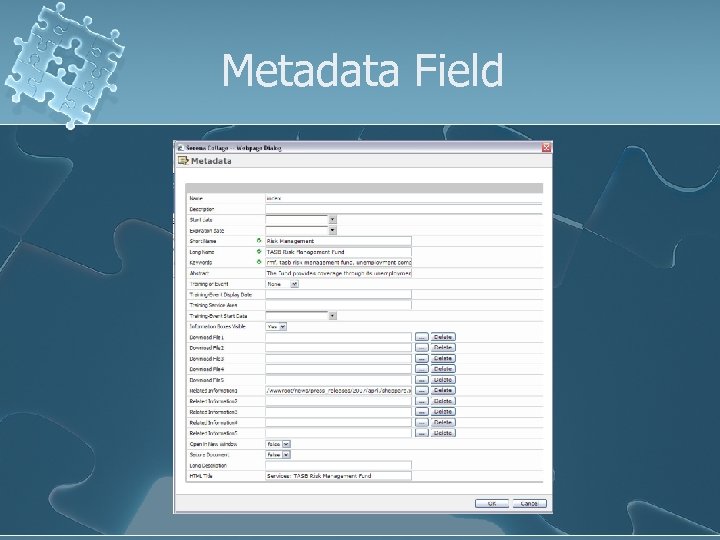 Metadata Field
 Benefits of CMS Software l Web standards upgrades Cont.
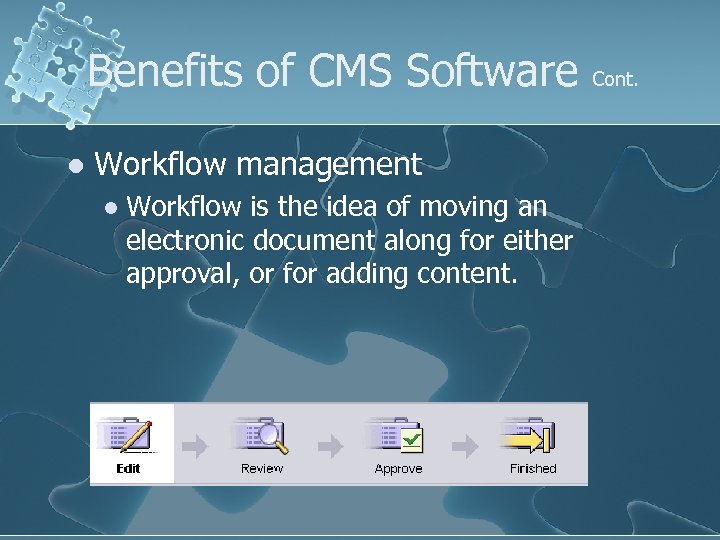 Benefits of CMS Software l Workflow management l Workflow is the idea of moving an electronic document along for either approval, or for adding content. Cont.
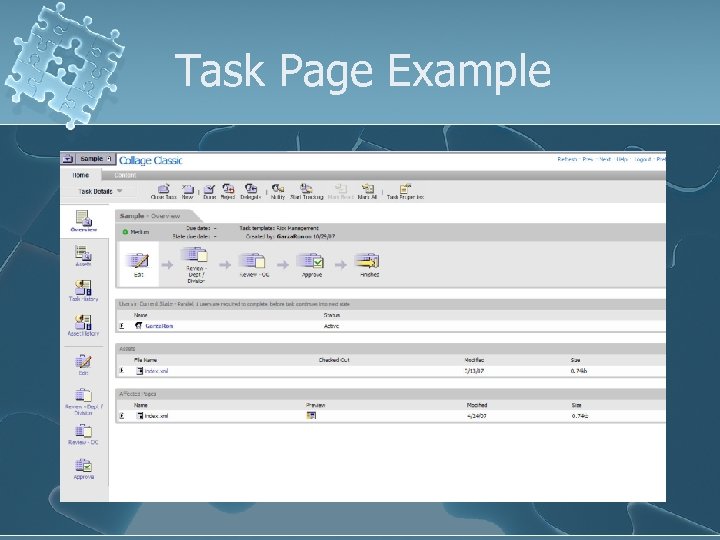 Task Page Example
 Benefits of CMS Software l Cont. Document management l CMS provides a means of managing the life cycle of a document or digital content from initial creation time, through revisions, publication, archive, and content expiration.
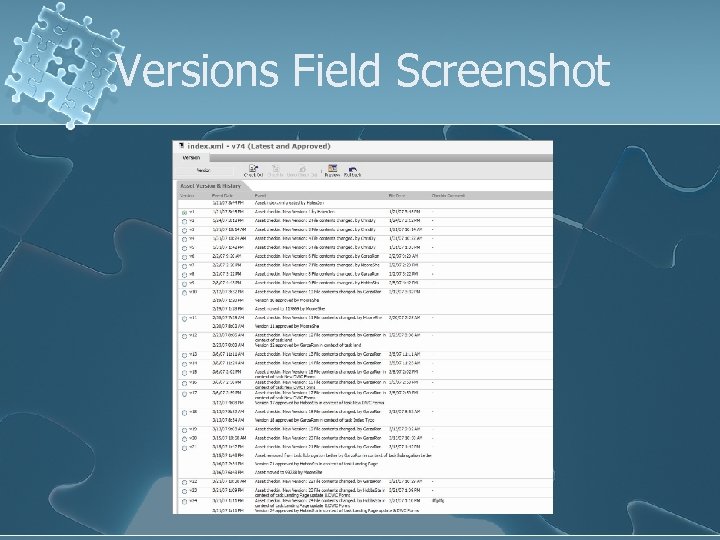 Versions Field Screenshot
 Questions?
 References www. wikipedia. org l Rosenfeld, Louis and Morville, Peter (2007). Information Architecture for the World Wide Web. Sebastopol, CA: O’Reilly & Associates. l www. econtentmag. com/Articles/Article Reader. aspx? Article. ID=13554 l