


 Скачать презентацию Consult Services Process 1 What Happens When
f642d0772462f829159f4d8414b468d8.ppt
- Количество слайдов: 26
 Consult Services Process 1
 What Happens When Consult is Ordered? n Individuals may get alert n Team of folks may get alert n Copy may print 2
 Time Frames………. . n Inpatient Emergency, STAT – need phone call u Routine – within 72 hours u Within 48 or 72 hrs. u n Outpatient STAT – need phone call u Today – need phone call u Next available, routine – next appt. within 30 days u Within 1 week, month, etc. u 3
 OPT Process…………. Patient checks out, the orders are reviewed u Appt. is made for the consult u Consult request updated to status of SCHEDULED u Patient reports for appt. n If the appointment cannot immediately be made, than the consult should be RECEIVED which will change the status to ACTIVE n 4
 NO SHOWS…. Appointment is rescheduled n Patient notified n Clerk makes COMMENT to the request noting the new appointment n 5
 CANCELLATIONS……. . Clinic cancelled u COMMENT added noting new appt. n Patient cancels u If does NOT wish to be re-scheduled, request is CANCELLED. This sends an Alert to ordering provider who may Edit and Resubmit if necessary n 6
 CANCEL VS. DISCONTINUE n CANCEL is used by the Receiving Service. This will send an Alert back to the ordering provider who may choose to Edit/Resubmit or leave it be. n DISCONTINUE is used by the ordering provider to stop the request. 7
 ADDENDUM VS. COMMENT n n ADDENDUM allows one or more people to add comments to the RESULTS of a consult COMMENTS add a note to the consult BEFORE it is resulted 8
 Inpatient n Receiving individual in service updates status to ACTIVE (by receiving the request) and makes a comment when physician notified 9
 If INPT. Request not done before discharge & will be OPT instead n. Ward clerk will update status to SCHEDULED and note date/time patient to be seen 10
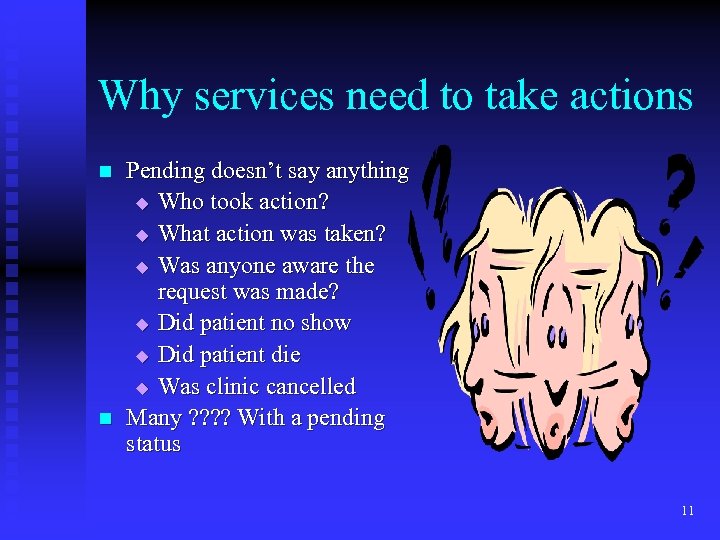 Why services need to take actions n n Pending doesn’t say anything u Who took action? u What action was taken? u Was anyone aware the request was made? u Did patient no show u Did patient die u Was clinic cancelled Many ? ? With a pending status 11
 Clinician examines patient and/or reviews information Direct enters result • In EHR on Consults or Notes tab t Dictates result • Adds comment noting date/time patient/info was reviewed and dictated report to follow • Adds Significant Findings noting date/time of review & dictated report to follow t 12
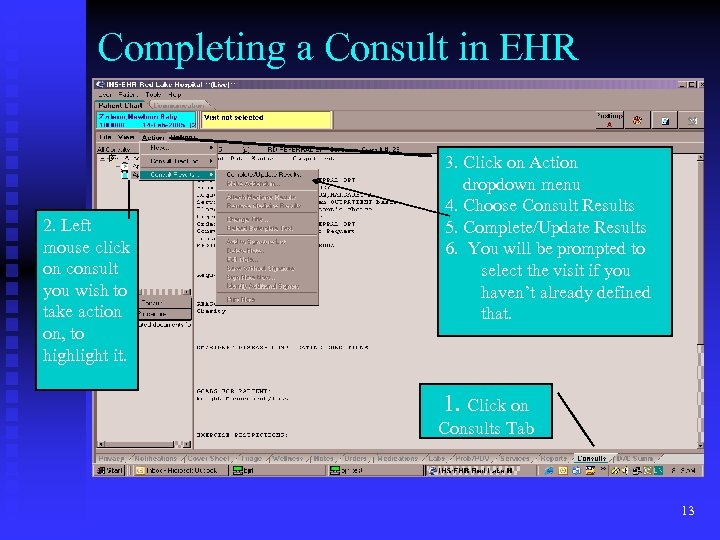 Completing a Consult in EHR 2. Left mouse click on consult you wish to take action on, to highlight it. 3. Click on Action dropdown menu 4. Choose Consult Results 5. Complete/Update Results 6. You will be prompted to select the visit if you haven’t already defined that. 1. Click on Consults Tab 13
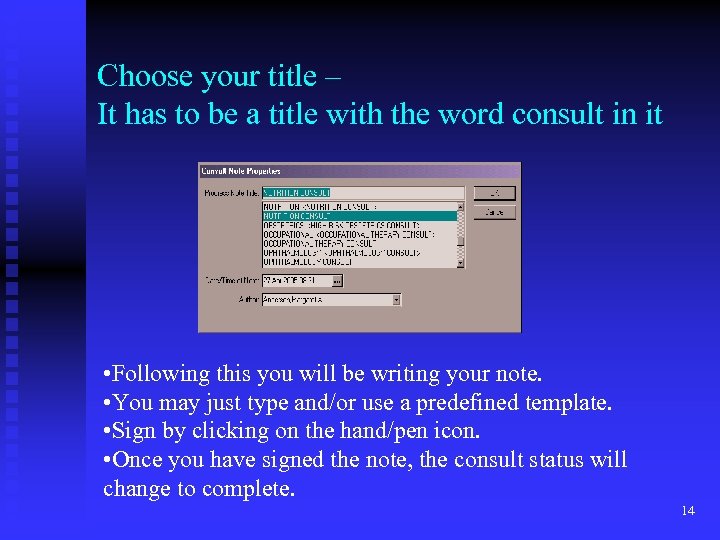 Choose your title – It has to be a title with the word consult in it • Following this you will be writing your note. • You may just type and/or use a predefined template. • Sign by clicking on the hand/pen icon. • Once you have signed the note, the consult status will change to complete. 14
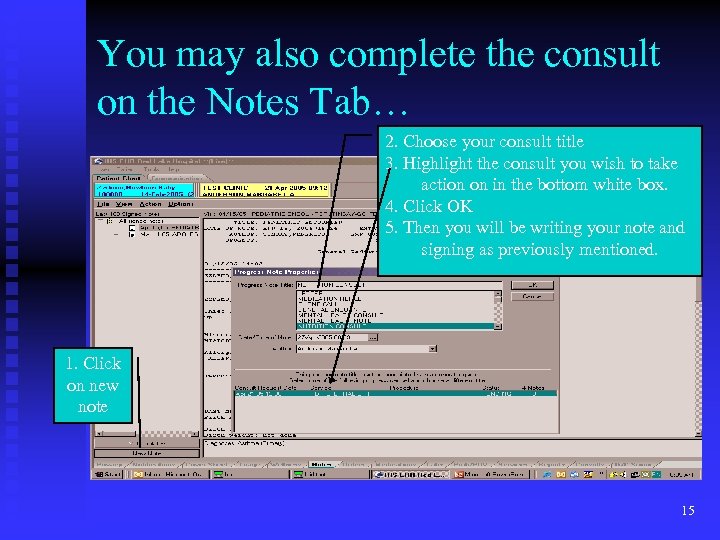 You may also complete the consult on the Notes Tab… 2. Choose your consult title 3. Highlight the consult you wish to take action on in the bottom white box. 4. Click OK 5. Then you will be writing your note and signing as previously mentioned. 1. Click on new note 15
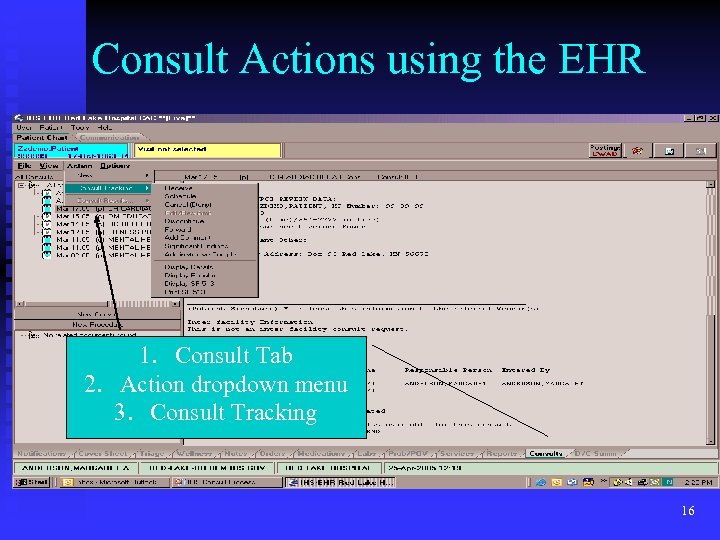 Consult Actions using the EHR 1. Consult Tab 2. Action dropdown menu 3. Consult Tracking 16
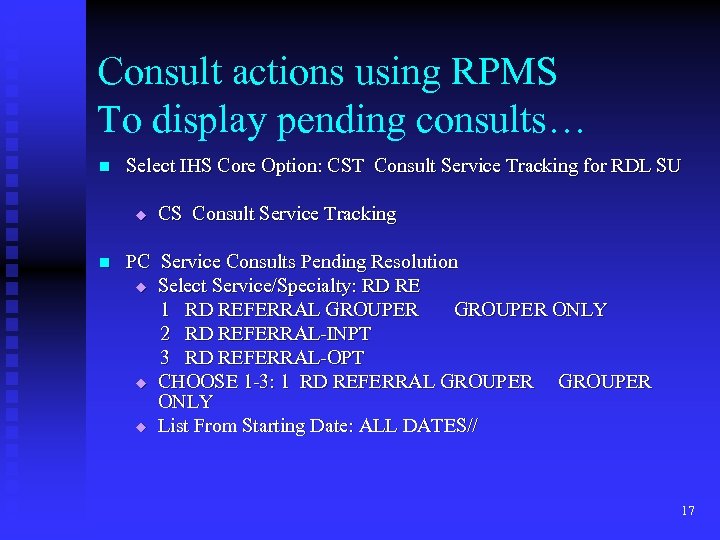 Consult actions using RPMS To display pending consults… n Select IHS Core Option: CST Consult Service Tracking for RDL SU u n CS Consult Service Tracking PC Service Consults Pending Resolution u Select Service/Specialty: RD RE 1 RD REFERRAL GROUPER ONLY 2 RD REFERRAL-INPT 3 RD REFERRAL-OPT u CHOOSE 1 -3: 1 RD REFERRAL GROUPER ONLY u List From Starting Date: ALL DATES// 17
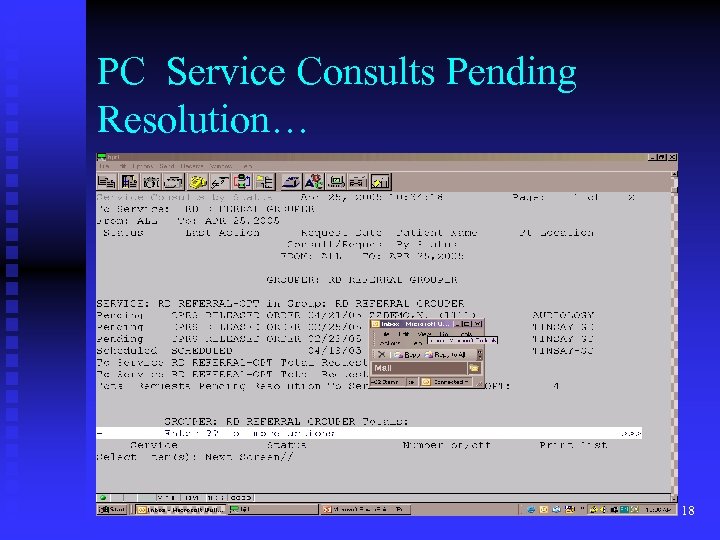 PC Service Consults Pending Resolution… 18
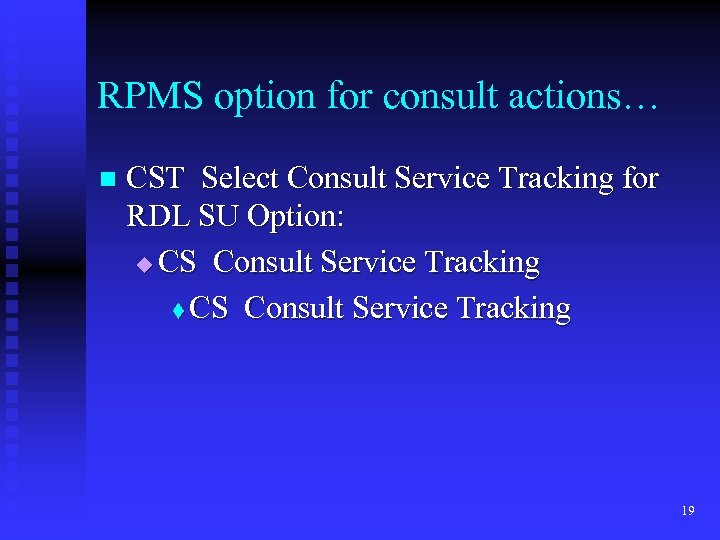 RPMS option for consult actions… n CST Select Consult Service Tracking for RDL SU Option: u CS Consult Service Tracking t CS Consult Service Tracking 19
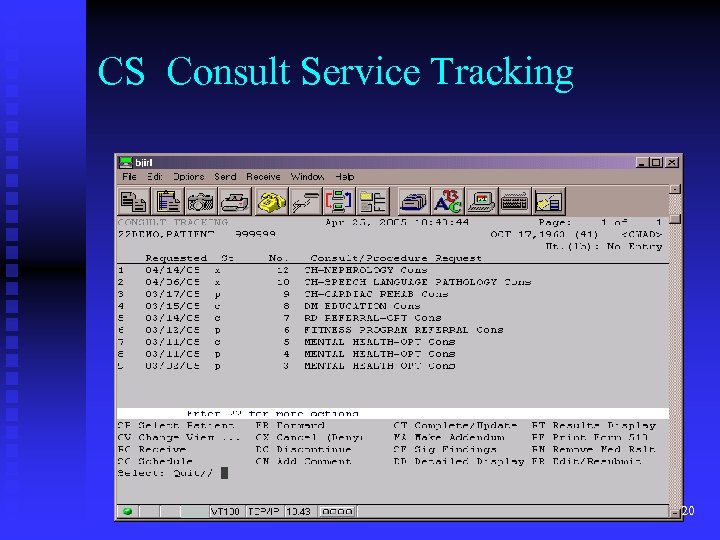 CS Consult Service Tracking 20
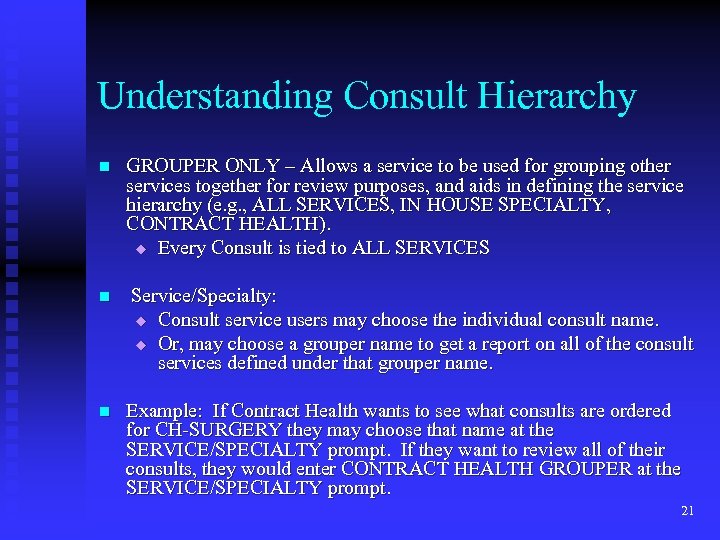 Understanding Consult Hierarchy n n n GROUPER ONLY – Allows a service to be used for grouping other services together for review purposes, and aids in defining the service hierarchy (e. g. , ALL SERVICES, IN HOUSE SPECIALTY, CONTRACT HEALTH). u Every Consult is tied to ALL SERVICES Service/Specialty: u Consult service users may choose the individual consult name. u Or, may choose a grouper name to get a report on all of the consult services defined under that grouper name. Example: If Contract Health wants to see what consults are ordered for CH-SURGERY they may choose that name at the SERVICE/SPECIALTY prompt. If they want to review all of their consults, they would enter CONTRACT HEALTH GROUPER at the SERVICE/SPECIALTY prompt. 21
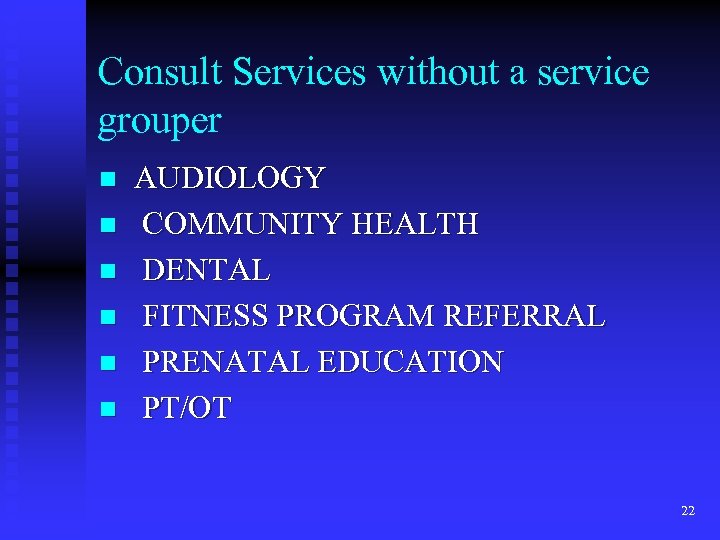 Consult Services without a service grouper n n n AUDIOLOGY COMMUNITY HEALTH DENTAL FITNESS PROGRAM REFERRAL PRENATAL EDUCATION PT/OT 22
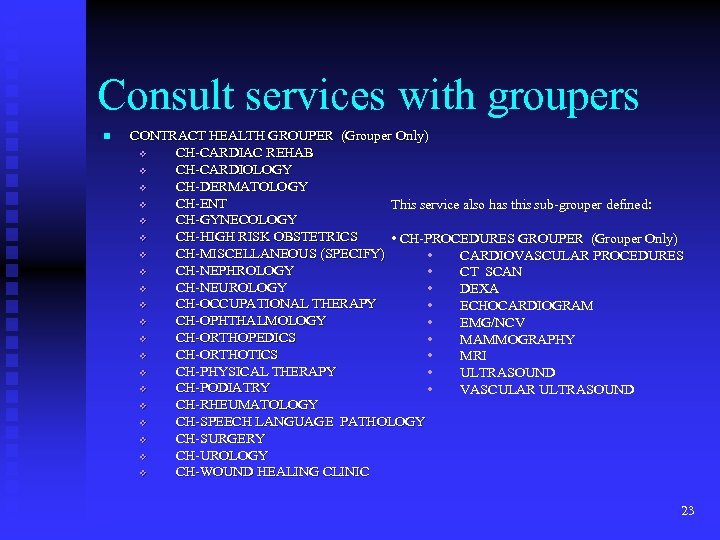 Consult services with groupers n CONTRACT HEALTH GROUPER (Grouper Only) v CH-CARDIAC REHAB v CH-CARDIOLOGY v CH-DERMATOLOGY v CH-ENT This service also has this sub-grouper defined: v CH-GYNECOLOGY v CH-HIGH RISK OBSTETRICS • CH-PROCEDURES GROUPER (Grouper Only) v CH-MISCELLANEOUS (SPECIFY) • CARDIOVASCULAR PROCEDURES v CH-NEPHROLOGY • CT SCAN v CH-NEUROLOGY • DEXA v CH-OCCUPATIONAL THERAPY • ECHOCARDIOGRAM v CH-OPHTHALMOLOGY • EMG/NCV v CH-ORTHOPEDICS • MAMMOGRAPHY v CH-ORTHOTICS • MRI v CH-PHYSICAL THERAPY • ULTRASOUND v CH-PODIATRY • VASCULAR ULTRASOUND v CH-RHEUMATOLOGY v CH-SPEECH LANGUAGE PATHOLOGY v CH-SURGERY v CH-UROLOGY v CH-WOUND HEALING CLINIC 23
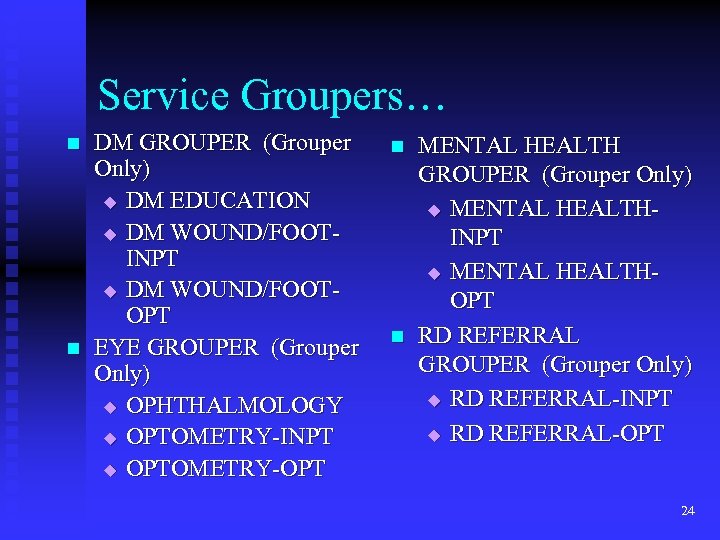 Service Groupers… n n DM GROUPER (Grouper Only) u DM EDUCATION u DM WOUND/FOOTINPT u DM WOUND/FOOTOPT EYE GROUPER (Grouper Only) u OPHTHALMOLOGY u OPTOMETRY-INPT u OPTOMETRY-OPT n n MENTAL HEALTH GROUPER (Grouper Only) u MENTAL HEALTHINPT u MENTAL HEALTHOPT RD REFERRAL GROUPER (Grouper Only) u RD REFERRAL-INPT u RD REFERRAL-OPT 24
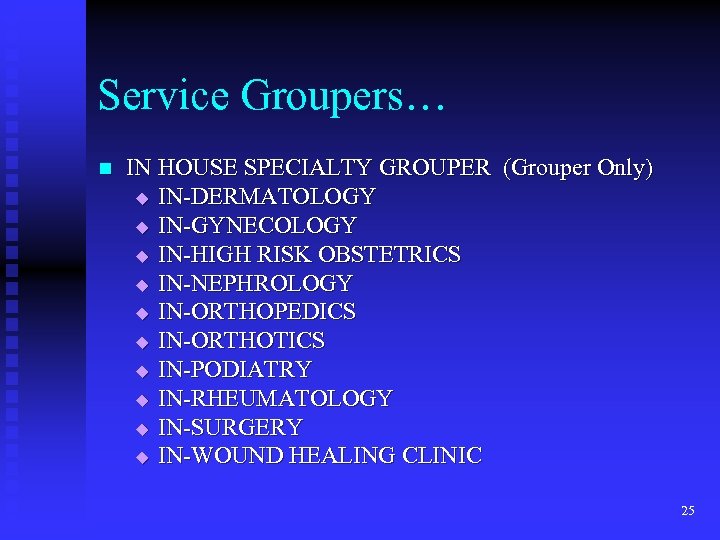 Service Groupers… n IN HOUSE SPECIALTY GROUPER (Grouper Only) u IN-DERMATOLOGY u IN-GYNECOLOGY u IN-HIGH RISK OBSTETRICS u IN-NEPHROLOGY u IN-ORTHOPEDICS u IN-ORTHOTICS u IN-PODIATRY u IN-RHEUMATOLOGY u IN-SURGERY u IN-WOUND HEALING CLINIC 25
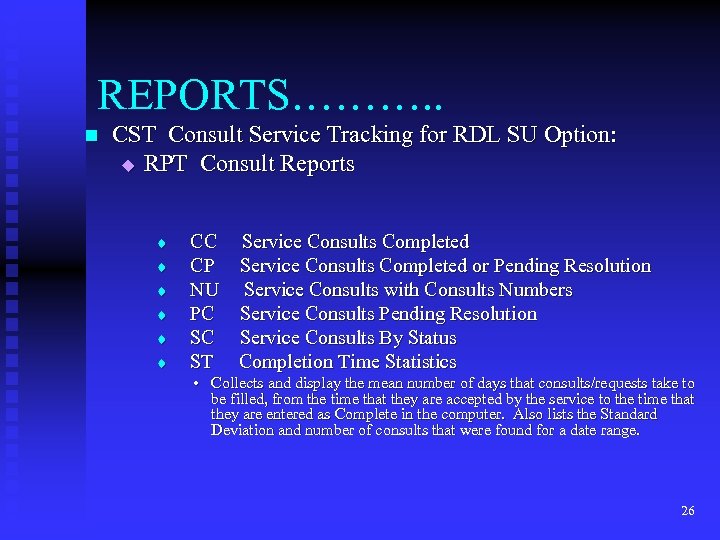 REPORTS………. . n CST Consult Service Tracking for RDL SU Option: u RPT Consult Reports t t t CC CP NU PC SC ST Service Consults Completed or Pending Resolution Service Consults with Consults Numbers Service Consults Pending Resolution Service Consults By Status Completion Time Statistics • Collects and display the mean number of days that consults/requests take to be filled, from the time that they are accepted by the service to the time that they are entered as Complete in the computer. Also lists the Standard Deviation and number of consults that were found for a date range. 26