


 Скачать презентацию Considerations when implementing HA in DMF UG meeting
c979fba902bc534a2969f5bf49817cd9.ppt
- Количество слайдов: 32
 Considerations when implementing HA in DMF UG meeting Gerald Hofer Presented by Susheel Ghokhale
 What is High Availability? According to Wikipedia: "High availability is a system design approach and associated service implementation that ensures a prearranged level of operational performance will be met during a contractual measurement period. " The keywords are "system" and "measurement".
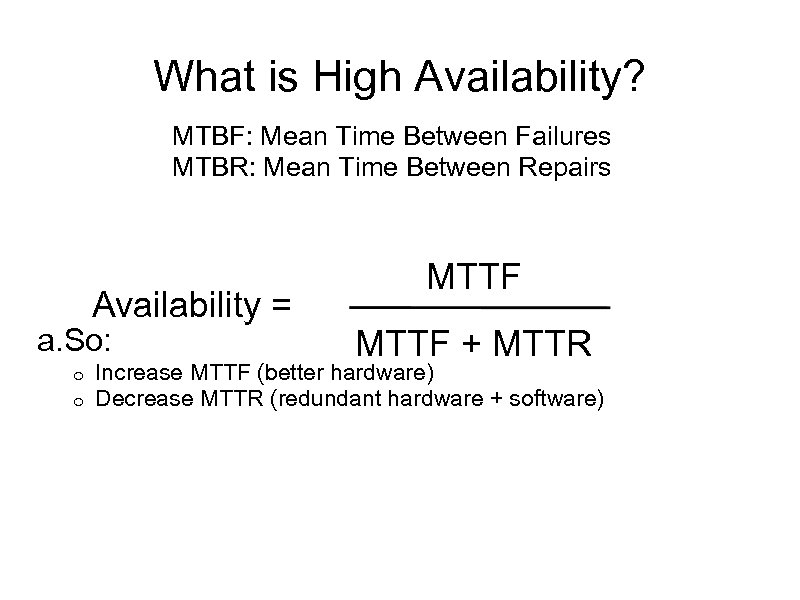 What is High Availability? MTBF: Mean Time Between Failures MTBR: Mean Time Between Repairs Availability = a. So: o o MTTF + MTTR Increase MTTF (better hardware) Decrease MTTR (redundant hardware + software)
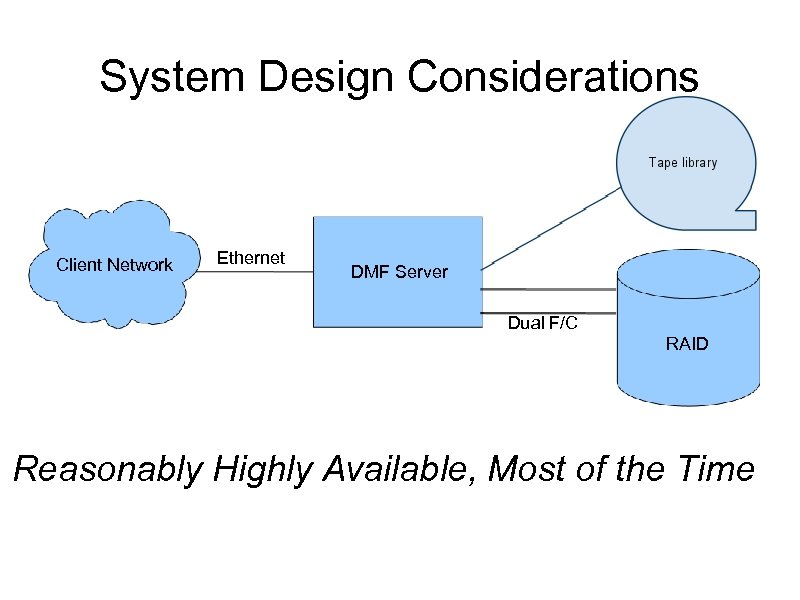 System Design Considerations Client Network Ethernet DMF Server Dual F/C RAID Reasonably Highly Available, Most of the Time
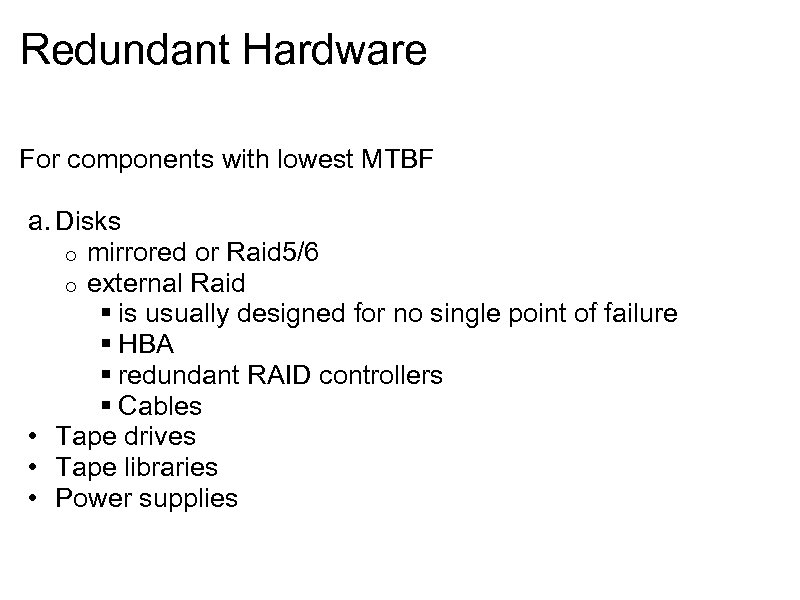 Redundant Hardware For components with lowest MTBF a. Disks o mirrored or Raid 5/6 o external Raid § is usually designed for no single point of failure § HBA § redundant RAID controllers § Cables • Tape drives • Tape libraries • Power supplies
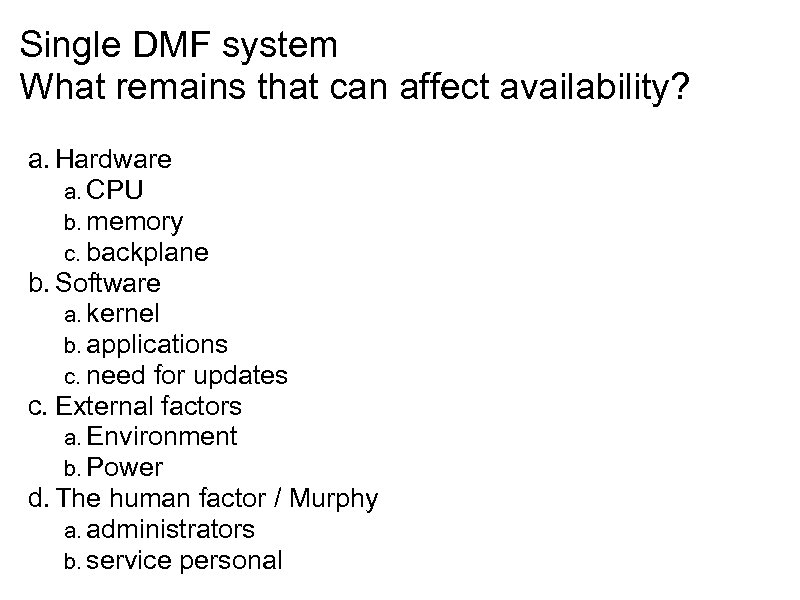 Single DMF system What remains that can affect availability? a. Hardware a. CPU b. memory c. backplane b. Software a. kernel b. applications c. need for updates c. External factors a. Environment b. Power d. The human factor / Murphy a. administrators b. service personal
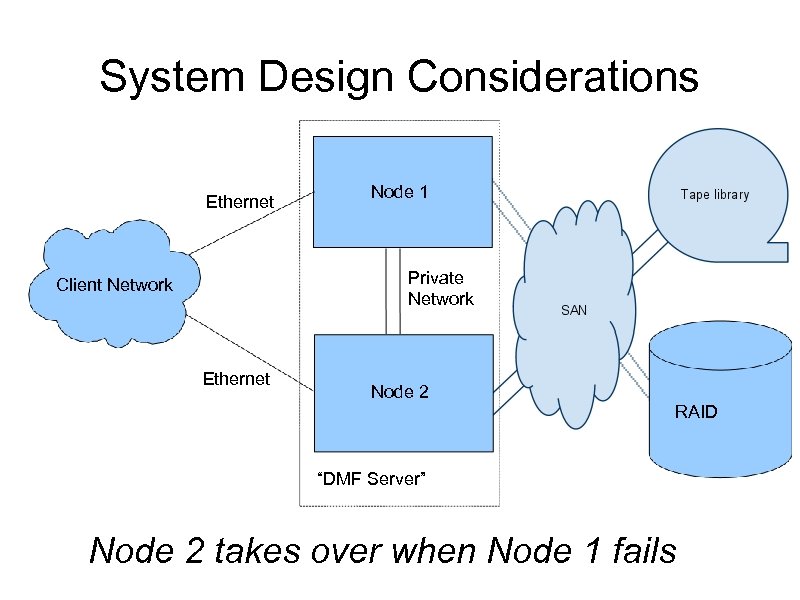 System Design Considerations Ethernet Node 1 Private Network Client Network Ethernet Node 2 RAID “DMF Server” Node 2 takes over when Node 1 fails
 What is High Availability? The paradox is that adding more components and making a system more complex can decrease the system availability. A simple single physical system with redundant hardware can potentially achieve the highest availability. But this ignores the fact that a single physical system needs to be brought down for patching, upgrades, testing.
 Considerations How long does it take to fix a problem? a. how long to identify the problem b. how long to get a spare part c. how long does it take to reboot Frequency of planned outages a. updates How much is dependent on the DMF system? • An archive/backup system - low impact • A DMF/NFS server for several thousand cluster cores with time sensitive applications - very high impact
 History SGI has long tradition supporting High Availability Software a. Failsafe o IRIX • SGI Infinite. Storage Cluster Manager o SLES 9 and SLES 10 • SGI Heartbeat o SLES 10 • SLE/HAE - Novell High Availability Environment for SLES o SLES 11
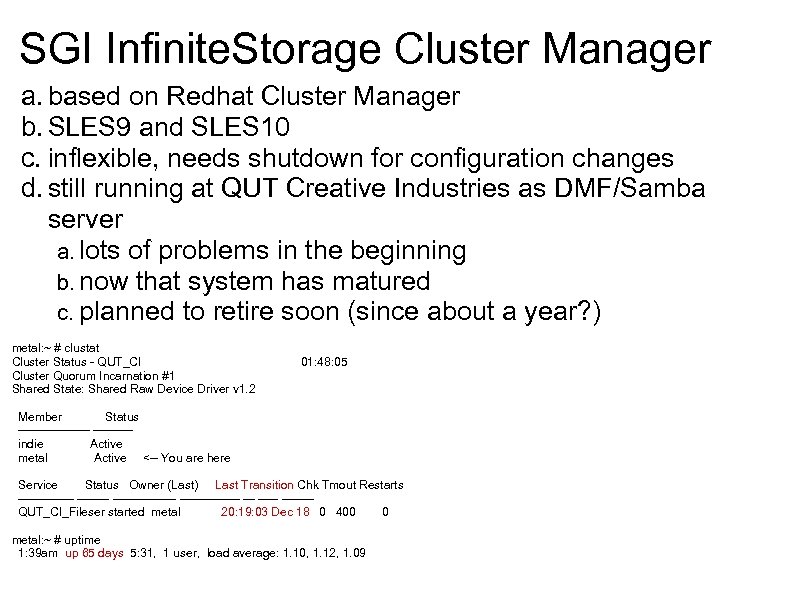 SGI Infinite. Storage Cluster Manager a. based on Redhat Cluster Manager b. SLES 9 and SLES 10 c. inflexible, needs shutdown for configuration changes d. still running at QUT Creative Industries as DMF/Samba server a. lots of problems in the beginning b. now that system has matured c. planned to retire soon (since about a year? ) metal: ~ # clustat Cluster Status - QUT_CI 01: 48: 05 Cluster Quorum Incarnation #1 Shared State: Shared Raw Device Driver v 1. 2 Member Status --------- indie Active metal Active <-- You are here Service Status Owner (Last) Last Transition Chk Tmout Restarts --------------- ------- QUT_CI_Fileser started metal 20: 19: 03 Dec 18 0 400 0 metal: ~ # uptime 1: 39 am up 65 days 5: 31, 1 user, load average: 1. 10, 1. 12, 1. 09
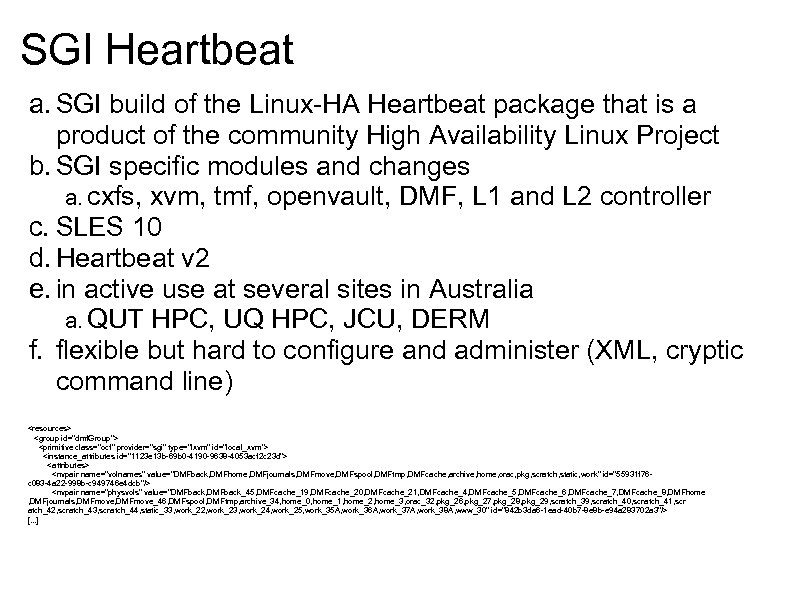 SGI Heartbeat a. SGI build of the Linux-HA Heartbeat package that is a product of the community High Availability Linux Project b. SGI specific modules and changes a. cxfs, xvm, tmf, openvault, DMF, L 1 and L 2 controller c. SLES 10 d. Heartbeat v 2 e. in active use at several sites in Australia a. QUT HPC, UQ HPC, JCU, DERM f. flexible but hard to configure and administer (XML, cryptic command line)
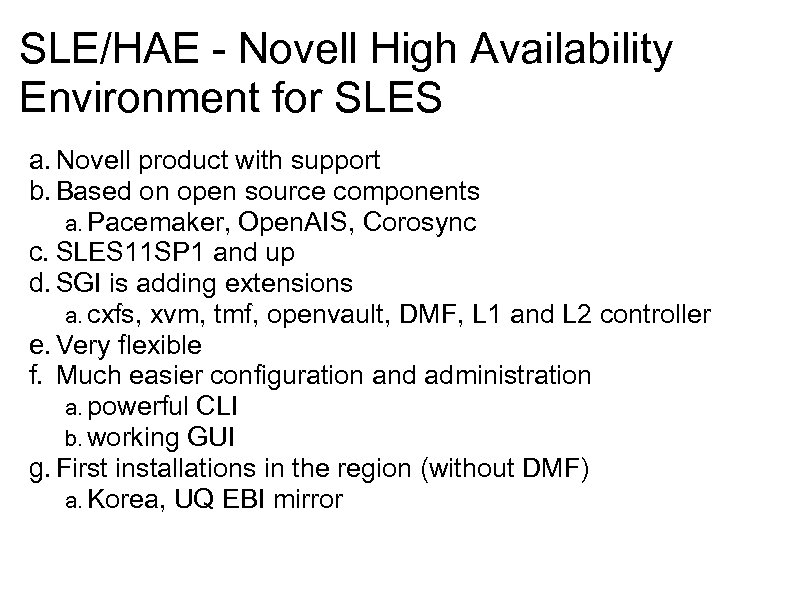 SLE/HAE - Novell High Availability Environment for SLES a. Novell product with support b. Based on open source components a. Pacemaker, Open. AIS, Corosync c. SLES 11 SP 1 and up d. SGI is adding extensions a. cxfs, xvm, tmf, openvault, DMF, L 1 and L 2 controller e. Very flexible f. Much easier configuration and administration a. powerful CLI b. working GUI g. First installations in the region (without DMF) a. Korea, UQ EBI mirror
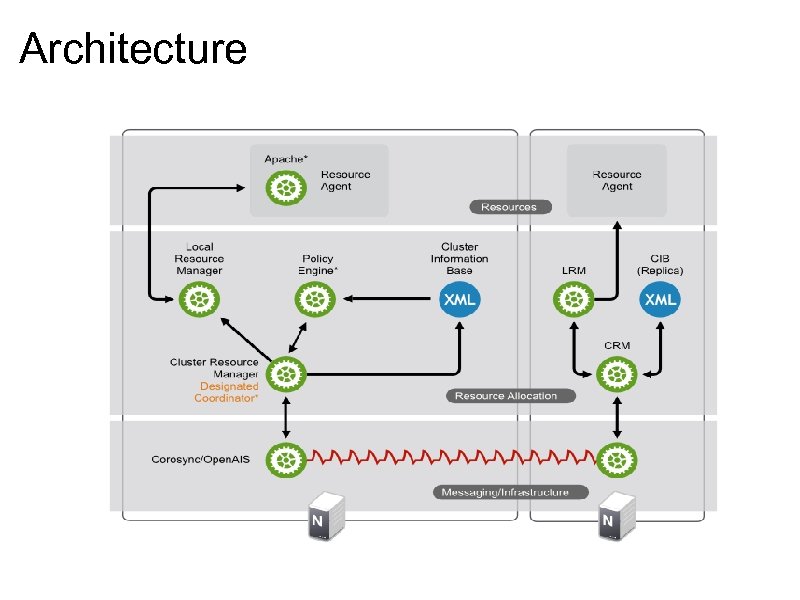 Architecture
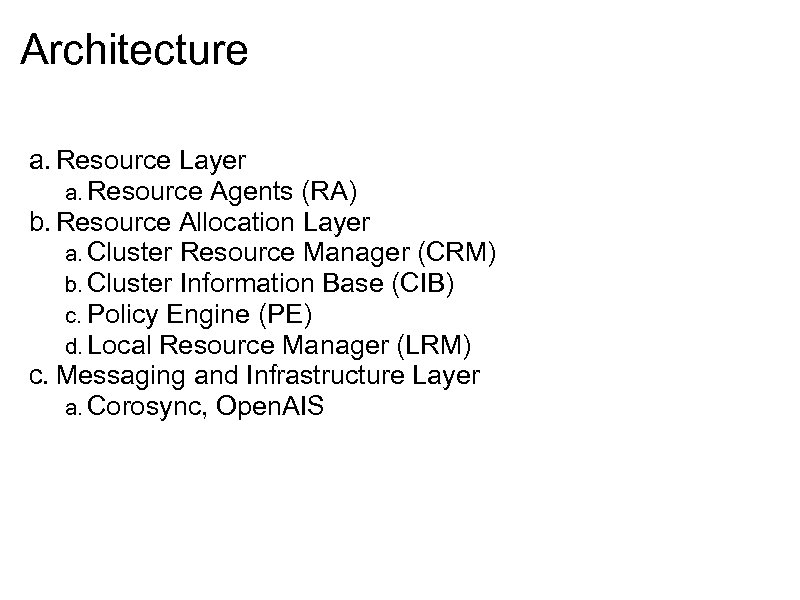 Architecture a. Resource Layer a. Resource Agents (RA) b. Resource Allocation Layer a. Cluster Resource Manager (CRM) b. Cluster Information Base (CIB) c. Policy Engine (PE) d. Local Resource Manager (LRM) c. Messaging and Infrastructure Layer a. Corosync, Open. AIS
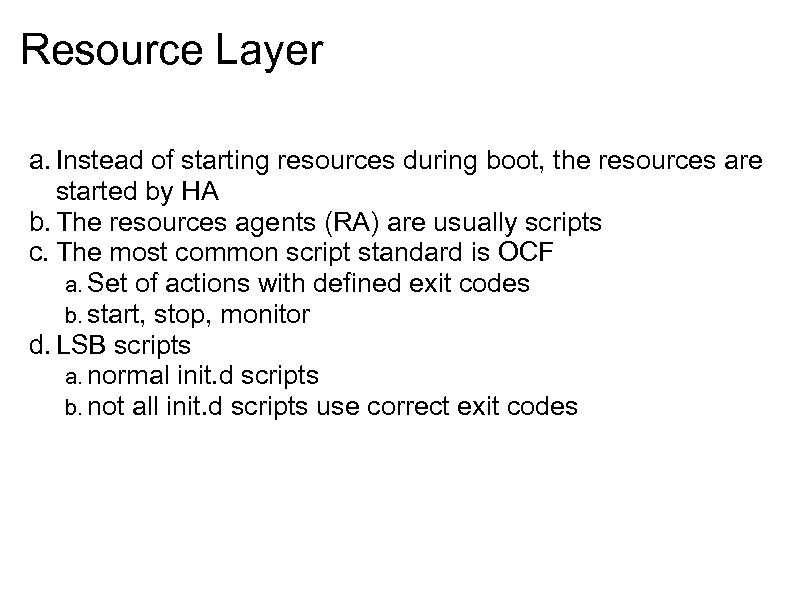 Resource Layer a. Instead of starting resources during boot, the resources are started by HA b. The resources agents (RA) are usually scripts c. The most common script standard is OCF a. Set of actions with defined exit codes b. start, stop, monitor d. LSB scripts a. normal init. d scripts b. not all init. d scripts use correct exit codes
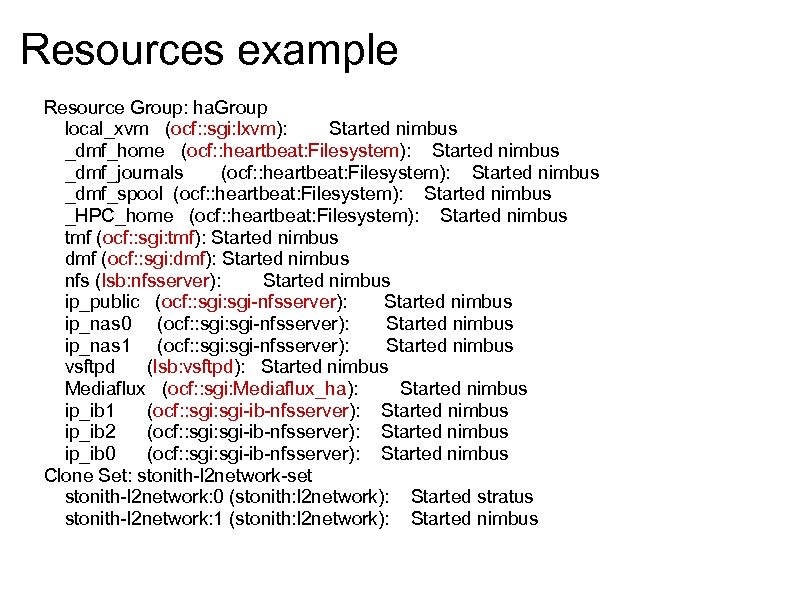 Resources example Resource Group: ha. Group local_xvm (ocf: : sgi: lxvm): Started nimbus _dmf_home (ocf: : heartbeat: Filesystem): Started nimbus _dmf_journals (ocf: : heartbeat: Filesystem): Started nimbus _dmf_spool (ocf: : heartbeat: Filesystem): Started nimbus _HPC_home (ocf: : heartbeat: Filesystem): Started nimbus tmf (ocf: : sgi: tmf): Started nimbus dmf (ocf: : sgi: dmf): Started nimbus nfs (lsb: nfsserver): Started nimbus ip_public (ocf: : sgi-nfsserver): Started nimbus ip_nas 0 (ocf: : sgi-nfsserver): Started nimbus ip_nas 1 (ocf: : sgi-nfsserver): Started nimbus vsftpd (lsb: vsftpd): Started nimbus Mediaflux (ocf: : sgi: Mediaflux_ha): Started nimbus ip_ib 1 (ocf: : sgi-ib-nfsserver): Started nimbus ip_ib 2 (ocf: : sgi-ib-nfsserver): Started nimbus ip_ib 0 (ocf: : sgi-ib-nfsserver): Started nimbus Clone Set: stonith-l 2 network-set stonith-l 2 network: 0 (stonith: l 2 network): Started stratus stonith-l 2 network: 1 (stonith: l 2 network): Started nimbus
 Resource Allocation Layer Most complex layer a. Local Resource Manager (LRM) o start/stop/monitor the different supported scripts • Cluster Information Base (CIB) o in memory XML of configuration and status • Designated Coordinator (DC) o one of the nodes in the cluster is the boss • Policy Engine (PE) o If something changes in the cluster an new state is calculated based on the rules and state in the CIB o Only the DC can make the changes o The PE is running on all nodes to speed up failover • Cluster Resource Manager (CRM) o binds all the components together and provides the communication path o serializes the access to the CIB
 Messaging and Infrastructure Layer a. I am alive signals b. communication to send updates to other nodes
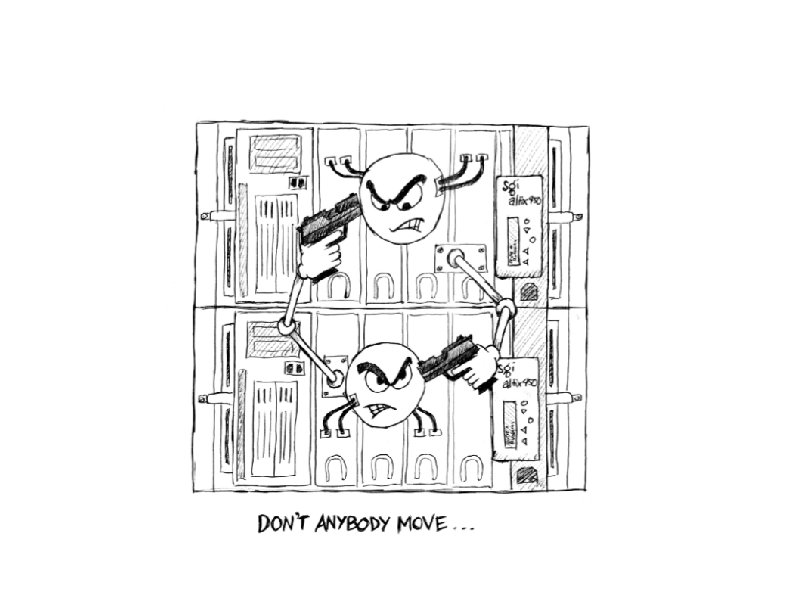
 2 node cluster a. Most DMF HA installations are 2 nodes clusters b. DMF can only run once -> active, passive c. storage and tapes are accessible from both nodes d. Only one node is allowed to write to the file system and to tapes e. Who is the boss? f. If the HA system is not sure a resource has been stopped on a node, there is no safe way to use the resource on a different node STONITH - shoot the other node in the head • A reliable way to kill the other node
 STONITH implementation a. STONITH devices are implemented as resources b. A stonithd daemon is hiding the complexity Different physical implementations • Remote power board • L 1/L 2 • BMC The implementation needs to make sure that when it reports the successful completion, that the targeted system has no way of running any resources any more.
 Real world implementation a. Set up single DMF server b. Test it - and fix all problems c. Then convert the system to HA Most problems with HA during the installation phase are related to the fact that the base system was not working correctly in the first place. • System does not shut down cleanly o maybe only under load • System needs user intervention after a boot o Switch is not using 'portfast' and the interface is not configured properly after boot
 Problems - monitoring timeouts a. Resources and the other node are periodically monitored b. In case of a fault of a resource or the other node HA is initiating usually a failover, sometimes STONITH the other node c. In some cases high utilization cause monitoring to fail without real problem d. This causes unplanned and unnecessary failover events e. Usually not a big problem for NFS (service interruption of a few minutes) f. Potentially more issue for other services (FTP, SMB, backup) After a new installation every failover incident needs to be analysed and appropriate changes and improvement implemented. It can take a while to bed down a HA systems. Experience helps.
 Problems - crash dumps If a node is crashing the best way to diagnose the problems is to capture a crash dump. In an HA environment the surviving node will detect the crash and issue a STONITH. Because the node was in kdb or in the middle of a crash dump this reset destroys vital debugging information. Manual intervention might be required to capture these dumps.
 Problems - syslog Most of the information about the state of HA is logged into syslog. If a node is reset, you are usually loosing the last few syslog enties as that nodes had no time to write out the information to disk. This makes it hard to debug why a node failed. Solution is to write the syslog also to the other node over the network.
 Problems - configuration changes Changing the configuration on the running system is possible and can be done safely. a. unmanage resources b. make changes and verify normal operation c. manage resources But there can be some traps a. Administrators forget they are working on an HA system and restart a service without unmanaging the resources o if the monitoring is active that can mean a failover • Administrators add a new file system and forget to add the mount point on the second system o when the service want to start it fails and it fails over to the other system again. • The faults were not cleaned up correctly after the maintenance o When the system is managed again it fails over
 Problems - STONITH matches It can happen that the system gets into a state where nodes are constantly shooting each other. So every time both nodes are booted and forming a cluster, one of the nodes get shot. This usually only happens because of configuration problems. There are easy ways to break the loop and fix the configuration. Experience helps.
 Why do you want to stay away from HA? One of the system administration rules is (or should be): "Keep it simple" Because HA is adding more complexity, there are more ways Murphy can strike. So overall your availability can be negatively affected.
 Why not use just a spare system (cold spare) and avoid HA A cold spare system can reduce the time to get spare parts. But there is still a considerable downtime to activate and test the cold spare system. The biggest problem is that usually the procedures to use a cold spare infrequently tested (they need a downtime) and changes and updates to the running system may invalidate these procedures. Because most of the hardware is most likely in a cold spare, it makes sense to invest into HA and make sure that the spare is always usable and configured correctly. In some cases you are better off with a good support contract.
 Reasons to consider HA Most of the time the DMF system is a central component and any outage is affecting the availability of other systems as well. Because in HA the failing of one system is a normal operation, these fault scenarios are constantly tested. This assures that if a fault occurs that everything is working as expected. On single systems the fault scenario is rarely tested and a lot of times uncovers problems at the most inconvenient time. In HA systems both systems are already booted and the standby system is ready to steal volumes and start services. A failover event is much faster then a reboot of a system. Updates and upgrades can be done online with minimal interruption.
 References Novell SLE/HA http: //www. novell. com/documentation/sle_ha/pdfdoc/book_sleha. pdf http: //www. clusterlabs. org/wiki/Documentation http: //ourobengr. com/high-availability-in-37 -easy-steps. odp