


 Скачать презентацию Connecting Geography and Student Data with GIS Terrence
85b35dce6cc29d9500fa29d4b173984a.ppt
- Количество слайдов: 30
 Connecting Geography and Student Data with GIS Terrence Willett, Director of Research, Gavilan Community College AIR Conference Boston, MA May 2004
 What is GIS? • Geographic Information System • Displays geographically based data • Essentially a statistics/database program that emphasizes mapped graphs as opposed to bar charts or scatter plots
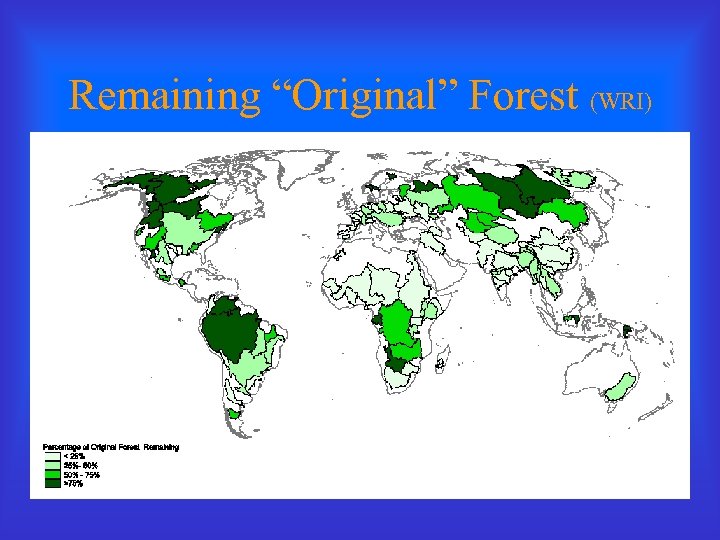 Remaining “Original” Forest (WRI)
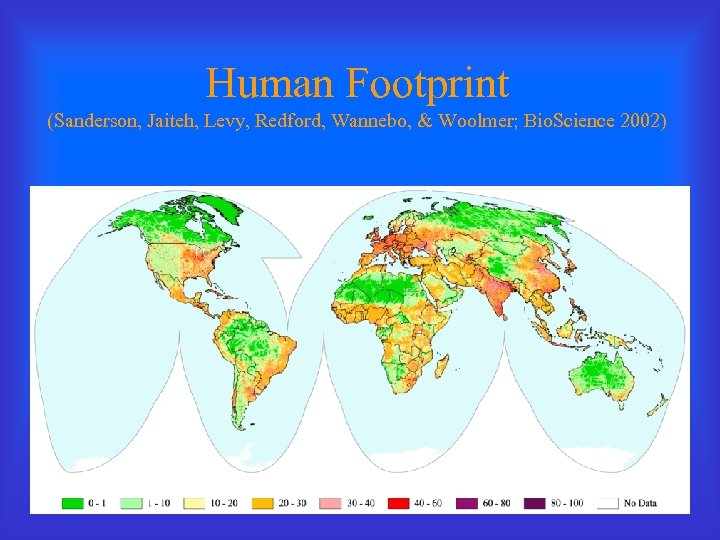 Human Footprint (Sanderson, Jaiteh, Levy, Redford, Wannebo, & Woolmer; Bio. Science 2002)
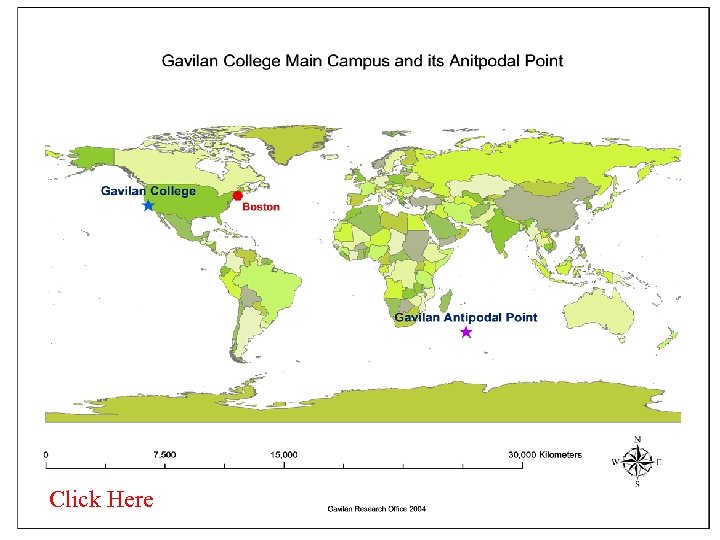 Click Here
 GIS Basics • Data are presented in overlapping feature layers that can take several forms – Point • Cities, schools – Line • Streets, rivers – Polygon • Counties, school districts – Raster • Elevations, thermoclines • The same construct can be represented by different feature types at different scales
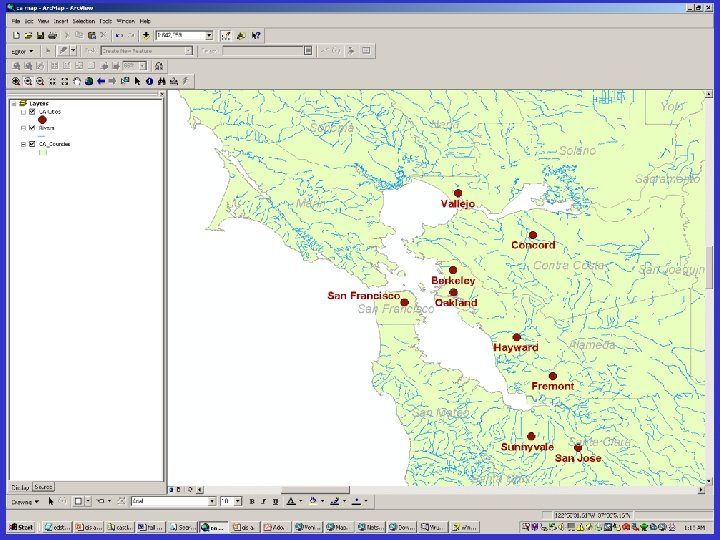 Layer screen shot
 Capabilities of GIS • Plot data by geographic attribute – Country – State – County – Zip code – Census tract – Address – Latitude and longitude from GPS
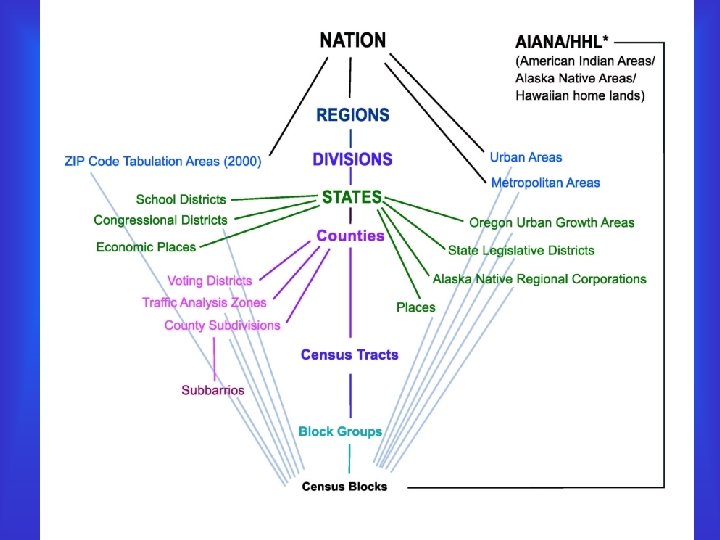
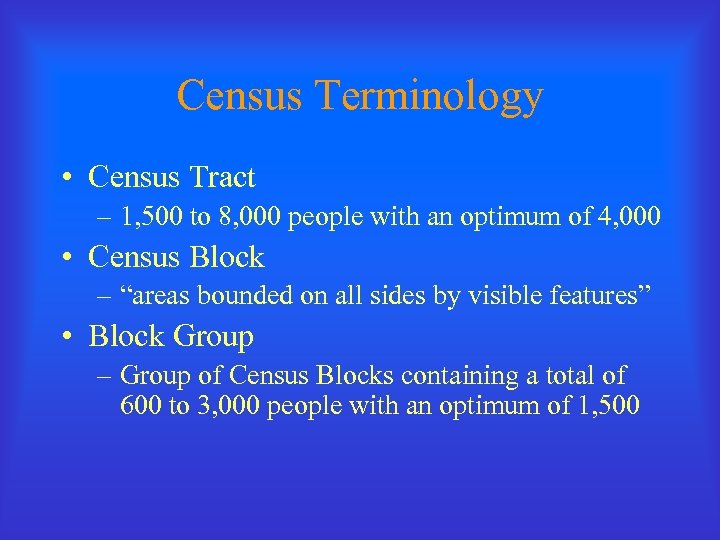 Census Terminology • Census Tract – 1, 500 to 8, 000 people with an optimum of 4, 000 • Census Block – “areas bounded on all sides by visible features” • Block Group – Group of Census Blocks containing a total of 600 to 3, 000 people with an optimum of 1, 500
 Capabilities of GIS • Code data according to attributes – Size of dots for cities vary by population – Color and style of roads differentiate highways from streets – Color of country varies by rate of deforestation
 Capabilities of GIS • Database like – Queries – Appends – Joins and relates • Statistical – Summary statistics – Derived calculations • Distance to nearest high school • Perimeter and area of district • Geocoding – Plot address information on map – Addresses must fit a convention and be accurate – Latitude and longitude information appended to data
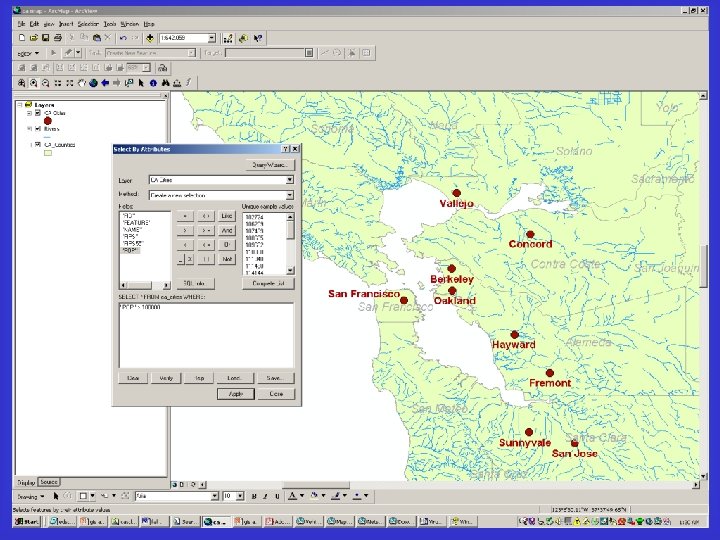 Query screenshot
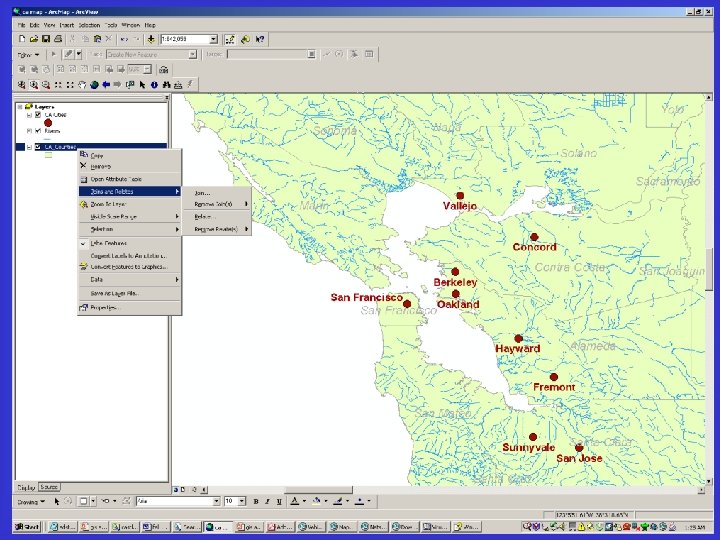 Join screenshot
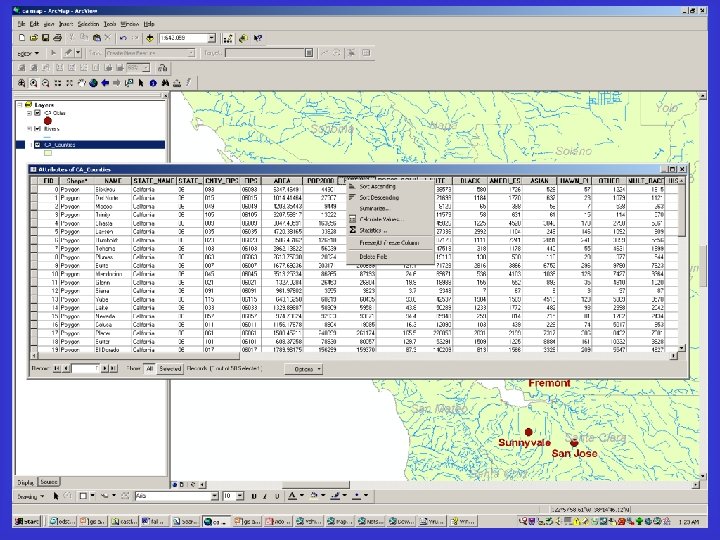 Table screenshot
 Examples of GIS in IR • Most use centers around facilities planning and enrollment management • Enrollment Distribution • Population Change • Ethnicity and Language Distributions • Understanding Persistence
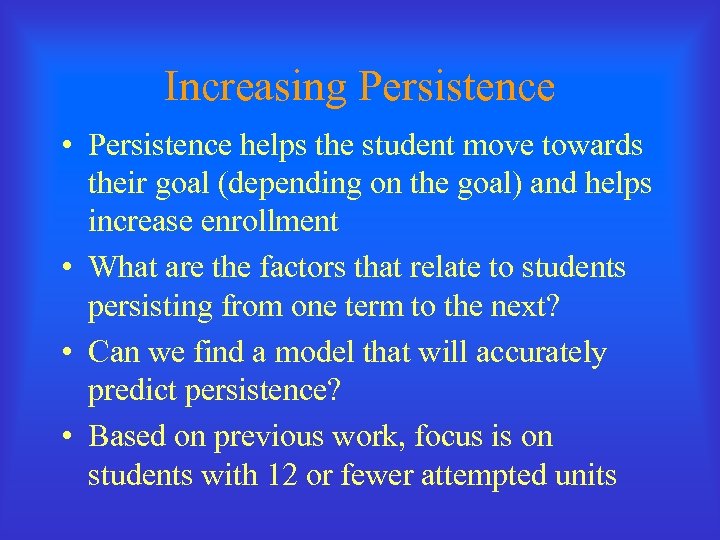 Increasing Persistence • Persistence helps the student move towards their goal (depending on the goal) and helps increase enrollment • What are the factors that relate to students persisting from one term to the next? • Can we find a model that will accurately predict persistence? • Based on previous work, focus is on students with 12 or fewer attempted units
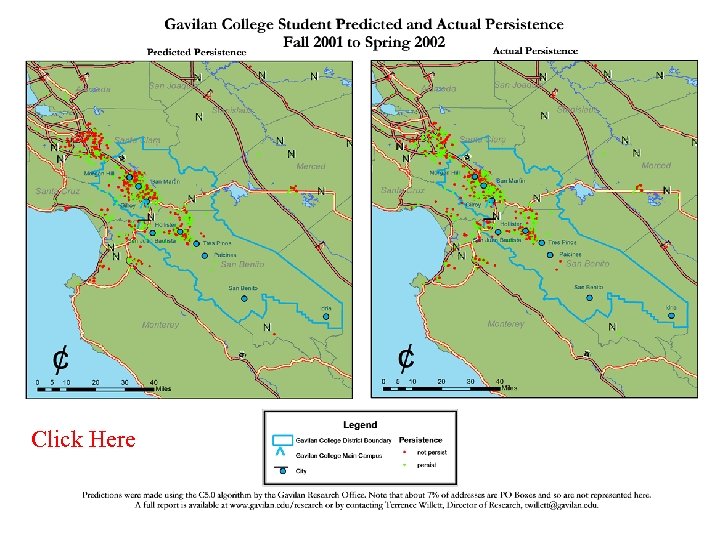 Gav 2001 pred and actual pers Click Here
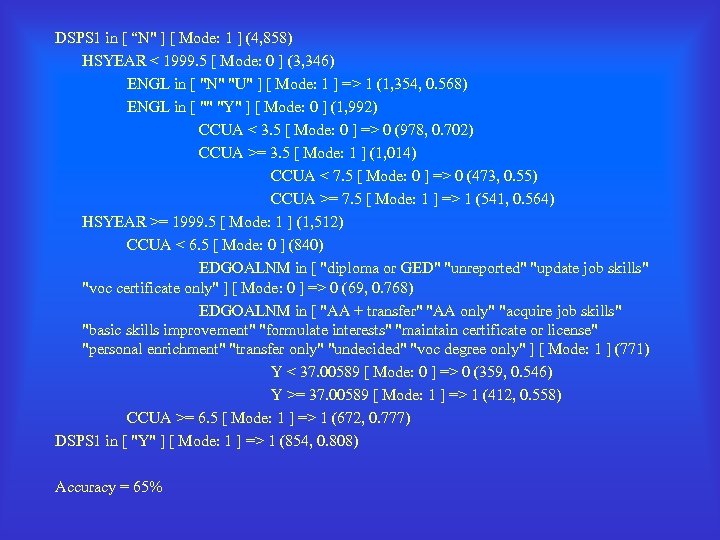 DSPS 1 in [ “N" ] [ Mode: 1 ] (4, 858) HSYEAR < 1999. 5 [ Mode: 0 ] (3, 346) ENGL in [ "N" "U" ] [ Mode: 1 ] => 1 (1, 354, 0. 568) ENGL in [ "" "Y" ] [ Mode: 0 ] (1, 992) CCUA < 3. 5 [ Mode: 0 ] => 0 (978, 0. 702) CCUA >= 3. 5 [ Mode: 1 ] (1, 014) CCUA < 7. 5 [ Mode: 0 ] => 0 (473, 0. 55) CCUA >= 7. 5 [ Mode: 1 ] => 1 (541, 0. 564) HSYEAR >= 1999. 5 [ Mode: 1 ] (1, 512) CCUA < 6. 5 [ Mode: 0 ] (840) EDGOALNM in [ "diploma or GED" "unreported" "update job skills" "voc certificate only" ] [ Mode: 0 ] => 0 (69, 0. 768) EDGOALNM in [ "AA + transfer" "AA only" "acquire job skills" "basic skills improvement" "formulate interests" "maintain certificate or license" "personal enrichment" "transfer only" "undecided" "voc degree only" ] [ Mode: 1 ] (771) Y < 37. 00589 [ Mode: 0 ] => 0 (359, 0. 546) Y >= 37. 00589 [ Mode: 1 ] => 1 (412, 0. 558) CCUA >= 6. 5 [ Mode: 1 ] => 1 (672, 0. 777) DSPS 1 in [ "Y" ] [ Mode: 1 ] => 1 (854, 0. 808) Accuracy = 65%
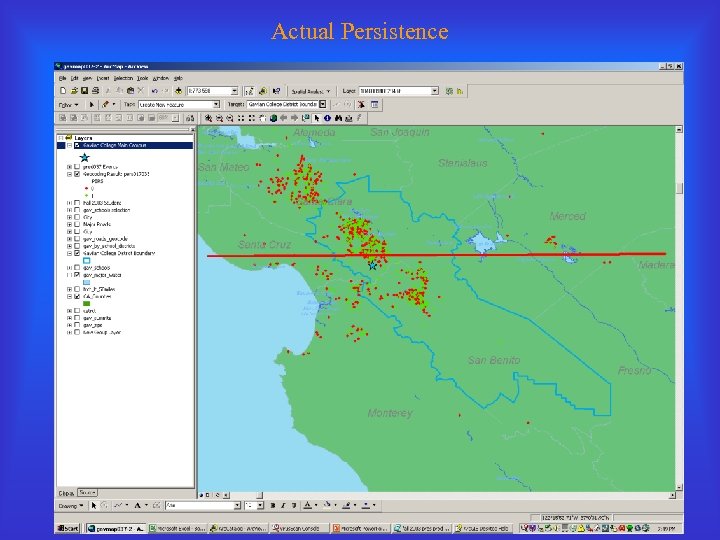 Actual Persistence
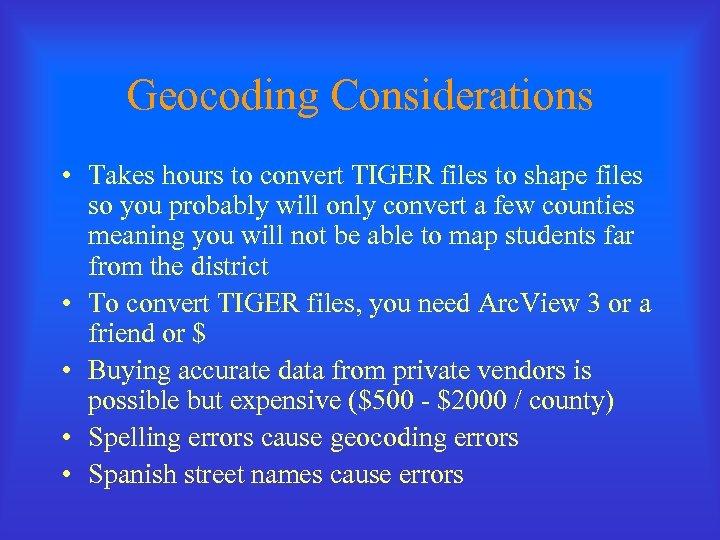 Geocoding Considerations • Takes hours to convert TIGER files to shape files so you probably will only convert a few counties meaning you will not be able to map students far from the district • To convert TIGER files, you need Arc. View 3 or a friend or $ • Buying accurate data from private vendors is possible but expensive ($500 - $2000 / county) • Spelling errors cause geocoding errors • Spanish street names cause errors
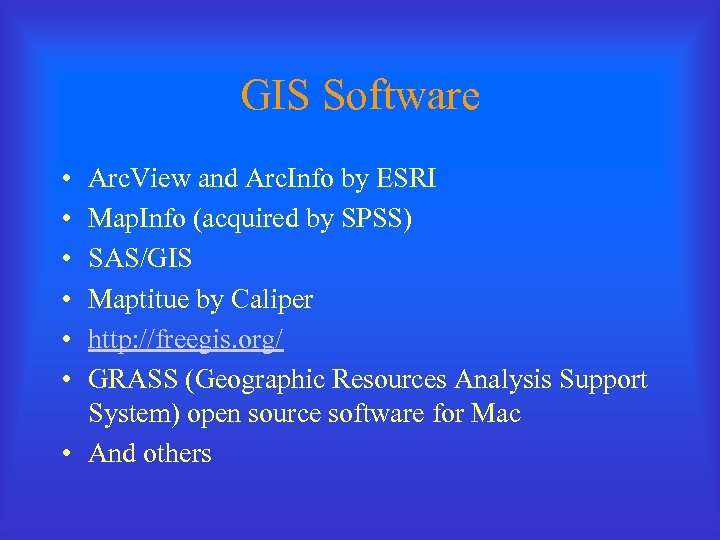 GIS Software • • • Arc. View and Arc. Info by ESRI Map. Info (acquired by SPSS) SAS/GIS Maptitue by Caliper http: //freegis. org/ GRASS (Geographic Resources Analysis Support System) open source software for Mac • And others
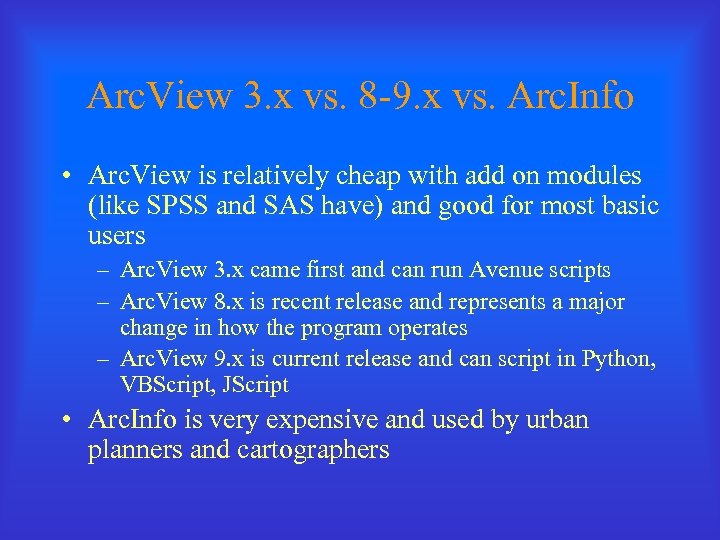 Arc. View 3. x vs. 8 -9. x vs. Arc. Info • Arc. View is relatively cheap with add on modules (like SPSS and SAS have) and good for most basic users – Arc. View 3. x came first and can run Avenue scripts – Arc. View 8. x is recent release and represents a major change in how the program operates – Arc. View 9. x is current release and can script in Python, VBScript, JScript • Arc. Info is very expensive and used by urban planners and cartographers
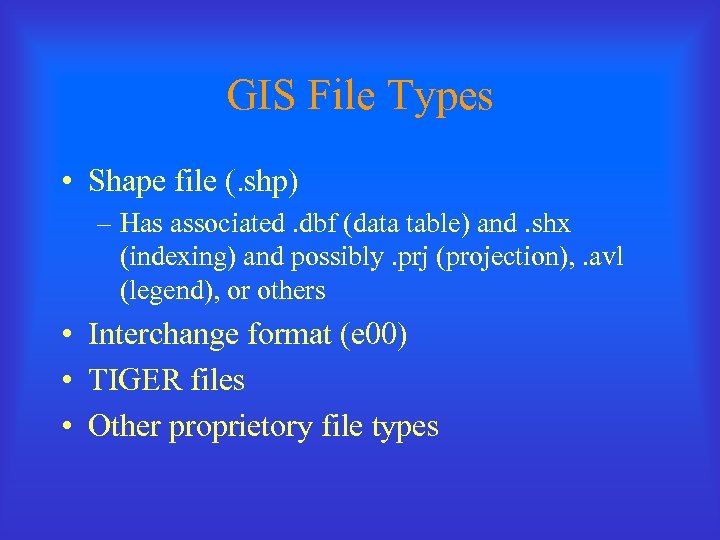 GIS File Types • Shape file (. shp) – Has associated. dbf (data table) and. shx (indexing) and possibly. prj (projection), . avl (legend), or others • Interchange format (e 00) • TIGER files • Other proprietory file types
 TIGER Files • Topologically Integrated Geographic Encoding and Referencing system – Maintained by the Census Bureau – Downloadable free from the web – Is somewhat outdated and inaccurate – Currently undergoing accuracy update
 Arc. View Versions and TIGER • Arc. View 3. x has downloadable scripts written by users over many years and some convert TIGER files to shape files • Arc. View 8. x does not run these scripts but there are extensions you can download for free or purchase. None of the free ones convert TIGER files. • Expanded and updated data based on TIGER files are available in a variety of formats for purchase from private vendors.
 GIS Resources • California Spatial Information Library – http: //www. gis. ca. gov/index. epl • Census Bureau TIGER files – http: //www. census. gov/geo/www/tiger/index. html • US Geographic Service – http: //www. usgs. gov/ • Geography Network – http: //www. geographynetwork. com/ • ESRI – http: //www. esri. com
 Other GIS Resources • Your colleagues • Your local planning, elections, or water resources departments • Resource agencies (Parks, Forestry) • Fire and Police departments • Public Health (CDC) • Military • United Nations
 Final Thoughts • You already have GIS applicable skills through your work with database and statistical programs • GIS skills are transferable to a great number of situations • GIS software is cheap and much data is free • Take a class • It does take time and passion (do you have a map on the wall of your office? )
 Thank You Terrence Willett, Director of Research, Gavilan College twillett@gavilan. edu 408. 848. 4852 www. gavilan. edu/research