


 Скачать презентацию Connected Intelligence Partner Portal OVERVIEW AND TUTORIAL
79f5c9ec67238a25e35317a4c5a58206.ppt
- Количество слайдов: 19
 Connected Intelligence Partner Portal OVERVIEW AND TUTORIAL © B+B Smart. Worx. All rights reserved.
 LOGO REVEAL © B+B Smart. Worx. All rights reserved.
 A COMMITMENT TO PARTNERSHIP B+B Smart. Worx® provides the hardware and applications connectivity stack that allow System Integrators, OEMs, Carriers and Applications Software Providers to deliver on the promise of optimized asset performance. Our technology products go to market through Channel Partners with the expertise, market presence and credibility necessary to reap significant market share. © B+B Smart. Worx. All rights reserved. With our portfolio of products, partnerships and expertise, we will be a leader in M 2 M network connectivity solutions. We will support these Partners with training, marketing, field engineering and an executive level commitment to mutual growth.
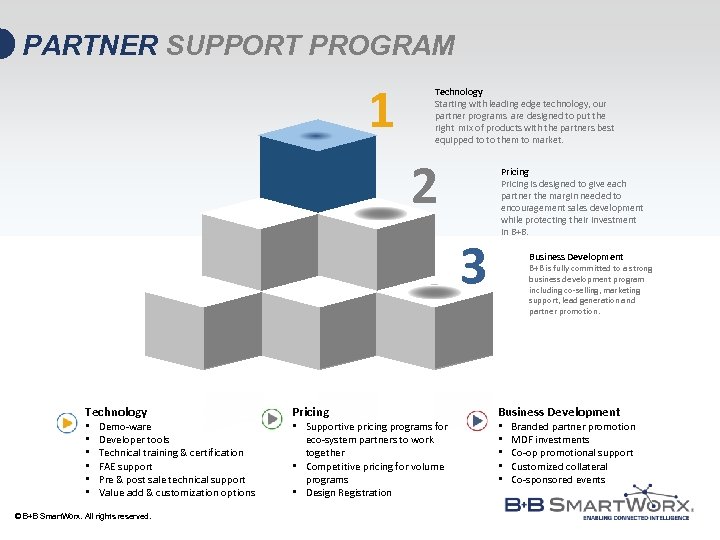 PARTNER SUPPORT PROGRAM 1 Technology Starting with leading edge technology, our partner programs are designed to put the right mix of products with the partners best equipped to to them to market. 2 3 Technology • • • Demo-ware Developer tools Technical training & certification FAE support Pre & post sale technical support Value add & customization options © B+B Smart. Worx. All rights reserved. Pricing • Supportive pricing programs for eco-system partners to work together • Competitive pricing for volume programs • Design Registration Pricing is designed to give each partner the margin needed to encouragement sales development while protecting their investment in B+B. Business Development B+B is fully committed to a strong business development program including co-selling, marketing support, lead generation and partner promotion. Business Development • • • Branded partner promotion MDF investments Co-op promotional support Customized collateral Co-sponsored events
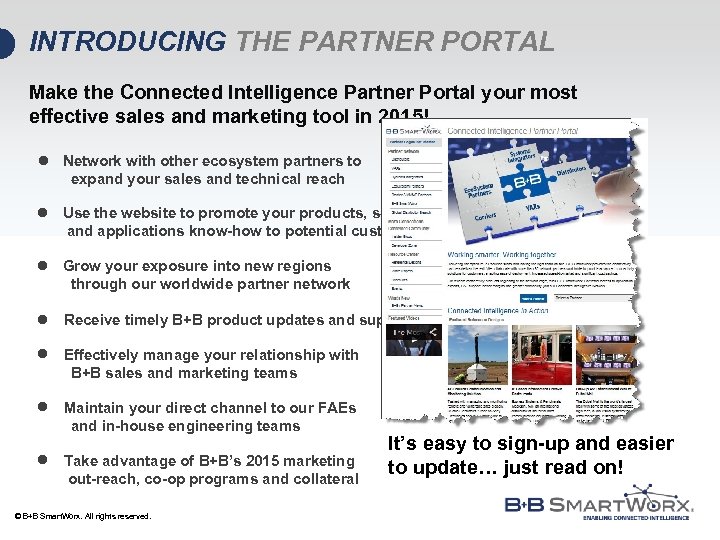 INTRODUCING THE PARTNER PORTAL Make the Connected Intelligence Partner Portal your most effective sales and marketing tool in 2015! l Network with other ecosystem partners to expand your sales and technical reach l Use the website to promote your products, services and applications know-how to potential customers l Grow your exposure into new regions through our worldwide partner network l Receive timely B+B product updates and support l Effectively manage your relationship with B+B sales and marketing teams l Maintain your direct channel to our FAEs and in-house engineering teams l Take advantage of B+B’s 2015 marketing out-reach, co-op programs and collateral © B+B Smart. Worx. All rights reserved. It’s easy to sign-up and easier to update… just read on!
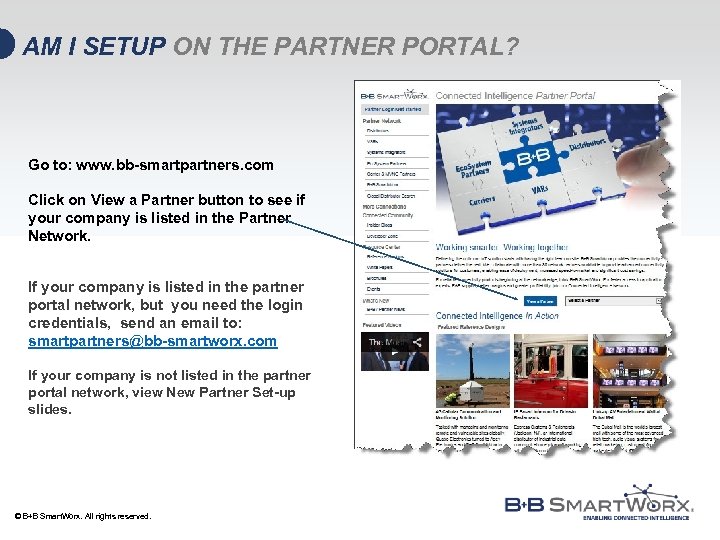 AM I SETUP ON THE PARTNER PORTAL? Go to: www. bb-smartpartners. com Click on View a Partner button to see if your company is listed in the Partner Network. If your company is listed in the partner portal network, but you need the login credentials, send an email to: smartpartners@bb-smartworx. com If your company is not listed in the partner portal network, view New Partner Set-up slides. © B+B Smart. Worx. All rights reserved.
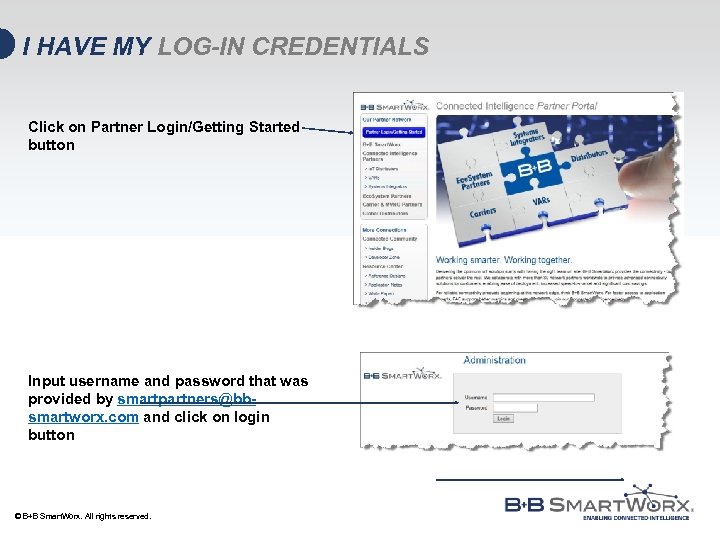 I HAVE MY LOG-IN CREDENTIALS Click on Partner Login/Getting Started button Input username and password that was provided by smartpartners@bbsmartworx. com and click on login button © B+B Smart. Worx. All rights reserved.
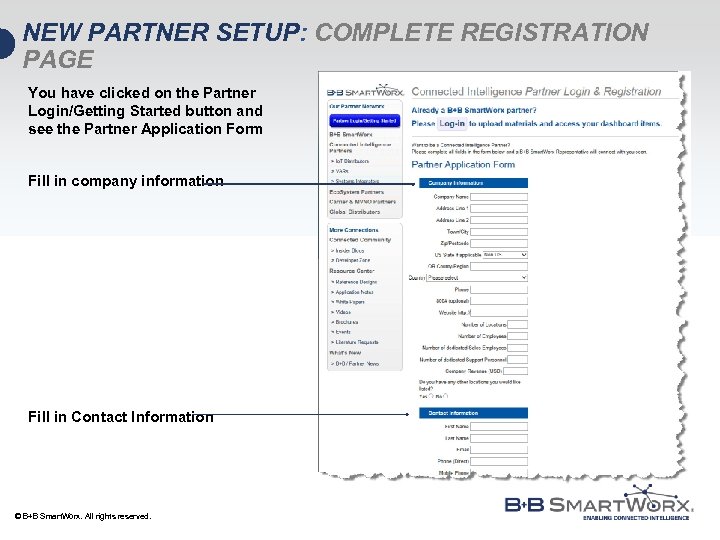 NEW PARTNER SETUP: COMPLETE REGISTRATION PAGE You have clicked on the Partner Login/Getting Started button and see the Partner Application Form Fill in company information Fill in Contact Information © B+B Smart. Worx. All rights reserved.
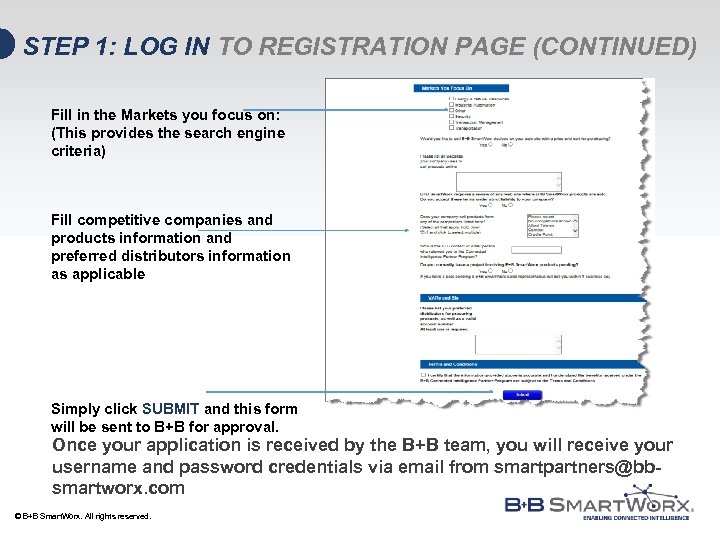 STEP 1: LOG IN TO REGISTRATION PAGE (CONTINUED) Fill in the Markets you focus on: (This provides the search engine criteria) Fill competitive companies and products information and preferred distributors information as applicable Simply click SUBMIT and this form will be sent to B+B for approval. Once your application is received by the B+B team, you will receive your username and password credentials via email from smartpartners@bbsmartworx. com © B+B Smart. Worx. All rights reserved.
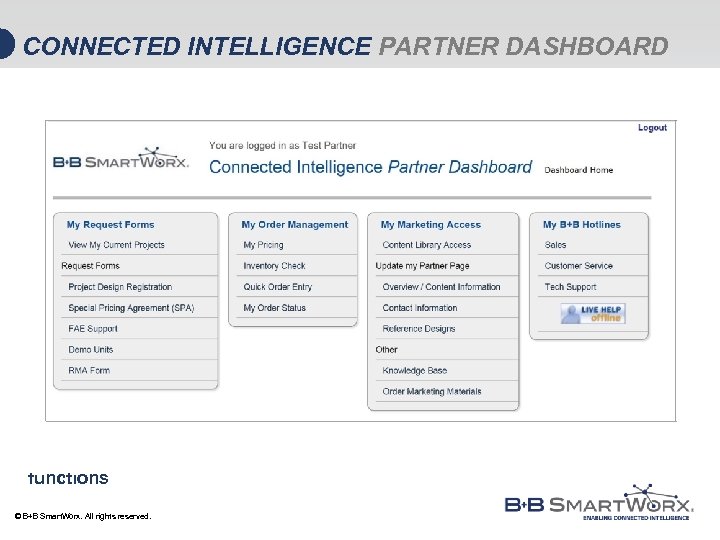 CONNECTED INTELLIGENCE PARTNER DASHBOARD The Partner Dashboard is your one stop for access to B+B support functions © B+B Smart. Worx. All rights reserved.
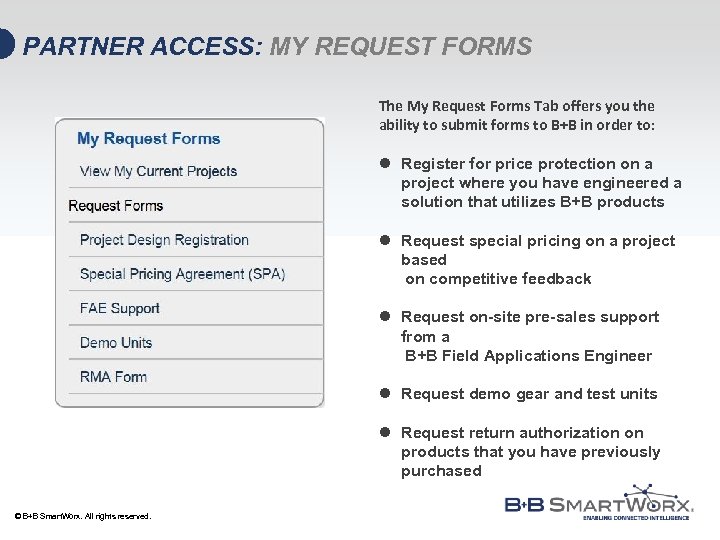 PARTNER ACCESS: MY REQUEST FORMS The My Request Forms Tab offers you the ability to submit forms to B+B in order to: l Register for price protection on a project where you have engineered a solution that utilizes B+B products l Request special pricing on a project based on competitive feedback l Request on-site pre-sales support from a B+B Field Applications Engineer l Request demo gear and test units l Request return authorization on products that you have previously purchased © B+B Smart. Worx. All rights reserved.
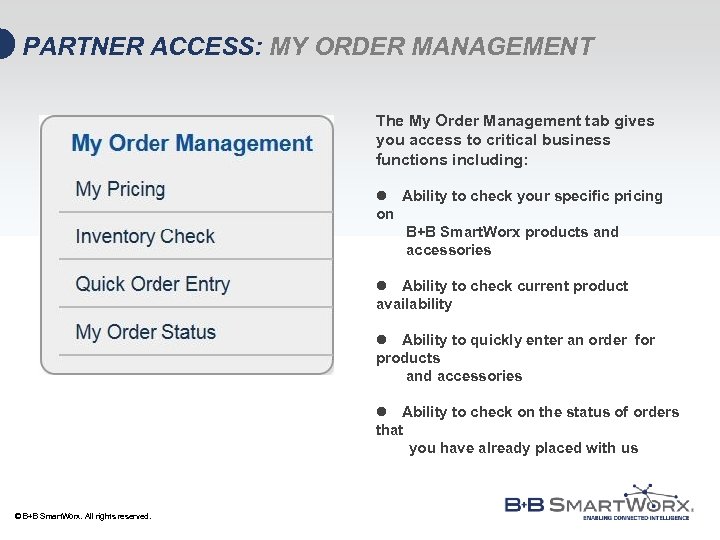 PARTNER ACCESS: MY ORDER MANAGEMENT The My Order Management tab gives you access to critical business functions including: l Ability to check your specific pricing on B+B Smart. Worx products and accessories l Ability to check current product availability l Ability to quickly enter an order for products and accessories l Ability to check on the status of orders that you have already placed with us © B+B Smart. Worx. All rights reserved.
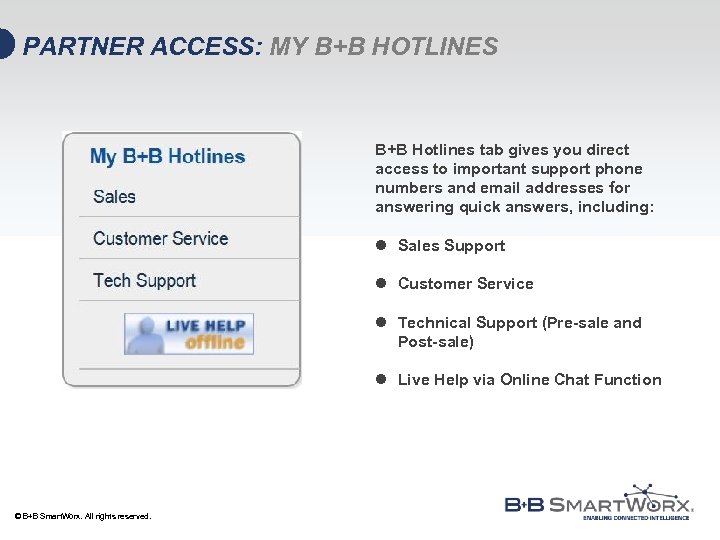 PARTNER ACCESS: MY B+B HOTLINES B+B Hotlines tab gives you direct access to important support phone numbers and email addresses for answering quick answers, including: l Sales Support l Customer Service l Technical Support (Pre-sale and Post-sale) l Live Help via Online Chat Function © B+B Smart. Worx. All rights reserved.
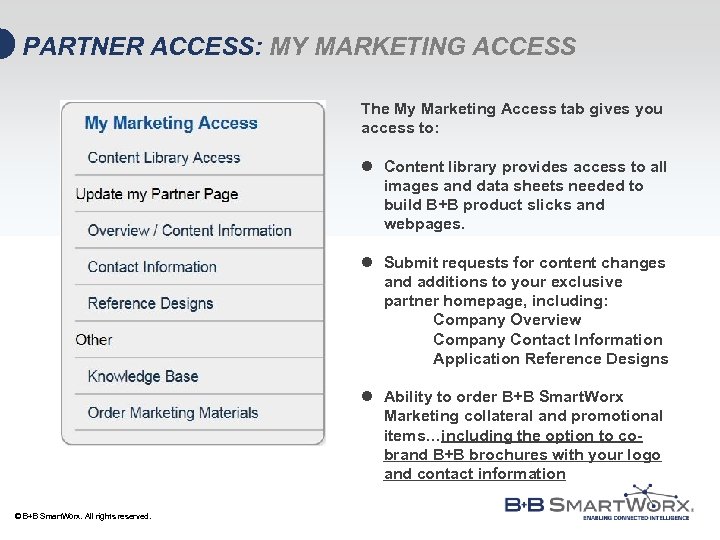 PARTNER ACCESS: MY MARKETING ACCESS The My Marketing Access tab gives you access to: l Content library provides access to all images and data sheets needed to build B+B product slicks and webpages. l Submit requests for content changes and additions to your exclusive partner homepage, including: Company Overview Company Contact Information Application Reference Designs l Ability to order B+B Smart. Worx Marketing collateral and promotional items…including the option to cobrand B+B brochures with your logo and contact information © B+B Smart. Worx. All rights reserved.
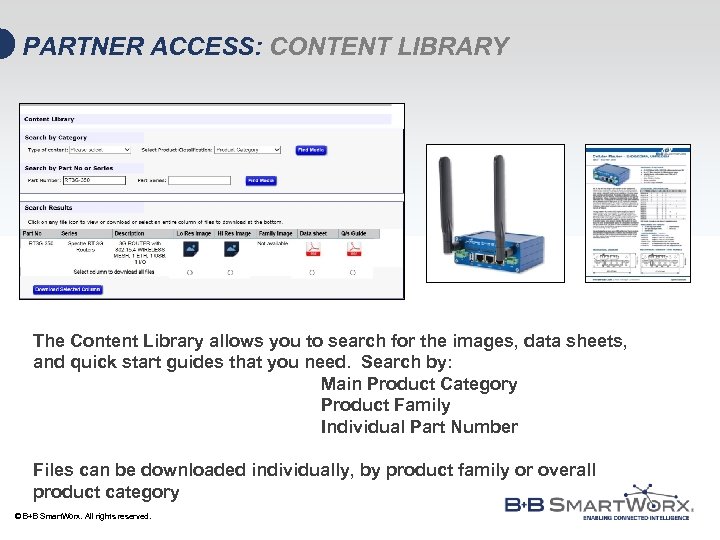 PARTNER ACCESS: CONTENT LIBRARY The Content Library allows you to search for the images, data sheets, and quick start guides that you need. Search by: Main Product Category Product Family Individual Part Number Files can be downloaded individually, by product family or overall product category © B+B Smart. Worx. All rights reserved.
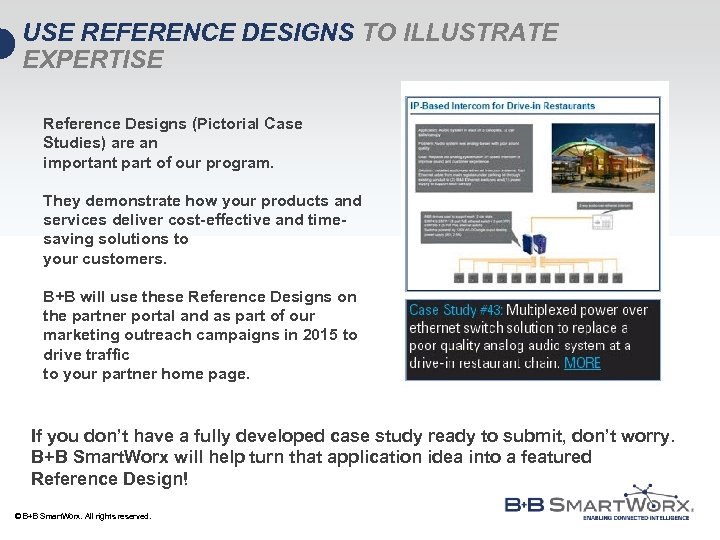 USE REFERENCE DESIGNS TO ILLUSTRATE EXPERTISE Reference Designs (Pictorial Case Studies) are an important part of our program. They demonstrate how your products and services deliver cost-effective and timesaving solutions to your customers. B+B will use these Reference Designs on the partner portal and as part of our marketing outreach campaigns in 2015 to drive traffic to your partner home page. If you don’t have a fully developed case study ready to submit, don’t worry. B+B Smart. Worx will help turn that application idea into a featured Reference Design! © B+B Smart. Worx. All rights reserved.
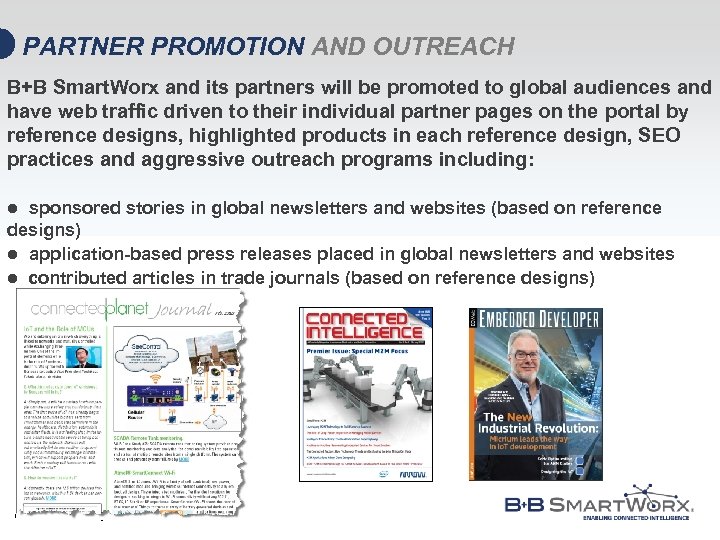 PARTNER PROMOTION AND OUTREACH B+B Smart. Worx and its partners will be promoted to global audiences and have web traffic driven to their individual partner pages on the portal by reference designs, highlighted products in each reference design, SEO practices and aggressive outreach programs including: sponsored stories in global newsletters and websites (based on reference designs) l application-based press releases placed in global newsletters and websites l contributed articles in trade journals (based on reference designs) l © B+B Smart. Worx. All rights reserved.
 PARTNER PORTAL QUESTIONS AND FEEDBACK Once you’ve had a chance to explore the Partner Portal, feel free to reach out to us: General Questions and Feedback smartpartners@bbsmartworx. com United States and Rest of World Isreal Lawstuen Channel Marketing Manager ilawstuen@bbsmartworx. com Tel: 612 -220 -5153 © B+B Smart. Worx. All rights reserved. EMEA + Eco-System Partners Julie Williams Global Strategic Partners j_williams@bbsmartworx. com Tel: +44 0 7837 404476
 TRANSFORMATION THROUGH TECHNOLOGY. GROWTH THROUGH PARTNERSHIP. CONNECTED INTELLIGENCE PARTNER PORTAL: www. bb-smartpartners. com © B+B Smart. Worx. All rights reserved.