


 Скачать презентацию Concepts and Prototypes CS 352 Announcements
6ac954af52e045835febd4957a3c32b3.ppt
- Количество слайдов: 27
 Concepts and Prototypes CS 352
 Announcements • Notice upcoming due dates (web page). • Where we are in PRICPE: – Predispositions: Did this in Project Proposal. – RI: Research was studying users. Hopefully led to Insights. – CP: Concept and initial (very low-fi) Prototypes due next week. – Evaluate throughout, repeat iteratively!! 2
 Concepts • Pre-prototype. • Explore how to address some aspect, eg: • The interface metaphor (eg, desktop, . . . ) • The paradigm or device (eg, WIMP, wearable, . . . ) • The interaction type (eg, instructing, conversing, manipulating/demonstrating, or exploring) • This is a brainstorming-like tool – Consider several concepts. • There should be some bad ideas! – 1. don’t get too attached to a concept and 2. don’t spend too much time on any of them.
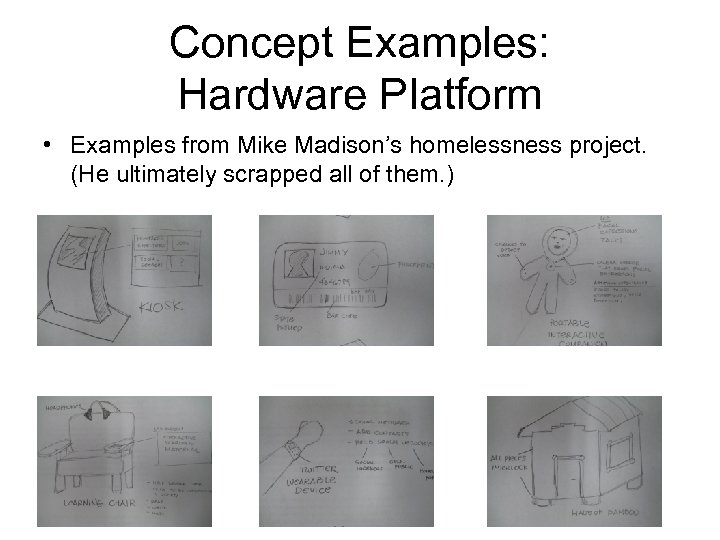 Concept Examples: Hardware Platform • Examples from Mike Madison’s homelessness project. (He ultimately scrapped all of them. )
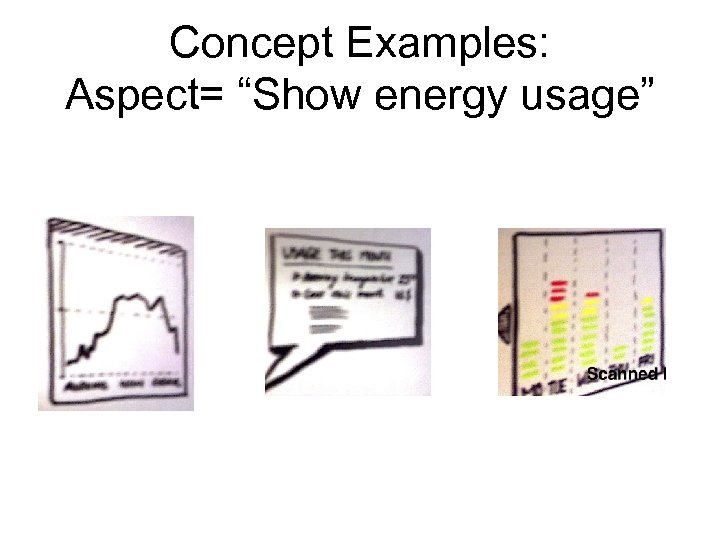 Concept Examples: Aspect= “Show energy usage”
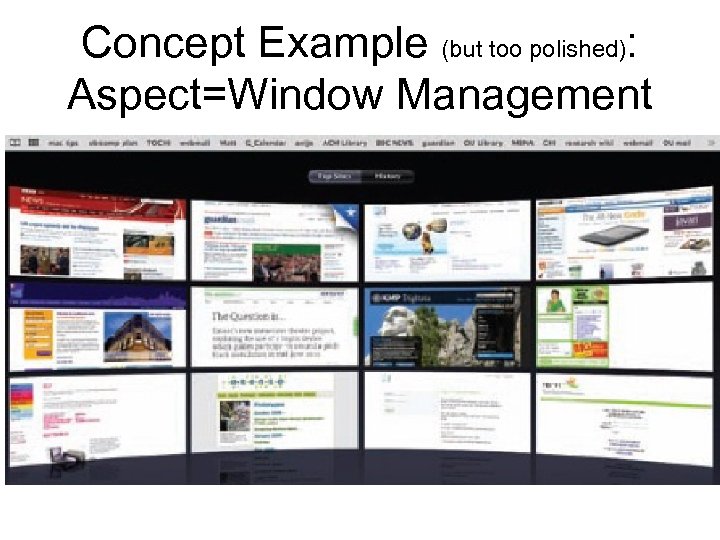 Concept Example (but too polished): Aspect=Window Management
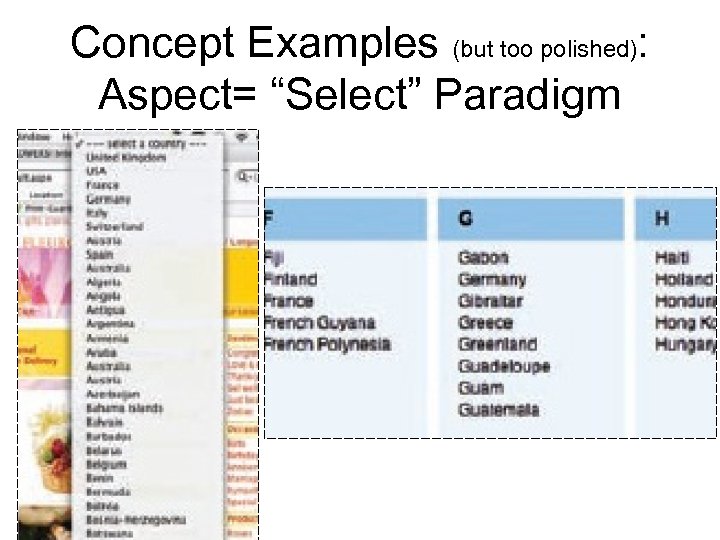 Concept Examples (but too polished): Aspect= “Select” Paradigm
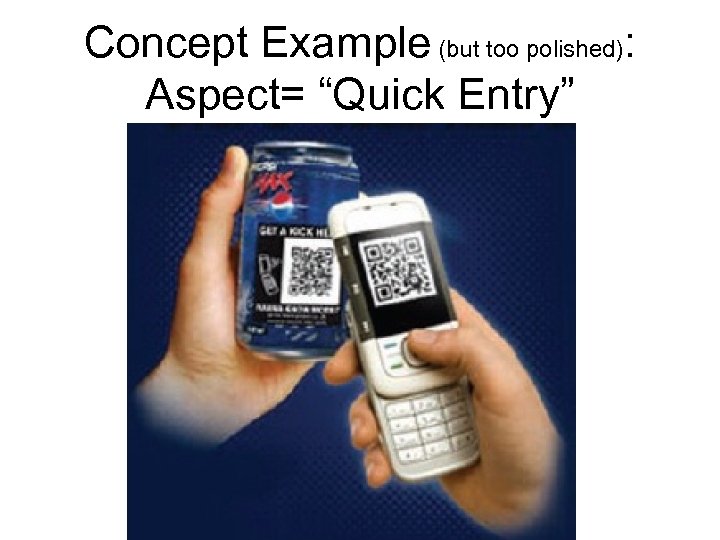 Concept Example (but too polished): Aspect= “Quick Entry”
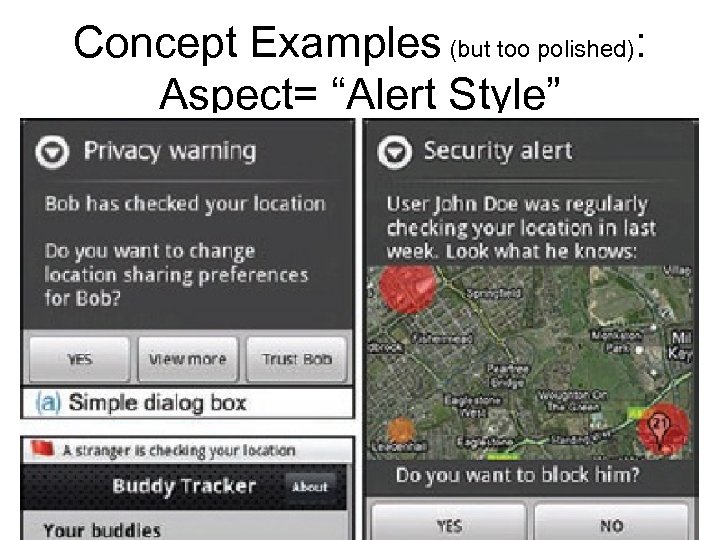 Concept Examples (but too polished): Aspect= “Alert Style”
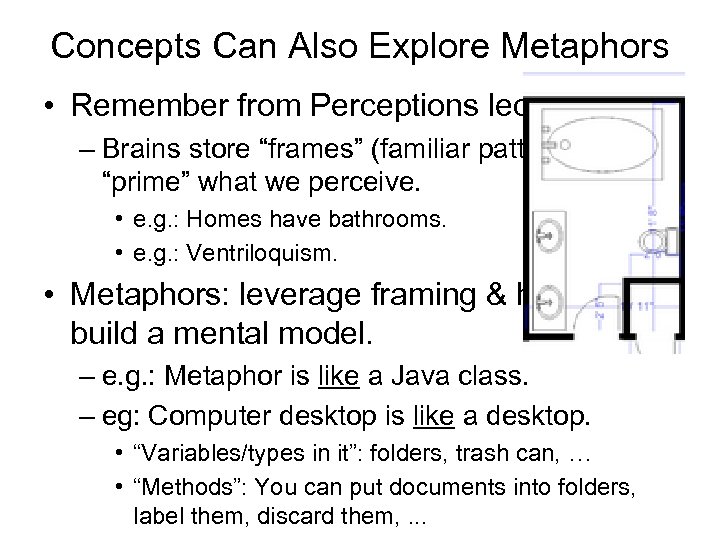 Concepts Can Also Explore Metaphors • Remember from Perceptions lecture: – Brains store “frames” (familiar patterns), which “prime” what we perceive. • e. g. : Homes have bathrooms. • e. g. : Ventriloquism. • Metaphors: leverage framing & help users build a mental model. – e. g. : Metaphor is like a Java class. – eg: Computer desktop is like a desktop. • “Variables/types in it”: folders, trash can, … • “Methods”: You can put documents into folders, label them, discard them, . . .
 In-Class Activity • In your teams: – Sketch >=3 concepts for the on-line grocery. – Exploring the dimension/aspect of: • Quick entry (of groceries I plan to buy)
 Is the metaphor good? • Questions to try to decide: 1. Does it help? • How much structure does the metaphor provide? 2. How well does the metaphor fit the problem? • • are there leftover bits of the metaphor? are there leftover bits of the problem? – if yes, can the metaphor extend to cover them? 3. Is it easy to represent? 4. Will your audience understand the metaphor?
 Prototypes • To flesh out a concept with enough detail – to communicate/understand user experience in detail. – in this class: for our use to understand user problems with our ideas. – can also be used to communicate with boss, news media, etc. . . • Lo-fi prototypes ideal for some purposes: – cheap – yet force enough attention to detail.
 Higher fi prototypes • Useful: – When: AFTER get through lower-fi ones first. – Why: Get at details of design (layout, icons, colors etc) • Front end finished with widgets polished up, but behavior/data is hard-coded (no back end). – For boss, at trade shows, etc.
 Lo-fi prototypes (we will start here) • Just how lo-fi can one go – The lowest-fi: paper • At first: sketches as screen-transition diagrams. • Later can be more polished. – Static paper vs. “interactive” paper. • Example: Wizard of oz: on the computer, but human fakes in the computer logic. – There are tool-supported variants of these. – Details of each next. . .
 Paper prototypes • Static paper – For communicating among team. – Usually done as a sketched storyboard or sketched “state machine”. – Example: lo-fi paper prototypes (next 2 slides). – Hi-fi prototype (slide after those two)
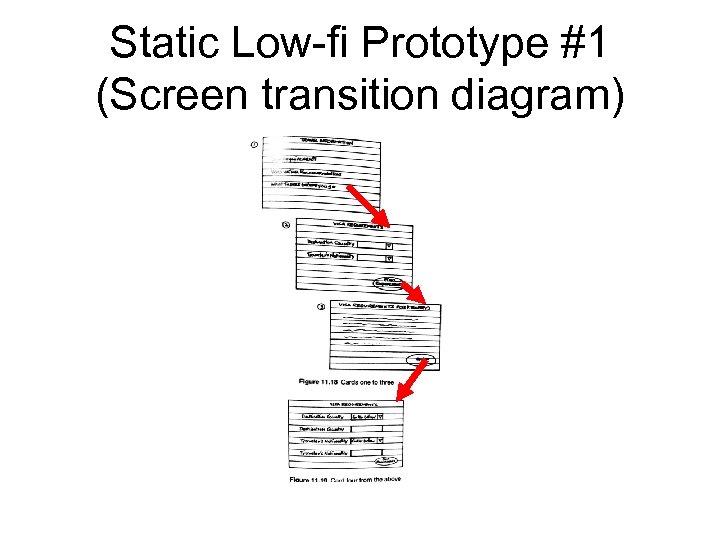 Static Low-fi Prototype #1 (Screen transition diagram)
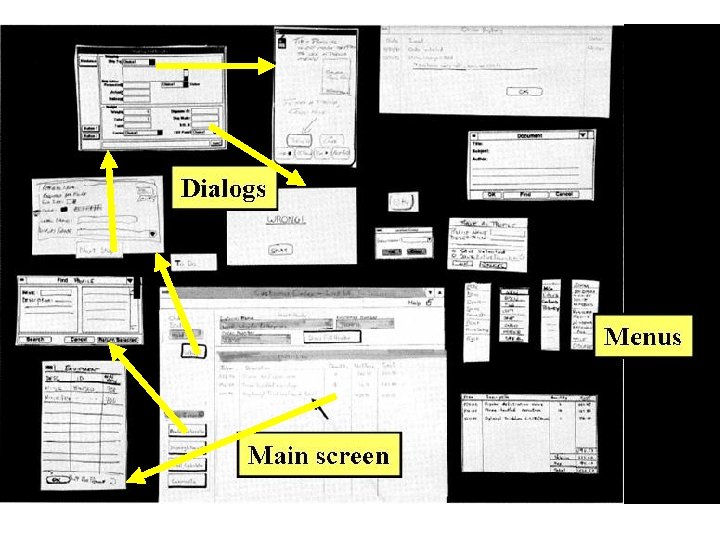 Static Low-fidelity prototype #2
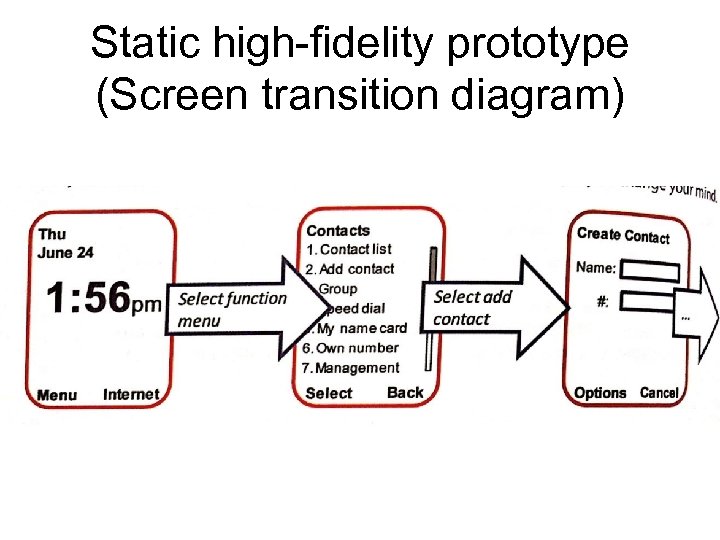 Static high-fidelity prototype (Screen transition diagram)
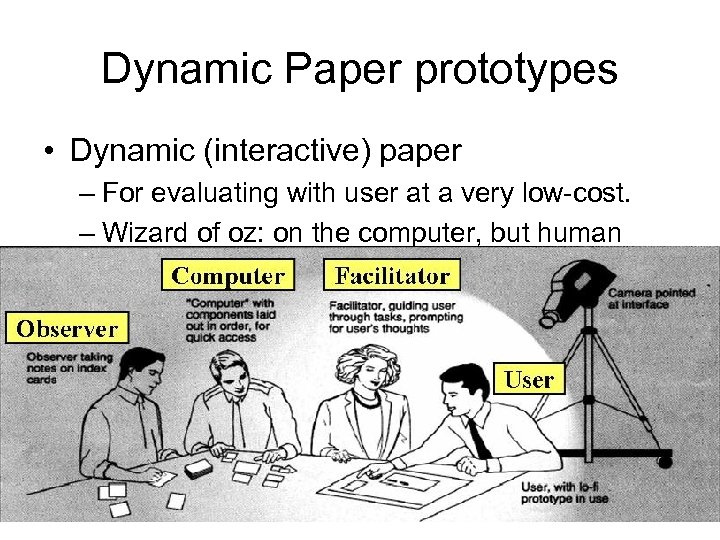 Dynamic Paper prototypes • Dynamic (interactive) paper – For evaluating with user at a very low-cost. – Wizard of oz: on the computer, but human fakes in the computer logic.
 Dynamic/interactive paper prototypes (cont. ) • Examples: – Example #1: from ML-interaction experiment. • (Next slide). – Example #2 (if time permits): from spreadsheet study (this one has elements of wizard-of-oz) – Example #3: next slide
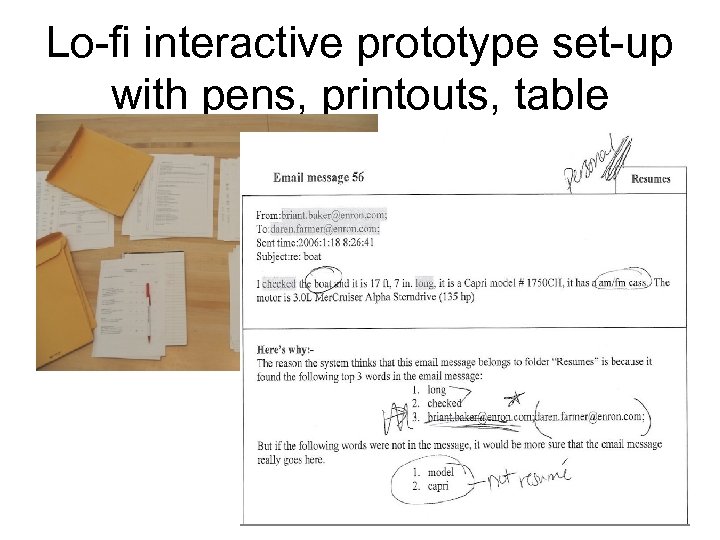 Lo-fi interactive prototype set-up with pens, printouts, table
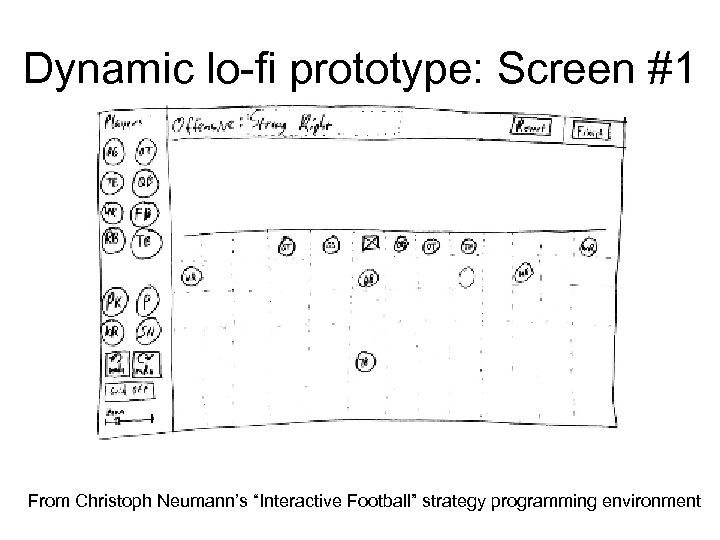 Dynamic lo-fi prototype: Screen #1 From Christoph Neumann’s “Interactive Football” strategy programming environment
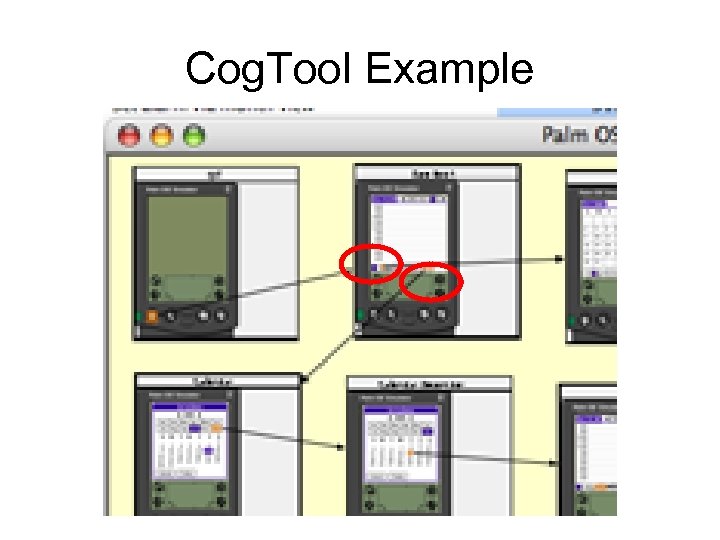
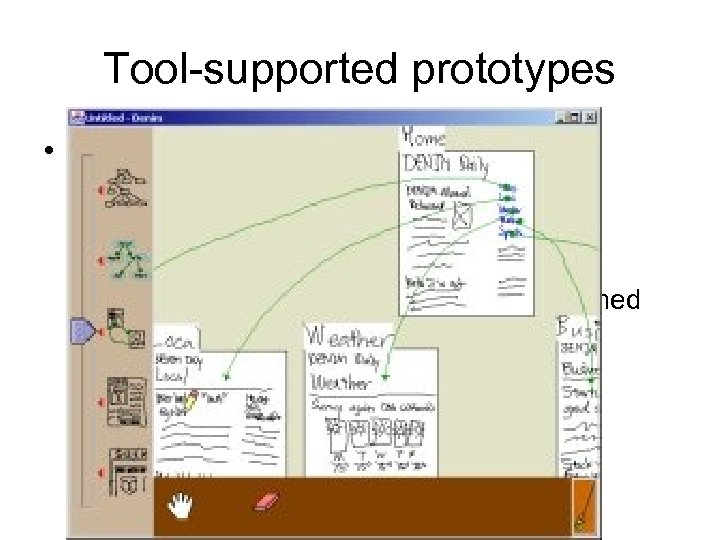 Tool-supported prototypes • Low-fi with tool support. – DENIM (click) and Cog. Tool (fig in an upcoming slide): tools for sketched storyboards/states. – Can transition these to nicer, more polished versions.
 Cog. Tool Example
 Activity • Choose one concept you did for the online grocery. • Consider one specific user task: – your user wants to buy ingredients to make lemonade. • Sketch a prototype storyboard/states of your UI: – that shows how your user will accomplish that task in your UI.
 CS 352 Prototyping • In here: – We will begin with static paper (sketched screen transition diagrams), – then iterate from that start using a tool called Mockups.