


 Скачать презентацию Computing Facilities in EEE Dr Simon PH Lui
cd112f83e47ba9f2215581e12c8e6b34.ppt
- Количество слайдов: 24
 Computing Facilities in EEE Dr. Simon PH Lui Senior Computer Officer 1
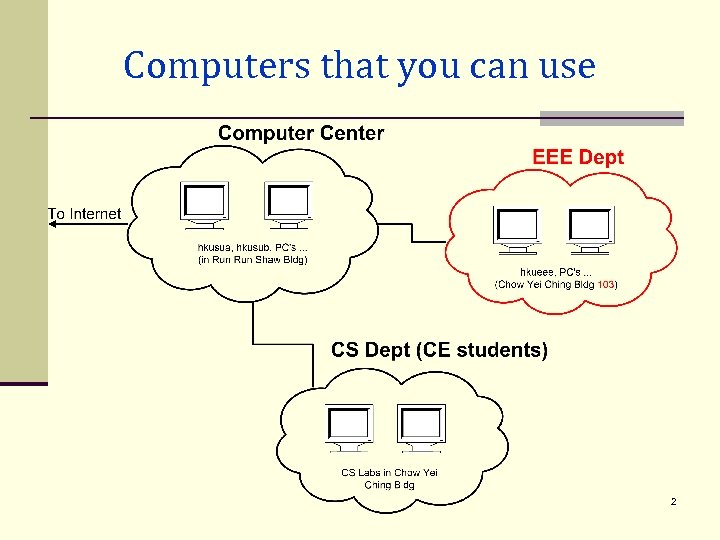 Computers that you can use 2
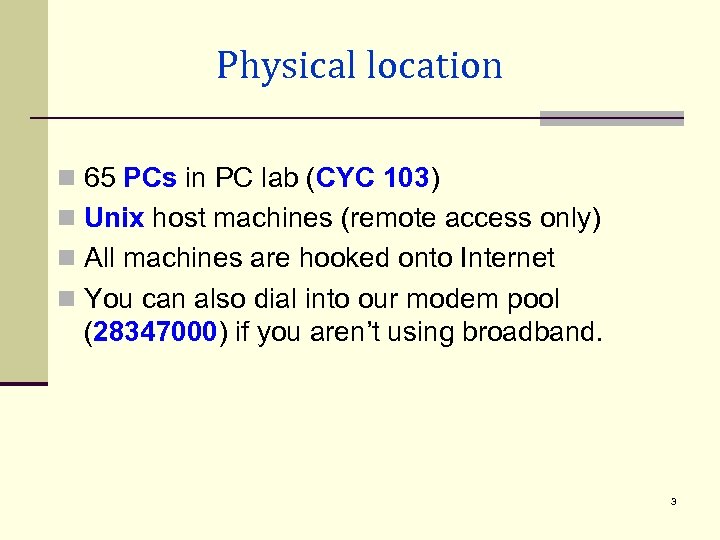 Physical location n 65 PCs in PC lab (CYC 103) n Unix host machines (remote access only) n All machines are hooked onto Internet n You can also dial into our modem pool (28347000) if you aren’t using broadband. 3
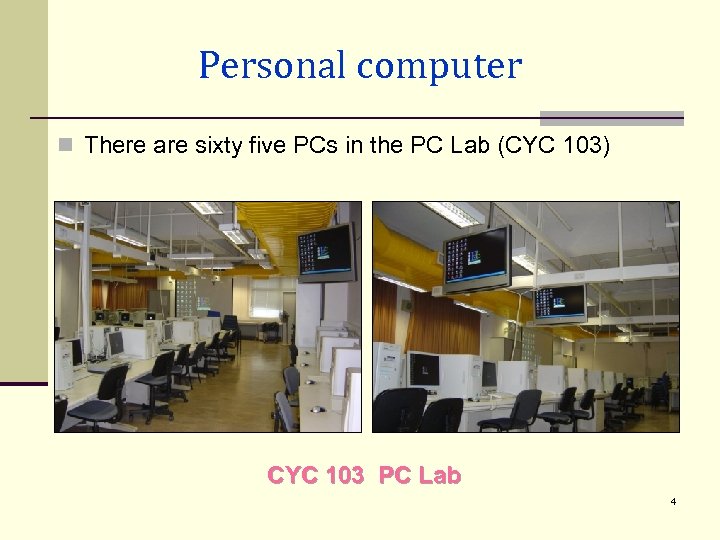 Personal computer n There are sixty five PCs in the PC Lab (CYC 103) CYC 103 PC Lab 4
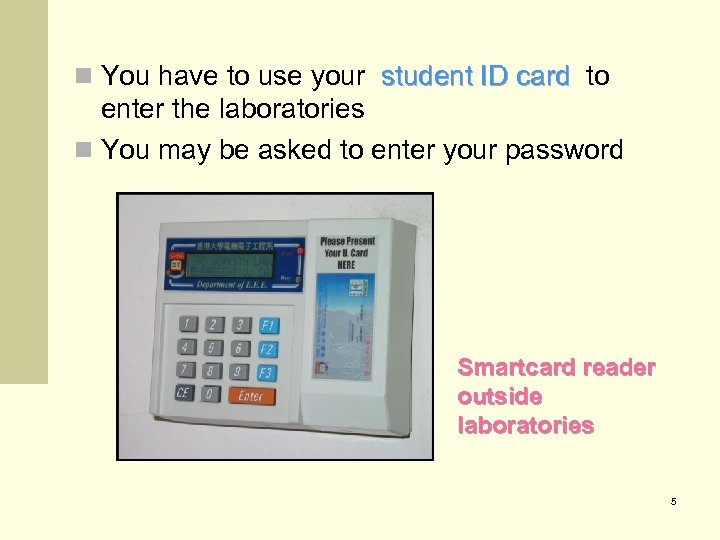 n You have to use your student ID card to enter the laboratories n You may be asked to enter your password Smartcard reader outside laboratories 5
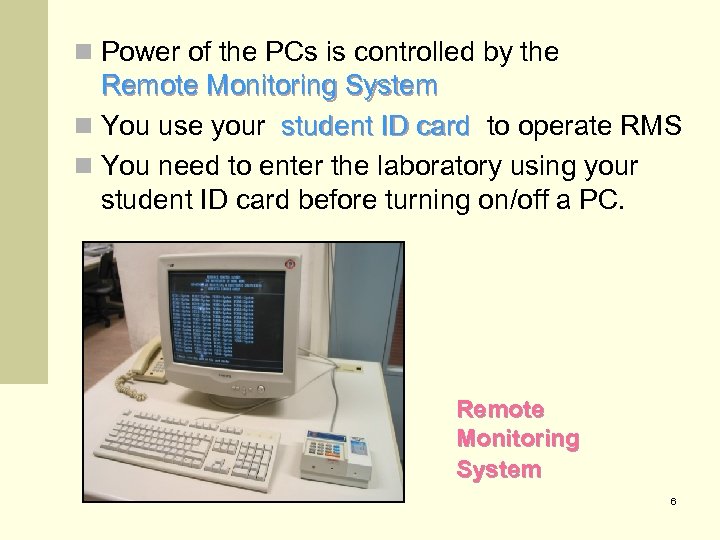 n Power of the PCs is controlled by the Remote Monitoring System n You use your student ID card to operate RMS n You need to enter the laboratory using your student ID card before turning on/off a PC. Remote Monitoring System 6
 n A budget of 30, 000 minutes per year is allocated to each student n The laboratories may be reserved for classes or other activities. Please refer to the notice outside the laboratories. 7
 PC Software n All machines run Microsoft Windows XP n Everything written to C: drive is deleted at reboot n Personal files can be written to D: drive (don’t leave your homework at D: ) n Local hard disk contains lots of software including Microsoft Office, Visual Studio etc. n Some files are available on network drive W: n Don’t install illegal software on the PCs 8
 Printing n Two B/W and one color network printers in PC Lab n Use your student ID card to operate the printers n Each student gets 5000 printing units per year n Quota can be carried forward till graduation n 10 (16) units for one simplex (duplex) B/W page n 50 (100) units for one simplex (duplex) color page n Additional printing quota can be purchased at $0. 18 per 10 units from CYC 804 9
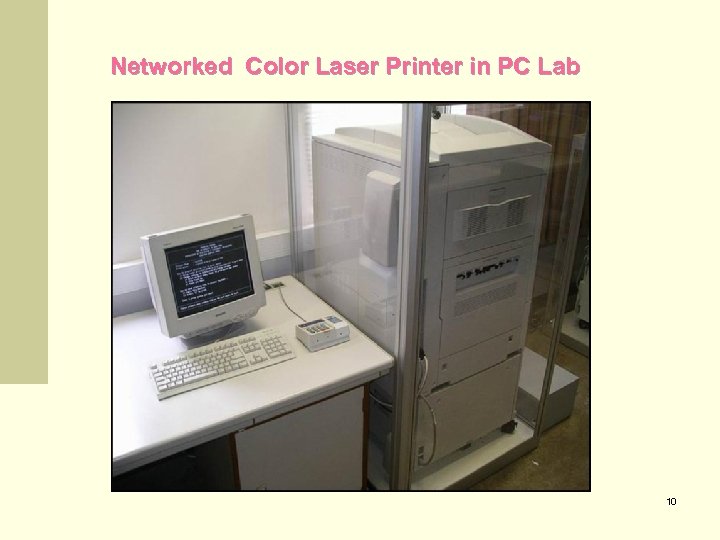 Networked Color Laser Printer in PC Lab 10
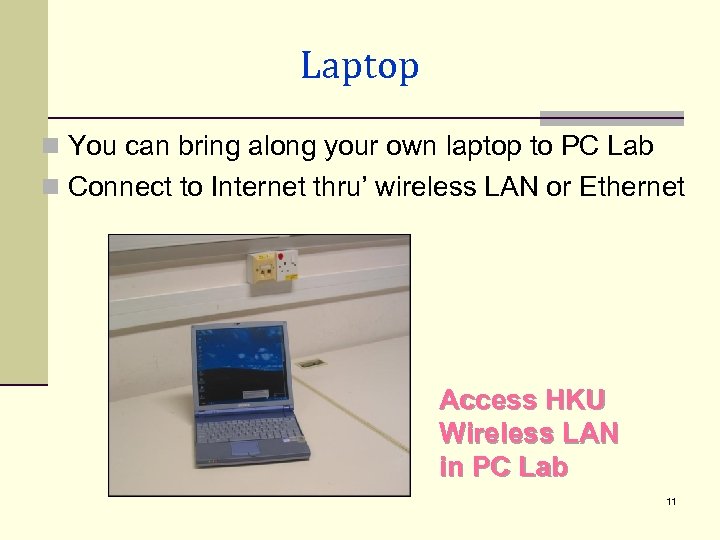 Laptop n You can bring along your own laptop to PC Lab n Connect to Internet thru’ wireless LAN or Ethernet Access HKU Wireless LAN in PC Lab 11
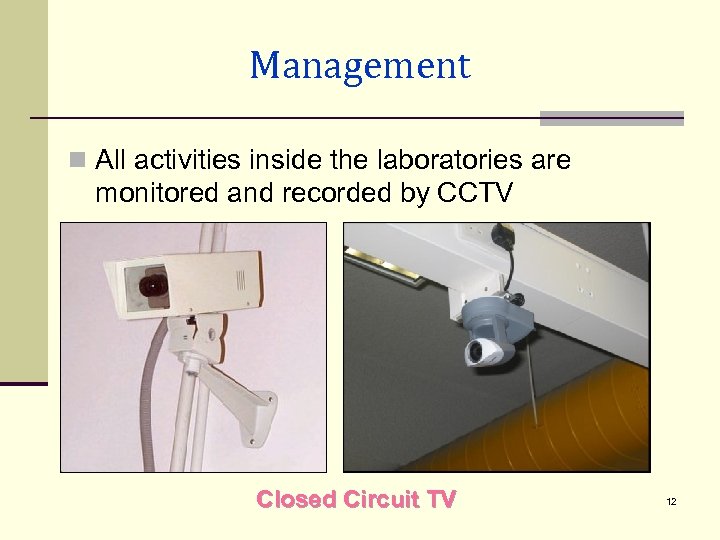 Management n All activities inside the laboratories are monitored and recorded by CCTV Closed Circuit TV 12
 Unix Host Computer n One account for all services, e. g. Unix login, email, dialup, intranet n Account still usable after graduation (only email) n Please register and collect account slips from the Reference Bureau CYC 602 n hkusua, hkucc are managed by the Computer Center. Direct your request to Rm 223, Run Shaw Bldg for matters related to them 13
 Unix Services n Software like compilers, Matlab. . . n Email. Your email address is like: h 0712345@eee. hku. hk n You may optionally choose an email alias, e. g. mickey_mouse@eee. hku. hk n You may forward EEE emails to other email server: Login Webmail: click “My Account” > “Forwards” n Personal Home Page. URL for your home page http: //www. eee. hku. hk/~h 0712345 14
 Web services n EEE home page : http: //www. eee. hku. hk n Links to useful services through our portal : Ø Ø Ø Course materials Webmail Student Intranet Discussion Forum Timetable … 15
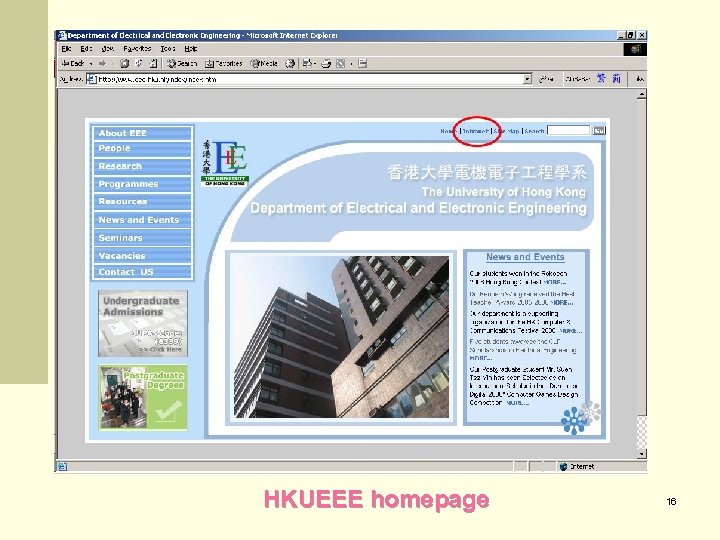 HKUEEE homepage 16
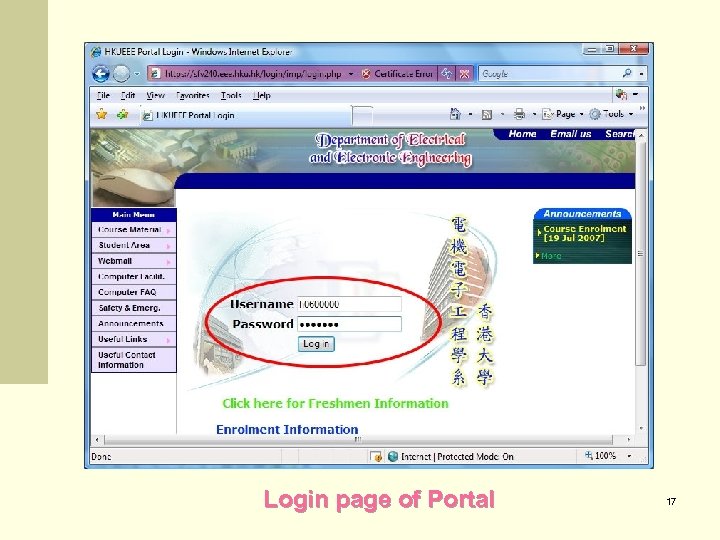 Login page of Portal 17
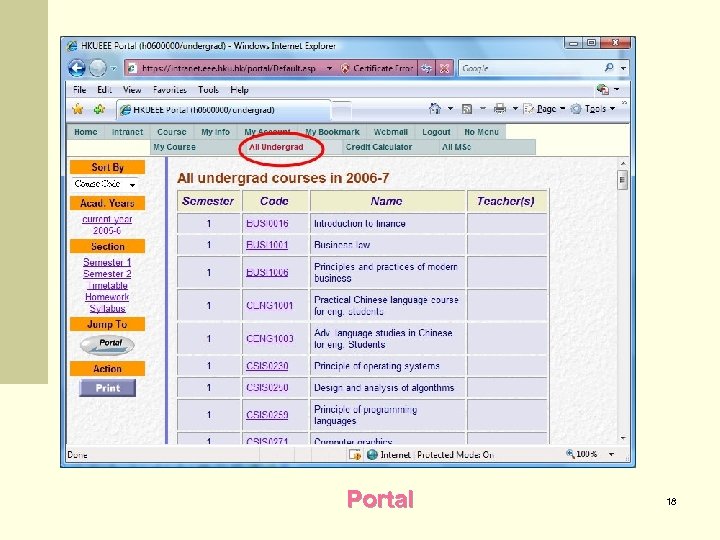 Portal 18
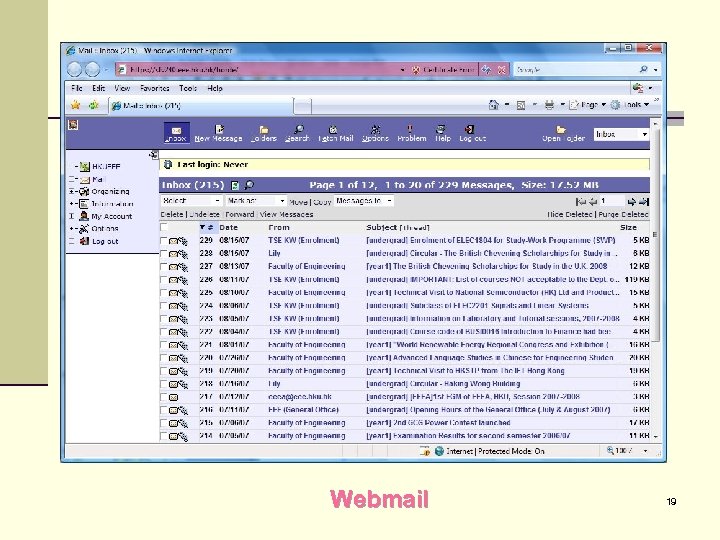 Webmail 19
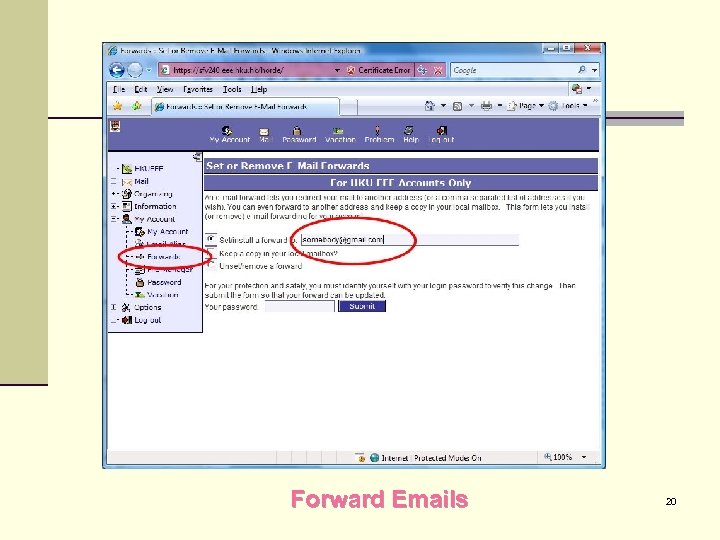 Forward Emails 20
 Training courses n Computer Center offers basic computer training course on like – Web Page Browsing – Email – Unix Systems n Further details : http: //www. hku. hk/local/cc/training/courses. htm n Or get registration form from Run Shaw 223 21
 Student Registration n Registration at Reference Bureau CYC 602 : Sept 3 (Mon) 14: 00 – 17: 00 ECom. E, EE Sept 4 (Tue) 09: 00 – 12: 00 Info. E, CE n Latecomers can register at CYC 804 starting from Sept 4 afternoon n Procedure: Ø Take photo Ø Collect account slip 22
 Further information n Best obtained from our WWW site (http: //www. eee. hku. hk): n Click on Intranet then Computer Facilities n Frequently Asked Questions and other online documents are under the links n Our contact : n n n Email : support@eee. hku. hk (preferred means) Tel : 28592695 Office : CYC 804 23
 The End 24