


 Скачать презентацию Computer Technology Review for State Test Multi-User
97a01b7119ec418ead8471ca06b43c86.ppt
- Количество слайдов: 60
 Computer Technology Review for State Test
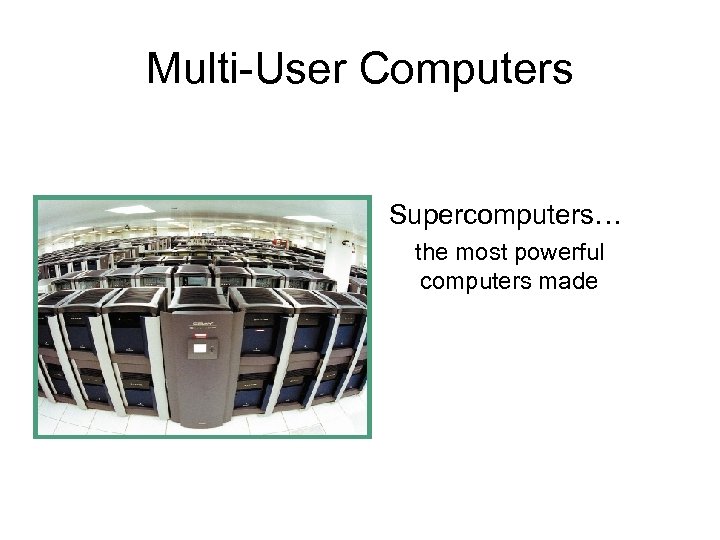 Multi-User Computers Supercomputers… the most powerful computers made
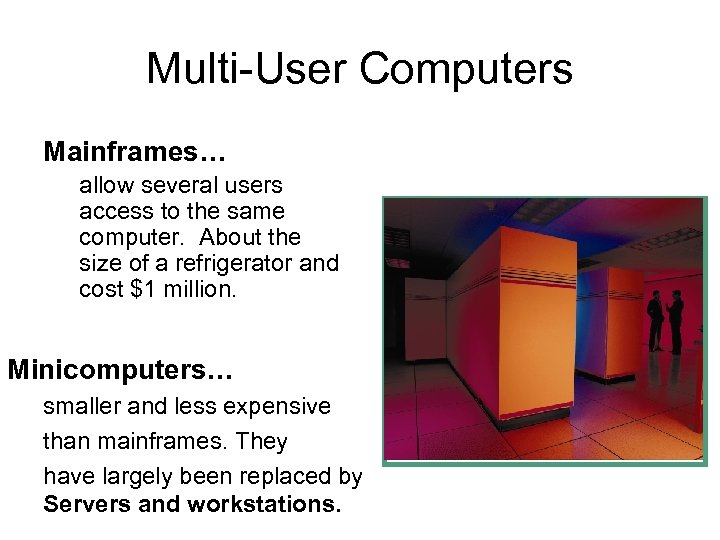 Multi-User Computers Mainframes… allow several users access to the same computer. About the size of a refrigerator and cost $1 million. Minicomputers… smaller and less expensive than mainframes. They have largely been replaced by Servers and workstations.
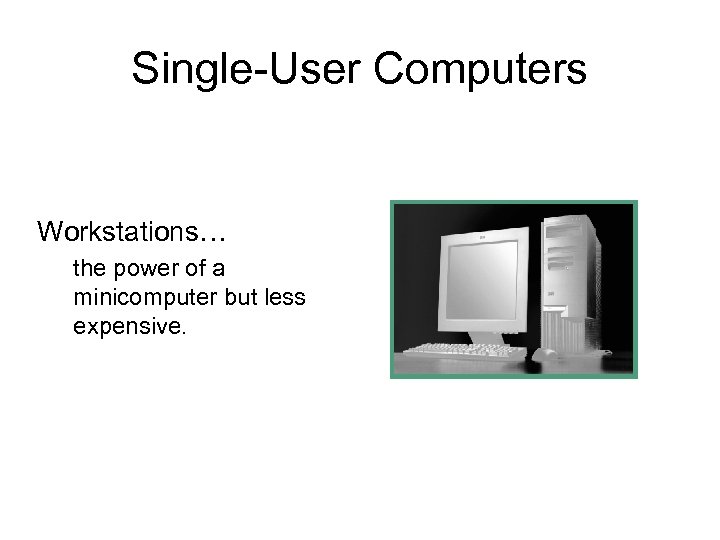 Single-User Computers Workstations… the power of a minicomputer but less expensive.
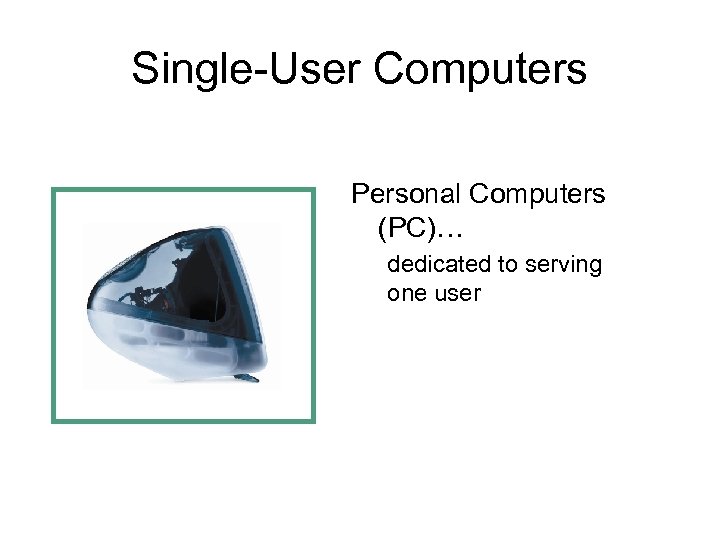 Single-User Computers Personal Computers (PC)… dedicated to serving one user
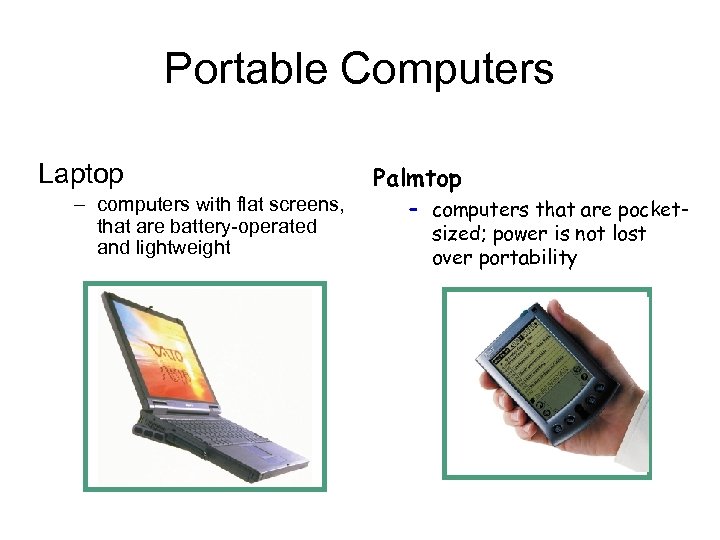 Portable Computers Laptop – computers with flat screens, that are battery-operated and lightweight Palmtop – computers that are pocketsized; power is not lost over portability
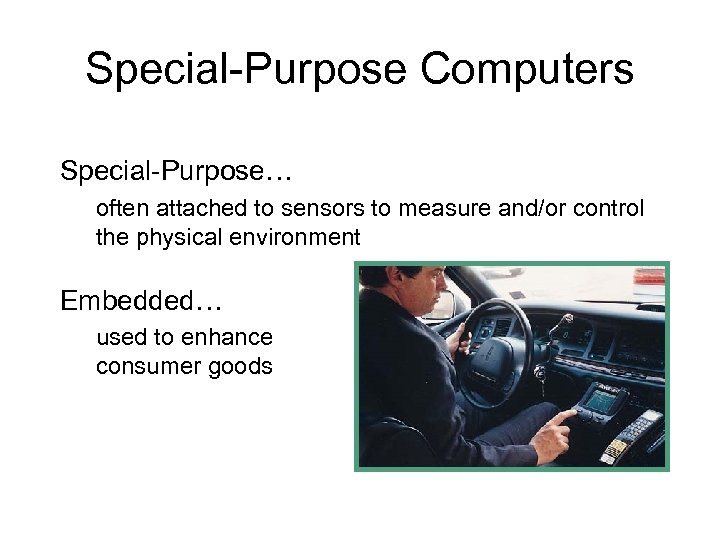 Special-Purpose Computers Special-Purpose… often attached to sensors to measure and/or control the physical environment Embedded… used to enhance consumer goods
 Basic Network Anatomy • A computer network is any computer system that links two or more computers • There are three essential components in a network: – Hardware – Software – People
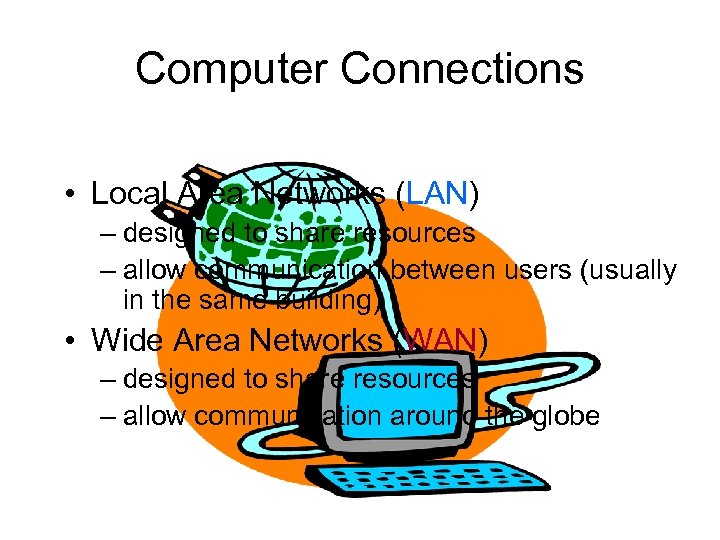 Computer Connections • Local Area Networks (LAN) – designed to share resources – allow communication between users (usually in the same building) • Wide Area Networks (WAN) – designed to share resources – allow communication around the globe
 LAN (Local Area Network) A LAN is a network in which the computers are physically close to each other – They typically share peripherals (printers and servers) – Each computer and shared peripheral is a node on the LAN
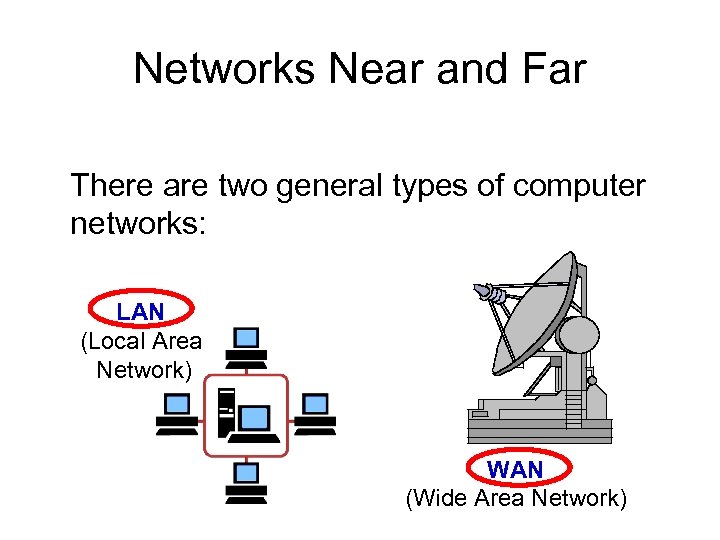 Networks Near and Far There are two general types of computer networks: LAN (Local Area Network) WAN (Wide Area Network)
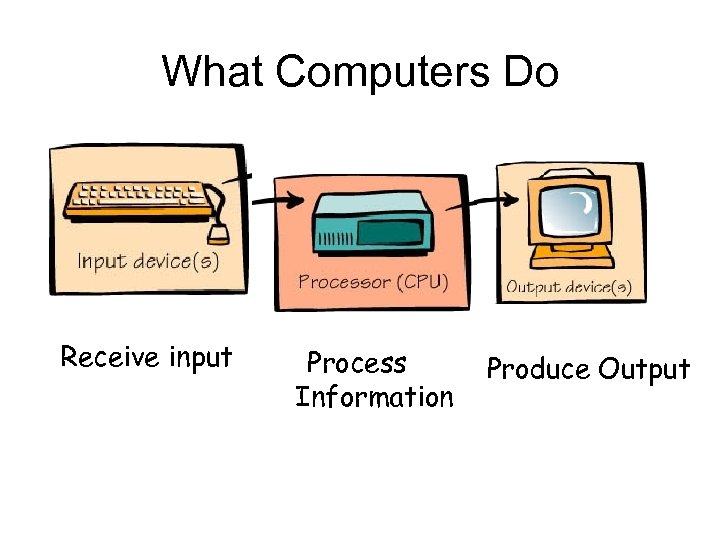 What Computers Do Receive input Process Information Produce Output
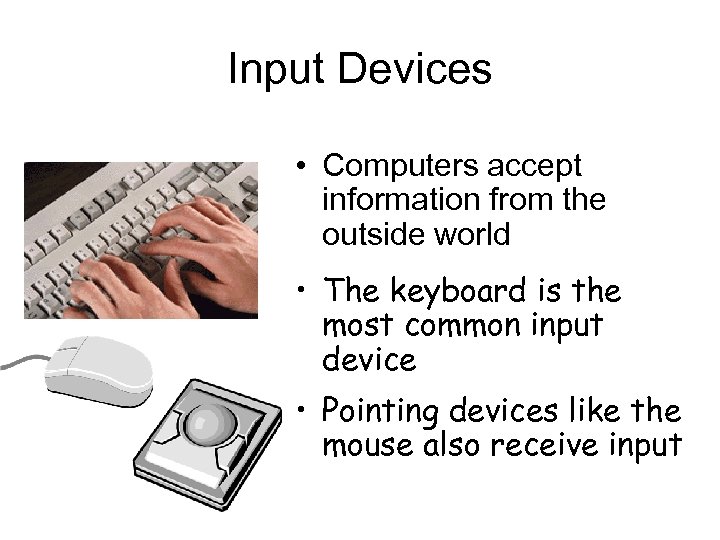 Input Devices • Computers accept information from the outside world • The keyboard is the most common input device • Pointing devices like the mouse also receive input
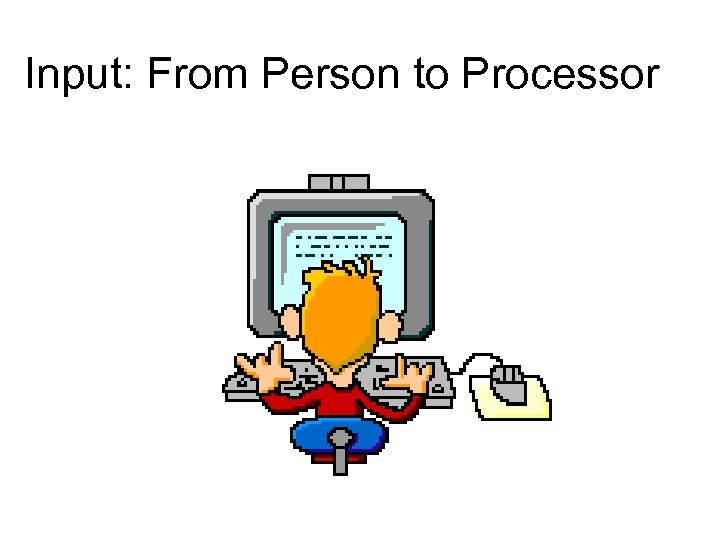 Input: From Person to Processor
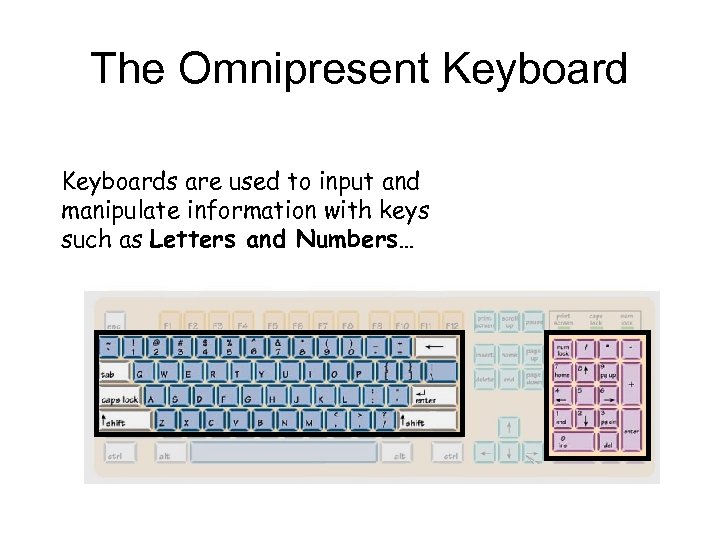 The Omnipresent Keyboards are used to input and manipulate information with keys such as Letters and Numbers…
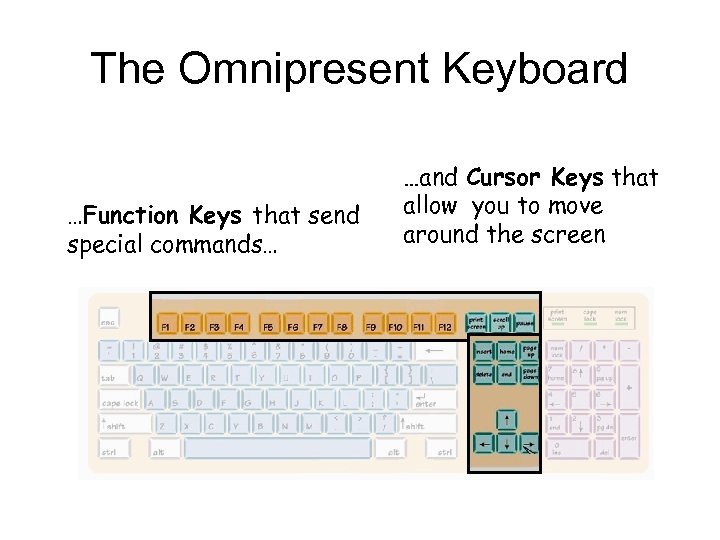 The Omnipresent Keyboard …Function Keys that send special commands… …and Cursor Keys that allow you to move around the screen
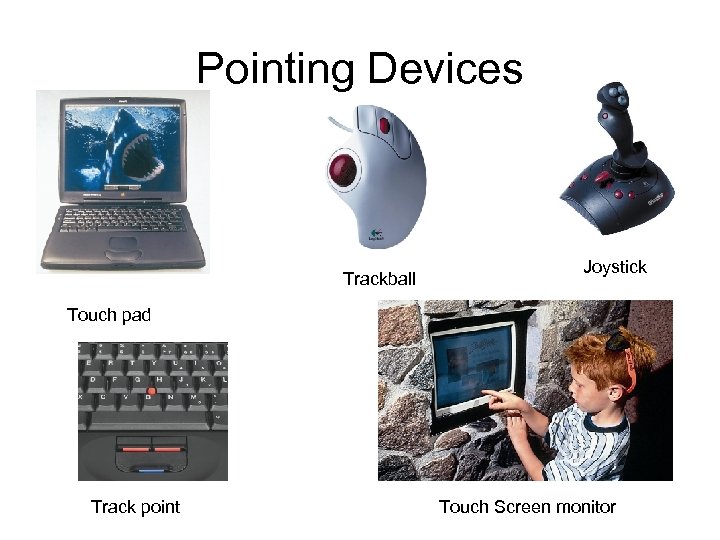 Pointing Devices Trackball Joystick Touch pad Track point Touch Screen monitor
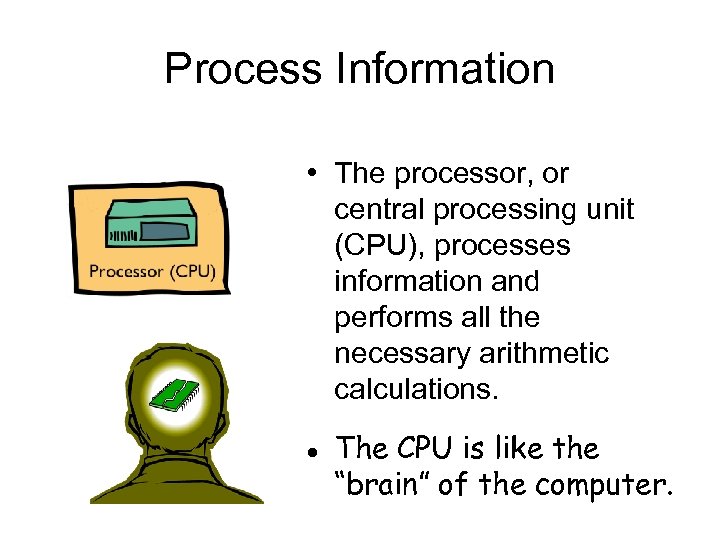 Process Information • The processor, or central processing unit (CPU), processes information and performs all the necessary arithmetic calculations. l The CPU is like the “brain” of the computer.
 The Computer’s Memory RAM (random access memory): – is the most common type of primary storage, or computer memory – is used to store program instructions and data temporarily – unique addresses and can be stored in any location – can quickly retrieve information – will not remain if power goes off (volatile)
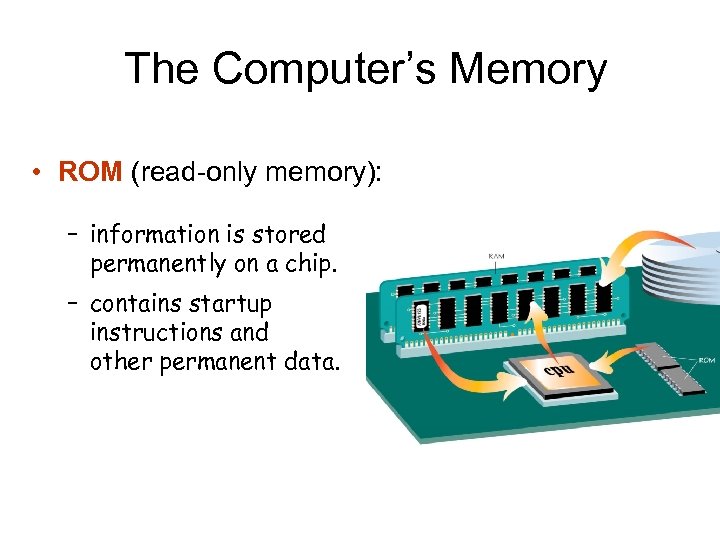 The Computer’s Memory • ROM (read-only memory): – information is stored permanently on a chip. – contains startup instructions and other permanent data.
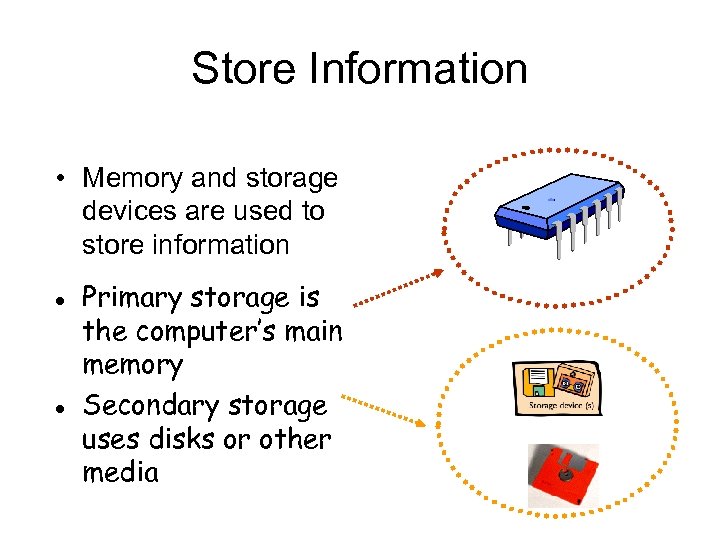 Store Information • Memory and storage devices are used to store information l l Primary storage is the computer’s main memory Secondary storage uses disks or other media
 Buses, Ports, and Peripherals • Slots and ports also allow external devices called peripherals to be added to the system (keyboard, monitor, and mouse). l Without peripherals, the CPU and memory are like a brain without a body.
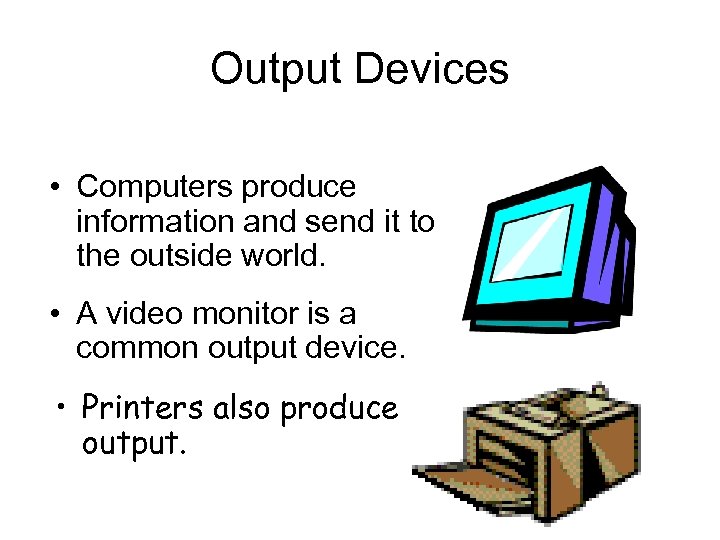 Output Devices • Computers produce information and send it to the outside world. • A video monitor is a common output device. • Printers also produce output.
 Information comes in many forms l l Words. . . Numbers. . . Pictures. . . Sounds Computers only understand information in digital form v Information must be broken into bits
 Bits, Bytes, and Buzzwords • Common terms might describe file size or memory size: – Bit: smallest unit of information – Byte: a grouping of eight bits of information – K: (kilobyte); about 1, 000 bytes of information - technically 1024 bytes equals 1 K of storage.
 Bits, Bytes, and Buzzwords MB: (megabyte): about 1 million bytes of information GB: (gigabyte): about 1 billion bytes of information TB: (terabyte): about 1 million megabytes of information
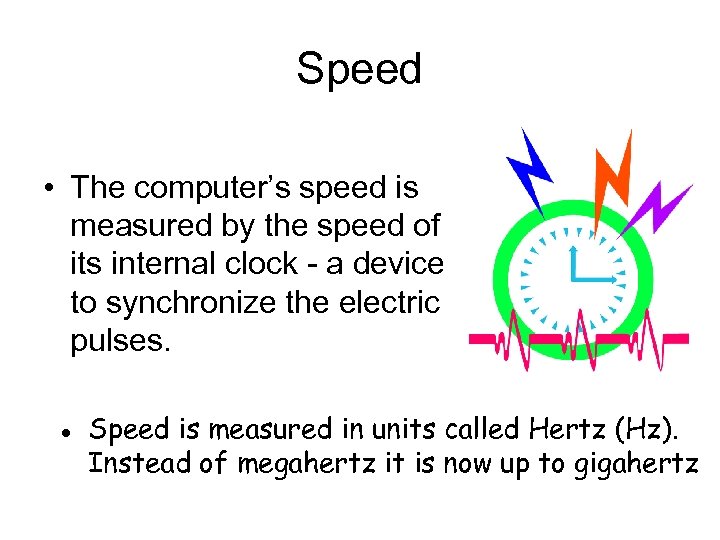 Speed • The computer’s speed is measured by the speed of its internal clock - a device to synchronize the electric pulses. l Speed is measured in units called Hertz (Hz). Instead of megahertz it is now up to gigahertz
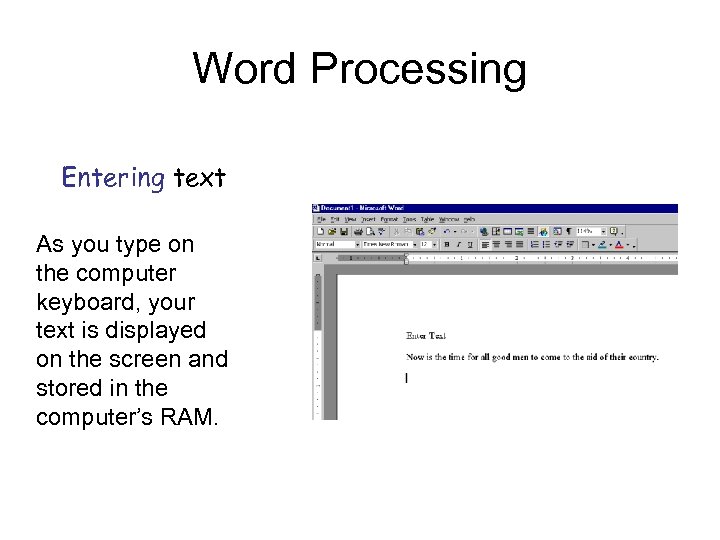 Word Processing Entering text As you type on the computer keyboard, your text is displayed on the screen and stored in the computer’s RAM.
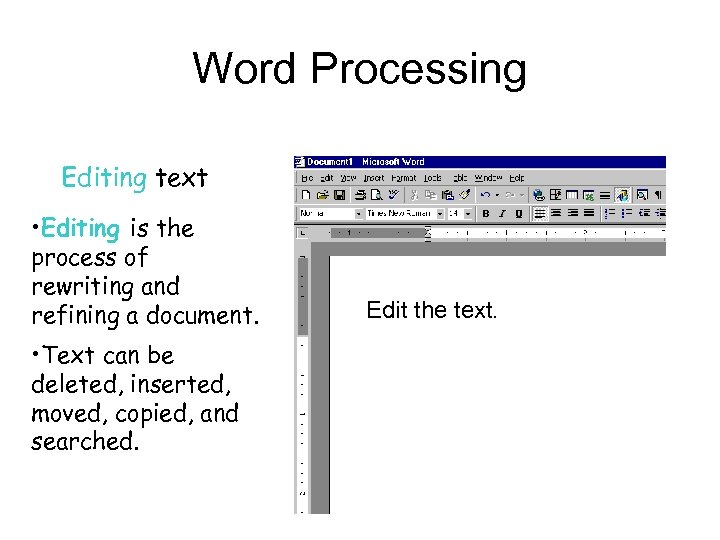 Word Processing Editing text • Editing is the process of rewriting and refining a document. • Text can be deleted, inserted, moved, copied, and searched. Edit the text.
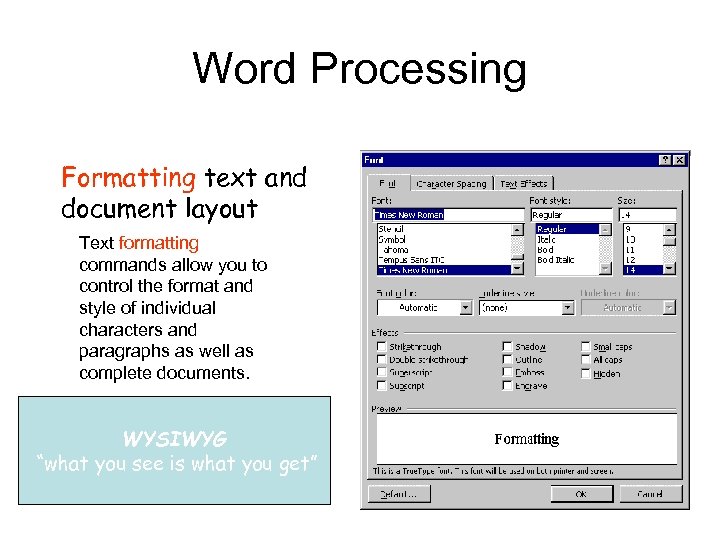 Word Processing Formatting text and document layout Text formatting commands allow you to control the format and style of individual characters and paragraphs as well as complete documents. WYSIWYG “what you see is what you get”
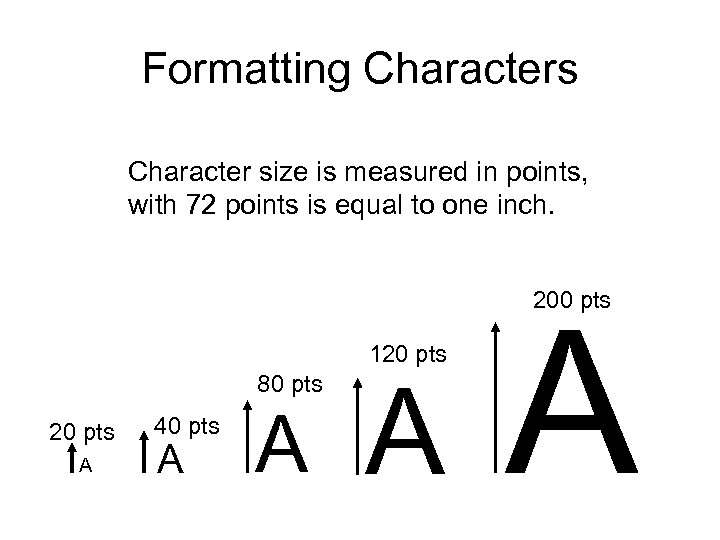 Formatting Characters Character size is measured in points, with 72 points is equal to one inch. 200 pts 120 pts 80 pts 20 pts A 40 pts A A
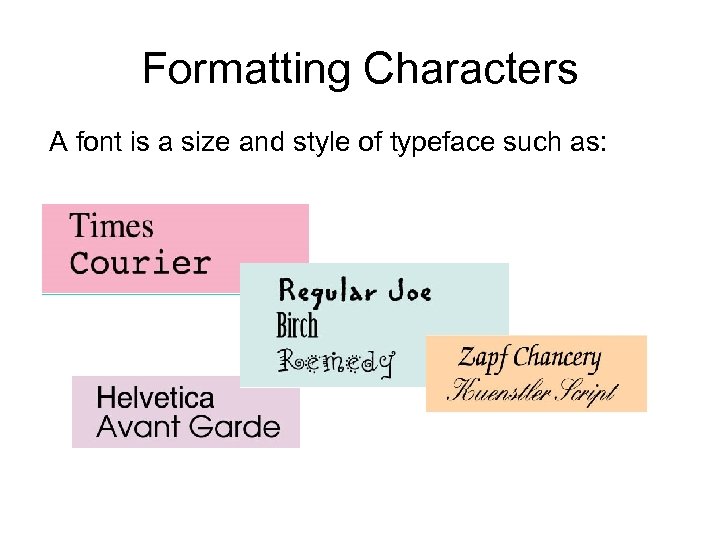 Formatting Characters A font is a size and style of typeface such as:
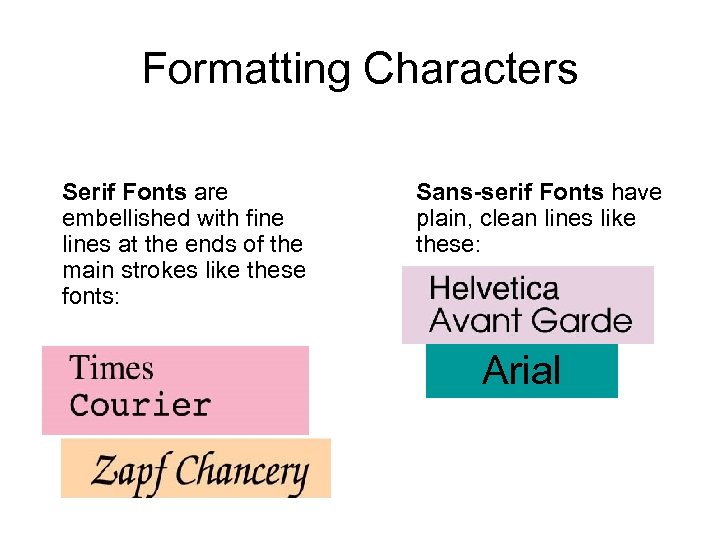 Formatting Characters Serif Fonts are embellished with fine lines at the ends of the main strokes like these fonts: Sans-serif Fonts have plain, clean lines like these: Arial
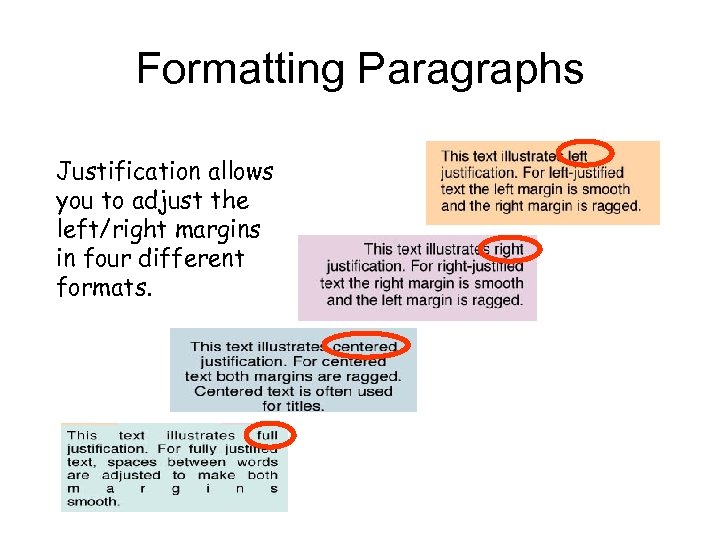 Formatting Paragraphs Justification allows you to adjust the left/right margins in four different formats.
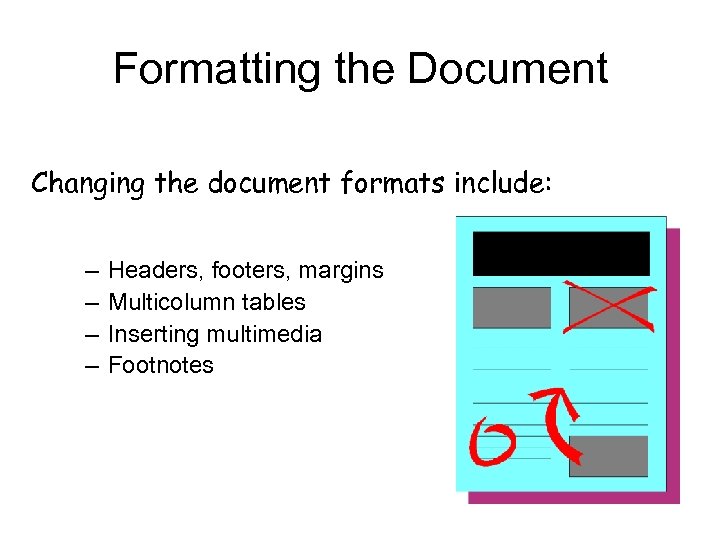 Formatting the Document Changing the document formats include: – – Headers, footers, margins Multicolumn tables Inserting multimedia Footnotes
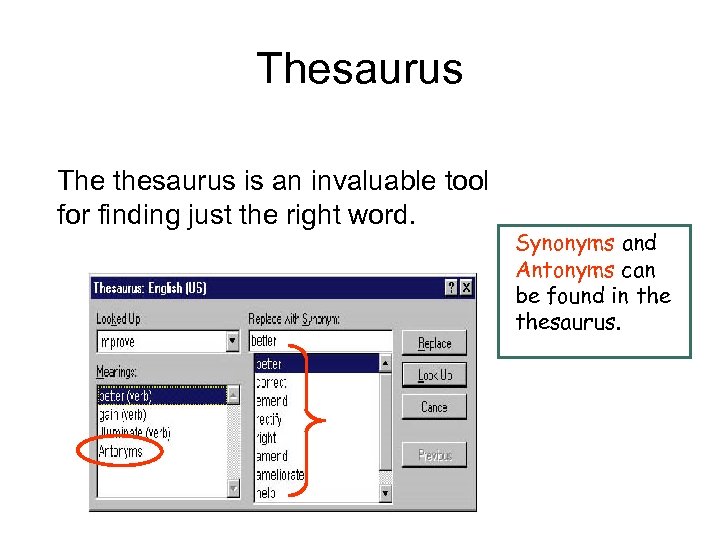 Thesaurus The thesaurus is an invaluable tool for finding just the right word. Synonyms and Antonyms can be found in thesaurus.
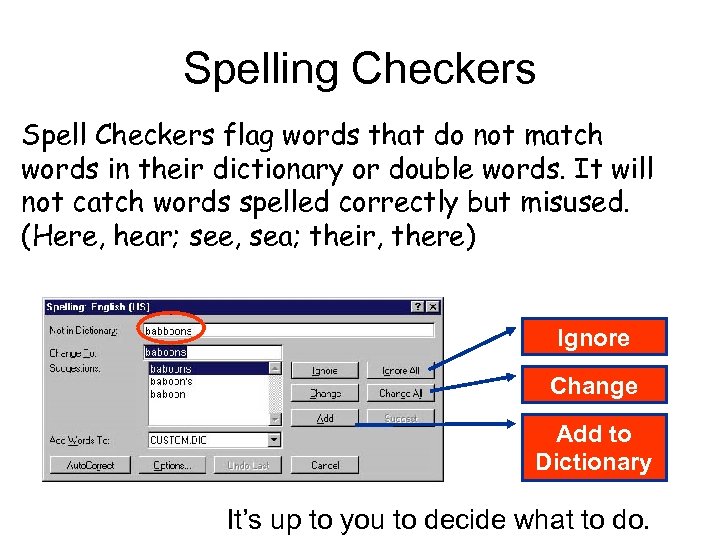 Spelling Checkers Spell Checkers flag words that do not match words in their dictionary or double words. It will not catch words spelled correctly but misused. (Here, hear; see, sea; their, there) Ignore Change Add to Dictionary It’s up to you to decide what to do.
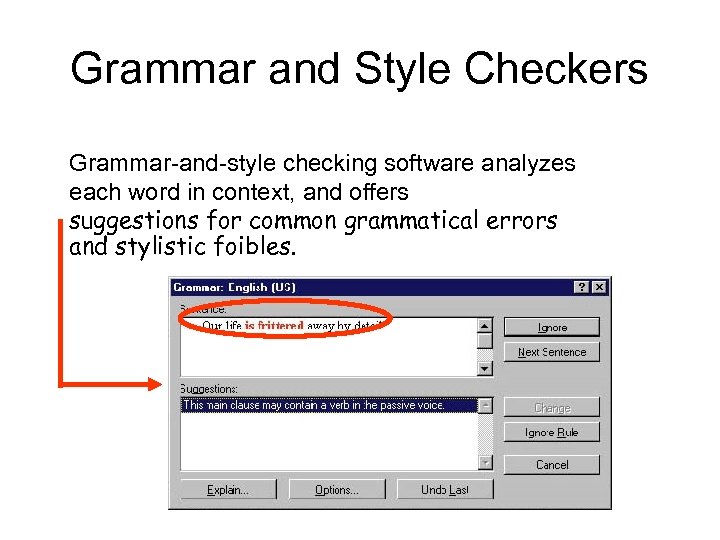 Grammar and Style Checkers Grammar-and-style checking software analyzes each word in context, and offers suggestions for common grammatical errors and stylistic foibles.
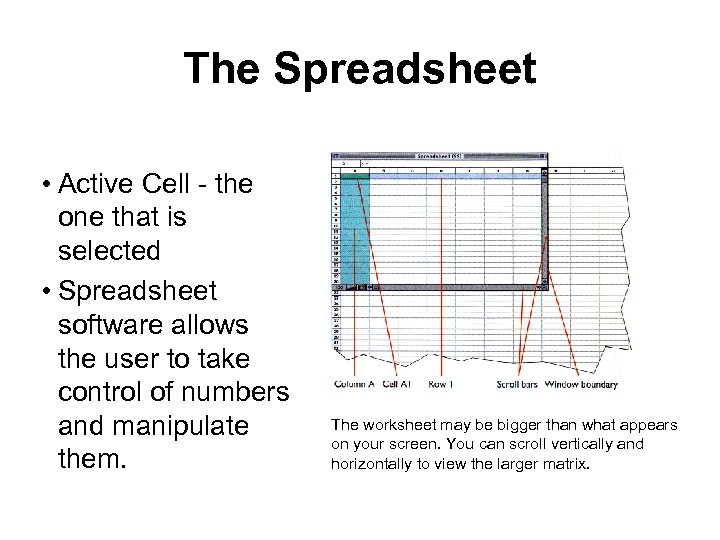 The Spreadsheet • Active Cell - the one that is selected • Spreadsheet software allows the user to take control of numbers and manipulate them. The worksheet may be bigger than what appears on your screen. You can scroll vertically and horizontally to view the larger matrix.
 The Spreadsheet Most popular spreadsheet programs include these features: • • Formulas Predefined functions Templates Charting capabilities
 Internet Access Options Internet Service Providers (ISPs) – local ISPs provide connections through local telephone lines – national ISPs offer connections on a nationwide scale
 Nettiquette • Rules of the E-mail – Spamming • Bulk, mass, or repeated identical messages – Flaming • Expresses a strong opinion or criticism. Can be insulting.
 E-mail Addresses An Internet e-mail address includes: username@hostname. sub. dom – username is the person’s “mailbox” – hostname is the name of the host computer and is followed by one or more domains separated by periods: • host. subdomain
 E-mail Addresses Top level domains (the last part of the address) include: –. edu - educational sites –. com - commercial sites –. gov - government sites –. mil - military sites –. net - network administration sites –. org - nonprofit organizations
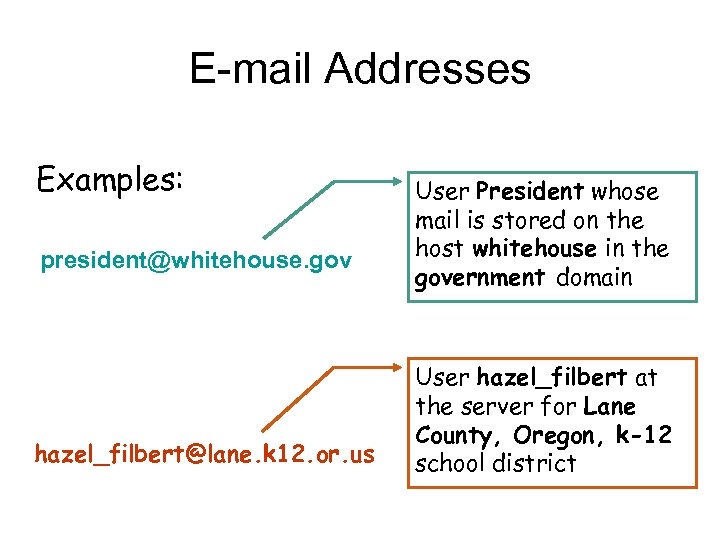 E-mail Addresses Examples: president@whitehouse. gov hazel_filbert@lane. k 12. or. us User President whose mail is stored on the host whitehouse in the government domain User hazel_filbert at the server for Lane County, Oregon, k-12 school district
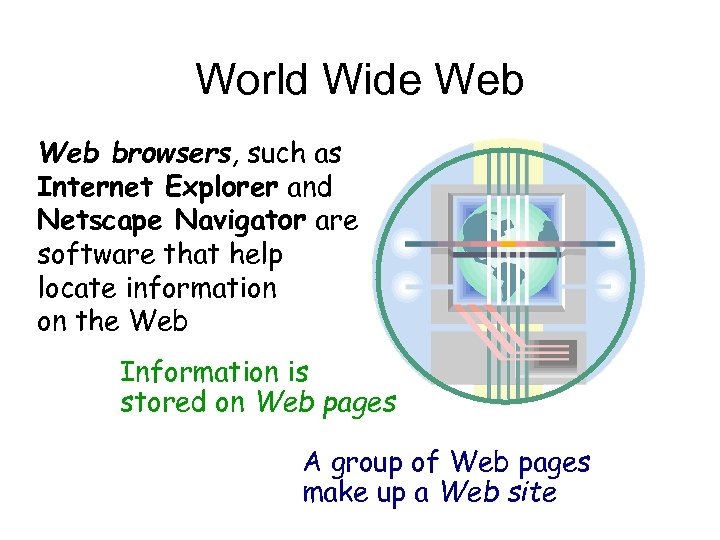 World Wide Web browsers, such as Internet Explorer and Netscape Navigator are software that help locate information on the Web Information is stored on Web pages A group of Web pages make up a Web site
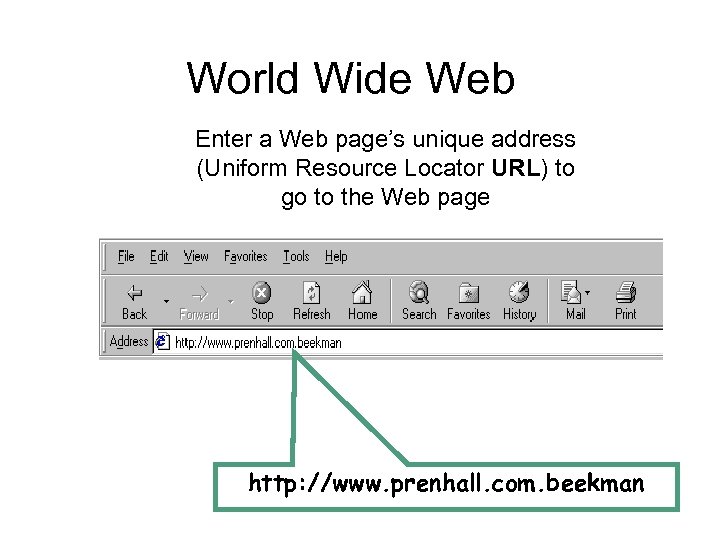 World Wide Web Enter a Web page’s unique address (Uniform Resource Locator URL) to go to the Web page http: //www. prenhall. com. beekman
 Electronic Mail (e-mail) “The great success of the Internet is not technical, but its human impact. ” Dave Clark Why did E-mail lure people to the Internet? – Availability • software made it easy to use – Speed • messages can be created and delivered in minutes
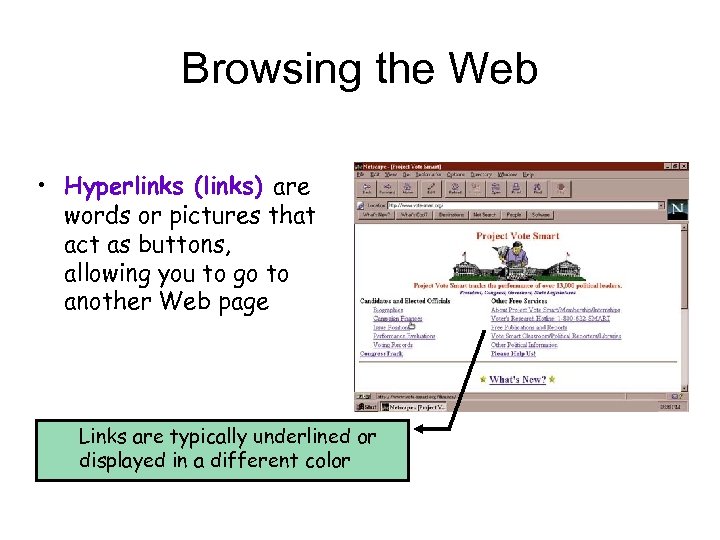 Browsing the Web • Hyperlinks (links) are words or pictures that act as buttons, allowing you to go to another Web page Links are typically underlined or displayed in a different color
 More on Browsing the Web site Jargon • Links allow you to locate information without knowing its exact location (it may move from time to time) • Back and Forward buttons let you retrace your steps • Bookmarks (or Favorites) can be set up to mark your favorite Web locations
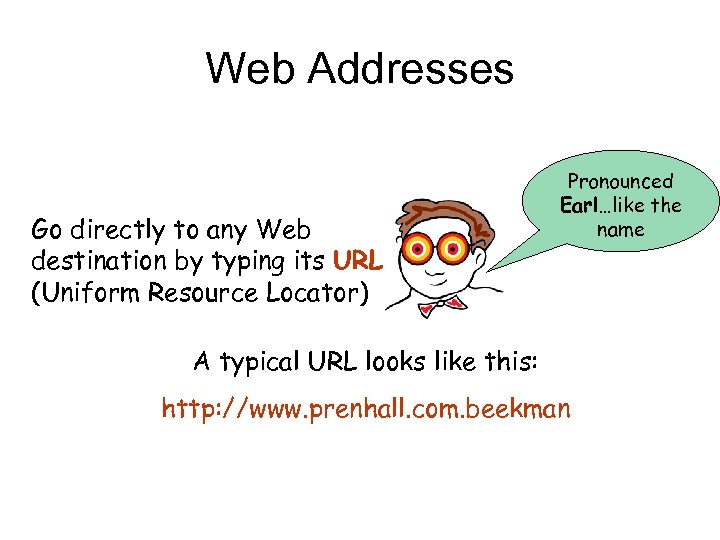 Web Addresses Go directly to any Web destination by typing its URL (Uniform Resource Locator) Pronounced Earl…like the name A typical URL looks like this: http: //www. prenhall. com. beekman
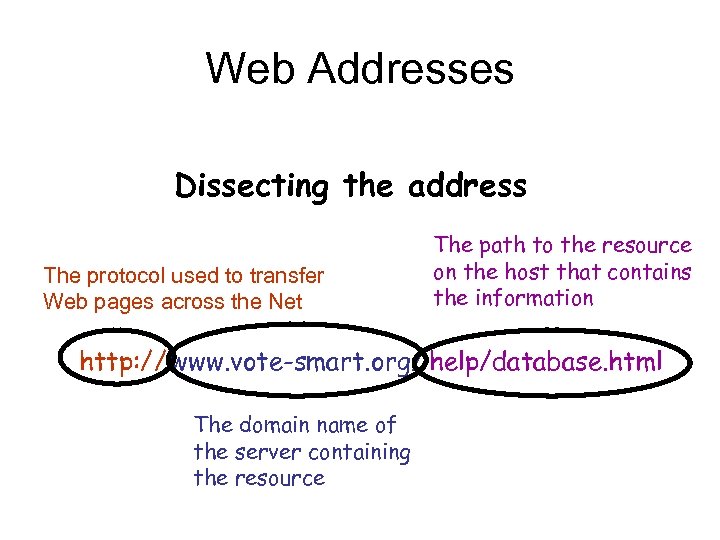 Web Addresses Dissecting the address The protocol used to transfer Web pages across the Net The path to the resource on the host that contains the information http: // www. vote-smart. org/ help/database. html The domain name of the server containing the resource
 Software Piracy and Intellectual Property Laws • Software piracy is the illegal duplication of copyrighted software • Shareware - try before you buy. Pay a fee • Freeware
 Software Piracy and Intellectual Property Laws • Property laws: – Inventions are patented – Trade secrets are covered by contract law – The expression of intellectual property can be copyrighted • Look-and-feel lawsuits can result from mimicking intellectual property
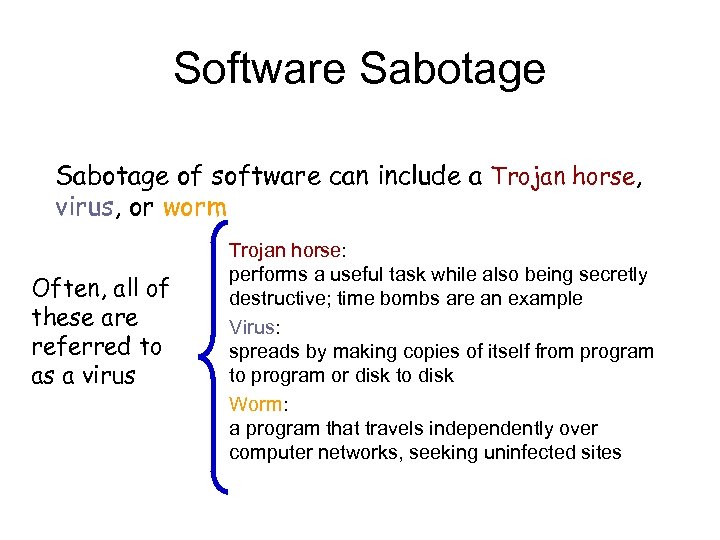 Software Sabotage of software can include a Trojan horse, virus, or worm Often, all of these are referred to as a virus Trojan horse: performs a useful task while also being secretly destructive; time bombs are an example Virus: spreads by making copies of itself from program to program or disk to disk Worm: a program that travels independently over computer networks, seeking uninfected sites
 Software Sabotage • Virus detection software can find and remove most viruses – These programs need to be frequently revised – More than 200 new virus appear each month!
 Hacking and Electronic Trespassing Electronic trespassing • Breaking into other computer systems is called electronic trespassing • Electronic crime rings focus on stealing credit card numbers and other valuable information
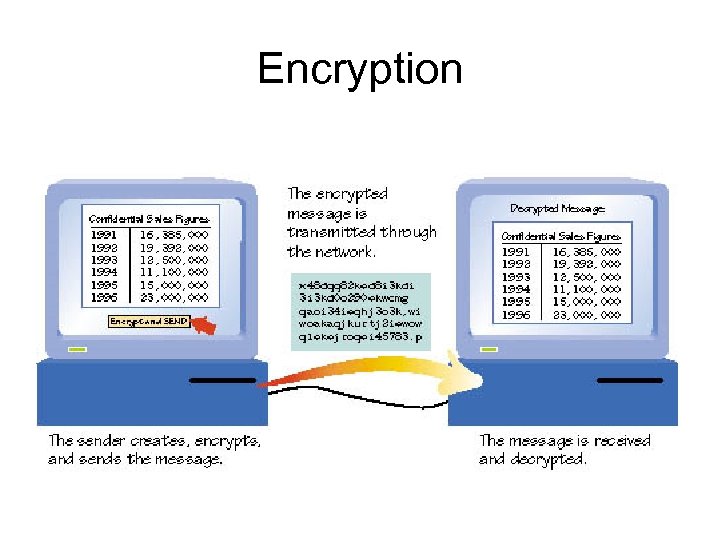
 Encryption • To make a message secure from outsiders requires encryption software • Encryption software scrambles the sent message using a key • A different key is needed to unscramble the received message
 Encryption
 Acceptable Use Policy • Documents that govern the use of computers and networks owned by the company (or schools)