


 Скачать презентацию Computer Shopping Things to consider when replacing your
8b4c8701b929a5e48977b34f7d6aebe6.ppt
- Количество слайдов: 7
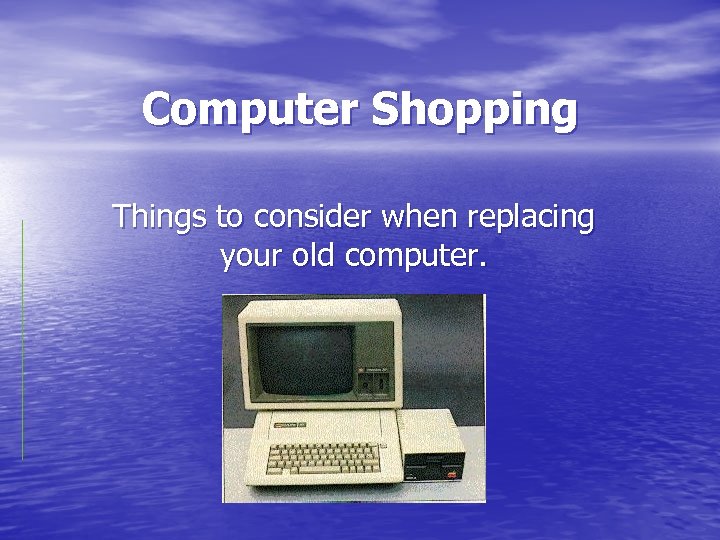 Computer Shopping Things to consider when replacing your old computer.
 Laptop or Desktop? • Laptops are great for students since they can be • • • used at home or at school. However, they tend to be more expensive than desktops. They are also more prone to theft and accidental damage. You can get more for your money with a desktop but they are usually limited to home.
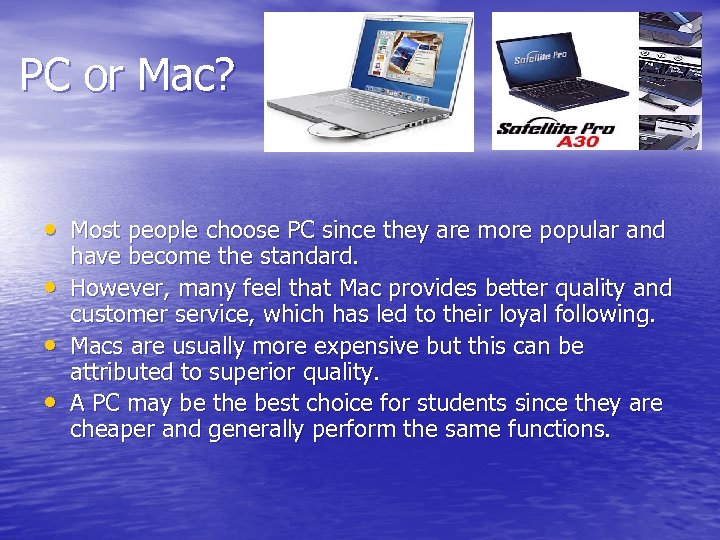 PC or Mac? • Most people choose PC since they are more popular and • • • have become the standard. However, many feel that Mac provides better quality and customer service, which has led to their loyal following. Macs are usually more expensive but this can be attributed to superior quality. A PC may be the best choice for students since they are cheaper and generally perform the same functions.
 Performance Characteristics • Operating Systems- Most PC’s use Microsoft Windows • • but Mac has its own system. (The “Panther”. They claim it’s the worlds best. ) Other examples are Linux and Solaris. RAM-The more the better but it does get expensive. Measured in Bytes. Processors- Pentium is the most expensive and common PC processor. Celeron is also made by Intel. Specialized Centrino is now available for laptops. Hard Drive- Also the bigger the better but larger harddrives will increase price. Measured in Bytes. Tip- Do not buy what you want, buy what you need!
 Where to Shop? • The most popular outlets are larger chains such • • • as Visions, Future Shop and London Drugs. Their market dominance allows them to provide lower prices. Local businesses will often provide better customer service but will end up costing more. The large chains are the best bet for the student on a budget. Buying online may also cut costs but you will not get any customer service.
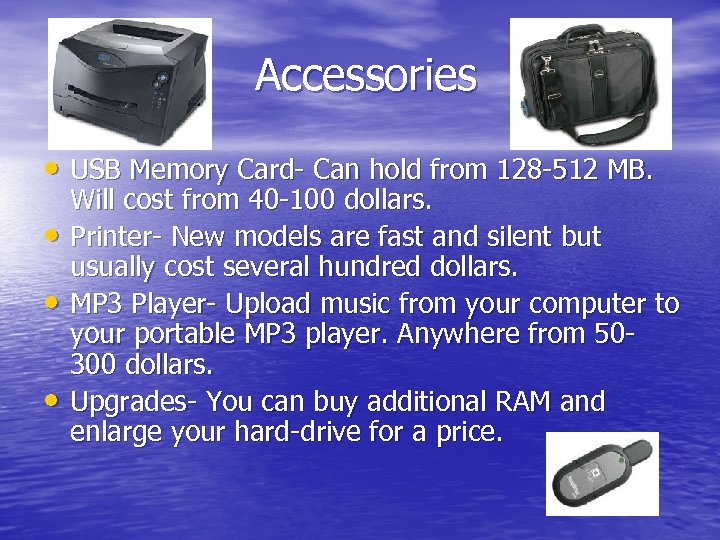 Accessories • USB Memory Card- Can hold from 128 -512 MB. • • • Will cost from 40 -100 dollars. Printer- New models are fast and silent but usually cost several hundred dollars. MP 3 Player- Upload music from your computer to your portable MP 3 player. Anywhere from 50300 dollars. Upgrades- You can buy additional RAM and enlarge your hard-drive for a price.
 Bottom Line • Tailor your computer to meet your needs. Do not buy • • what you will not use as it will just increase the cost. Shop around to find the best deal. Do not buy on the first day. You should be able to get a good desktop for under 1000 and laptop for under 2000. The extended warranty is a tough decision. It will cost several hundred dollars but is a good choice, especially for laptops which are prone to damage. Buying a used computer is also a budget option. Just don’t buy out of the trunk of a car.