 Скачать презентацию Computer Security and what you can do about
e1ba16005eba5c409223f250bace3106.ppt
- Количество слайдов: 32



Computer Security and what you can do about it… Vadim Droznin – a geek - not a professional speaker! vdroznin@qedsys. com

Don’t let this happen to you!
Introduction Discuss best computer and mobile device related practices to protecting you and your office information You will be able to make a knowledgeable decision about combating potential threats on the Internet and make better decisions related to IT INDEX has been building web sites and online courses that are easy to use by everyone, including people with disabilities for over 25 years
Outline Best practice to protect Internet of Everything ◦ ◦ ◦ ◦ ◦ Viruses Intrusion prevention Passwords Backup Encryption Cloud IT outsourcing vs in-house MASS PI Law – Regulation 201 CMR 17 HIPAA compliance
Danger, Will Robinson, Danger! Computer Virus – a program that can infect a computer without permission or knowledge of the user ◦ Spreads over WWW, Network Sharing, E-Mail, Social Networking, and Instant messaging. Will spread to other computers and potentially cause data loss Malware (malicious software) – a program that infects and damages the computer/mobile device (most rootkits, some viruses, Trojan horses, worms) Spyware – a program that intercepts and takes partial control over the user/computer or mobile device interaction/captures key strokes Adware – a program that displays, downloads, and pops-up ads SPAM – an unsolicited e-mail. May be used for phishing or information gathering
Types of Antivirus/Antispyware Kaspersky, Symantec, IObit, etc. ◦ Avira, Avast and AVG offer free basic versions ◦ Ability to update and monitor. Scan whole computer weekly Anti-Spyware: Webroot, Counter. Spy, etc. ◦ Malware. Bytes and Super. Antispyware have free versions ◦ Scan weekly minimum
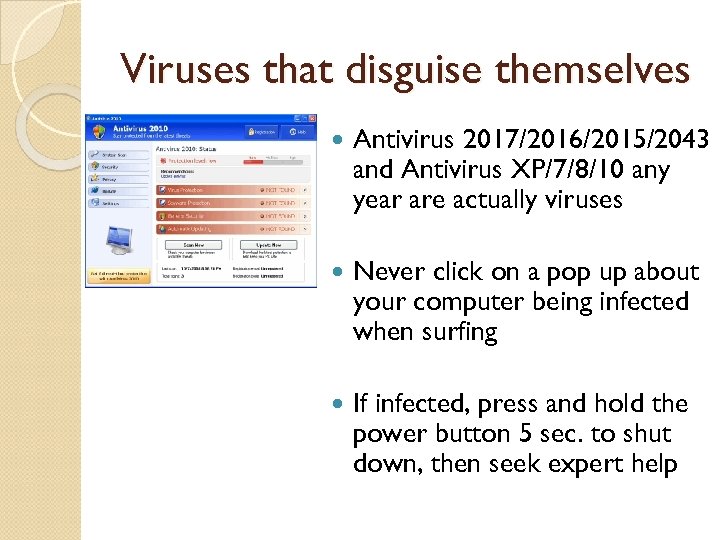
Viruses that disguise themselves Antivirus 2017/2016/2015/2043 and Antivirus XP/7/8/10 any year are actually viruses Never click on a pop up about your computer being infected when surfing If infected, press and hold the power button 5 sec. to shut down, then seek expert help
Anti-SPAM / PHISHING Use internet e-mail sites that offer SPAM scanning (Google, Outlook. com, Yahoo! etc. ) Free Anti-SPAM version exists for Outlook, Outlook Express, Apple and other versions PHISHING - When e-mail or Internet link takes user to a site that masquerades as a real site (can also be done via a server) Spear Phishing – Targeted attack
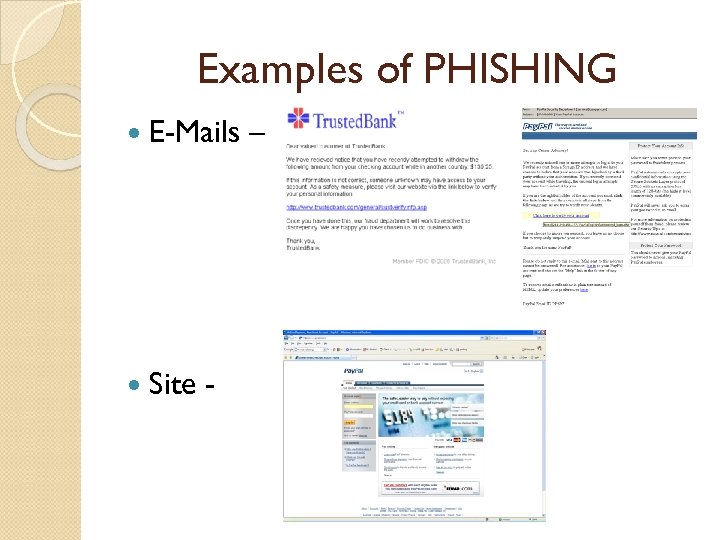
Examples of PHISHING E-Mails Site - –
CEO email fraud CFO or person responsible for payments at the company receives and email from what looks like their company’s CEO that requests a money wire transfer. In some cases email addresses were spoofed in others CEO’s email account was used to send emails. Started in October of 2013 Over 12, 000 businesses World Wide affected Business email compromise schemes netted over one billion dollars in 2015 Average scheme is $120, 000 and as high as $90, 000
SMS Spoofing and Vishing SMS Spoofing – Impersonating companies and people ◦ If fraudster is successful at impersonating an individual, there may be charges to innocent individual ◦ i. Tunes weak password hijack Vishing - disclosing confidential and sensitive information such as personal finances to a scammer ◦ Used to get Credit Card or Medical Information ◦ Caller ID spoofing – (IRS and Kidnaping Calls)
Firewall, Passwords, Wireless, etc. Never hook your computer up to Internet without a firewall. It takes less then 20 minutes to get hacked (cracked) or infected Wireless must have WPA 2 enabled – minimum 14 characters long passphrase. Cisco (Meraki) and others offer real wireless security solution Wi-Fi Protected Setup (WPS) is vulnerable and should be disabled User account passwords on the computer and Internet sites passwords must be at least 15 characters long – combination of Caps, small letters, numbers, and “special” characters ◦ Example - *L 3 t. M 4 L 0 ve_openthe. D@@r! UPS is recommended for computers in case of power outage
Password Helpers Last. Pass is one of the best utilities to manage your passwords. It is free for Macs and PCs and Premium version ($12/year) works on Mobile Devices Key. Pass is open source has a great offline mode and can be synced securely across dropbox accounts 1 Password known for notes that you want to keep private, a digital wallet for bank accounts and payment info, and a password "recipe" builder that lets you customize your passwords
Operating Systems Pros and cons Windows is still most popular Operating System ◦ Windows Vista/7/8/ replaced by Windows 10 as of 2015. ◦ Windows OS are more secure now. Come with built in Windows Defender and better security. ◦ Win OS are still prone to “security flaws” hence critical updates every week. Apple ◦ Still most secure, but more and more programs are written to “infect” Mac OS. Install latest updates to make sure you are secured. ◦ Hardware can “dual boot” into both Apple and Windows OS.
Phones and Internet of Everything Phones have become more then a phone – mobile computers. Use a password to unlock the phone ◦ Purchase Antivirus (AVG Free) with Android based phone. In the foreseeable future, be very careful when installing Apps on the Android. ◦ i. Phone has a much smaller chance of getting infected and downloading a malware/spyware based app. ◦ Window Phones require small learning curve for people used to Windows interface Most new devices have access to Internet and thus can be hacked if not configured correctly
Mobile Apps Android, i. Phone and i. Pad application markets are continuing to grow. There are over 2 million Apps in Apple store, 2. 3 million in Google Play, and around 700, 000 for Windows Phone Store. Apps are now used for learning, money saving and productivity. It is extremely important when deciding on developing a mobile App to start development with Accessibility in mind. It is much harder to change the App later.
Encryption uses an algorithm to encode the devices, files, or information You should be encrypting any business related information on all devices that are taken outside the office – Laptops, Mobile Devices, Thumb drive, etc. When creating a web site that requires a login, an SSL encryption should be implemented ◦ Secure Socket Layer encrypts the data over the Internet between server and client
Backup You can never have enough backups Redundancy is not a backup, but can be used for a quick restore
Backup Continues What should I NOT be using as a media backup (DVDs, External Drive, Dropbox) Best Offsite backups (online backups) provide encryption ◦ Carbonite - $59. 95/year unlimited size, plus plans for businesses ◦ Mozy - $5. 95/month unlimited size ◦ i. Backup $9. 95/month 500 GB for business use ◦ i. Drive offers 5 GB of free cloud backup
Ransomware Malware Cryptolocker, Crypto. Wall and others are examples of Ransomware Free versions of Google Drive, One. Drive, and Dropbox are prone to Ranswomware attacks and can not be considered backups. You need an offsite backup that stores files for a minimum of 30 days so you can restore unlocked versions.
Cloud Pros ◦ Minimizes IT support. Allows “Pay as you go” ◦ Does not require dedicated on-site location ◦ 24/7 uptime not tied to your office Internet ◦ Scalable Cons ◦ Requires higher level of security (prone to attack) ◦ Some of the Applications can not be used, example HIPAA compliance ◦ If part of Internet goes down Cloud Servers may not be reachable
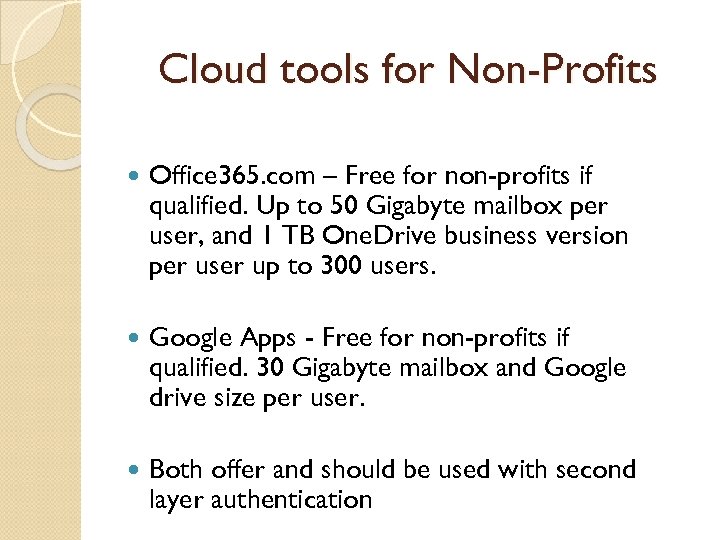
Cloud tools for Non-Profits Office 365. com – Free for non-profits if qualified. Up to 50 Gigabyte mailbox per user, and 1 TB One. Drive business version per user up to 300 users. Google Apps - Free for non-profits if qualified. 30 Gigabyte mailbox and Google drive size per user. Both offer and should be used with second layer authentication
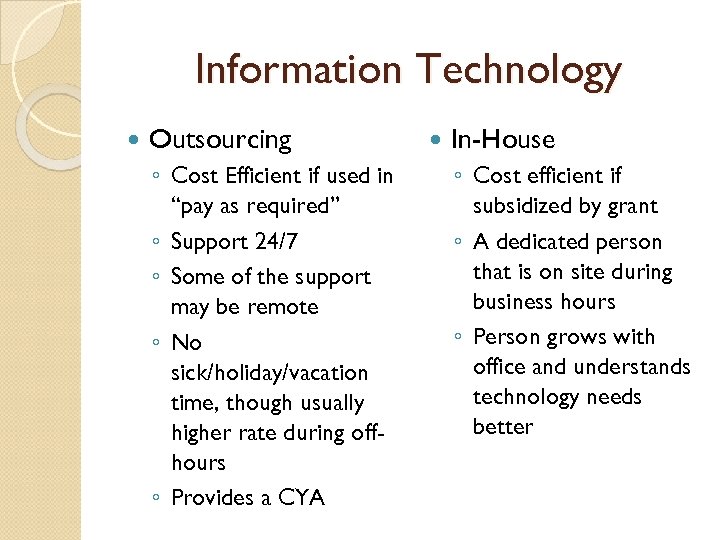
Information Technology Outsourcing ◦ Cost Efficient if used in “pay as required” ◦ Support 24/7 ◦ Some of the support may be remote ◦ No sick/holiday/vacation time, though usually higher rate during offhours ◦ Provides a CYA In-House ◦ Cost efficient if subsidized by grant ◦ A dedicated person that is on site during business hours ◦ Person grows with office and understands technology needs better
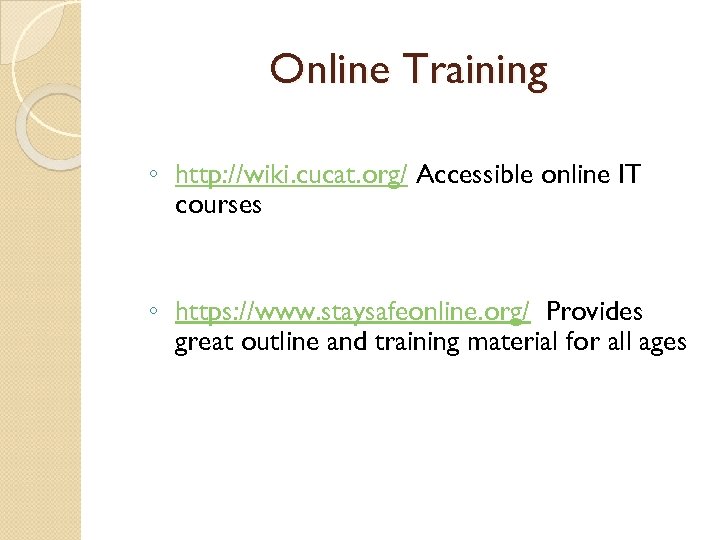
Online Training ◦ http: //wiki. cucat. org/ Accessible online IT courses ◦ https: //www. staysafeonline. org/ Provides great outline and training material for all ages
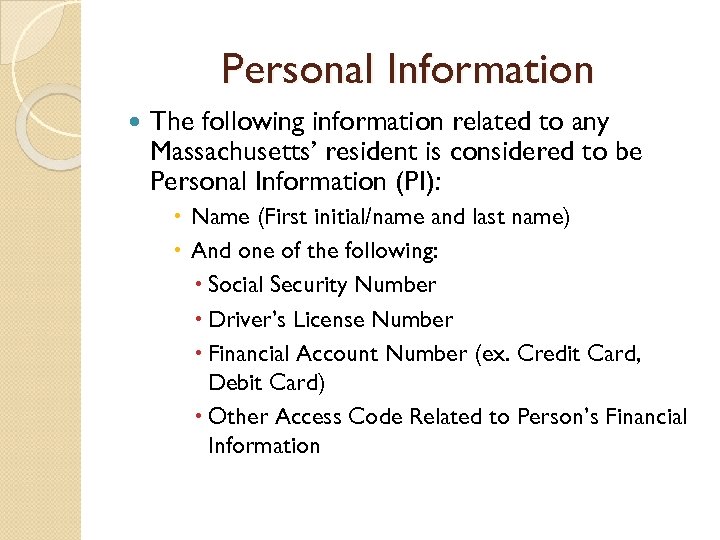
Personal Information The following information related to any Massachusetts’ resident is considered to be Personal Information (PI): Name (First initial/name and last name) And one of the following: Social Security Number Driver’s License Number Financial Account Number (ex. Credit Card, Debit Card) Other Access Code Related to Person’s Financial Information
MASS Personal Information Law Standards for the Protection of Personal Information of Residents of the Commonwealth Effective 3/1/10 Safeguard personal information (PI), both paper and electronic Insure security and confidentiality are consistent with industry standards Protect against anticipated threats Protect against unauthorized access Establishes minimum standards to be met in connection with the safeguarding of personal information (PI) contained in both paper and electronic records Up to $50, 000 per improper disposal and maximum of $5, 000 per violation Above penalties don't include lost business, dealing with irate staff or families, mailing out letters, and other associated costs
Written Information Security Plan (WISP) Working document that details how your organization will protect the non-public personal information (PI) of both students and staff through administrative, technical, and physical safeguards WISP must address: Paper Files Electronic Information
PI - Paper Files ◦ Do not leave files containing PI out and about ◦ Lock desks and file cabinets containing PI ◦ Store keys related to locked desks/cabinets in safe place ◦ If possible, avoid faxing PI ◦ If faxing is required, double check # and name of recipient before sending
PI - Electronic Information Hardware – Your computer ◦ Any Computer or mobile device that is portable can not contain PI ◦ As an extra security, if using a laptop that contains PI, try not to use wireless at a public location – turn off wireless feature Software – Usage on daily bases ◦ Any email that may contain PI, must be encrypted ◦ Passwords to computers, can not be left out in the open (under mouse pad, keyboard, etc. ) ◦ Passwords have to meet minimum requirements Data Files – Protection of files with PI info ◦ Files containing PI should be password protected and never taken off site ◦ No text, Instant Message, or social networking ◦ If there is a necessity to take files with PI offsite, files must be in an encrypted laptop or flash drive with secure password protection
Health Insurance Portability and Accountability Act - HIPAA The HIPAA Privacy Rule provides federal protections for individually identifiable health information held by covered entities and their business associates and gives patients an array of rights with respect to that information. Privacy Rule is balanced so that it permits the disclosure of health information needed for patient care and other important purposes. HIPAA applies to “PHI” (Protected Health Information). This is information that identifies who the health-related information belongs to - names, email addresses, phone numbers, medical record numbers, photos, drivers license numbers, etc. If you have something that can identify a person together with health information of any kind (from an appointment, to a list of prescriptions, to test results, to a list of doctors) you have PHI that needs to be protected per HIPAA. e. PHI is merely PHI that is stored or transmitted electronically (i. e. via email, text message, web site, database, online document storage, FAX, etc. ).
HIPAA Applies to – Covered Entities and everyone touching PHI Health plans: With certain exceptions, an individual or group plan that provides or pays the cost of medical care. Health care clearinghouses: An entity that either process or facilitates the processing of health information from various organizations. I. e. to reformat or process the data into standard formats. Health care providers: Care, services, or supplies related to the health of an individual, . The HITECH additions to HIPAA extend HIPAA compliance requirements to all Business Associates of Covered Entities. Further the Omnibus rule requires that all Business Associates of Business Associates to also be compliant - Everyone in the chain of companies from the Covered Entitles onward needs to be compliant! Even law firms need to comply with HIPAA where they contact PHI. Note: Individuals (unless they fall into one on of the above categories) do not have to be HIPAA compliant. So, for example, it is “OK” for a patient to be noncompliant in communicating with his doctor; however, the doctor must be compliant when communicating back and must be compliant with the patient’s communications once received.
Wrap-up “Internet of Everything” Virus/Spyware/Malware/Adware SPAM/Phishing/CEO/CFO Emails Firewall Wireless Passwords Windows 10/Apple Mobile Devices Encryption/Backup Cloud Hosting IT in-house/outsourced 201 CMR 17 HIPAA- www. hhs. gov/ocr/privacy
Скачать презентацию Computer Security and what you can do about
e1ba16005eba5c409223f250bace3106.ppt