


 Скачать презентацию Computer Science 1 Week 5 This Week
d8643d1600cd02bcee80e5b3fcc74aa1.ppt
- Количество слайдов: 79
 Computer Science 1 Week 5
 This Week. . . • QBasic Programming w Built-in functions • Computer Concepts Networks w The Internet w • Questions on Project #1?

 QBasic Builtin Functions Built-in mathematics and tools
 QBasic Built-in Functions • Built-in Functions w part of the QBasic programming language w returns a value – just like in algebra! • Used in expressions w allows complex mathematics w allows better control of strings
 QBasic Built-in Functions • Often, a function takes an input w it returns an output according to the function w data given to a function is an argument • Strings vs. Numeric functions w functions that end in $ return a string w otherwise, it returns a number
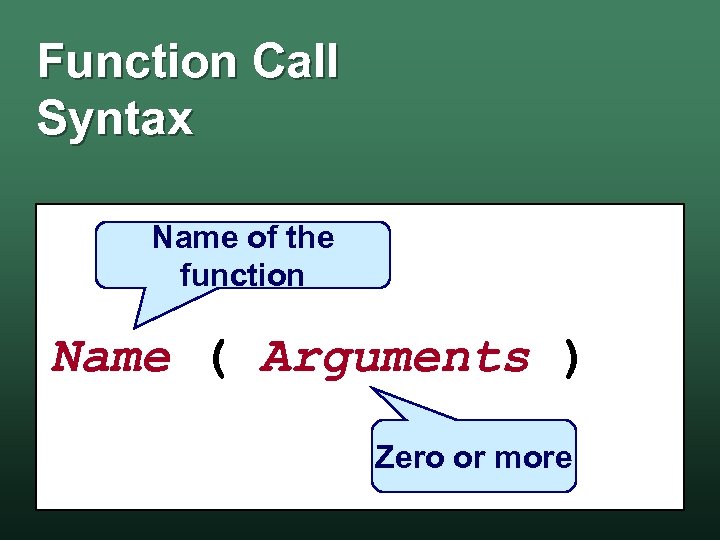 Function Call Syntax Name of the function Name ( Arguments ) Zero or more
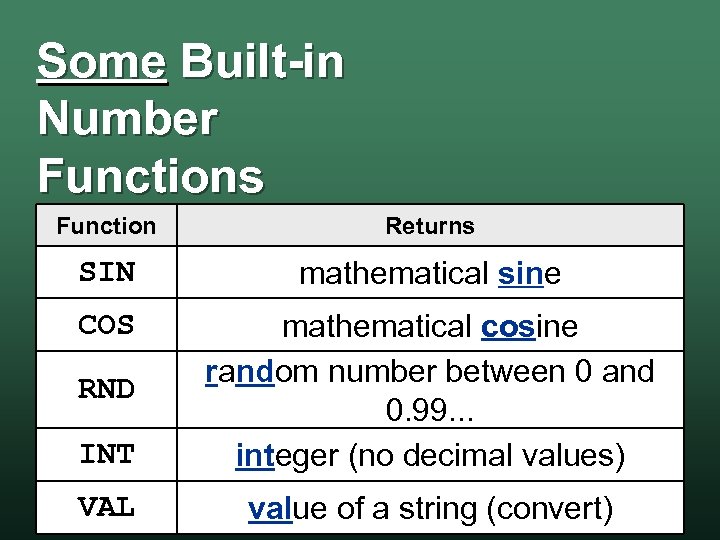 Some Built-in Number Functions Function Returns SIN mathematical sine COS INT mathematical cosine random number between 0 and 0. 99. . . integer (no decimal values) VAL value of a string (convert) RND
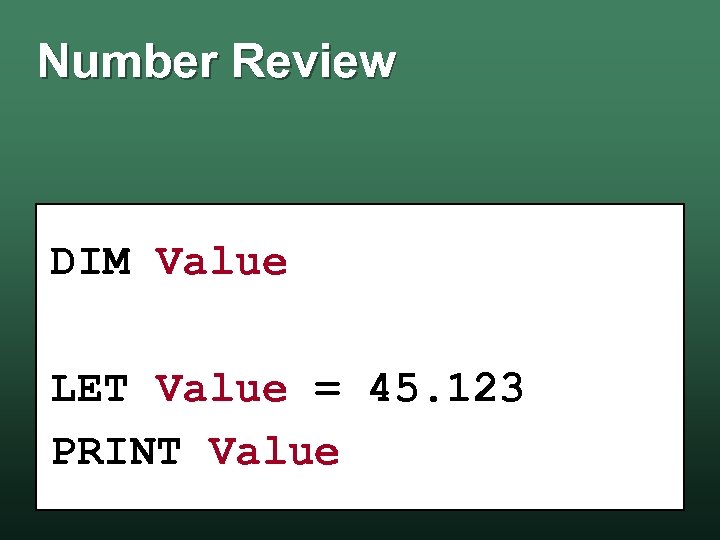 Number Review DIM Value LET Value = 45. 123 PRINT Value
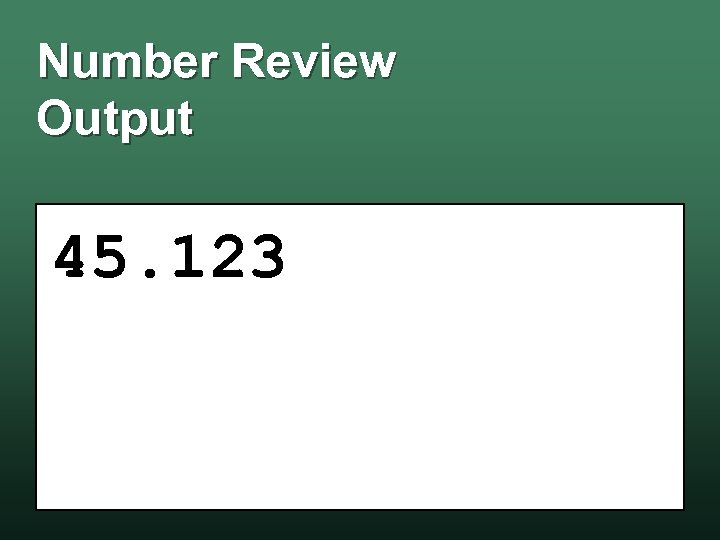 Number Review Output 45. 123
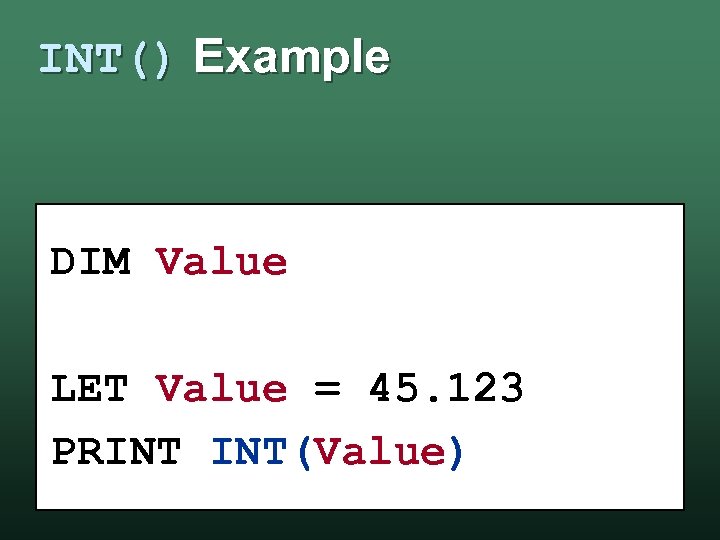 INT() Example DIM Value LET Value = 45. 123 PRINT INT(Value)
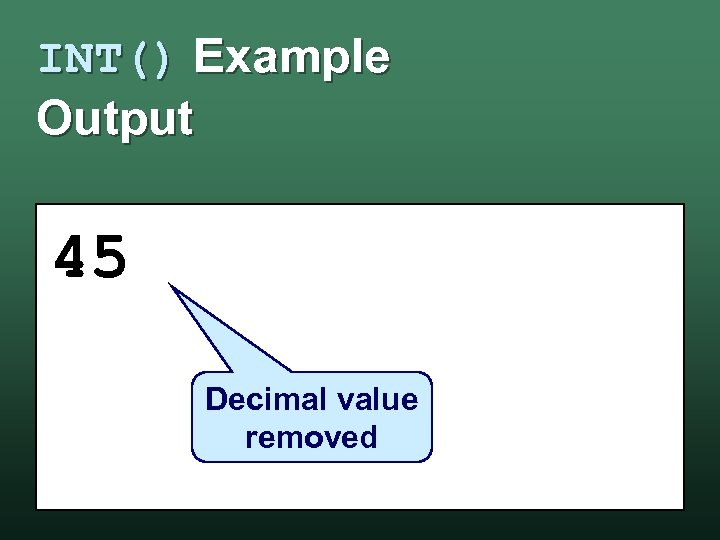 INT() Example Output 45 Decimal value removed
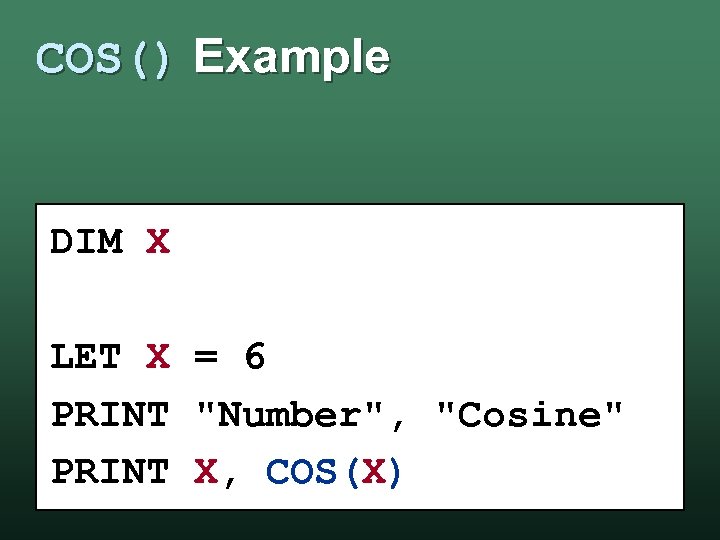 COS() Example DIM X LET X = 6 PRINT "Number", "Cosine" PRINT X, COS(X)
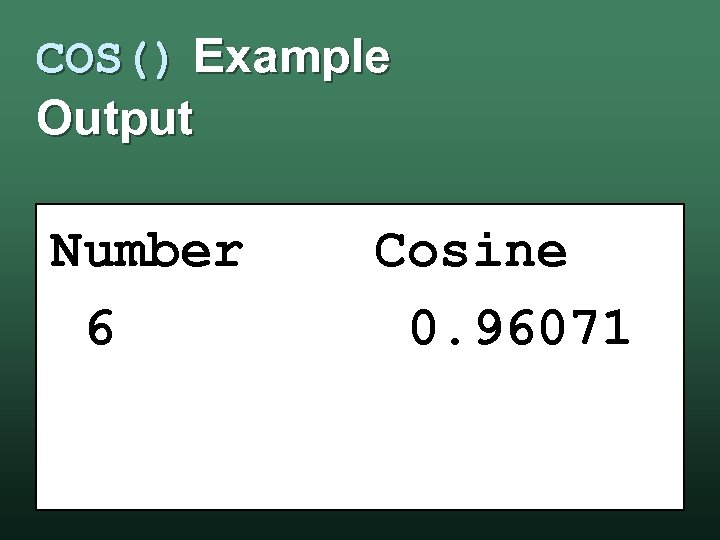 COS() Example Output Number 6 Cosine 0. 96071
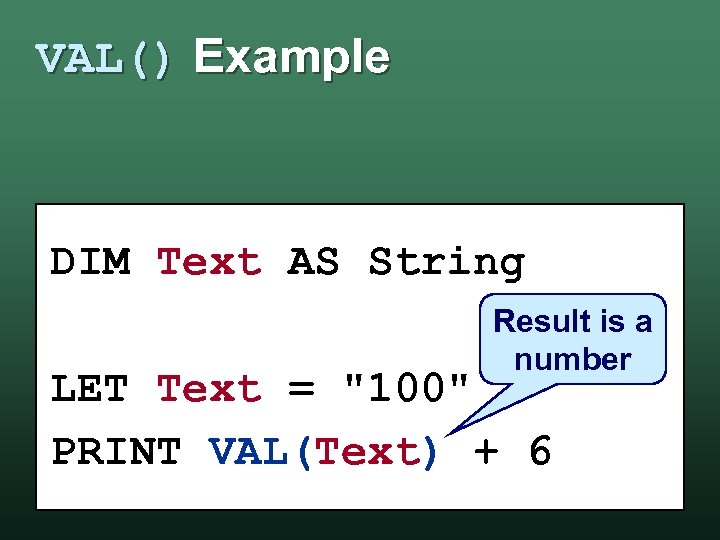 VAL() Example DIM Text AS String Result is a number LET Text = "100" PRINT VAL(Text) + 6
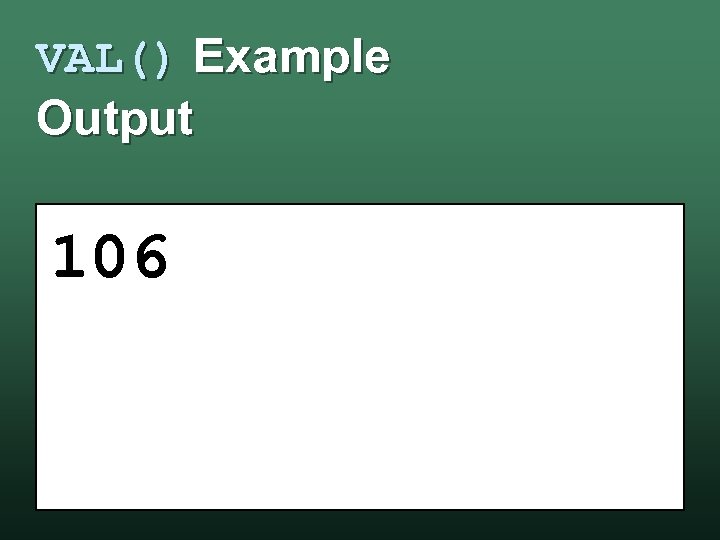 VAL() Example Output 106
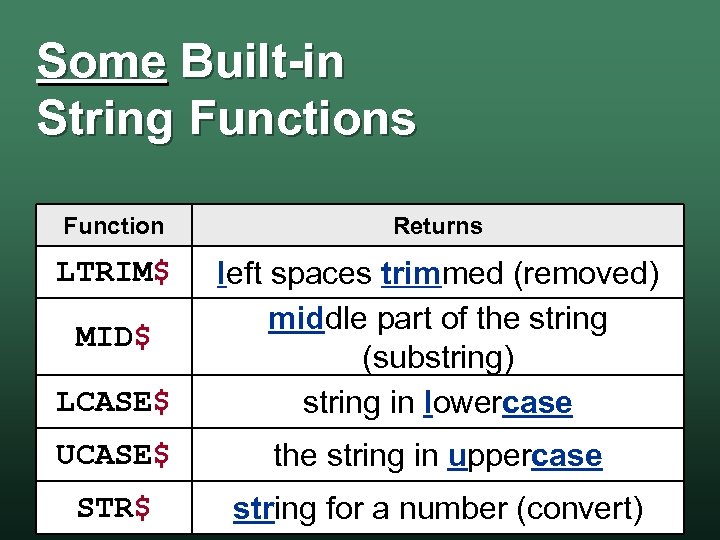 Some Built-in String Functions Function Returns LTRIM$ LCASE$ left spaces trimmed (removed) middle part of the string (substring) string in lowercase UCASE$ the string in uppercase STR$ string for a number (convert) MID$
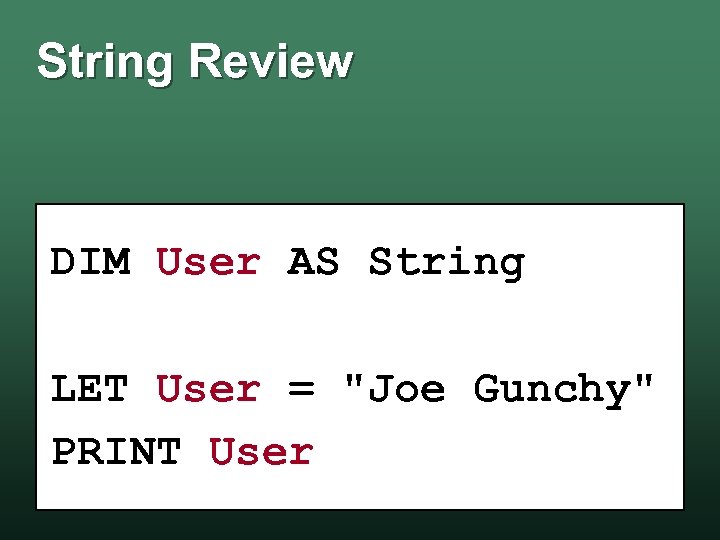 String Review DIM User AS String LET User = "Joe Gunchy" PRINT User
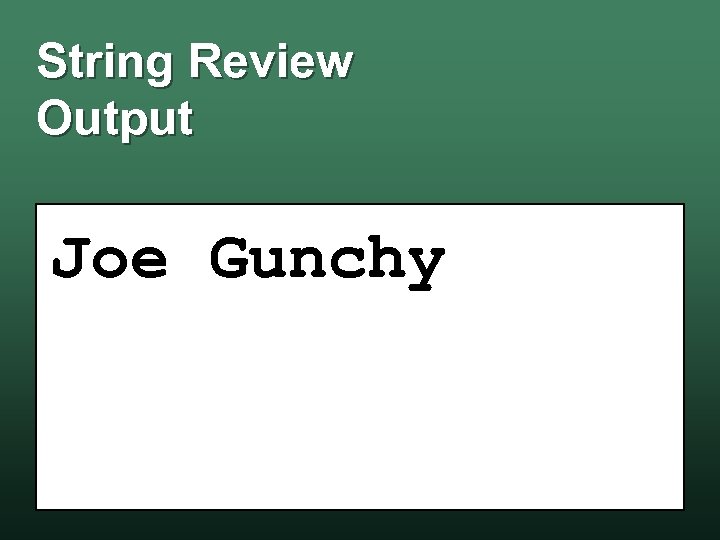 String Review Output Joe Gunchy
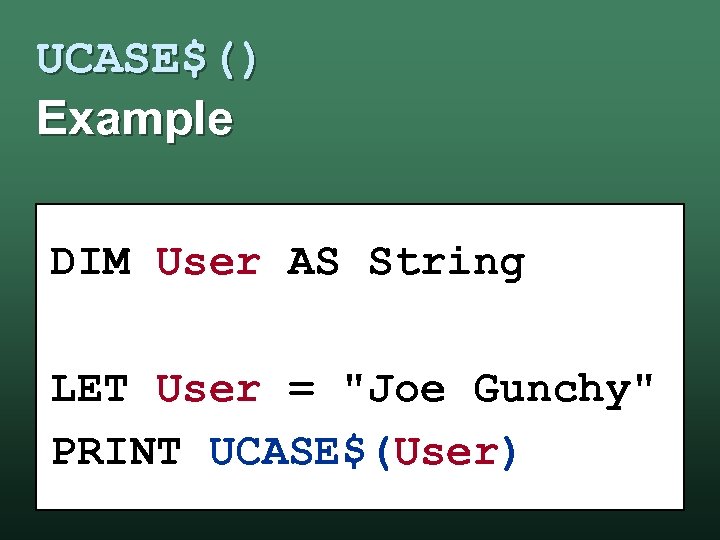 UCASE$() Example DIM User AS String LET User = "Joe Gunchy" PRINT UCASE$(User)
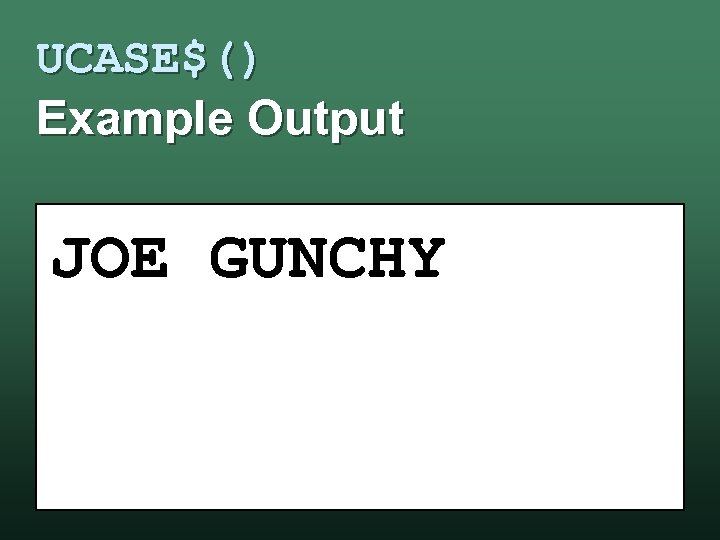 UCASE$() Example Output JOE GUNCHY
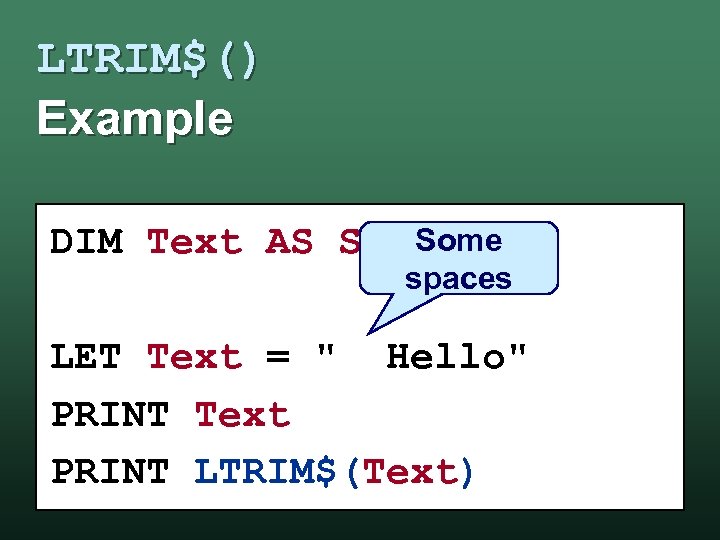 LTRIM$() Example Some DIM Text AS STRING spaces LET Text = " Hello" PRINT Text PRINT LTRIM$(Text)
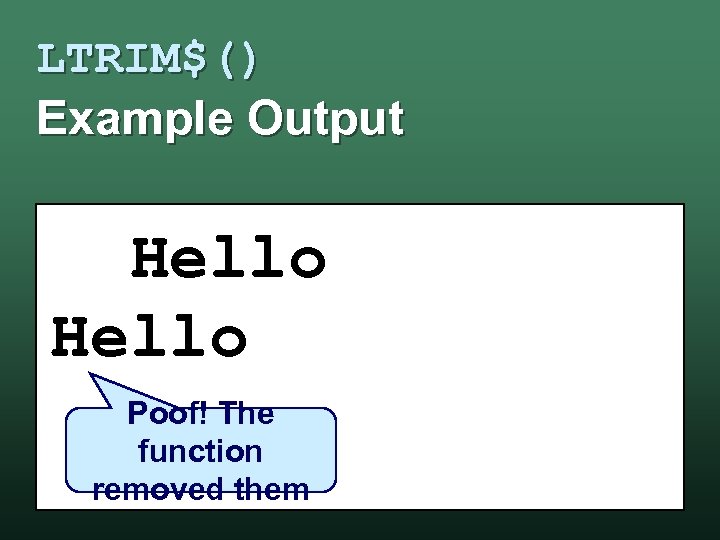 LTRIM$() Example Output Hello Poof! The function removed them
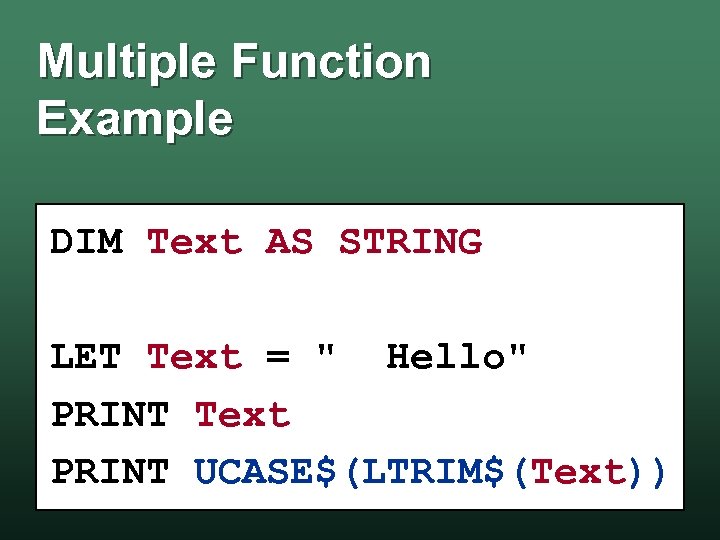 Multiple Function Example DIM Text AS STRING LET Text = " Hello" PRINT Text PRINT UCASE$(LTRIM$(Text))
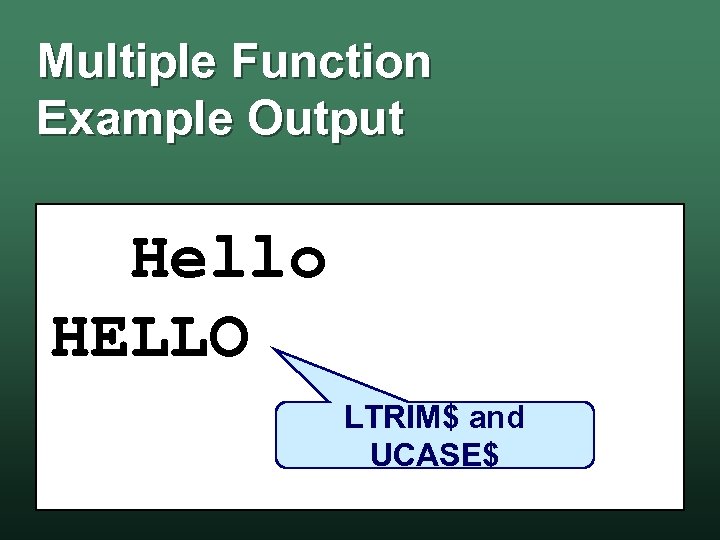 Multiple Function Example Output Hello HELLO LTRIM$ and UCASE$
 QBasic Lab Functions – Space Cadet
 Lab: Space Cadet • Objectives use variables w use built-in functions w • Your Program calculate how much fuel your ship needs w calculate the perimeter of a polygon inscribed inside a circle w
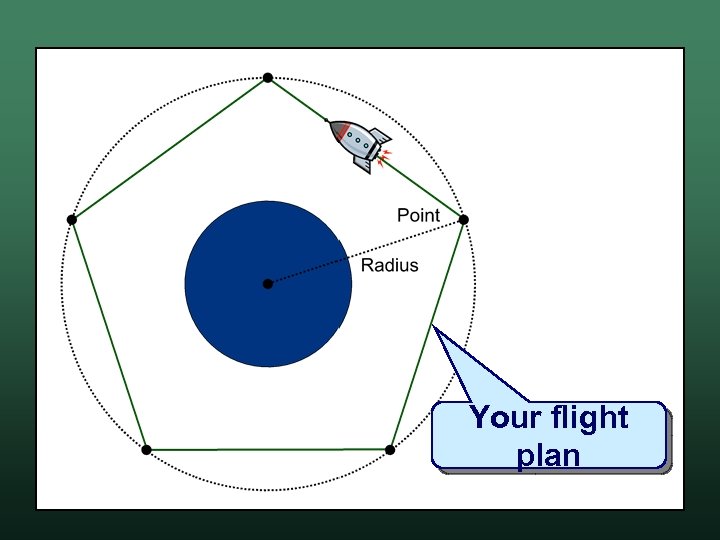 Your flight plan
 Celestial Bodies • • Azeroth Grue LV-426 Maximegalon Marklar Spaceball Yugopotamia Vogsphere
 Remember. . . • Turn your program & your output w Lab 4 in Sac. CT

 Essay Project The G. E. Writing Requirement
 Remember. . . • Do not plagiarize. . . Do not copy text from another paper w Do not submit someone else's paper w Do not falsify or invent sources w • If you cheat. . . w You will receive an "F" in this class

 Network Basics What is a Network?
 What is a Network? • Computers that are connected able "talk" to each other w able exchange data w • They can be connected: using ports and wires w radio waves w etc. . w
 Networking Advantages • Share Data w examples: files, e-mail, pictures, . . . • Share Devices w examples: printers, scanners, . . . • Work together regardless of time and place w examples: instant messaging, virtual meetings w
 Network Disadvantages • More vulnerable to unauthorized access data theft – the wrong people get data w hacking – someone attacks your computer w • More vulnerable to malicious code worms w viruses w etc. . w
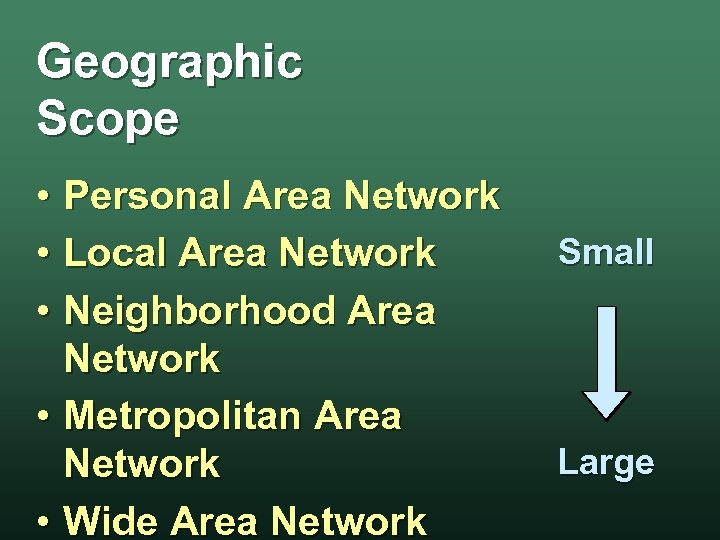 Geographic Scope • Personal Area Network • Local Area Network • Neighborhood Area Network • Metropolitan Area Network • Wide Area Network Small Large
 Bandwidth • Bandwidth w capacity of a communications channel • High-bandwidth systems sometimes referred to as broadband w excellent for transmitting multimedia w • Low-bandwidth systems w sometimes referred to as narrowband
 Network Links • Wired network w data travels between devices over a cable • Wireless network w data travels between devices through radio waves in the air • Communication channels physical path or a frequency w e. g. computer cables, cell phone frequency w

 Communicatio n Protocols How Computers Talk
 What is a Protocol? • Set of rules that define w how data is sent w rules for sending w how computers "talk" • Format w how data is
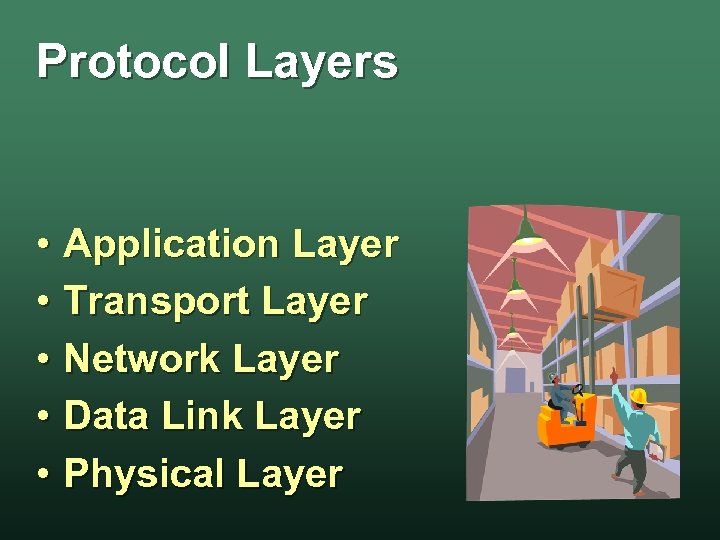 Protocol Layers • Application Layer • Transport Layer • Network Layer • Data Link Layer • Physical Layer
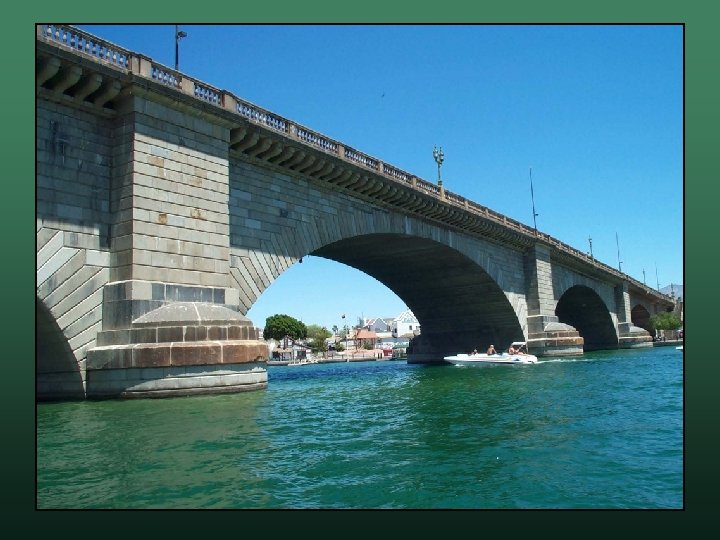
 London Bridge is Falling Down. . . • London Bridge commuter bridge constructed in 1831 w don't confuse it with the London's Tower Bridge w • By 1924. . . London Bridge was falling down w it was also sinking in the clay w • The British decided to build a new bridge
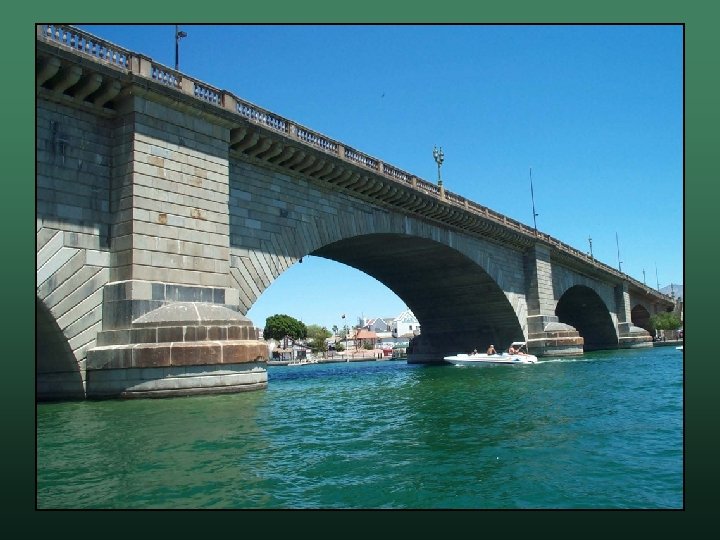
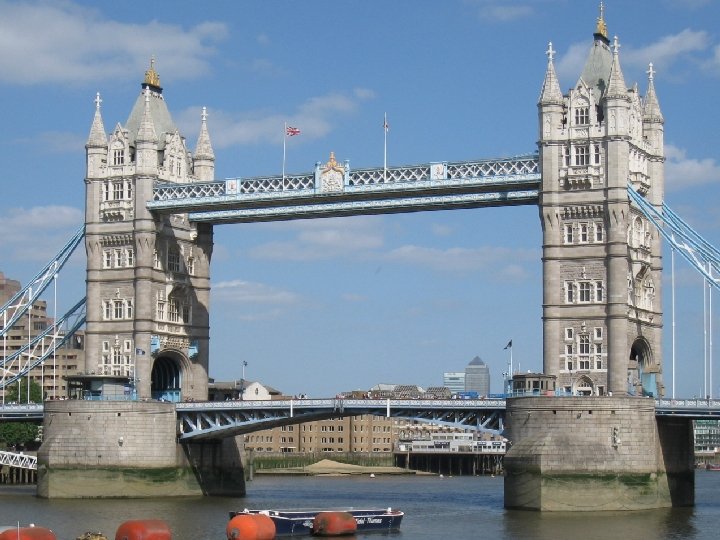
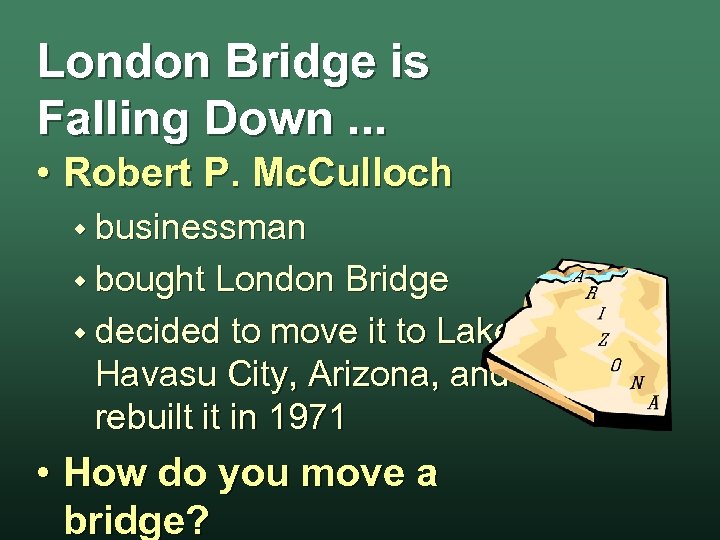 London Bridge is Falling Down. . . • Robert P. Mc. Culloch w businessman w bought London Bridge w decided to move it to Lake Havasu City, Arizona, and rebuilt it in 1971 • How do you move a bridge?
 London Bridge is Moving 'round • Break the bridge into pieces since the bridge is masonry w “bricks” was the logical choice w • Each was labeled carefully the span it was in - 5 total w the row of stone it was in w
 London Bridge is Moving 'round • The bricks were put into crates • Each crate was carefully labeled • Crates were transported moved by ship to the East Coast w then, trucked to Arizona w
 London Bridge is Homeward Bound • The crates stuff arrived at different times w and took different routes w • Since each was organized the bridge could be reconstructed w now, London Bridge is in Arizona w
 Application Layer • The "Bridge Structure" • Top-most layer • Protocol depends on the application w what type of data is being sent w what extra information is needed
 Transport Layer • The "Crates of Bricks" • The units that pass over a network w the "crates" are called packets w different networks use different formats • The Internet uses TCP (transmission
 Network Layer • The "Crate Mailing Addresses" • Each computer has a unique address w contains a Source and Destination w allows packets to be “mailed” to the target • The Internet uses IP (internet protocol)
 Data Link Layer • The "Shipping Department" • Determines w when data will be sent over physical devices w which physical devices • Examples w Ethernet, Wi-Fi, etc. .
 Physical Layer • The "Boats and Trucks" • The physical way data is transferred • Examples w wires w fiber optic cables w radio and microwave transmissions
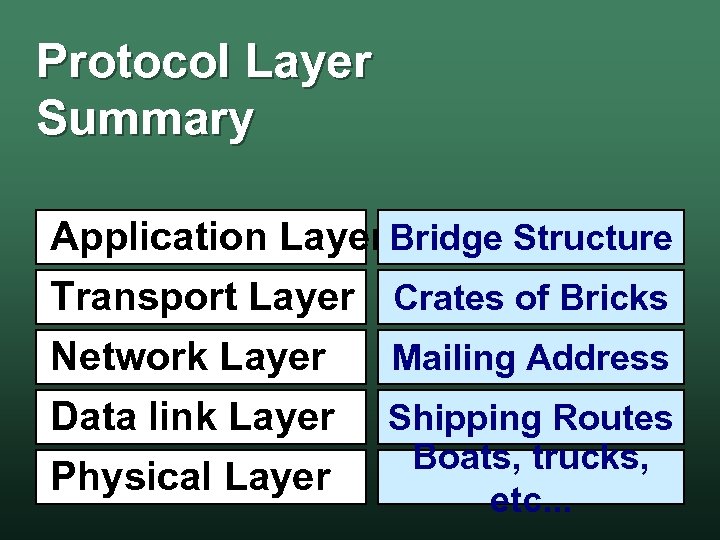 Protocol Layer Summary Application Layer Bridge Structure Transport Layer Crates of Bricks Network Layer Mailing Address Data link Layer Shipping Routes Boats, trucks, Physical Layer etc. . .

 The Internet The Mother of All Networks
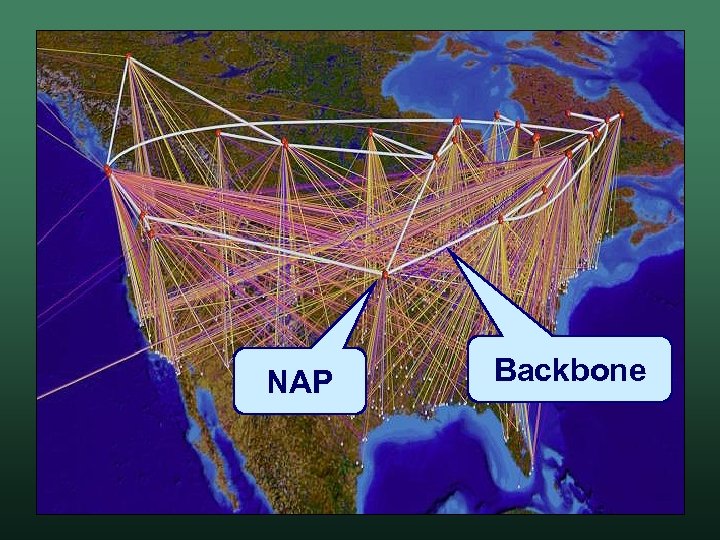
 What is the Internet? • The Internet is a massive collection of networks that are linked together w w w computers can be anywhere in the World originally designed by the United States designed to never go down. • The main routes are the Internet backbone • Different networks communicate using TCP/IP
 How the Internet Got Started • The DOD created ARPA Advanced Research Projects Agency w response to the launch of Sputnik in 1957 w help scientists communicate w share valuable computer resources w • ARPANET w connected computers at four universities – 1969 (UCLA, Stanford, UCSB, and U of Utah)
 Who Controls the Internet? • It is not owned, operated, or controlled by any single entity • It is controlled by: w private businesses w United States Federal Government (mostly management)
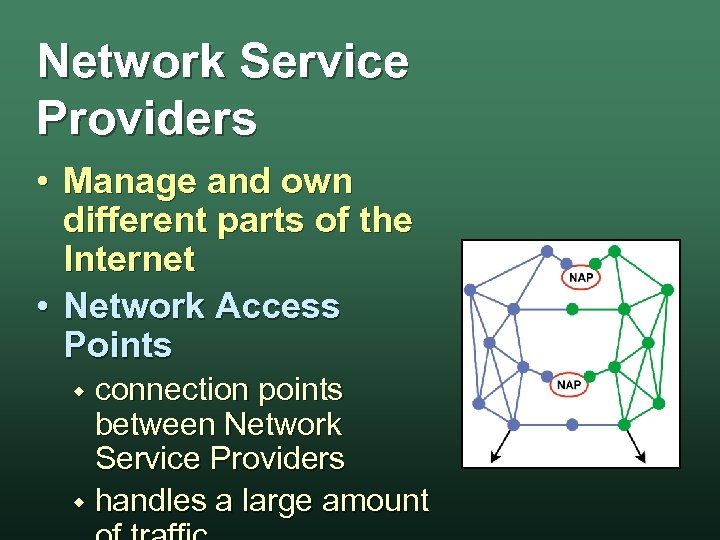 Network Service Providers • Manage and own different parts of the Internet • Network Access Points connection points between Network Service Providers w handles a large amount w
 Internet Service Providers • Internet Service Provider w operates network devices that handle the physical aspects of transmitting and receiving data • Many ISPs connect the user to the Internet w handle incoming and outgoing mail w maintain web servers for subscriber Web sites w
 NAP Backbone
 The Internet Uses TCP / IP • Provides a standard refers to the Network and Transport layers w easy to implement and extensible w public and free w • TCP / IP is. . . the standard network and transport layers w allows all the networks to communicate w
 Transporting Data • The TCP part of TCP/IP defines w Transmission Control Protocol w how data will be bundled to be transported w analogous to the "crates of bricks" • Allows information to be moved over different networks
 IP Addresses • The IP part of TCP/IP defines w w w Internet Protocol format of addresses that identify individual computers analogous to the "crate mail addresses" • Internet Addresses - IP Address w w w series of numbers, such as 130. 86. 90. 1 Internet Protocol (IPv 4) - Only 4 billion IPv 6 is needed - 3. 4 × 1038
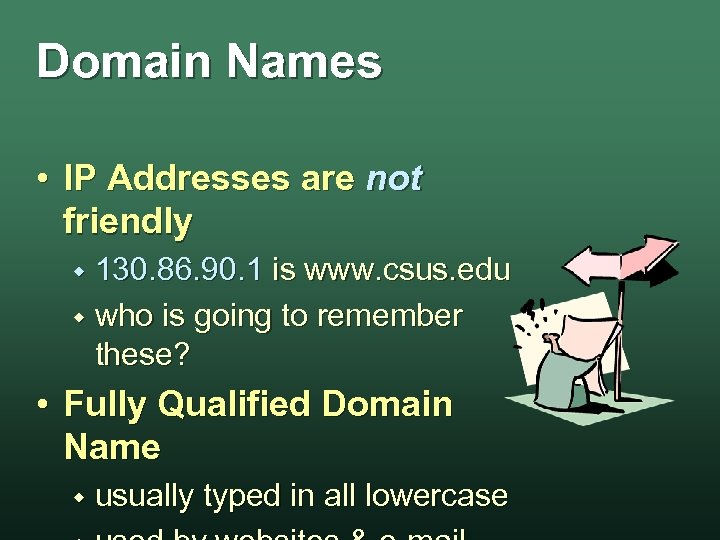 Domain Names • IP Addresses are not friendly 130. 86. 90. 1 is www. csus. edu w who is going to remember these? w • Fully Qualified Domain Name w usually typed in all lowercase
 Looking up Domain Names • Each domain corresponds to an IP address • Domain Name System huge database that stores names & IP addresses w browser "looks up" the IP address from the name w this is called DNS Lookup w • Domain Name Servers house the
 Top Level Domains • Usually the last three (TLD) characters w w used to describe the type of domain examples: . edu, . com, . org • Controlled by w w Internet Corporation for Assigned Names and Numbers (ICANN) contracted with the U. S.
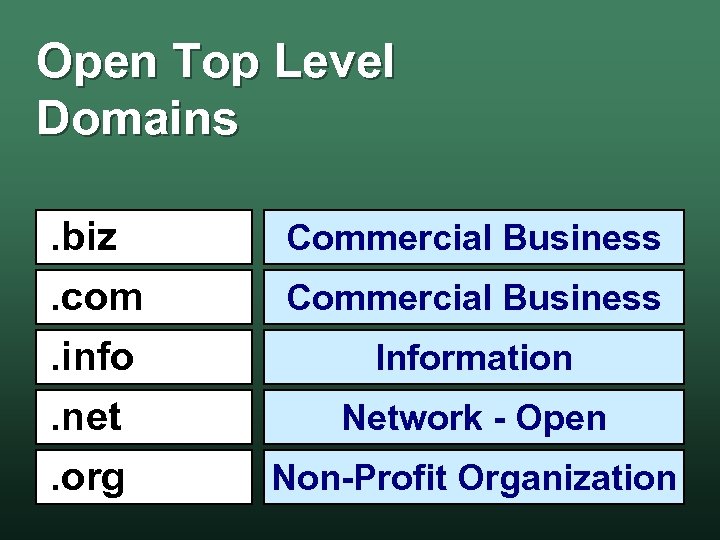 Open Top Level Domains. biz. com. info. net. org Commercial Business Information Network - Open Non-Profit Organization
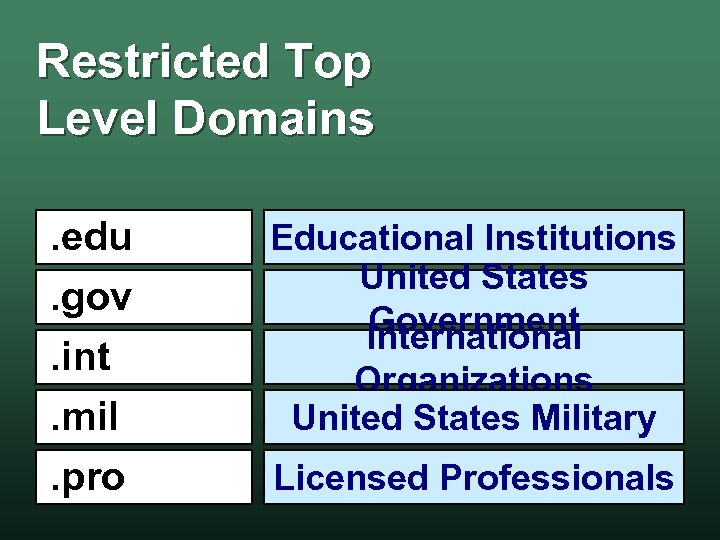 Restricted Top Level Domains. edu. gov. int. mil. pro Educational Institutions United States Government International Organizations United States Military Licensed Professionals
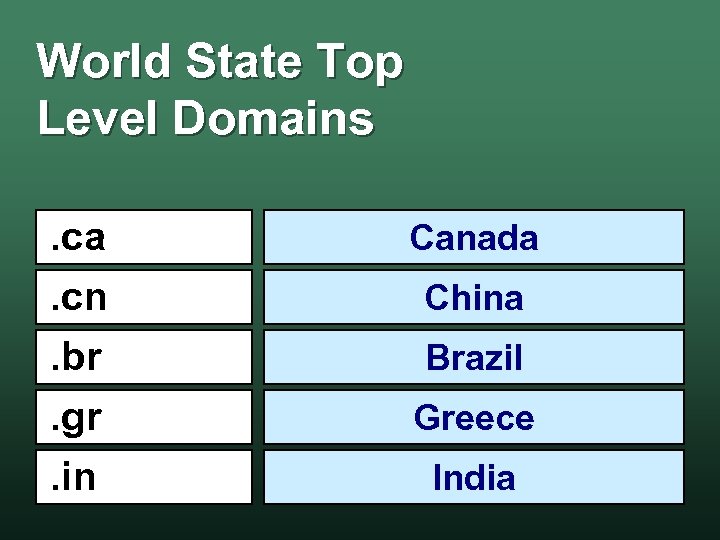 World State Top Level Domains. ca. cn. br. gr. in Canada China Brazil Greece India
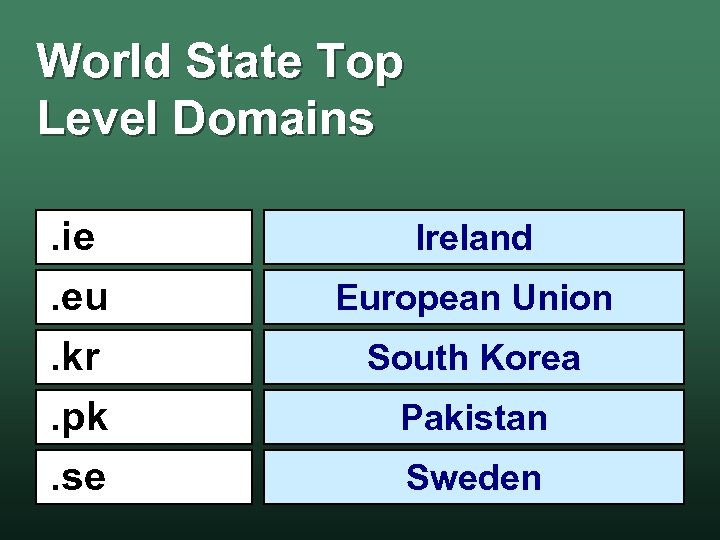 World State Top Level Domains. ie. eu. kr. pk. se Ireland European Union South Korea Pakistan Sweden
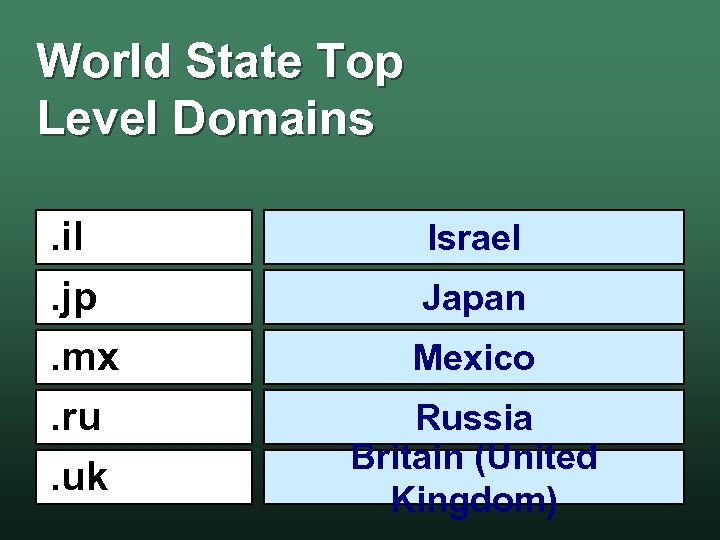 World State Top Level Domains. il. jp. mx. ru. uk Israel Japan Mexico Russia Britain (United Kingdom)
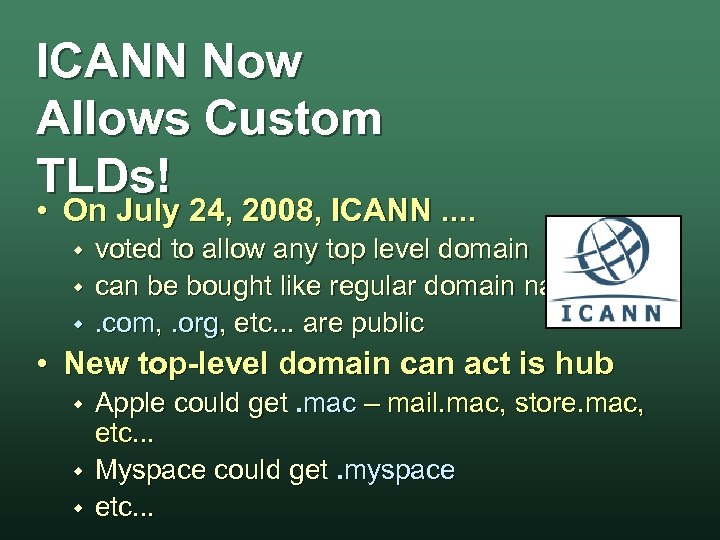 ICANN Now Allows Custom TLDs! • On July 24, 2008, ICANN. . w w w voted to allow any top level domain can be bought like regular domain names. com, . org, etc. . . are public • New top-level domain can act is hub w w w Apple could get. mac – mail. mac, store. mac, etc. . . Myspace could get. myspace etc. . .