Скачать презентацию Computer Science 1 Week 12 This Week
a24ac9a03e0517b3df85a0da5898e126.ppt
- Количество слайдов: 99
 Computer Science 1 Week 12
 This Week. . . • QBasic For Loops • Computer History w 1 st – 3 rd Generation computers • Website Project is Due!

 QBasic For Loops Looping a variable through a range
 For Statement • Loops a block of statements the block is executed numerous times w this allows you to create repetition w • When do you use it? execute a block a number of times w process data using the set of numbers w
 For Statement • Uses a numeric variable w w w Default: increment by one (+ 1) in each loop automatically starts with an initial value changes its value for each loop stops once its value is greater than end value • Semantics. . . w w assigns the initial/next value to the variable executes the block if the variable is not greater than the end value
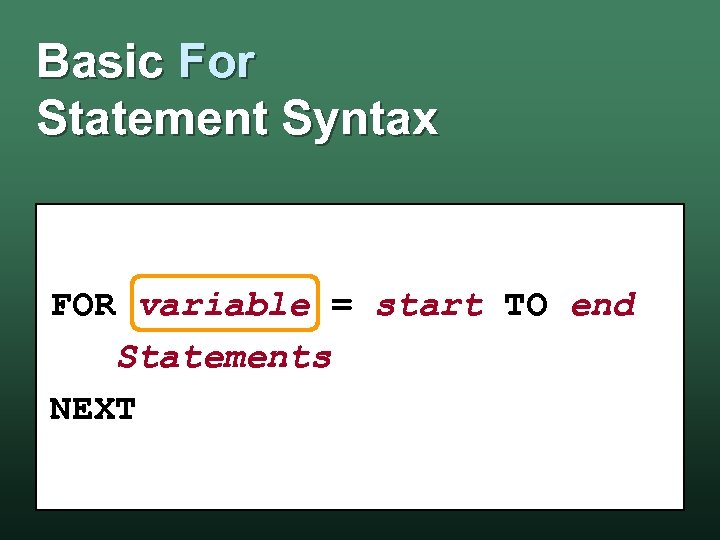 Basic For Statement Syntax FOR variable = start TO end Statements NEXT
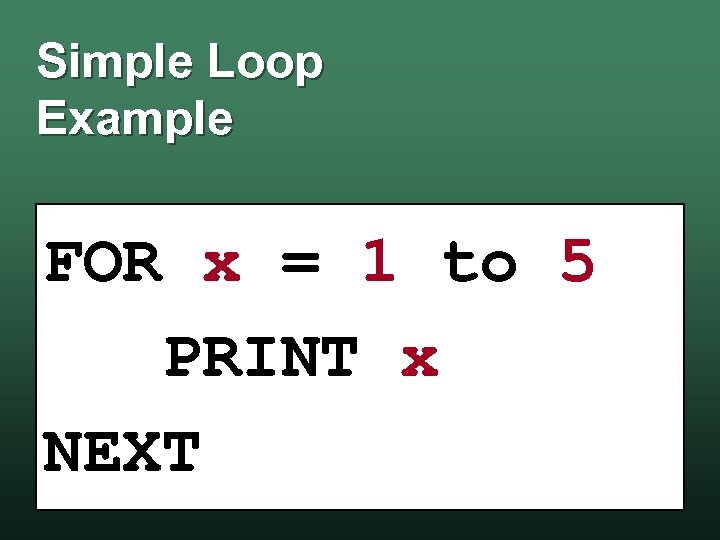 Simple Loop Example FOR x = 1 to 5 PRINT x NEXT
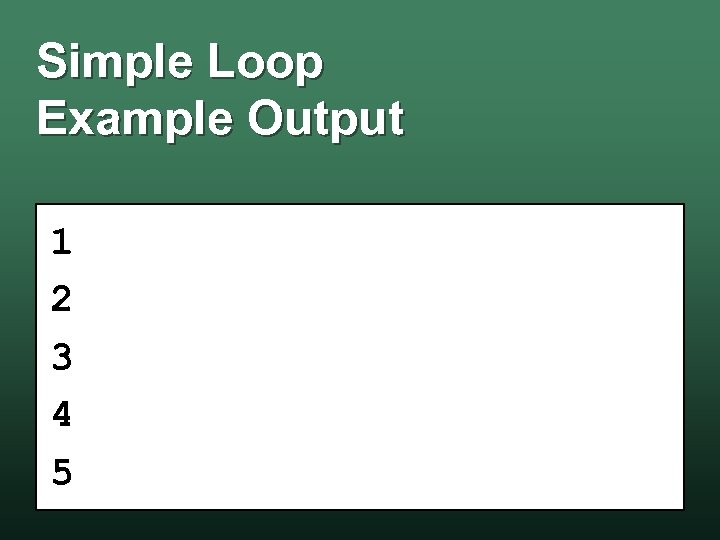 Simple Loop Example Output 1 2 3 4 5
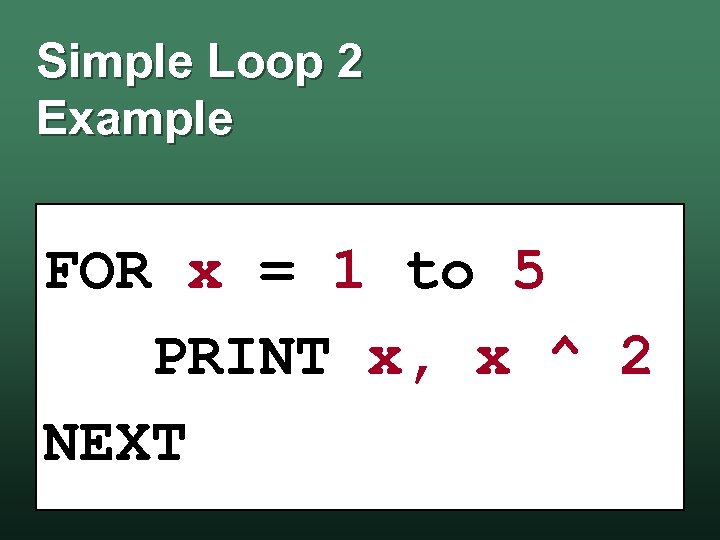 Simple Loop 2 Example FOR x = 1 to 5 PRINT x, x ^ 2 NEXT
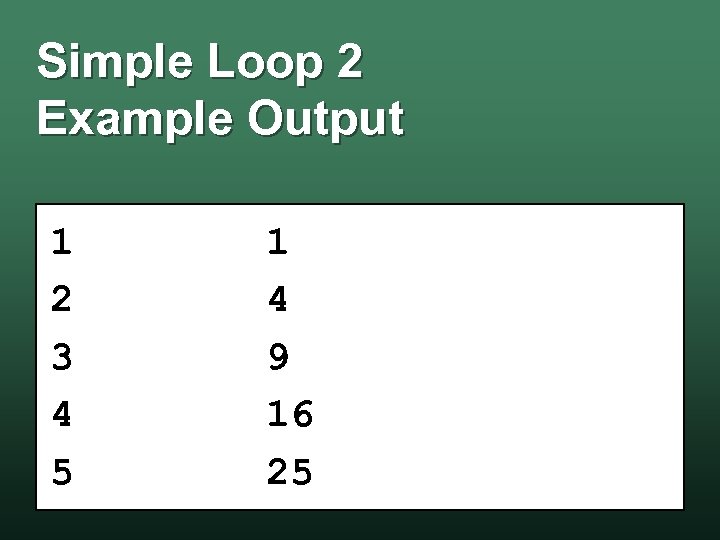 Simple Loop 2 Example Output 1 2 3 4 5 1 4 9 16 25
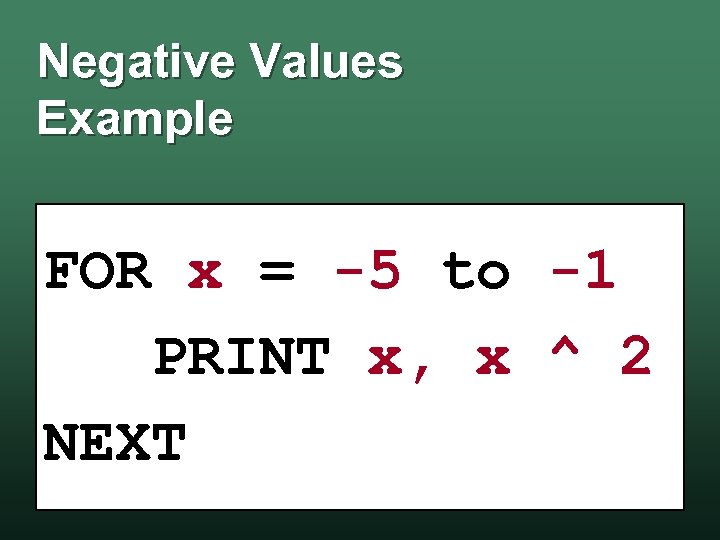 Negative Values Example FOR x = -5 to -1 PRINT x, x ^ 2 NEXT
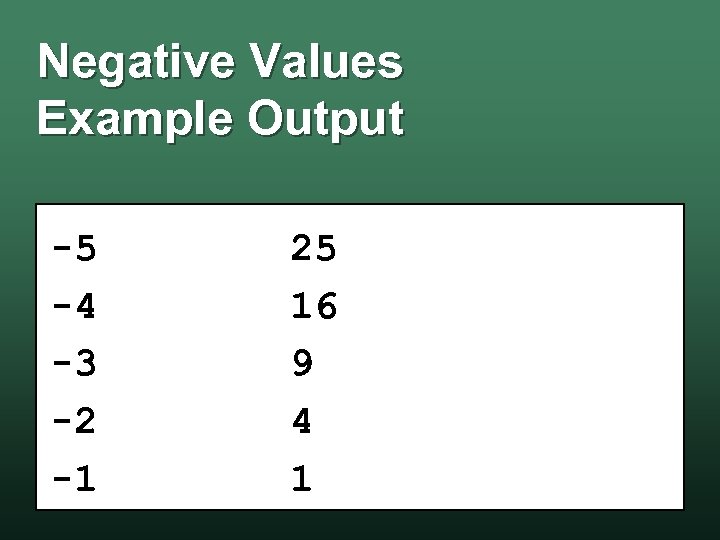 Negative Values Example Output -5 -4 -3 -2 -1 25 16 9 4 1
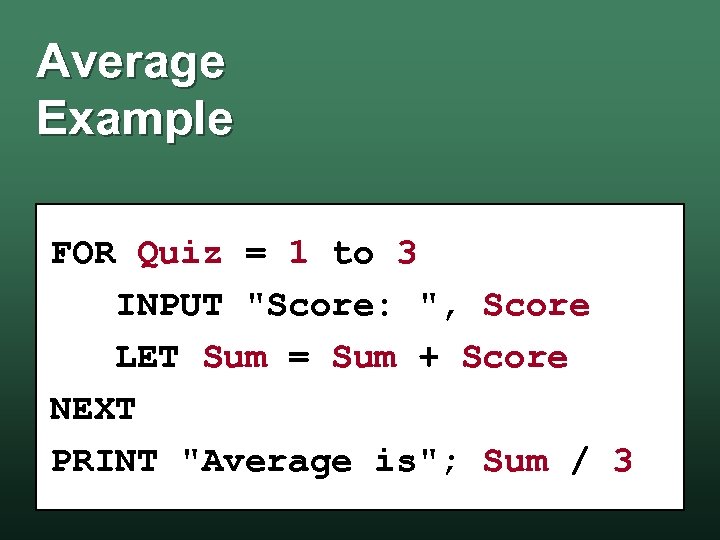 Average Example FOR Quiz = 1 to 3 INPUT "Score: ", Score LET Sum = Sum + Score NEXT PRINT "Average is"; Sum / 3
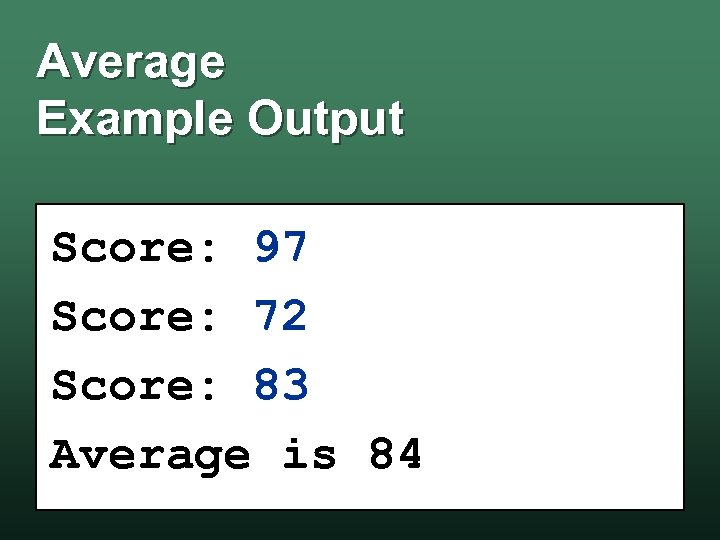 Average Example Output Score: 97 Score: 72 Score: 83 Average is 84
 Inner Loops • Like all QBasic blocks, you can put loops within loops • The loop in the inner-most block is an inner loop • The loop in the outer-most block is an outer loop
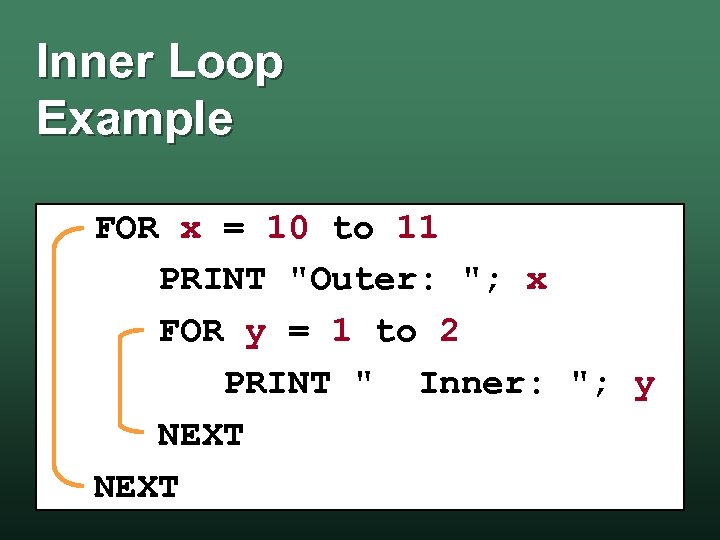 Inner Loop Example FOR x = 10 to 11 PRINT "Outer: "; x FOR y = 1 to 2 PRINT " Inner: "; y NEXT
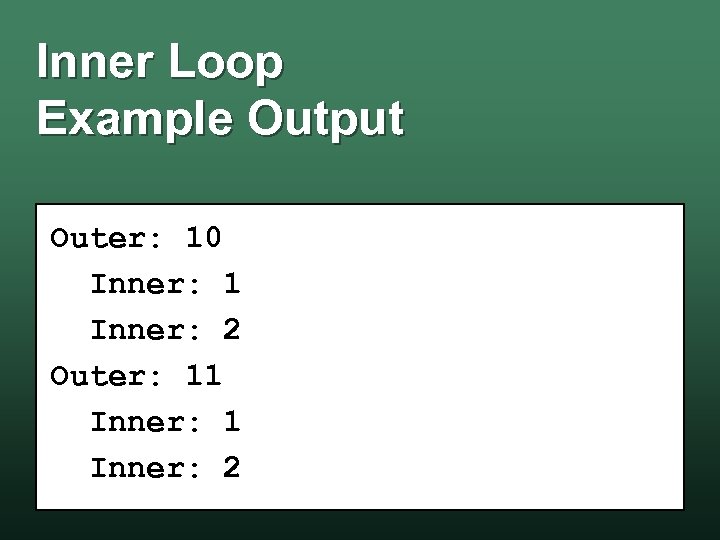 Inner Loop Example Output Outer: 10 Inner: 1 Inner: 2 Outer: 11 Inner: 2
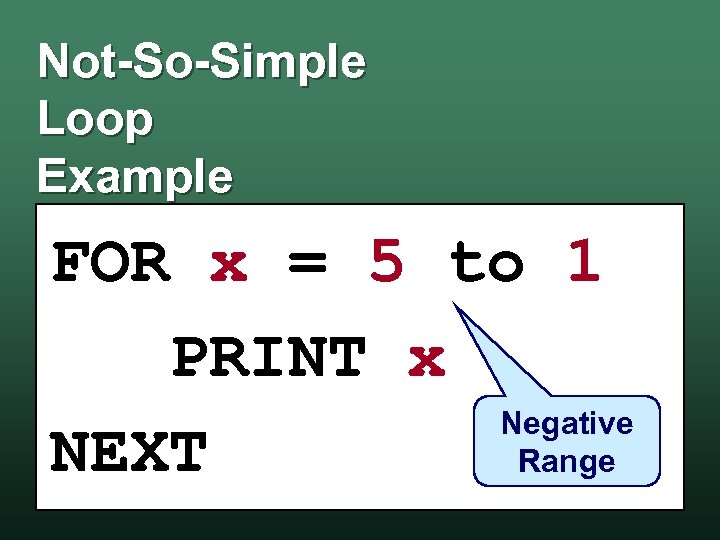 Not-So-Simple Loop Example FOR x = 5 to 1 PRINT x Negative NEXT Range
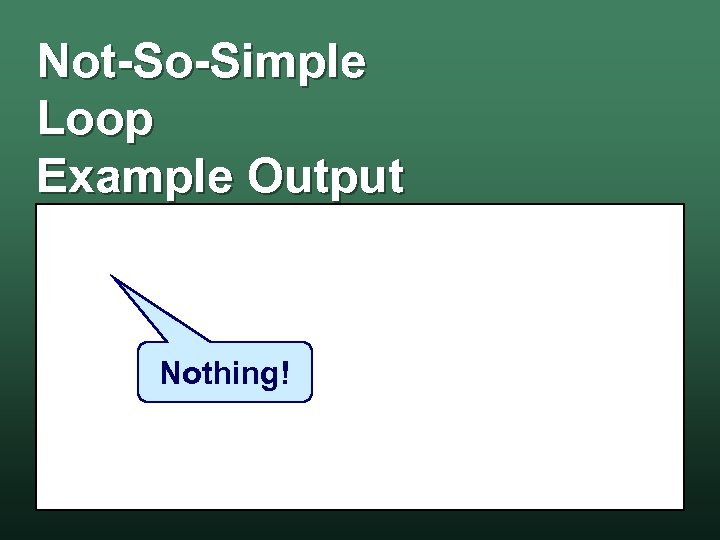 Not-So-Simple Loop Example Output Nothing!
 Not-So-Simple Loop Why? • The For. . . Next Statement starts at the first value w continues until the value of the variable is greater than the end value w • If the start value is greater than the end value, the loop never executes
 The Step Clause • Normally, the For. . . Next Statement increments using +1 • The Step Clause allows you to change the increment value • This allows you to: create negative loops w create loops that jump by a specific value w
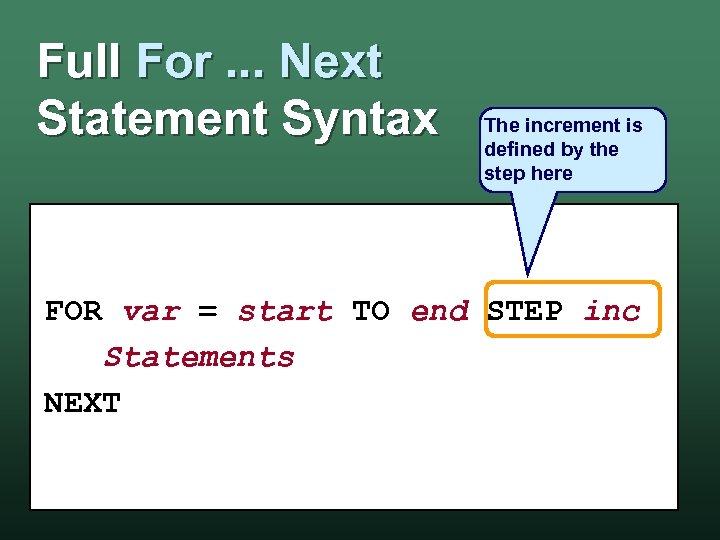 Full For. . . Next Statement Syntax The increment is defined by the step here FOR var = start TO end STEP inc Statements NEXT
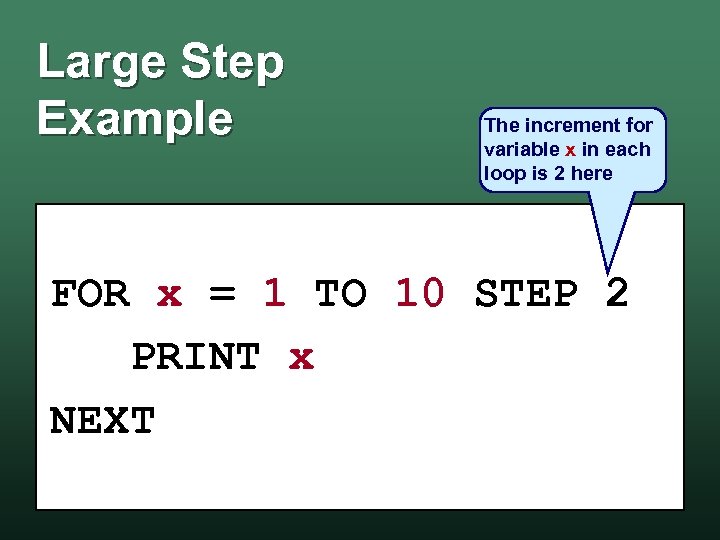 Large Step Example The increment for variable x in each loop is 2 here FOR x = 1 TO 10 STEP 2 PRINT x NEXT
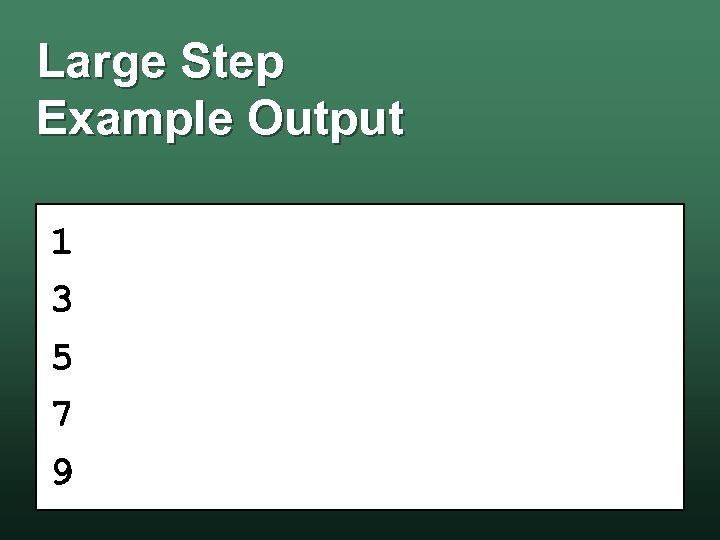 Large Step Example Output 1 3 5 7 9
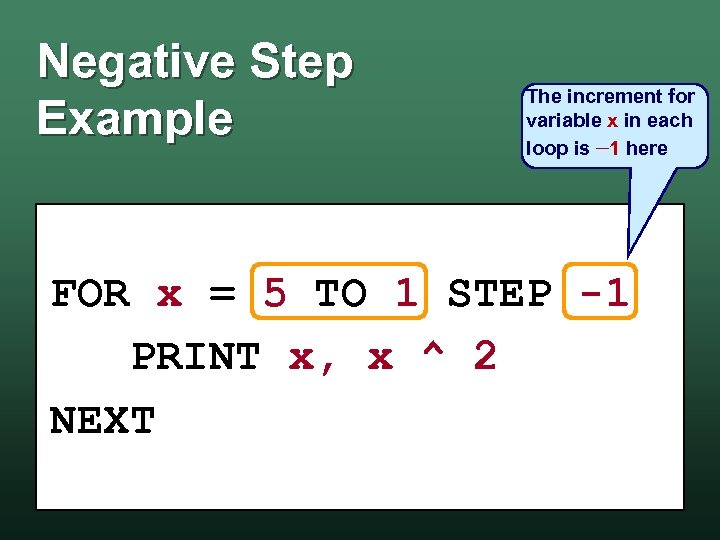 Negative Step Example The increment for variable x in each loop is 1 here FOR x = 5 TO 1 STEP -1 PRINT x, x ^ 2 NEXT
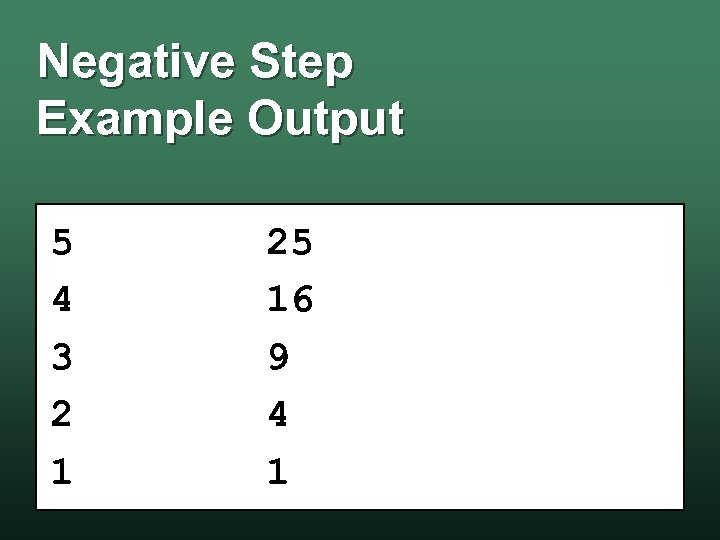 Negative Step Example Output 5 4 3 2 1 25 16 9 4 1
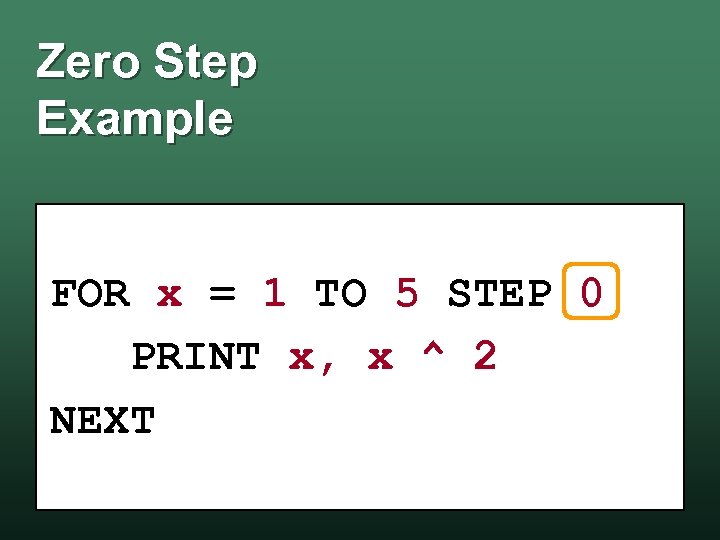 Zero Step Example FOR x = 1 TO 5 STEP 0 PRINT x, x ^ 2 NEXT
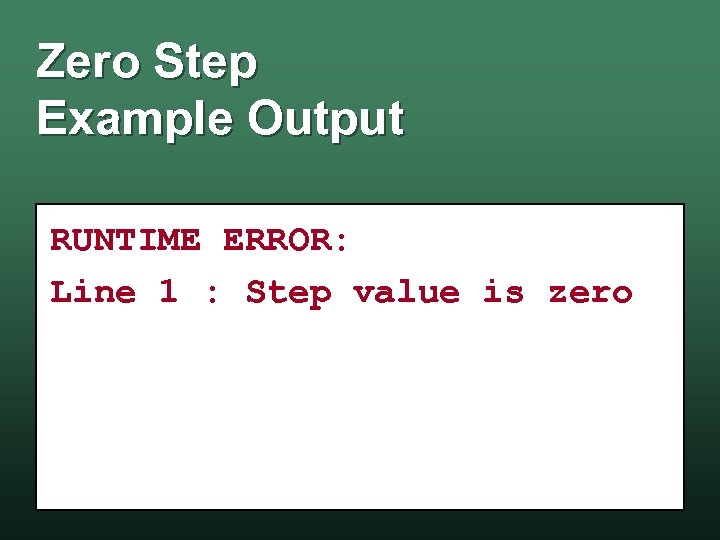 Zero Step Example Output RUNTIME ERROR: Line 1 : Step value is zero
 While Loop vs. For Loop • For Loop is a form of the While Loop • As a result: wa While Loop can implement any For Loop w the For Loop is used as a shortcut notation
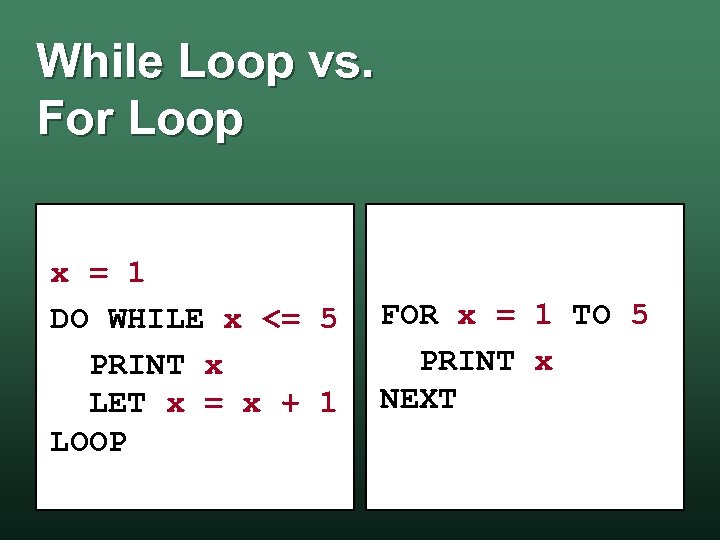 While Loop vs. For Loop x = 1 DO WHILE x <= 5 PRINT x LET x = x + 1 LOOP FOR x = 1 TO 5 PRINT x NEXT
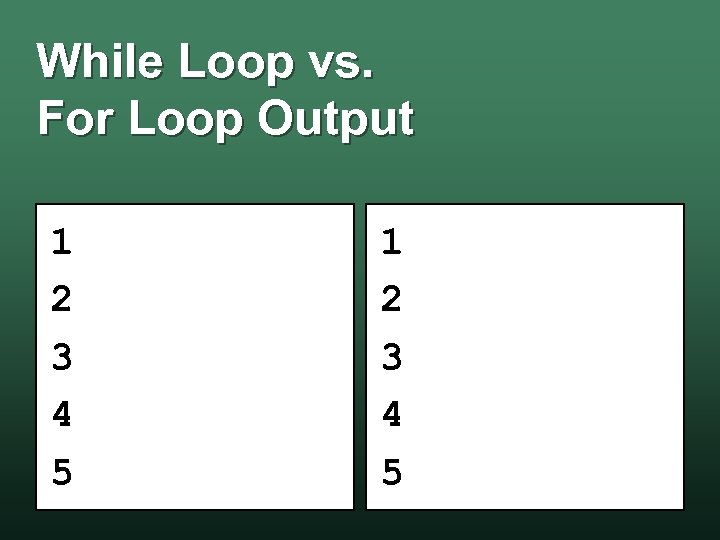 While Loop vs. For Loop Output 1 2 3 4 5
 QBasic Lab For Loops – 99 Bottles of Something
 Lab: 99 Bottles of Something • Overview: You will use QBasic to print the 99 Bottles of Beer (Water) Song w Use another drink, water or juice w • Objectives: Use a For Statement to print the song w Use an If Statement inside the w
 Remember. . . • Turn your program & your output w to Lab 10 in Sac. CT • You must do your own work • If you do not turn in your program, you will not get credit!

 The First Computer History
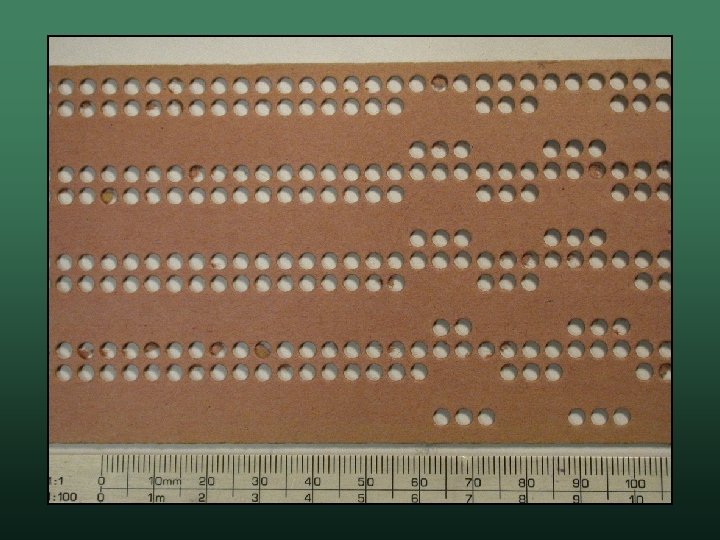
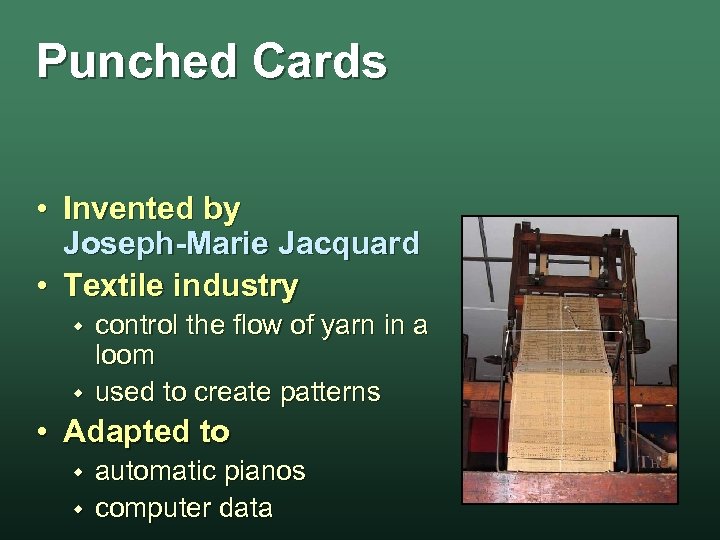 Punched Cards • Invented by Joseph-Marie Jacquard • Textile industry w w control the flow of yarn in a loom used to create patterns • Adapted to w w automatic pianos computer data
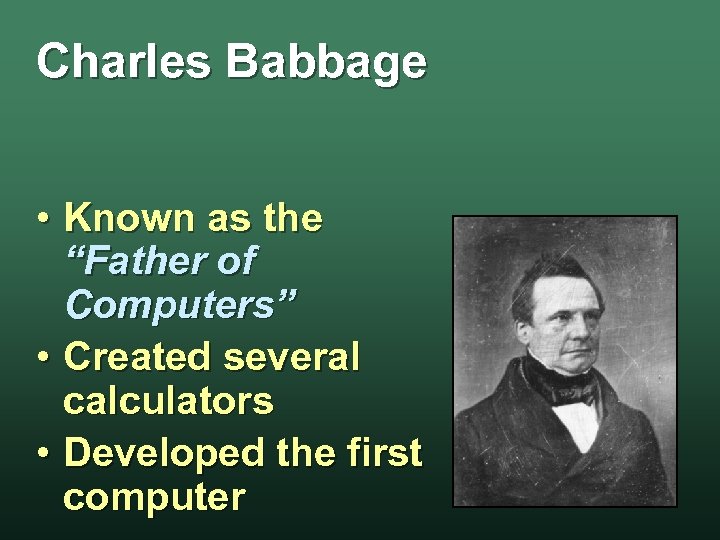 Charles Babbage • Known as the “Father of Computers” • Created several calculators • Developed the first computer
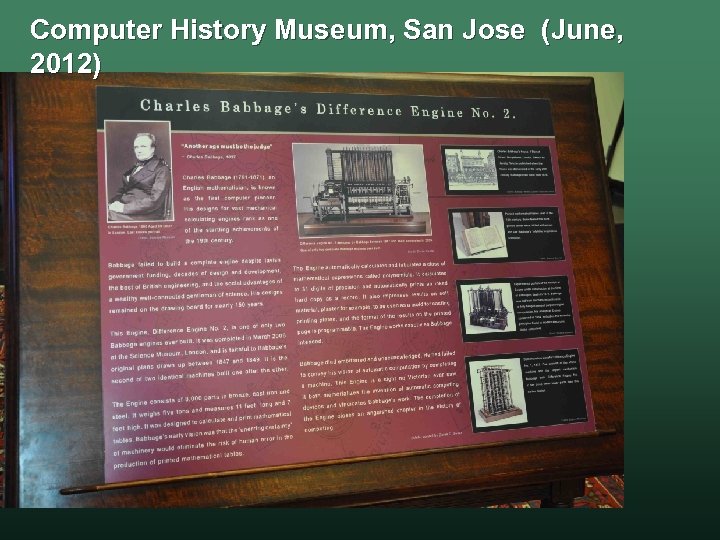
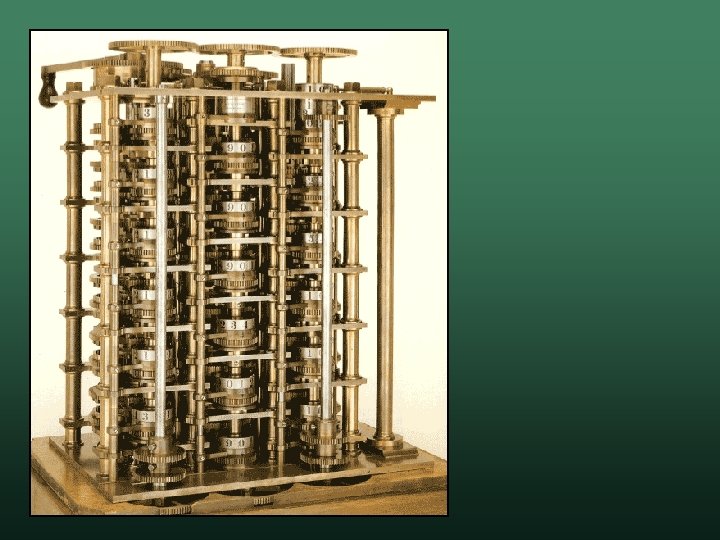
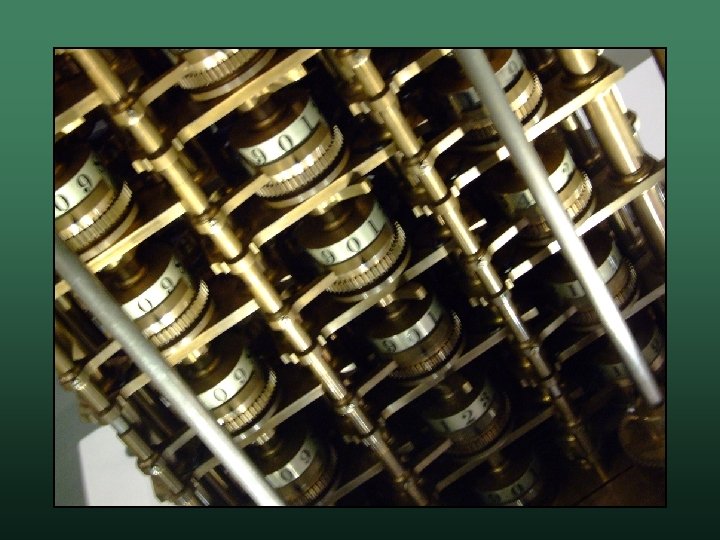
 The Difference Engine • In the 1800’s log and trig tables were calculated manually w Babbage knew machines could compute these w • He designed the Difference Engine could compute logarithmic and trigonometric data w first machine to be automatic in action w
 The Difference Engine: continued in March 2008 at the • It was completed Science Museum, London 150 years after its original design, and is faithful to Babbage’s original design (1847 -49). • It is one of only two Babbage engines consisting of 8, 000 parts in bronze, cast iron and steel. • It weighs five tons and measures 11 feet long and 7 feet tall.
 Computer History Museum, San Jose (June, 2012)
 Computer History Museum, San Jose (June, 2012)
 The Analytical Engine • A general-purpose calculating machine • He began work in 1834 w he never finished it w it has never been built • If built, it would have been one of the Wonders of the World
 The Analytical Engine • Use punched cards to run calculations • Had all the attributes of a modern computer Programs – looping, branching – "Barrels" w Memory – "The Store" w Arithmetic Logic Unit – "The Mill" w
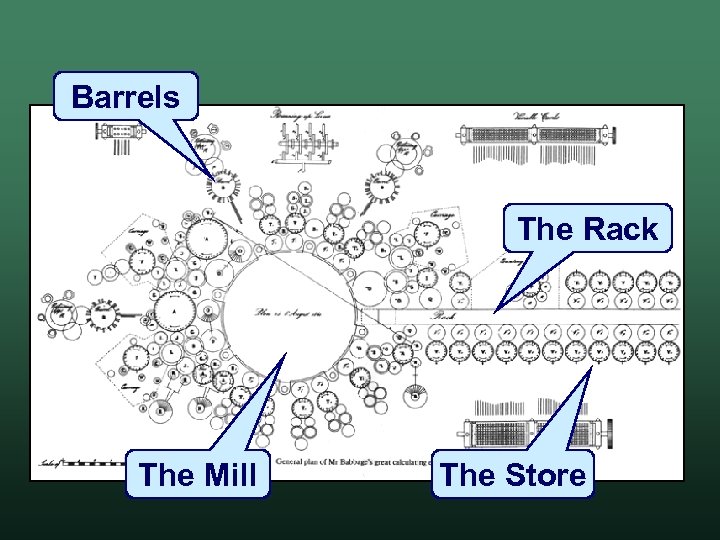 Barrels The Rack The Mill The Store
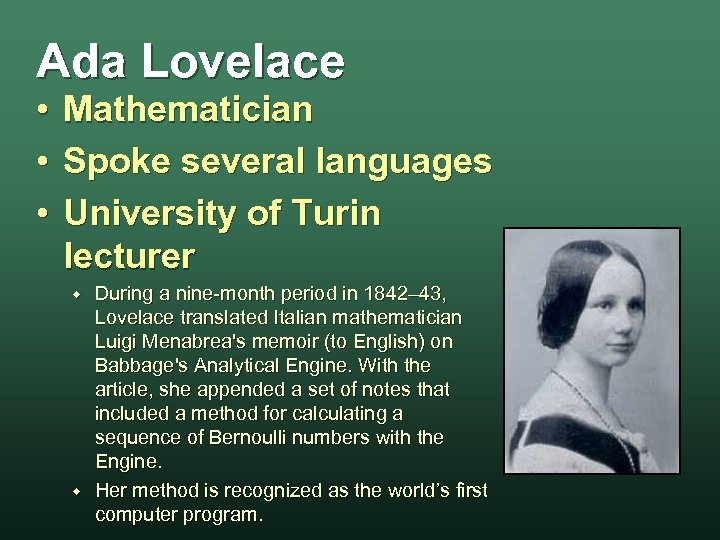 Ada Lovelace • Mathematician • Spoke several languages • University of Turin lecturer w w During a nine-month period in 1842– 43, Lovelace translated Italian mathematician Luigi Menabrea's memoir (to English) on Babbage's Analytical Engine. With the article, she appended a set of notes that included a method for calculating a sequence of Bernoulli numbers with the Engine. Her method is recognized as the world’s first computer program.
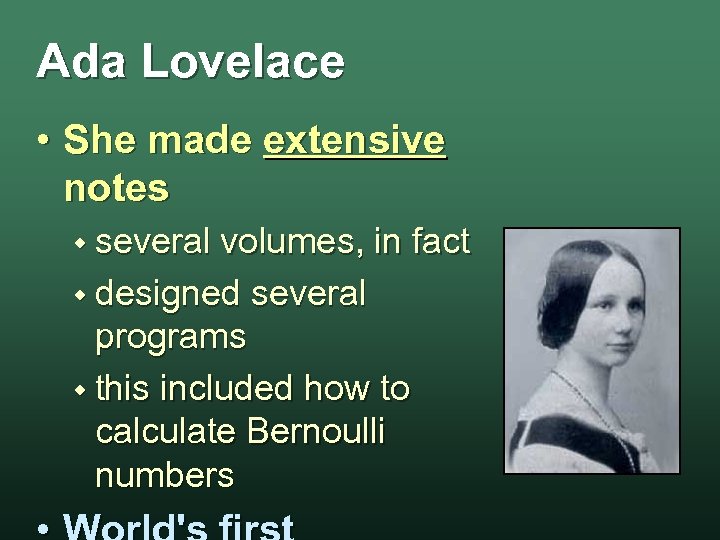 Ada Lovelace • She made extensive notes w several volumes, in fact w designed several programs w this included how to calculate Bernoulli numbers

 The 1890 Census Crisis Computer History
 Census Crisis • The United States Federal Constitution population must be calculated - census w this must be done every 10 years w used in the House of Representatives w • However, the U. S. population had grown extremely large w the people could not be counted in 10 years w
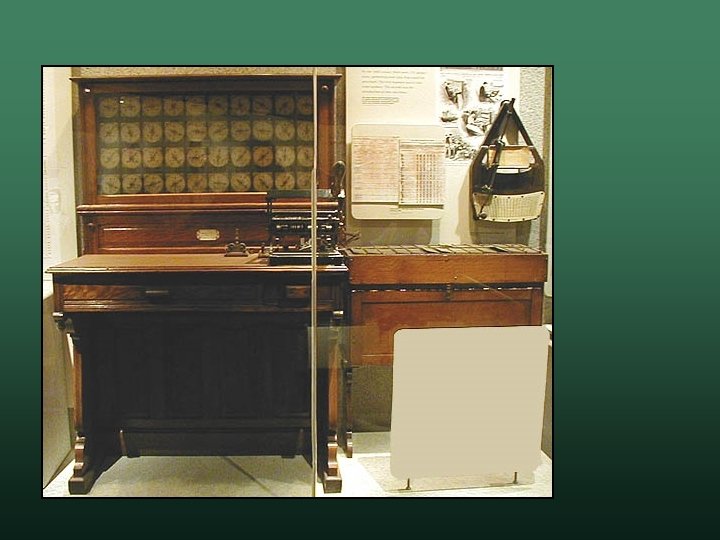
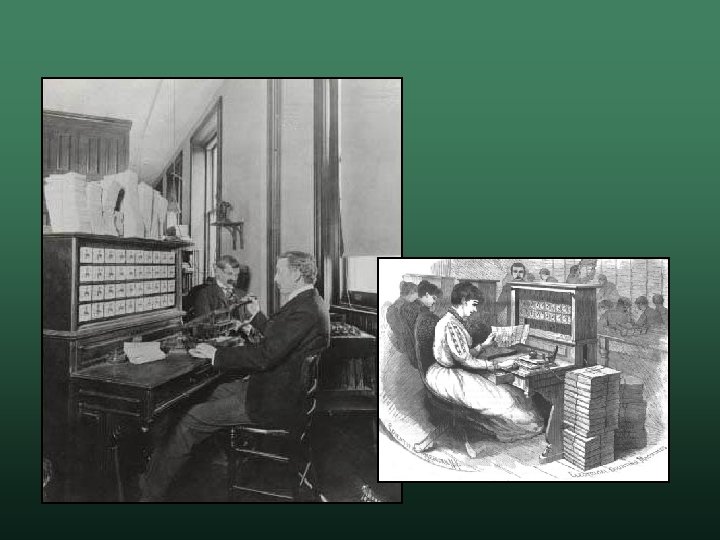
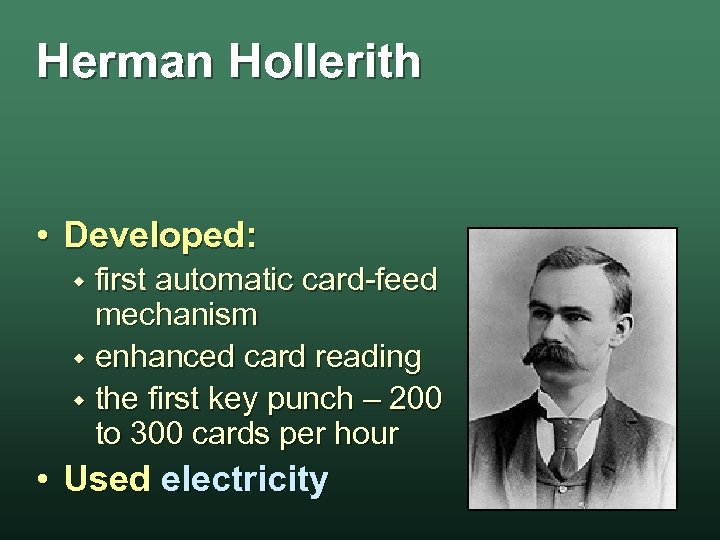 Herman Hollerith • Developed: first automatic card-feed mechanism w enhanced card reading w the first key punch – 200 to 300 cards per hour w • Used electricity
 Herman Hollerith • His system was used for 1890 census w only took 9 months! w • Hollerith founded Tabulating Machine Company w it later became International Business Machines w

 Birth of Computer Science Computer History
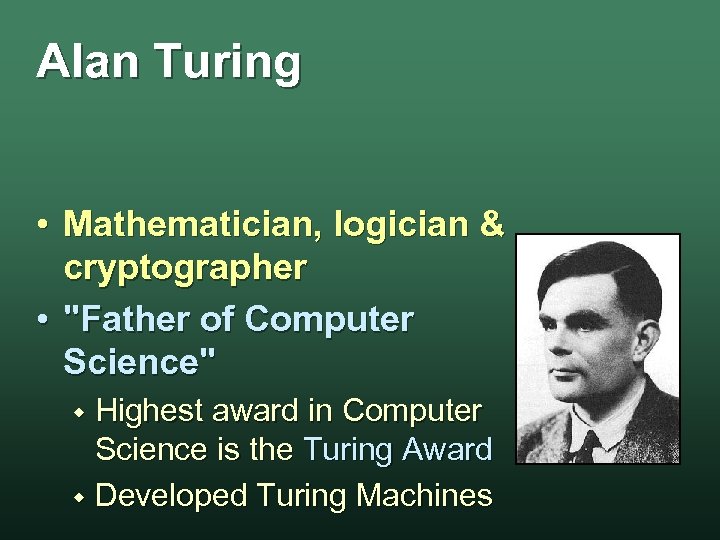 Alan Turing • Mathematician, logician & cryptographer • "Father of Computer Science" Highest award in Computer Science is the Turing Award w Developed Turing Machines w
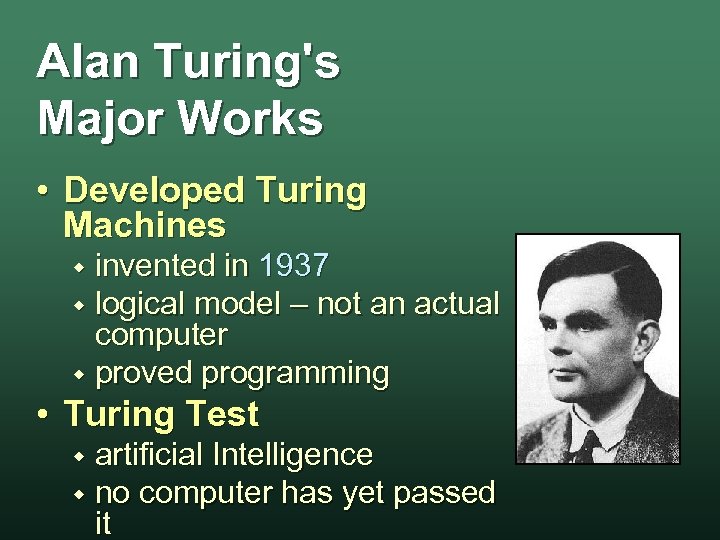 Alan Turing's Major Works • Developed Turing Machines invented in 1937 w logical model – not an actual computer w proved programming w • Turing Test artificial Intelligence w no computer has yet passed it w
 Computer Generations • Computers are historically classified by their generation • Each generation. . . marks a new, major, technology w changes how computers are built and/or used w their are currently four generations w

 st 1 Generation Computers Computer History
 First Generation Computers • 1946 to 1958 • Used the vacuum tube w w they consumed a lot of power they also tended to burn out quickly • Programs written in machine language • Data w w read with Punched Cards stored with Magnetic Tape
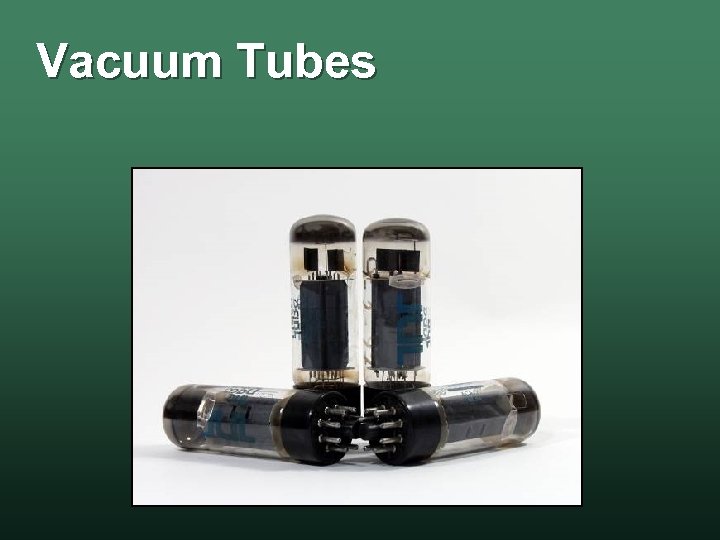 Vacuum Tubes
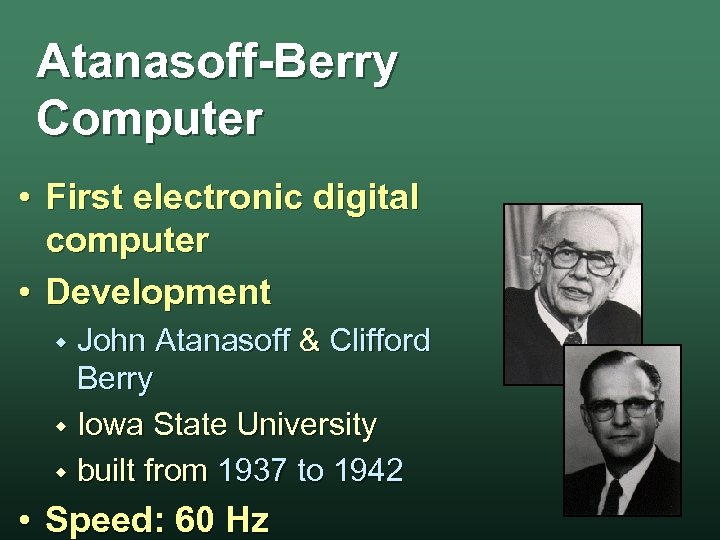 Atanasoff-Berry Computer • First electronic digital computer • Development John Atanasoff & Clifford Berry w Iowa State University w built from 1937 to 1942 w • Speed: 60 Hz
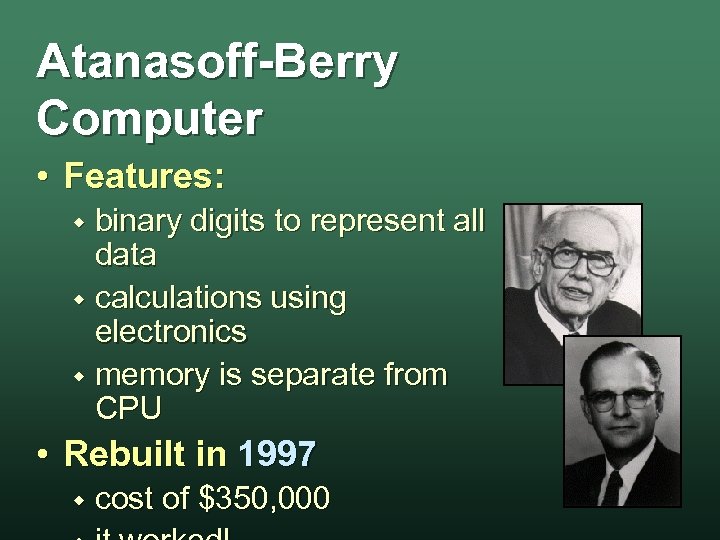 Atanasoff-Berry Computer • Features: binary digits to represent all data w calculations using electronics w memory is separate from CPU w • Rebuilt in 1997 w cost of $350, 000
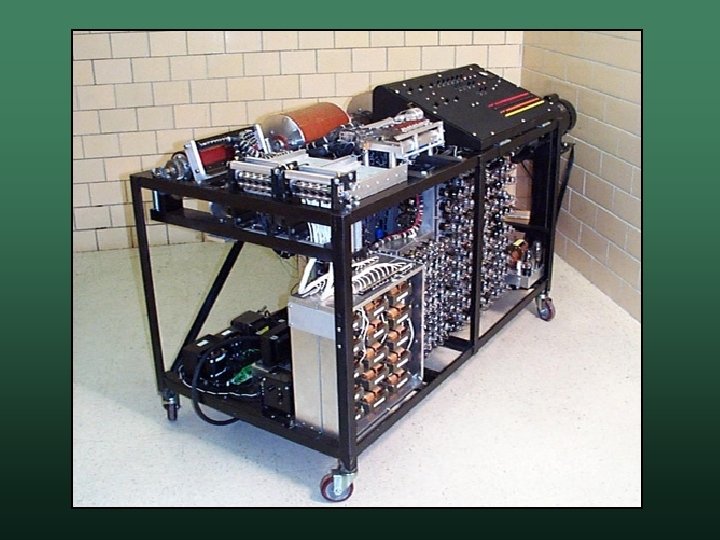
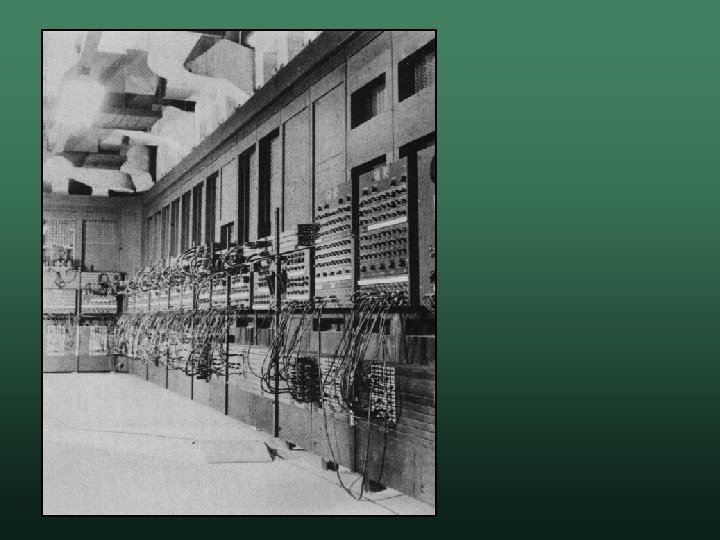
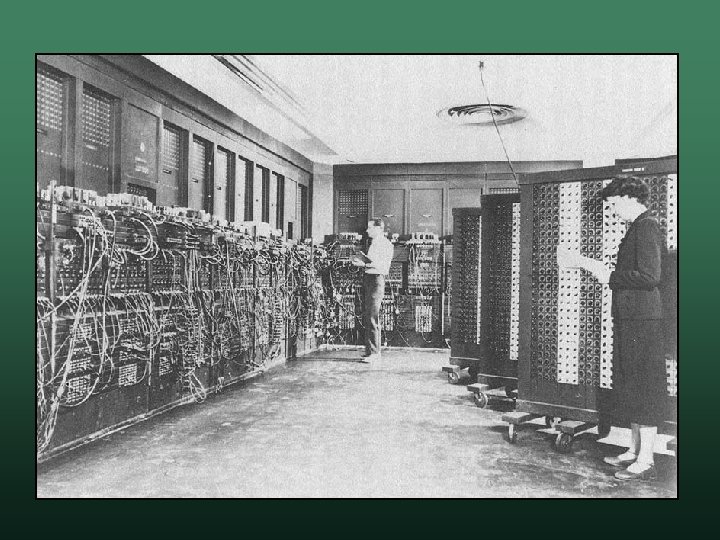
 ENIAC • Electronic Numerical Integrator And Computer • Development John Eckert and John W. Mauchly w U. S. Ballistics Research Laboratory w Needed to fight World War II – then Cold War w Compute ballistic firing tables w
 ENIAC • • • Designed to be Turing Complete Operational in February 1946 Features 5 KHz (5000 Hz) w programmed by rewiring – pre 1948 w based on decimal – not binary w weighed 30 tons, 18 feet high, 80 feet long w
 ENIAC • A tube burned out once every 2 days • Retired in 1955 w operational for only 9 years w estimated to have performed more calculations than all of humanity had ever done prior
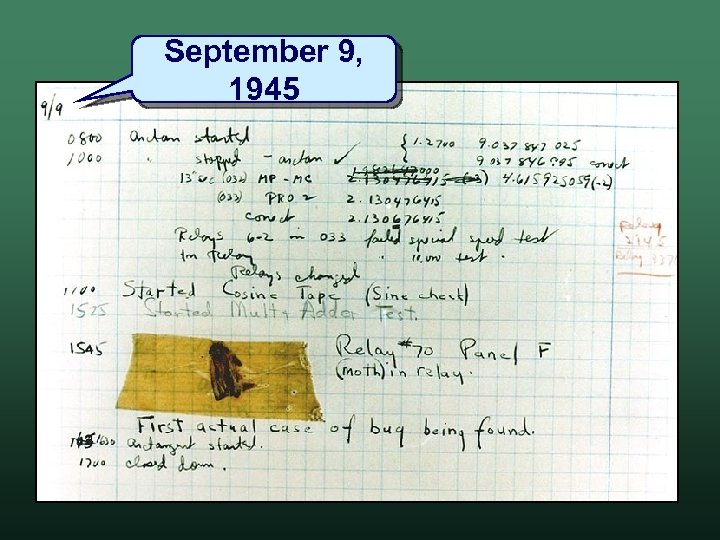
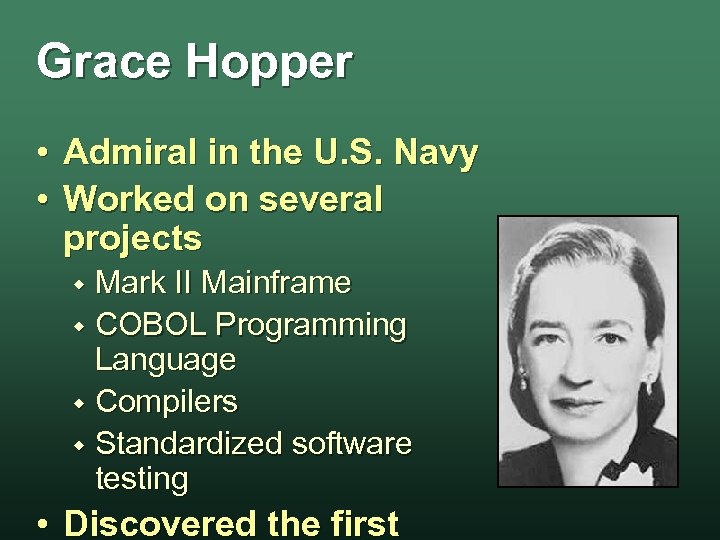 Grace Hopper • • Admiral in the U. S. Navy Worked on several projects Mark II Mainframe w COBOL Programming Language w Compilers w Standardized software testing w • Discovered the first
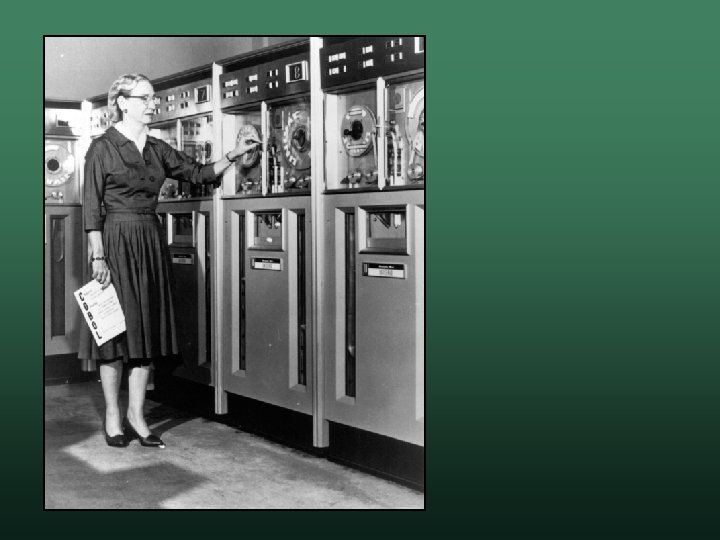
 September 9, 1945
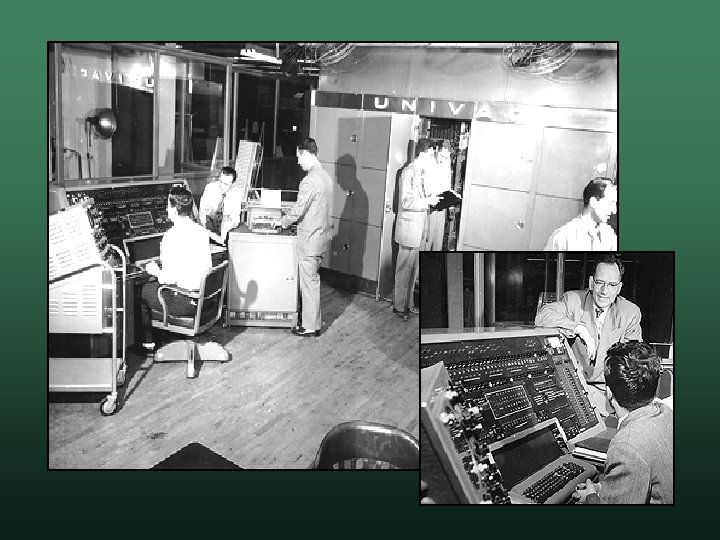
 UNIVAC • Universal Automatic Computer • Released in 1951 • First commercial computer w 43 were sold to government and industry w used to tabulate the census
 UNIVAC • Some features ran programs on punched cards w secondary storage: metal oxide tape w clock: 2. 25 MHz w • Predicted the 1952 election Eisenhower over Stevenson w news agencies held the results - great publicity w
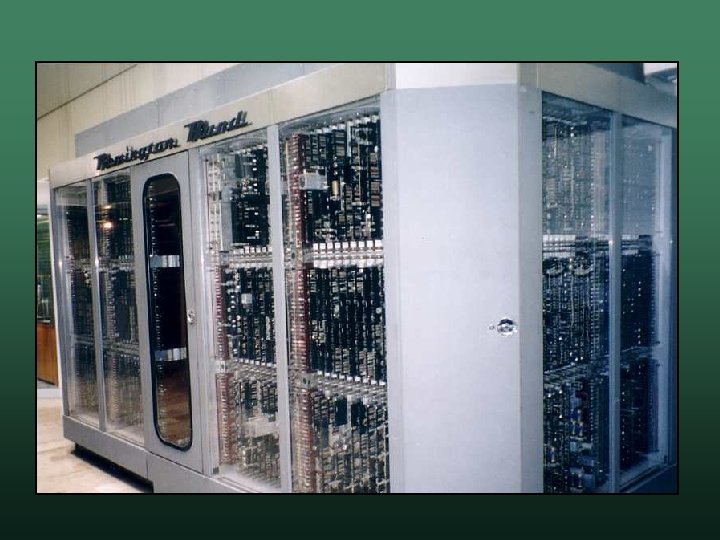
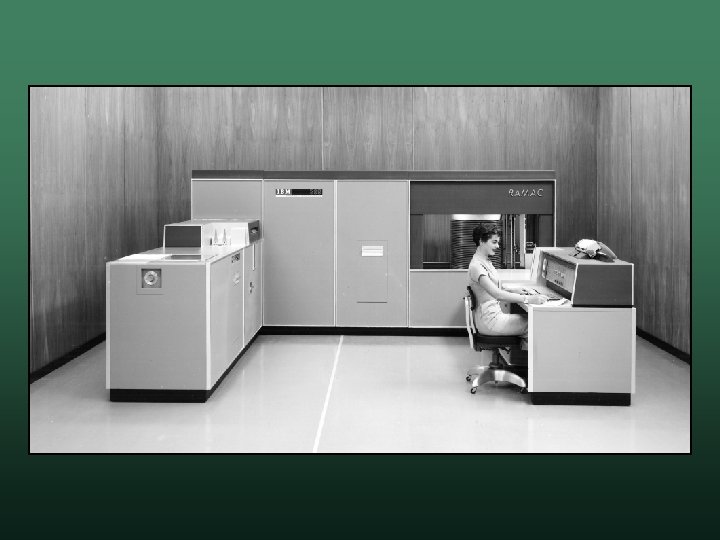
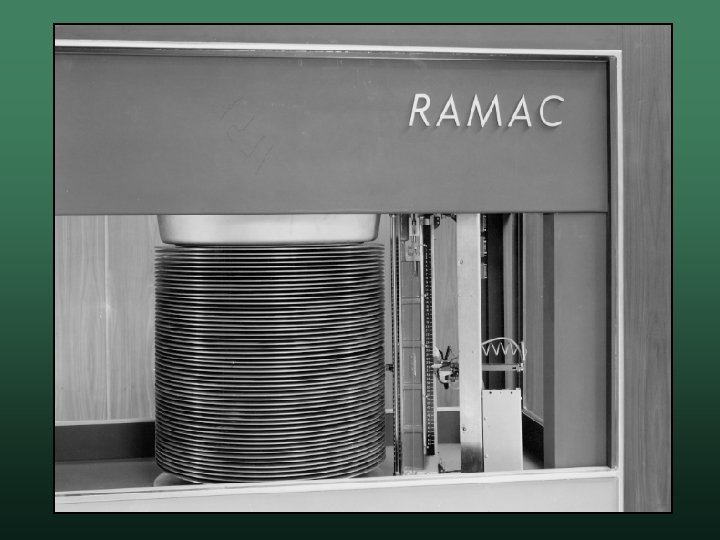
 IBM RAMAC 305 • Random Access Method of Accounting and Control • Released in 1956 • First computer to use a hard drive w based on record technology w could store 5 million 7 -bit characters

 nd 2 Generation Computers Computer History
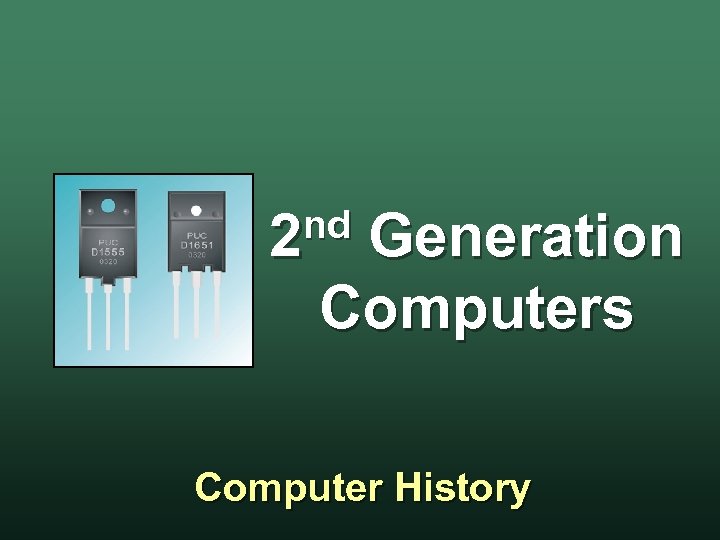
 Second Generation Computers • 1959 to 1964 • Used Transistors more reliable than vacuum tubes w required less power w • Compilers were developed • Disk Storage was developed
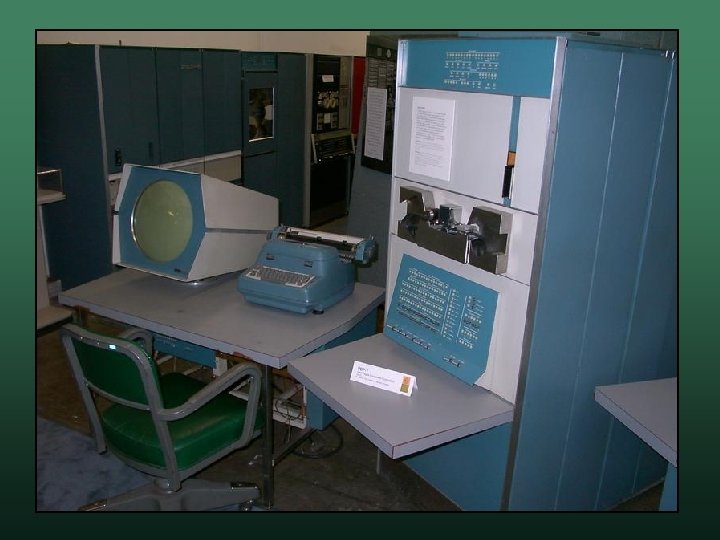
 DEC PDP-1 • • Programmed Data Processor-1 Digital Equipment Corporation (DEC) Released 1960 Features w w read data from tape used a cathode ray tube (T. V. ) to display data • The first hacker computer • World's first digital video game: Space War

 rd 3 Generation Computers Computer History
 Third Generation Computers • 1965 to 1970 • Used integrated circuits increased speed w smaller size w lower cost w even less electricity w • Birth of the minicomputer
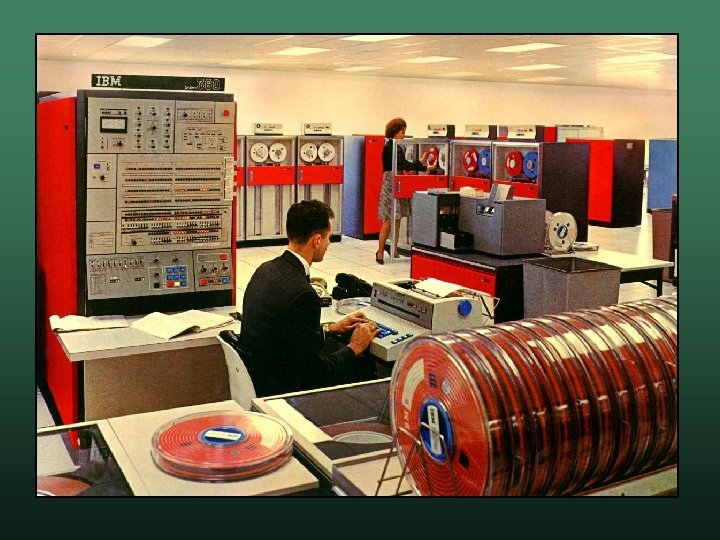
 IBM 360 • Most expensive computer project ever the "5 billion dollar gamble" w this is over 30 billion by today's dollars w • • Released 1964 Breakthrough architecture and implementation are different w microcode technology w
 IBM 360 • It was the first platform computer all 360 computers would be compatible w initial models: 30, 40, 50, 62, and 70 w peripherals could be interchanged w • Huge success companies could buy the best model w companies could upgrade their systems later w
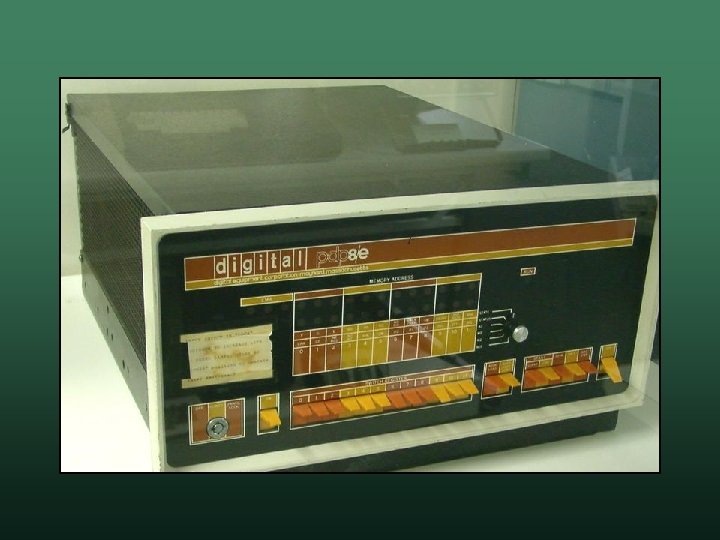
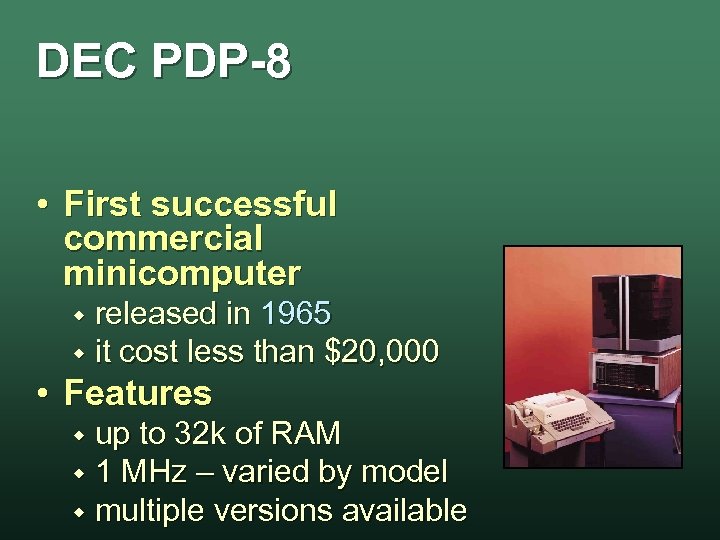 DEC PDP-8 • First successful commercial minicomputer released in 1965 w it cost less than $20, 000 w • Features up to 32 k of RAM w 1 MHz – varied by model w multiple versions available w