

Computer Parts There are many

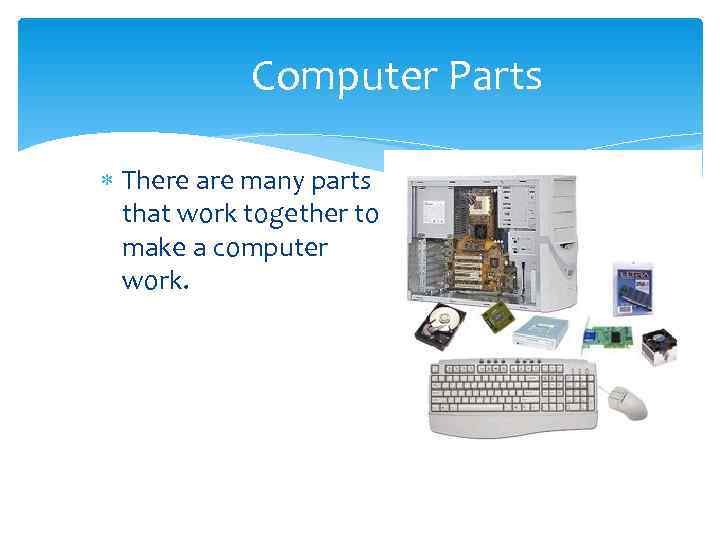



Computer Parts There are many parts that work together to make a computer work.
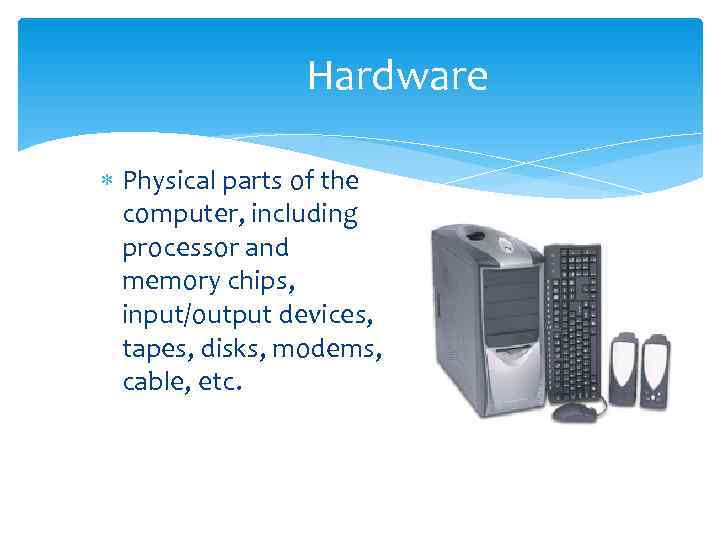
Hardware Physical parts of the computer, including processor and memory chips, input/output devices, tapes, disks, modems, cable, etc.
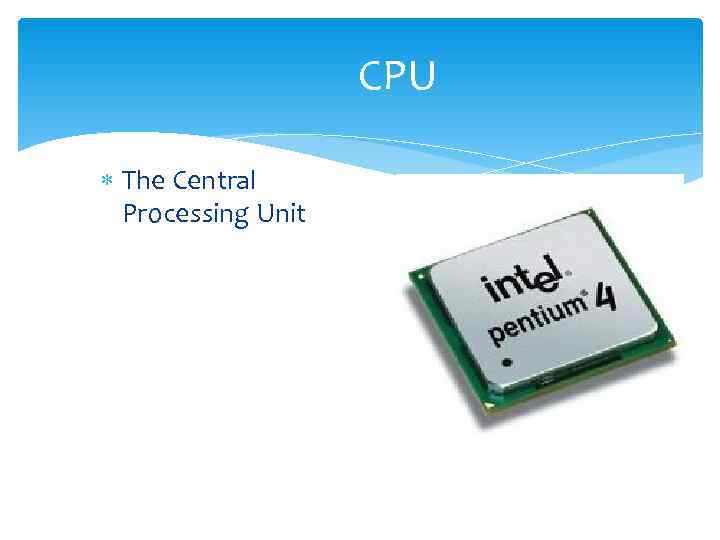
CPU The Central Processing Unit
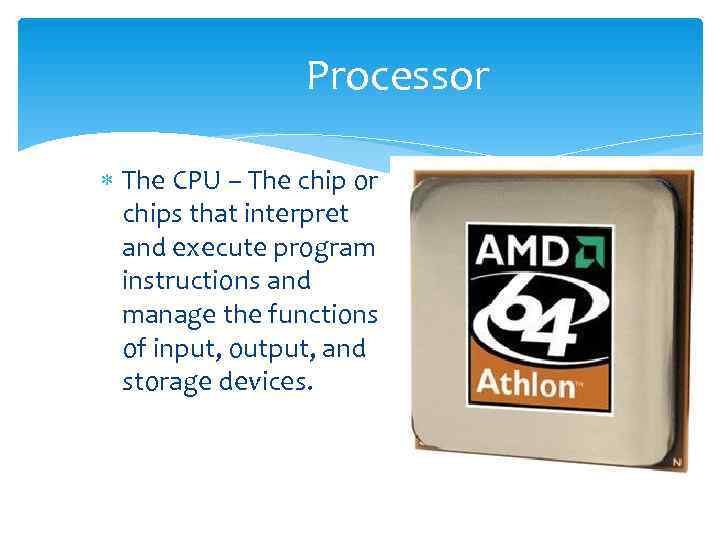
Processor The CPU – The chip or chips that interpret and execute program instructions and manage the functions of input, output, and storage devices.
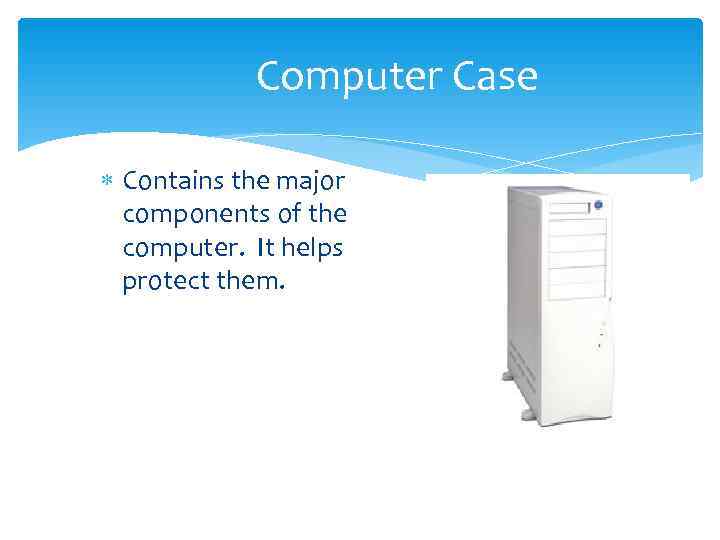
Computer Case Contains the major components of the computer. It helps protect them.
Front of the Computer Case
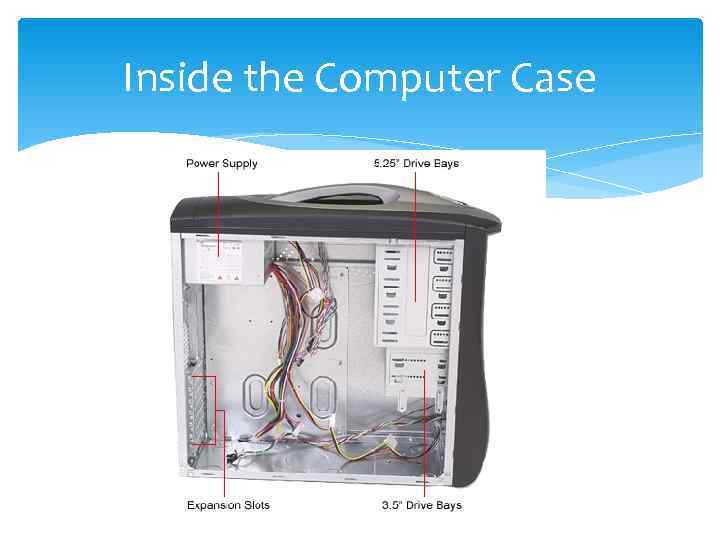
Inside the Computer Case
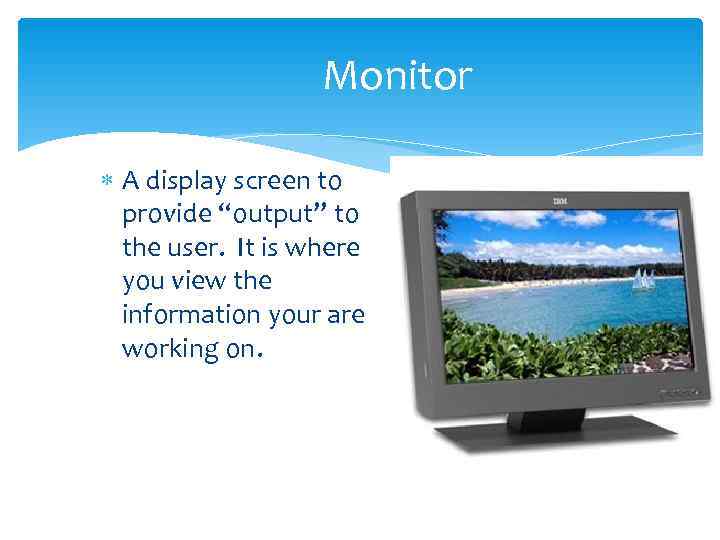
Monitor A display screen to provide “output” to the user. It is where you view the information your are working on.
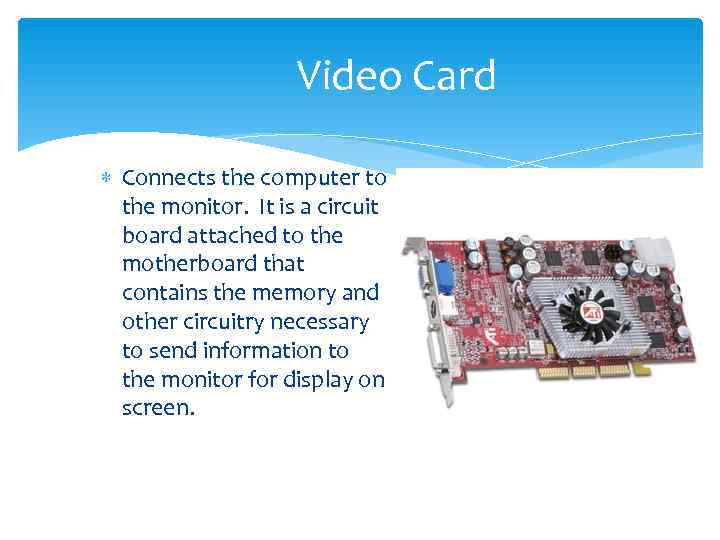
Video Card Connects the computer to the monitor. It is a circuit board attached to the motherboard that contains the memory and other circuitry necessary to send information to the monitor for display on screen.
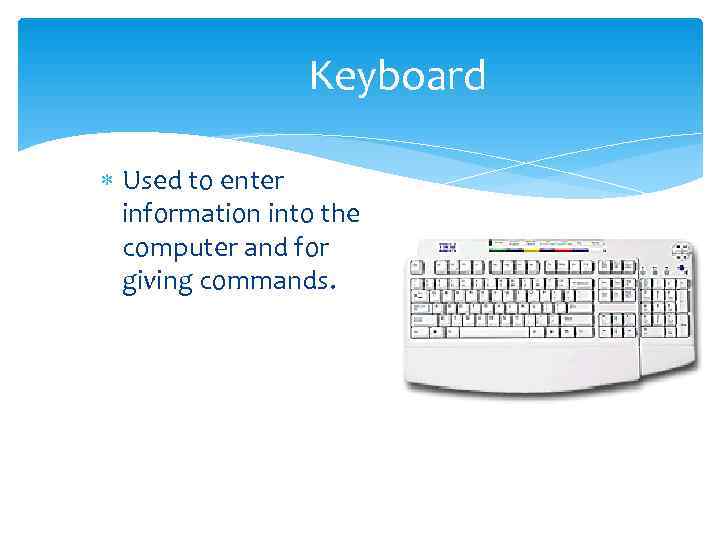
Keyboard Used to enter information into the computer and for giving commands.
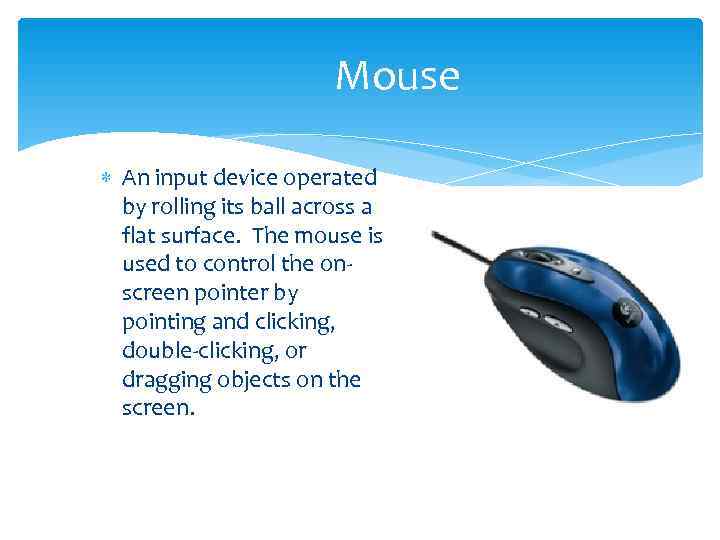
Mouse An input device operated by rolling its ball across a flat surface. The mouse is used to control the on- screen pointer by pointing and clicking, double-clicking, or dragging objects on the screen.
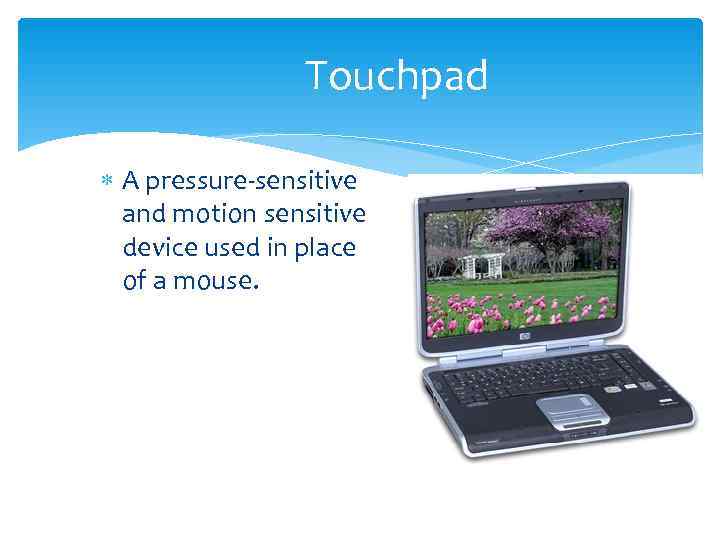
Touchpad A pressure-sensitive and motion sensitive device used in place of a mouse.
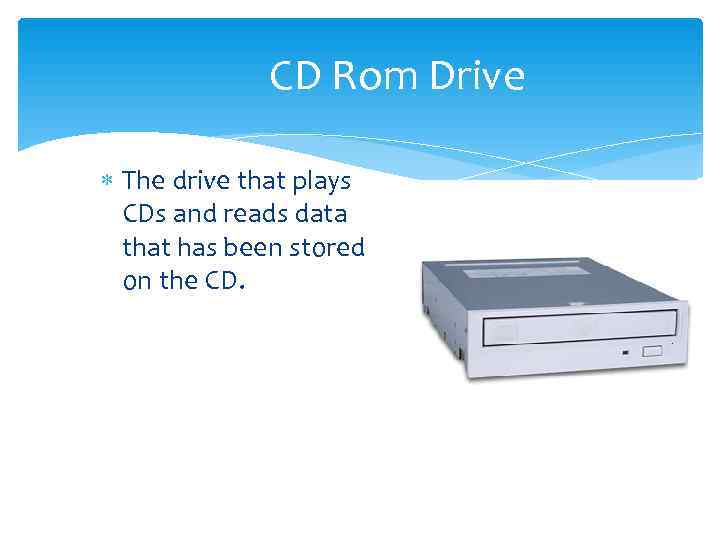
CD Rom Drive The drive that plays CDs and reads data that has been stored on the CD.
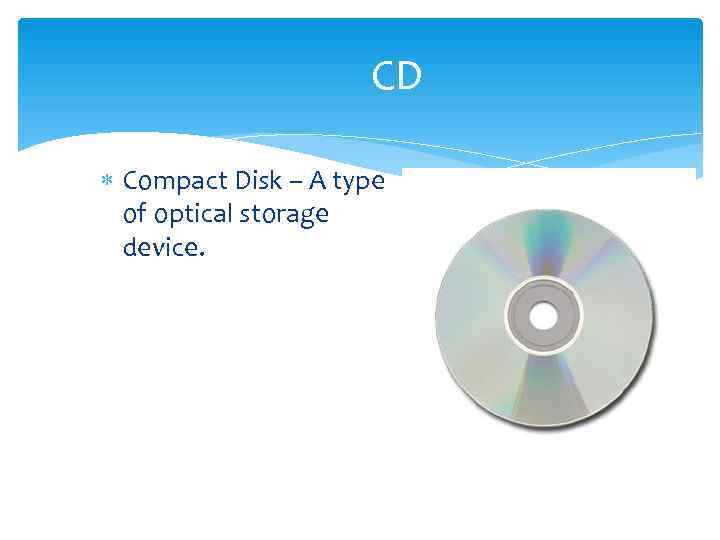
CD Compact Disk – A type of optical storage device.
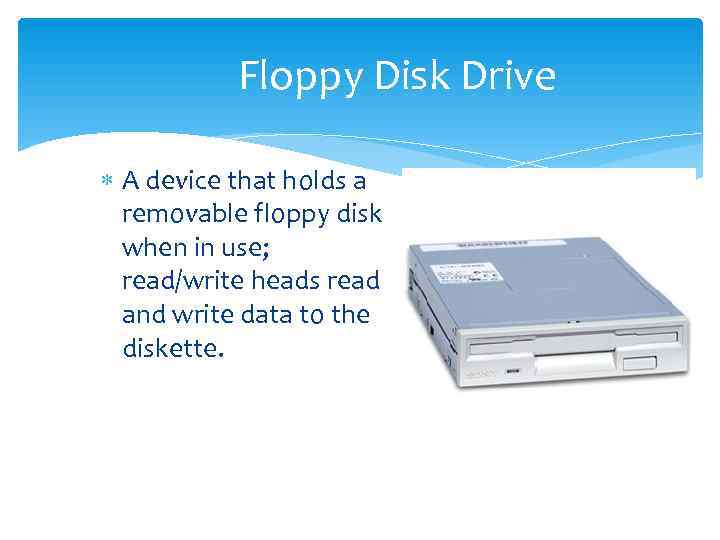
Floppy Disk Drive A device that holds a removable floppy disk when in use; read/write heads read and write data to the diskette.
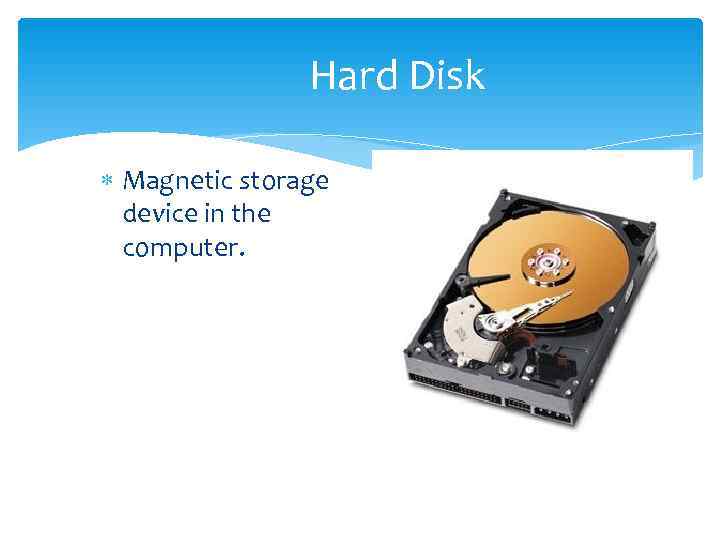
Hard Disk Magnetic storage device in the computer.
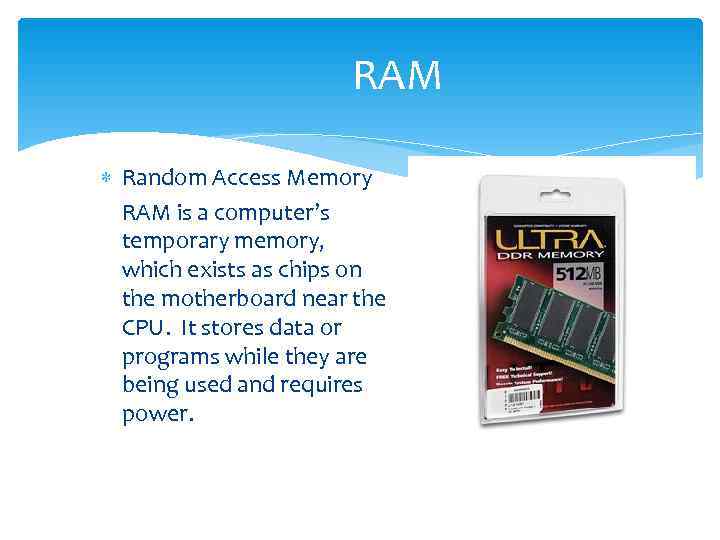
RAM Random Access Memory RAM is a computer’s temporary memory, which exists as chips on the motherboard near the CPU. It stores data or programs while they are being used and requires power.
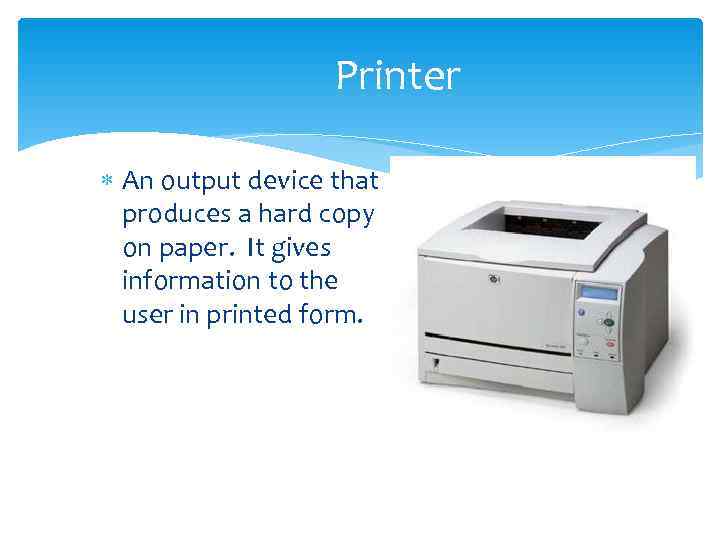
Printer An output device that produces a hard copy on paper. It gives information to the user in printed form.
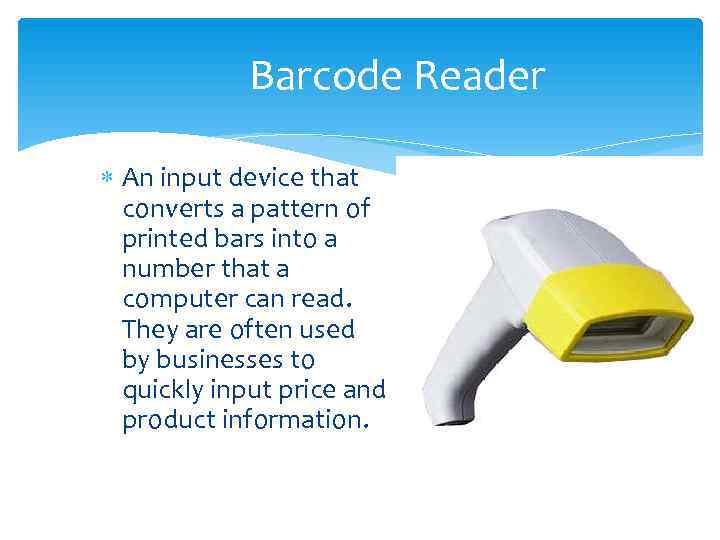
Barcode Reader An input device that converts a pattern of printed bars into a number that a computer can read. They are often used by businesses to quickly input price and product information.
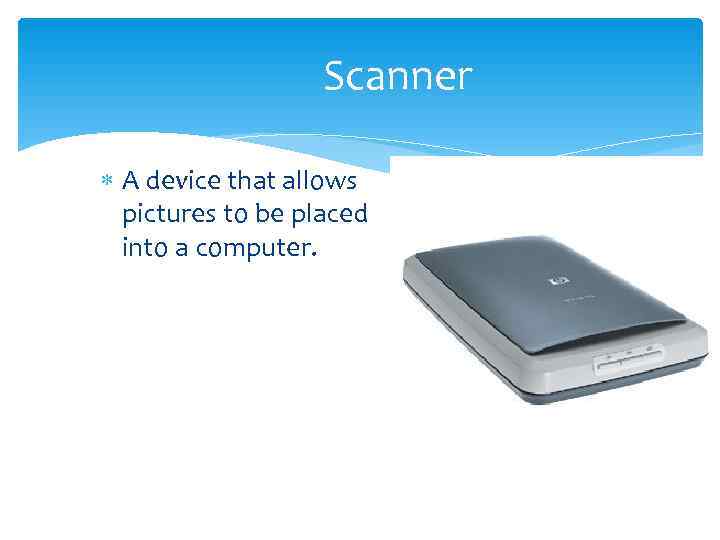
Scanner A device that allows pictures to be placed into a computer.
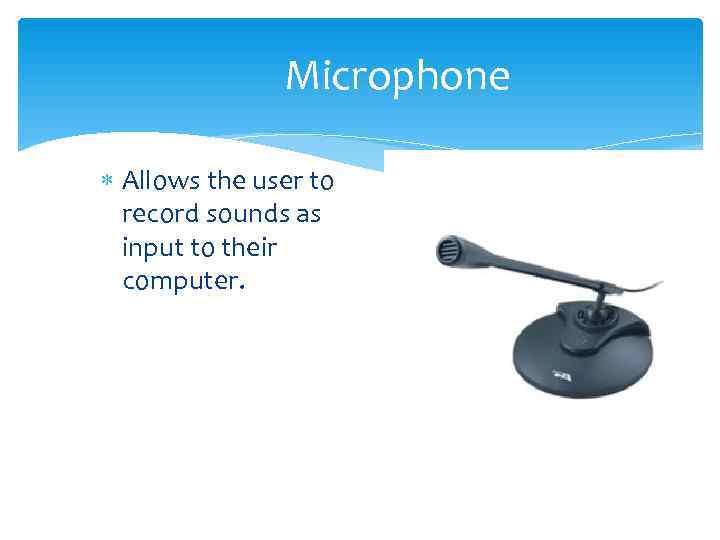
Microphone Allows the user to record sounds as input to their computer.
Speakers Used to generate or reproduce voice, music, and other sounds.
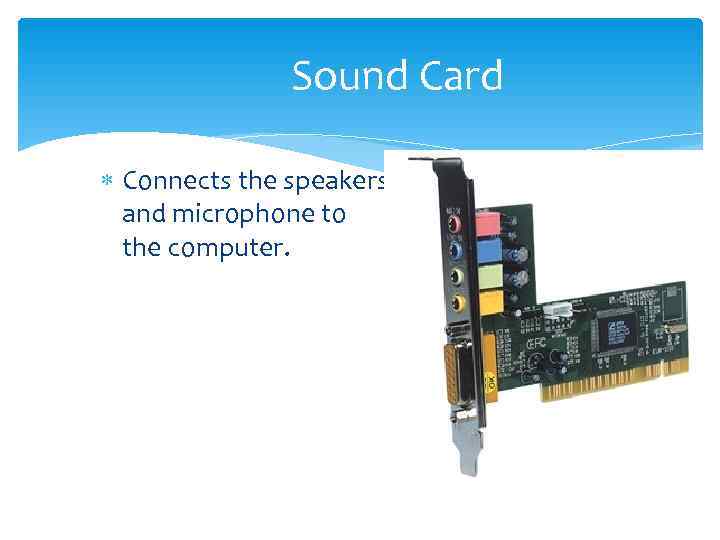
Sound Card Connects the speakers and microphone to the computer.
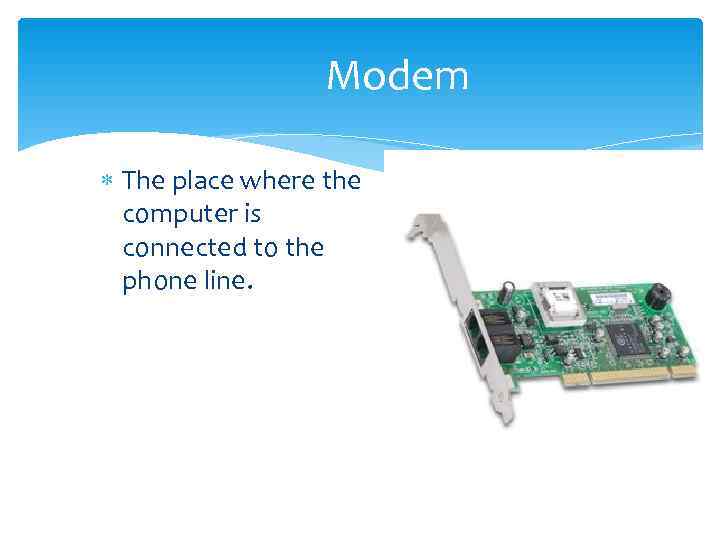
Modem The place where the computer is connected to the phone line.
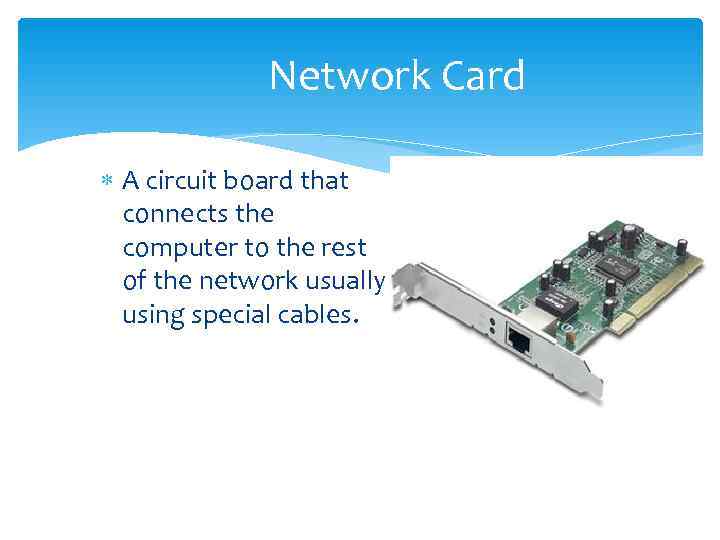
Network Card A circuit board that connects the computer to the rest of the network usually using special cables.
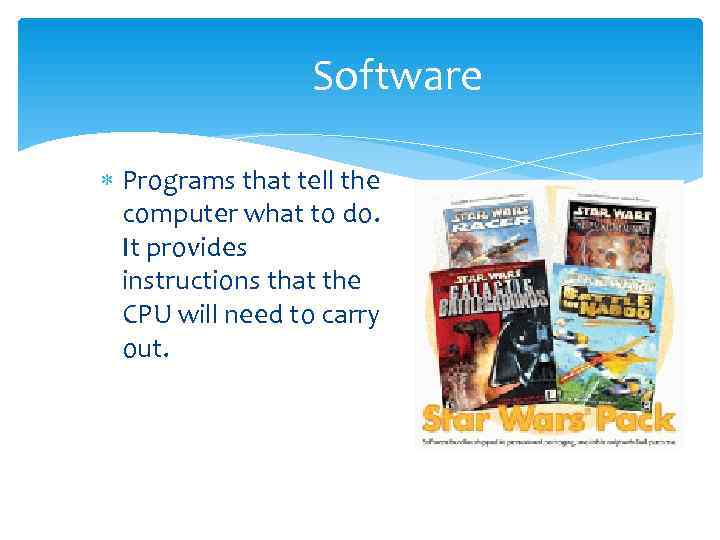
Software Programs that tell the computer what to do. It provides instructions that the CPU will need to carry out.
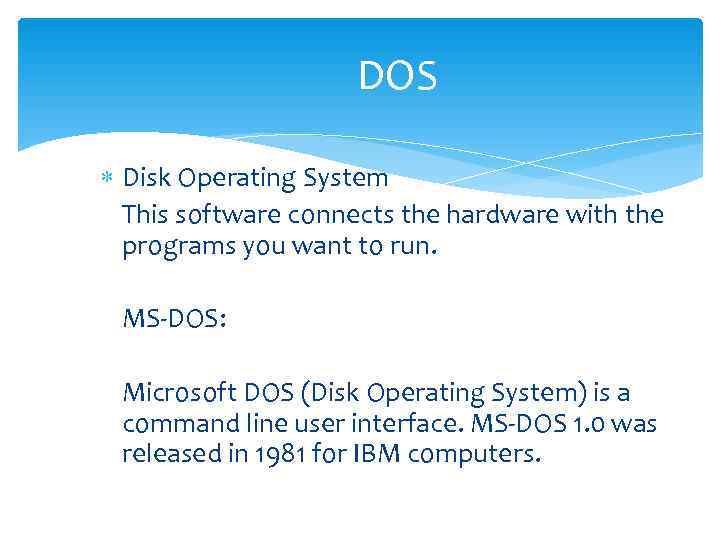
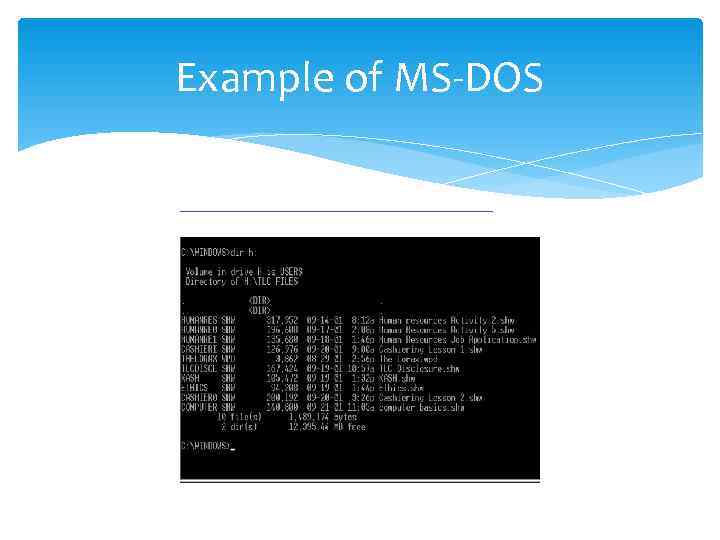
DOS Disk Operating System This software connects the hardware with the programs you want to run. MS-DOS: Microsoft DOS (Disk Operating System) is a command line user interface. MS-DOS 1. 0 was released in 1981 for IBM computers.
Example of MS-DOS
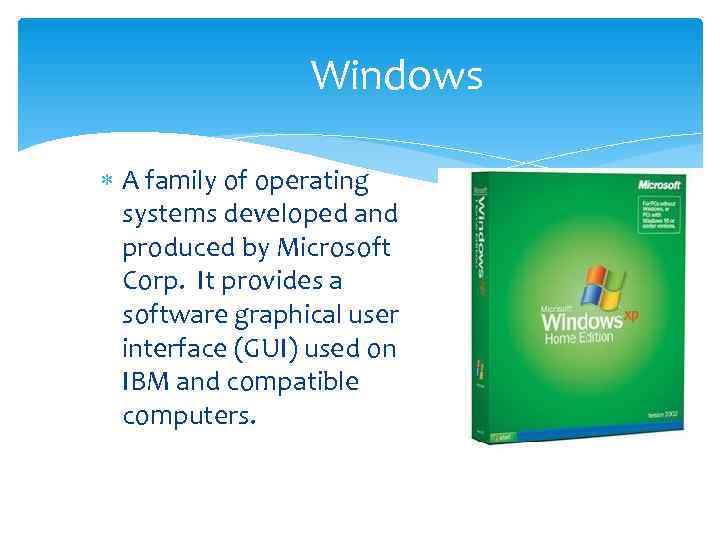
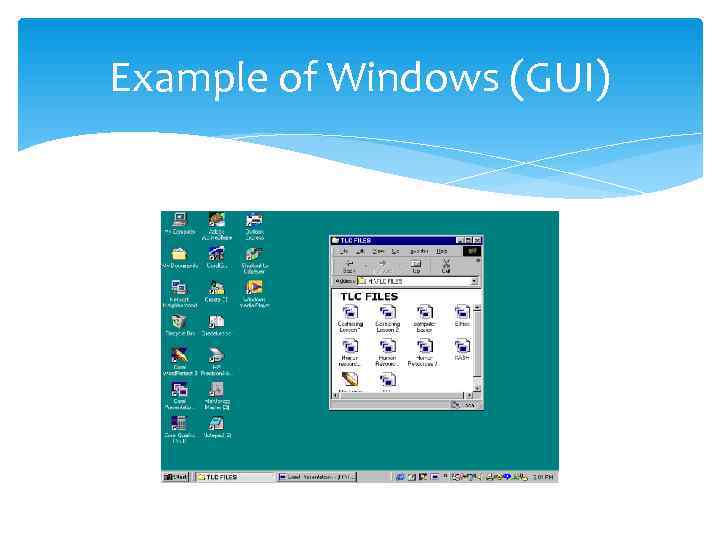
Windows A family of operating systems developed and produced by Microsoft Corp. It provides a software graphical user interface (GUI) used on IBM and compatible computers.
Example of Windows (GUI)